
Minecraft texture packs — page 84
Resource packs: list


EnderIO Texture Backport
A backport of the EIO Modern Textures, along with some custom textures to matchInstall

Bare Bones Eating Animation Addon
Retextures all the textures for the Eating Animation mod to match the Bare Bones resource packInstall

Digs' Simple Pack
A simplistic twist on the default minecraft textures!Install

Egyptian Mythology Mash-up
Will you survive the perils of the Pyramids? Journey through the Valley of the Kings, dodge deadly traps and explore the ancient tombs below! A port from Legacy Console Edition.Install
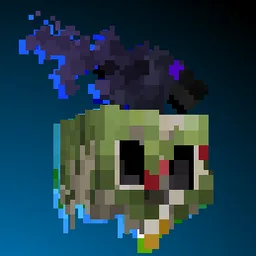
Blue's Better Monsters
New models and animations, shapeshifting creepers, dismemberment and more!Install
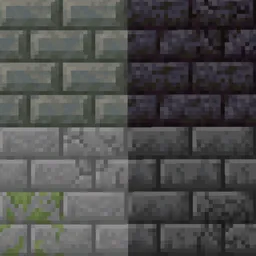
Connected Bricks
Connect brick-like blocks with Continuity modInstall
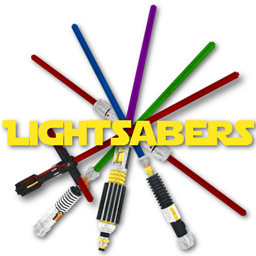
Glowing Lightsabers in 3D
This resourcepack adds five awesome 3D Lightsabers to your Game (Also perfect for PvP!). The Swords even support emissive textures. This means when you are using the latest version of OptiFine, your Lightsabers will even glow in the night!Install

evenTime x32 Resource Pack
Stunning realistic beautyInstall

CTM Optifine - Fabric
Adds connected textures to Minecraft, with support for multiple modsInstall
Hell's Paradise Custom GUI Pack
Hell's Paradise Custom GUI PackInstall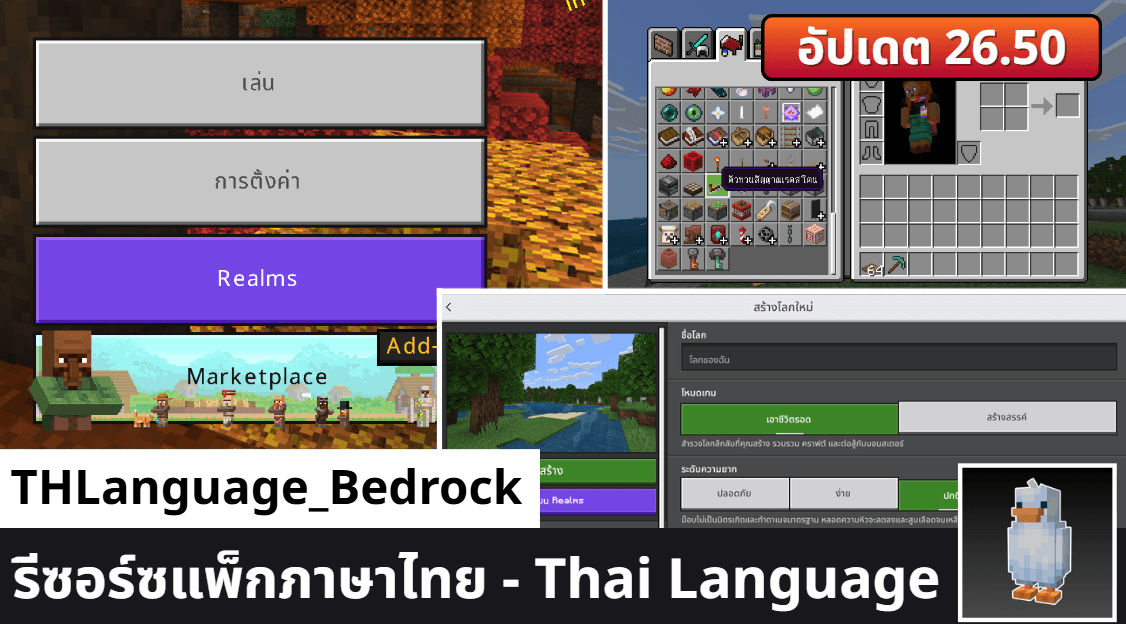

THLanguage Bedrock
This project is a comprehensive Thai language (ภาษาไทย) resource pack for Minecraft: Bedrock Edition, maintained by the "MineGarp" community. The goal is to provide the most accurate, natural, and up-to-date Thai translation for all players.Download

Hardcore Quest Mode - Farming Theme (Night)
This changes the book from the HQM mod, into being Farming themed, with a tractor in night-time.Install

Quick Container
One of the MOST Powerful Pack for Managing Items in Minecraft Bedrock. Light and Customizable!Download
Integrated Stronghold- The Graveyard Integration
The Graveyard Integration Datapack for Integrated StrongholdInstall

Shiny Ores
Makes the ores in Minecraft glow and easier to see in the dark Glowing, Visible, Emissive, OutlineInstall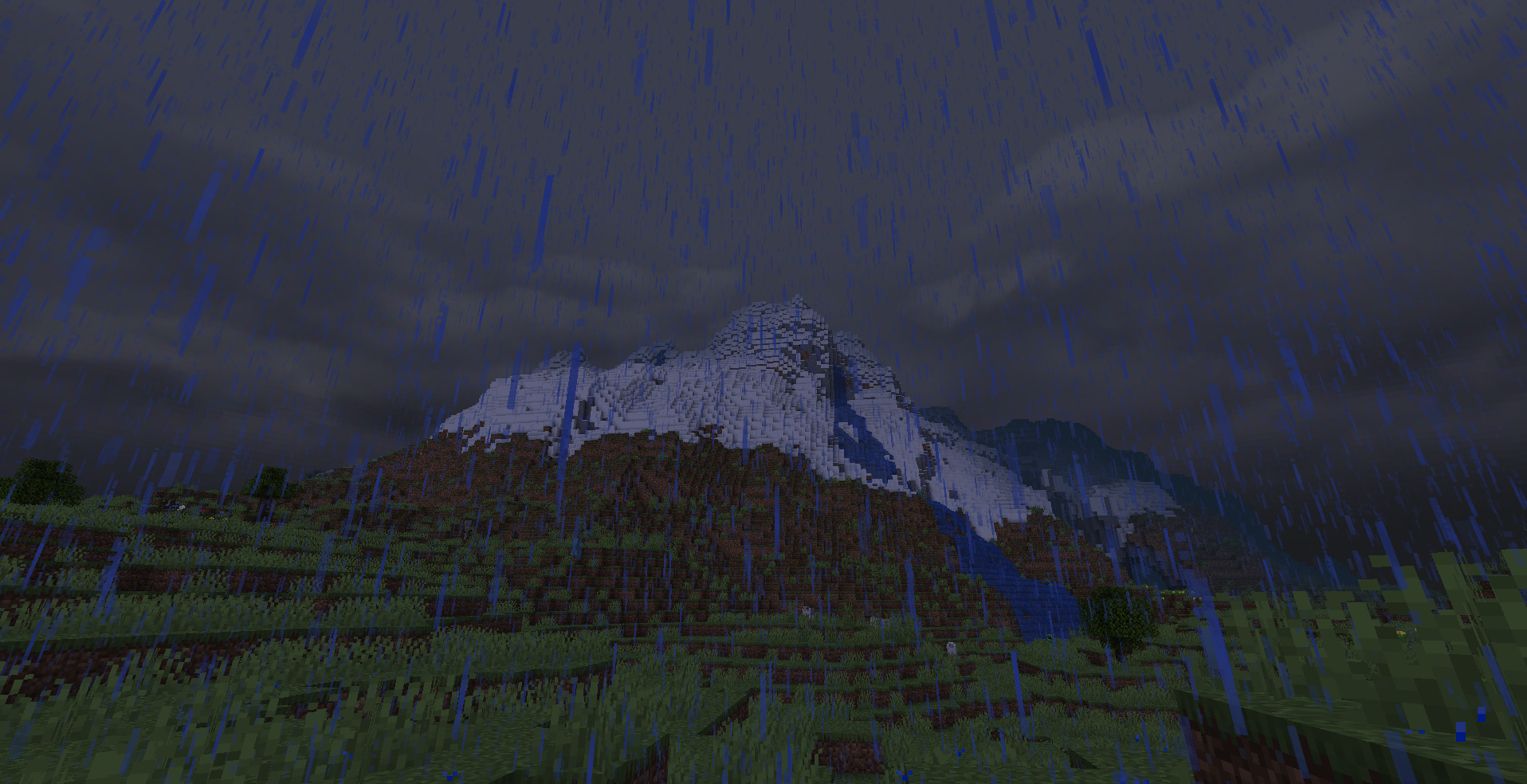

Pixel Reality - Atmosphere
Add a realistic sky to vanilla Minecraft or any pack! Needs Optifine.Install

LEGENDARY RT JAVA TEXTURES
A Realistic PBR Texture Pack For Minecraft Java EditionInstall

FA Extensions - Bray's Chest GUI Fix
This is a temporary patch pack to fix vanilla chest models in the GUI slot when using Fresh Animation Extensions in newer versions of MinecraftInstall

Fake Hardcore Heart
This texture pack replaces the normal heart with the hardcore.Download

Refined Deferred (Vibrant Visuals Pack)
A dreamy pink tinted shader pack for Minecraft Bedrock, wrapping every biome in warm fog, soft god rays, and vibrant cinematic lighting.Download
BetterVanillaBuilding Overlays
Addon pack for BetterVanillaBuilding that adds back overlays for grass/dirt/sand etc.Install
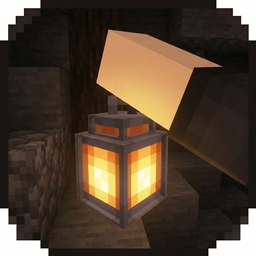
Drigo 3D Lantern`s x Punchy
Adds 3D Lanterns to Minecraft and The Holding Effect Compatible with PunchyInstall

Small Items+
low fire, small items, small totem, small totem pop, small shield, clear water, unobstructive rain and more.InstallFAQ
Do I need Forge or Fabric for a resource pack?
No. A resource pack works on the regular game with no loaders or mods. Click “Install” and Millida Launcher will put the pack into the right modpack — then just enable it in the settings.
What do 16×, 32×, 64× mean?
The resolution of a single texture in pixels. 16× matches the original game, 32× and 64× are more detailed and heavier, and 128× and up put a noticeable load on your graphics card.
Will a pack made for another version work?
Most likely partly: older packs don't have textures for newer blocks, so those will stay default. The game won't break, though.
How is a texture pack different from a resource pack?
Only by name and age. Before version 1.6 the sets were called texture packs and changed only textures; in 1.6 resource packs replaced them and also change sounds, fonts and the interface. Old texture packs for 1.5 and below do not work on new versions without conversion.
Which texture packs are best for PvP?
PvP packs: 16× resolution or lower, shortened swords, low fire, a clear sky and bright particles. They barely load the computer and make the opponent easier to see. These packs are collected in the PvP theme.
How do I install a resource pack?
Press Install and Millida Launcher puts the pack into the resourcepacks folder of the right instance. Then enable it in the game: Options, then Resource Packs. Manually, the archive goes into resourcepacks inside the game folder, no need to unpack it.
Minecraft texture packs
A resource pack changes how the game looks and sounds: block and item textures, fonts, the interface, sounds. It doesn't touch the game's code, so it needs no mod loader and breaks nothing on a server — the pack only works on your screen. That's exactly why a resource pack is safer than any mod: the worst that happens on a version mismatch is that some textures stay default.
Textures, texture packs and resource packs are essentially the same thing: since version 1.6 Mojang calls these sets resource packs, but the old name is still searched more often. PvP packs are a big genre of their own: shortened swords, low fire, bright particles and 16× resolution or lower, so the opponent stands out and the frame rate does not drop. Such packs are most often made for 1.8.9 and 1.16.5, the versions many PvP servers run on.
The key thing about a pack is its resolution. The game's default textures are 16×16 pixels; 32× and 64× packs look more detailed, while 128× and up need a real graphics card and are usually paired with shaders. On a weak machine it makes sense to stay at 16× or go for packs that deliberately simplify graphics for more FPS. Every pack here lists its game version, author and license, and all released versions are gathered on one card. Put the downloaded archive in the resourcepacks folder and enable it in the game settings.