
Minecraft texture packs — page 80
6,456 itemsResource packs: list


RealSource Realistic JAVA
Complete realistic vanilla texture pack with PBR / POM supportInstall
Template Resource Pack
Default textures for resource pack makers.Install

Marbled's Weather2 Retextured
A resource pack that retextures and modernizes the Weather2 textures.Install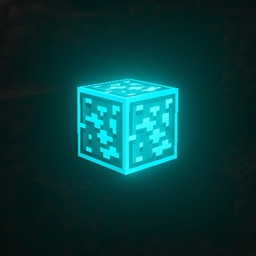
Glowing Animated Ore / Ores
Best Animated glowing ores texture pack so that people can notice ores quickly. This makes ores outlined, animated + glowingInstall

ewewukek's 3D muskets
3D models for ewewukek's musket modInstall

Coin Values (ParkerMc's Coins)
Changes the textures of the coins in ParkerMc's Coins Mod, to new type of coins, with the value written on them.Install

Smaller Totem
Makes Totem smaller in size and low for better PvP.Install
SAPIXCRAFT 32x
🔶 Fully Reimagine MC with Vibrant, Cartoony styled HD Textures | Available in 16x → 512xInstall

Better Boss Bars
makes boss bars better and compatible to minecraft texturesInstall
Xaero's Minimap - Pixelmon Support
Adds Pixelmon icons for Xaero's Minimap.Install

Drodi's Villagers
Drodi’s Villagers tries to combine aesthetics and utility to make Villagers more visually interestingInstall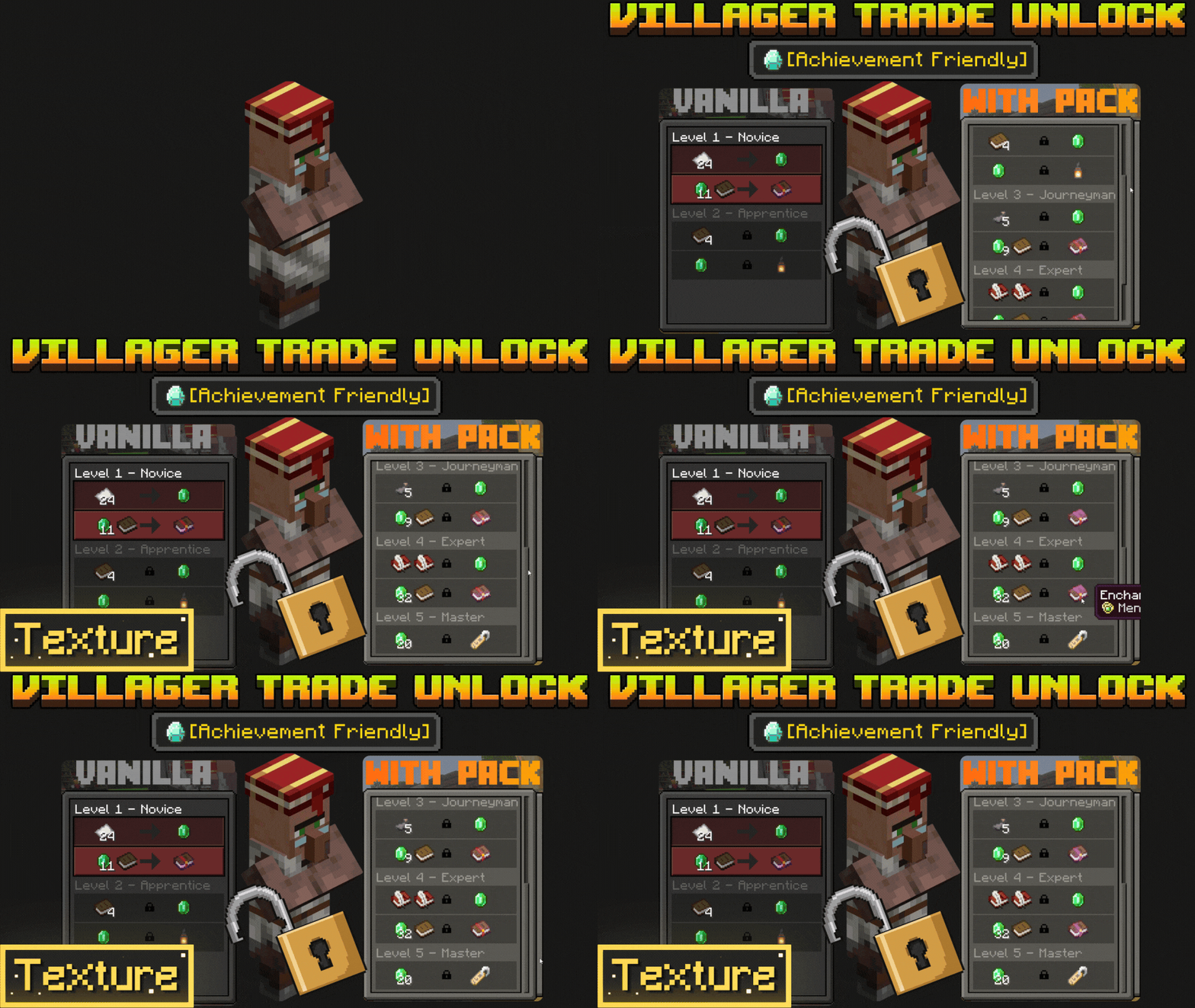

Villager Trades Preview Unlocker
Villager Trade Previewer and Unlocker for Minecraft Bedrock 1.26 to see all trades instantly without leveling upDownload

Baby Animals Remastered
Changes the models and textures of Baby AnimalsInstall

Magitech Experience Obelisk
Magitech reskin for the Experience ObeliskInstall

Ethereal Sky Overlay
A sky overlay of a cloudy atmosphere near space.Install

Health Bars Reforged
Fancier & more colorful health bars!Install

Cobweb Outline
Highlights cobwebs with a clean outline to improve visibility and control during PvP fightsInstall

Derp's Compat for Every Compat
It changes wood some textures to be special. This is mostly windows from Create. Note that these are woods that are in my modpack. This also fixes some textures like chests that are added by other mods to work with Abnormals' Woodworks.Install

Stay True Bedrock
Stay True to The Orginal Tectures Bedrock EditionDownload

Ore Visible
A resource pack that makes spotting ores in dark caves much easier.Install

Nature's & Explorer's Compass Retexture
Retexture of the Nature and Explorer's compass modsInstall

BitBetter 64x64
Resource PackInstall
Butterfly Bats
Updates bats to look like butterflies that glow in the darkInstallFAQ
Do I need Forge or Fabric for a resource pack?
No. A resource pack works on the regular game with no loaders or mods. Click “Install” and Millida Launcher will put the pack into the right modpack — then just enable it in the settings.
What do 16×, 32×, 64× mean?
The resolution of a single texture in pixels. 16× matches the original game, 32× and 64× are more detailed and heavier, and 128× and up put a noticeable load on your graphics card.
Will a pack made for another version work?
Most likely partly: older packs don't have textures for newer blocks, so those will stay default. The game won't break, though.
How is a texture pack different from a resource pack?
Only by name and age. Before version 1.6 the sets were called texture packs and changed only textures; in 1.6 resource packs replaced them and also change sounds, fonts and the interface. Old texture packs for 1.5 and below do not work on new versions without conversion.
Which texture packs are best for PvP?
PvP packs: 16× resolution or lower, shortened swords, low fire, a clear sky and bright particles. They barely load the computer and make the opponent easier to see. These packs are collected in the PvP theme.
How do I install a resource pack?
Press Install and Millida Launcher puts the pack into the resourcepacks folder of the right instance. Then enable it in the game: Options, then Resource Packs. Manually, the archive goes into resourcepacks inside the game folder, no need to unpack it.
Minecraft texture packs
A resource pack changes how the game looks and sounds: block and item textures, fonts, the interface, sounds. It doesn't touch the game's code, so it needs no mod loader and breaks nothing on a server — the pack only works on your screen. That's exactly why a resource pack is safer than any mod: the worst that happens on a version mismatch is that some textures stay default.
Textures, texture packs and resource packs are essentially the same thing: since version 1.6 Mojang calls these sets resource packs, but the old name is still searched more often. PvP packs are a big genre of their own: shortened swords, low fire, bright particles and 16× resolution or lower, so the opponent stands out and the frame rate does not drop. Such packs are most often made for 1.8.9 and 1.16.5, the versions many PvP servers run on.
The key thing about a pack is its resolution. The game's default textures are 16×16 pixels; 32× and 64× packs look more detailed, while 128× and up need a real graphics card and are usually paired with shaders. On a weak machine it makes sense to stay at 16× or go for packs that deliberately simplify graphics for more FPS. Every pack here lists its game version, author and license, and all released versions are gathered on one card. Put the downloaded archive in the resourcepacks folder and enable it in the game settings.