
Minecraft texture packs — page 77
Resource packs: list
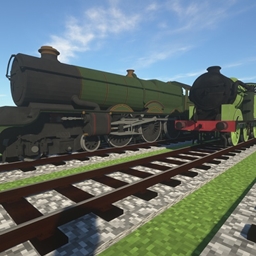

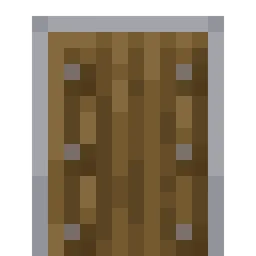
Lower Shield
Decreases the amount of space the shield takes up on screen.Install

TFC Ambiental Refreshed
Improves TerraFirmaCraft Ambiental textures in new vanilla style.Install
IR American Passenger Addon Pack
IR Addon Pack by TheLegend5550Install

Baby Kitty And Friends
Play as cute animals inspired by Sanrio!Install

R3D CRAFT: Default Realism 64px
A HD alternative to Minecraft's default apperanceInstall
Zero's Smaller Crosshair
Smaller CrosshairInstall

CPVP Essentials ( Crystal PvP )
This includes a texture pack of Crystal PvP Essentials which will help you raise your tier in CPvP!Install
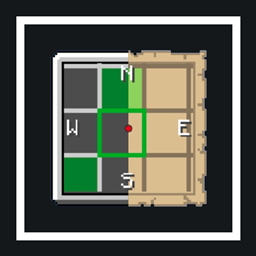
Chunk Viewer
display mini map for chunk border and slime chunk!!Download

Stoneborn: Dragonlands
Mod support for the Stoneborn resource pack.Install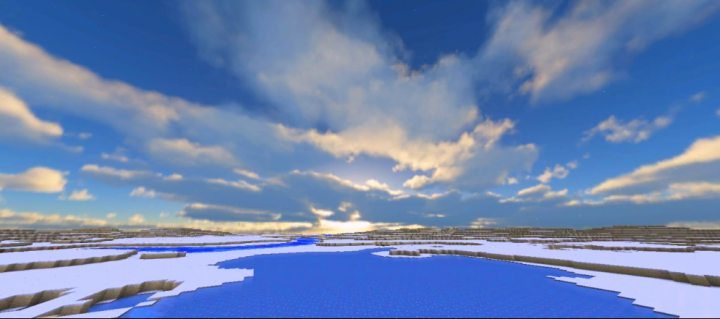
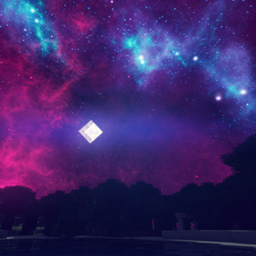
Realistic Sky
This resource pack changes your default skies into realistic skies (included 4 skies: sunset, sunrise, noon and full of star night skyInstall
Integrated Stronghold- Alex's Mobs Integration
The Alex's Mobs Integration Datapack for Integrated StrongholdInstall

IR American Diesel Loco Addon Pack
IR Addon Pack by TheLegend5550Install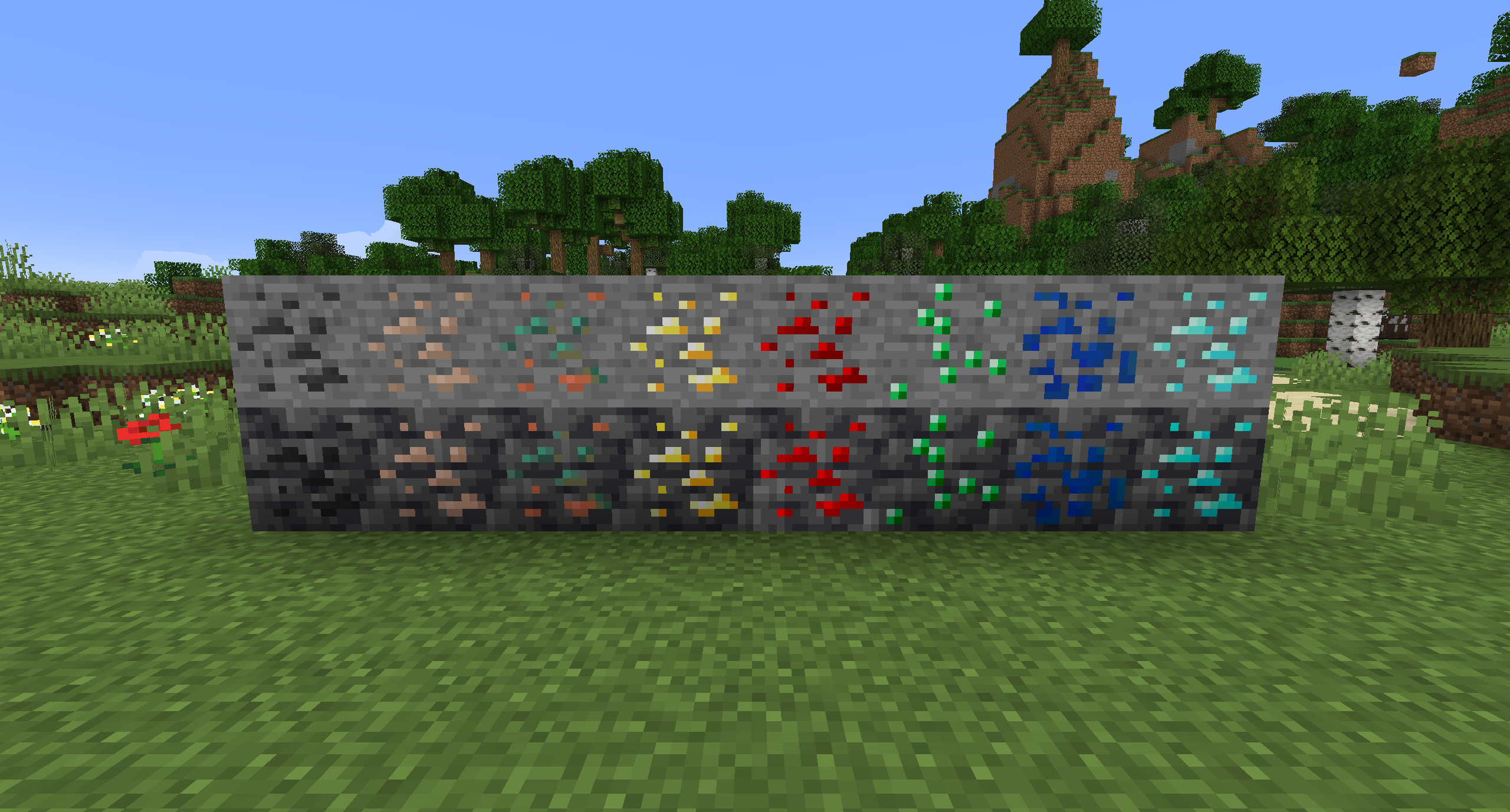
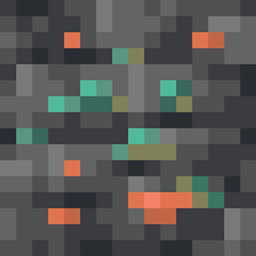
Old Ores Textures (With Copper)
Changes the ore textures from 1.17 to the old textures from before the update. Includes Copper and Deepslate variants.Install

Stellarity Resource Pack
Resource pack for Stellarity. Contains textures for all of its items, plus some other improvements for added immersion.Install
Music Remastered [MMR]
Replacing all of Minecraft's tracks with music covers and live instrumental songs that are streamer friendly.Install
Excalibur | Decorative Blocks Support
Excalibur Support for Decorative Blocks ModInstall

Farming Valley Coins (ParkerMc's Coins)
Changes the textures of the coins in ParkerMc's Coins Mod, to be themed around the modpack Farming ValleyInstall
Charlotte Custom GUI Pack
Charlotte Custom GUI PackInstall

Undopia 3D Sugar Cane
Gives the Sugar Canes a 3 dimensional modelInstall

Undopia 3D Rails
Gives the Rails a 3 dimensional modelInstall

Fragrant Flowers: Expanded
An expanded flower-enhancing resource pack bundle with Bushier Flowers and modded plant compatibility.Install

SilverMines [64x] [1.8]
SilverMines [64x]Install
Haven: Quest Theme
Custom Quest Theme for the mod FTB Quests.InstallFAQ
Do I need Forge or Fabric for a resource pack?
No. A resource pack works on the regular game with no loaders or mods. Click “Install” and Millida Launcher will put the pack into the right modpack — then just enable it in the settings.
What do 16×, 32×, 64× mean?
The resolution of a single texture in pixels. 16× matches the original game, 32× and 64× are more detailed and heavier, and 128× and up put a noticeable load on your graphics card.
Will a pack made for another version work?
Most likely partly: older packs don't have textures for newer blocks, so those will stay default. The game won't break, though.
How is a texture pack different from a resource pack?
Only by name and age. Before version 1.6 the sets were called texture packs and changed only textures; in 1.6 resource packs replaced them and also change sounds, fonts and the interface. Old texture packs for 1.5 and below do not work on new versions without conversion.
Which texture packs are best for PvP?
PvP packs: 16× resolution or lower, shortened swords, low fire, a clear sky and bright particles. They barely load the computer and make the opponent easier to see. These packs are collected in the PvP theme.
How do I install a resource pack?
Press Install and Millida Launcher puts the pack into the resourcepacks folder of the right instance. Then enable it in the game: Options, then Resource Packs. Manually, the archive goes into resourcepacks inside the game folder, no need to unpack it.
Minecraft texture packs
A resource pack changes how the game looks and sounds: block and item textures, fonts, the interface, sounds. It doesn't touch the game's code, so it needs no mod loader and breaks nothing on a server — the pack only works on your screen. That's exactly why a resource pack is safer than any mod: the worst that happens on a version mismatch is that some textures stay default.
Textures, texture packs and resource packs are essentially the same thing: since version 1.6 Mojang calls these sets resource packs, but the old name is still searched more often. PvP packs are a big genre of their own: shortened swords, low fire, bright particles and 16× resolution or lower, so the opponent stands out and the frame rate does not drop. Such packs are most often made for 1.8.9 and 1.16.5, the versions many PvP servers run on.
The key thing about a pack is its resolution. The game's default textures are 16×16 pixels; 32× and 64× packs look more detailed, while 128× and up need a real graphics card and are usually paired with shaders. On a weak machine it makes sense to stay at 16× or go for packs that deliberately simplify graphics for more FPS. Every pack here lists its game version, author and license, and all released versions are gathered on one card. Put the downloaded archive in the resourcepacks folder and enable it in the game settings.