
Minecraft texture packs — page 75
6,456 itemsResource packs: list


Epic Fight Plus - Pierced Animations
Better Animations for Epic Fight by PierceTHInstall

Vanilla Legacy Copper
Replaces vanilla copper with textures that match the Create mod's Legacy Copper style.Install

Bontiful Crops
Bontiful Crops is a vanilla supplement pack focused on improving the farming experience in Minecraft.Install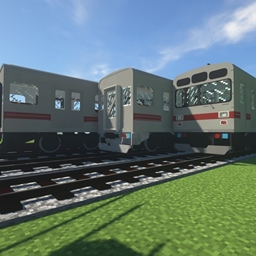
IR Japanese Locomotive & Rolling Stock Addon
IR Addon Pack by TheLegend5550Install

Thermal Series - Create Styled
Create like textures for Thermal SeriesInstall

Tweaked Enderman
A simple retexture for the enderman with a little more shading, marked ribs, and noticeable teeth.Install
Mob Psycho 100 Custom GUI
GUI packed themed towards the show "Mob Psycho 100". Don't hesitate to comment down below , I have even changed hot bar as well hope you enjoy.Install

Loading Backgrounds - Oceans
If you like oceans, this complementary resource pack to the Loading Backgrounds mod is ideal for you, since it changes the loading background of the games and replaces it with beautiful ocean images.Install

Better Endermen
Makes Endermen have biome dependent variantsInstall

MoreFpsPack
simple texturepack that help you to get more fpsInstall

Mizuno Connected Texture
A Connected Texture for Mizuno Craft16Install

Chroma Faithful - PvP & Faithful enhancements [1.8 - 1.20]
THE faithful edit you want to use !Install

Wanderlust x32
A comprehensive x32 texture packInstall
Cyberpunk: Edgerunners Custom GUI Pack
This is a GUI packed themed towards the show "Cyberpunk: Edgerunners ". Don't hesitate to comment down below , I have even changed hot bar as well hope you enjoy.Install

Vibrancy (Cat Vibrant Visuals)
The Official (Vibrant Visuals) port of the RTX pack "CatRTX"Download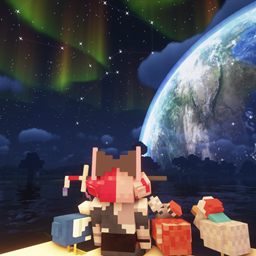
月舞-sky resourcepack
Beautiful custom Starry sky and large magic arrayInstall

Loading Backgrounds - New Game 2
Unique loading backgrounds created for the New Game 2 modpack — compatible with any other modpack.Install

†VENOM† Client PvP
VENOM – PvP Pack: Clean HUD, functional buttons, Short Tools, Saturation display, 2 modes (Better Experience & PvP), no particles. Lightweight & compatible with other packs.Download
CozyUI Ex
Unofficial Extended Resource Pack for CozyUI+Install

SuiCreate-AeronauticsPBR
Pixel-style industrial PBR resource pack for CreateAeronautics.Install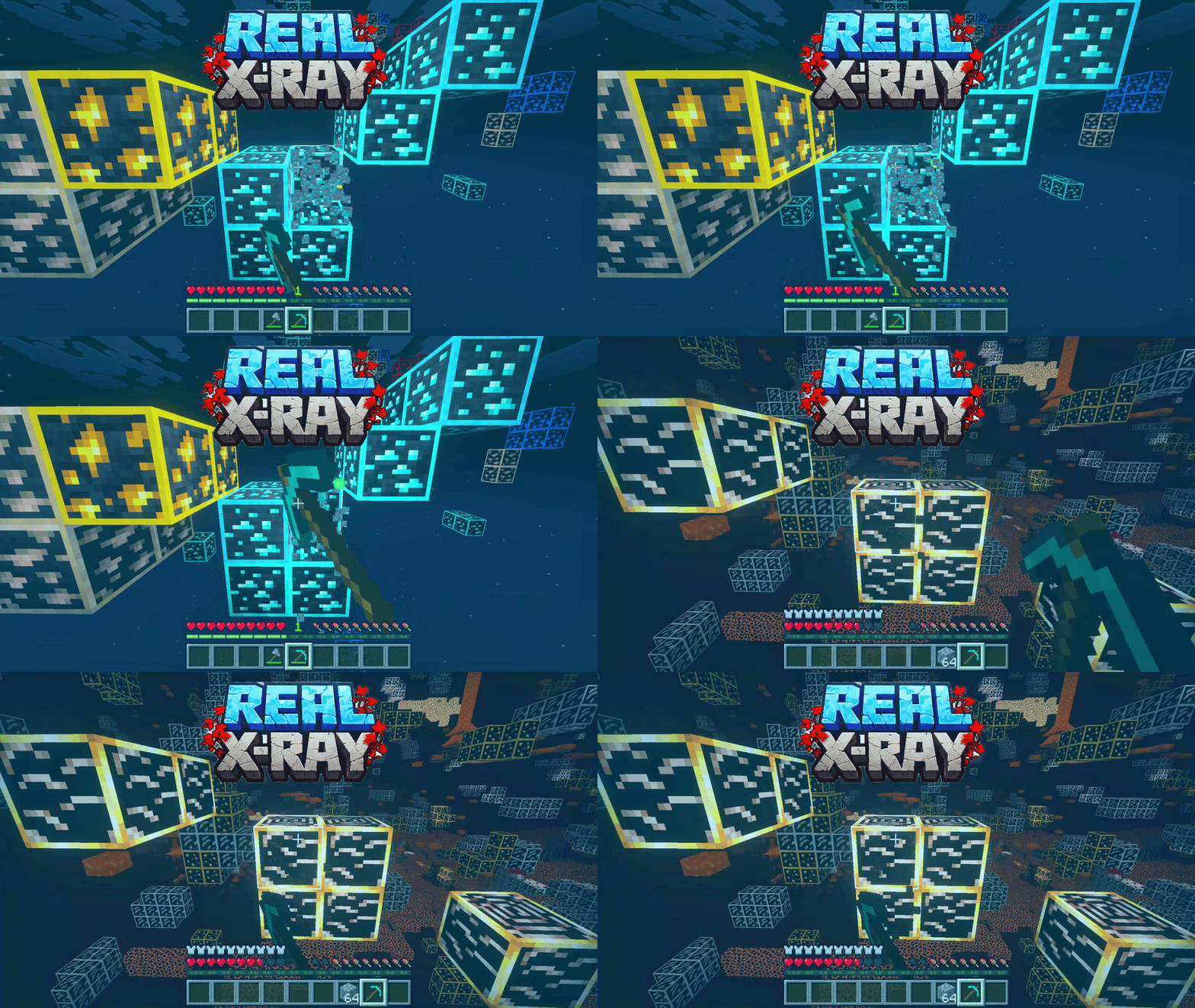

Real Xray + Night Vision
An achievement-safe resource pack that makes every ore instantly visible with custom glowing textures and a night-vision HUD filter. Works in Fancy graphics and Vibrant Visuals, with full PBR support.Download

White Block Selection Outline
Makes it so that when you select a block, instead of a black outline, there is a white outline.Install

Betaeta's OG Tungsten (Dawn of The Flood - Programmer art)
Programmer art version of tungsten textures for Dawn of The FloodInstallFAQ
Do I need Forge or Fabric for a resource pack?
No. A resource pack works on the regular game with no loaders or mods. Click “Install” and Millida Launcher will put the pack into the right modpack — then just enable it in the settings.
What do 16×, 32×, 64× mean?
The resolution of a single texture in pixels. 16× matches the original game, 32× and 64× are more detailed and heavier, and 128× and up put a noticeable load on your graphics card.
Will a pack made for another version work?
Most likely partly: older packs don't have textures for newer blocks, so those will stay default. The game won't break, though.
How is a texture pack different from a resource pack?
Only by name and age. Before version 1.6 the sets were called texture packs and changed only textures; in 1.6 resource packs replaced them and also change sounds, fonts and the interface. Old texture packs for 1.5 and below do not work on new versions without conversion.
Which texture packs are best for PvP?
PvP packs: 16× resolution or lower, shortened swords, low fire, a clear sky and bright particles. They barely load the computer and make the opponent easier to see. These packs are collected in the PvP theme.
How do I install a resource pack?
Press Install and Millida Launcher puts the pack into the resourcepacks folder of the right instance. Then enable it in the game: Options, then Resource Packs. Manually, the archive goes into resourcepacks inside the game folder, no need to unpack it.
Minecraft texture packs
A resource pack changes how the game looks and sounds: block and item textures, fonts, the interface, sounds. It doesn't touch the game's code, so it needs no mod loader and breaks nothing on a server — the pack only works on your screen. That's exactly why a resource pack is safer than any mod: the worst that happens on a version mismatch is that some textures stay default.
Textures, texture packs and resource packs are essentially the same thing: since version 1.6 Mojang calls these sets resource packs, but the old name is still searched more often. PvP packs are a big genre of their own: shortened swords, low fire, bright particles and 16× resolution or lower, so the opponent stands out and the frame rate does not drop. Such packs are most often made for 1.8.9 and 1.16.5, the versions many PvP servers run on.
The key thing about a pack is its resolution. The game's default textures are 16×16 pixels; 32× and 64× packs look more detailed, while 128× and up need a real graphics card and are usually paired with shaders. On a weak machine it makes sense to stay at 16× or go for packs that deliberately simplify graphics for more FPS. Every pack here lists its game version, author and license, and all released versions are gathered on one card. Put the downloaded archive in the resourcepacks folder and enable it in the game settings.