
Minecraft texture packs — page 60
6,460 itemsResource packs: list
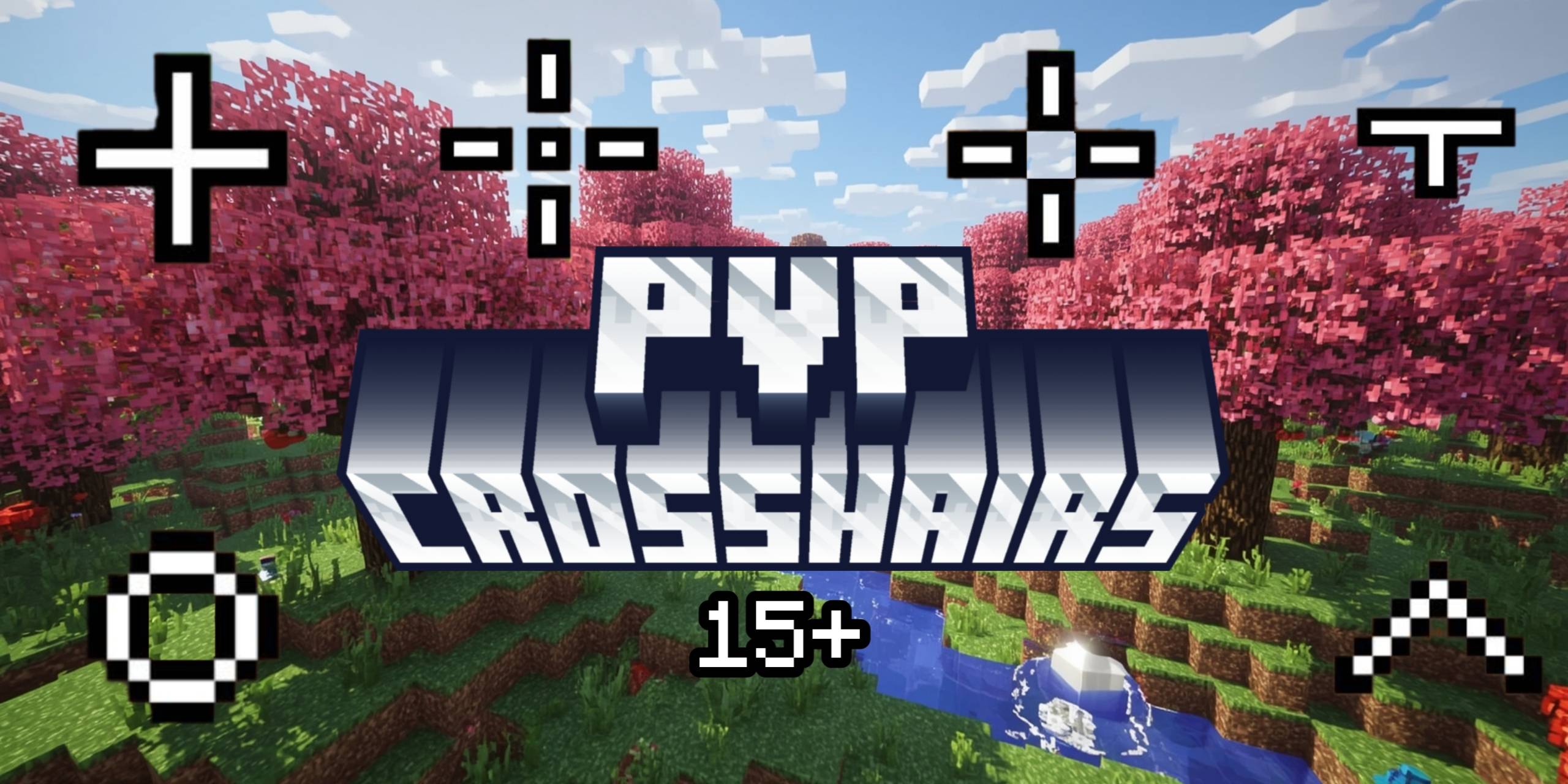


(Bee's) Fine Armory
My retextures of tools, weapons, and armour setsInstall

Better Dogs
Updates tamed wolves to look like actual dogs (41 new dog breeds)Install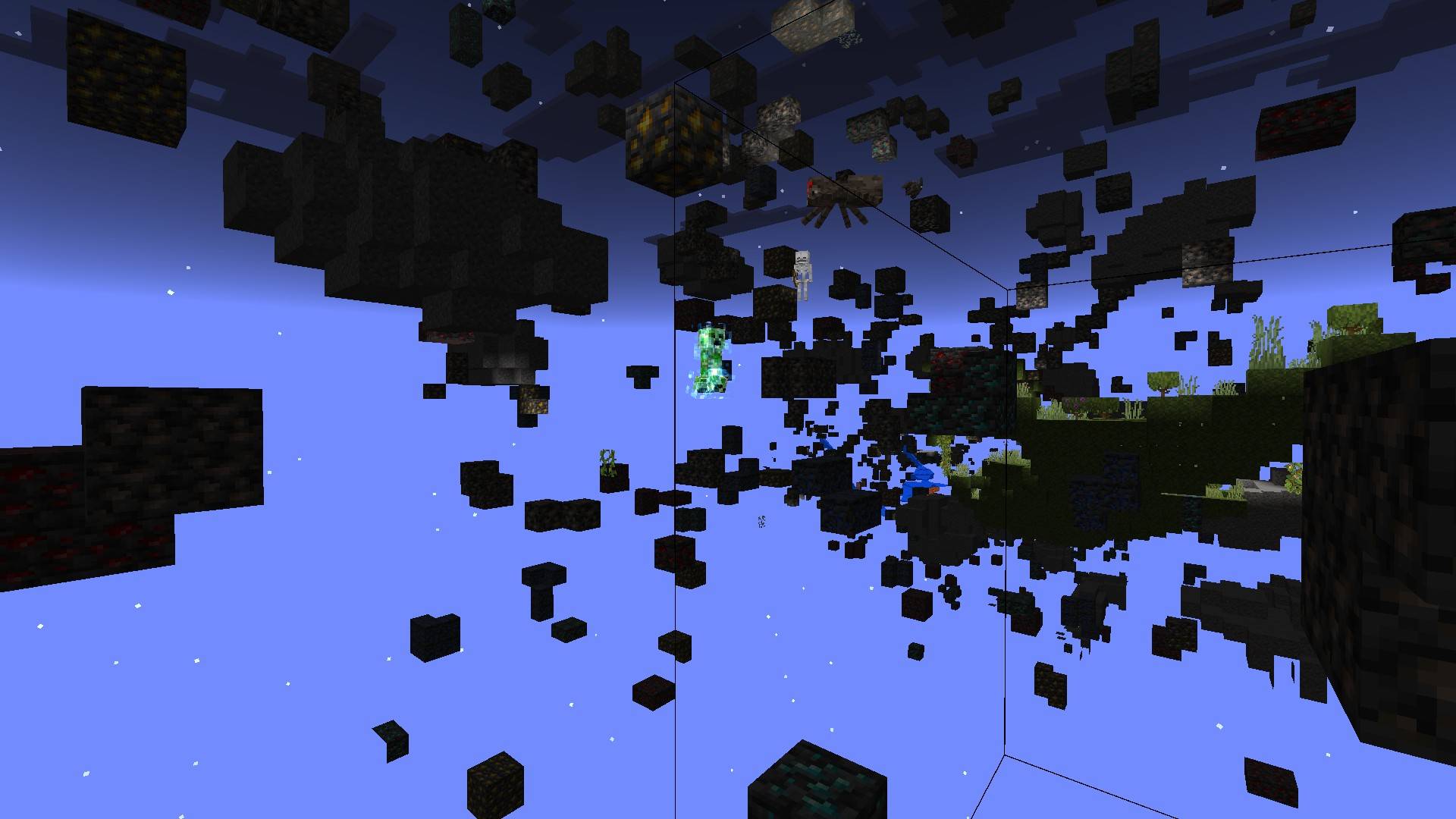
X-Ray Texture Pack Minecraft (Bedrock / PE)
X-ray texture pack for Minecraft Bedrock Edition - all versions. Hides all blocks except ores and gravel for easier mining. Created by Leo Termado.Download
Oneblock Original: Language pack Addon
Adds Language Support for Oneblock Original by Crimson Creations. Official Addon / Resource pack.Install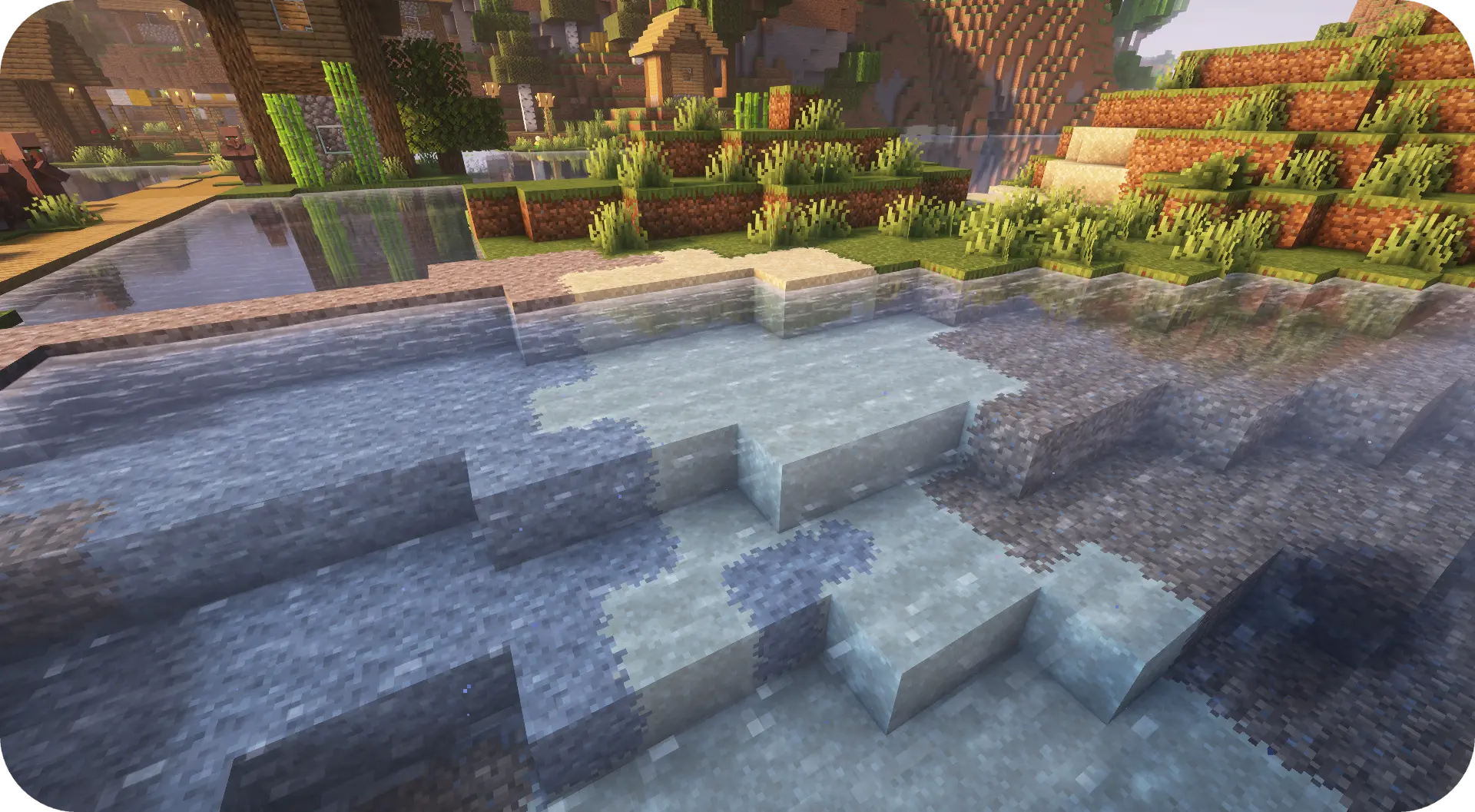
Fusion Block Transitions
Adds transitions between natural blocksInstall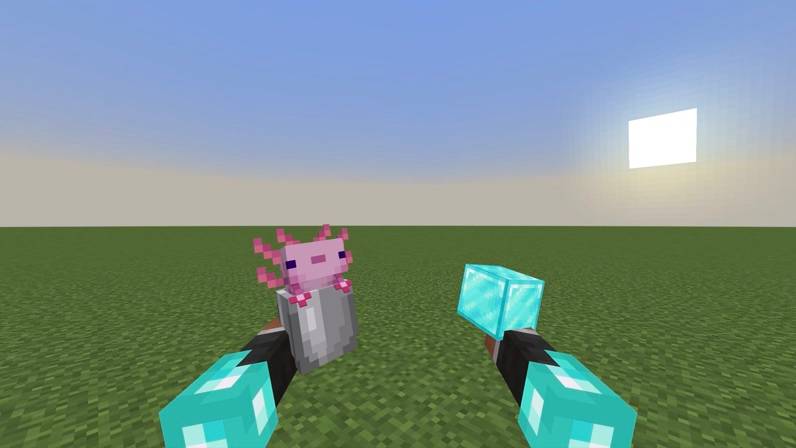
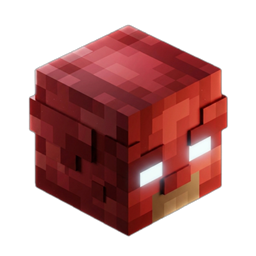
A&S View Model with Vanilla Armor sleeve
Fully adjust your view model's position, rotation and scale with added vanilla armor sleeve support.Download
Himouto! Umaru-chan Custom GUI Pack
Himouto! Umaru-chan Custom GUI PackInstall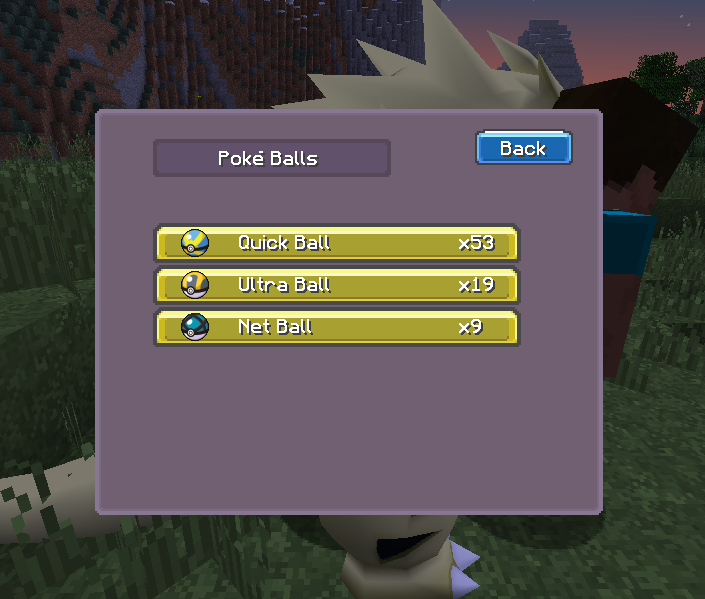
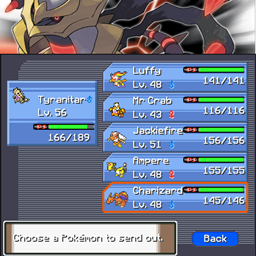
Pixelmon GUIs - Platinum inspired
Pixelmon guis inspired by Pokemon PlatinumInstall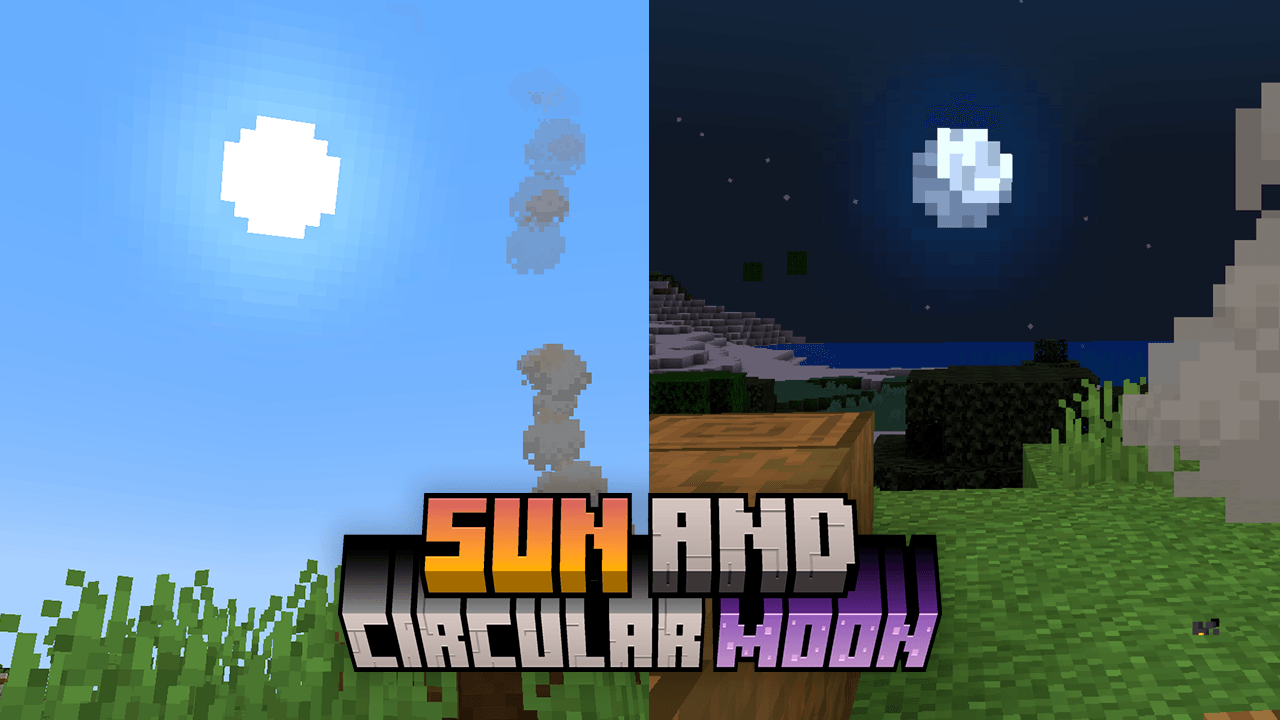

Sun and Moon Circular
This texture makes the sun and moon roundedInstall
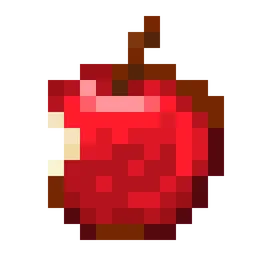
Eating Animation Resource Pack
Adds an eating animation to all consumables items.Install

Invisible Armor Model
Invisible Armor Model is a resource pack for Minecraft Java Edition that removes the visual model of armor.Install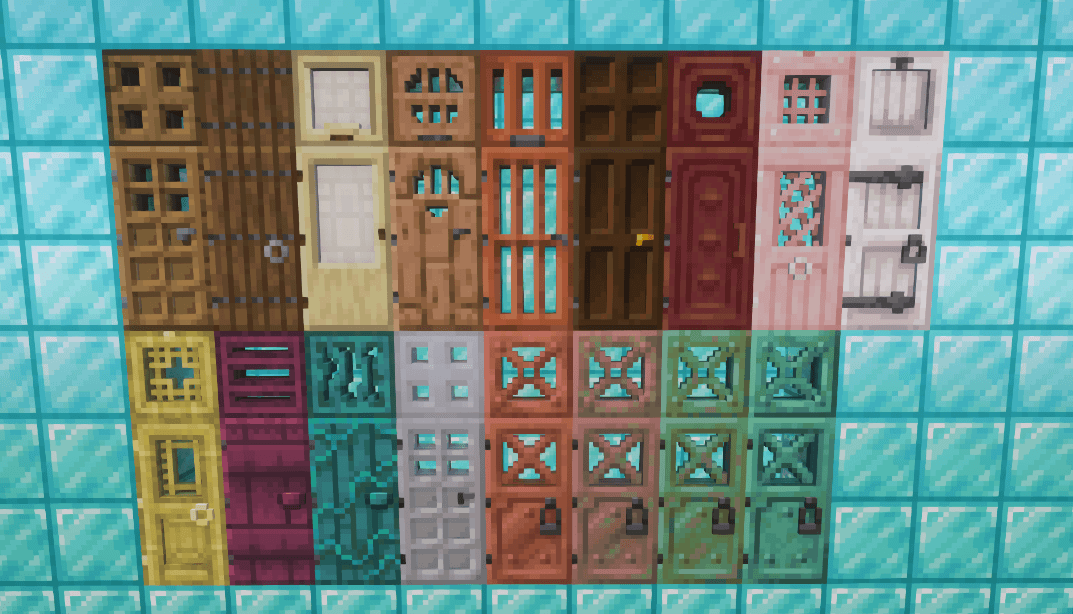
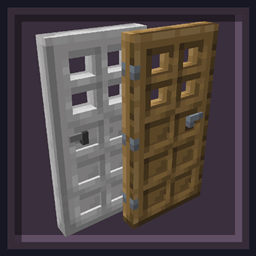
Undopia 3D Doors
Gives the Doors and the Trapdoors a 3 dimensional model and custom side texturesInstall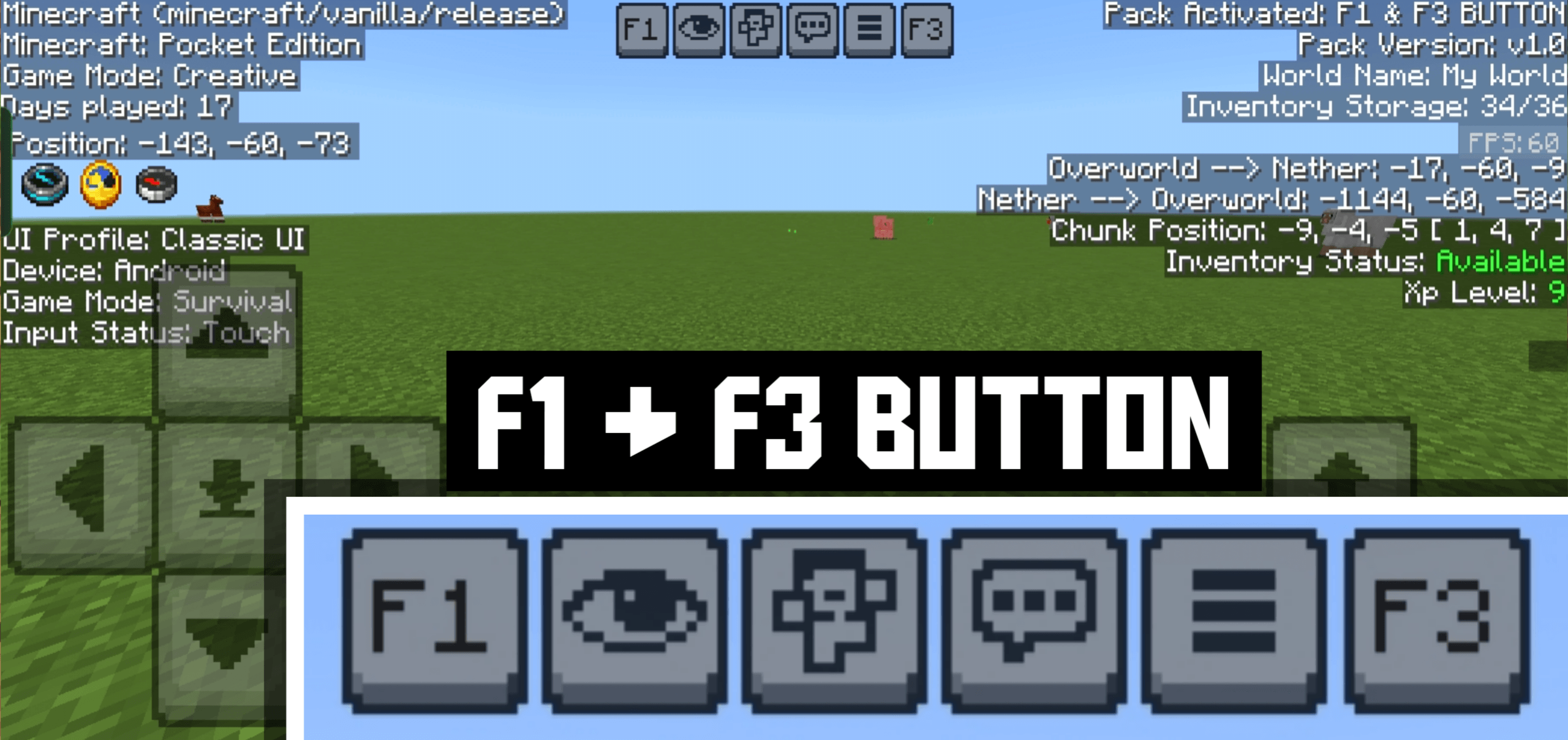
F1 & F3 BUTTON - Windows Update
This pack adds F1 & F3 Button to Minecraft Bedrock / Pocket Edition. F3 shows a Java-like debug screen with coords, FPS, chunks, and more, while F1 hides the HUD for clean screenshots or cinematic play.Download
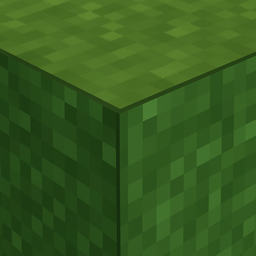
Fast Better Grass - Full Grass
Fast Better Grass Texture Pack makes every block seamless by wrapping top textures around all sides for Minecraft bedrock.Download

More Zombie Variations + Fresh Animations
Adds more zombie variations, compatible with Fresh AnimationsInstall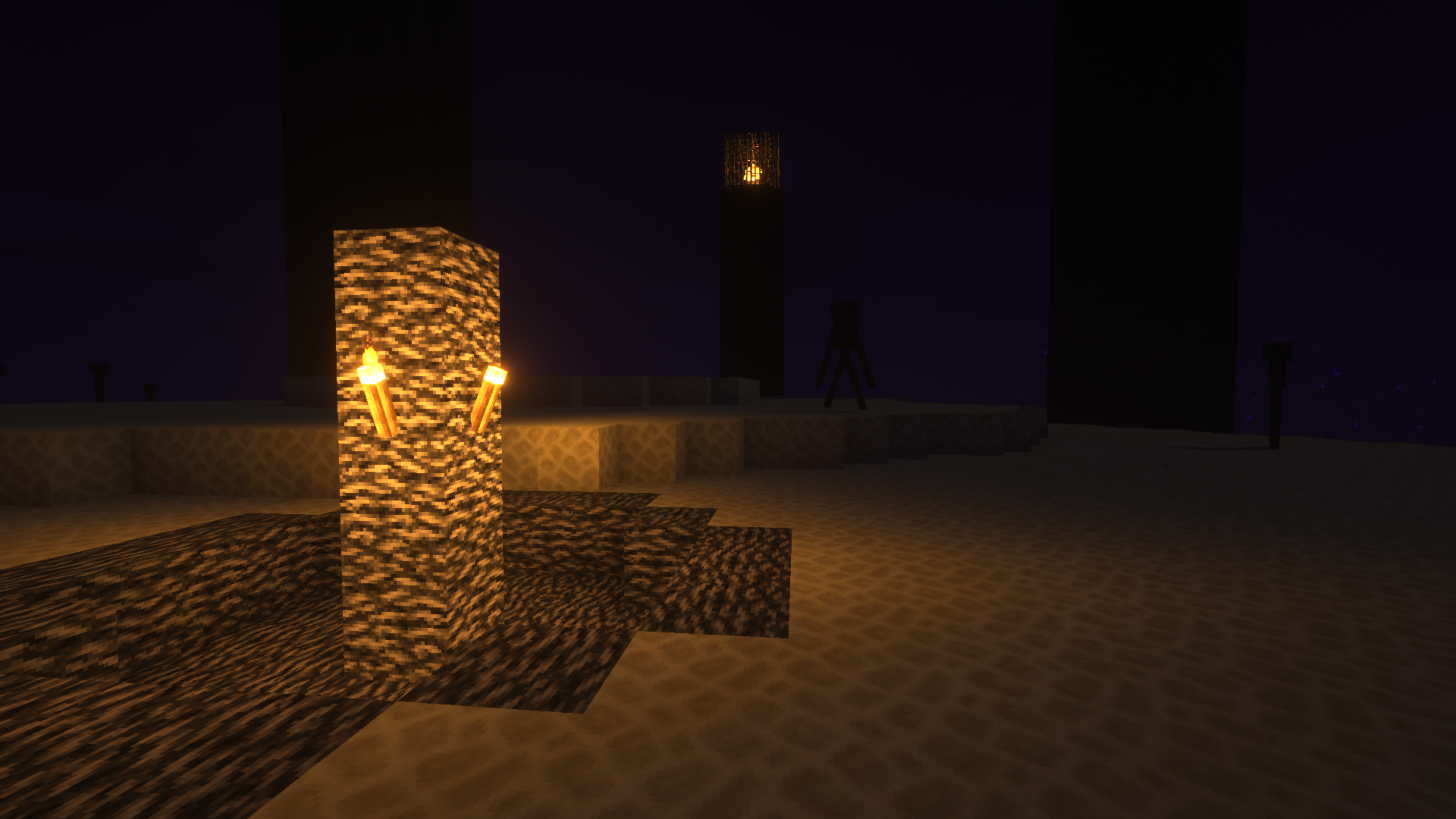
Immersion
The Classic Minecraft Textures in Higher ResolutionInstall
Blue's Mimic Creepers
Creepers have new models and animations and can disguise themselves as other mobs!Install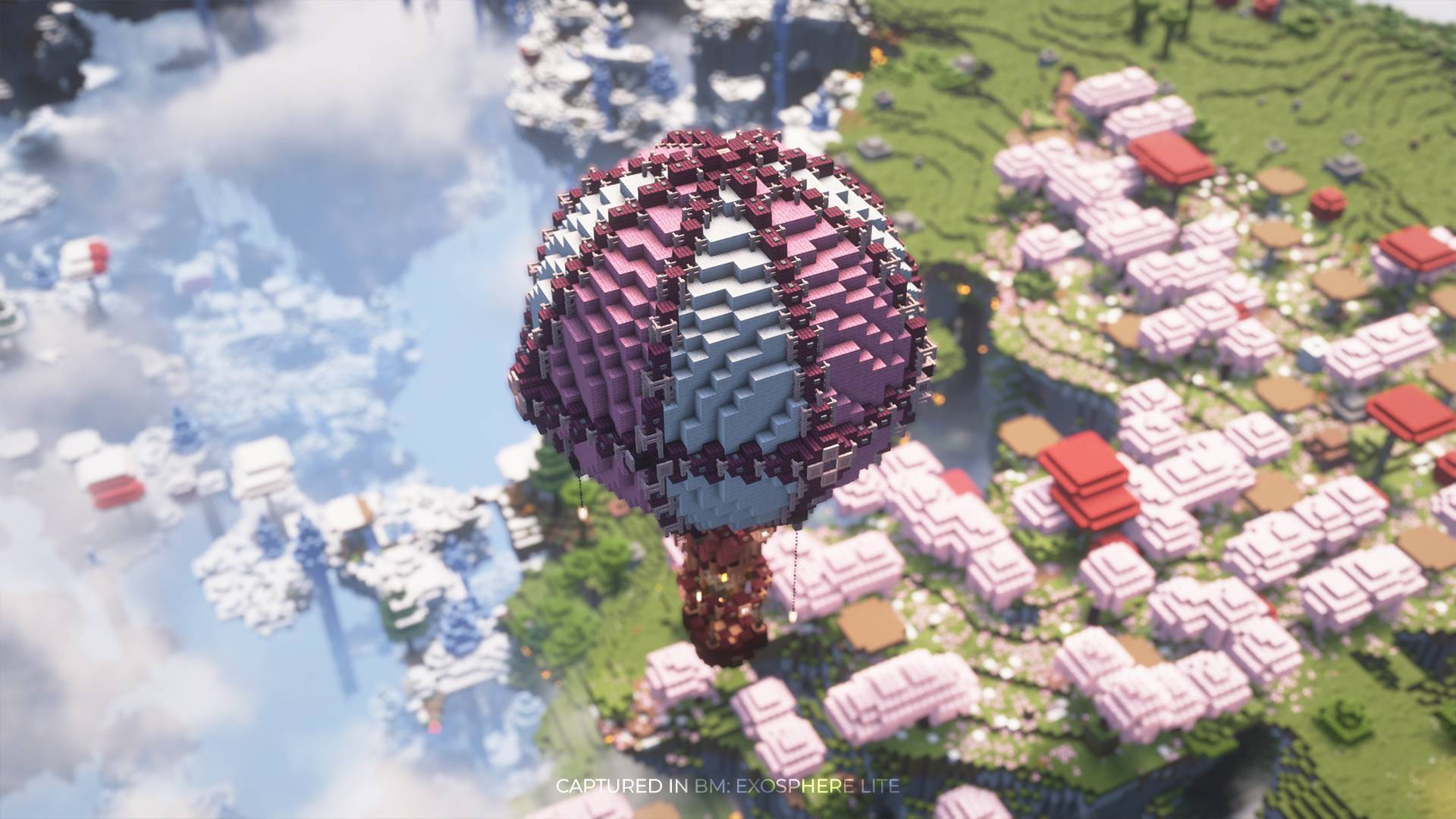
BM: Air Balloons
Adds Hot Air Balloons with Loot high up in the sky!Install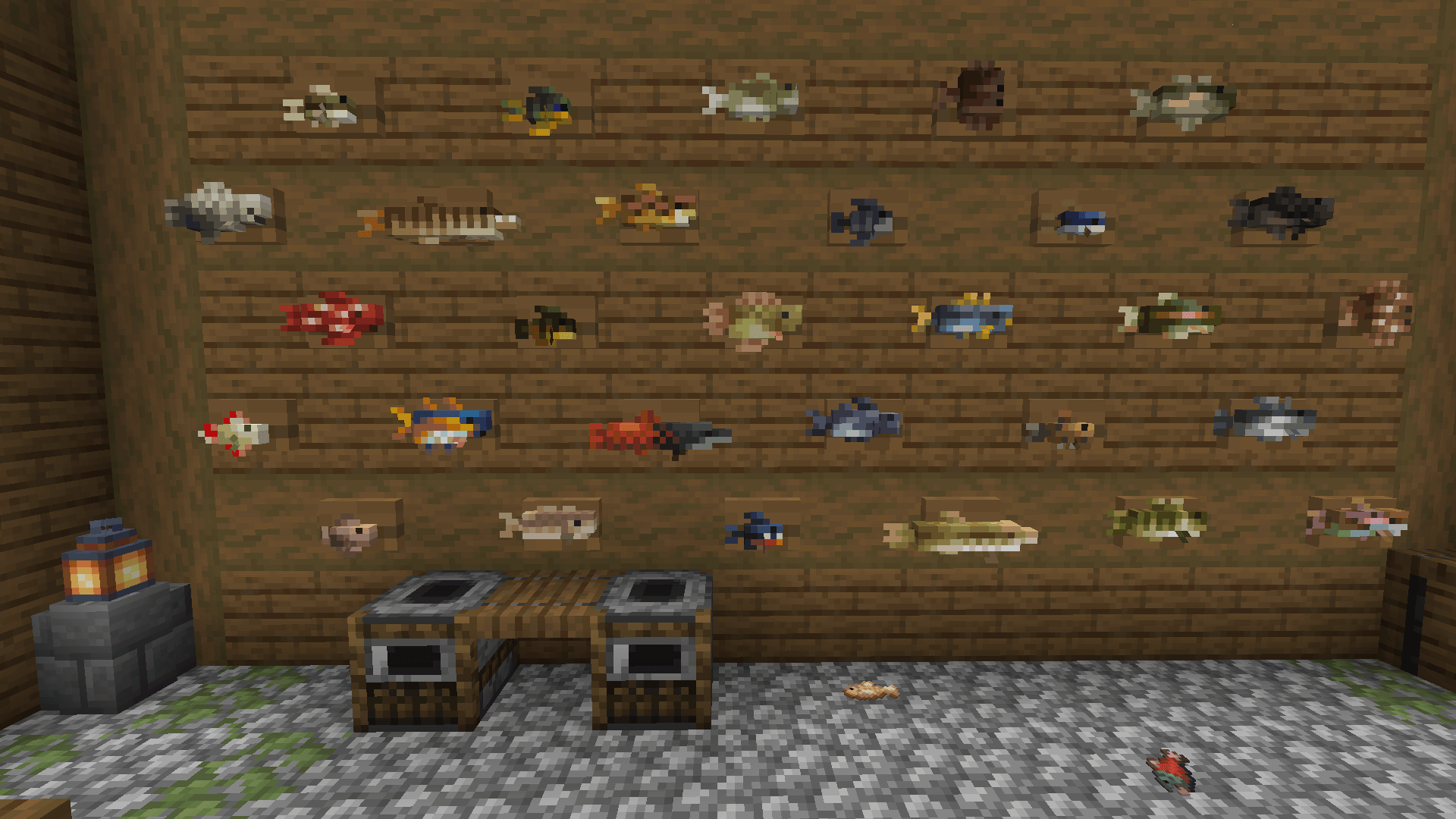
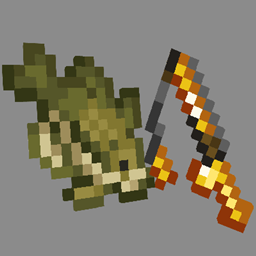
Aquaculture FishedUP
A refreshed look for Aquaculture 2Install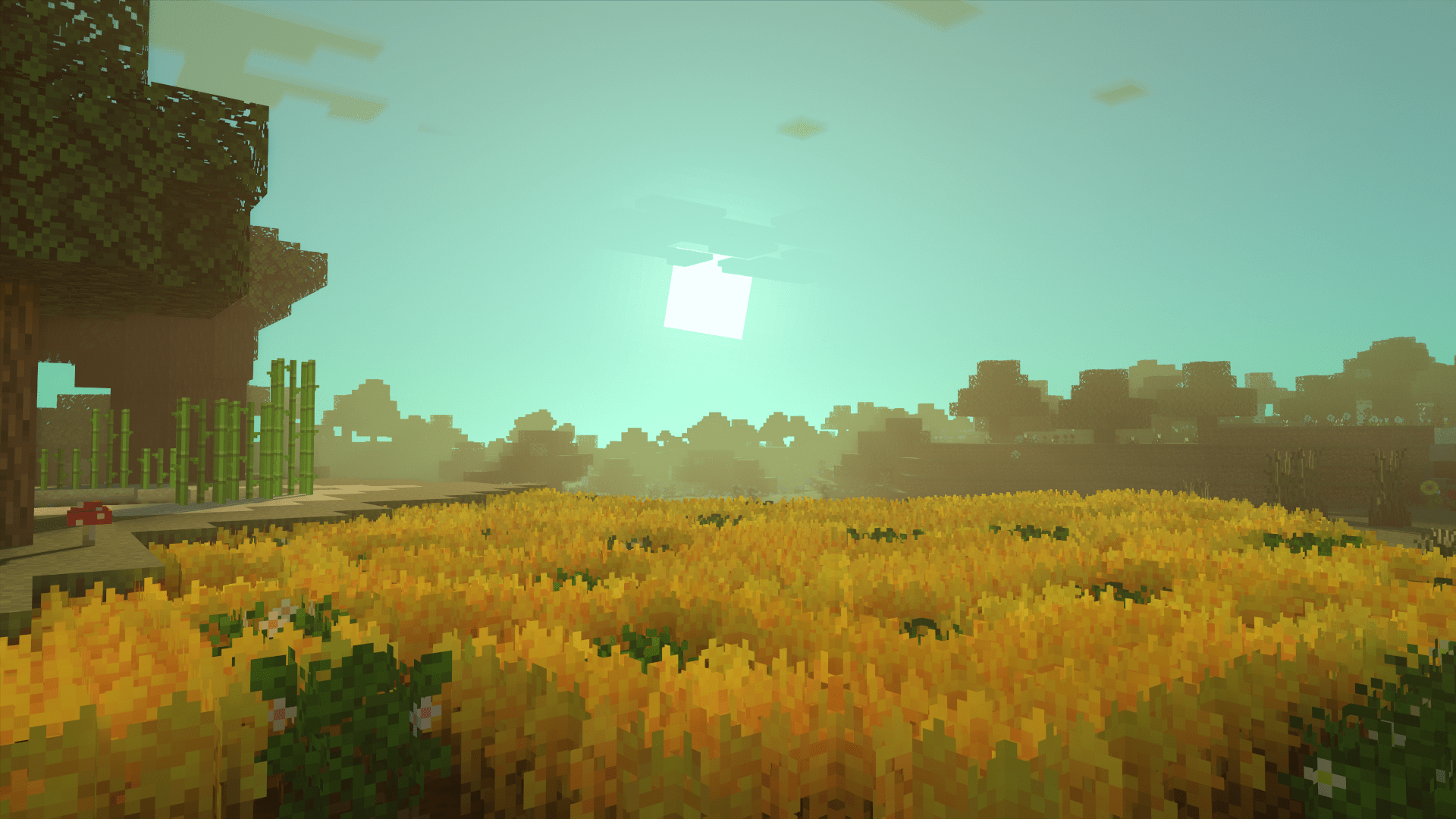
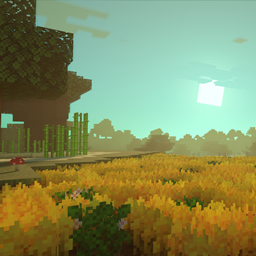
Crops Plus+ Texture Pack(3d Crops and More!)
Crops in minecraft are pretty bland and boring but this texture pack fixes that! Crops will now have better textures, different varieties and flowers. It also adds Golden Wheat and even some 3d crops!Download

Super Cute Texture Pack
The Super Cute Texture Pack lets you create a cheerful world full of the cutest and cuddliest mobs! A port from Legacy Console Edition.Install
Immersive Interfaces - Mod Support Unofficial
Shrimp's Immersive Interfaces Add-on: This Texture Pack adds small details to some mods to fit more with Immersive Interfaces.Install

Actually 3D Blocks & Items!
3D resourcepack, which makes a lot of Blocks and Items more detailed, smoother and Actually 3D! (3D Furnaces, 3D Workbenches, 3D Flowers, 3D Ladders, 3D Mushrooms, 3D Items, 3D Plants, 3D Rails, 3D Crops, 3D Pumpkins, 3D Mace, 3D Totems, 3D Amtehyst, etc.)InstallFAQ
Do I need Forge or Fabric for a resource pack?
No. A resource pack works on the regular game with no loaders or mods. Click “Install” and Millida Launcher will put the pack into the right modpack — then just enable it in the settings.
What do 16×, 32×, 64× mean?
The resolution of a single texture in pixels. 16× matches the original game, 32× and 64× are more detailed and heavier, and 128× and up put a noticeable load on your graphics card.
Will a pack made for another version work?
Most likely partly: older packs don't have textures for newer blocks, so those will stay default. The game won't break, though.
How is a texture pack different from a resource pack?
Only by name and age. Before version 1.6 the sets were called texture packs and changed only textures; in 1.6 resource packs replaced them and also change sounds, fonts and the interface. Old texture packs for 1.5 and below do not work on new versions without conversion.
Which texture packs are best for PvP?
PvP packs: 16× resolution or lower, shortened swords, low fire, a clear sky and bright particles. They barely load the computer and make the opponent easier to see. These packs are collected in the PvP theme.
How do I install a resource pack?
Press Install and Millida Launcher puts the pack into the resourcepacks folder of the right instance. Then enable it in the game: Options, then Resource Packs. Manually, the archive goes into resourcepacks inside the game folder, no need to unpack it.
Minecraft texture packs
A resource pack changes how the game looks and sounds: block and item textures, fonts, the interface, sounds. It doesn't touch the game's code, so it needs no mod loader and breaks nothing on a server — the pack only works on your screen. That's exactly why a resource pack is safer than any mod: the worst that happens on a version mismatch is that some textures stay default.
Textures, texture packs and resource packs are essentially the same thing: since version 1.6 Mojang calls these sets resource packs, but the old name is still searched more often. PvP packs are a big genre of their own: shortened swords, low fire, bright particles and 16× resolution or lower, so the opponent stands out and the frame rate does not drop. Such packs are most often made for 1.8.9 and 1.16.5, the versions many PvP servers run on.
The key thing about a pack is its resolution. The game's default textures are 16×16 pixels; 32× and 64× packs look more detailed, while 128× and up need a real graphics card and are usually paired with shaders. On a weak machine it makes sense to stay at 16× or go for packs that deliberately simplify graphics for more FPS. Every pack here lists its game version, author and license, and all released versions are gathered on one card. Put the downloaded archive in the resourcepacks folder and enable it in the game settings.