
Minecraft texture packs — page 49
6,456 itemsResource packs: list


Fresh Ores and Ingots
Give ingots, bricks, and ores a 3D makeover for a nicer, more detailed look.Install

Icons - Numerals
Standalone version of Icons potion and enchantment numeralsInstall

CPvP Marin Kitagawa PvP Pack + Anime sky
This PvP/CPvP resource pack replaces the model textures, sounds, GUI, inventory, menu, and sky with a Marin Kitagawa theme.Install

Emissive TXF
Emissive textures for minecraftInstall
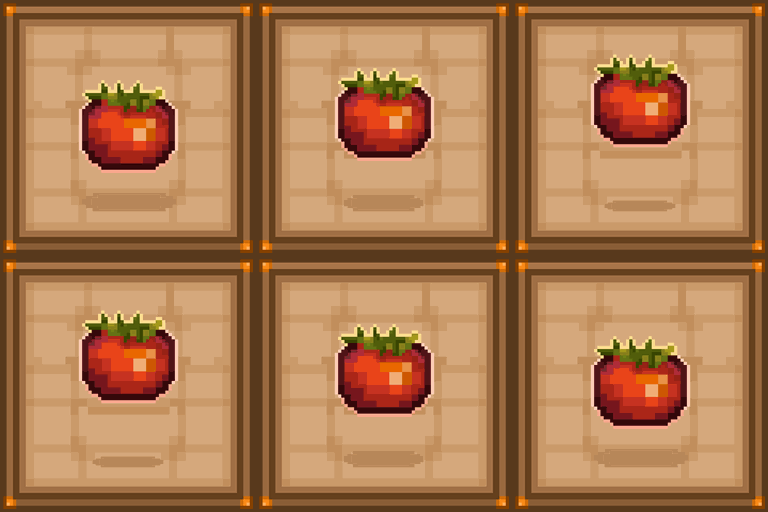
Farmer GUI
Reimagined Interface for a real farmer! ❗️❗️Over 190 supported mods ❗️❗️Install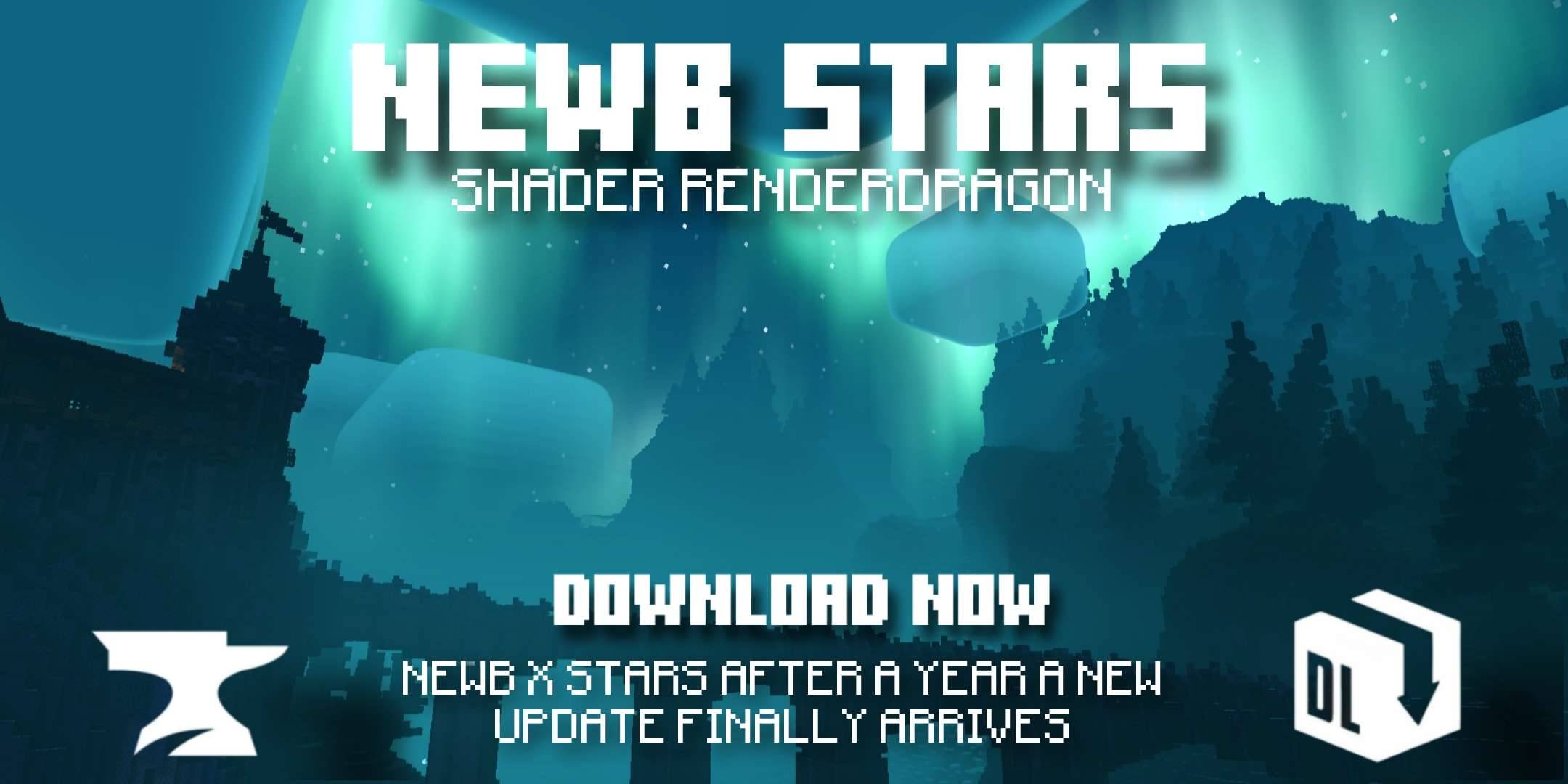

Newb X Stars Shader | Compatible with Minecraft v26.44
Now Compatible with version v26.50+ An update has just arrived for Newb X Stars starred version.Download

TFC Anvil Helper
A built-in chart to allow you to complete your smithing using the minimum amount of actionsInstall

FullBrightness
Makes everything bright just like night visionInstall

Cobblemon HUD
Add cobblemon elements to your HUD, like replacing your hunger bar with sitrus berriesInstall

Compat Ice and Fire/Comunity Edition + Epic fight + Weapons of Miracles
Datapack that use the moveset of WOM and EpicfightInstall

Stained Glass Ultra
More opaque stained glass! It's stained, not tinted!Install

Vanilla Connected Glass
Connected Glass that does not require OptiFine and works with any resource pack!Install

R3D CRAFT 64px
A HD alternative to Minecraft's default apperanceInstall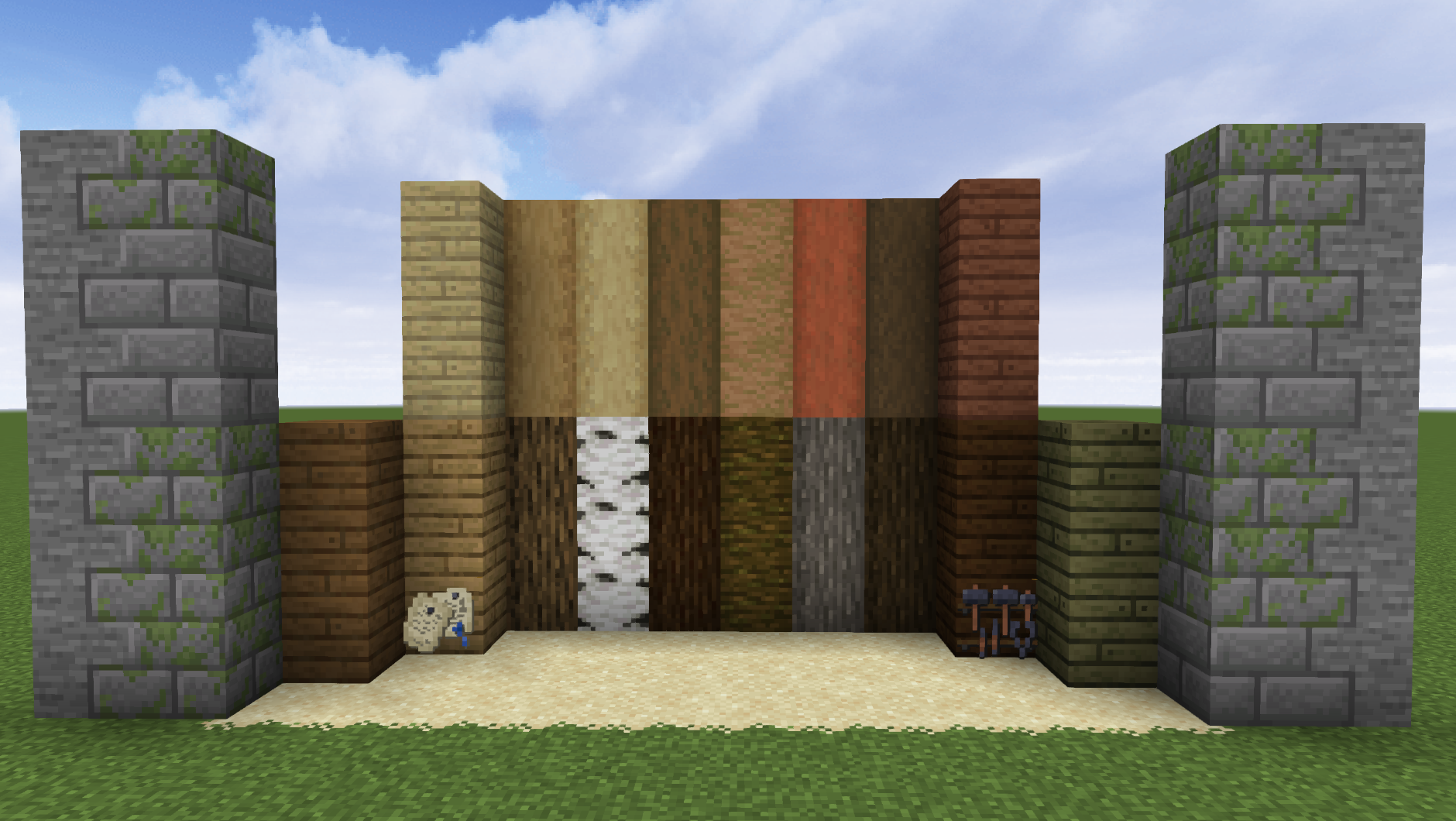

BwW Texturepack
Medieval themed Vanilla+ TexturepackInstall

Kehaan Modpacks Beds
Minecraft resource pack that changes the vanilla beds into art from Kehaans modpacks pack art.Install

Steven's Traditional
A traditional styled 64x64 resource pack for MinecraftInstall

Excalibur | Luminous Support
A bridge between LUMINOUS: BEASTS and Excalibur.Install

Fantasy Texture Pack
Transport yourselves to a time where knights were heroes. A port from Legacy Console Edition.Install

Ice and Fire Skulls
Item modelsInstall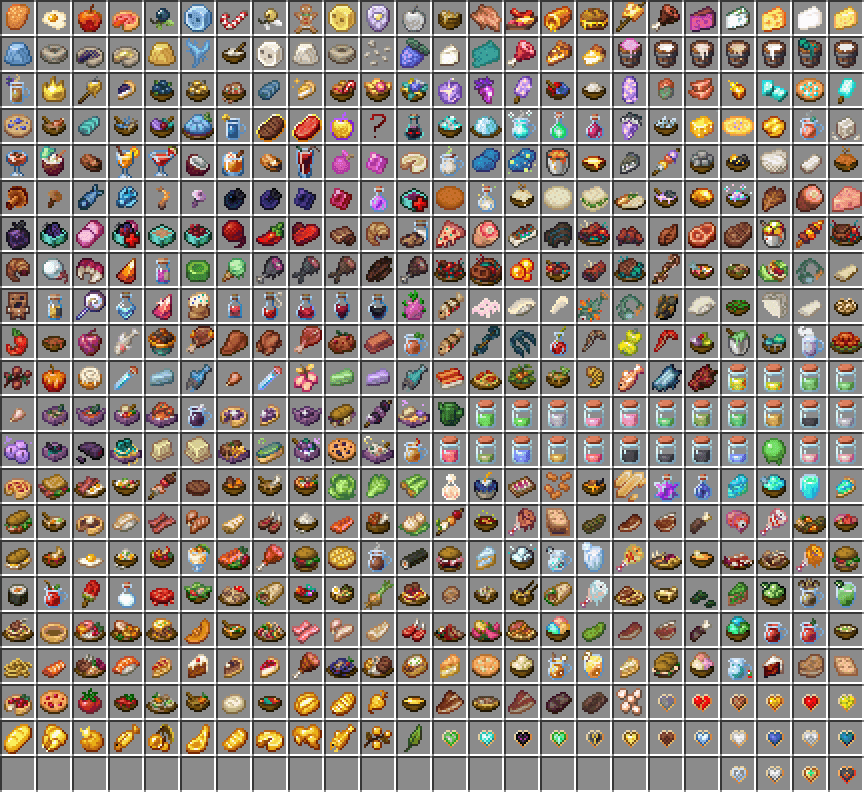
Eating Animations More Mod Compatibility
Eat Animations More Mod Compatibility [Neo|Forge|Fabric|Vanilla] is a support resource pack designed to expand the compatibility of eat animations in Minecraft.Install

Potato Graphics
Give your game a hilarious low-end makeover! This pack turns every block into a single pixel, dramatically simplifying textures and boosting performance. Perfect for weak PCs or players who just want that ultimate potato graphics experience.Install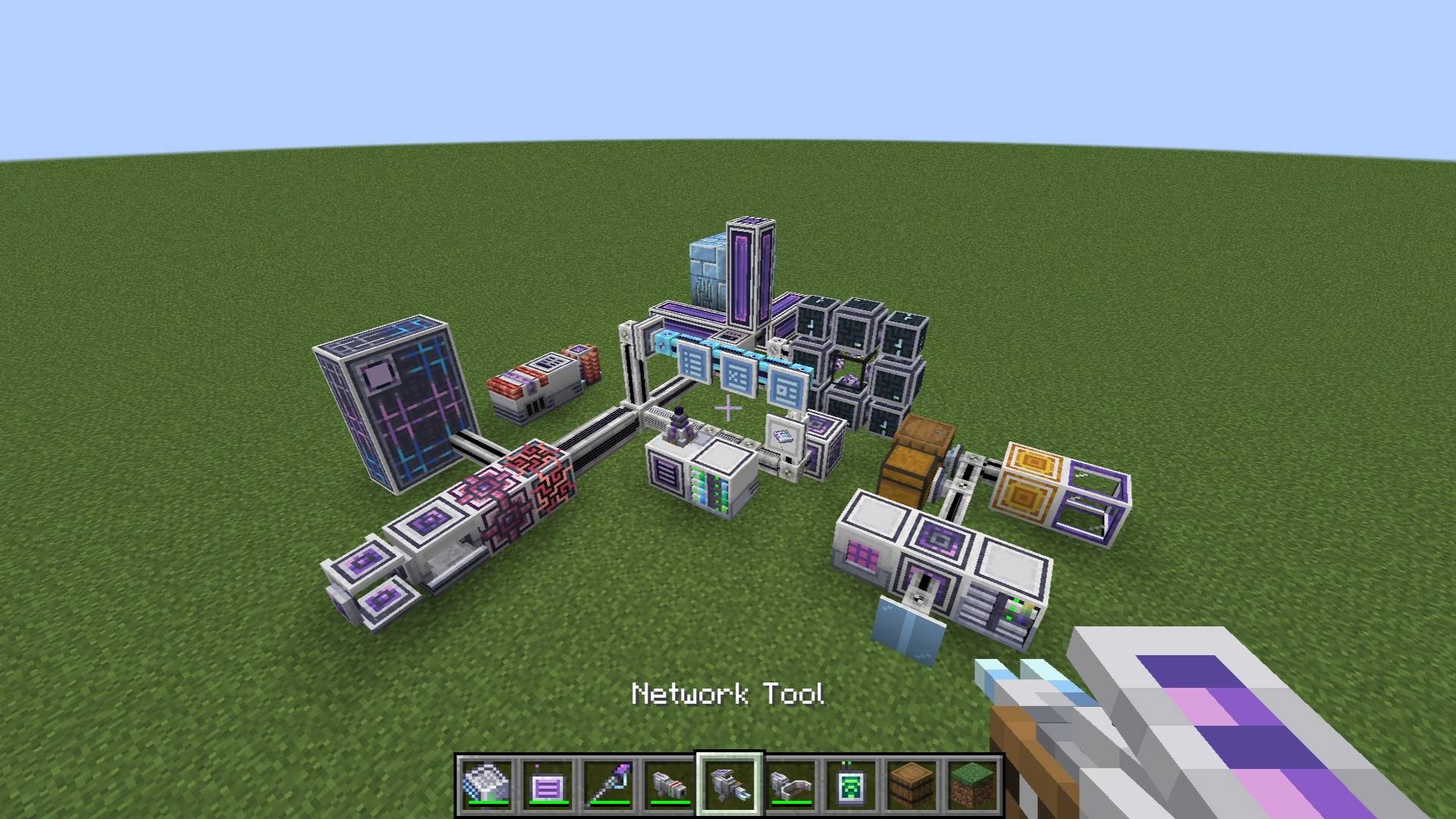
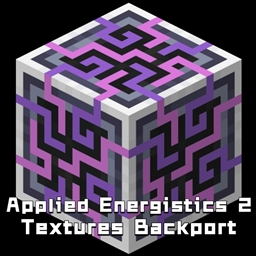
AppliedEnergistics2-TexturesBackport
Replace older versions of AppliedEnergistics2 with new textures.Install
Oshi no ko one! Custom GUI Pack
Oshi no ko one! Custom GUI PackInstallFAQ
Do I need Forge or Fabric for a resource pack?
No. A resource pack works on the regular game with no loaders or mods. Click “Install” and Millida Launcher will put the pack into the right modpack — then just enable it in the settings.
What do 16×, 32×, 64× mean?
The resolution of a single texture in pixels. 16× matches the original game, 32× and 64× are more detailed and heavier, and 128× and up put a noticeable load on your graphics card.
Will a pack made for another version work?
Most likely partly: older packs don't have textures for newer blocks, so those will stay default. The game won't break, though.
How is a texture pack different from a resource pack?
Only by name and age. Before version 1.6 the sets were called texture packs and changed only textures; in 1.6 resource packs replaced them and also change sounds, fonts and the interface. Old texture packs for 1.5 and below do not work on new versions without conversion.
Which texture packs are best for PvP?
PvP packs: 16× resolution or lower, shortened swords, low fire, a clear sky and bright particles. They barely load the computer and make the opponent easier to see. These packs are collected in the PvP theme.
How do I install a resource pack?
Press Install and Millida Launcher puts the pack into the resourcepacks folder of the right instance. Then enable it in the game: Options, then Resource Packs. Manually, the archive goes into resourcepacks inside the game folder, no need to unpack it.
Minecraft texture packs
A resource pack changes how the game looks and sounds: block and item textures, fonts, the interface, sounds. It doesn't touch the game's code, so it needs no mod loader and breaks nothing on a server — the pack only works on your screen. That's exactly why a resource pack is safer than any mod: the worst that happens on a version mismatch is that some textures stay default.
Textures, texture packs and resource packs are essentially the same thing: since version 1.6 Mojang calls these sets resource packs, but the old name is still searched more often. PvP packs are a big genre of their own: shortened swords, low fire, bright particles and 16× resolution or lower, so the opponent stands out and the frame rate does not drop. Such packs are most often made for 1.8.9 and 1.16.5, the versions many PvP servers run on.
The key thing about a pack is its resolution. The game's default textures are 16×16 pixels; 32× and 64× packs look more detailed, while 128× and up need a real graphics card and are usually paired with shaders. On a weak machine it makes sense to stay at 16× or go for packs that deliberately simplify graphics for more FPS. Every pack here lists its game version, author and license, and all released versions are gathered on one card. Put the downloaded archive in the resourcepacks folder and enable it in the game settings.