
Minecraft texture packs — page 46
6,460 itemsResource packs: list
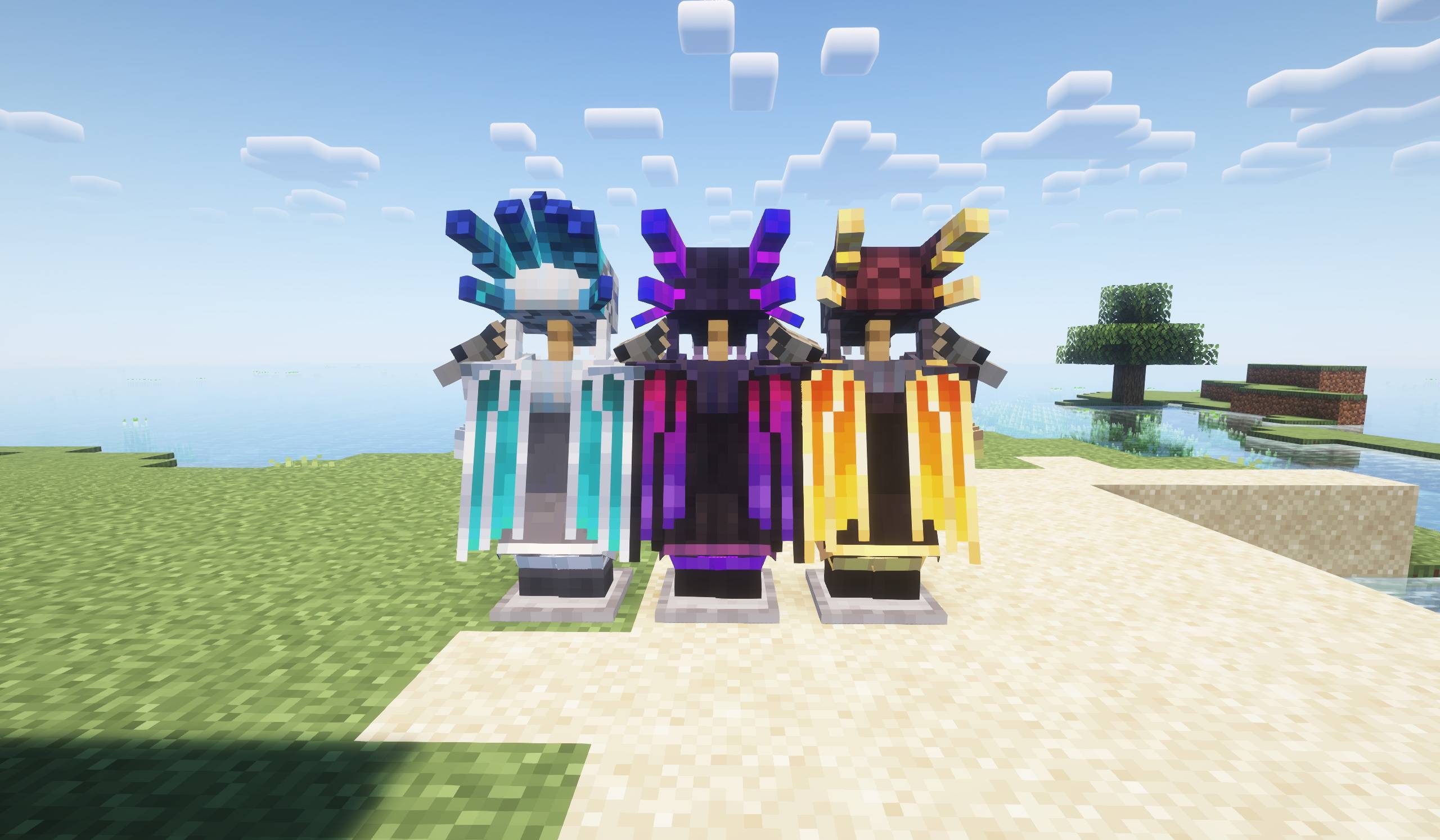


Brass Age
A steampunk style resource pack. Although not specifically designed for create mod, this resource pack also supports create mod well.Install

PDB3D's Blocky Armor Stands - Arms Version
A Resource pack adding a Blockier Armor Stand Model. Requires Optifine or EntityModelFeaturesInstall

Door Tweaks
3D windows, side textures and other additionsInstall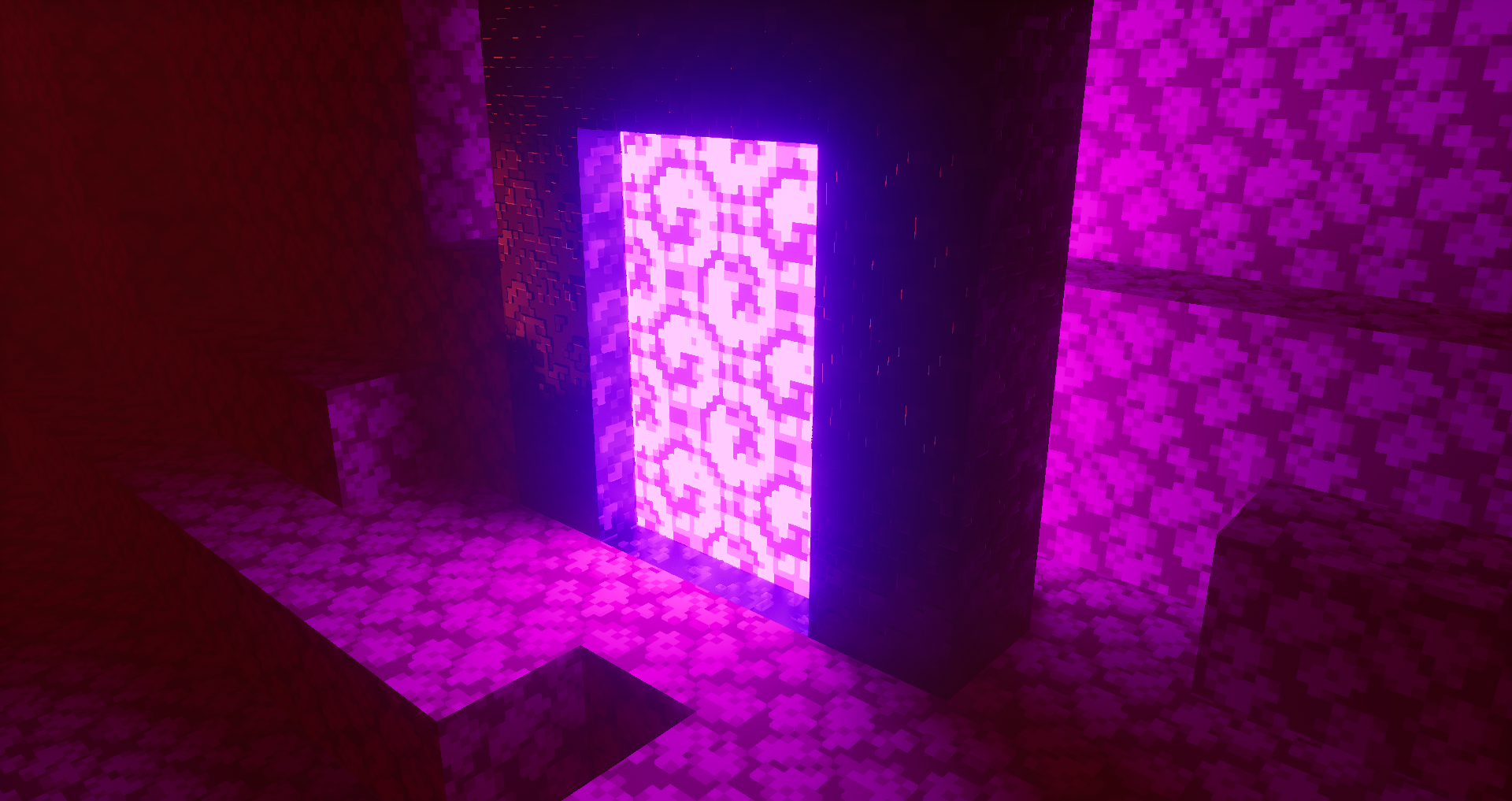

Project: OverSimplified
OverSimplified is a pack that recreates the look of the trailers with Shaders and PBR Features!Install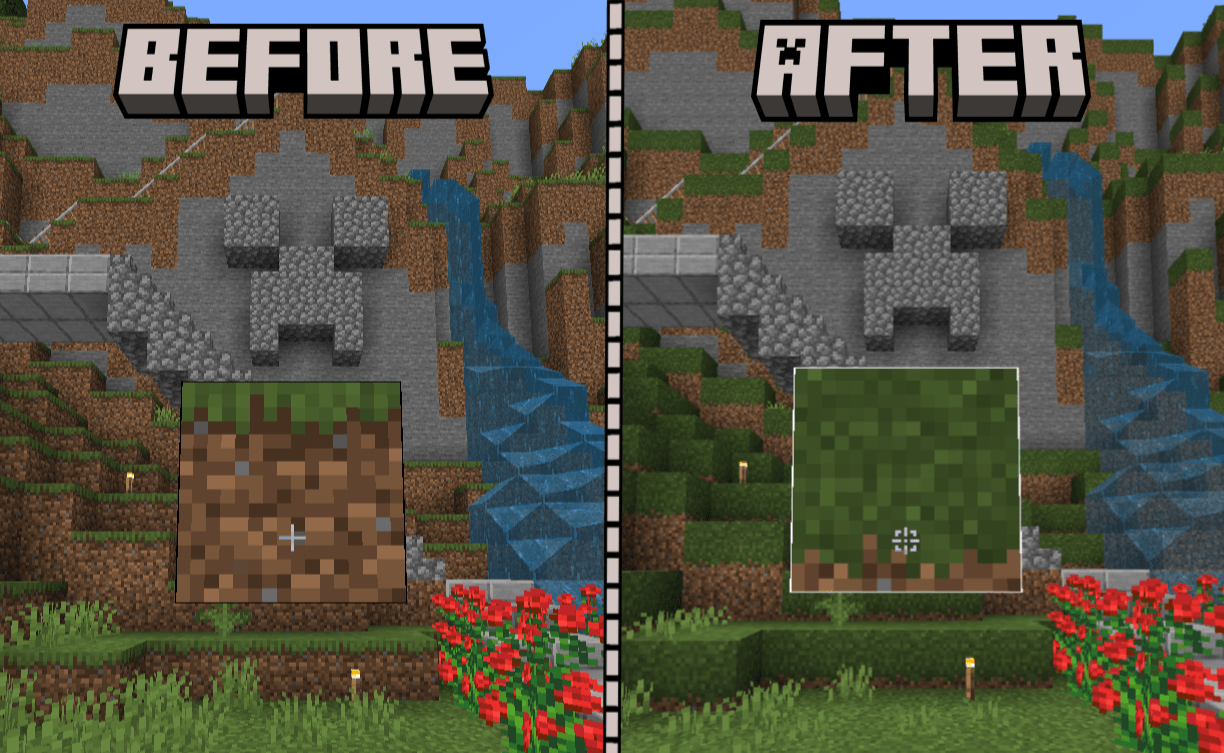
White Outline Selection+
A simple texture pack that changes the block selection outline from black to white for better visibility.Download
Realistic Ores (3D Ores)
Now all the ores will have 3D textures!Install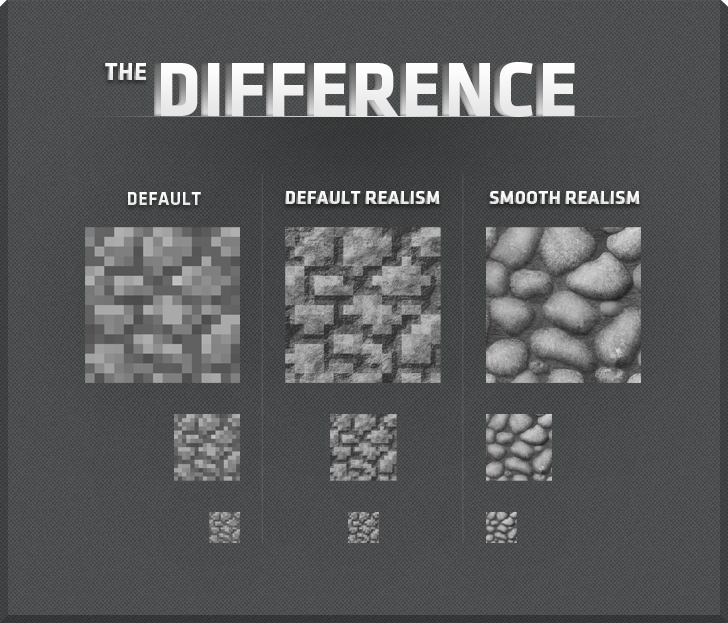

R3D CRAFT: Default Realism 128px
A HD alternative to Minecraft's default apperanceInstall

Golden Days Alpha
Golden Days Alpha brings back the iconic Alpha grass foliage color and more! Use this pack on top of Golden Days Base to relive the Alpha experience in Modern Minecraft! Requires enabling the built-in Programmer Art resource pack and Golden Days Base.Install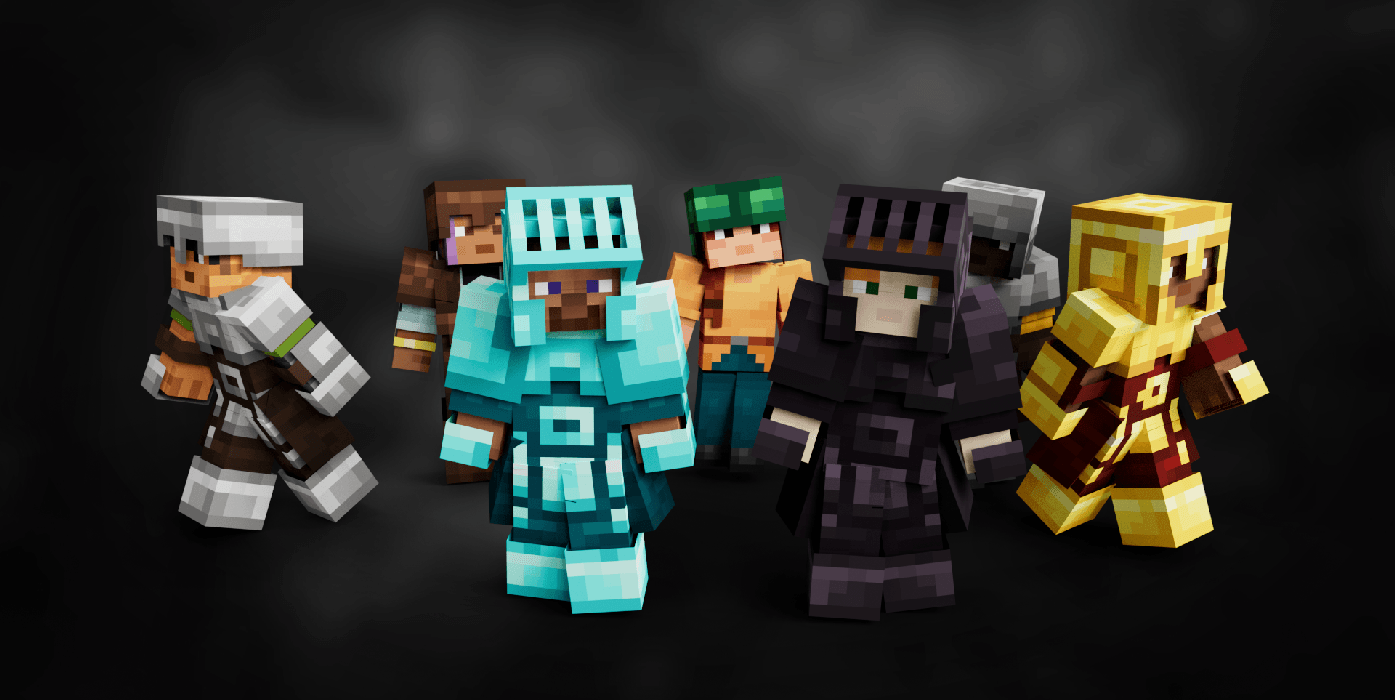
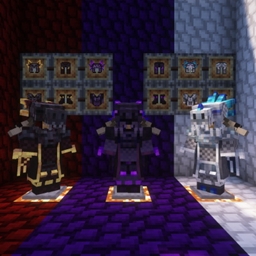
Armory Conglomery
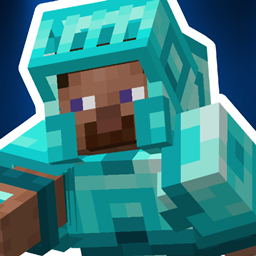
Armors with a Refreshed Take!Install
My Hero Academia Custom GUI Pack
This is a GUI packed themed towards the show "Boku no Hīrō Akademia" or otherwise known as "My Hero Academia". Don't hesitate to comment down below , I have even changed hot bar as well hope you enjoy.Install
Your Lie in April Custom GUI Pack
Your Lie in April Custom GUI PackInstall
Amne's Archon Renewed Spanish Translations
Unofficial spanish Archon Renewed mod translation.Install
SenpaiSpider 1 Million Texture Pack
Here is my 1M Texture Pack. While it may not be the most optimized, I hope my subscribers will enjoy it. Thank you for supportiInstall

Colourful containers Dark Mode GUI
A container GUI replacement mod that hopes to match the menu to every one of Minecraft's colourful interactable blocks.Install

Rainbow Block Selection Outline
This texture pack uses core shaders to make the block selection outline Rainbow.Install

Villager In A Pack
Resource Pack for the Villager In A Bukkit pluginInstall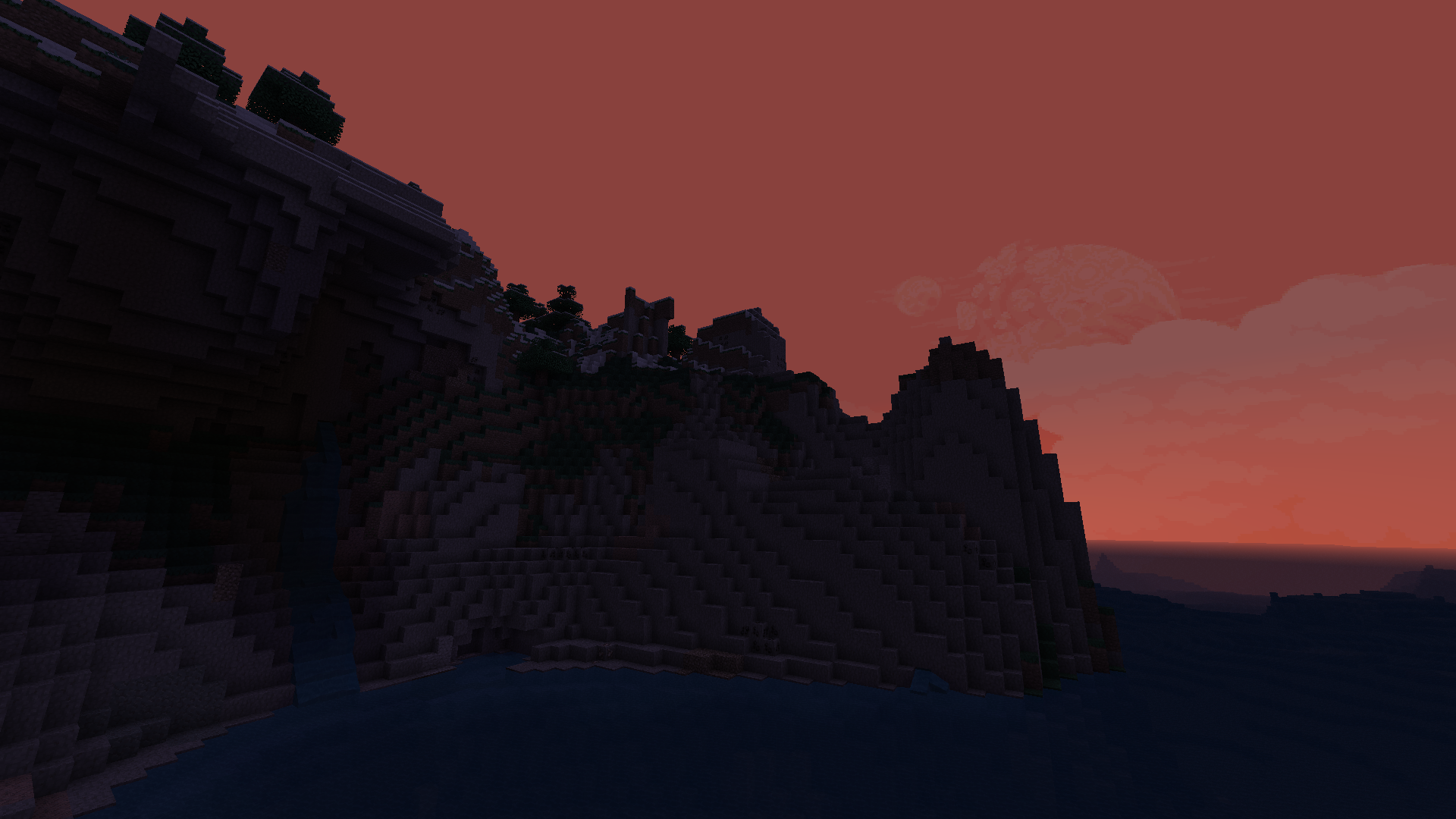
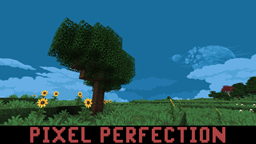
Pixel Perfection - Freshly Updated!
Pixel Perfection - Freshly Updated!Install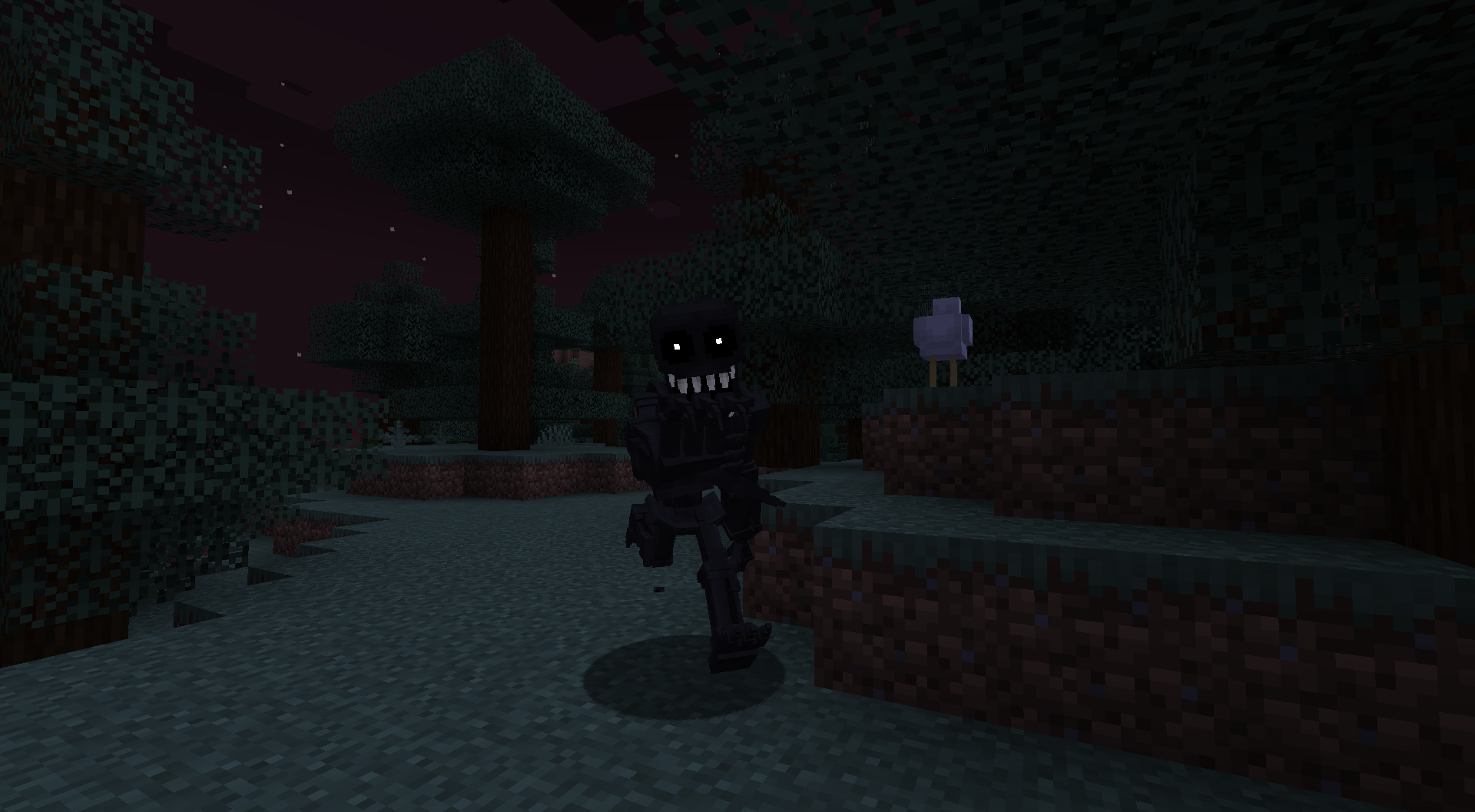
The Midnight Lurker HD
A small resource pack to make the Midnight Lurker more 3D.Install

Cinnamoroll GUI & Hotbar
GUI and hotbar overhaul to be Cinnamoroll themed!Install

Natural Texture Pack
Give your worlds a more natural look. A texture pack based on soft colors and lines. A port from Legacy Console Edition.Install

Trailer Player Animations
Make your player look like in the trailers! Dynamic animated player inspired by Fresh Animations resource pack.Install

Enchantment Outline
Added a purple outline to enchanted toolsInstall
Tokyo Ghoul Custom GUI Pack
This is a GUI packed themed towards the show "Tokyo Ghoul" or otherwise known". Don't hesitate to comment down below , I have even changed hot bar as well hope you enjoy.InstallFAQ
Do I need Forge or Fabric for a resource pack?
No. A resource pack works on the regular game with no loaders or mods. Click “Install” and Millida Launcher will put the pack into the right modpack — then just enable it in the settings.
What do 16×, 32×, 64× mean?
The resolution of a single texture in pixels. 16× matches the original game, 32× and 64× are more detailed and heavier, and 128× and up put a noticeable load on your graphics card.
Will a pack made for another version work?
Most likely partly: older packs don't have textures for newer blocks, so those will stay default. The game won't break, though.
How is a texture pack different from a resource pack?
Only by name and age. Before version 1.6 the sets were called texture packs and changed only textures; in 1.6 resource packs replaced them and also change sounds, fonts and the interface. Old texture packs for 1.5 and below do not work on new versions without conversion.
Which texture packs are best for PvP?
PvP packs: 16× resolution or lower, shortened swords, low fire, a clear sky and bright particles. They barely load the computer and make the opponent easier to see. These packs are collected in the PvP theme.
How do I install a resource pack?
Press Install and Millida Launcher puts the pack into the resourcepacks folder of the right instance. Then enable it in the game: Options, then Resource Packs. Manually, the archive goes into resourcepacks inside the game folder, no need to unpack it.
Minecraft texture packs
A resource pack changes how the game looks and sounds: block and item textures, fonts, the interface, sounds. It doesn't touch the game's code, so it needs no mod loader and breaks nothing on a server — the pack only works on your screen. That's exactly why a resource pack is safer than any mod: the worst that happens on a version mismatch is that some textures stay default.
Textures, texture packs and resource packs are essentially the same thing: since version 1.6 Mojang calls these sets resource packs, but the old name is still searched more often. PvP packs are a big genre of their own: shortened swords, low fire, bright particles and 16× resolution or lower, so the opponent stands out and the frame rate does not drop. Such packs are most often made for 1.8.9 and 1.16.5, the versions many PvP servers run on.
The key thing about a pack is its resolution. The game's default textures are 16×16 pixels; 32× and 64× packs look more detailed, while 128× and up need a real graphics card and are usually paired with shaders. On a weak machine it makes sense to stay at 16× or go for packs that deliberately simplify graphics for more FPS. Every pack here lists its game version, author and license, and all released versions are gathered on one card. Put the downloaded archive in the resourcepacks folder and enable it in the game settings.