
Minecraft texture packs — page 44
6,456 itemsResource packs: list

Visual Potion Effects (All languages)
Add effect icon to potion namesInstall

Golems Refreshed + Fresh Animations
Fresh Animations Compatibility with Golems Refreshed.Install

Repurposed Structures - Paladins & Preists Compat Datapack
Adds Paladin's Sanctuaries to RS villages!Install

Cubic Leaves
Bushy leaves built to be extremely fast, without compromising vanilla aesthetics.Install
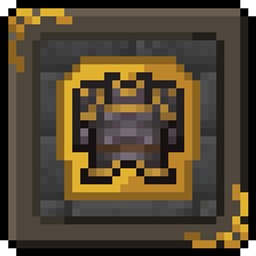
STONEBORN - Dwarven-Fantasy Inspired Gear Overhaul
A simple rustic fantasy gear overhaulInstall

Autoslabs Compat
Fixes texture issues with Autoslabs and several other modsInstall
Vibrating Wither Fix
Stop the wither vibratingInstall

AL's Scorpions & Crabs
This pack is a splinter pack which adds the Scorpions and Crabs from AL's Spiders Revamped as a stand-alone!Install

(Bee's) Fluffy Carpets and Wool
My take on prettier, fluffier carpets and wool blocksInstall

Fresh Animations x Baby Animals Remastered
Fresh Animations compatibility for Baby Animals Remastered.Install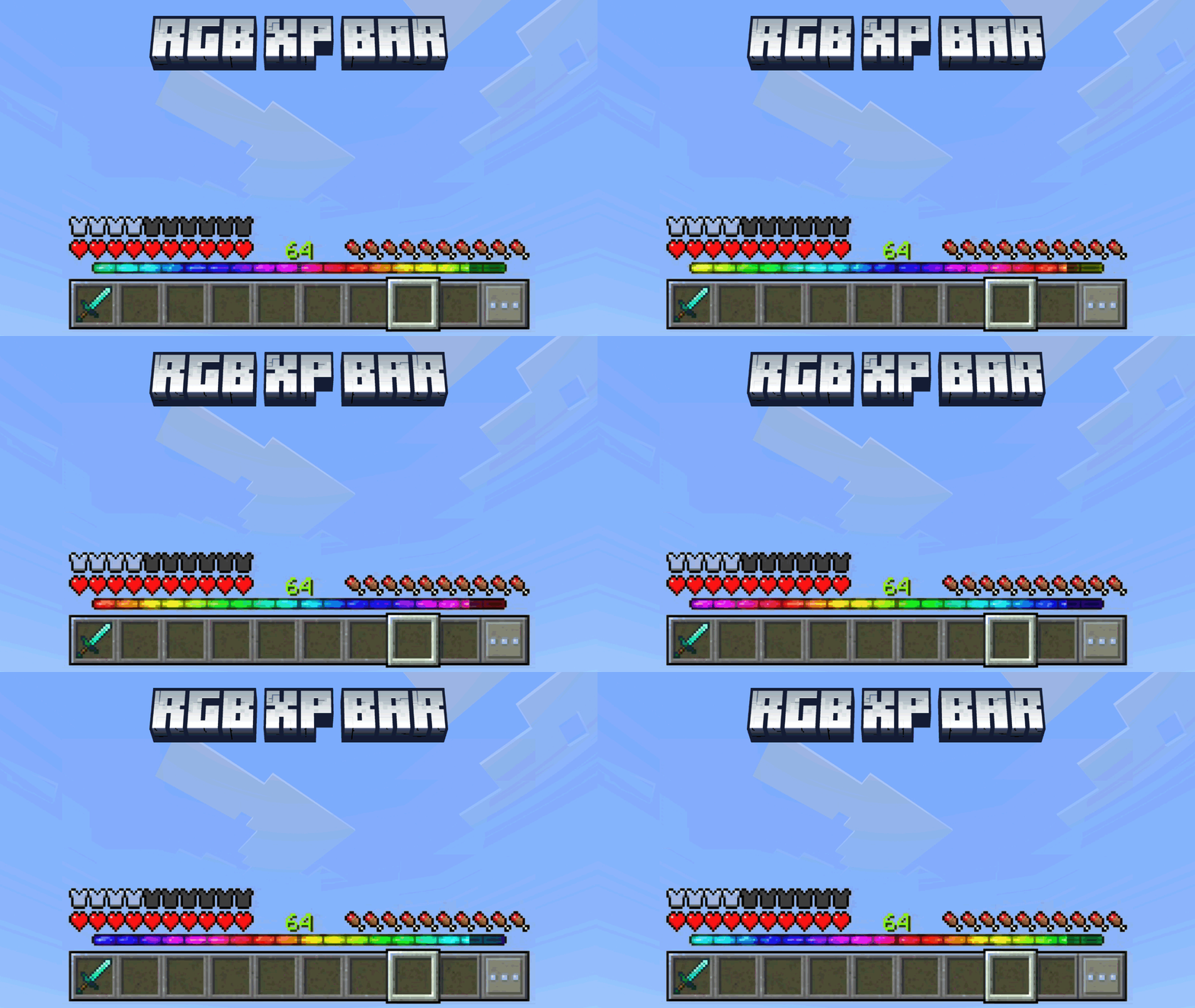

RGB XP Bar
Does the current xp bar look very boring? And you want to make it more interesting? You may need this pack!Change the old boring xp bar becomes colorful and also with animationDownload

Hardcore Quest Mode - Pokehaan 2 Theme
Changes the book in HQM, that is themed behind the modpack Pokehaan Craft 2Install

Smite-a-lot
Brings smiting to Paladins and Priests weapons!Install

Halloween Mash-up
Happy Halloween! Dress suitably spookily and prepare for the ultimate Minecraft Halloween thrill ride! A port from Legacy Console Edition.Install

Drodi's Illagers
Reimagined Illagers with new models, textures, and unique features!Install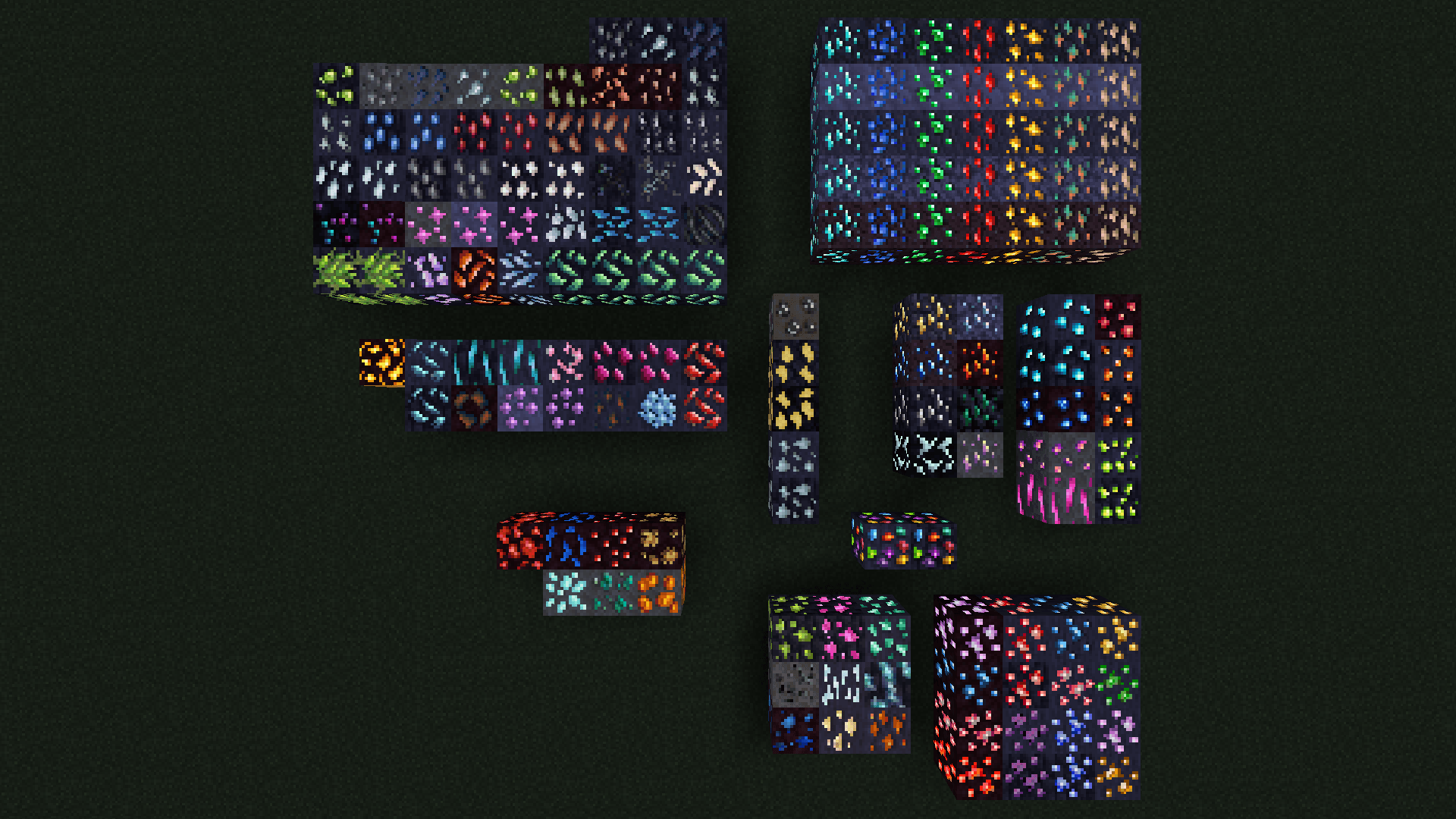
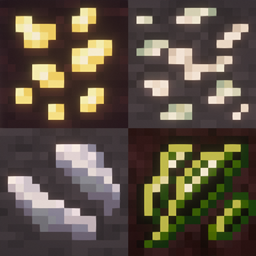
Glowing Ores (Create, Vanilla, Ice & Fire, & more!)
Adds emissive textures for ores from many mods. Requests always welcome.Install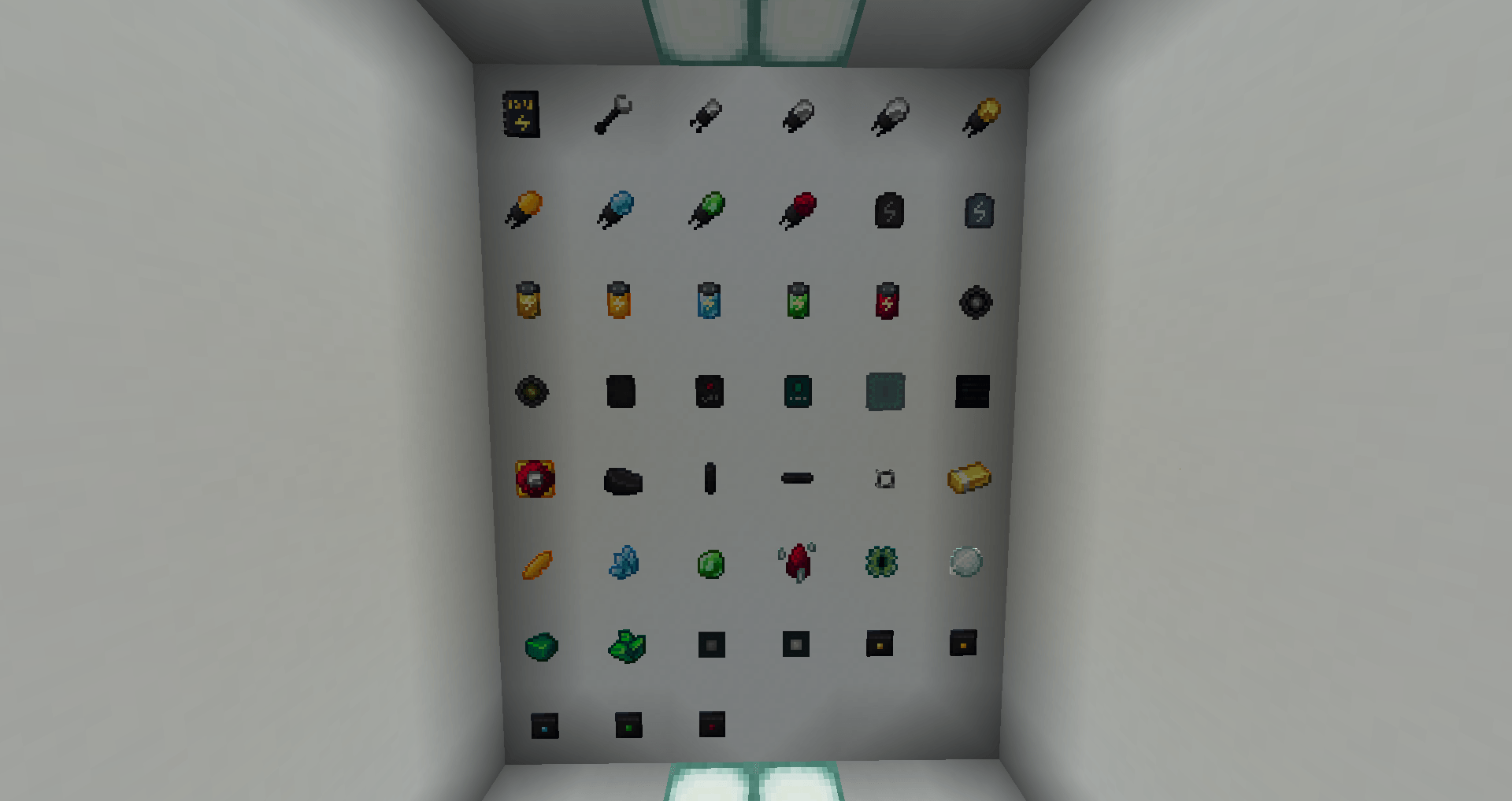
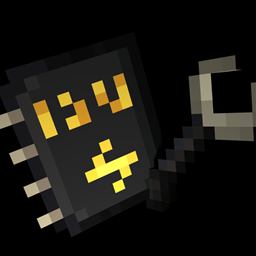
Powah: Pyxal-ated
A powah retexture by Pyxal42Install

Masa Mod Translation Pack
This is a module Chinese localization resource pack specially made for the Masa series of mods.Install

Beyond The Lands
Medieval and Fantasy pack, with custom models, connected textures and moreInstall

AVPBR Retextured
A resource pack that improves the game textures visually with the use of labPBR features available with shaders!Install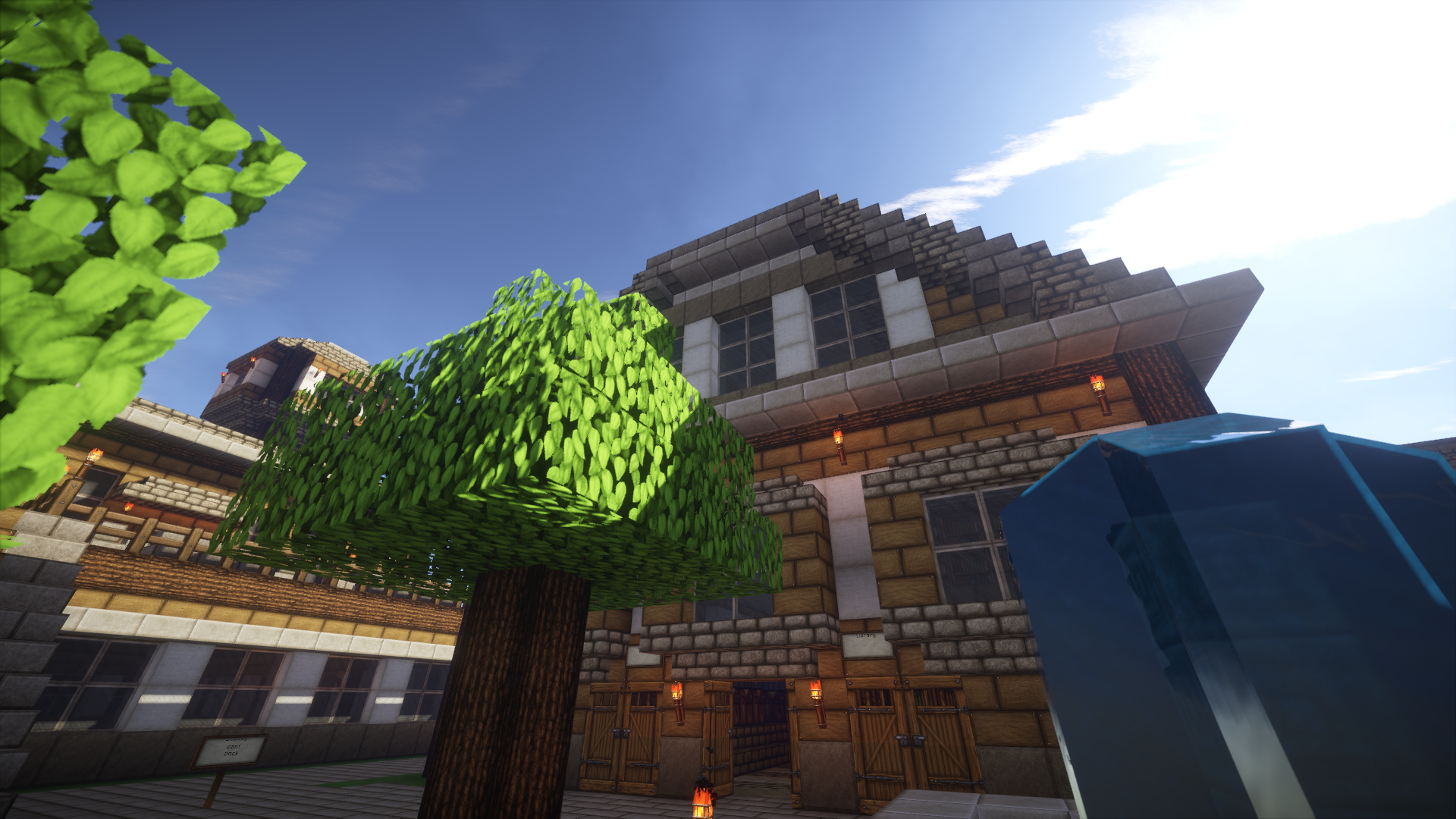

Persistence
A mix between rustic and medievalInstall
Item Info+
A must-have quality of life pack! Show stats on item names using simple and colorful icons. See a mob's HP, mob hostility, banner, firework, enchantment icons, foods' hunger & saturation points, armor points, potion stats, and more!Download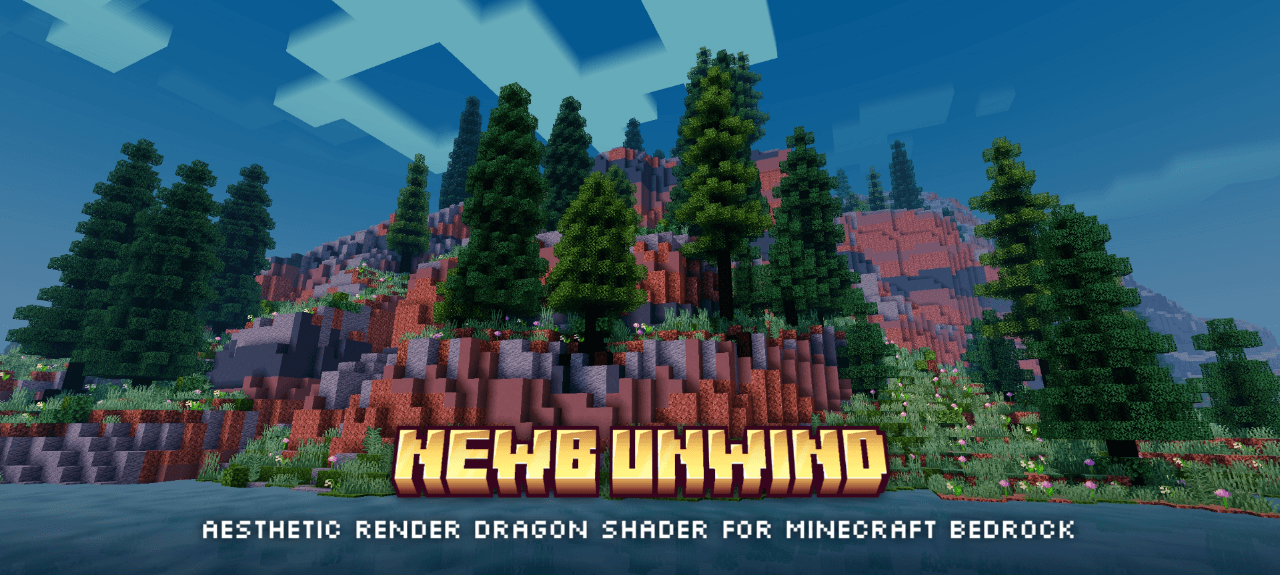

Newb x Unwind
An aesthetic and chill vibes shaders for Minecraft bedrock with calm tone color, cozy night vibes, better weather particle and support for all version 1.21.21 above.DownloadFAQ
Do I need Forge or Fabric for a resource pack?
No. A resource pack works on the regular game with no loaders or mods. Click “Install” and Millida Launcher will put the pack into the right modpack — then just enable it in the settings.
What do 16×, 32×, 64× mean?
The resolution of a single texture in pixels. 16× matches the original game, 32× and 64× are more detailed and heavier, and 128× and up put a noticeable load on your graphics card.
Will a pack made for another version work?
Most likely partly: older packs don't have textures for newer blocks, so those will stay default. The game won't break, though.
How is a texture pack different from a resource pack?
Only by name and age. Before version 1.6 the sets were called texture packs and changed only textures; in 1.6 resource packs replaced them and also change sounds, fonts and the interface. Old texture packs for 1.5 and below do not work on new versions without conversion.
Which texture packs are best for PvP?
PvP packs: 16× resolution or lower, shortened swords, low fire, a clear sky and bright particles. They barely load the computer and make the opponent easier to see. These packs are collected in the PvP theme.
How do I install a resource pack?
Press Install and Millida Launcher puts the pack into the resourcepacks folder of the right instance. Then enable it in the game: Options, then Resource Packs. Manually, the archive goes into resourcepacks inside the game folder, no need to unpack it.
Minecraft texture packs
A resource pack changes how the game looks and sounds: block and item textures, fonts, the interface, sounds. It doesn't touch the game's code, so it needs no mod loader and breaks nothing on a server — the pack only works on your screen. That's exactly why a resource pack is safer than any mod: the worst that happens on a version mismatch is that some textures stay default.
Textures, texture packs and resource packs are essentially the same thing: since version 1.6 Mojang calls these sets resource packs, but the old name is still searched more often. PvP packs are a big genre of their own: shortened swords, low fire, bright particles and 16× resolution or lower, so the opponent stands out and the frame rate does not drop. Such packs are most often made for 1.8.9 and 1.16.5, the versions many PvP servers run on.
The key thing about a pack is its resolution. The game's default textures are 16×16 pixels; 32× and 64× packs look more detailed, while 128× and up need a real graphics card and are usually paired with shaders. On a weak machine it makes sense to stay at 16× or go for packs that deliberately simplify graphics for more FPS. Every pack here lists its game version, author and license, and all released versions are gathered on one card. Put the downloaded archive in the resourcepacks folder and enable it in the game settings.