
Minecraft texture packs — page 33
6,456 itemsResource packs: list

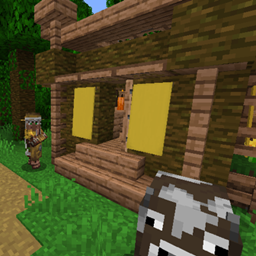
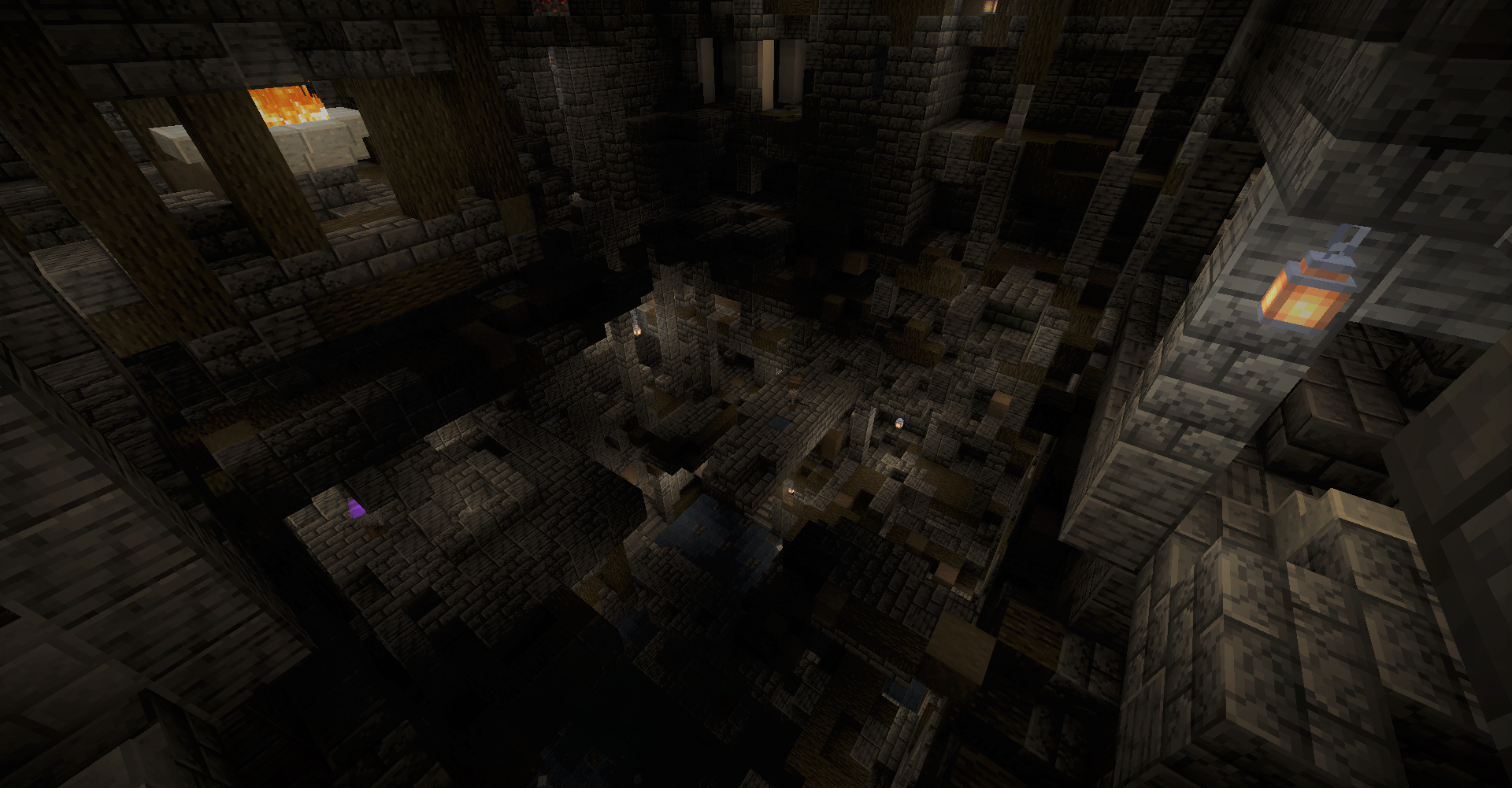
Repurposed Structures - Caves & Cliffs Backport Compat Datapack
Utilizes Caves and Cliffs Mod to enhance RSInstall
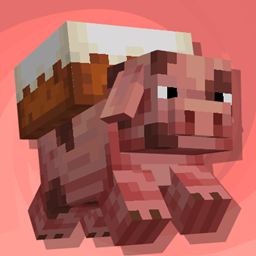
Porkier Pigs
Makes pigs have a bunch of different naturally spawning variants and name dependent variantsInstall

Village Taverns (Brewin' And Chewin' Compatibility)
A small resource pack that adds compatibility between Village Taverns and Brewin' And Chewin'Install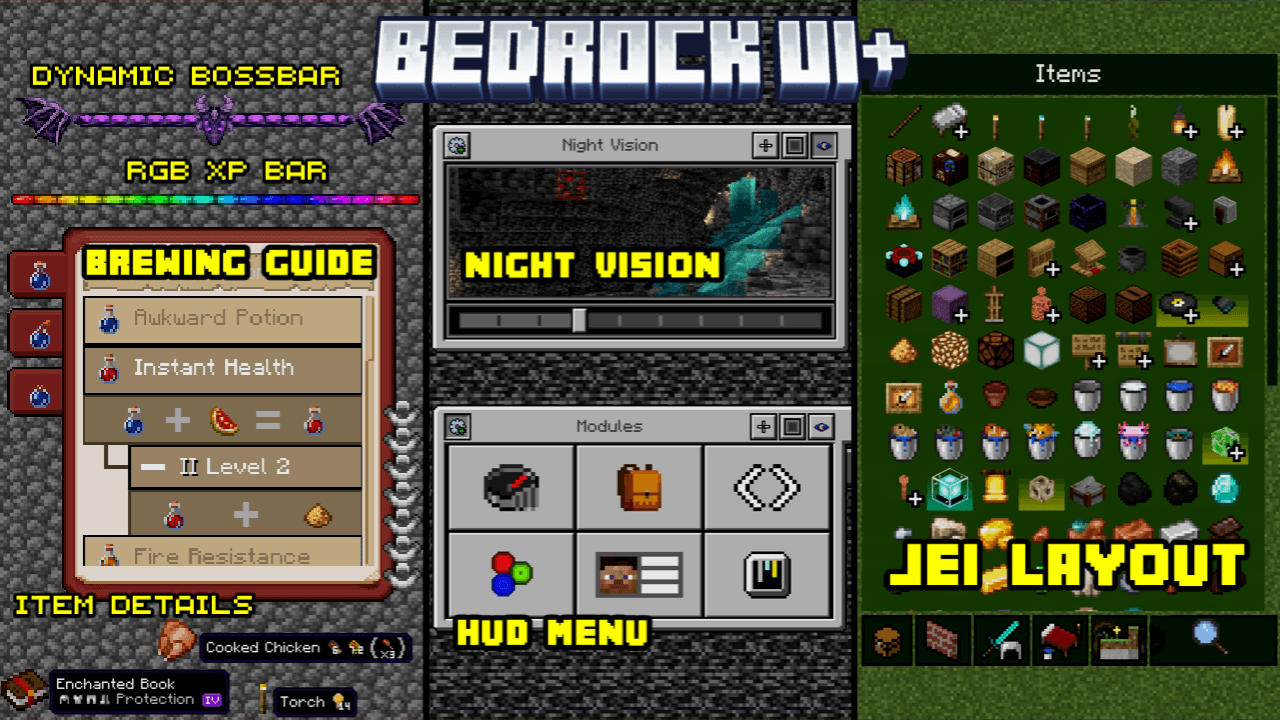
Bedrock UI+
A brand new ui Overhauled from hud+, this ui improves a lots of ui screens, also have so many features that Will helps you in gameplay, such as survival, PVP, etc.Download

Checklist - Pokehaan Theme
This changes the book from the Checklist mod, into being Pokemon themed.Install

Visual Traveler's Titles Reforged
Visual titles when entering dimensions!Install

Plastic Texture Pack
Make your worlds simple, colorful and vibrant! A port from Legacy Console Edition.Install
Hotbar Slot Button
Added new buttons that act like hotbar to make it easier to reach. Light and Customizable!Download

Annahstas Beastrinia 32x
A bright happy resourcepackInstall

蓝电线
A high contrast redstone wire, which is easy to observe and protects the eyes, is charged red and uncharged blue. 一个高对比度的红石线,利于观察护眼,充能红色,不充能蓝色。Install

Armor Trim Compat
Adds compatibility between many modded armor trims and trim materials!Install
Re-Imagine-Tom-Simple-Storage
Re-Imagines the textures of Tom Simple Storage to have a more of an vanilla look!Install

Mace but 3D
Adds a clean 3D model that appears while holding the maceInstall
FTB Pack Chinese Translation Resource
Provide the Chinese translation for FTB mods.Install

Enchanting Table Magic Circle
Adds a magic circle to the enchanting table that appears when you approach itInstall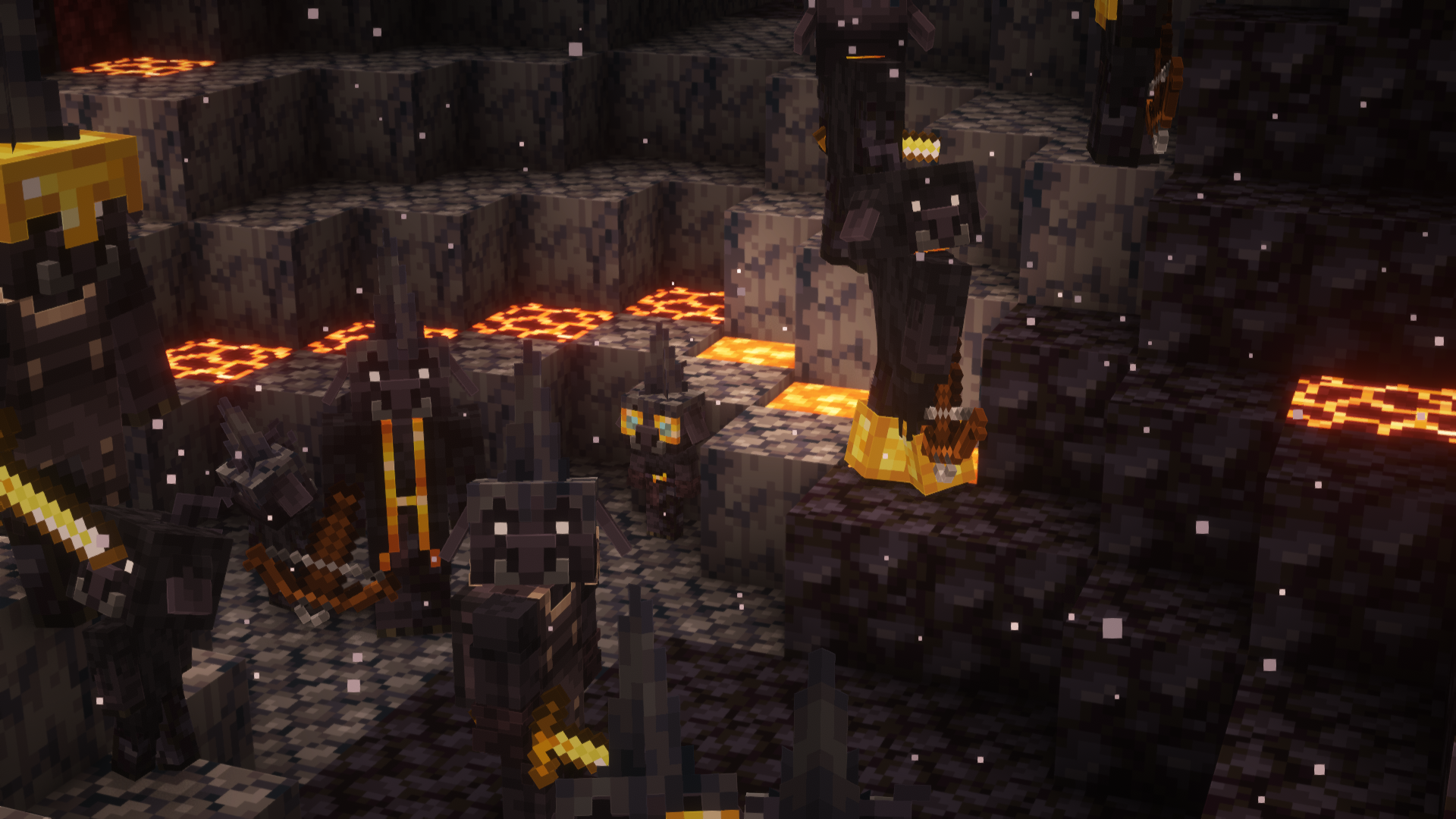
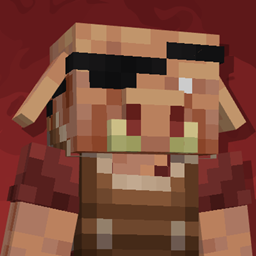
Porkier Piglins
Makes Piglins biome dependent with randomized variantsInstall

Bray's Zombie Overhaul x Fresh Animations
Bray's Zombie Overhaul pack with Fresh Animations compatibility!Install

Better Zombie Horse
A small resource pack that retextures the zombie horse. Works well with Tissou's zombie pack.Install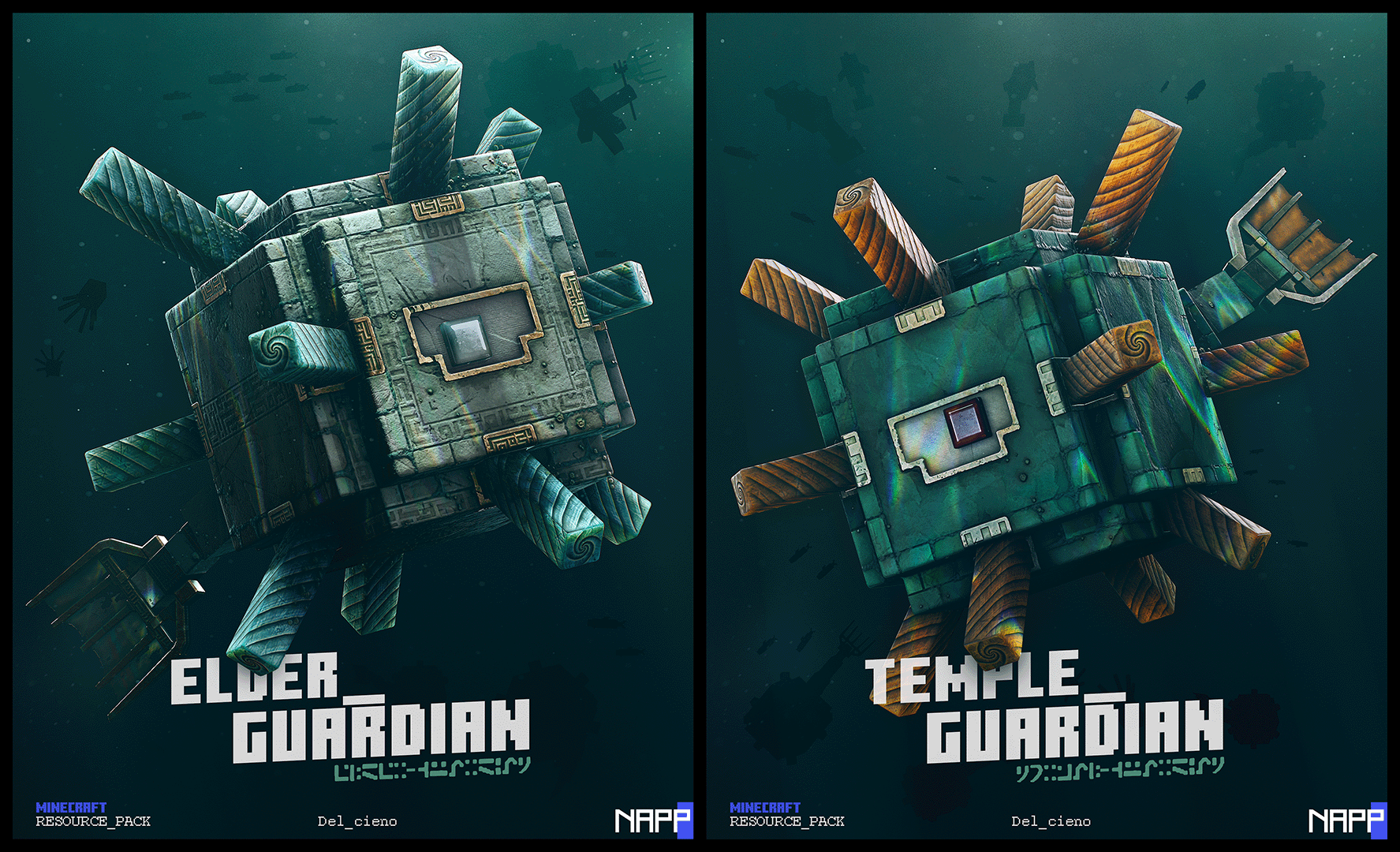

NAPP
Enjoy one of the most popular resource packs that brings vanilla Minecraft into the next generation!Install

Vanilla PBR
PBR materials for Vanilla texturesInstall

Pixlli
A new pbr/pom resource pack that will give you more detail, preserving the vanilla of your game and creating a feeling of your favorite pixelation.Install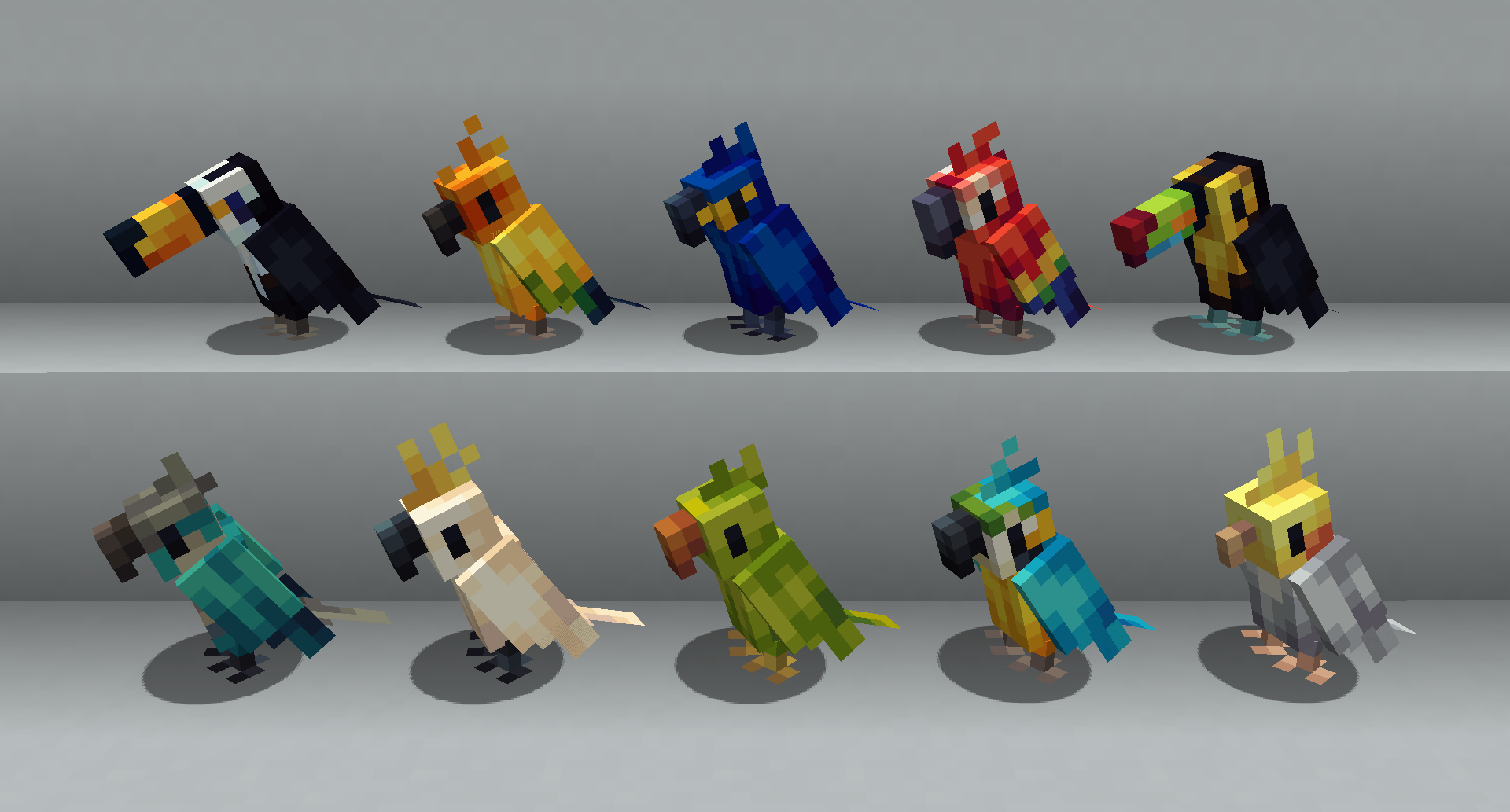
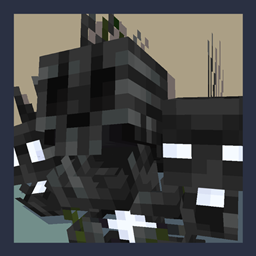
Better Mob Models
Visual overhauls of a few mobs that needed improvements!Install

ReShaded
Shaders with no mods or FPS loss. Compatibility with 26.1-1.20.5 Vanilla, Sodium, and other mods!InstallFAQ
Do I need Forge or Fabric for a resource pack?
No. A resource pack works on the regular game with no loaders or mods. Click “Install” and Millida Launcher will put the pack into the right modpack — then just enable it in the settings.
What do 16×, 32×, 64× mean?
The resolution of a single texture in pixels. 16× matches the original game, 32× and 64× are more detailed and heavier, and 128× and up put a noticeable load on your graphics card.
Will a pack made for another version work?
Most likely partly: older packs don't have textures for newer blocks, so those will stay default. The game won't break, though.
How is a texture pack different from a resource pack?
Only by name and age. Before version 1.6 the sets were called texture packs and changed only textures; in 1.6 resource packs replaced them and also change sounds, fonts and the interface. Old texture packs for 1.5 and below do not work on new versions without conversion.
Which texture packs are best for PvP?
PvP packs: 16× resolution or lower, shortened swords, low fire, a clear sky and bright particles. They barely load the computer and make the opponent easier to see. These packs are collected in the PvP theme.
How do I install a resource pack?
Press Install and Millida Launcher puts the pack into the resourcepacks folder of the right instance. Then enable it in the game: Options, then Resource Packs. Manually, the archive goes into resourcepacks inside the game folder, no need to unpack it.
Minecraft texture packs
A resource pack changes how the game looks and sounds: block and item textures, fonts, the interface, sounds. It doesn't touch the game's code, so it needs no mod loader and breaks nothing on a server — the pack only works on your screen. That's exactly why a resource pack is safer than any mod: the worst that happens on a version mismatch is that some textures stay default.
Textures, texture packs and resource packs are essentially the same thing: since version 1.6 Mojang calls these sets resource packs, but the old name is still searched more often. PvP packs are a big genre of their own: shortened swords, low fire, bright particles and 16× resolution or lower, so the opponent stands out and the frame rate does not drop. Such packs are most often made for 1.8.9 and 1.16.5, the versions many PvP servers run on.
The key thing about a pack is its resolution. The game's default textures are 16×16 pixels; 32× and 64× packs look more detailed, while 128× and up need a real graphics card and are usually paired with shaders. On a weak machine it makes sense to stay at 16× or go for packs that deliberately simplify graphics for more FPS. Every pack here lists its game version, author and license, and all released versions are gathered on one card. Put the downloaded archive in the resourcepacks folder and enable it in the game settings.