
Minecraft texture packs — page 29
6,456 itemsResource packs: list


Tax' Cave Sky
Cave Sky is a Minecraft resourcepack aims to change the coulds.Install
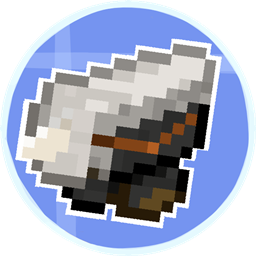
Create Immersive Aircraft : Warship Recipe
An recipe datapack for Create Immersive Aircraft : WarshipInstall
Gobblyn's Better Iron's Spells 'n Spellbooks
Some reworked textures for Iron's Spells 'n SpellbooksInstall

Toggle Night Vision
Want to see caves but too lazy to get torches? This pack makes easier for you to see in dark places without them!Download
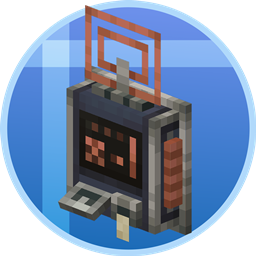
Tom's Create Style
Inspired Create Style Tom's StorageInstall

F8thful
The Vanilla 8x8 Resource PackInstall

Blue's Better Skeletons
Updates Skeletons to look more realistic with more lifelike animationsInstall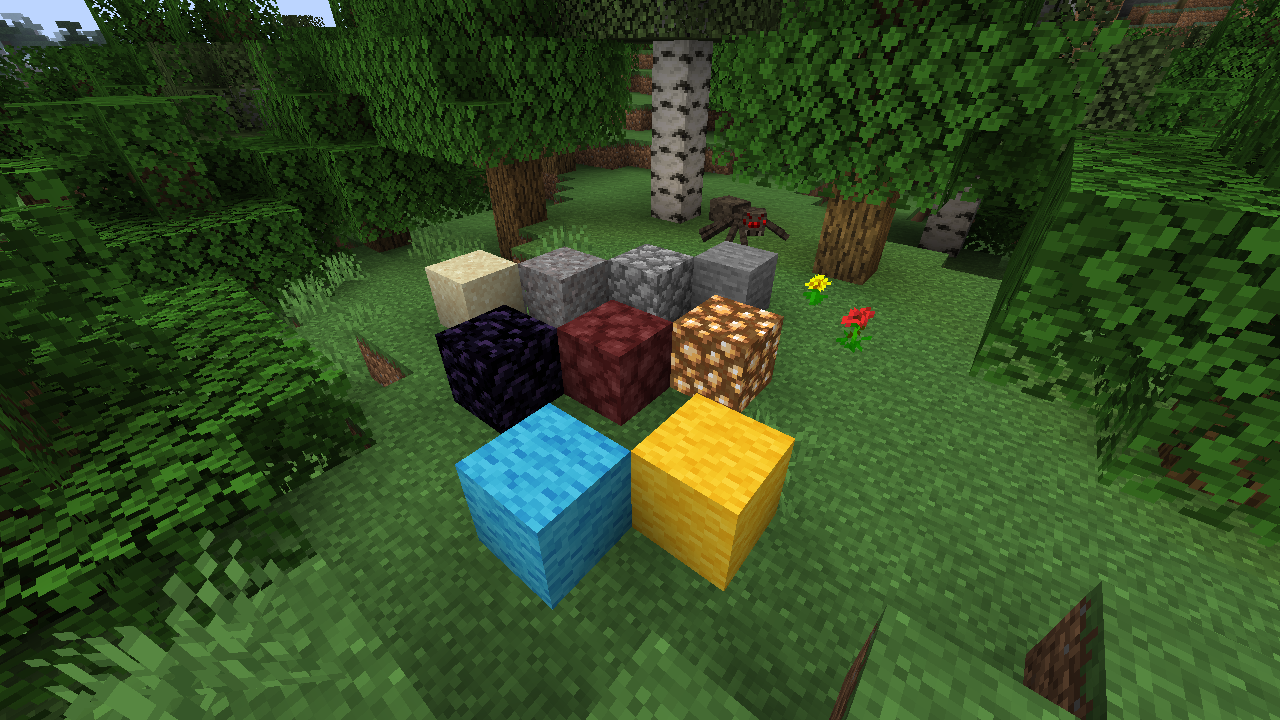
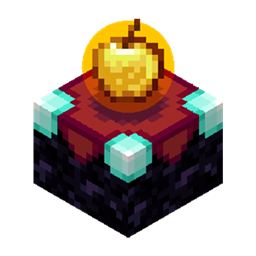
Modernity
Backport of modern vanilla and modded textures to legacy versionsInstall

Simply Swords Reforged
Its a resource pack that will change models of all unique weapons from Simply Swords mod to make them Epic and 3D!Install
[Deprecated]CTOV - Bountiful compatibility pack
Compatibility datapack for Bountiful mod and CTOVInstall

Hyper Realistic Sky
The biggest, most versatile and feature rich sky pack you will ever find out there.Install

Better Lower Fire - Visibility Improved - Reduced Screen Obstruction
Low Fire optimizes the player’s view in Minecraft by reducing the height of fire animations, minimizing screen coverage and enhancing visibility, particularly during combat situations where clear sight is crucial.Install
miles's Enchanted Weapons
Gives unique trims for enchanted weaponsInstall

DeathFX
Adds a unique "You Died" Pop Up effect after dying and death sound effect without mods!Install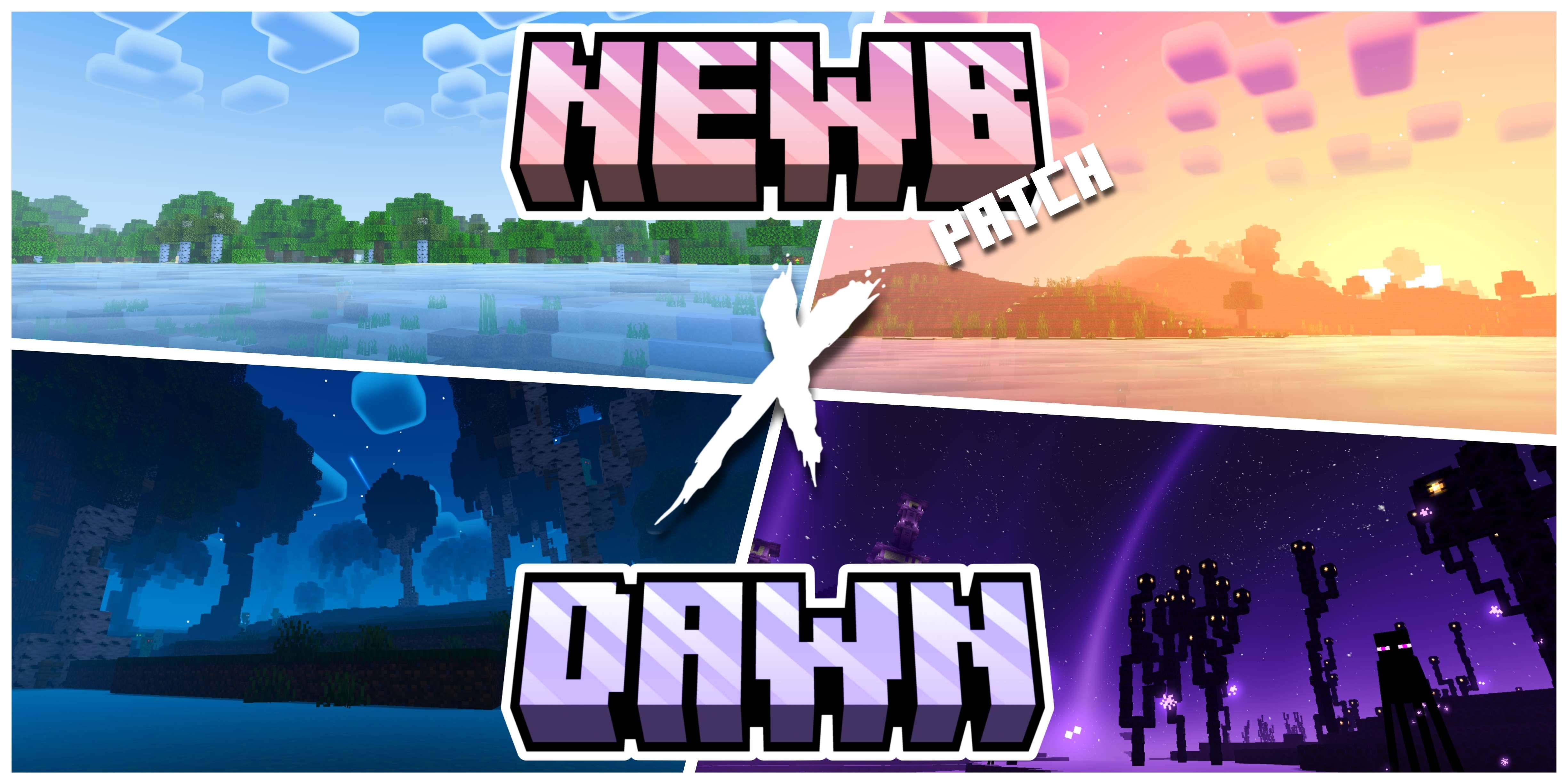

Newb X Dawn Shader | Compatible With Minecraft v26.44
There is a new update of Newb X Dawn with new features and compatible with the latest version which is the v26.44+Download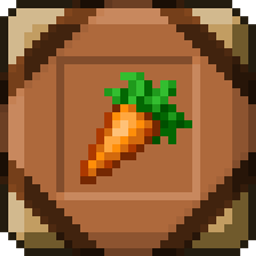
A Better GUI 2
Gui will now be more accurate, but still with this minecraft-style we all love :)Install

PvP Swords
Shorter/smaller textured swords for easier PvP.Install

Ashen Foliage + Fear Nightfall
Simple Foliage add-on configured for use with Fear NightfallInstall

Sparkles: Stardust Labs Resourcepack
An optional resourcepack for all of Stardust Labs' projects. Adds localizations and minimap biome name fixes, as well as textures for Incendium.Install
Pleasant Menu
This pack changes some Textures in menu and options, minor Texts and Menu BackgroundsInstall

Colourful containers GUI
A container GUI replacement mod that hopes to match the menu to every one of Minecraft's colourful interactable blocks.Install

Excalibur
Epic Medieval FantasyInstall

Longwing Nuker
Phobia friendly pack for Longwings that makes Butterflies & Moths invisibleInstallFAQ
Do I need Forge or Fabric for a resource pack?
No. A resource pack works on the regular game with no loaders or mods. Click “Install” and Millida Launcher will put the pack into the right modpack — then just enable it in the settings.
What do 16×, 32×, 64× mean?
The resolution of a single texture in pixels. 16× matches the original game, 32× and 64× are more detailed and heavier, and 128× and up put a noticeable load on your graphics card.
Will a pack made for another version work?
Most likely partly: older packs don't have textures for newer blocks, so those will stay default. The game won't break, though.
How is a texture pack different from a resource pack?
Only by name and age. Before version 1.6 the sets were called texture packs and changed only textures; in 1.6 resource packs replaced them and also change sounds, fonts and the interface. Old texture packs for 1.5 and below do not work on new versions without conversion.
Which texture packs are best for PvP?
PvP packs: 16× resolution or lower, shortened swords, low fire, a clear sky and bright particles. They barely load the computer and make the opponent easier to see. These packs are collected in the PvP theme.
How do I install a resource pack?
Press Install and Millida Launcher puts the pack into the resourcepacks folder of the right instance. Then enable it in the game: Options, then Resource Packs. Manually, the archive goes into resourcepacks inside the game folder, no need to unpack it.
Minecraft texture packs
A resource pack changes how the game looks and sounds: block and item textures, fonts, the interface, sounds. It doesn't touch the game's code, so it needs no mod loader and breaks nothing on a server — the pack only works on your screen. That's exactly why a resource pack is safer than any mod: the worst that happens on a version mismatch is that some textures stay default.
Textures, texture packs and resource packs are essentially the same thing: since version 1.6 Mojang calls these sets resource packs, but the old name is still searched more often. PvP packs are a big genre of their own: shortened swords, low fire, bright particles and 16× resolution or lower, so the opponent stands out and the frame rate does not drop. Such packs are most often made for 1.8.9 and 1.16.5, the versions many PvP servers run on.
The key thing about a pack is its resolution. The game's default textures are 16×16 pixels; 32× and 64× packs look more detailed, while 128× and up need a real graphics card and are usually paired with shaders. On a weak machine it makes sense to stay at 16× or go for packs that deliberately simplify graphics for more FPS. Every pack here lists its game version, author and license, and all released versions are gathered on one card. Put the downloaded archive in the resourcepacks folder and enable it in the game settings.