
Minecraft texture packs — page 204
Resource packs: list


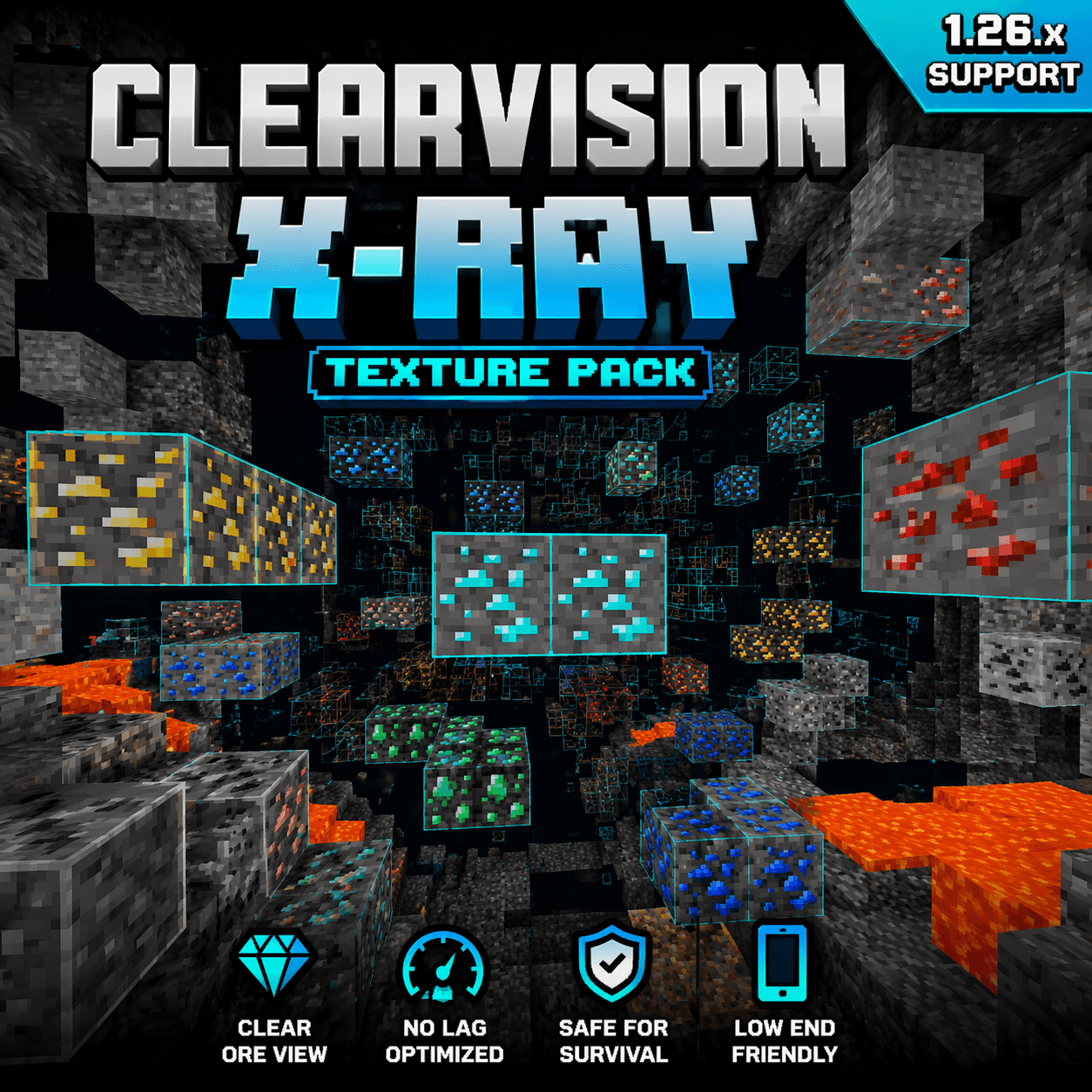

Minecraft X-Ray 1.26.x – No Lag Ore Visibility Pack
A clean and optimized X-Ray texture pack for Minecraft Bedrock 1.26.x that improves ore visibility with smooth, no-lag performance.Download

Leaf Litter Recolor
Changes fallen leaves colors, making them more vibrant and natural. From brown tones to green and yellow shades, giving your world a fresh look without changing the vanilla style.Install

Origins Immersion: Merling
A mermaid-themed health barInstall

SHC Floats Remake
Replace the boats for Pool floatsInstall

RegiCraft
A great texture pack with lots of potential and high quality 16x16 texturesInstall

Shiny Ores - Bedrock
Shiny Ores makes every ore easier to spot by adding glowing ores in Vibrant Visuals and clear ore outlines in Fancy Graphics, helping you find valuable resources faster.Download

Fox Totem of Undying
Fox Totem customizes the Totem of Undying in Minecraft with a vibrant fox design, adding a playful touch to your gameplay.Install
More Fungi
Adds variants for brown and red mushrooms.Install

Stay True + Abnormals Compatibility Pack
Adds compat between the Stay True resource pack and various Abnormals mods.Install

Doggy Talents Next X New Wolves
Adding 1.20.5 Wolves and DTNP wolves into DTN's Skin Customization Menu!Install

UltimaCraft Enchantments
Adds unique look for each enchanted book, tool, armor and weaponInstall

PrestonPlayz Texture Pack 1.8.x - 1.19.x
PrestonPlayz Texture Pack 64x for 1.8.x - 1.19.xInstall

Jicklus Orange Autumn Addon
An autumn themed addon for the texturepack 'Jicklus'.Install
Deez FPS [Transparent GUI]
Transparent GUIInstall
Plastic PBR
Plastic-styled vanilla PBR packlInstall
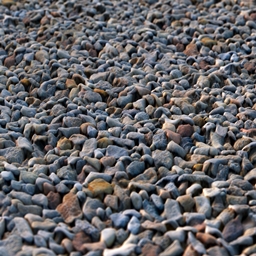
Photoscanned 3d textures
Photoscanned and photoshopped textures with integrated parallax occlusion mapping for shader supportInstall

Boss Bars+
New Custom Boss bars for your game! Each one designed to be visually impressive and matches each boss's theme.Download

Animated Gojo Totem
Replaces the Totem of Undying with an Anime Animated Gojo TotemDownload

sharpless
Smooth, clean, boosted vanilla vibes. Better visibility, better gameplay, zero clutter. Grab it and make your Minecraft look fresh.Install

Pikachu Totem of Undying - Pokemon-Style
The Pikachu Totem resource pack gives Minecraft's totem of undying a delightful makeover by turning it into Pikachu.Install
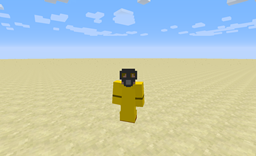
Apocalyptic Textures
Apocalyptic TexturesInstall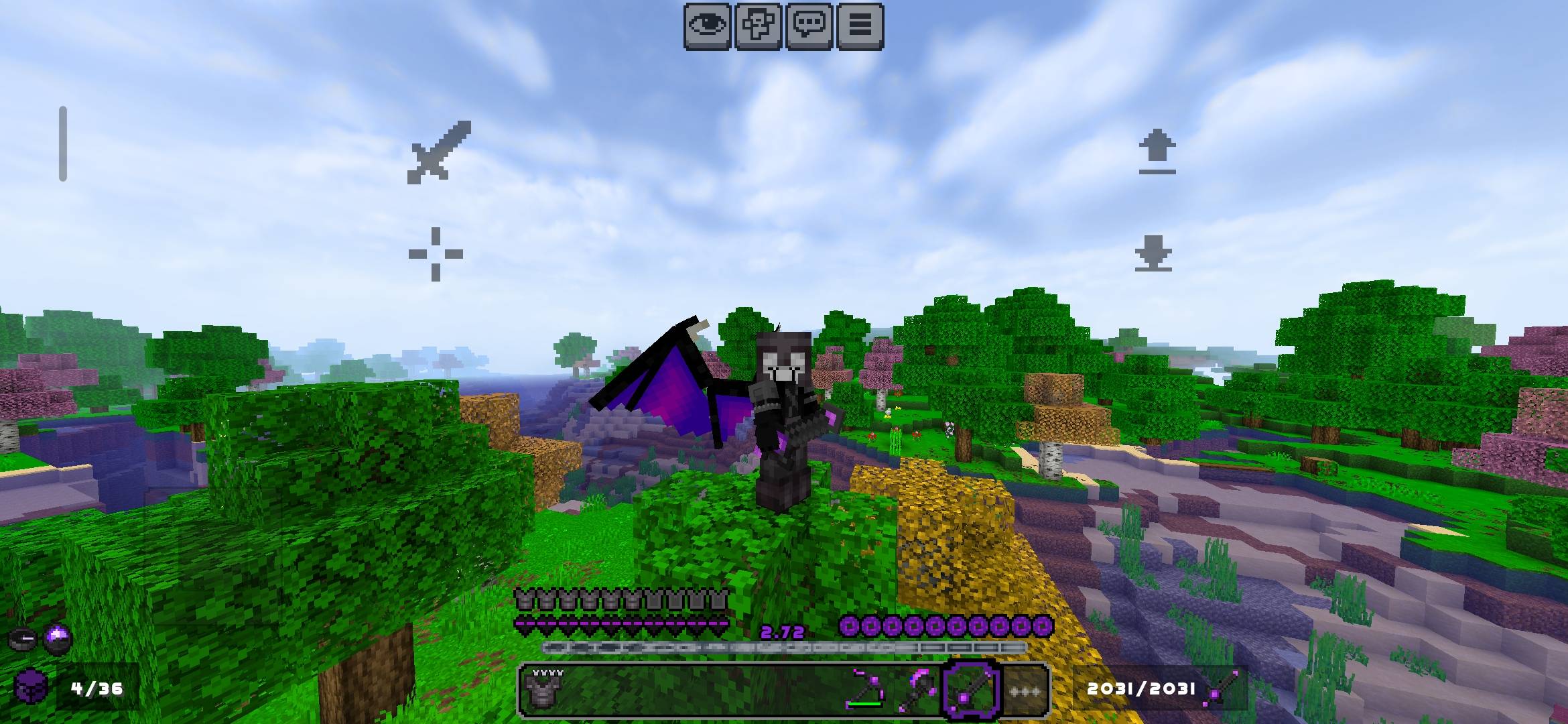

Void-Born Client Definitive
Void-Born Client Definitive It's a texture pack with many shortcuts and visual enhancements; a great project you should definitely try.Download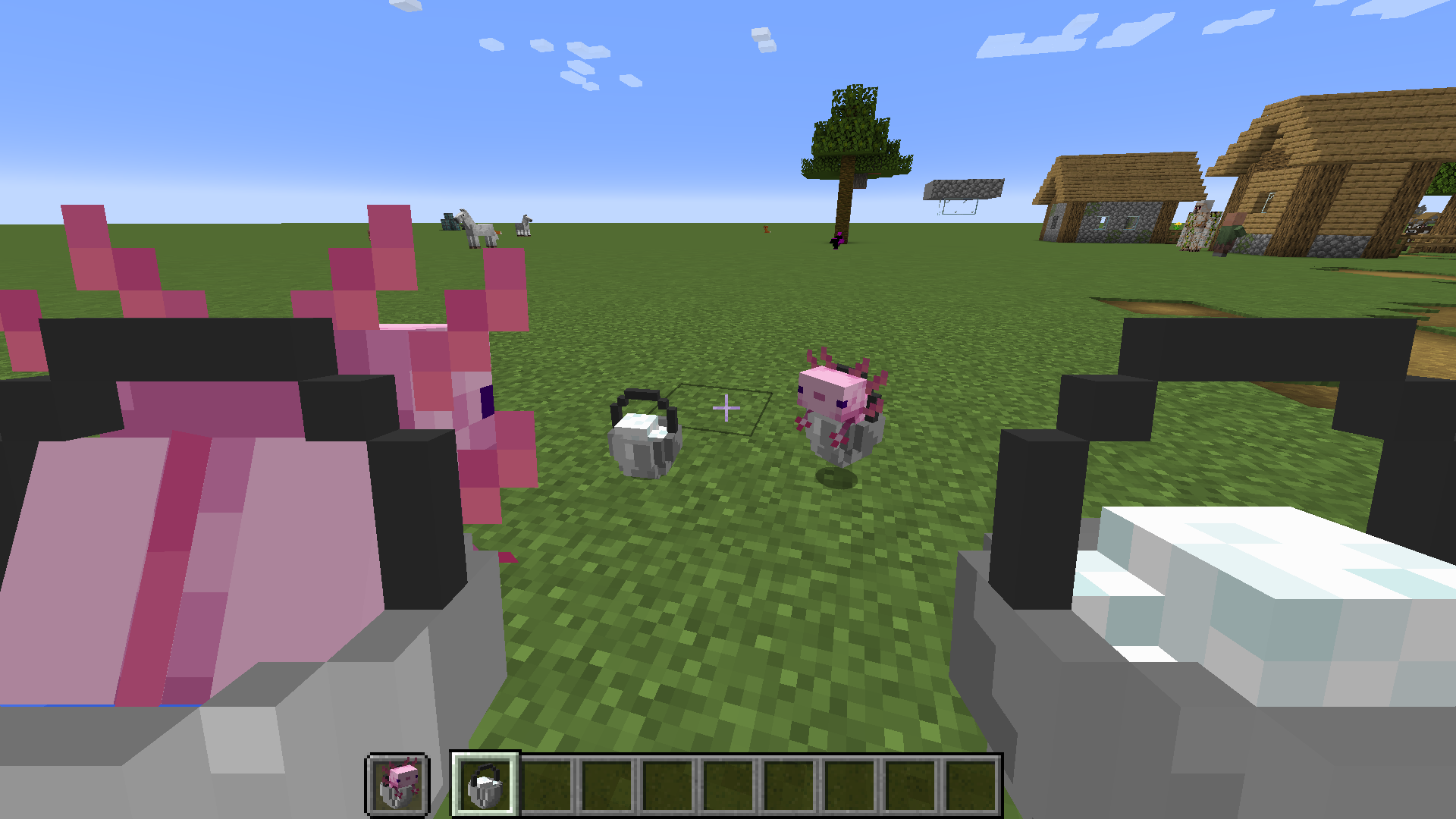
Tahiti: 3D Tools
A 3D resource pack with a distinctly vanilla styleInstallFAQ
Do I need Forge or Fabric for a resource pack?
No. A resource pack works on the regular game with no loaders or mods. Click “Install” and Millida Launcher will put the pack into the right modpack — then just enable it in the settings.
What do 16×, 32×, 64× mean?
The resolution of a single texture in pixels. 16× matches the original game, 32× and 64× are more detailed and heavier, and 128× and up put a noticeable load on your graphics card.
Will a pack made for another version work?
Most likely partly: older packs don't have textures for newer blocks, so those will stay default. The game won't break, though.
How is a texture pack different from a resource pack?
Only by name and age. Before version 1.6 the sets were called texture packs and changed only textures; in 1.6 resource packs replaced them and also change sounds, fonts and the interface. Old texture packs for 1.5 and below do not work on new versions without conversion.
Which texture packs are best for PvP?
PvP packs: 16× resolution or lower, shortened swords, low fire, a clear sky and bright particles. They barely load the computer and make the opponent easier to see. These packs are collected in the PvP theme.
How do I install a resource pack?
Press Install and Millida Launcher puts the pack into the resourcepacks folder of the right instance. Then enable it in the game: Options, then Resource Packs. Manually, the archive goes into resourcepacks inside the game folder, no need to unpack it.
Minecraft texture packs
A resource pack changes how the game looks and sounds: block and item textures, fonts, the interface, sounds. It doesn't touch the game's code, so it needs no mod loader and breaks nothing on a server — the pack only works on your screen. That's exactly why a resource pack is safer than any mod: the worst that happens on a version mismatch is that some textures stay default.
Textures, texture packs and resource packs are essentially the same thing: since version 1.6 Mojang calls these sets resource packs, but the old name is still searched more often. PvP packs are a big genre of their own: shortened swords, low fire, bright particles and 16× resolution or lower, so the opponent stands out and the frame rate does not drop. Such packs are most often made for 1.8.9 and 1.16.5, the versions many PvP servers run on.
The key thing about a pack is its resolution. The game's default textures are 16×16 pixels; 32× and 64× packs look more detailed, while 128× and up need a real graphics card and are usually paired with shaders. On a weak machine it makes sense to stay at 16× or go for packs that deliberately simplify graphics for more FPS. Every pack here lists its game version, author and license, and all released versions are gathered on one card. Put the downloaded archive in the resourcepacks folder and enable it in the game settings.