
Minecraft texture packs — page 200
6,456 itemsResource packs: list

ReShaded
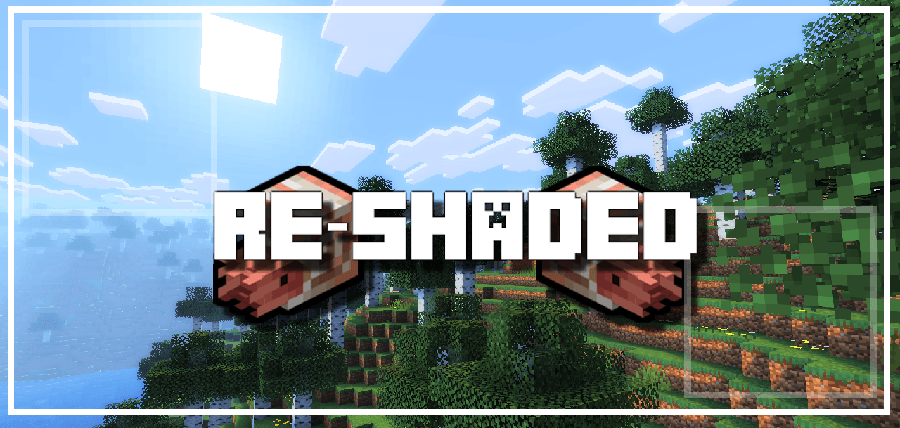
Shaders with no mods or FPS loss. Compatibility with 1.21.11-1.20.5 Vanilla, Sodium, and other mods!Install

Recreated Villagers
a recreation that adds multiple 3d details to the various professions of villagers!Install
Elytra Wings
Custom 3D Elytra with white, black, and brown variants. Optimized for Bedrock with animations and full skin support.Download

RenewedMenu
It change the "menu aspect" of the game, enjoyInstall
Chipped Create Compatibility
Adds recipes to craft Chipped blocks with CreateInstall

RPG Stylish Player Villagers
Change the model of some Village and Pillage to be more human like and others, player likeInstall

ý Better Outline Ores
Gives an outline on all ores in Minecraft Bedrock so that mining becomes much easier, with no lag!Download

Islana's Armor Accessories
Armor texture replacer.Install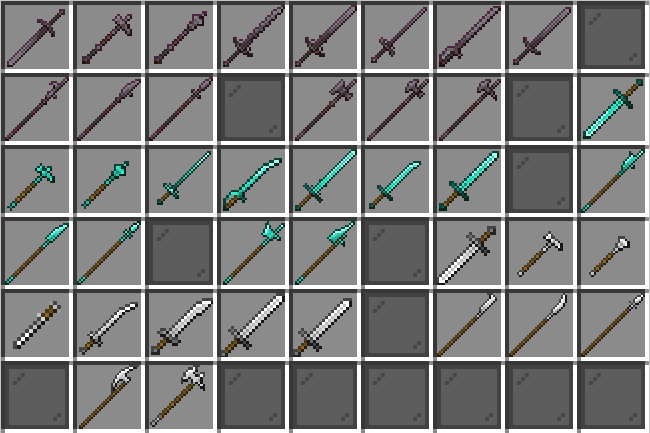

Unique Weapons
Historically accurate CIT-driven weaponsInstall
Nether Mobs Retexture
Nether Mobs Retexture-Changes the textures of mobs that are in NetherInstall
Growing Darkness
A resource pack that makes the Wither Storm look like in Minecraft: Story Mode.Install

Converter: Resurrected
Convert versions between 1.6.1 and 1.12.2 to 26.1.2 now!Install

Grey64's Animated Items
Animates some item textures.Install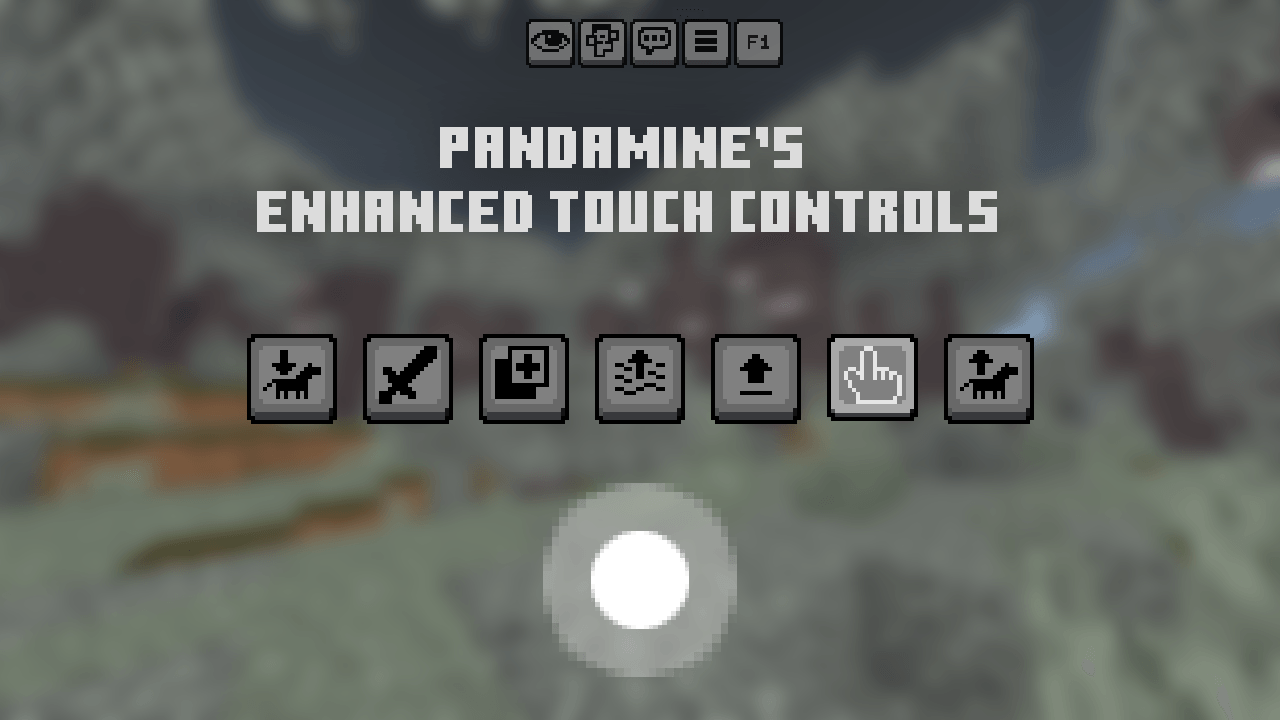

PandaMine's Enhanced Touch Controls (Invisible Touch Buttons, Inventory Button Hider, F1 Button)
Changes Touch Controls textures, adds stone D-Pad and makes buttons transparent, adds F1 button & No Inventory button. Works on 1.19 - 1.26 and Servers!Download

Jesus Totem of Undying
The Jesus Totem resource pack offers a unique spiritual touch to Minecraft by transforming the totem of undying into a depiction of Jesus.Install

Newb X Old Times
This is a shader made to give you old Minecraft Alpha as well as VHS vibes. It also has custom alpha textures.Download

Vanilla Butterflies
Adds animated butterflies to flowers!Install
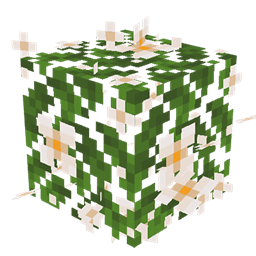
JS Leaves+ for Biomes O' Plenty
This resource pack improves the foliage in Biomes O' Plenty by adding volume to it.Install
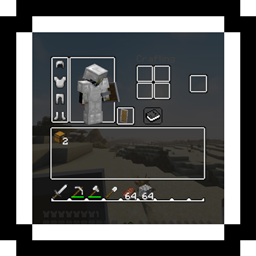
Discreet GUI
A simple GUI made to be used with shaders!Install

Immersive Interfaces - Cosmetic Armor Reworked Mod Support
This texture pack adds special compatibility with Cosmetic Armor Reworked, integrating its grooves into the aesthetics of Immersive Interfaces.Install

Tables 3D - Heycronus
This texture pack makes all work tables and utility blocks 3D, bringing more depth and realism to your Minecraft experience.Install

Fake Hardcore Hearts
Hardcore Hearts Texture Pack (Bedrock Edition)Download
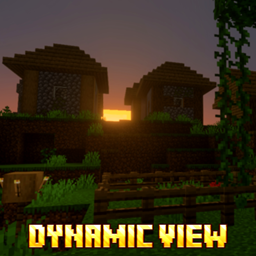
DYNAMIC VIEW
Dynamic View will make your world look more beautiful and dynamic.DownloadFAQ
Do I need Forge or Fabric for a resource pack?
No. A resource pack works on the regular game with no loaders or mods. Click “Install” and Millida Launcher will put the pack into the right modpack — then just enable it in the settings.
What do 16×, 32×, 64× mean?
The resolution of a single texture in pixels. 16× matches the original game, 32× and 64× are more detailed and heavier, and 128× and up put a noticeable load on your graphics card.
Will a pack made for another version work?
Most likely partly: older packs don't have textures for newer blocks, so those will stay default. The game won't break, though.
How is a texture pack different from a resource pack?
Only by name and age. Before version 1.6 the sets were called texture packs and changed only textures; in 1.6 resource packs replaced them and also change sounds, fonts and the interface. Old texture packs for 1.5 and below do not work on new versions without conversion.
Which texture packs are best for PvP?
PvP packs: 16× resolution or lower, shortened swords, low fire, a clear sky and bright particles. They barely load the computer and make the opponent easier to see. These packs are collected in the PvP theme.
How do I install a resource pack?
Press Install and Millida Launcher puts the pack into the resourcepacks folder of the right instance. Then enable it in the game: Options, then Resource Packs. Manually, the archive goes into resourcepacks inside the game folder, no need to unpack it.
Minecraft texture packs
A resource pack changes how the game looks and sounds: block and item textures, fonts, the interface, sounds. It doesn't touch the game's code, so it needs no mod loader and breaks nothing on a server — the pack only works on your screen. That's exactly why a resource pack is safer than any mod: the worst that happens on a version mismatch is that some textures stay default.
Textures, texture packs and resource packs are essentially the same thing: since version 1.6 Mojang calls these sets resource packs, but the old name is still searched more often. PvP packs are a big genre of their own: shortened swords, low fire, bright particles and 16× resolution or lower, so the opponent stands out and the frame rate does not drop. Such packs are most often made for 1.8.9 and 1.16.5, the versions many PvP servers run on.
The key thing about a pack is its resolution. The game's default textures are 16×16 pixels; 32× and 64× packs look more detailed, while 128× and up need a real graphics card and are usually paired with shaders. On a weak machine it makes sense to stay at 16× or go for packs that deliberately simplify graphics for more FPS. Every pack here lists its game version, author and license, and all released versions are gathered on one card. Put the downloaded archive in the resourcepacks folder and enable it in the game settings.