
Minecraft texture packs — page 198
Resource packs: list



Real Pack
This is as Real as it gets!Install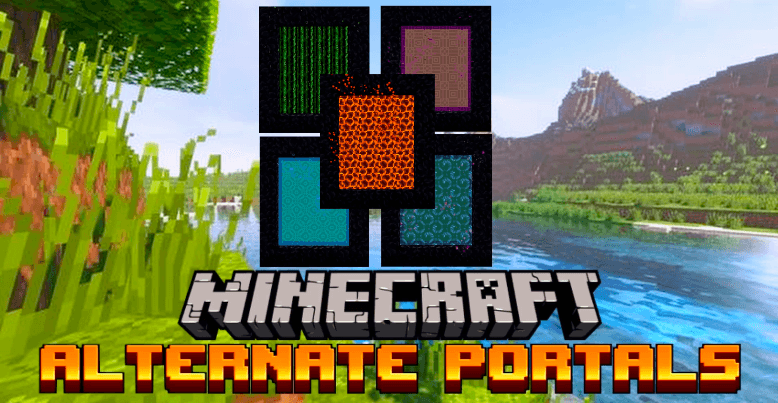

Star's Alternate Portals
Bored of the same old Nether Portal? Worry not! Star's Alternate Portals are here to make your portal more unique and interesting!Download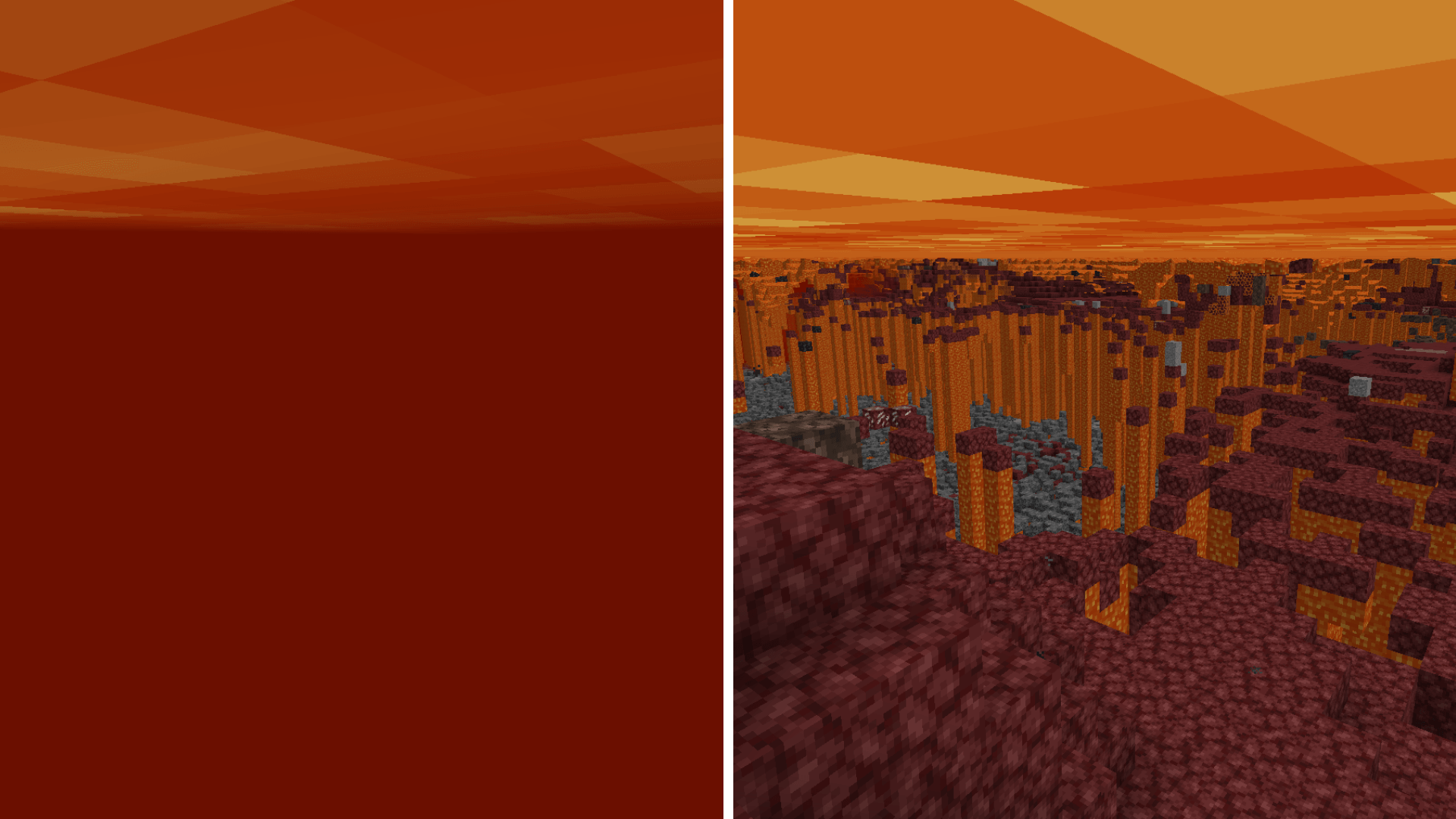

Clear Lava
Transparent lava for better visibility.Download
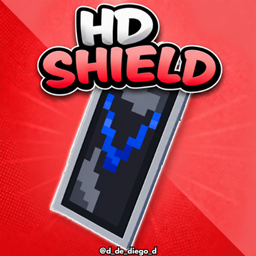
HD SHIELD
This texture pack makes banner shields look higher resolution.Install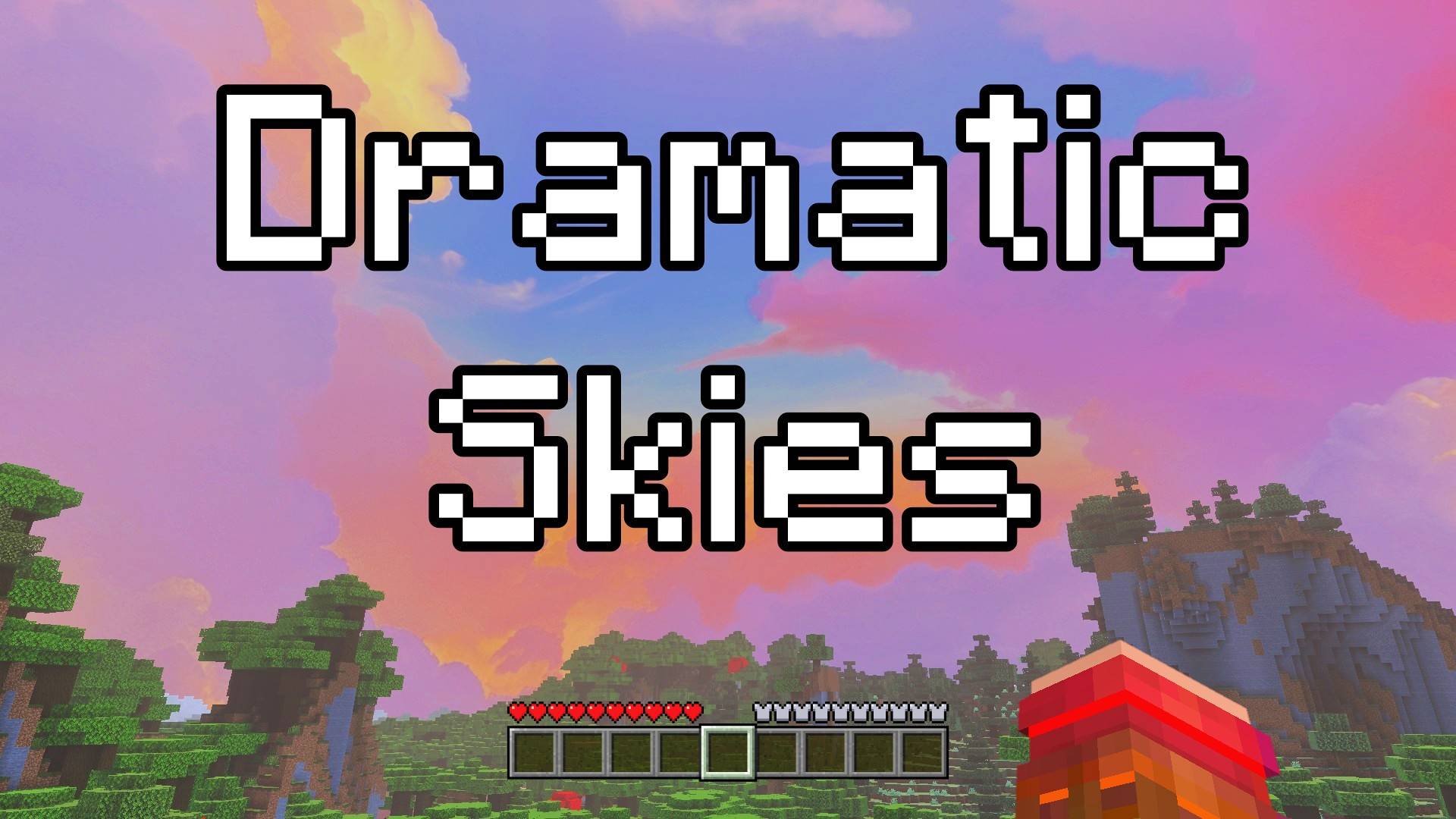

Dramatic Skies - Custom Sky
This pack adds a beautiful dramatic-style sky full of magical clouds and dreamy colors. It makes your world feel more magical and fun. Perfect for building, exploring, or just relaxing and watching the sky!Download

old sounds pack
this is the old sounds of beta plus musicInstall

New end stone
Gives end stone a softer, pastel pink tint.Install

Bedwars Pack
A pack for bedwars.Install

Lanterns with Candles
Instead of the standard lanterns, you'll now see lanterns with a candle inside. They are also rendered as fully 3D models when held in your handInstall

Cottagecore Hotbar
Makes the plain Minecraft GUI look cute and cottagecore!Install
Re:Zero Return The Death Sound
this is a resourcepack that changes the death sound to Re:Zero OneInstall

Origins Immersion: Enderian
Ender-themed hearts and food barInstall

SATURATION VISUAL (VIBRANT VISUAL) by bedrock
This pack will make your world more saturated and more colorful, with vibrant visual shaders that make your gameplay more realistic.Download

Material Spectral Pumpkin [A&S]
Material_SpectralPumpkin is an animated Minecraft Bedrock texture pack featuring vanilla-inspired tool materials enhanced with smooth and eye-catching animations. With full All Tools support and A&S compatibiliDownload
Brewing Guide
Adds a Brewing Guide next to the GUIInstall

Just Normal Foxes
Changes the texture and model of the foxInstall

Variants cakes
Adds 25 cake variants - milk and chocolate glazes with sweet or glow berries.Install

Animated Gojo VS Sukuna UI
Animated Gojo VS Sukuna — A dramatic clash of cyan and crimson energy as limitless power meets cursed fury, transforming your Minecraft start screen into a cinematic battle experience.Download

Suvile's Uno Reverse Card Totem v3.3 for 26.52
A texture pack that replaces the Totem of Undying texture with an Uno Reverse Card.Download

Armor Reimagined! [Bedrock]
This texture pack changes every armor texture that, while still vanilla-friendly, gives them a more medieval look! Also, makes the leggings a full-body armor (under-armor if you like) so they look great with elytras!Download

Food Tooltips
Display food value on tooltips, similar to what AppleSkin doesInstall

Uland & SuperWillG's Goobaloo Health Pack
Used in conjuction with Aliens & Parasites ModpackInstall

Better Stained Glass
Overhauls vanilla stained glassInstallFAQ
Do I need Forge or Fabric for a resource pack?
No. A resource pack works on the regular game with no loaders or mods. Click “Install” and Millida Launcher will put the pack into the right modpack — then just enable it in the settings.
What do 16×, 32×, 64× mean?
The resolution of a single texture in pixels. 16× matches the original game, 32× and 64× are more detailed and heavier, and 128× and up put a noticeable load on your graphics card.
Will a pack made for another version work?
Most likely partly: older packs don't have textures for newer blocks, so those will stay default. The game won't break, though.
How is a texture pack different from a resource pack?
Only by name and age. Before version 1.6 the sets were called texture packs and changed only textures; in 1.6 resource packs replaced them and also change sounds, fonts and the interface. Old texture packs for 1.5 and below do not work on new versions without conversion.
Which texture packs are best for PvP?
PvP packs: 16× resolution or lower, shortened swords, low fire, a clear sky and bright particles. They barely load the computer and make the opponent easier to see. These packs are collected in the PvP theme.
How do I install a resource pack?
Press Install and Millida Launcher puts the pack into the resourcepacks folder of the right instance. Then enable it in the game: Options, then Resource Packs. Manually, the archive goes into resourcepacks inside the game folder, no need to unpack it.
Minecraft texture packs
A resource pack changes how the game looks and sounds: block and item textures, fonts, the interface, sounds. It doesn't touch the game's code, so it needs no mod loader and breaks nothing on a server — the pack only works on your screen. That's exactly why a resource pack is safer than any mod: the worst that happens on a version mismatch is that some textures stay default.
Textures, texture packs and resource packs are essentially the same thing: since version 1.6 Mojang calls these sets resource packs, but the old name is still searched more often. PvP packs are a big genre of their own: shortened swords, low fire, bright particles and 16× resolution or lower, so the opponent stands out and the frame rate does not drop. Such packs are most often made for 1.8.9 and 1.16.5, the versions many PvP servers run on.
The key thing about a pack is its resolution. The game's default textures are 16×16 pixels; 32× and 64× packs look more detailed, while 128× and up need a real graphics card and are usually paired with shaders. On a weak machine it makes sense to stay at 16× or go for packs that deliberately simplify graphics for more FPS. Every pack here lists its game version, author and license, and all released versions are gathered on one card. Put the downloaded archive in the resourcepacks folder and enable it in the game settings.