
Minecraft texture packs — page 166
6,460 itemsResource packs: list


Mandala's GUI - Dark mode Advancement Plaques Compat
A simple texture pack adding the style of "Mandala's GUI - Dark mode" to the mod "Advancement Plaques"Install

Fresh Animations - Ghasts Galore
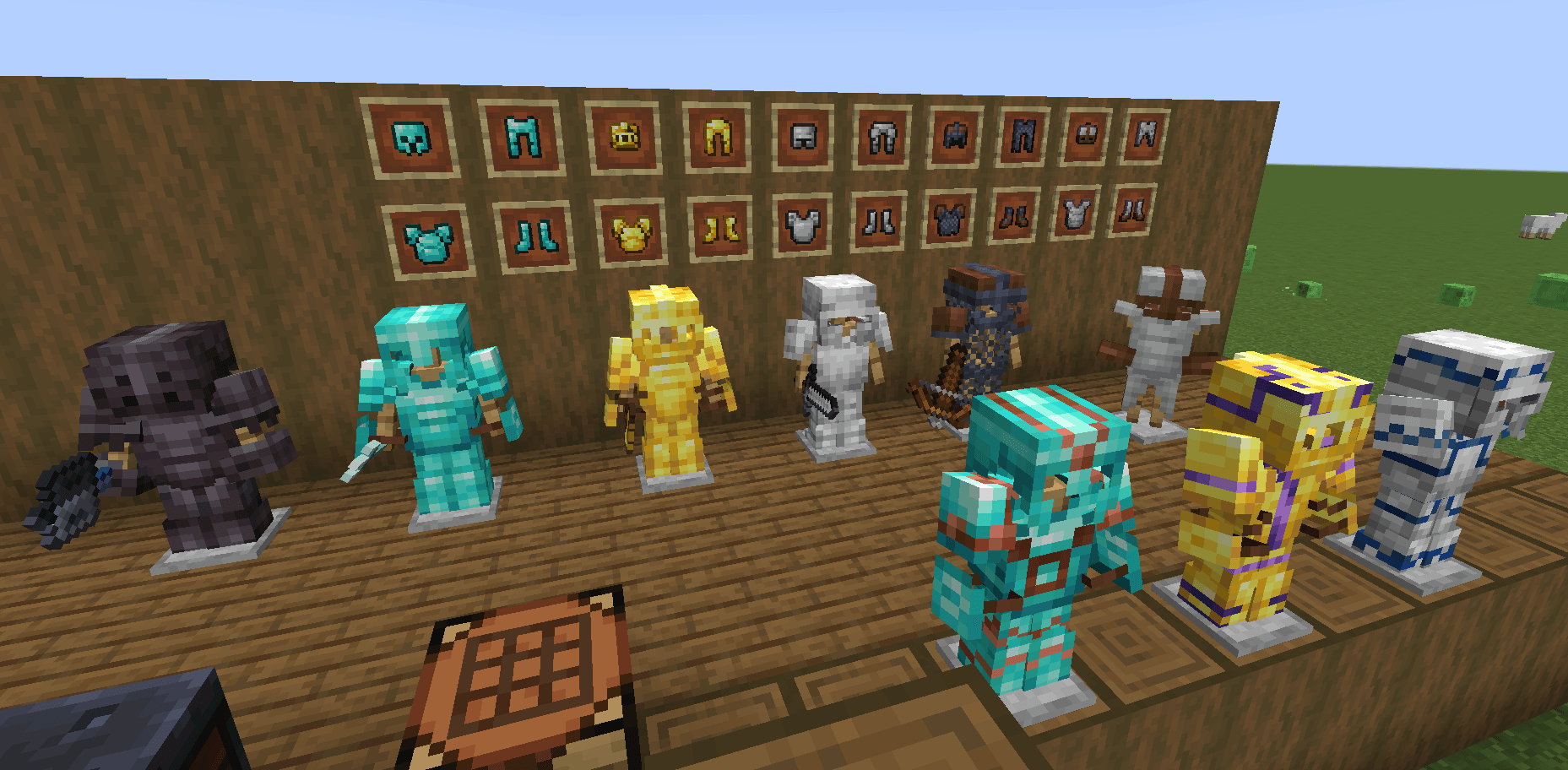
A pack that aims to spice up the minecraft ghasts, happy ghasts, squids and ghastlings by adding colour, emissive markings and pattern variations. (requires fresh animations)Install
Dark Coffee GUI - Extras
Extra content for Dark Coffee GUIInstall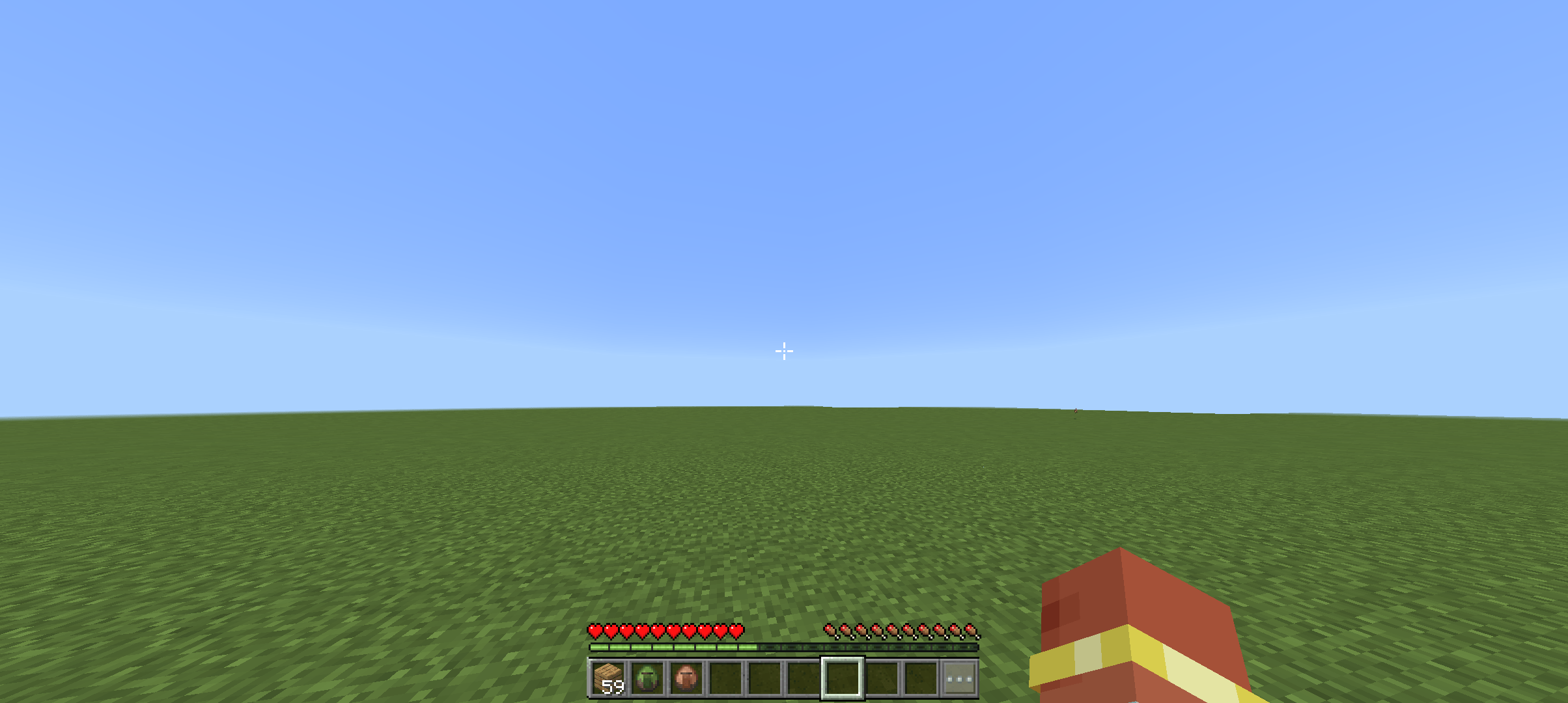
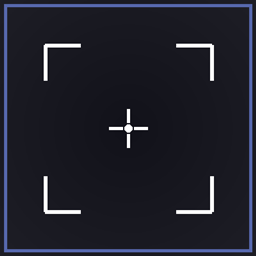
Aim indicator
This pack simply make the crosshair Highlighted when aiming at a entity thats in reachDownload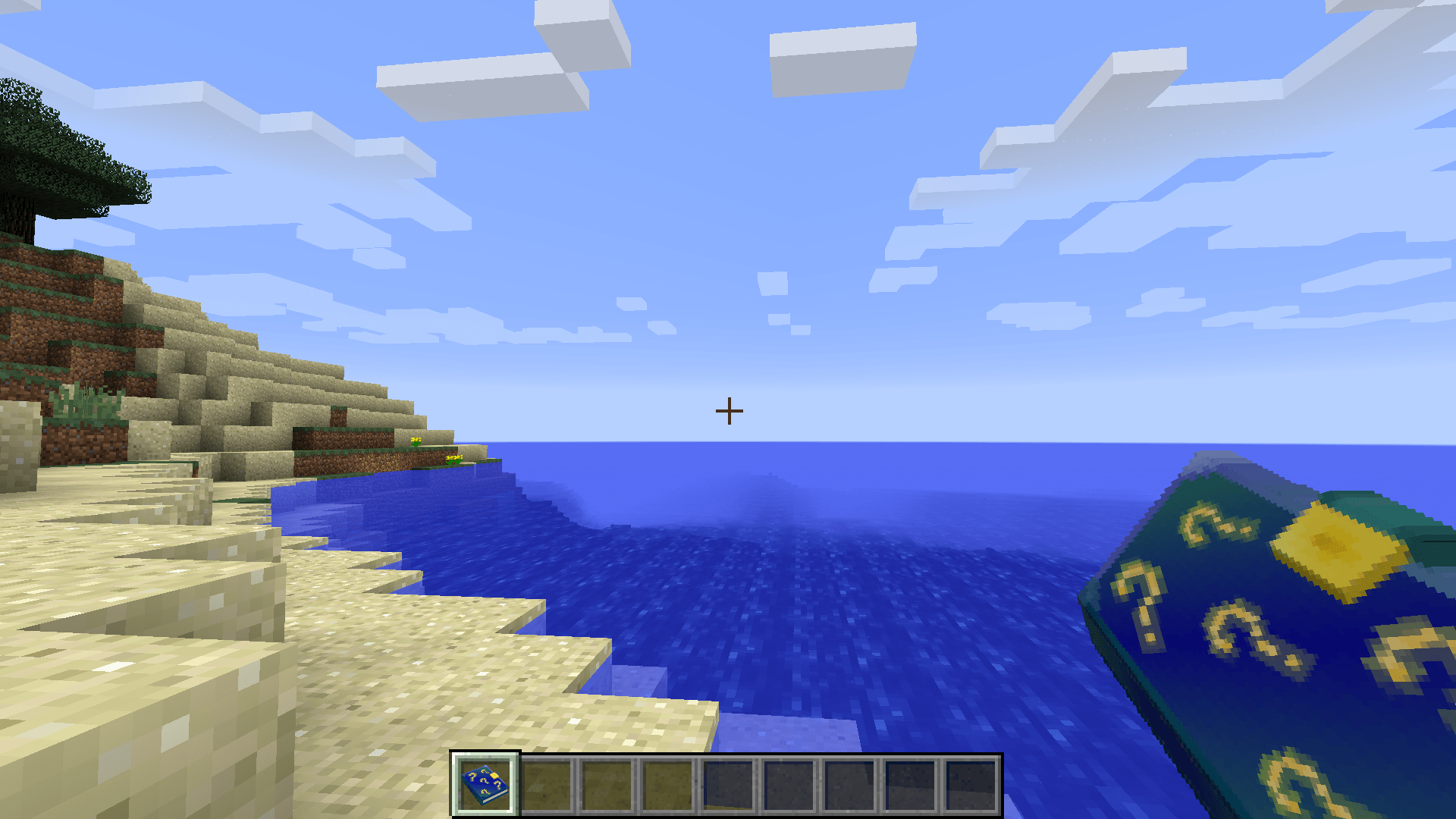
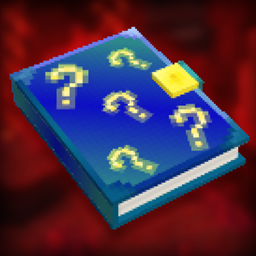
Checklist - Amnesia Theme
This changes the book from the Checklist mod, into being Amnesia themed.Install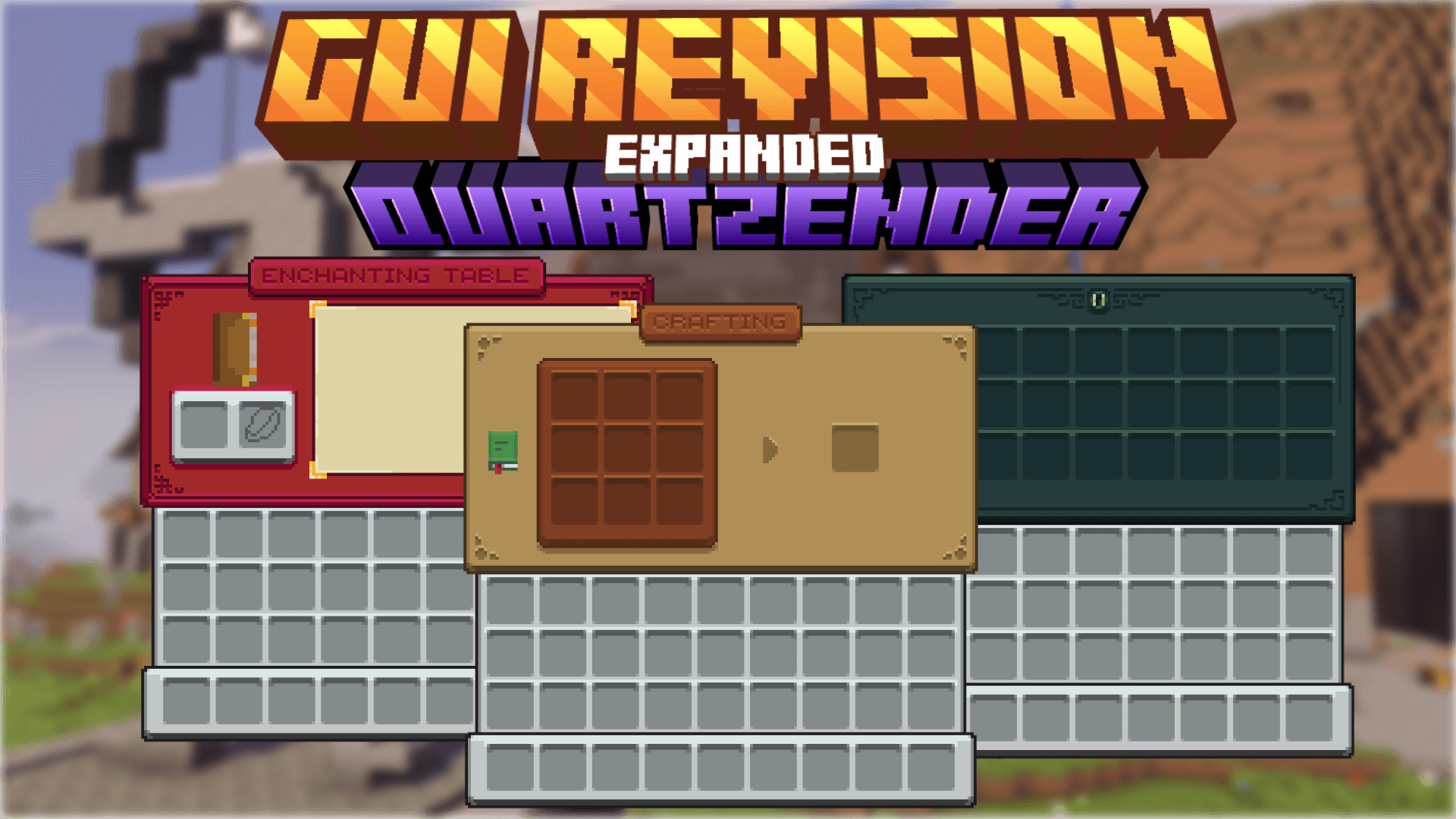
GUI Revision Expanded
A nice port of Vixel's GUI Revision resource pack, with original features, like new unique screens for other containers, dynamic title backgrounds and more.Download

Less Obstructive Better Leaves
Makes leaves look cooler by making them less flat and betterInstall

Arifureta: From Commonplace to World's Strongest GUI Pack
Overhauled Minecraft GUI in the theme off Arifureta: From Commonplace to World's Strongest.Install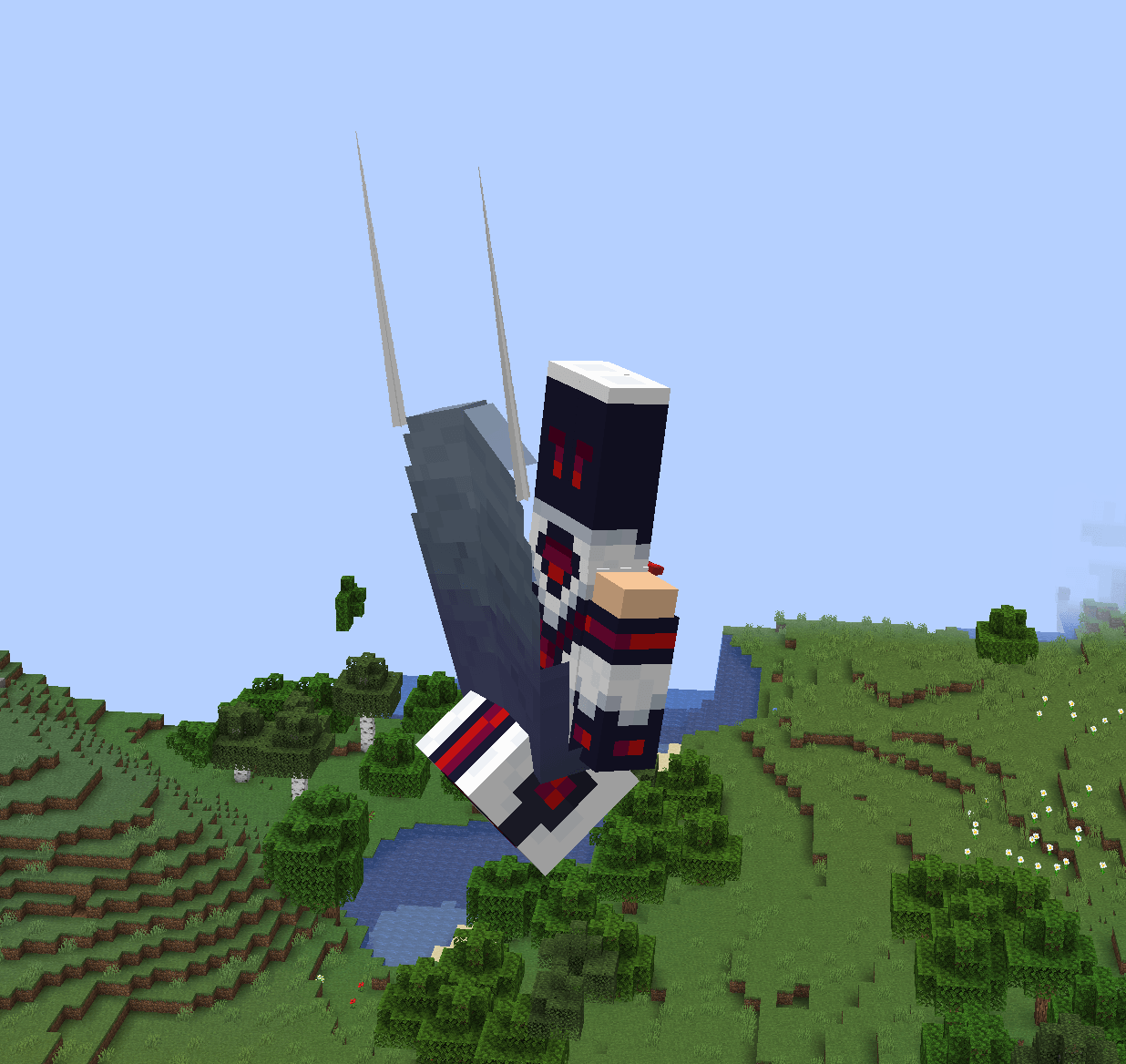
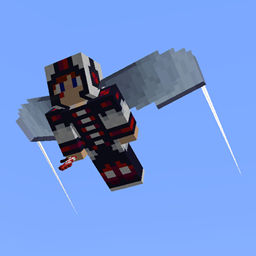
Elytra Contrails Legacy
Adds wingtip contrails to elytrasInstall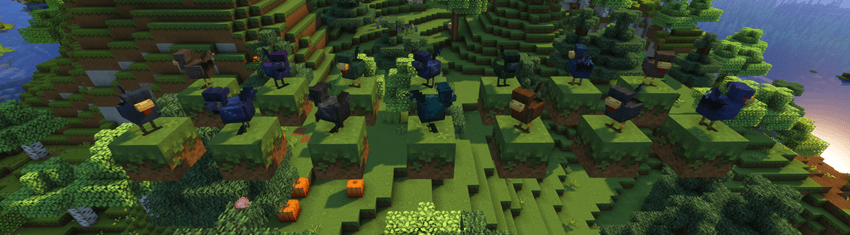
Mizuno's Chicken Variants x FA
Make Mizuno's Chicken Variants compatible with Fresh AnimationInstall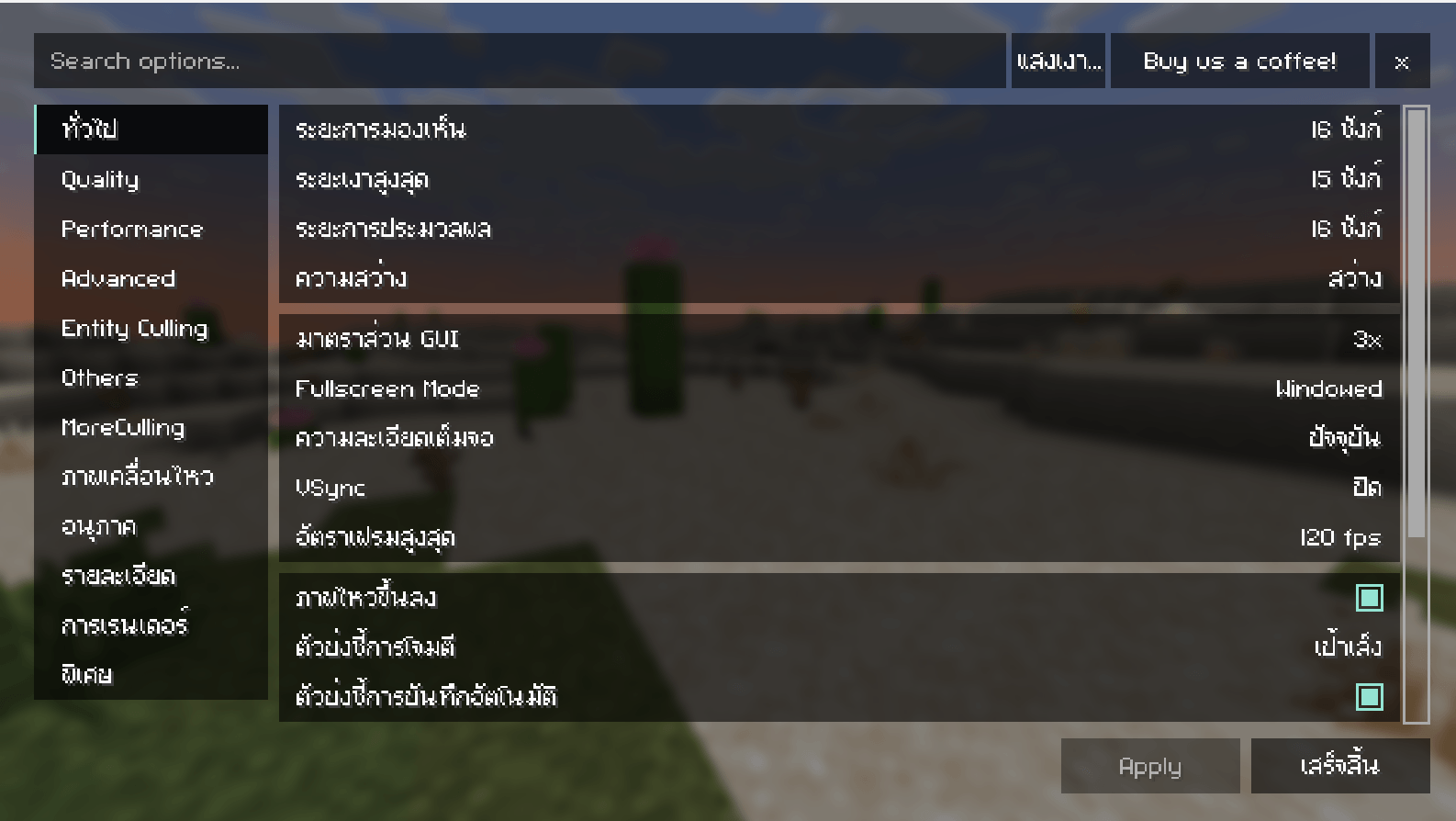
FLZ-Project Thai Fix(Java)
จะทำให้อ่านภาษาไทยในเกมส์ได้ง่ายขึ้น♥Install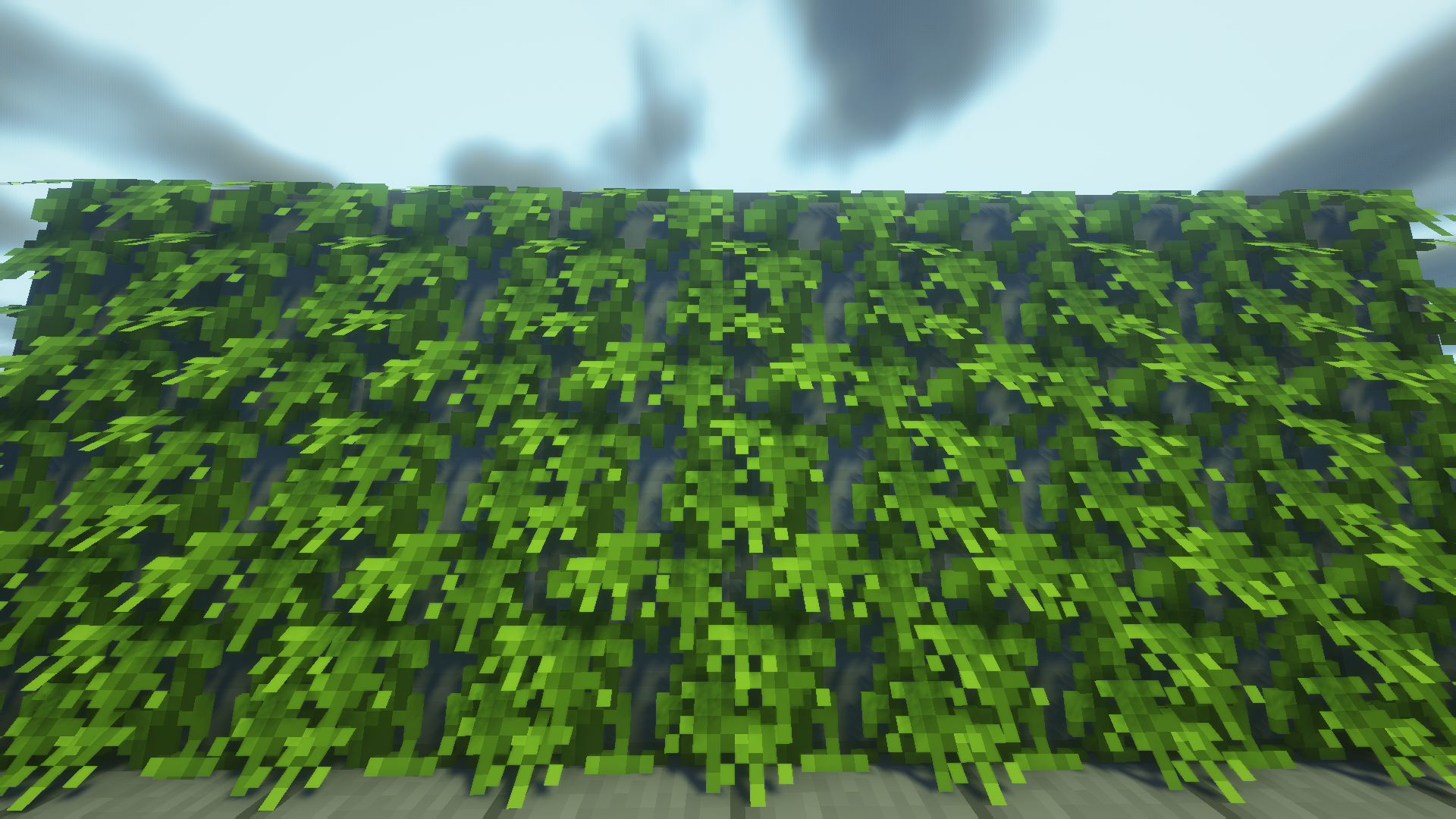
BVP
BVP – Better vanilla plants. Improves vanilla plant models and textures.Install

Alternative + Shader Chaos Cubed Panorama 26.2
A better and ALTERNATIVE panorama for the "Chaos Cubed" drop in Minecraft 26.2. Even with a version that includes shaders!Install
Better Prodigy Tech (Embers Style)
Embers style Prodigy Tech texturesInstall

Apex PvP
A clean, vanilla style texture pack for PvP, that boosts FPS and works on lots of versions!Install
Solo Leveling Arsenal
3D Weapons for Solo Leveling: ReawakeningInstall

Matcha Block Overlays
Matcha version of Block Overlays | Continuity or Fusion requiredInstall
NEWB X SHADOW
Newb X Shadow Shader – Dark & Realistic Graphics for Minecraft Bedrock Take your Minecraft Bedrock experience to the next level with the Newb X Shadow shader! Designed for players who want a more cinematic feel, this shader brings deep shadows, dark tonesDownload
GamerBoy80's Texture Pack
GamerBoy80's Texture PackInstall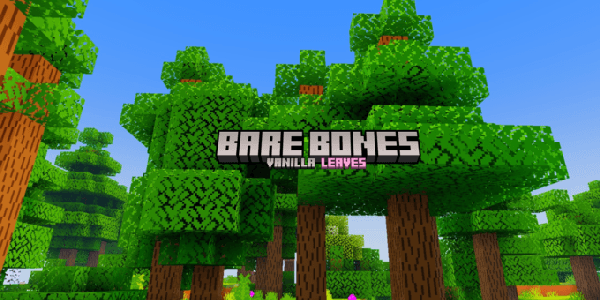
Better Bare Bones Leaves [Wilderness Bound Drop]
Clean and minimalistic leaf textures for a better Bare Bones experience.Download
Qwuiblington's Ultra FPS Optimized Block Model Pack
this is a resource pack that reduces the detail of many block models with relatively high polygon counts, to drastically reduce the lag they may causeInstall

WynnEdits - Dark Theme (Wynncraft)
WynnEdits Dark Theme is a dark reskin of the Wynncraft resource pack.Install

Guillque's Enhanced Goat Horn
A Vanilla-friendly custom texture for goat hornInstallFAQ
Do I need Forge or Fabric for a resource pack?
No. A resource pack works on the regular game with no loaders or mods. Click “Install” and Millida Launcher will put the pack into the right modpack — then just enable it in the settings.
What do 16×, 32×, 64× mean?
The resolution of a single texture in pixels. 16× matches the original game, 32× and 64× are more detailed and heavier, and 128× and up put a noticeable load on your graphics card.
Will a pack made for another version work?
Most likely partly: older packs don't have textures for newer blocks, so those will stay default. The game won't break, though.
How is a texture pack different from a resource pack?
Only by name and age. Before version 1.6 the sets were called texture packs and changed only textures; in 1.6 resource packs replaced them and also change sounds, fonts and the interface. Old texture packs for 1.5 and below do not work on new versions without conversion.
Which texture packs are best for PvP?
PvP packs: 16× resolution or lower, shortened swords, low fire, a clear sky and bright particles. They barely load the computer and make the opponent easier to see. These packs are collected in the PvP theme.
How do I install a resource pack?
Press Install and Millida Launcher puts the pack into the resourcepacks folder of the right instance. Then enable it in the game: Options, then Resource Packs. Manually, the archive goes into resourcepacks inside the game folder, no need to unpack it.
Minecraft texture packs
A resource pack changes how the game looks and sounds: block and item textures, fonts, the interface, sounds. It doesn't touch the game's code, so it needs no mod loader and breaks nothing on a server — the pack only works on your screen. That's exactly why a resource pack is safer than any mod: the worst that happens on a version mismatch is that some textures stay default.
Textures, texture packs and resource packs are essentially the same thing: since version 1.6 Mojang calls these sets resource packs, but the old name is still searched more often. PvP packs are a big genre of their own: shortened swords, low fire, bright particles and 16× resolution or lower, so the opponent stands out and the frame rate does not drop. Such packs are most often made for 1.8.9 and 1.16.5, the versions many PvP servers run on.
The key thing about a pack is its resolution. The game's default textures are 16×16 pixels; 32× and 64× packs look more detailed, while 128× and up need a real graphics card and are usually paired with shaders. On a weak machine it makes sense to stay at 16× or go for packs that deliberately simplify graphics for more FPS. Every pack here lists its game version, author and license, and all released versions are gathered on one card. Put the downloaded archive in the resourcepacks folder and enable it in the game settings.