
Minecraft texture packs — page 161
6,460 itemsResource packs: list
Potato Shader | FPS Booster
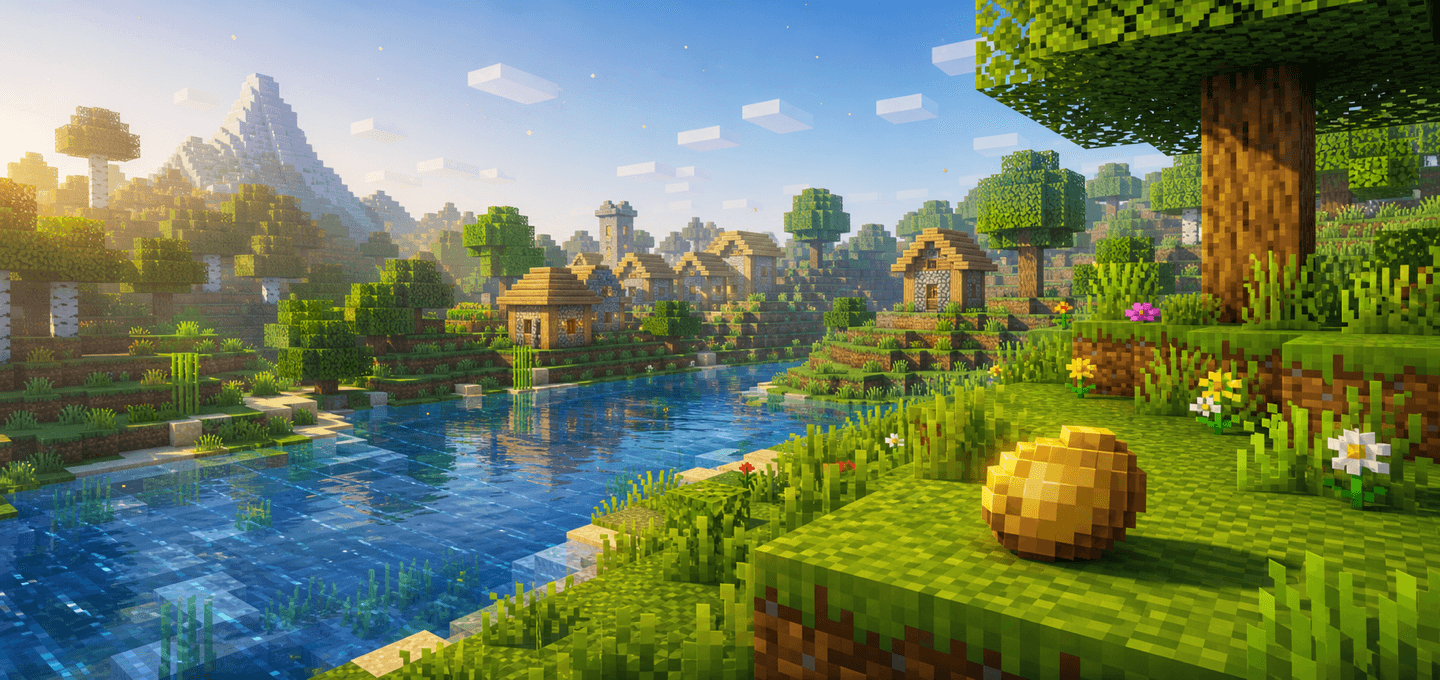
Potato Shader is a lightweight Minecraft Bedrock visual pack for low-end devices. It reduces visual noise, calms heavy particles, softens fog, and slows distracting animations to keep the game cleaner and easier to run.Download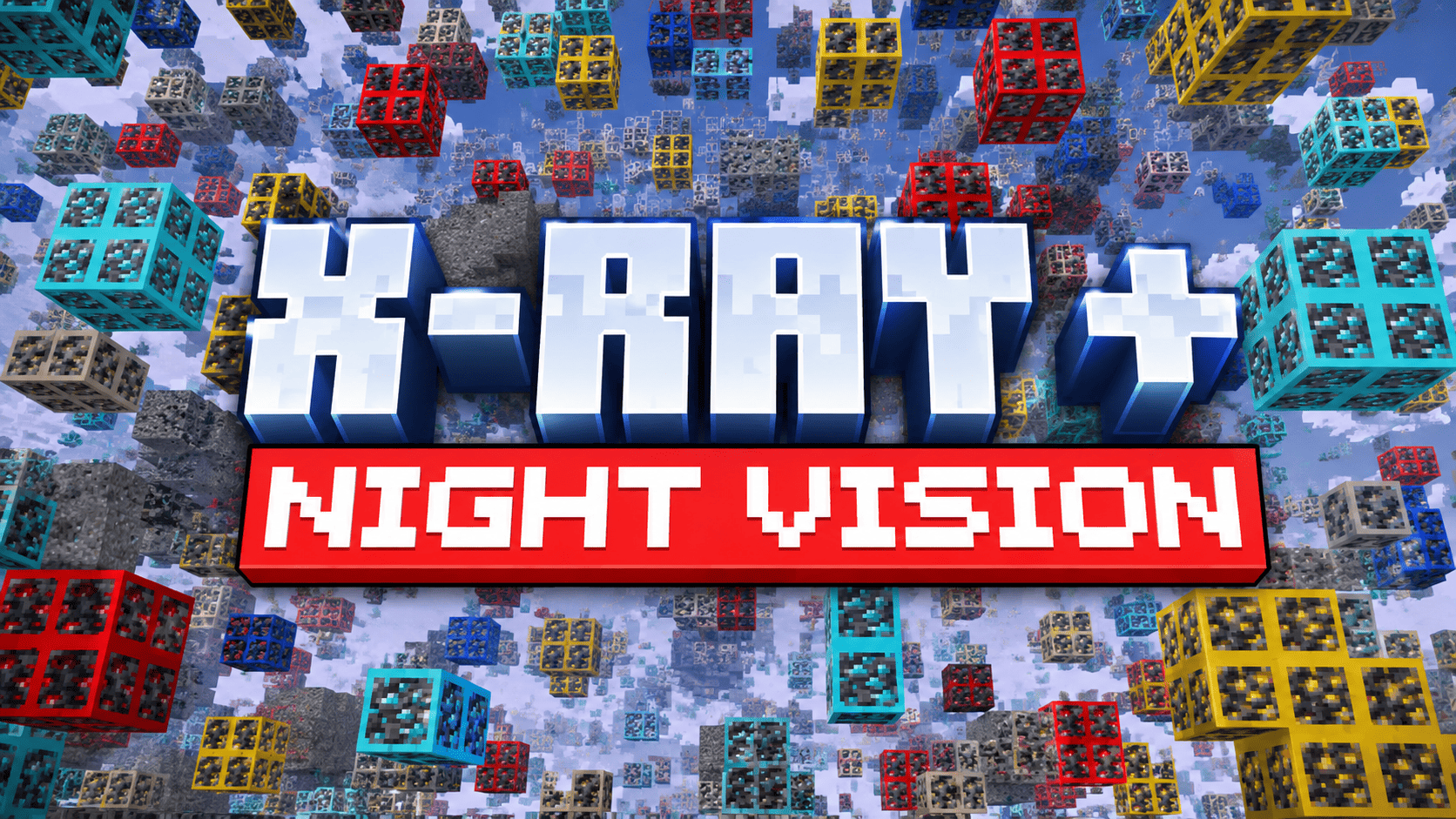
X-Ray+ | Better X Ray & More Visible Ores
A lightweight X-Ray pack for Minecraft Bedrock that improves ore visibility with outlined textures, smooth performance, WORKS ON ANY SERVER, and achievement-friendly gameplay.Download

AsaThorr's PvP Resource pack
My WIP PvP resource pack, with short swords, better crystals and totems, visual knockback on swords, and more!Install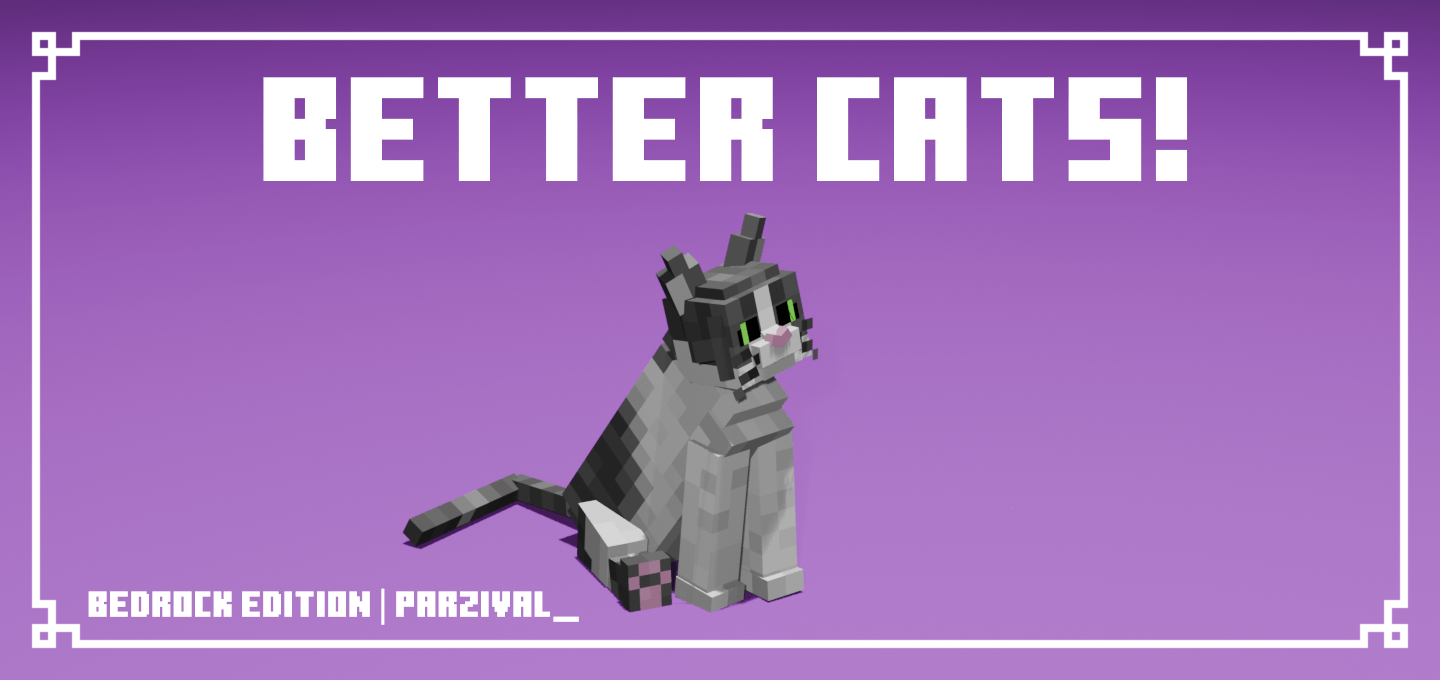
Better Cats!
More detailed cats with over 69,000+ unique cat variations!Download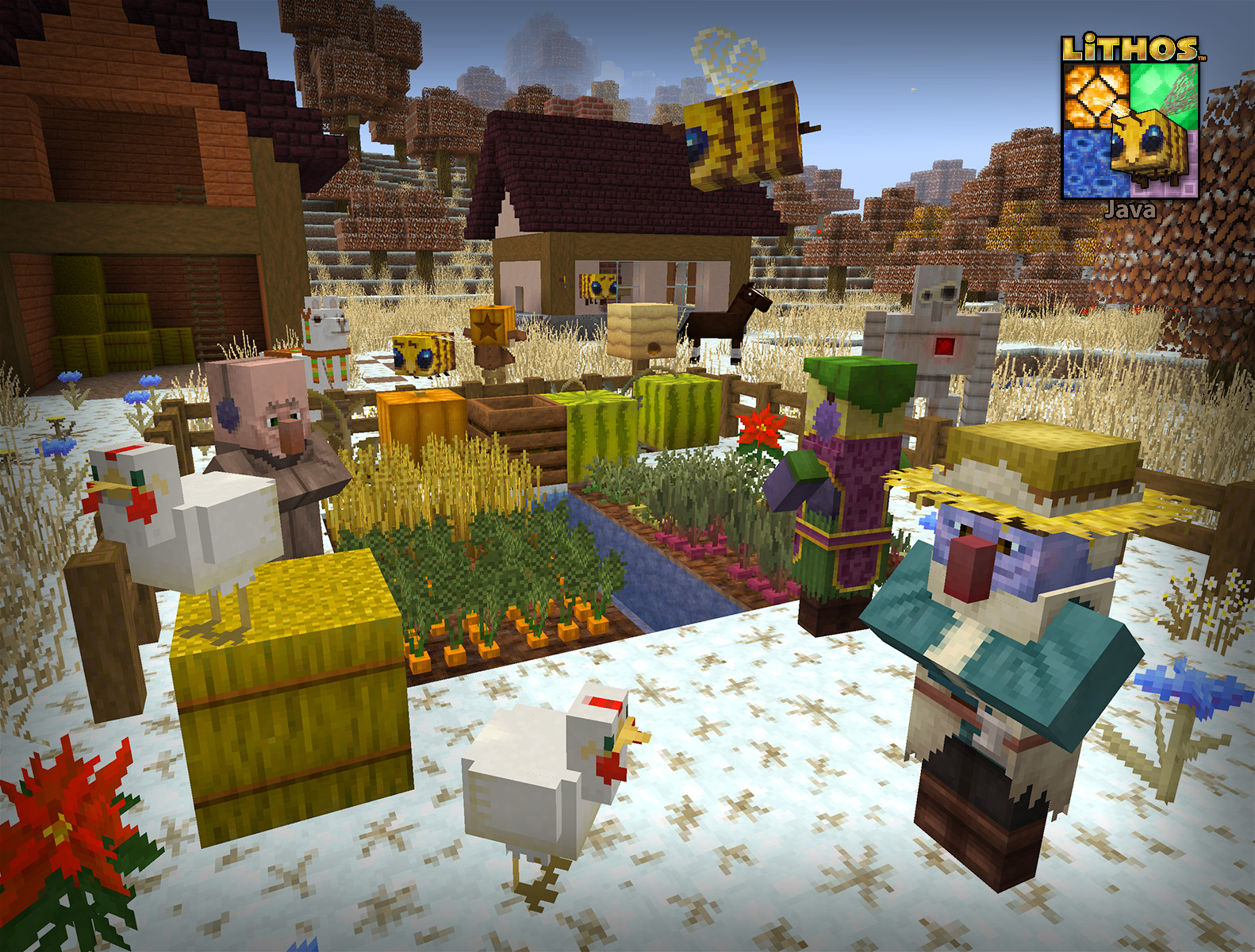
Lithos:Christmas Add-on 32x
Changes various blocks for a Wintery, Festive Holiday lookInstall

Stefan's Enchanted Books
Unique textures for each enchanted book in the game! Works without Optifine/Citresewn!Install

Super RPG Font
A Smooth Modern RPG Font That Is Easy To ReadInstall

Cataclysm: Spellbooks Reimagined
Transforms the bulky 3D icons from Cataclysm: Spellbooks into clean, stylish 2D visuals inspired by classic MinecraftInstall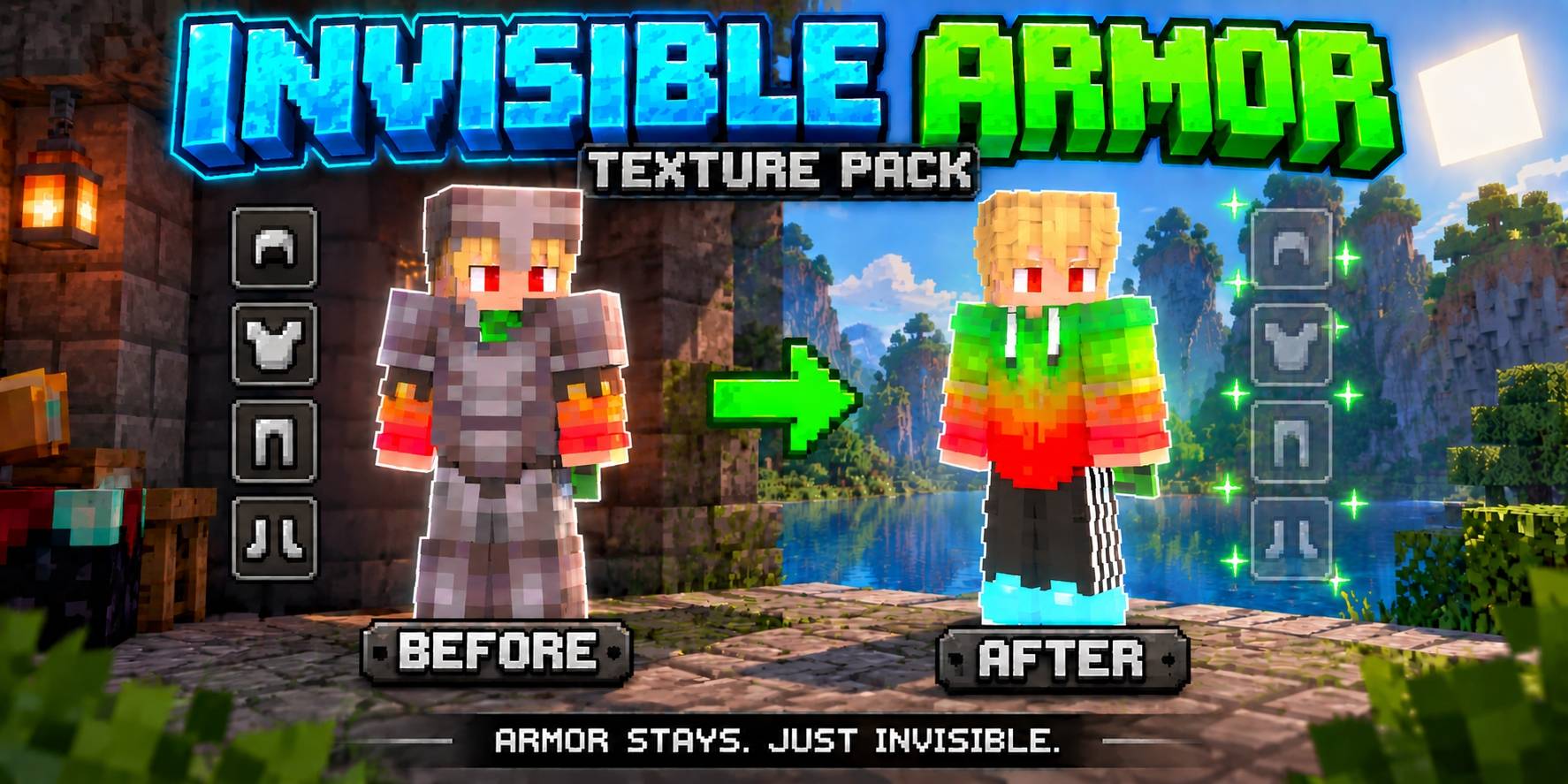
Invisible Armor (All Types of Armor)
With this texture pack you can make all armor invisible, so you can always see your own skin and that of other players. This works on All Armor (helmets, chestplates, leggings and boots) and, if you want, also the Turtle Shell and Elytra.Download

Cute Mob Models: Resource Pack
This Resource Pack changes every mob models into cute anime mobs!Install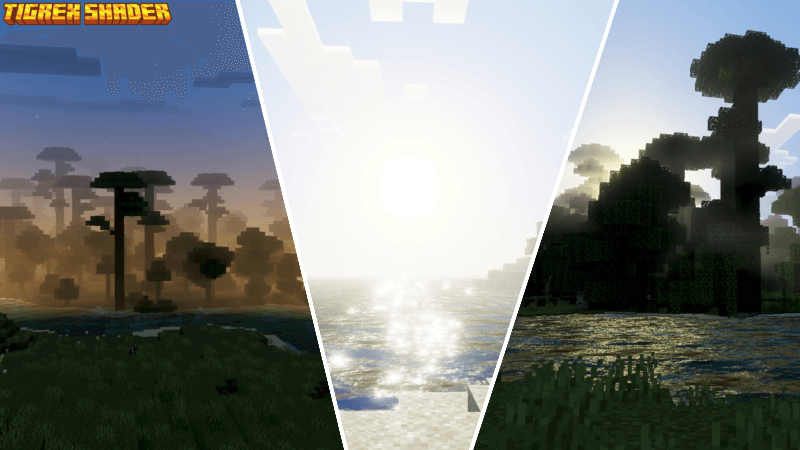
TIGREX VISUAL SHADER
Tigrex Visual Shader makes your world look dynamic and epic, but in a Tigrex sigma style.Download
Hephaestus - Shinier Tools
Tools now live up to their respective swords' standards, while swords once again have the small details they lost in 1.14Install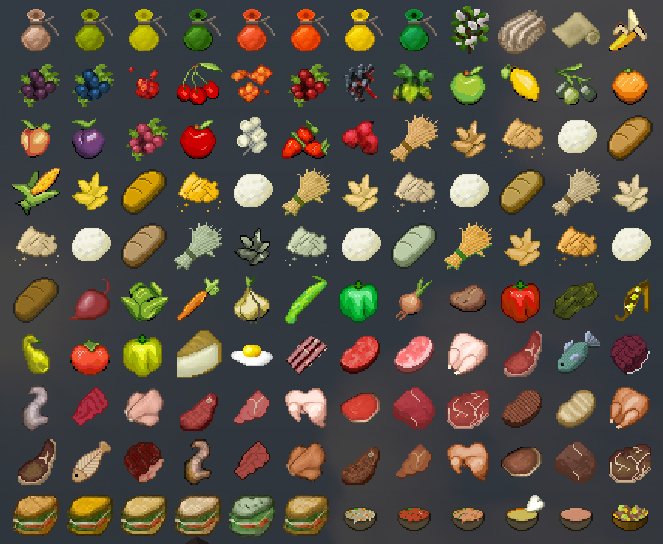

TFC TNG Faithful32
Faithful support for TFC:TNGInstall
Fancy Visuals
Fancy Visuals brings dreamy pink sunsets, glowing ocean reflections, falling cherry blossom petals, and rich detailed textures to Minecraft. Cinematic color grading across every biome.Download

Vanilla+ Font
Makes the font so much better using marloww's pvp packInstall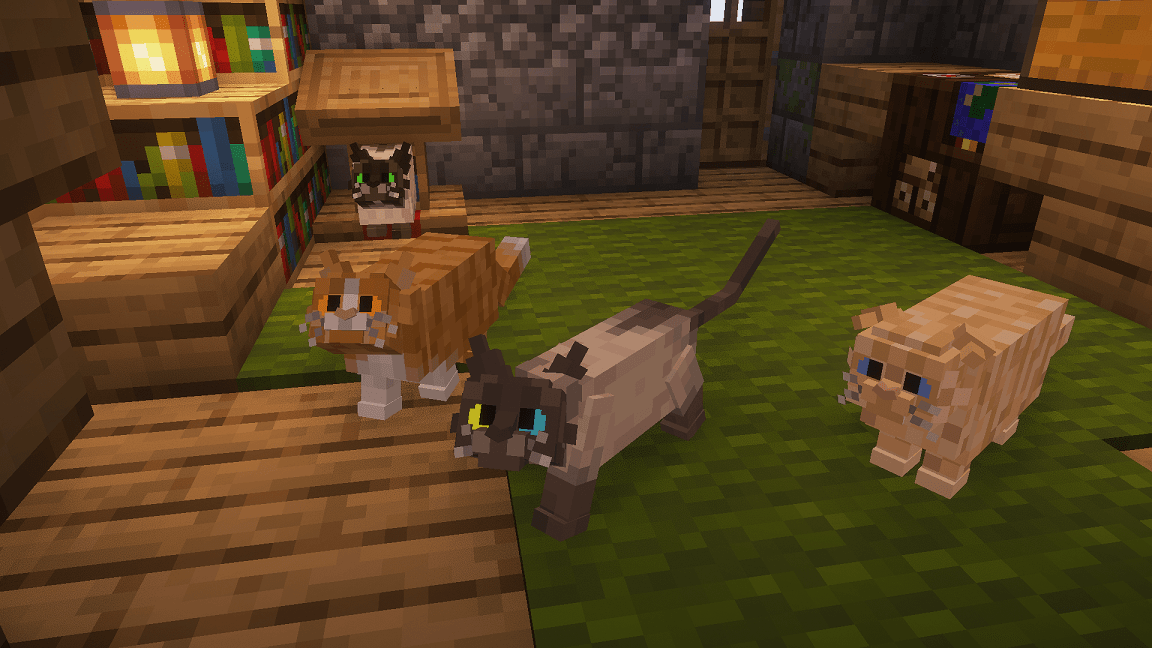
Better Cats!
More detailed catsInstall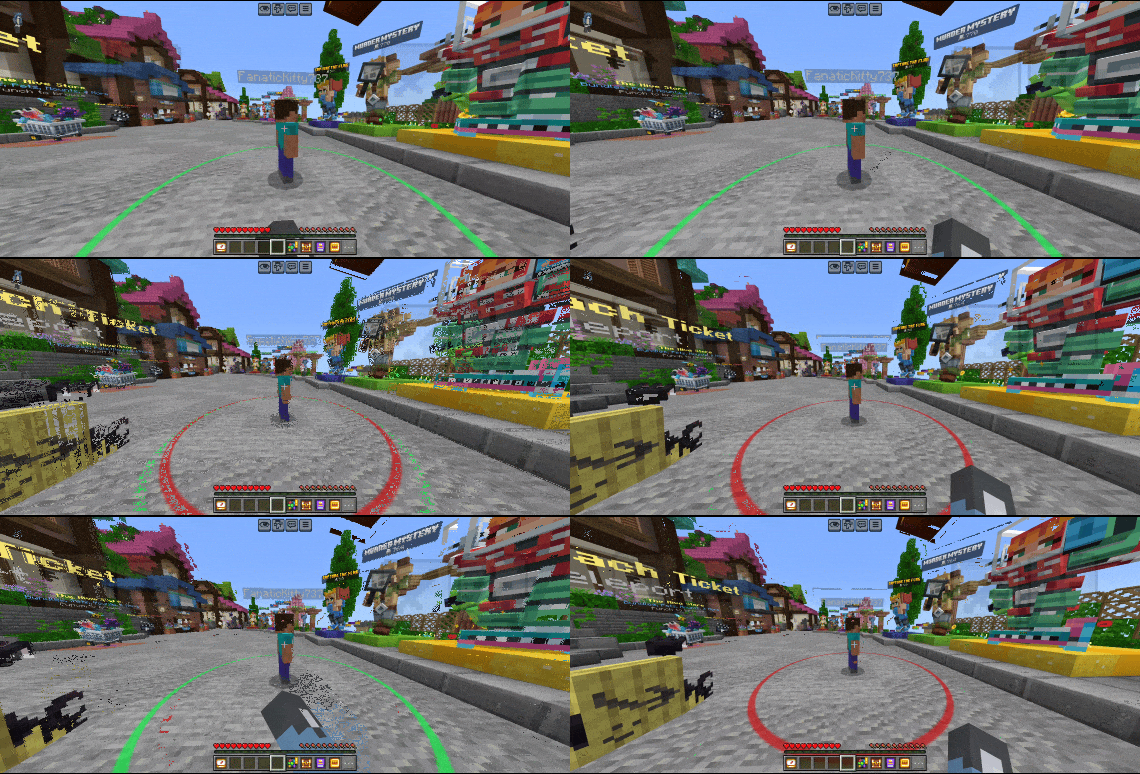
Hit range+
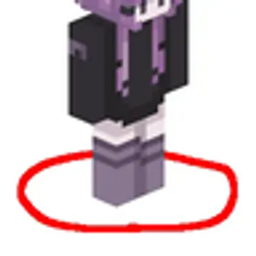
Shows player hit range so you have the perfect hit reachDownload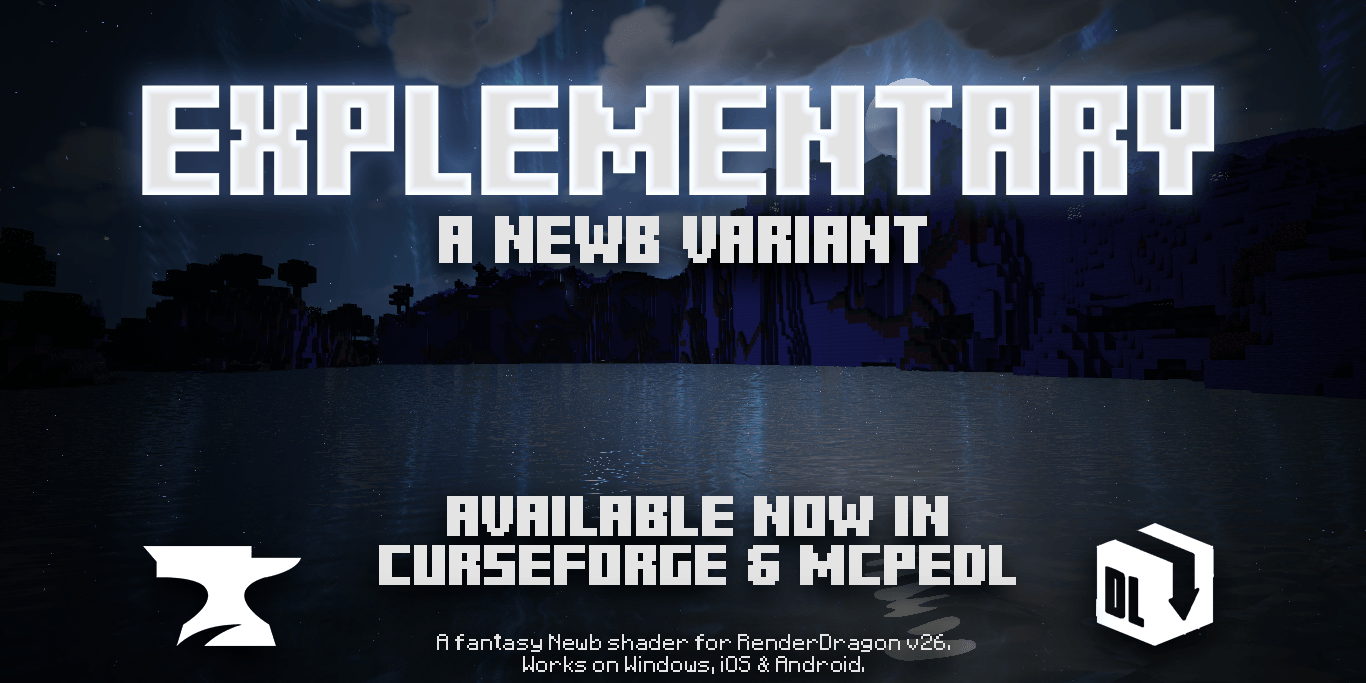
Newb Explementary Edition
A Newb variant designed to elevate the traditional Minecraft experience with a fantasy theme through vibrant firmaments.Download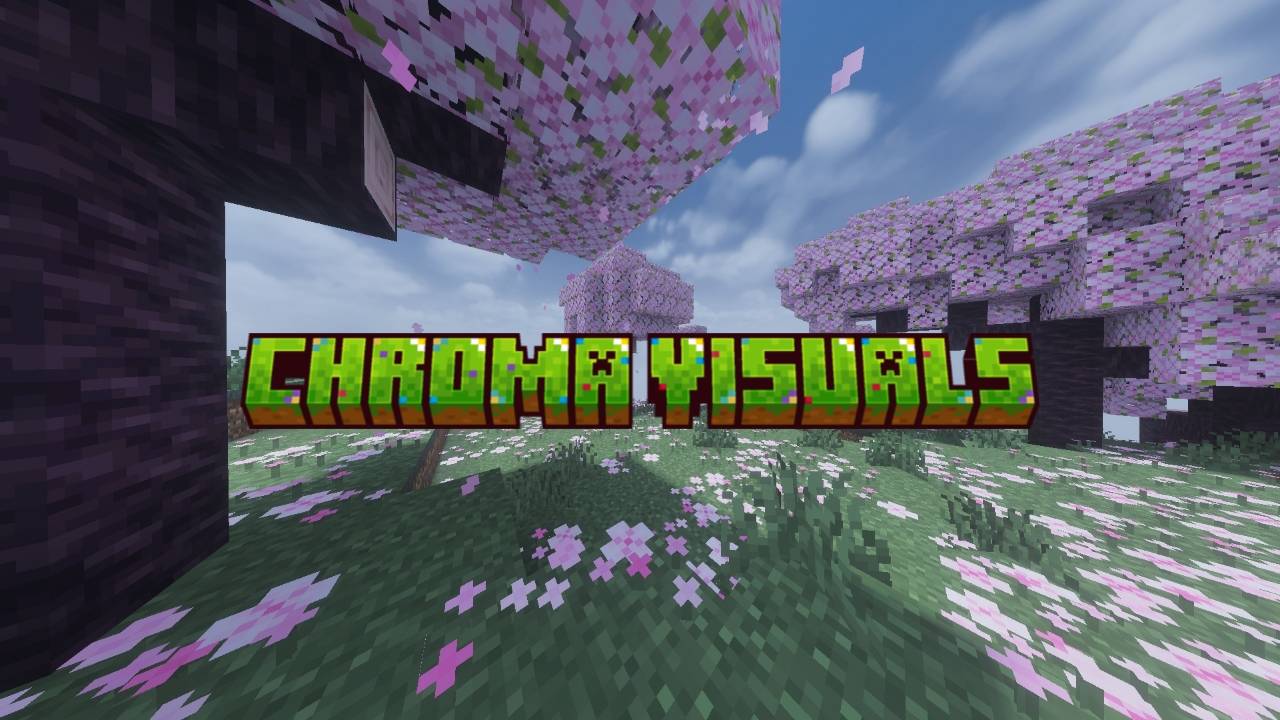
Chroma visuals
Chroma Visuals is a vibrant MCPE shader that transforms Minecraft Bedrock Edition with cinematic lighting, crystal-clear water, colorful atmospheres, soft bloom, and immersive visuals — while still keeping smooth gameplay and a clean aesthetic.Download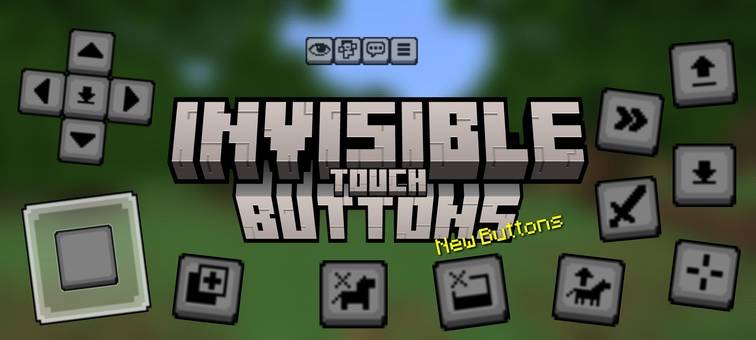
Invisible Touch Buttons v2.0.0
Makes touch and menu buttons invisible for better viewing for mobile gamers.Download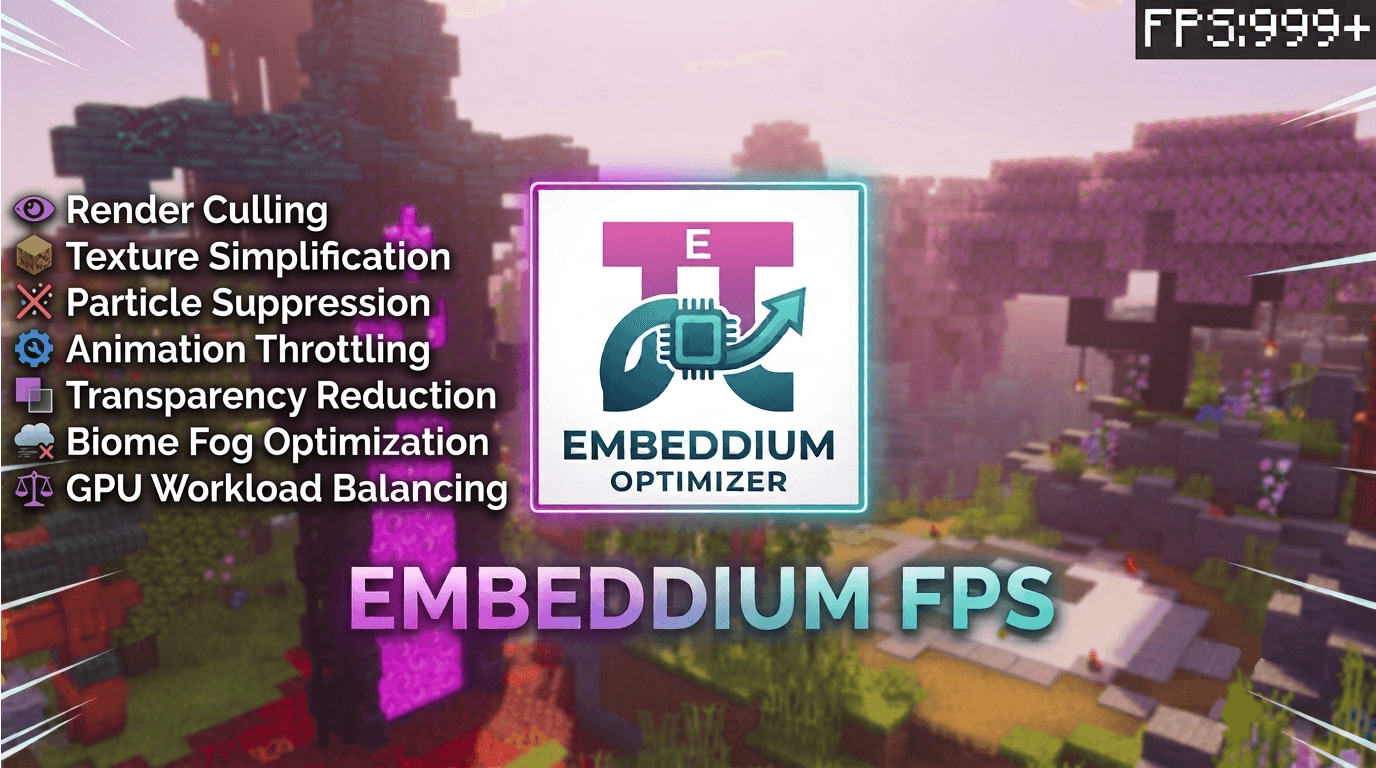
Embeddium Optimizer | Smart Fps Boost
Embeddium is a next-generation rendering optimization pack for Minecraft Bedrock / Render Dragon, engineered to dramatically boost FPS and eliminate stutter on any device.Download
Even Better Enchanted Books – Hold My Enchanted Book Items
Even Better Enchanted Books is a resource pack that gives each enchant a better, unique texture for enchanted books — all in a clean vanilla style.Install

Undergrowth
Undergrowth is a resource pack that introduces little bits of foliage, rocks, sticks, mushrooms and many, many more!InstallFAQ
Do I need Forge or Fabric for a resource pack?
No. A resource pack works on the regular game with no loaders or mods. Click “Install” and Millida Launcher will put the pack into the right modpack — then just enable it in the settings.
What do 16×, 32×, 64× mean?
The resolution of a single texture in pixels. 16× matches the original game, 32× and 64× are more detailed and heavier, and 128× and up put a noticeable load on your graphics card.
Will a pack made for another version work?
Most likely partly: older packs don't have textures for newer blocks, so those will stay default. The game won't break, though.
How is a texture pack different from a resource pack?
Only by name and age. Before version 1.6 the sets were called texture packs and changed only textures; in 1.6 resource packs replaced them and also change sounds, fonts and the interface. Old texture packs for 1.5 and below do not work on new versions without conversion.
Which texture packs are best for PvP?
PvP packs: 16× resolution or lower, shortened swords, low fire, a clear sky and bright particles. They barely load the computer and make the opponent easier to see. These packs are collected in the PvP theme.
How do I install a resource pack?
Press Install and Millida Launcher puts the pack into the resourcepacks folder of the right instance. Then enable it in the game: Options, then Resource Packs. Manually, the archive goes into resourcepacks inside the game folder, no need to unpack it.
Minecraft texture packs
A resource pack changes how the game looks and sounds: block and item textures, fonts, the interface, sounds. It doesn't touch the game's code, so it needs no mod loader and breaks nothing on a server — the pack only works on your screen. That's exactly why a resource pack is safer than any mod: the worst that happens on a version mismatch is that some textures stay default.
Textures, texture packs and resource packs are essentially the same thing: since version 1.6 Mojang calls these sets resource packs, but the old name is still searched more often. PvP packs are a big genre of their own: shortened swords, low fire, bright particles and 16× resolution or lower, so the opponent stands out and the frame rate does not drop. Such packs are most often made for 1.8.9 and 1.16.5, the versions many PvP servers run on.
The key thing about a pack is its resolution. The game's default textures are 16×16 pixels; 32× and 64× packs look more detailed, while 128× and up need a real graphics card and are usually paired with shaders. On a weak machine it makes sense to stay at 16× or go for packs that deliberately simplify graphics for more FPS. Every pack here lists its game version, author and license, and all released versions are gathered on one card. Put the downloaded archive in the resourcepacks folder and enable it in the game settings.