
Minecraft texture packs — page 155
6,456 itemsResource packs: list


3D Mace Wind Burst Effect
Accurate Mace 3D model in First & Third person while staying in 2D in the GUI + Wind Burst Effect 💨Install

Realism glass-connected glass
Do you like borderless glass and realism craft?You are in the right post, this texture pack improves your glasses with a texture similar to the "realism craft" resource pack. This make it perfect for survival buildDownload
Wynnic Vanity Collection
Adds various textures and visual enhancements to the Wynncraft server!Install

XingLuo AE2 1.21 GUIExpansion
XingLuo_AE2_1.21_GUIExpansion - Revamped 1.21.1 interface textures with holographic ME terminals and industrial-flux animations, faithfully recreating Applied Energistics 2's signature tech aesthetic while optimizing for modern versions.Install

Old Iron Chest
Return the Iron Chest 1.12 textures!Install

Alya Sometimes Hides Her Feelings in Russian Custom GUI Pack
Alya Sometimes Hides Her Feelings in Russian Custom GUI PackInstall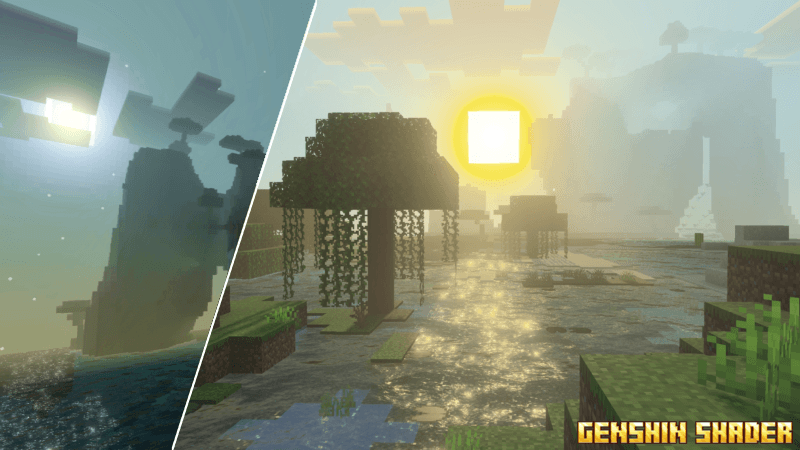

Genshin Shader (Zephyr)
Genshin Shader (Zephyr) makes your world look dynamic like Genshin Impact.Download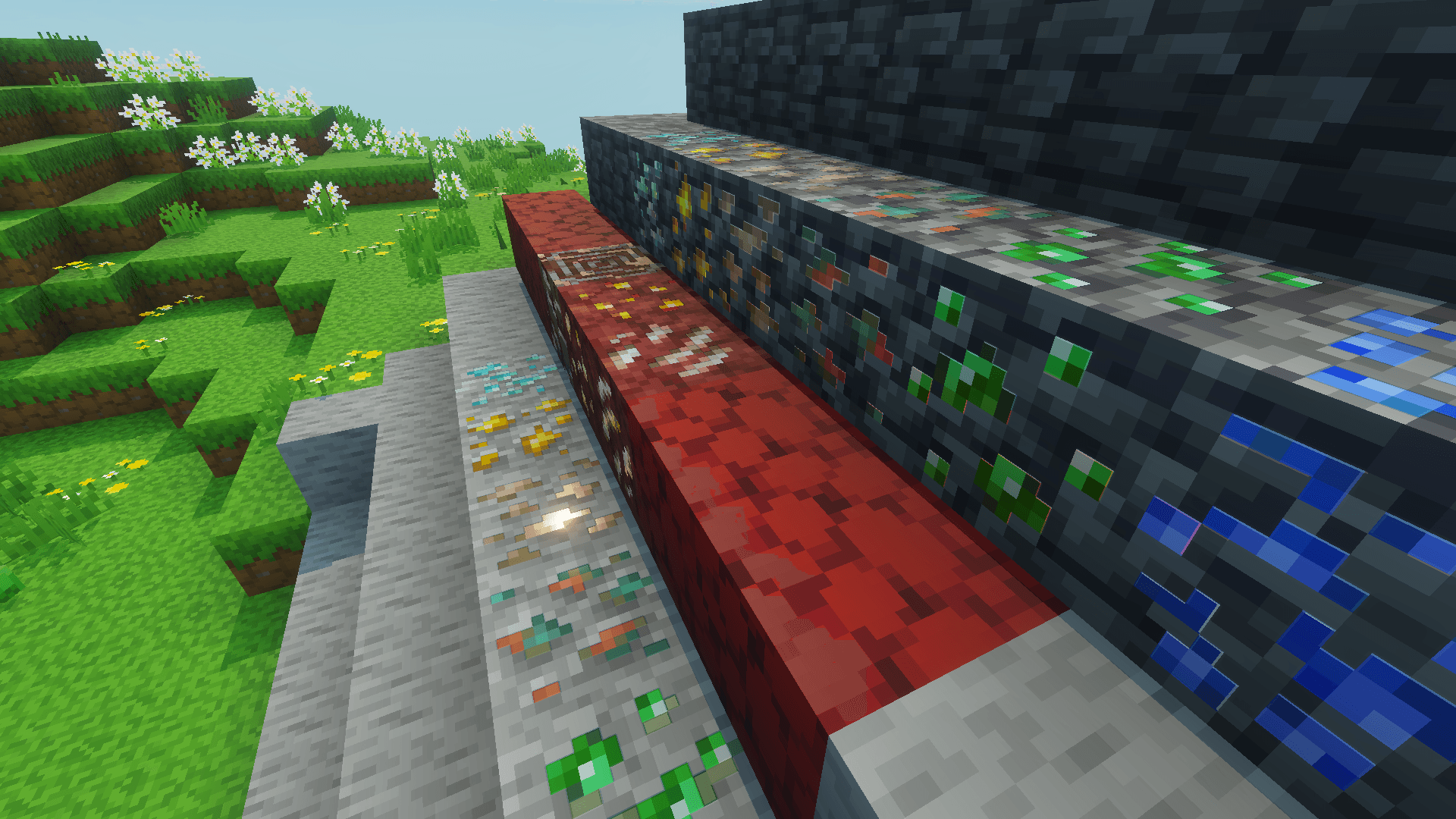

Asui's 3D Glowing Ores
3D Glowing Ores By AshuieDownload
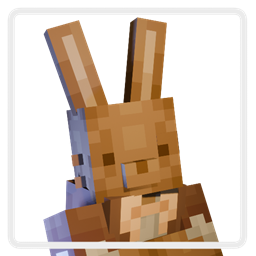
Rabbit Villagers
Remodels Villagers into cute Bunnies!Install
axy's Honey Note-ify
Indicates if a beehive is full of honey with an eye-catching sticky note!Install
Mizuno's Cow Variants x FA
Make Mizuno's Cow Variants compatible with Fresh AnimationInstall
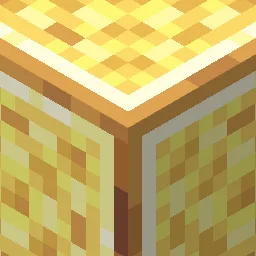
Dinar's Crafts & Additions
Changes most of the textures of the Create Crafts & Additions modInstall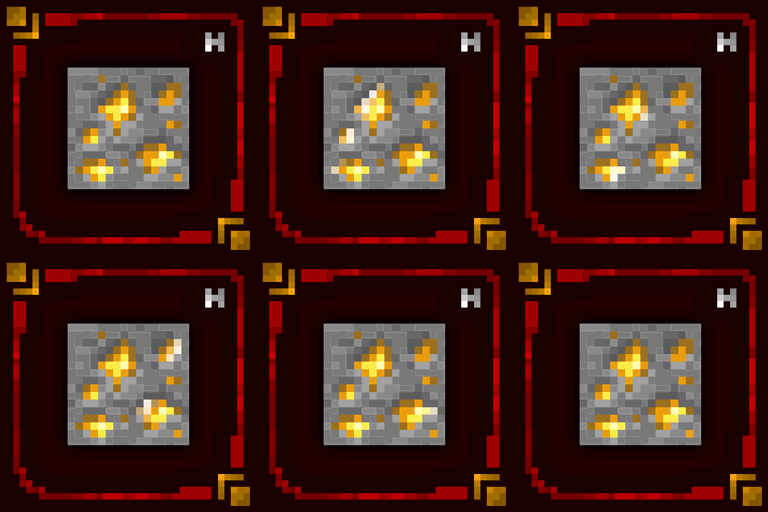
Hellim's Glowing Textures
This resource pack gives animated glowing effect to suitable blocks.Install

TZP Extra Compat (Tissou's Zombie Style)
TZP Extra Mod Compat (Tissou's Zombie Style)Install
SurrealPack
SurrealPackInstall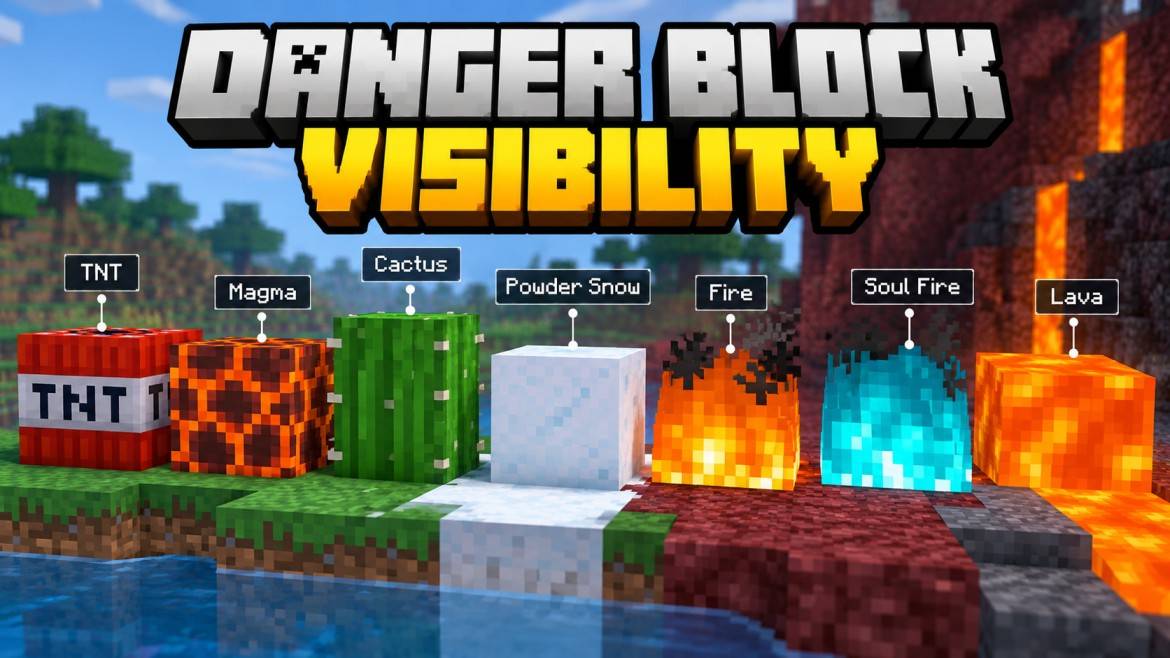
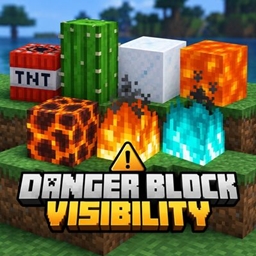
Danger Block Visibility
Danger Block Visibility improves the visibility of hazardous blocks like TNT, lava, magma, cactus, fire, soul fire and powder snow while keeping the original vanilla Minecraft style. Created by Gavti.Download
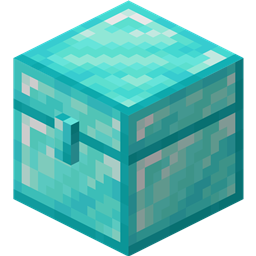
Better Iron Chests
Makes chests from the mod Iron Chests prettierInstall
Mo's Improved Leaves and Foliage
Cattails, Bushy Leaves, Grass, Flower Variants, and Algae!Install

Compatibility Patch for Faithful64x & FreshAnimations
Allows the usage of Fresh Animations with Faithful64xInstall

Totem of Autism
Replaces the Totem of Undying with the Autism/TBH CreatureInstall
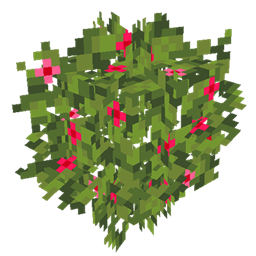
JS Leaves+
This resource pack improves the foliage in Minecraft by adding volume to it.Install

Nik's New Cartoon Pack!
Soft, colorful, & lively. Contains salmon. Available for download in x16, x32, x64, & x128.Install

Fused's Particles Plus+
This pack brings nature to life with enhanced weather and ambient particle effects. Experience better rain with realistic splashes and puddles forming during storms, butterflies fluttering naturally, and improved falling leaves that react with physics.DownloadFAQ
Do I need Forge or Fabric for a resource pack?
No. A resource pack works on the regular game with no loaders or mods. Click “Install” and Millida Launcher will put the pack into the right modpack — then just enable it in the settings.
What do 16×, 32×, 64× mean?
The resolution of a single texture in pixels. 16× matches the original game, 32× and 64× are more detailed and heavier, and 128× and up put a noticeable load on your graphics card.
Will a pack made for another version work?
Most likely partly: older packs don't have textures for newer blocks, so those will stay default. The game won't break, though.
How is a texture pack different from a resource pack?
Only by name and age. Before version 1.6 the sets were called texture packs and changed only textures; in 1.6 resource packs replaced them and also change sounds, fonts and the interface. Old texture packs for 1.5 and below do not work on new versions without conversion.
Which texture packs are best for PvP?
PvP packs: 16× resolution or lower, shortened swords, low fire, a clear sky and bright particles. They barely load the computer and make the opponent easier to see. These packs are collected in the PvP theme.
How do I install a resource pack?
Press Install and Millida Launcher puts the pack into the resourcepacks folder of the right instance. Then enable it in the game: Options, then Resource Packs. Manually, the archive goes into resourcepacks inside the game folder, no need to unpack it.
Minecraft texture packs
A resource pack changes how the game looks and sounds: block and item textures, fonts, the interface, sounds. It doesn't touch the game's code, so it needs no mod loader and breaks nothing on a server — the pack only works on your screen. That's exactly why a resource pack is safer than any mod: the worst that happens on a version mismatch is that some textures stay default.
Textures, texture packs and resource packs are essentially the same thing: since version 1.6 Mojang calls these sets resource packs, but the old name is still searched more often. PvP packs are a big genre of their own: shortened swords, low fire, bright particles and 16× resolution or lower, so the opponent stands out and the frame rate does not drop. Such packs are most often made for 1.8.9 and 1.16.5, the versions many PvP servers run on.
The key thing about a pack is its resolution. The game's default textures are 16×16 pixels; 32× and 64× packs look more detailed, while 128× and up need a real graphics card and are usually paired with shaders. On a weak machine it makes sense to stay at 16× or go for packs that deliberately simplify graphics for more FPS. Every pack here lists its game version, author and license, and all released versions are gathered on one card. Put the downloaded archive in the resourcepacks folder and enable it in the game settings.