
Minecraft texture packs — page 136
Resource packs: list


Crazy PvP Pack
A PvP focused resource pack with stunning textures, smooth performance, and combat enhancements for ultimate Minecraft battles.Install

ReCrafted Mobs
The pack for all your mobs of the Minecraft Universe!Install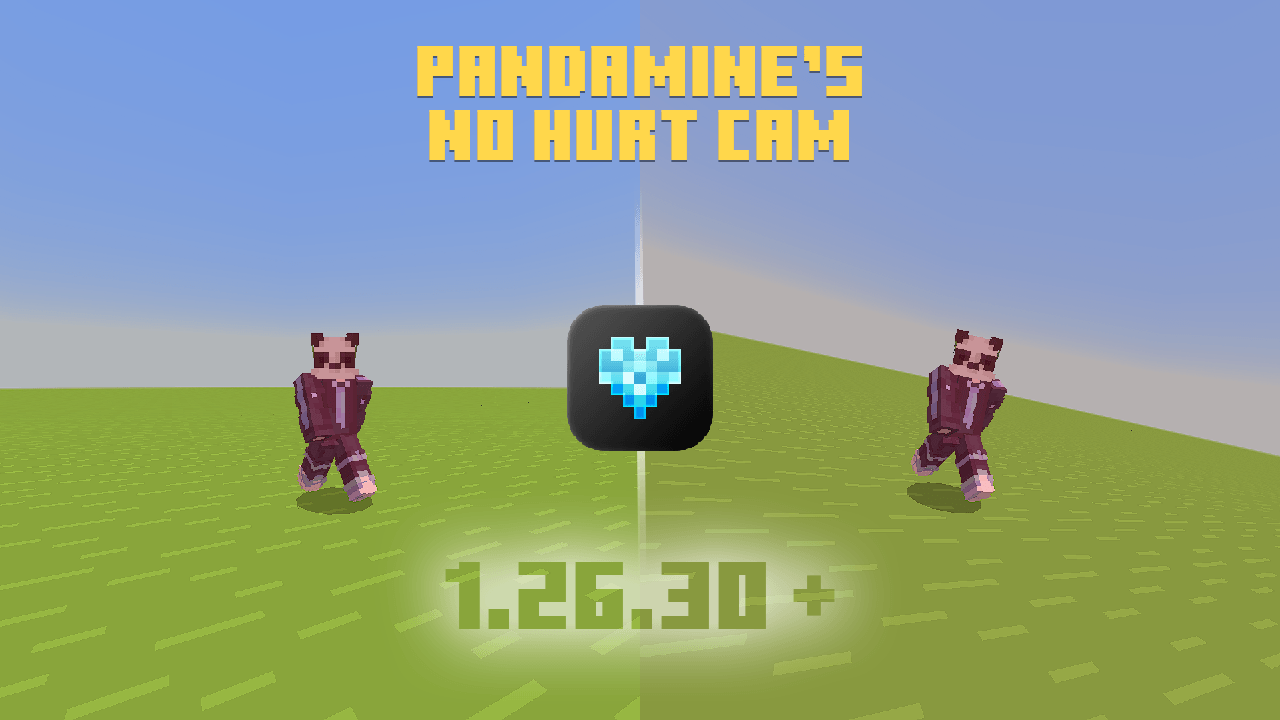

PandaMine's No Hurt Cam (No Vignette + No Hurt Close) FPS Boost
Removes screen shaking during hits and Nausea & Nether Portal wobbles. Works on Android, IOS, Windows and supports Actions & Stuff!Download

OLD MINECRAFT
ORIGINALS MINECRAFT TEXTURES, MINERALS , NETHER AND MOREInstall
Defog
Removes all fog from the game.Install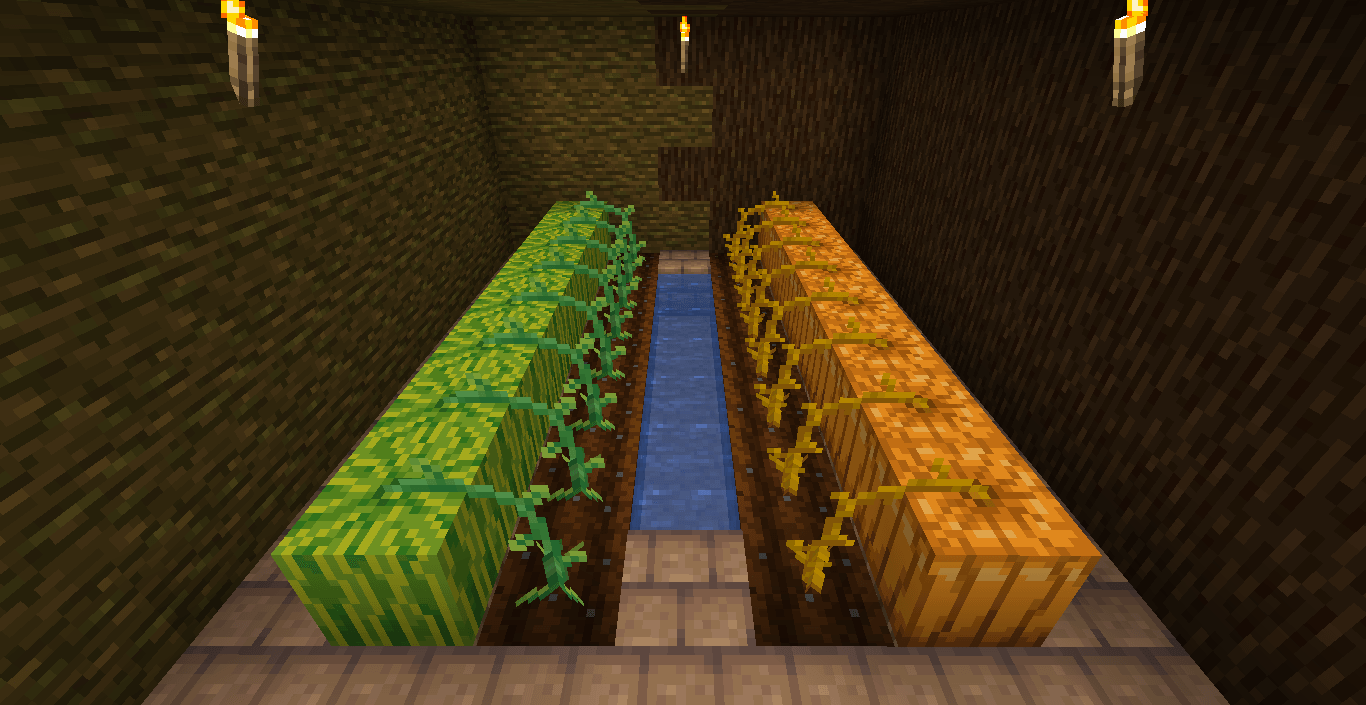
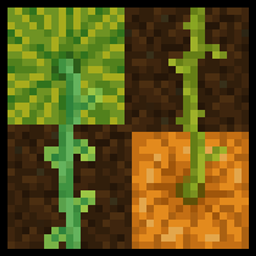
Stemtacular
Alters pumpkin and melon stems to be more distinguishable, and properly connect with the top side of the crops.Install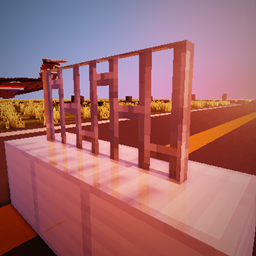
RedHat PBR Add-on
Texture-pack for add emissives and speculars (reflections) for RedHat shadersInstall

Excalibur | Better Archeology Support
Rediscover the past through textures forged in the spirit of timeless adventureInstall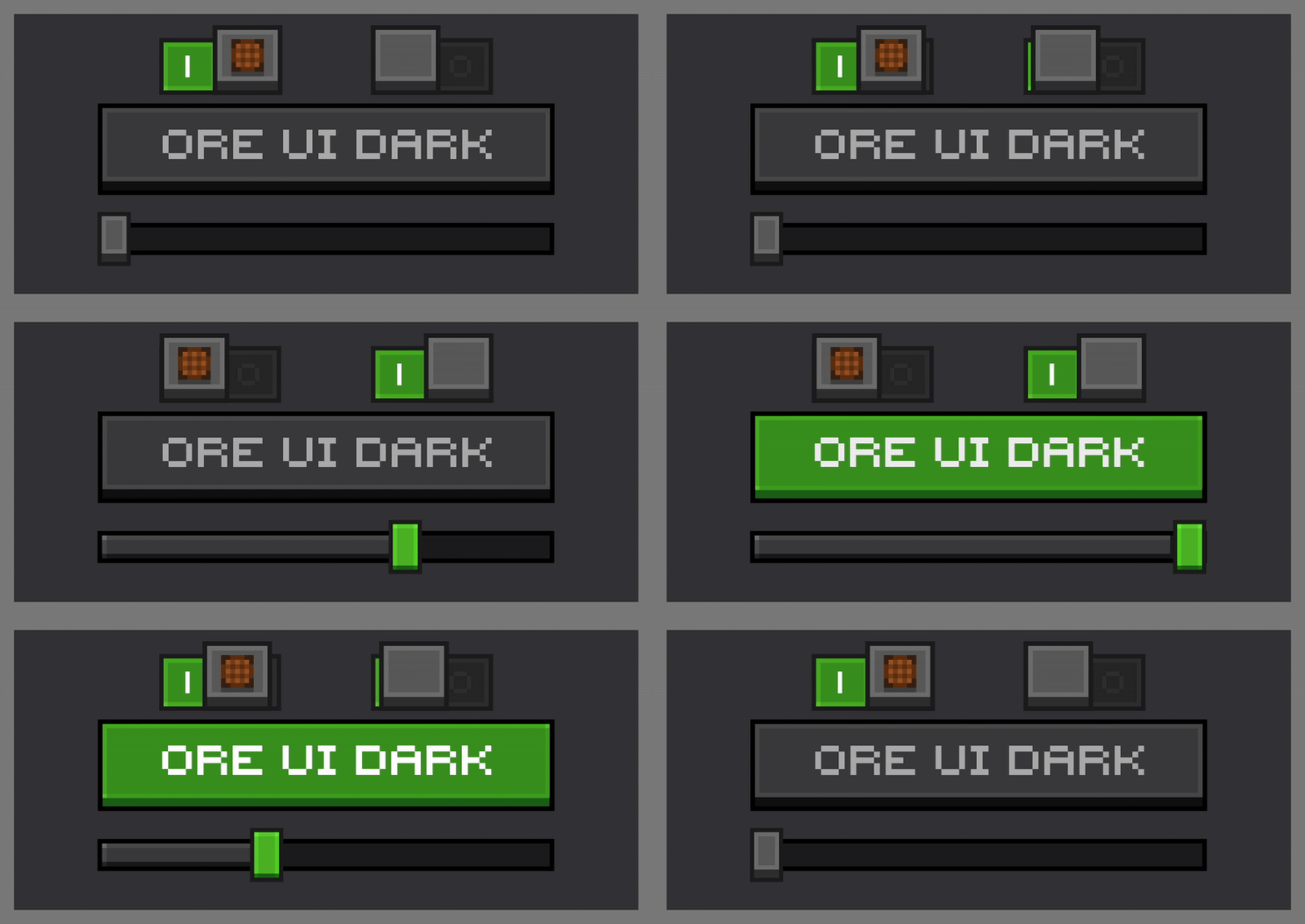

Ore UI Dark Mode
Gives the minecraft default ore ui a darker look to it!Download
Dark Mode GUI for Pixelmon
A Dark Mode UI Theme for The Pixelmon Mod.Install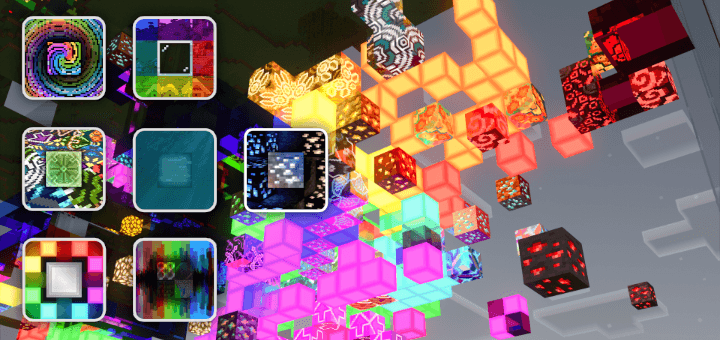

Add-Ons for Vanilla RTX
A series of smaller packs that can be applied over Vanilla RTX to give certain blocks interesting properties with ray tracing!Download
Old UI for Legacy4J
Bring back the user interface from older versions of Legacy Console Edition for Legacy4J!Install
Soft Weather
Makes rain and snow less visually obtrusive.Install

Realistic Sheeps
Now the sheeps will look much more realistic!Install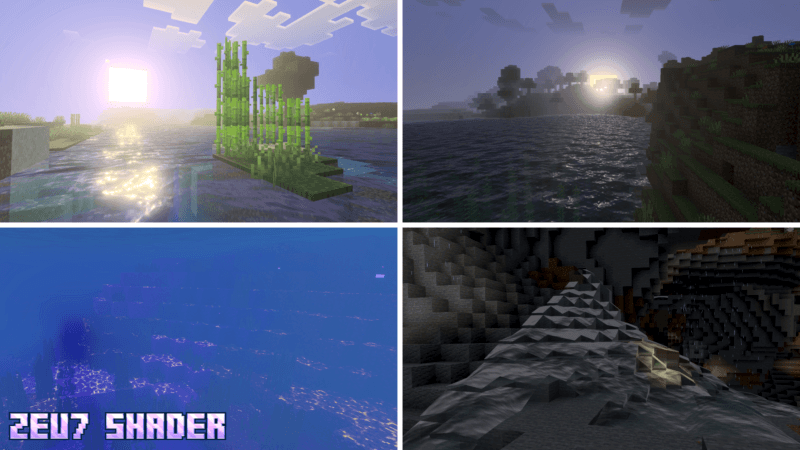

ZEU7 Shader (Zephyr)
Zeu7 Shader (Zephyr) makes your world look energetic, magical, and electrical. This shader works on all devices that support VV.Download

Modernity Magiculture 2 Compatibility Patch
Adds Modernity compatibility for the Magiculture 2 modpackInstall
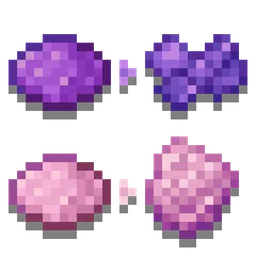
Distinct Dyes
Gives all dyes a different texture, making them easier to tell apart. Works for any version that supports resourcepacks (1.6.1+)! Useful for the colorblind.Install
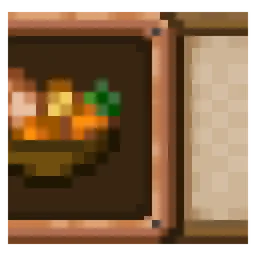
Delightful Plaques
Farmer's Delight theme for Advancement Plaques.Install

Ponky's Low Shield - Actions & Stuff Compatibility!
Lowers the shield in first person view to improve your visionDownload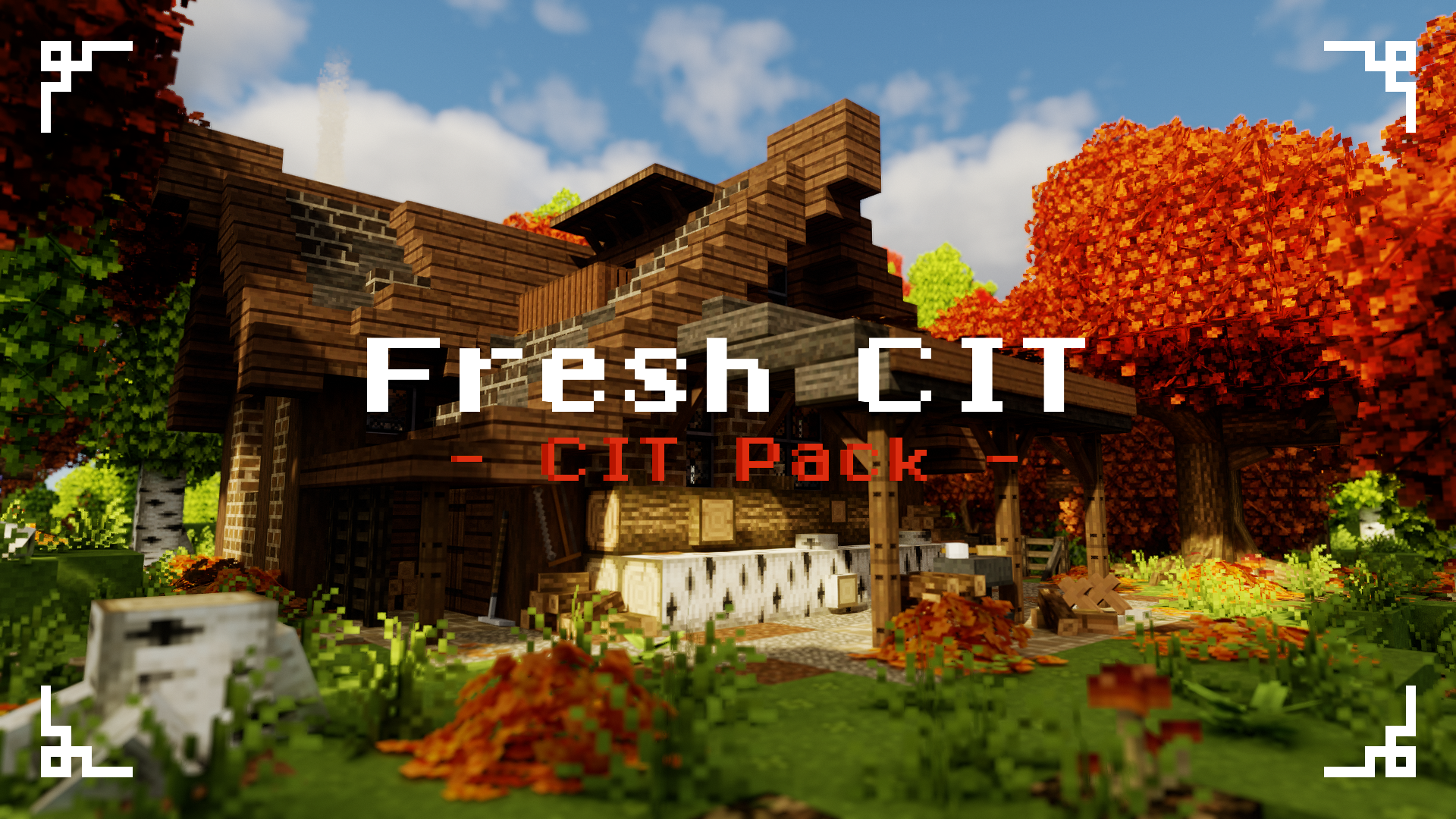
Fresh CIT
Adds custom item models to the game for you to improve your builds.Install

CPvP Nino Nakano + Anime sky
The PvP/CPvP resource pack "Nino Nakano" adds a variety of textures, from the sky overlay to the GUI and sounds.Install
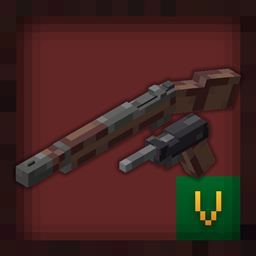
Pekit's Bows to Guns - WWII
This packs turns the bow/crossbow into WWII era weaponsInstall

Death of the Beds for Bedwars
a bedwars texture pack, for simple and easy pvpInstallFAQ
Do I need Forge or Fabric for a resource pack?
No. A resource pack works on the regular game with no loaders or mods. Click “Install” and Millida Launcher will put the pack into the right modpack — then just enable it in the settings.
What do 16×, 32×, 64× mean?
The resolution of a single texture in pixels. 16× matches the original game, 32× and 64× are more detailed and heavier, and 128× and up put a noticeable load on your graphics card.
Will a pack made for another version work?
Most likely partly: older packs don't have textures for newer blocks, so those will stay default. The game won't break, though.
How is a texture pack different from a resource pack?
Only by name and age. Before version 1.6 the sets were called texture packs and changed only textures; in 1.6 resource packs replaced them and also change sounds, fonts and the interface. Old texture packs for 1.5 and below do not work on new versions without conversion.
Which texture packs are best for PvP?
PvP packs: 16× resolution or lower, shortened swords, low fire, a clear sky and bright particles. They barely load the computer and make the opponent easier to see. These packs are collected in the PvP theme.
How do I install a resource pack?
Press Install and Millida Launcher puts the pack into the resourcepacks folder of the right instance. Then enable it in the game: Options, then Resource Packs. Manually, the archive goes into resourcepacks inside the game folder, no need to unpack it.
Minecraft texture packs
A resource pack changes how the game looks and sounds: block and item textures, fonts, the interface, sounds. It doesn't touch the game's code, so it needs no mod loader and breaks nothing on a server — the pack only works on your screen. That's exactly why a resource pack is safer than any mod: the worst that happens on a version mismatch is that some textures stay default.
Textures, texture packs and resource packs are essentially the same thing: since version 1.6 Mojang calls these sets resource packs, but the old name is still searched more often. PvP packs are a big genre of their own: shortened swords, low fire, bright particles and 16× resolution or lower, so the opponent stands out and the frame rate does not drop. Such packs are most often made for 1.8.9 and 1.16.5, the versions many PvP servers run on.
The key thing about a pack is its resolution. The game's default textures are 16×16 pixels; 32× and 64× packs look more detailed, while 128× and up need a real graphics card and are usually paired with shaders. On a weak machine it makes sense to stay at 16× or go for packs that deliberately simplify graphics for more FPS. Every pack here lists its game version, author and license, and all released versions are gathered on one card. Put the downloaded archive in the resourcepacks folder and enable it in the game settings.