
Minecraft texture packs — page 123
Resource packs: list


Shield Corrections
It can fix broken shield patterns and lowering shield for youInstall

prism - original
a clean and vibrant pack to enhance your minecraft experience - now in 1.21!Install
Rethoughted Spawn Eggs
Spawn eggs visual enchancement.Install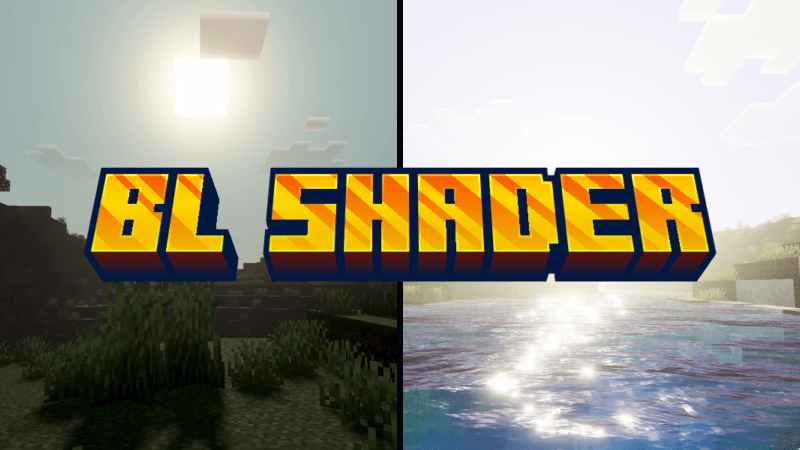

BL SHADER (Ferous)
BL Shader gives you dynamic and beautiful visuals.Download

outline shader
a texture pack that adds a white outline to minecraftInstall

3D Models (UltiCraft Sandalone)
3D models for workstations, ores, random litter on grass, and cleaned-up stairs and double slabs. The pack is designed to be compatible with, and complement other 3d models like VanillaTweaks, and redstoner models like Rexstones.Install

Renewed Animal
Changes the appearance of animals that exist in Vanilla.Install

Emissive Ores Addon for Bare Bones/Trailers Vision
A resource pack built for Optifine and Continuity to make ores visible in the aesthetic of the Minecraft Animated Trailers!Install

Vibrant Legacy Simple
Vibrant Legacy Simple is another variant of my Vibrant Legacy series.Download

Overdetailed Saplings
Replacement 3D models for saplings which try to not go far from original, while adding detailsInstall

Zelda Totem of Undying
The Zelda Totem resource pack transforms Minecraft's totem of undying into Princess Zelda, introducing the enchanting and regal essence of Hyrule into the game.Install

Sodium Boost
Make the game betterDownload

Black Mesa Transit System
Adds Half Life inspired tracks and trains using Immersive RailroadingInstall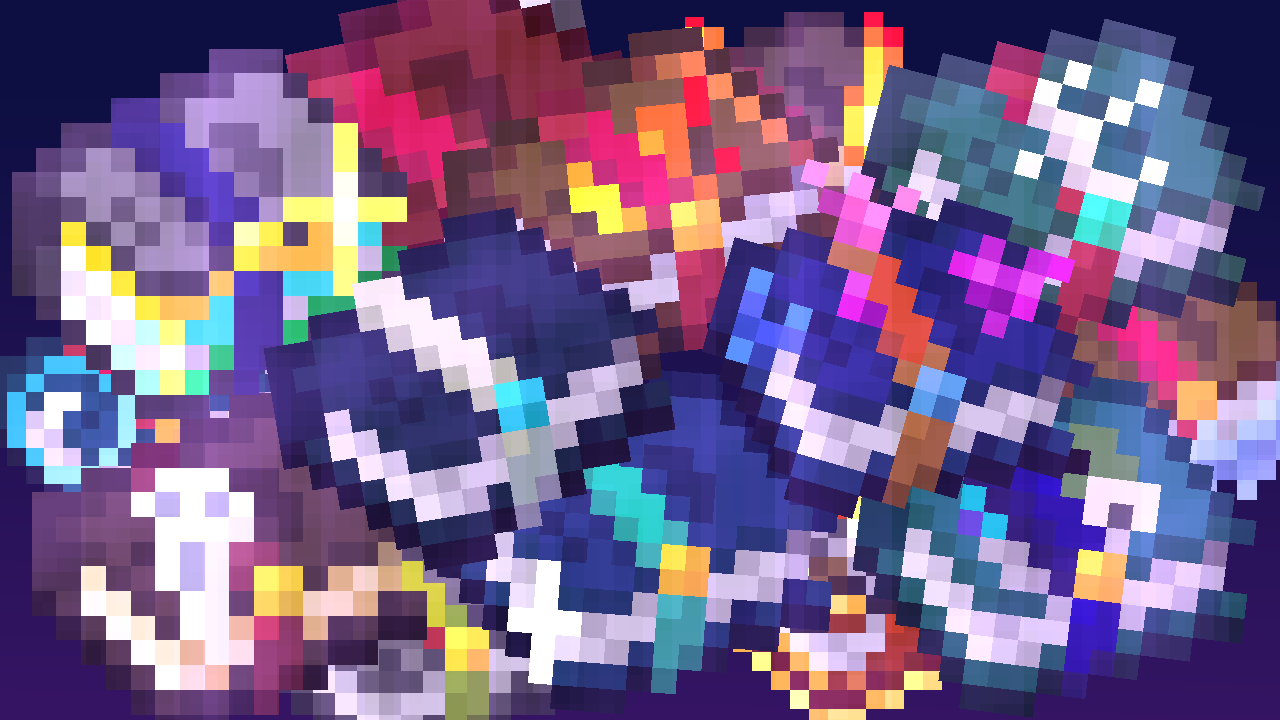
Enchantment Textures Plus
More enchanting books texturesInstall

Clear Glass
Truly clear, borderless glass.Install

Teyvat Weapon Collection
Adds weapons from Genshin Impact as custom item models into Minecraft. Compatible with Wynncraft.Install

[16p]Jolicraft
[16p] Jolicraft ~ The Wild Update (1.19)Install

Distant Horizons 遥远的地平线汉化包
基于Distant Horizons遥远的地平线模组个人汉化资源包Based on Distant Horizons Mod Chinese Localization ResourcepackInstall

Luster
A 16x resource pack with calm and immersive ambience. PBR compatible.Install

Refined Enchants
Fancy unique textures for enchanted books as well as default booksInstall
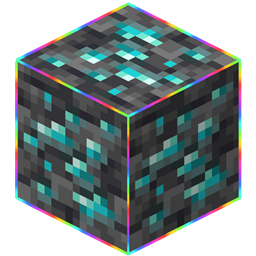
Rainbow Outlines Animation
Rainbow Outlines Block And HitboxInstall

Fancy Gear | Reshaded Equipment
Tools, weapons and armor overhaul, while mantaining the vanilla aesthetic! (Now with copper and spear compatibility!)Install

Glowing Ores Resource Pack
Bedrock Edition Only. Makes all ores glow (including nether ores and ancient debris) Works in global resources. Requires Vibrant Visuals to be enabled.DownloadFAQ
Do I need Forge or Fabric for a resource pack?
No. A resource pack works on the regular game with no loaders or mods. Click “Install” and Millida Launcher will put the pack into the right modpack — then just enable it in the settings.
What do 16×, 32×, 64× mean?
The resolution of a single texture in pixels. 16× matches the original game, 32× and 64× are more detailed and heavier, and 128× and up put a noticeable load on your graphics card.
Will a pack made for another version work?
Most likely partly: older packs don't have textures for newer blocks, so those will stay default. The game won't break, though.
How is a texture pack different from a resource pack?
Only by name and age. Before version 1.6 the sets were called texture packs and changed only textures; in 1.6 resource packs replaced them and also change sounds, fonts and the interface. Old texture packs for 1.5 and below do not work on new versions without conversion.
Which texture packs are best for PvP?
PvP packs: 16× resolution or lower, shortened swords, low fire, a clear sky and bright particles. They barely load the computer and make the opponent easier to see. These packs are collected in the PvP theme.
How do I install a resource pack?
Press Install and Millida Launcher puts the pack into the resourcepacks folder of the right instance. Then enable it in the game: Options, then Resource Packs. Manually, the archive goes into resourcepacks inside the game folder, no need to unpack it.
Minecraft texture packs
A resource pack changes how the game looks and sounds: block and item textures, fonts, the interface, sounds. It doesn't touch the game's code, so it needs no mod loader and breaks nothing on a server — the pack only works on your screen. That's exactly why a resource pack is safer than any mod: the worst that happens on a version mismatch is that some textures stay default.
Textures, texture packs and resource packs are essentially the same thing: since version 1.6 Mojang calls these sets resource packs, but the old name is still searched more often. PvP packs are a big genre of their own: shortened swords, low fire, bright particles and 16× resolution or lower, so the opponent stands out and the frame rate does not drop. Such packs are most often made for 1.8.9 and 1.16.5, the versions many PvP servers run on.
The key thing about a pack is its resolution. The game's default textures are 16×16 pixels; 32× and 64× packs look more detailed, while 128× and up need a real graphics card and are usually paired with shaders. On a weak machine it makes sense to stay at 16× or go for packs that deliberately simplify graphics for more FPS. Every pack here lists its game version, author and license, and all released versions are gathered on one card. Put the downloaded archive in the resourcepacks folder and enable it in the game settings.