
Minecraft texture packs — page 112
Resource packs: list


Auralis Visuals | Vibrant Visuals Shader
Auralis Visuals is a vibrant and dynamic shader/pack for Minecraft Bedrock that completely transforms the way you experience the game. Designed with care to enhance colors, lighting, and atmosphere.Download

Better 3D Craft
Better 3D Craft texture adds diverse 3D block and item models to your gameInstall
Sus Sand
Gives Suspicious sand and Gravel a more 'sus' lookInstall

Mushrooms Plus
Adds 3D mushrooms and FungiInstall

Small Gauge Goodies for Immersive Railroading.
An addition of 3 engines and 4 rolling stock for the Immersive Railroading Mod.Install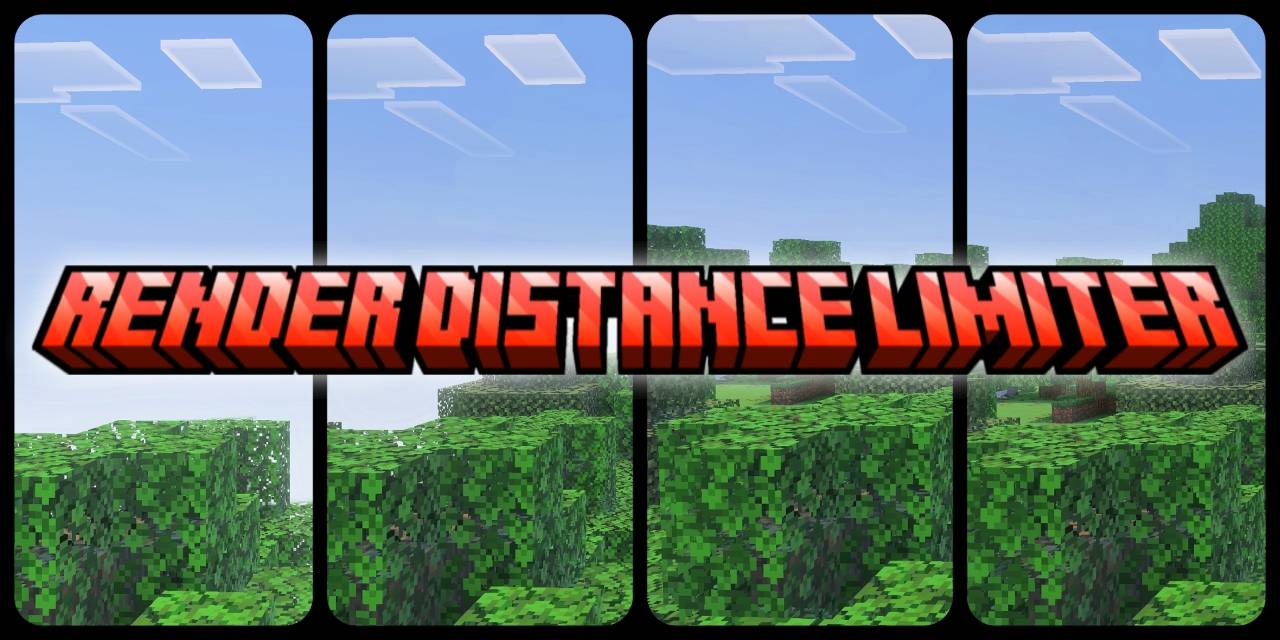

Render Distance Limiter
lag, low FPS, and overheating. To solve this, Render Distance Limiter allows users to cap render distance to 0.5 ,1, 2, 3, or 4 chunksDownload

small totem pop
reduces the size of the totem when he pops and the size of totem in hand to enhance sightInstall

Animated Textures
Some texture of objects are animated.Install

White PVP Overlay
Minecraft Texturepack for Crystal PvP and other gamemode. -white crystals and ancors -white tools -black pearls -small totems Made By FullEndymion and KaesitiusInstall

Clear Vision Plus
Hello Guys we meet again this time this resource pack help you in better and clear vision in minecraft.Install
BCGHG Resource Pack
The official GUI resource pack for BigChadGuys and the Holy GrailInstall
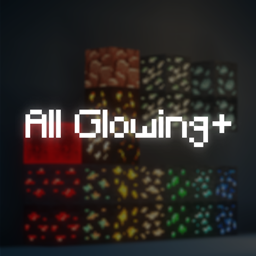
All Glowing + (ores, mobs and w/ more supports)
Adds Glowing Effects to ores, mobs and w/ mods supportsInstall

Complete Cobblemon Collection w Legendary Spawns
The Largest Cobblemon Addon Pack Made to Give Models and More Mon Spawns so that we can eventually reach full dex completion!Install
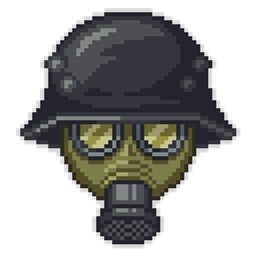
World War I Addon
Turn your Minecraft world into a World War I battlefield! Equip authentic weapons, uniforms, items, and themed blocks to recreate epic wartime scenarios.Install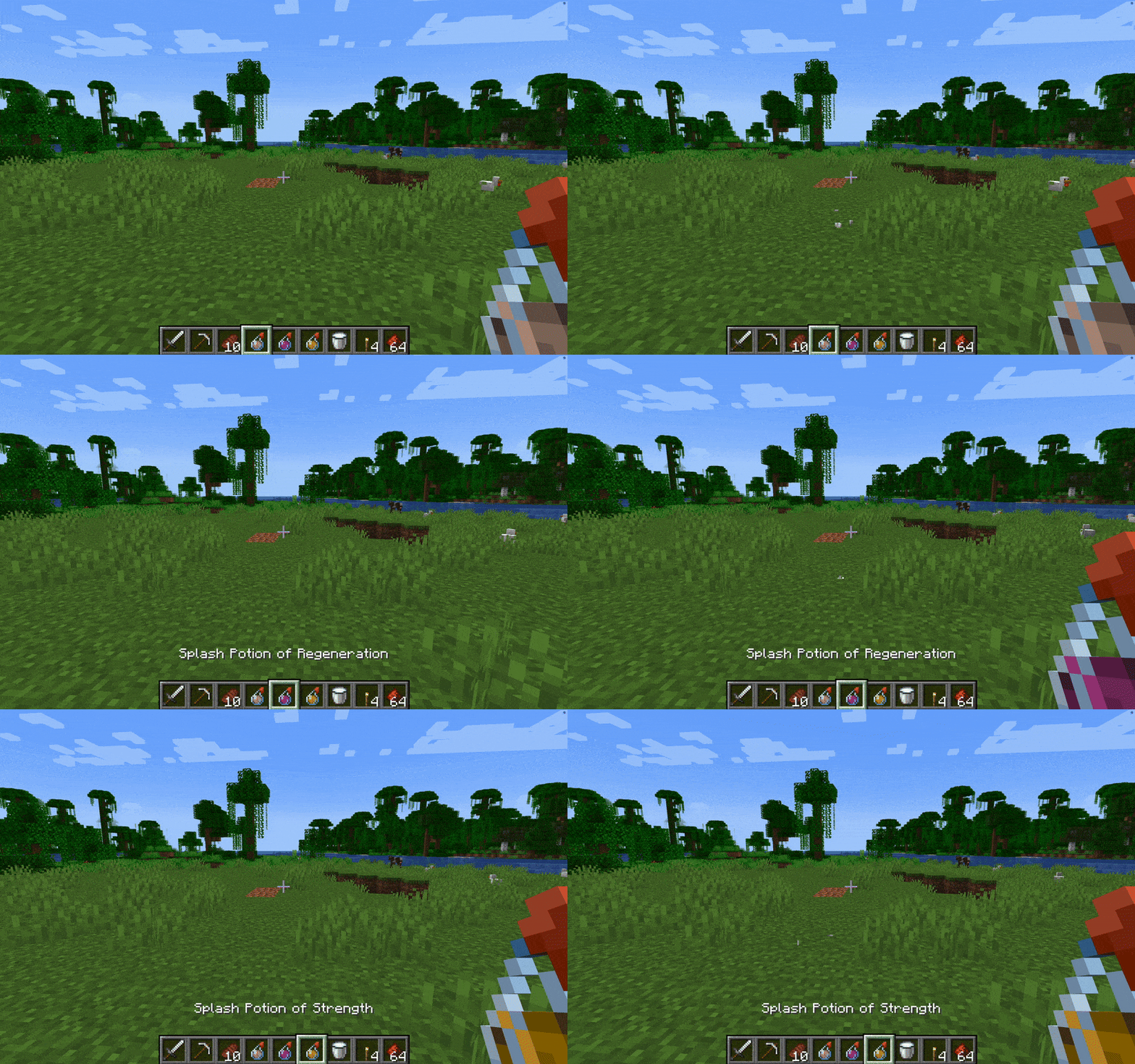

Without Potion Particles - Enhanced Visual Clarity
Without Potion Particles enhances Minecraft by removing the visual effects of potion particles, promoting a cleaner interface and helping to improve game performance on lower-end devices.Install

Vanilla Lootr
Gives Lootr the vanilla minecraft texturesInstall

Broken Tools
Tools that change texture based on their DurabilityInstall

Golden Apple Count (Gapple Counter)
Shows the amount of golden apples someone has, as well as a colored border around it. Useful for netherite potion and op/sword with gapples.Install

Newb Glow Legacy | Now compatible with 26.50+
The old Android newb glow version has become the general versionDownload

Default HD 64x
The classic Minecraft experience but in amazing 64x HD!Install
DragonMine Z HD Texturepack
A texture pack compatible with the "Dragon Mine Z" mod, designed for a more upscaled experience.Install

[ Bedrock ] Human Player Mobs
[ Bedrock Port ] turns all mobs into human player models, also waifu stuffDownload
No Particles Essential
A ResouecePack that prevents any type of particle from being renderedInstallFAQ
Do I need Forge or Fabric for a resource pack?
No. A resource pack works on the regular game with no loaders or mods. Click “Install” and Millida Launcher will put the pack into the right modpack — then just enable it in the settings.
What do 16×, 32×, 64× mean?
The resolution of a single texture in pixels. 16× matches the original game, 32× and 64× are more detailed and heavier, and 128× and up put a noticeable load on your graphics card.
Will a pack made for another version work?
Most likely partly: older packs don't have textures for newer blocks, so those will stay default. The game won't break, though.
How is a texture pack different from a resource pack?
Only by name and age. Before version 1.6 the sets were called texture packs and changed only textures; in 1.6 resource packs replaced them and also change sounds, fonts and the interface. Old texture packs for 1.5 and below do not work on new versions without conversion.
Which texture packs are best for PvP?
PvP packs: 16× resolution or lower, shortened swords, low fire, a clear sky and bright particles. They barely load the computer and make the opponent easier to see. These packs are collected in the PvP theme.
How do I install a resource pack?
Press Install and Millida Launcher puts the pack into the resourcepacks folder of the right instance. Then enable it in the game: Options, then Resource Packs. Manually, the archive goes into resourcepacks inside the game folder, no need to unpack it.
Minecraft texture packs
A resource pack changes how the game looks and sounds: block and item textures, fonts, the interface, sounds. It doesn't touch the game's code, so it needs no mod loader and breaks nothing on a server — the pack only works on your screen. That's exactly why a resource pack is safer than any mod: the worst that happens on a version mismatch is that some textures stay default.
Textures, texture packs and resource packs are essentially the same thing: since version 1.6 Mojang calls these sets resource packs, but the old name is still searched more often. PvP packs are a big genre of their own: shortened swords, low fire, bright particles and 16× resolution or lower, so the opponent stands out and the frame rate does not drop. Such packs are most often made for 1.8.9 and 1.16.5, the versions many PvP servers run on.
The key thing about a pack is its resolution. The game's default textures are 16×16 pixels; 32× and 64× packs look more detailed, while 128× and up need a real graphics card and are usually paired with shaders. On a weak machine it makes sense to stay at 16× or go for packs that deliberately simplify graphics for more FPS. Every pack here lists its game version, author and license, and all released versions are gathered on one card. Put the downloaded archive in the resourcepacks folder and enable it in the game settings.