
Minecraft texture packs — page 109
Resource packs: list


actually correct new default texture backport
there are many packs that port 1.14 textures back but i'm the one who gets all of themInstall
Dragoncraft: GUI
The Official Texturepack for DragoncraftInstall

HDTEXT
Replaces the old Minecraft font with a new HD font that stays faithful to the original.Install

Chubby Cheeks
An optifine relient resource pack that changes outdated mob modelsInstall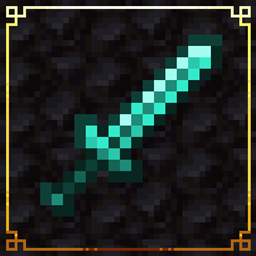
Drown's Tool Tweaks [Abandoned]
A resource pack designed to make vanilla and modded tools look more consistent and to add variation.Install
Maestro: Overture
Adds thematic music to structures and key events, powered by Maestro!Install

Kal's Grimdark Samurai Pack
Epic Samurai Weapons, Tools & Armor by KalamonInstall

AD FPS BOOSTER LITE (BG)
AD FPS BOOSTER V1 LITE IS THE LITE VERSION OF NORMAL AD FPS BOOSTER V3Download

Dark Theme
An Extension Pack for Déesse UI Pack to make your Minecraft UI dark.Download

[Deprecated]CTOV - Immersive Engineering add-on
Compatibility add-on for Immersive engineering and CTOVInstall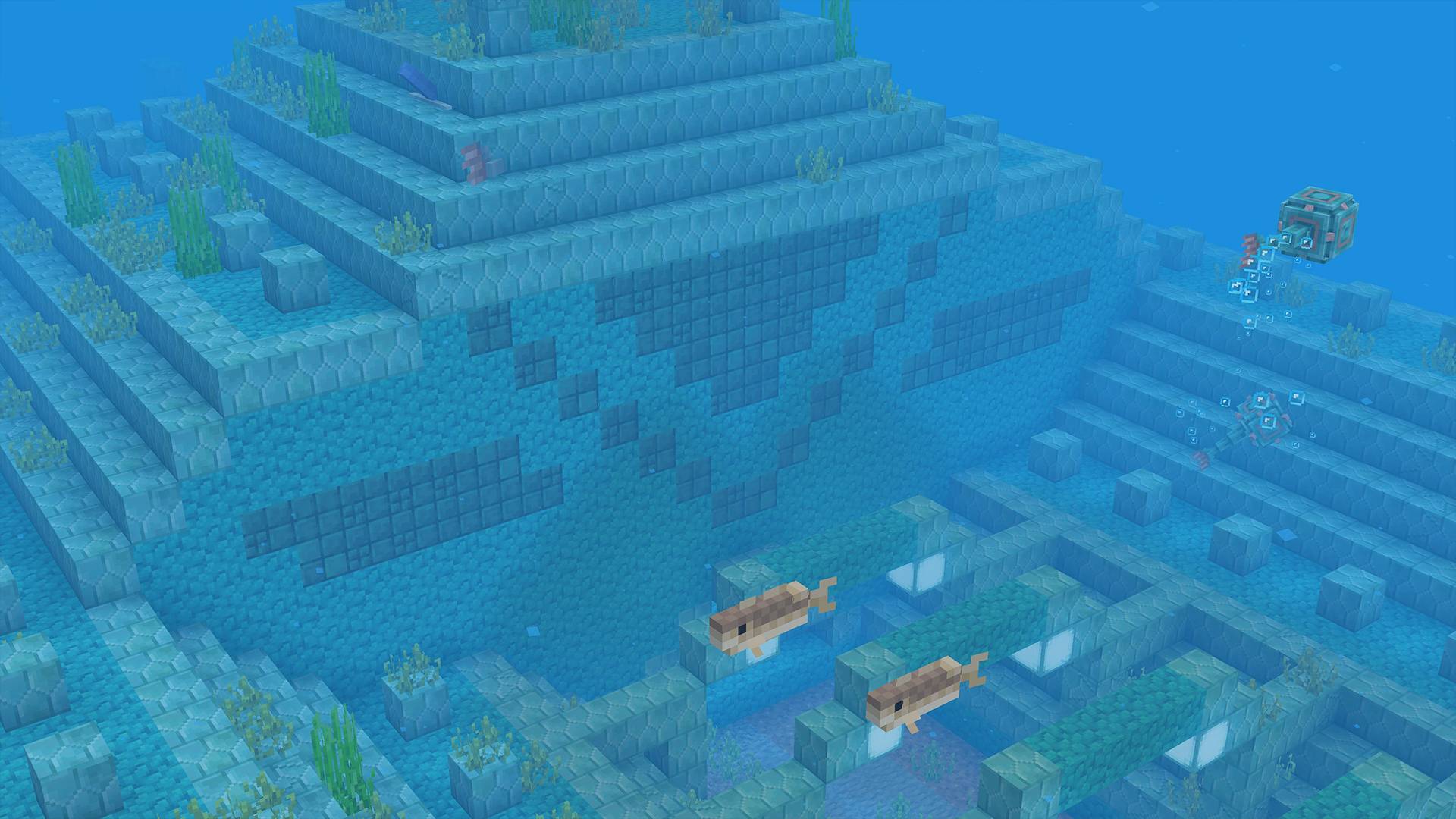
BetterDefault 2.0.1 Textures
It's like the default, but better!Install

Fresh Animations Patch - Variants and Ventures
A Fresh Animations patch pack that allows "Variants & Ventures" to function with "Fresh Animations".Install
Boosted Brightness
Multiples the brightness setting by 10x which allows for fullbright. Uses the new 1.21.2 lightmap core shader meaning it works with Sodium. Like night visionInstall

Refined Tools
This resourcepack enhances the tools and weapons by giving them refined 3D models.Install

Beefier Bovine x Fresh Animations
Makes Beefier Bovine(my cow pack) compatible with Fresh AnimationsInstall

Modernity Extra (Unofficial)
Extra textures for Modernity resource packInstall

New Emissive Ores
1.17 minerals are now emissive / Los minerales de la 1.17 ahora son emisivasInstall

Nitro | PVP Pack [8x]
Elegant 8x PVP Pack, FPS Boost & Beautiful.Install

Fairy Wings Elytra
Fly high with this fluttering opalescent fairy wings elytra reskin! 💖🧚Install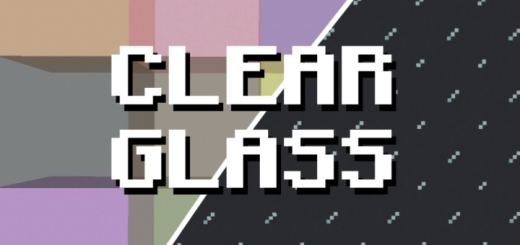

Clear Glass
Smooths and clarifies glass blocks for a seamless, transparent look.Download

CrossAttack
You dont find the crosshairs odd? This resource pack fixes this problem by making crosshair attacks better!Install
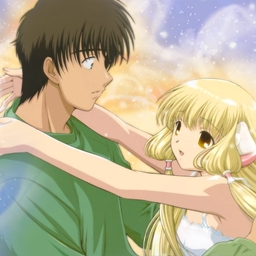
Chobits GUI Pack
Overhauled Minecraft GUI in the theme off Chobits.Install
Hardcore Hearts for survival mode
You will have the hardcore hearts in normal modesInstallFAQ
Do I need Forge or Fabric for a resource pack?
No. A resource pack works on the regular game with no loaders or mods. Click “Install” and Millida Launcher will put the pack into the right modpack — then just enable it in the settings.
What do 16×, 32×, 64× mean?
The resolution of a single texture in pixels. 16× matches the original game, 32× and 64× are more detailed and heavier, and 128× and up put a noticeable load on your graphics card.
Will a pack made for another version work?
Most likely partly: older packs don't have textures for newer blocks, so those will stay default. The game won't break, though.
How is a texture pack different from a resource pack?
Only by name and age. Before version 1.6 the sets were called texture packs and changed only textures; in 1.6 resource packs replaced them and also change sounds, fonts and the interface. Old texture packs for 1.5 and below do not work on new versions without conversion.
Which texture packs are best for PvP?
PvP packs: 16× resolution or lower, shortened swords, low fire, a clear sky and bright particles. They barely load the computer and make the opponent easier to see. These packs are collected in the PvP theme.
How do I install a resource pack?
Press Install and Millida Launcher puts the pack into the resourcepacks folder of the right instance. Then enable it in the game: Options, then Resource Packs. Manually, the archive goes into resourcepacks inside the game folder, no need to unpack it.
Minecraft texture packs
A resource pack changes how the game looks and sounds: block and item textures, fonts, the interface, sounds. It doesn't touch the game's code, so it needs no mod loader and breaks nothing on a server — the pack only works on your screen. That's exactly why a resource pack is safer than any mod: the worst that happens on a version mismatch is that some textures stay default.
Textures, texture packs and resource packs are essentially the same thing: since version 1.6 Mojang calls these sets resource packs, but the old name is still searched more often. PvP packs are a big genre of their own: shortened swords, low fire, bright particles and 16× resolution or lower, so the opponent stands out and the frame rate does not drop. Such packs are most often made for 1.8.9 and 1.16.5, the versions many PvP servers run on.
The key thing about a pack is its resolution. The game's default textures are 16×16 pixels; 32× and 64× packs look more detailed, while 128× and up need a real graphics card and are usually paired with shaders. On a weak machine it makes sense to stay at 16× or go for packs that deliberately simplify graphics for more FPS. Every pack here lists its game version, author and license, and all released versions are gathered on one card. Put the downloaded archive in the resourcepacks folder and enable it in the game settings.