
Resource packs for Minecraft 1.21 — page 83
Resource packs: list


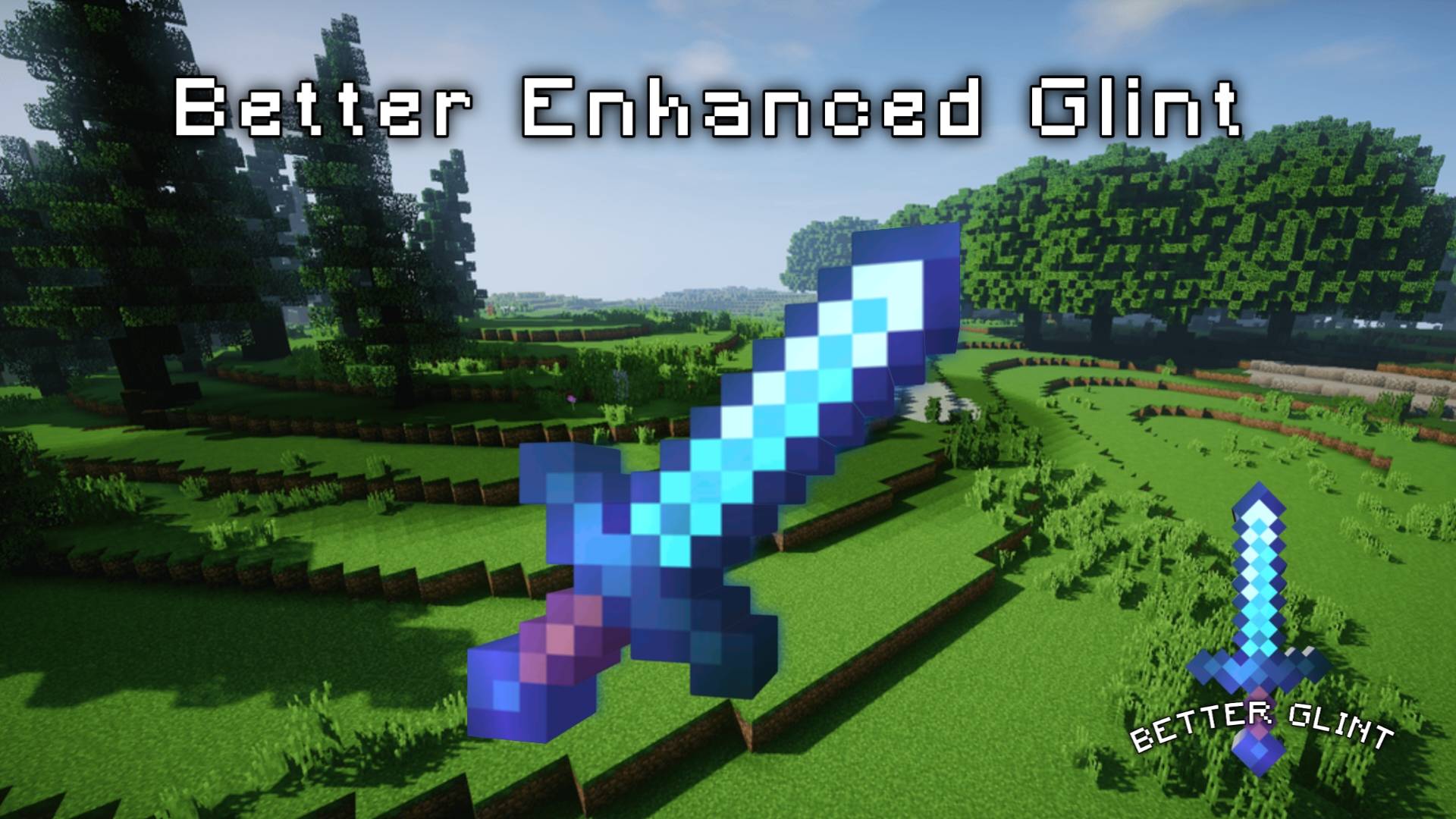

Better Enhanced Glint
It provides a better enhanced glint instead of the old boring enhanced glint.Download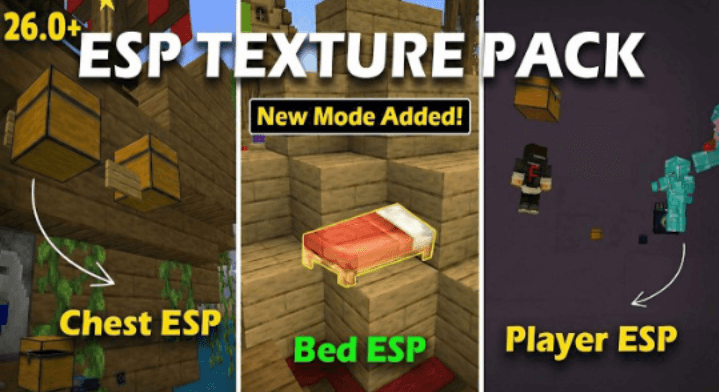

ESP For 1.21+ | ESP For 1.26/26.0+ | ESP HACK
ESP HACK for MCPE v26+ 🔥Download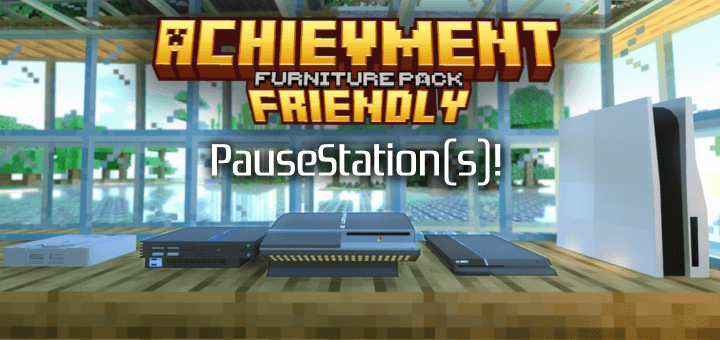

Achievment Friendly Furniture Pack
Have furniture without installing addons, so you can keep your achievments!Download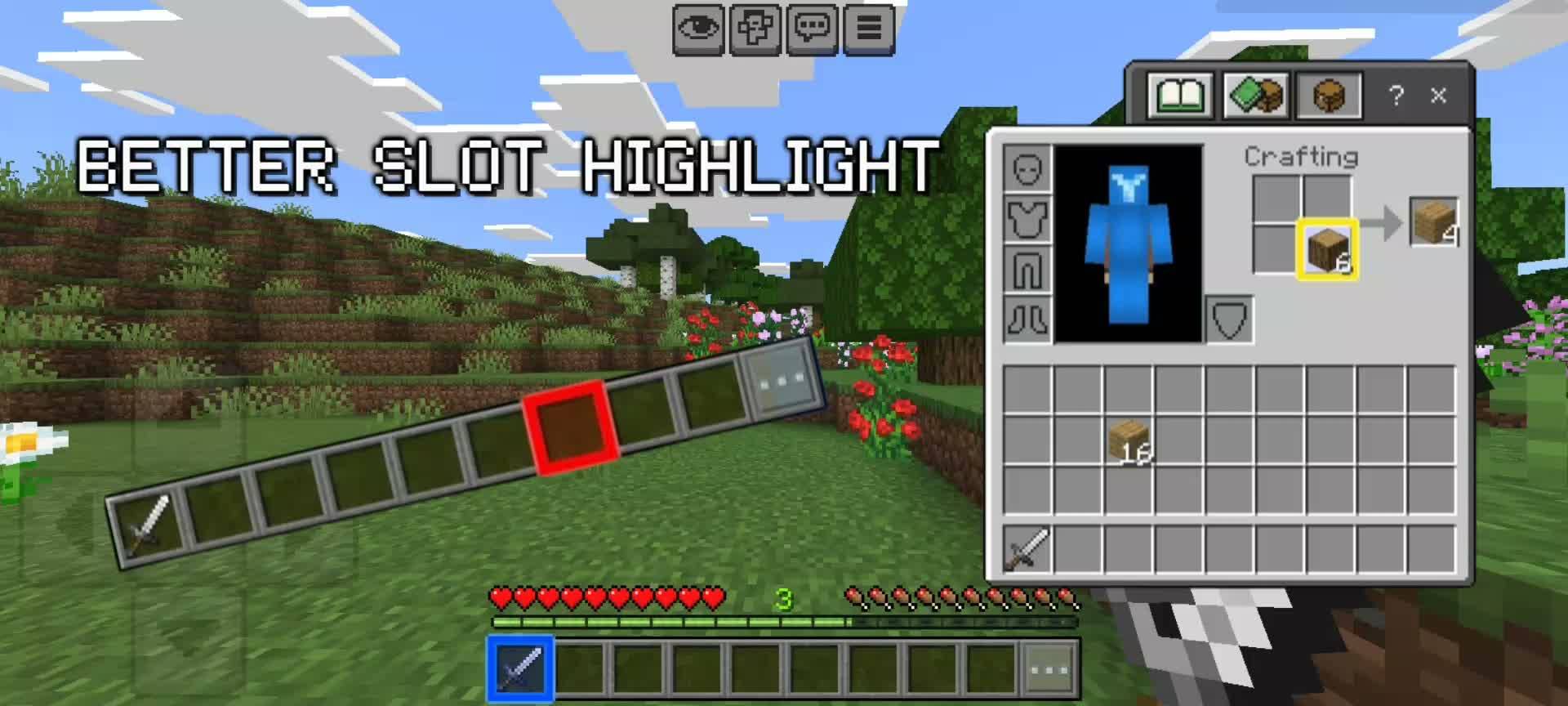

ý Better Slot Highlight
Better and clearer slot highlight, with multiple colors to choose from!Download
SG UI Pack - FPS Boost, Clean UI, PVP Resource Pack MCBE
Fast craft, structure export, clean UI, low fire, fewer particles, clean waterDownload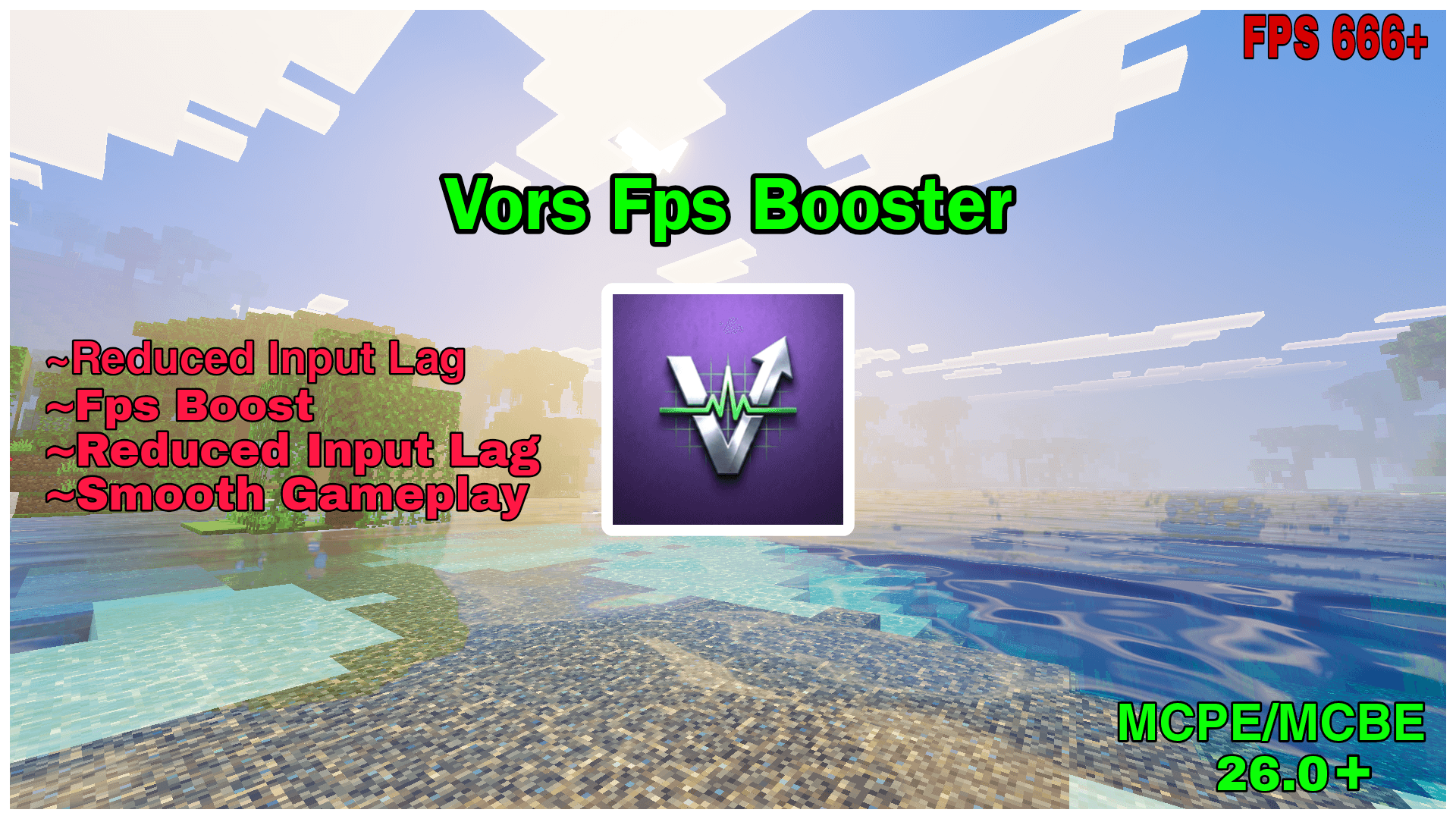

Vors Fps Booster
Increase your framerate and reduce input lag for a smoother gaming experience.Download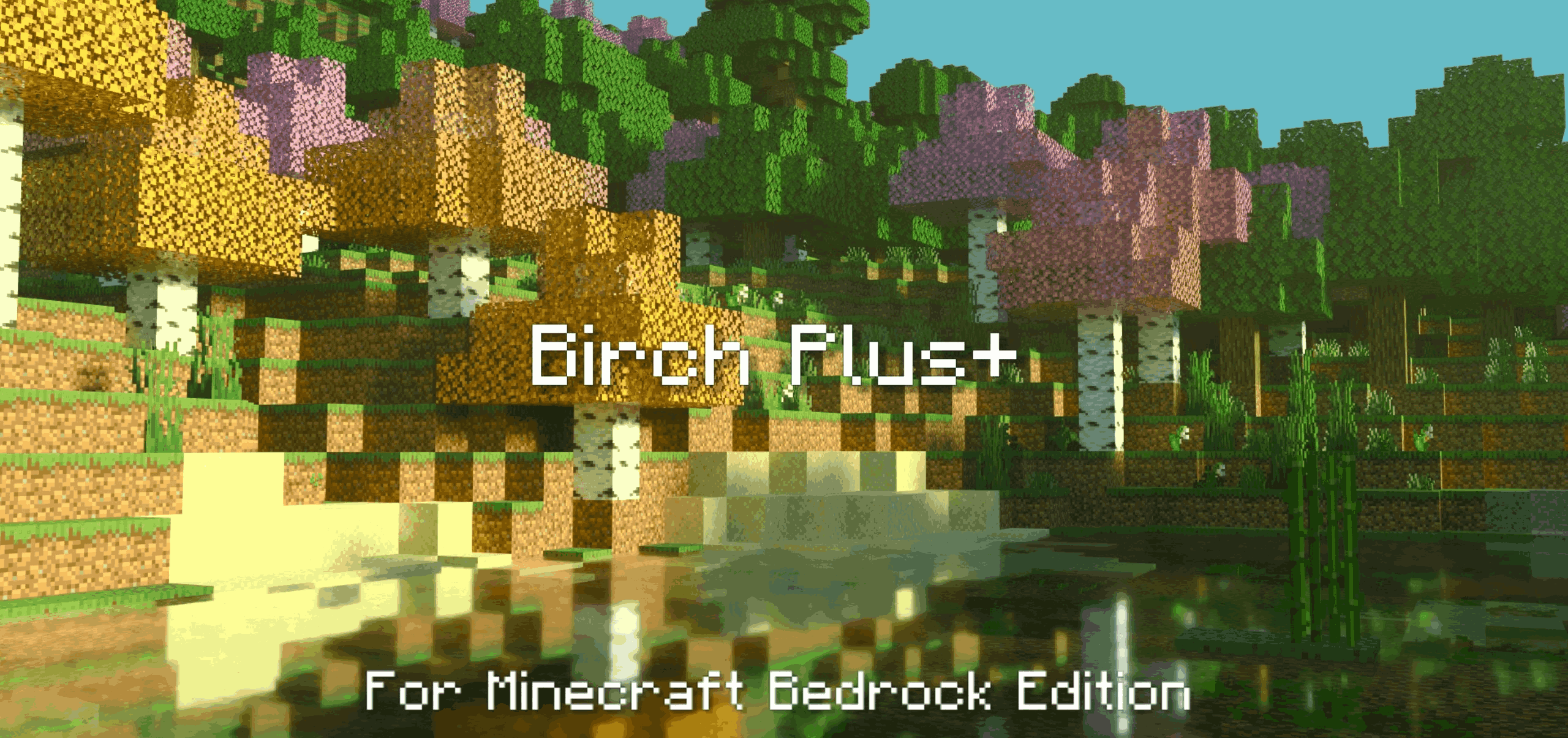

Birch Plus+ Texture Pack v1.3
This small texture pack will make Birch leaves turn Pink in certain biomes while in some biomes they will be Yellow and in some they will be Orange. This small change will surely make your worlds more colorful!Download

PVP CROSSHAIR V6
PVP CROSSHAIR FOR MINECRAFT PVPDownload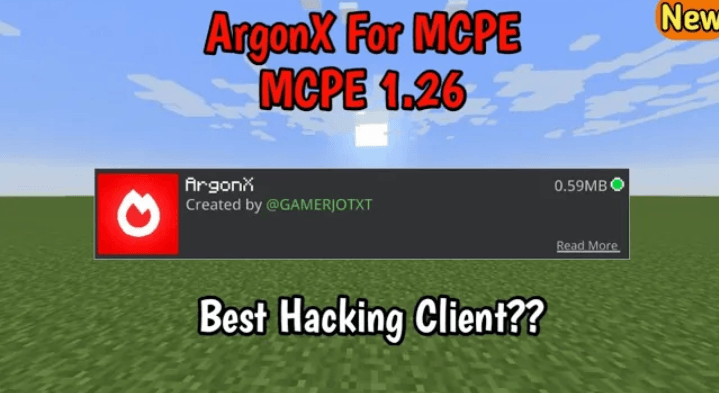

ArgonX | Fps optimizer & Fps booster | Hacking Texture Pack
Insane Hacking Features 🔥Download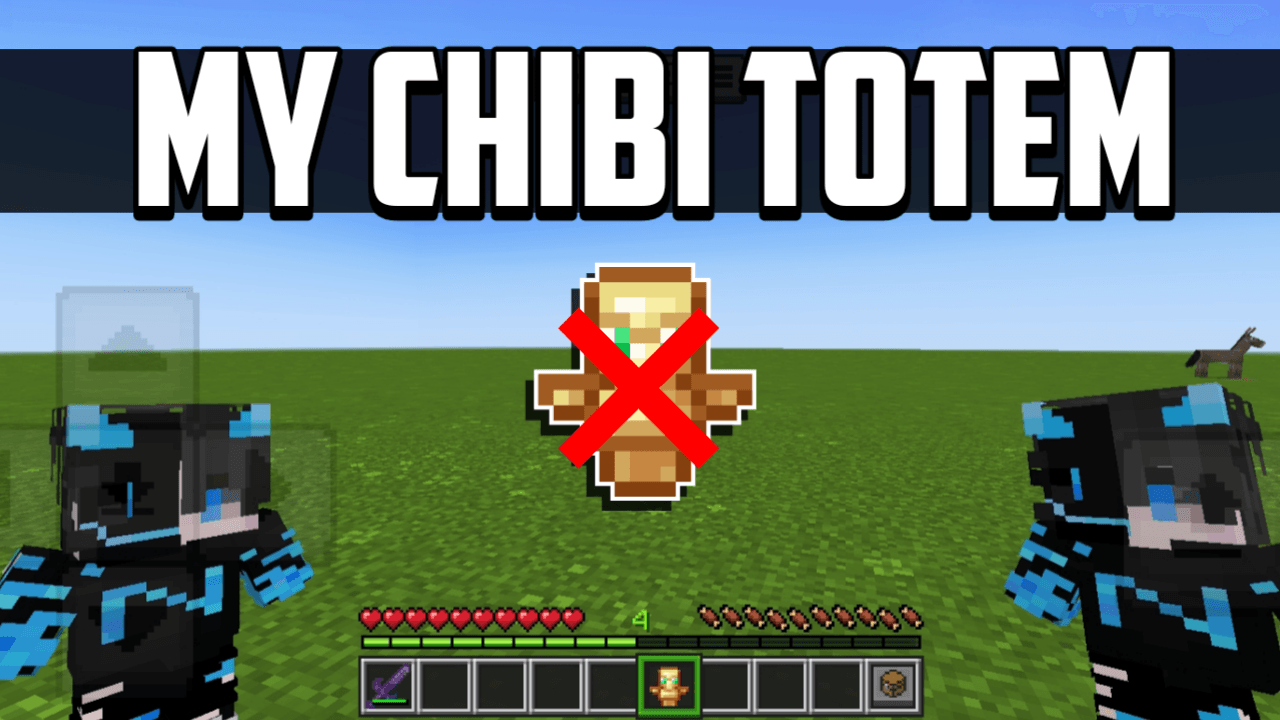

My Chibi Totem
Turn the Totem of Undying into a cute 3D Chibi version of yourself! This pack lets you add your own Minecraft skin, making the totem look like a tiny doll of your player.Download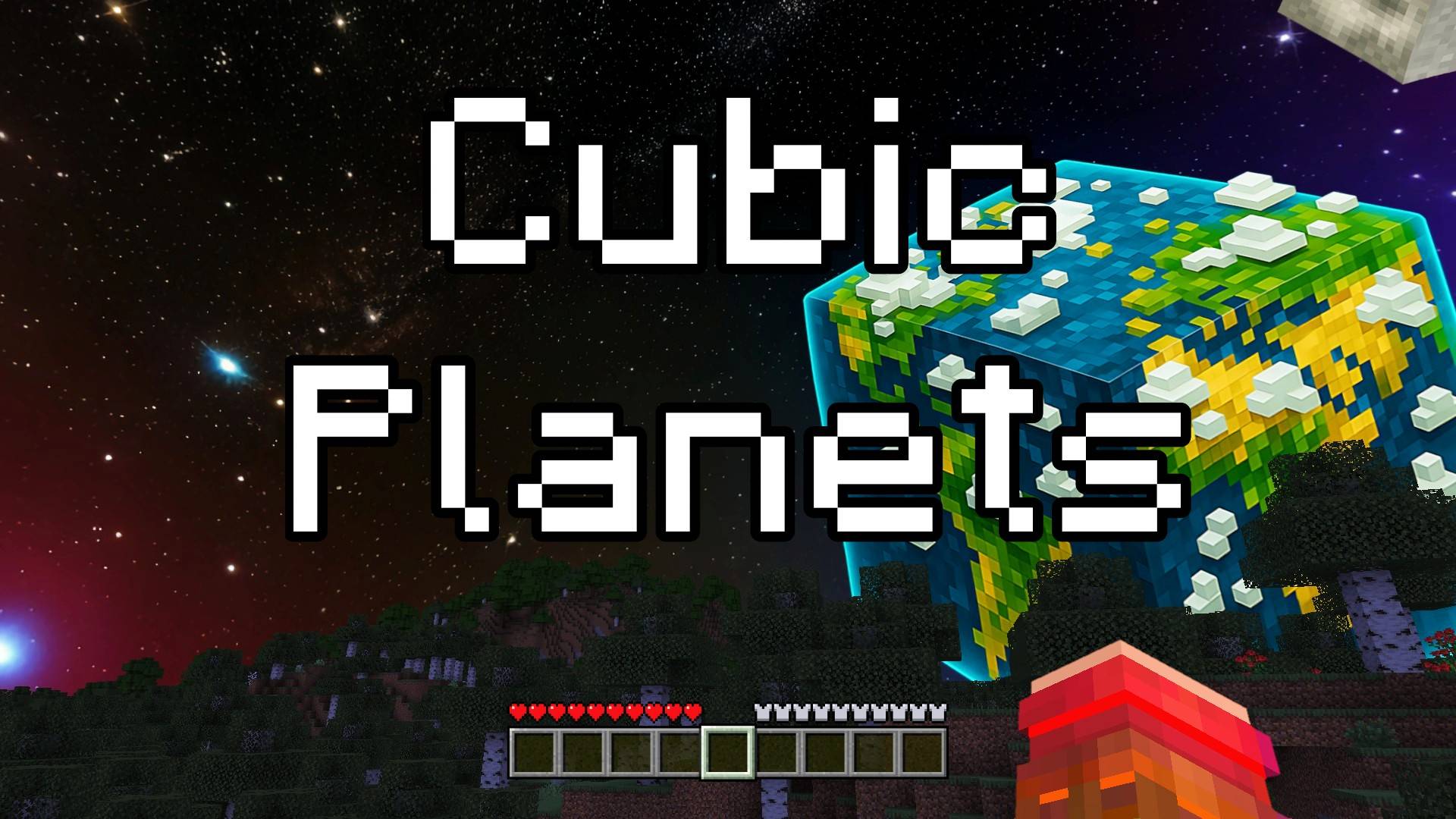

Cubic Planets - Custom Sky
This pack changes the sky to a beautiful space full of stars and shiny planets. But these planets are special becouse they are cube-shaped, just like Minecraft blocks! Now you can explore the stars and see a cool space world right above you while you play.Download

Saturation For Vanilla
Saturate — a lightweight color grading pack that brings vanilla Minecraft to life, without any shaders.Download

Visible Amount Food
With this texture pack you will be able to see the amount of food drumsticks each meal recovers.Download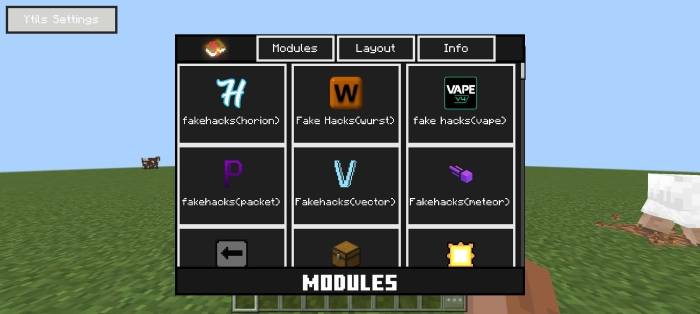
Ytils
A futuristic mod menu and utility ui texture packDownload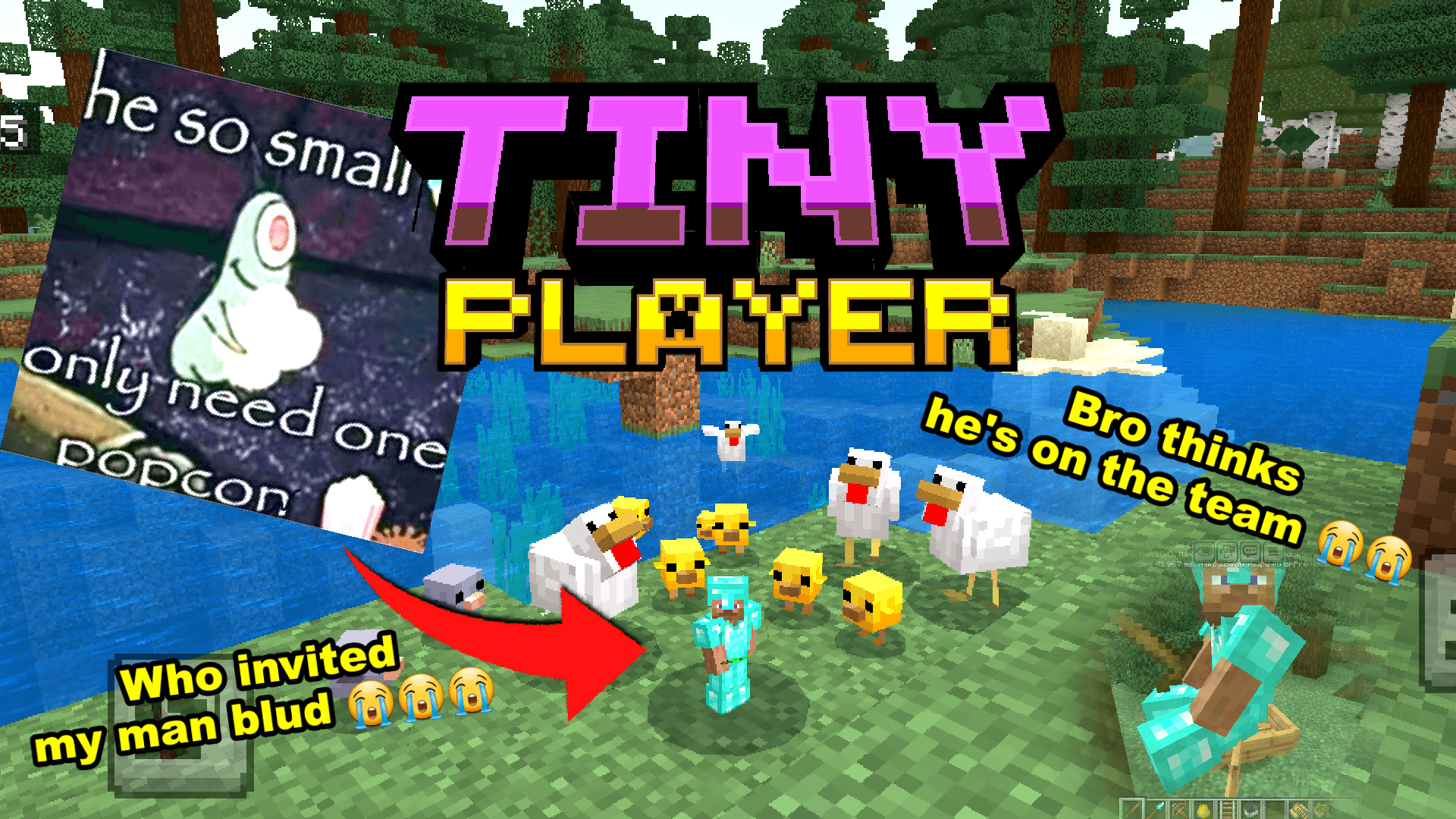

Tiny Player | for Short People
Tiny Takeover >:D Control Player Sizes from small to bigger over 4 block tall visuallyDownload

Lepherial SX0 16x
A Blue Futuristic Knight Themed PvP Texture Pack.Download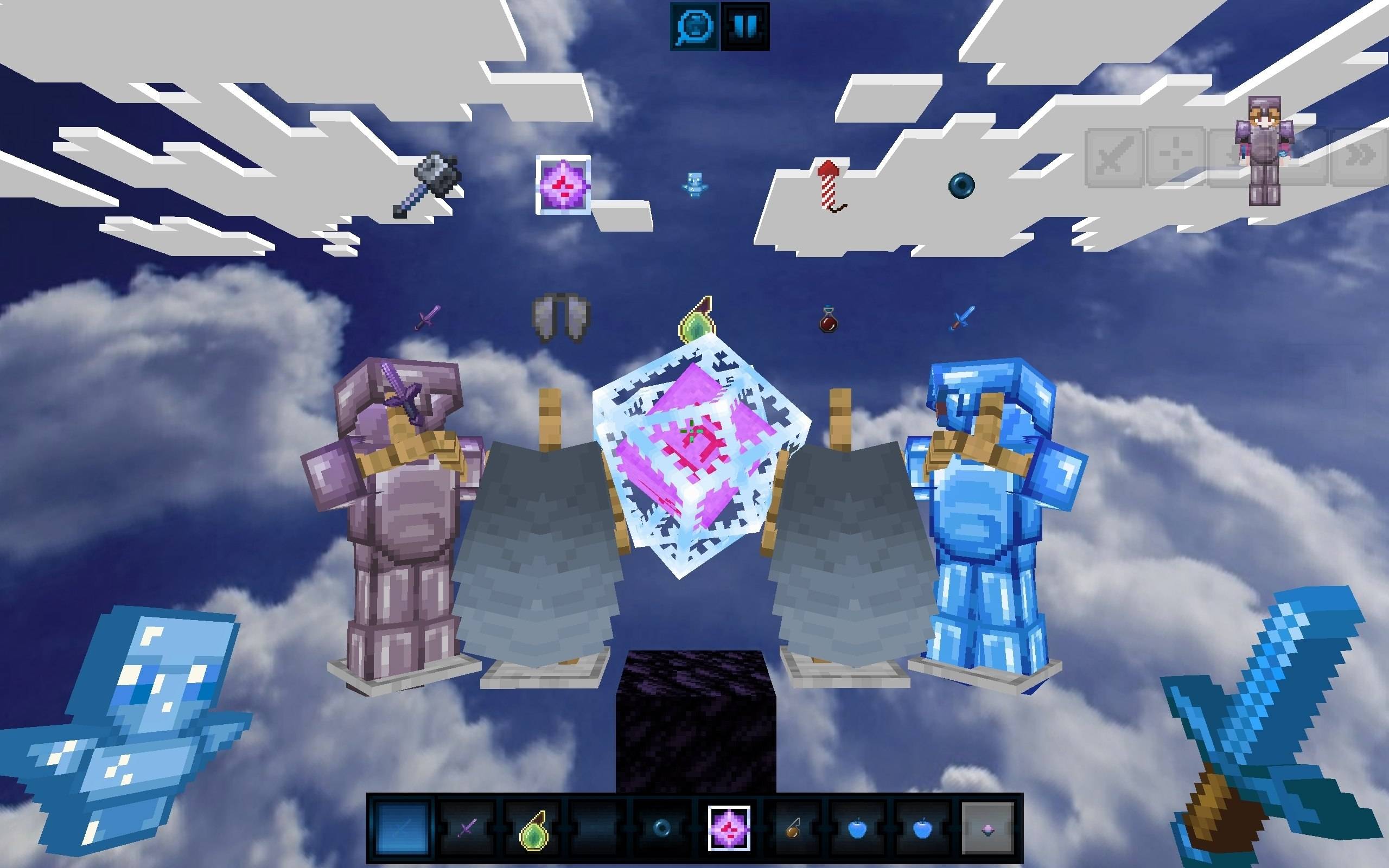

Celestial Blue PvP Pack
Dominate your opponents with this clean and vibrant Bedrock PvP texture pack! It completely transforms your game with a breathtaking custom skybox, detailed armor textures with custom capes, and a unique blue Totem of Undying.Download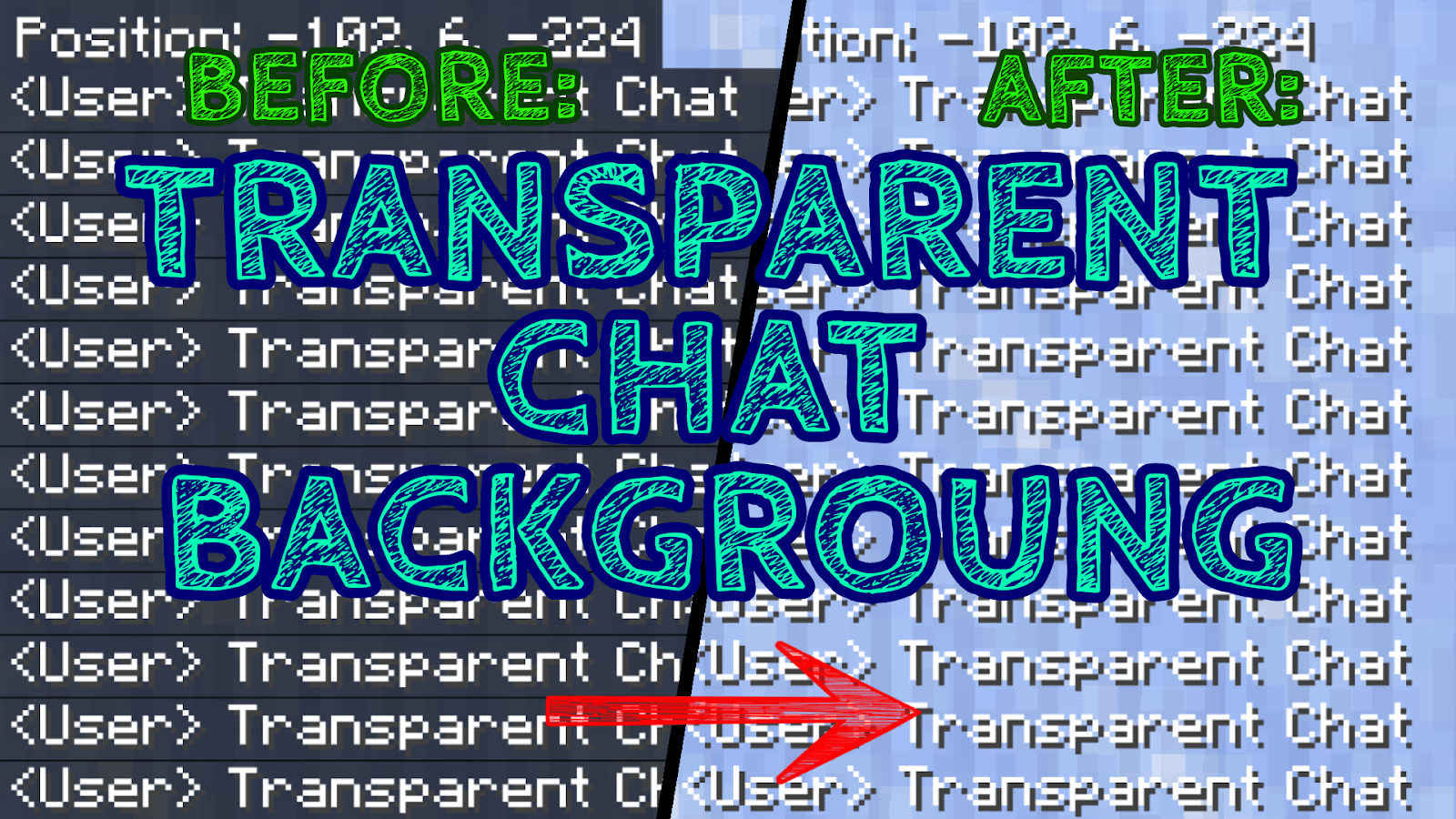
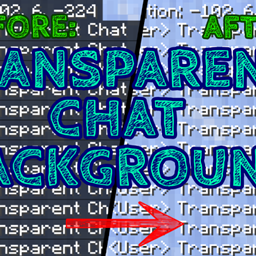
Transparent Chat Background
Do you want to have a better view while playing Minecraft? Perfect! With this Texture Pack the Background of the Chat (and also the coordinates) will become Invisible!Download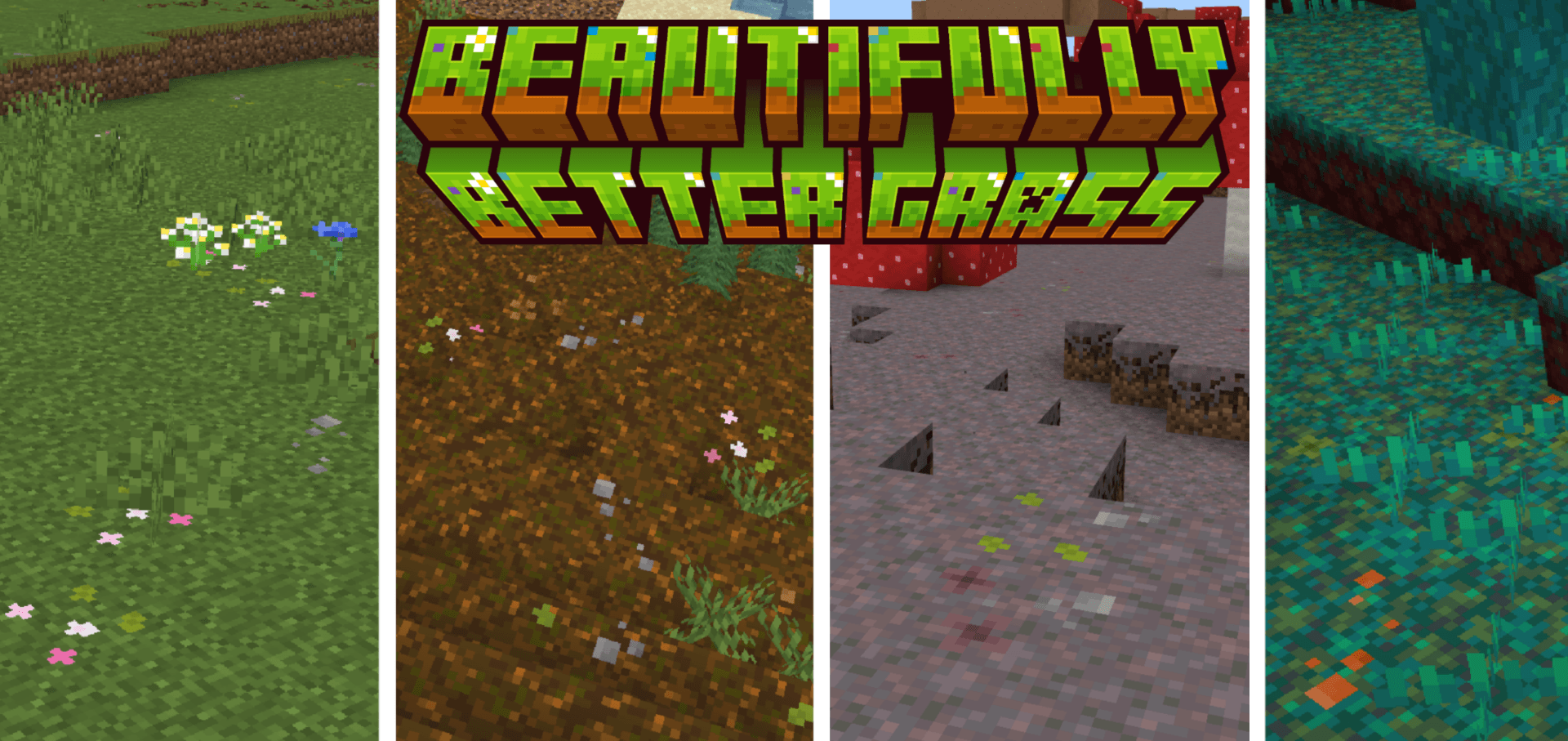

Beautifully Better Grass
Adds subtle flowers and variants to grass, sand, snow, netherrack, podzol, mycelium, and nylium for a more natural terrain.Download
Quick Crafting Pro
Quick Crafting Button for easy and fast craftingDownload
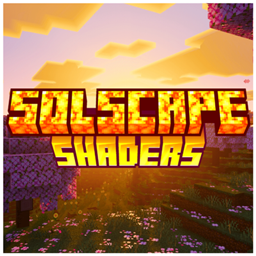
Solscape Shaders
atleast make something different once Solscape Shaders wraps Bedrock in warm, sun-soaked lighting — vibrant skies, golden fog, and glowing ores, without costing you performance.Download
Sun & Moon Path
Simula a posição/caminho do sol e da lua, pelos shaders BSL da Java. Compatível com o Minecraft original e patchDownload

Survival+ (survival pack)
Enhances survival experience with MANY FEATURESDownloadFAQ
Do I need Forge or Fabric for a resource pack?
No. A resource pack works on the regular game with no loaders or mods. Click “Install” and Millida Launcher will put the pack into the right modpack — then just enable it in the settings.
What do 16×, 32×, 64× mean?
The resolution of a single texture in pixels. 16× matches the original game, 32× and 64× are more detailed and heavier, and 128× and up put a noticeable load on your graphics card.
Will a pack made for another version work?
Most likely partly: older packs don't have textures for newer blocks, so those will stay default. The game won't break, though.
How is a texture pack different from a resource pack?
Only by name and age. Before version 1.6 the sets were called texture packs and changed only textures; in 1.6 resource packs replaced them and also change sounds, fonts and the interface. Old texture packs for 1.5 and below do not work on new versions without conversion.
Which texture packs are best for PvP?
PvP packs: 16× resolution or lower, shortened swords, low fire, a clear sky and bright particles. They barely load the computer and make the opponent easier to see. These packs are collected in the PvP theme.
How do I install a resource pack?
Press Install and Millida Launcher puts the pack into the resourcepacks folder of the right instance. Then enable it in the game: Options, then Resource Packs. Manually, the archive goes into resourcepacks inside the game folder, no need to unpack it.
Resource packs for Minecraft 1.21
Resource packs for Minecraft 1.21: 2,285 items in the Resource packs section. Compatibility is checked against the files, not the description: only items with a build for exactly these conditions stay in the list.
The key thing about a pack is its resolution. The game's default textures are 16×16 pixels; 32× and 64× packs look more detailed, while 128× and up need a real graphics card and are usually paired with shaders. On a weak machine it makes sense to stay at 16× or go for packs that deliberately simplify graphics for more FPS. Every pack here lists its game version, author and license, and all released versions are gathered on one card. Put the downloaded archive in the resourcepacks folder and enable it in the game settings.