
Resource packs for Minecraft 1.21 — page 82
Resource packs: list


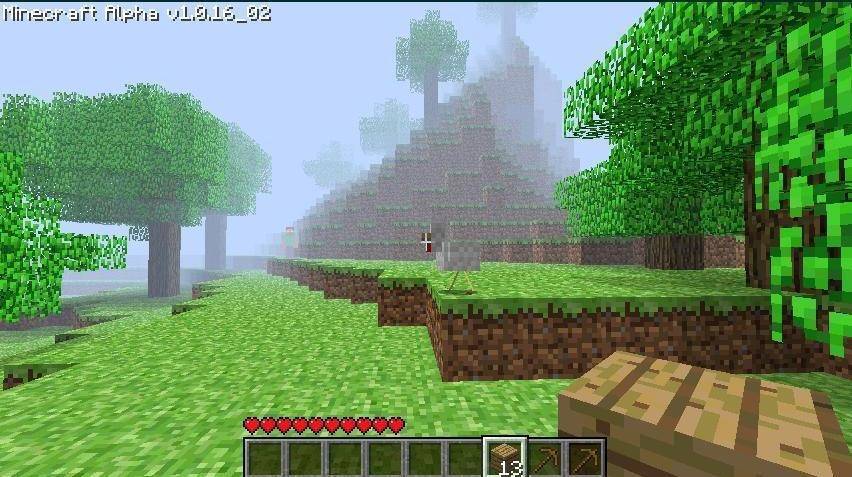

Herobrine Revival
A Minecraft Bedrock texture pack that recreates the legendary Herobrine screenshot atmosphere.Download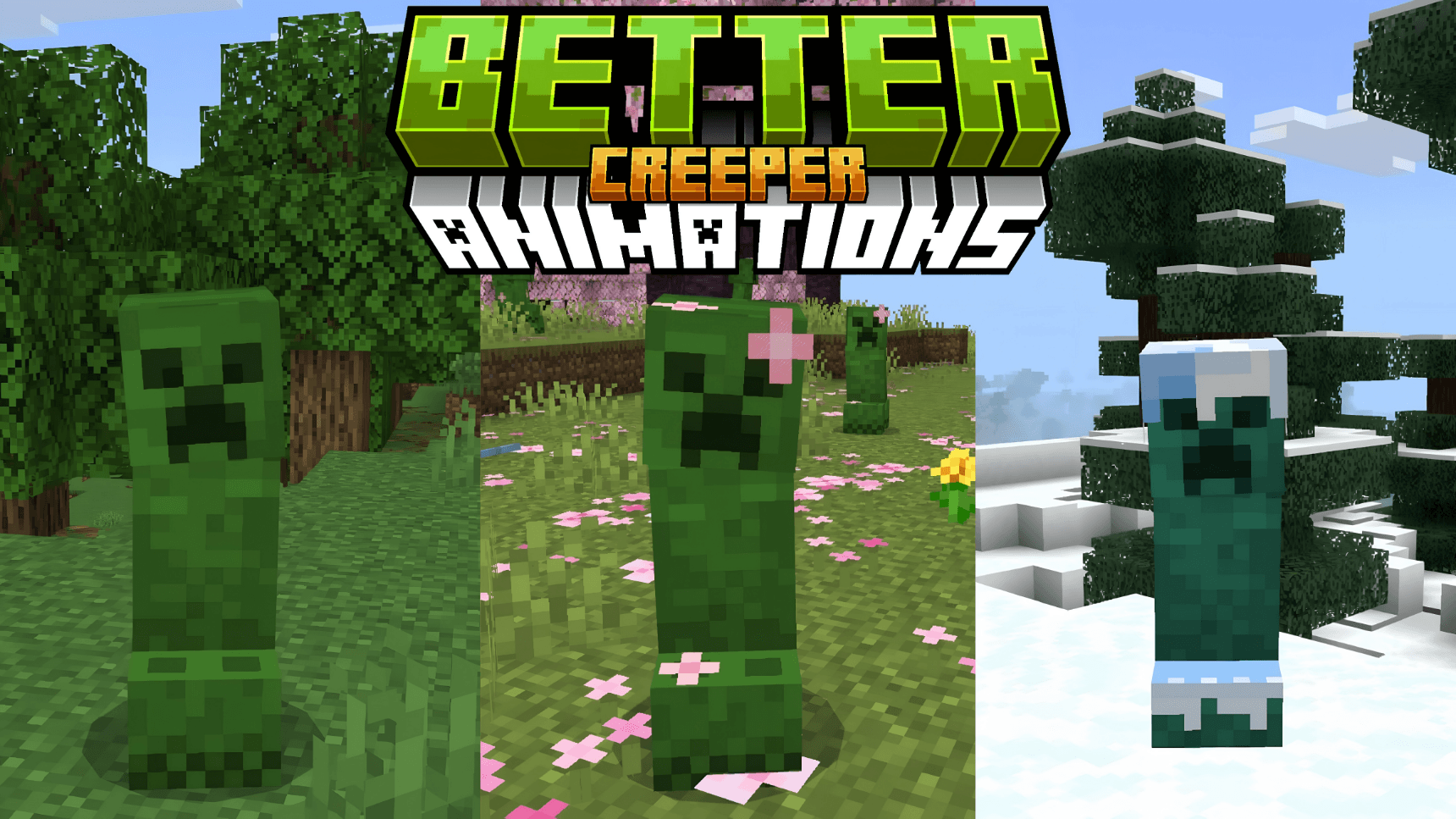

Better Creeper Animations
Better Creeper Animations brings Minecraft Bedrock's most iconic mob to life with smooth, fluid animations and biome-specific variants.Download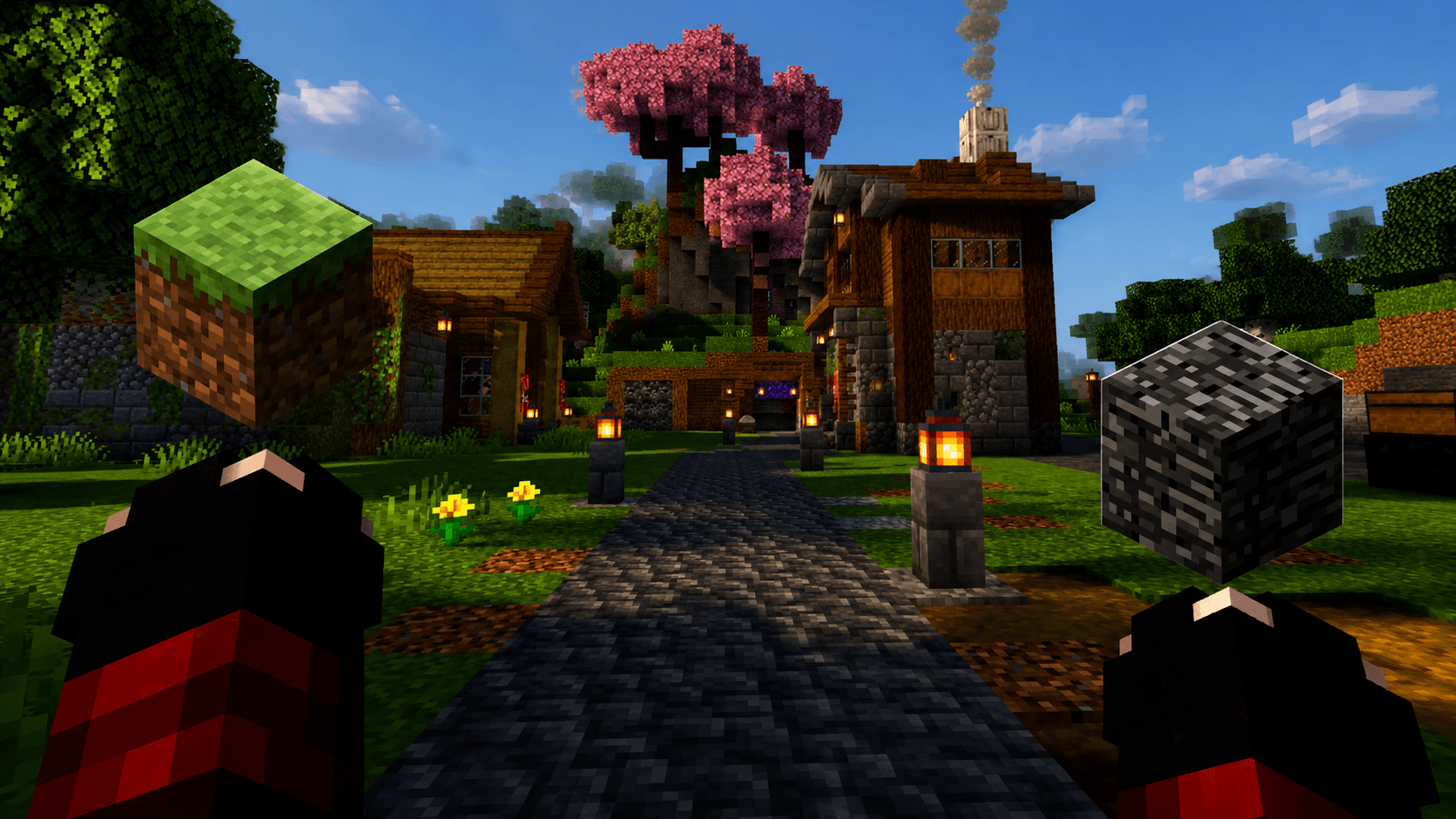

Java-Style Handz
The purpose of this resource pack is to implement the look of the hands and the vision movement of the Java version, in order to be more visually pleasing.Download
OLD MCRAFT
ORIGINALS MC TEXTURES, MINERALS , NETHER AND MOREDownload
Gamma Brightness (Night Vision Texture Pack)
Light is needed in every Minecraft world. But sometimes, you don't have the time for placing torches or building lanterns. Just download this Resource Pack and you will never unsee diamonds in caves or ancient debris in the nether.Download

Space with Stars - Custom Sky
This texture pack changes the sky and turns it into a beautiful view of outer space. You will see lots of stars shining above you, just like in the galaxy. It’s perfect for anyone who loves space and wants their world to feel magical and full of wonder.Download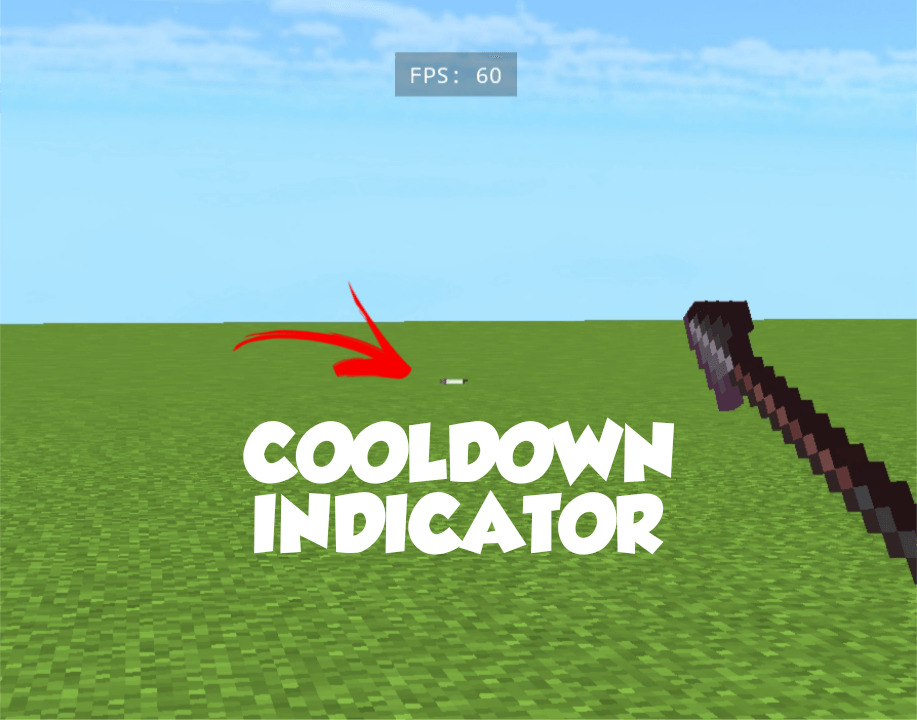

Java Attack Cooldown Indicator
shows java style attack cooldown Indicator (no bugs)Download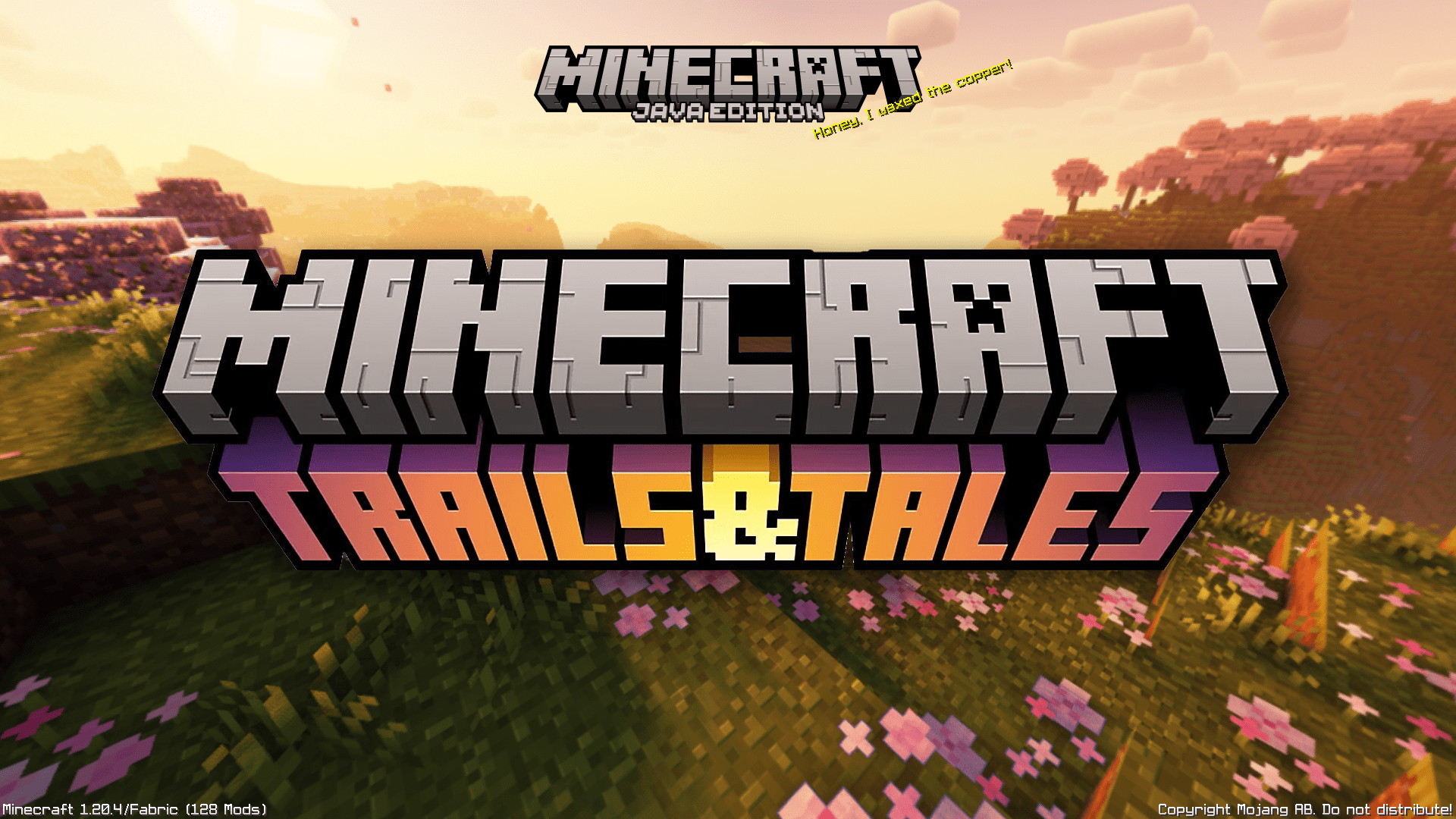

Trails & Tales Panorama with Shaders (Bedrock)
Great looking Resource Pack that adds Shaders to the 1.20 Panorama.Download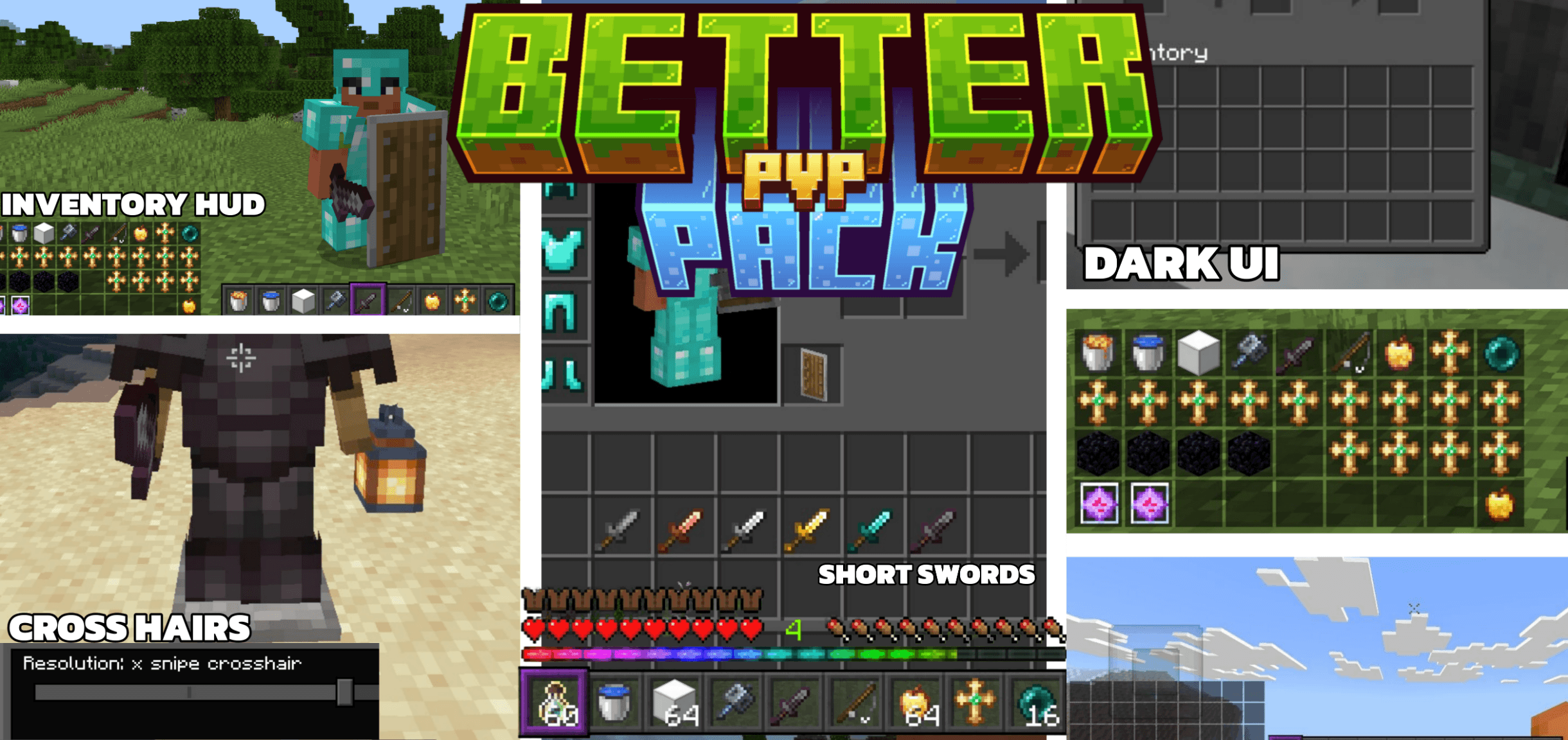

Reefy's Better PvP
A Bedrock resource pack designed for competitive play.Download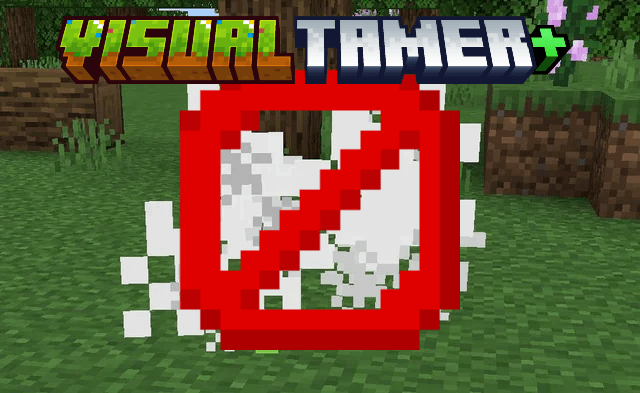

Visual Tamer+ (FPS BOOST)
A texture pack designed to disable particles and flipbook animations in Minecraft Bedrock, optimizing performance and reducing visual clutter for smoother gameplay.Download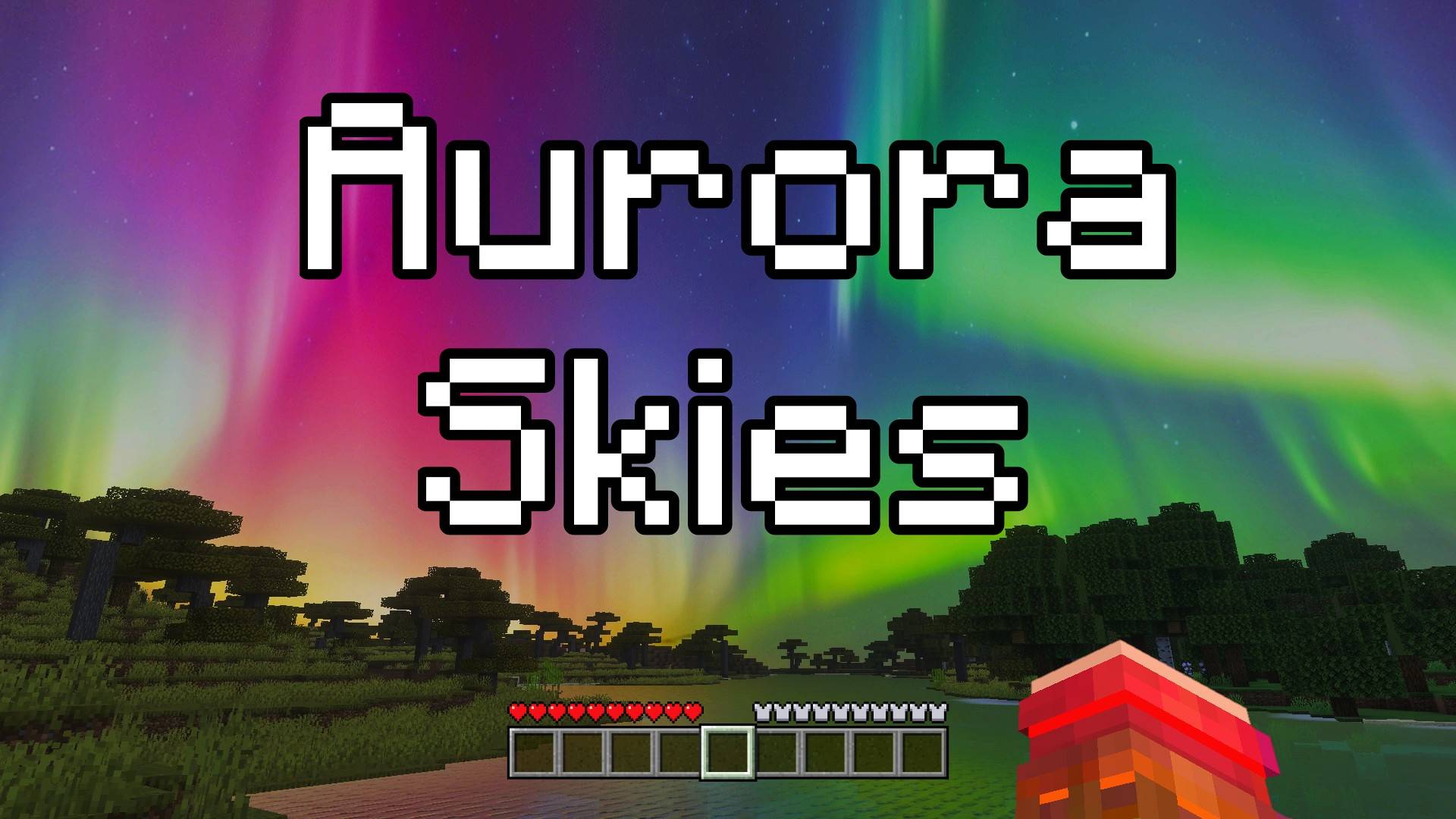

Aurora Skies - Custom Sky
This texture pack changes the sky and makes it extra special! Now, when you look up at night, you will see a beautiful aurora borealis, a magical light show in the sky with glowing colors. It makes your world feel more magical and fun.Download

Quick Totem
Able to equip totem very quickly!Download

Utility Dark Vanilla
Looking for a useful texture pack to combine with others? This useful and interesting texture pack is designed to be combined exclusively with packs that only modify your game's textures. It also includes a dark mode to help you visually.Download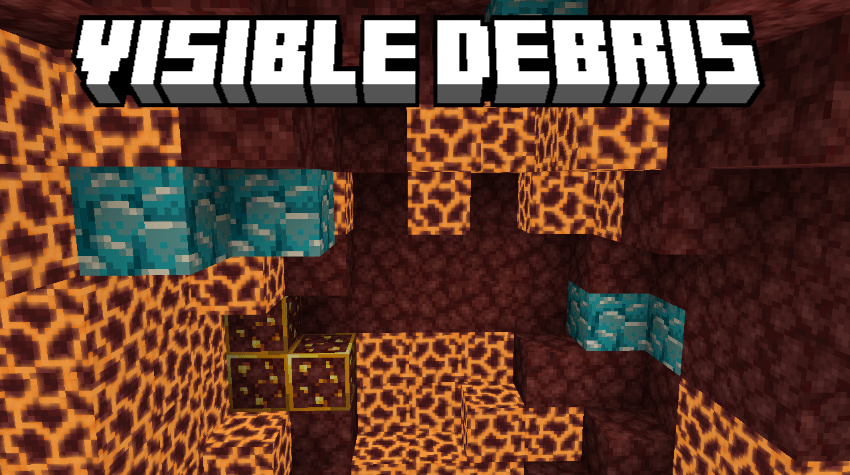
Visible Debris
Visible Debris Made By LazyLegend95Download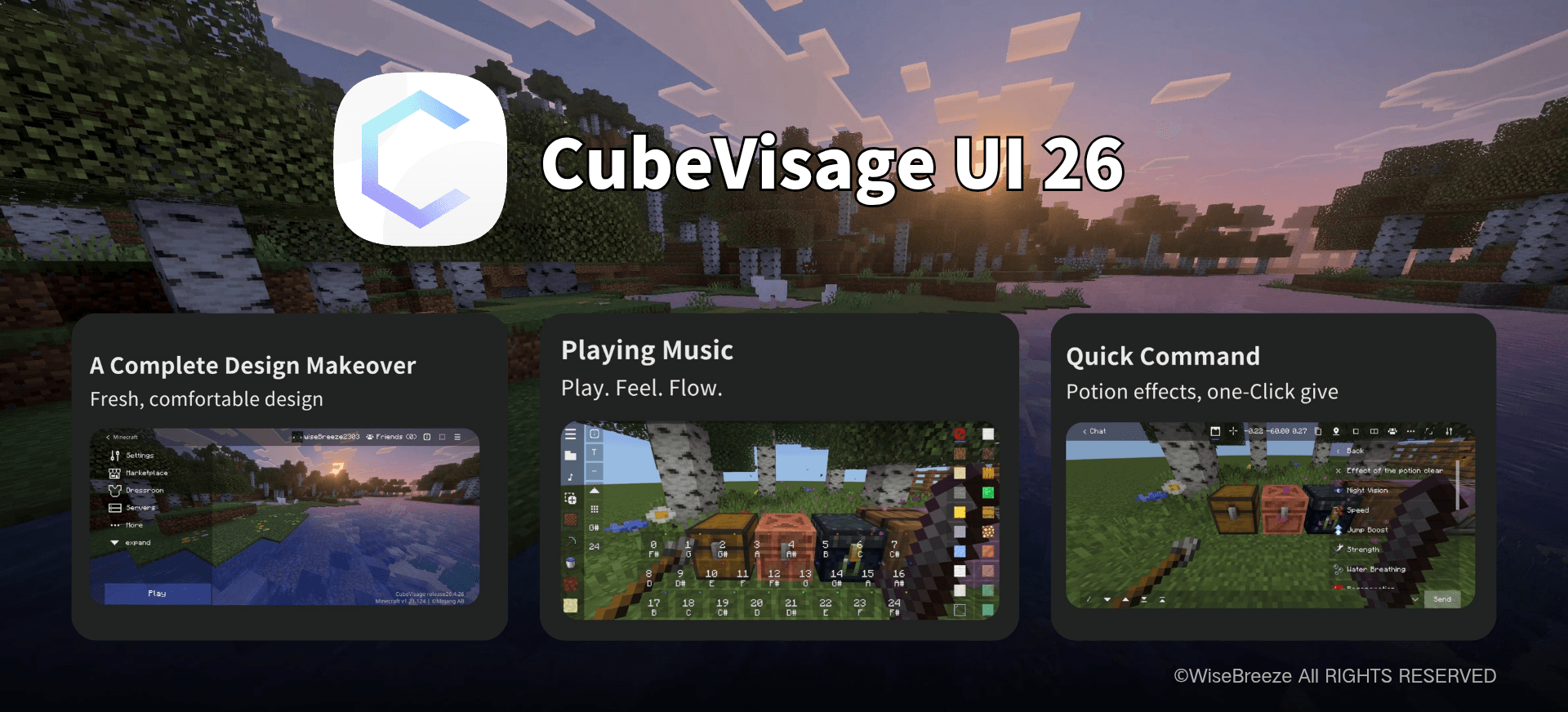

CubeVisage UI
CubeVisage UI is a full interface overhaul for Minecraft Bedrock Edition, designed for a cleaner and more comfortable experience. More importantly, it adds a range of practical features on top of Minecraft's original screens.Download

Sonic's Chaos Emeralds
With this texture pack you can have the 7 Chaos Emeralds of Sonic on Minecraft! In fact this pack changes the textures of some items, so as to have all 7 Chaos Emeralds of colors: yellow, red, white, blue, light blue, green and purple.Download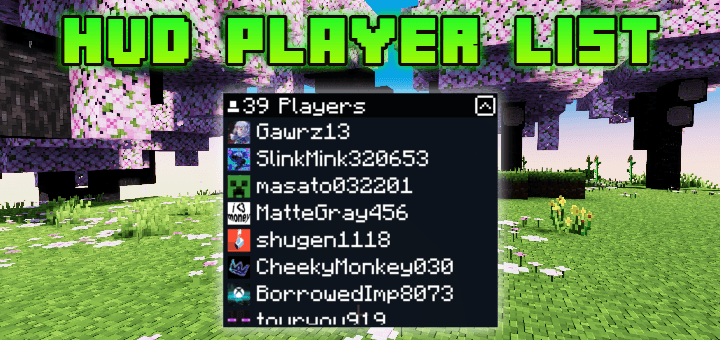

HUD Player List
Do you like playing on servers? This pack Will help you so much!Showing any players that joined the server or world without going to pause screenDownload

Become God of PvP pack (Bedrock)
Best Texture Pack to Master All PvP Gamemodes! Try Now!.Download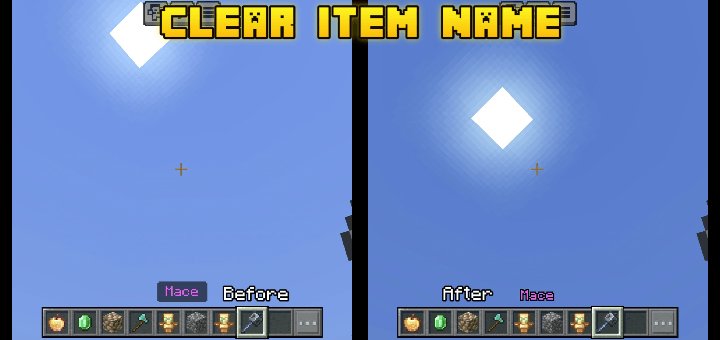
Clear Item Name
The background on item name is sometimes very distracting, especially if there is an enchantments on your weapon and it covers entire of your screen.Maybe you Will need this pack, and no more distractions!Download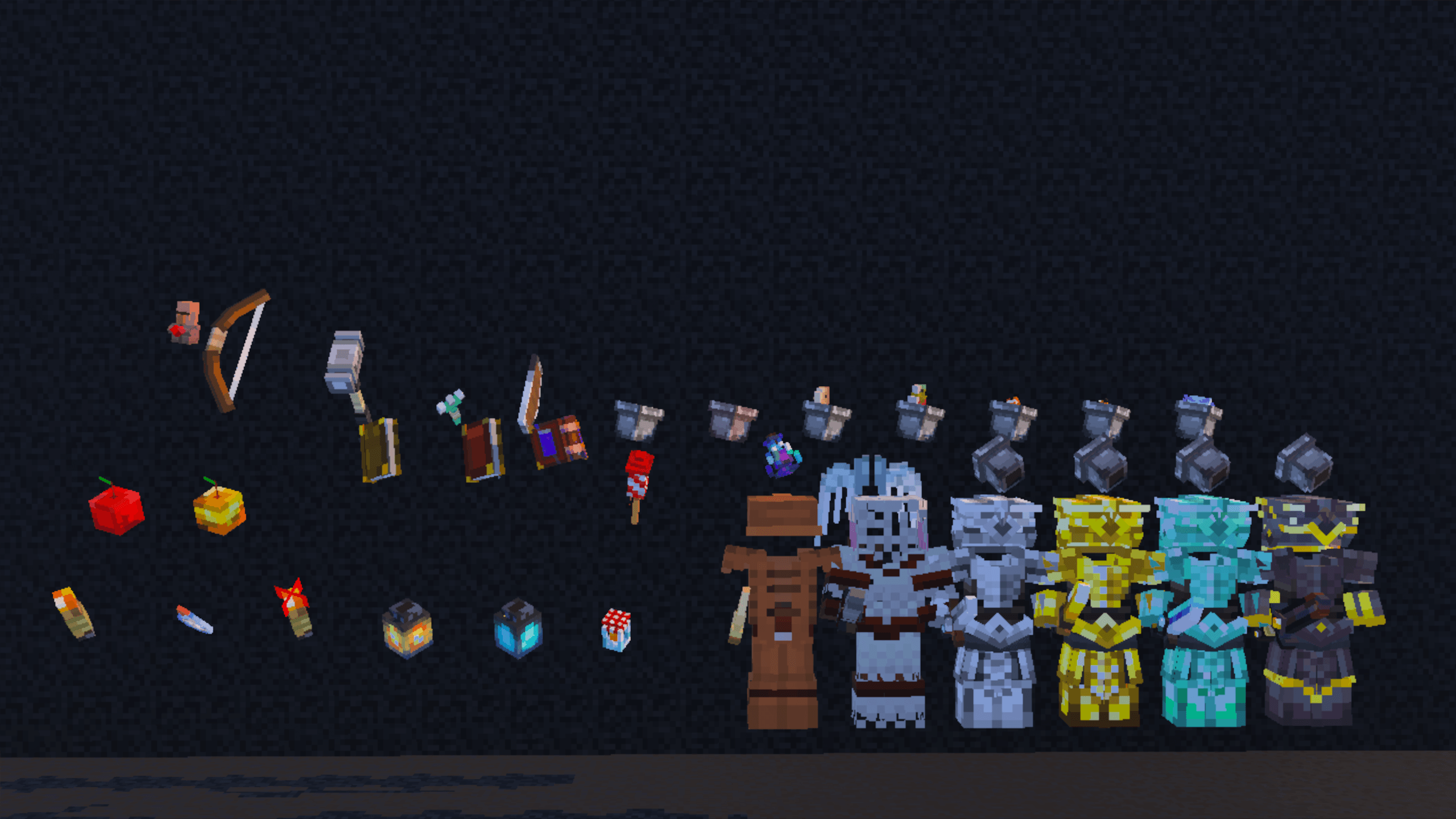
Pikli
Bring your world to life with a burst of color and charm! This pack is packed with cozy cottage vibes, vibrant textures, animated entities, 3D items, custom particles, and more!Download

Galaxy Void x16 (bedwars)
Bedwars / PvP themed texture pack with MANY featuresDownload

SERP Clay Texture Pack
This is the first version of my official Texture Pack, I will be gradually updating this pack with new blocks, entities and objects!Download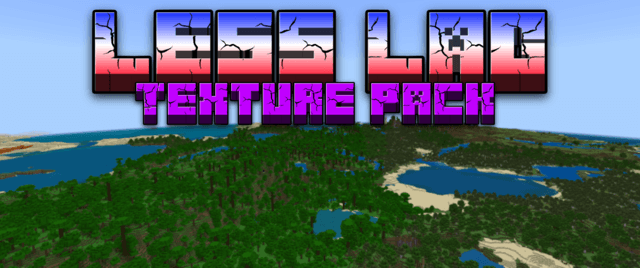
Less Lag Texture Pack
Introducing the Lag-Reducing Texture Pack, a game-changing addition to your Minecraft experience that's designed to make your adventures smoother than ever before.DownloadFAQ
Do I need Forge or Fabric for a resource pack?
No. A resource pack works on the regular game with no loaders or mods. Click “Install” and Millida Launcher will put the pack into the right modpack — then just enable it in the settings.
What do 16×, 32×, 64× mean?
The resolution of a single texture in pixels. 16× matches the original game, 32× and 64× are more detailed and heavier, and 128× and up put a noticeable load on your graphics card.
Will a pack made for another version work?
Most likely partly: older packs don't have textures for newer blocks, so those will stay default. The game won't break, though.
How is a texture pack different from a resource pack?
Only by name and age. Before version 1.6 the sets were called texture packs and changed only textures; in 1.6 resource packs replaced them and also change sounds, fonts and the interface. Old texture packs for 1.5 and below do not work on new versions without conversion.
Which texture packs are best for PvP?
PvP packs: 16× resolution or lower, shortened swords, low fire, a clear sky and bright particles. They barely load the computer and make the opponent easier to see. These packs are collected in the PvP theme.
How do I install a resource pack?
Press Install and Millida Launcher puts the pack into the resourcepacks folder of the right instance. Then enable it in the game: Options, then Resource Packs. Manually, the archive goes into resourcepacks inside the game folder, no need to unpack it.
Resource packs for Minecraft 1.21
Resource packs for Minecraft 1.21: 2,306 items in the Resource packs section. Compatibility is checked against the files, not the description: only items with a build for exactly these conditions stay in the list.
The key thing about a pack is its resolution. The game's default textures are 16×16 pixels; 32× and 64× packs look more detailed, while 128× and up need a real graphics card and are usually paired with shaders. On a weak machine it makes sense to stay at 16× or go for packs that deliberately simplify graphics for more FPS. Every pack here lists its game version, author and license, and all released versions are gathered on one card. Put the downloaded archive in the resourcepacks folder and enable it in the game settings.