
Resource packs for Minecraft 1.21 — page 76
Resource packs: list


Ashen Emissive Ores
Adds glowing ore textures for Ashen 16x.Install

xali's Framed Planks
Simple pack to new textures to double planks.Install

Smooth Vanilla CPVP
This projekt adds a new style of the cpvp itemsInstall

Better Outlined Ores
Like the regular outlined ores, but better!Download

Vexxed Visuals: TerraFirmaCraft
Bringing TerraFirmaCraft for 1.21 closer to the aesthetic of the updated vanilla texturesInstall

Apparent Ores
This texture makes the ores shinyInstall

Villagers Speak
Adds sounds that allow villagers to sing, speak, insult you and even cry ):Install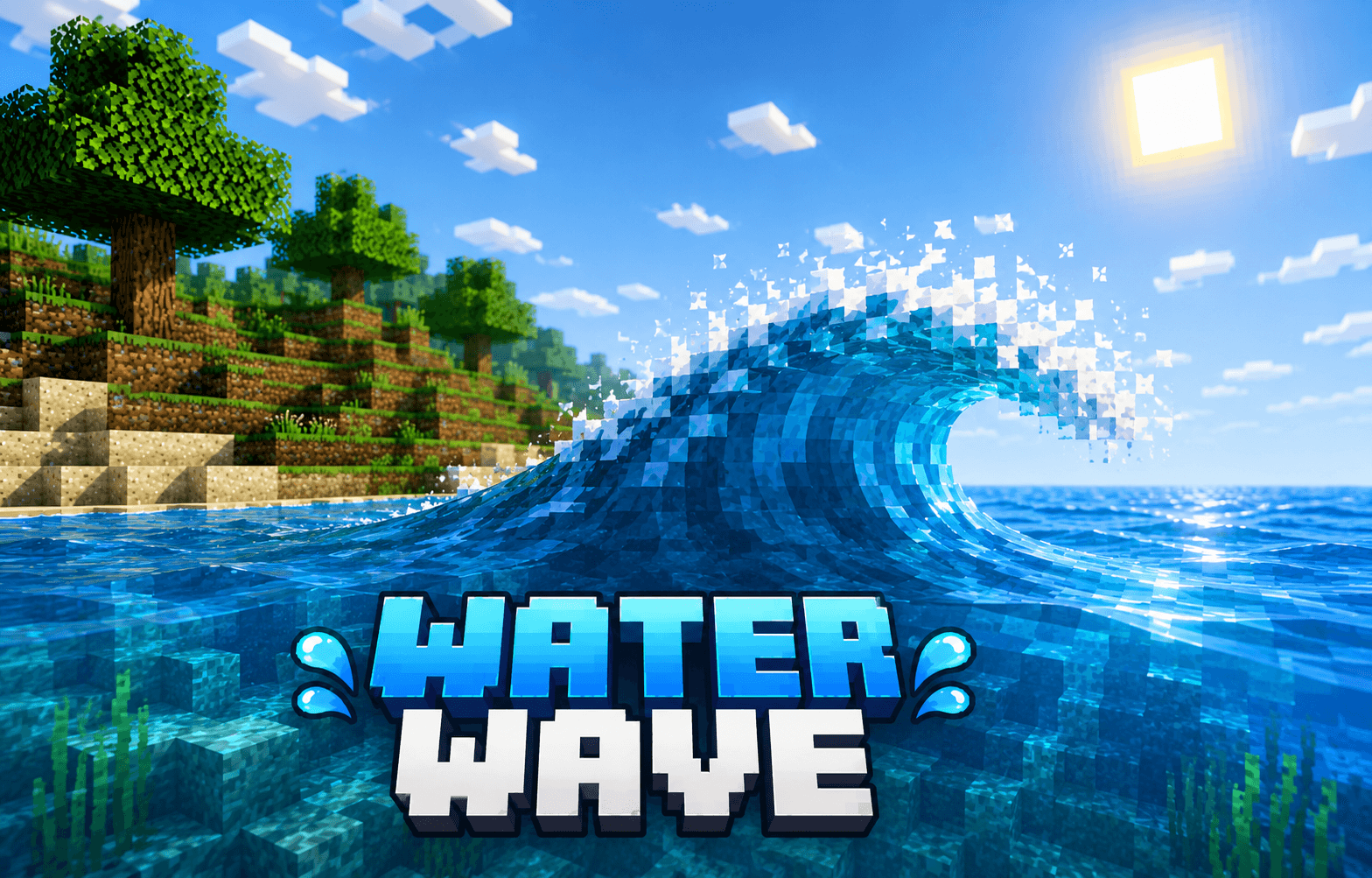
water wave
Water Wave is a Minecraft Bedrock resource pack that adds realistic animated water waves. Choose Smooth mode for better performance or Dynamic mode for bigger, more visible waves.Download

Strength 16x - Fps booster and light weight
This texture pack is best for all low end devices to get maximum fps with pvp lookDownload

RPGAmbientMusic
Immersive Ambient & Music Pack: Bring realistic nature sounds and epic background music to MinecraftInstall

Better Leather Armor
Removes the brown bits from colored leather armor.Install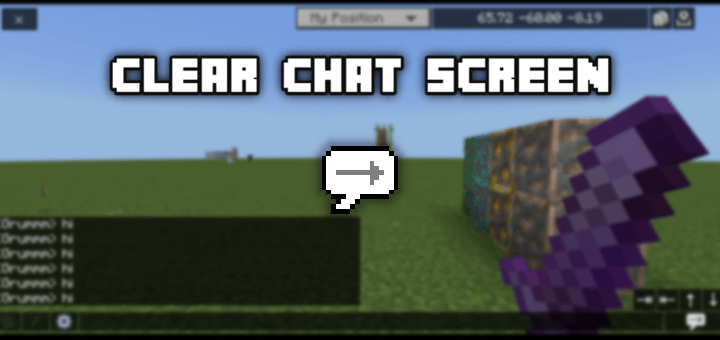
Clear Chat Screen
Is the chat screen very boring for you? Maybe you will need this pack!The chat screen is completely changed to make it more attractive and a bit similar to the java chat screen.Download

Resonant Routes - Music Pack
A resource pack that adds Pokemon music to biomesInstall

Excalibur | Mowzie's Mobs Support
The ultimate retexture of old-world beastsInstall

Femboy Totem | v1.0.3 Interactive Update
Are you looking for custom skin totem? well, you can do it here too beside this is Femboy Totem, also there are Animation!Download

Plasticraft - (Lego)
Turns your world into Lego bricks, block-accurate and tiled off!Install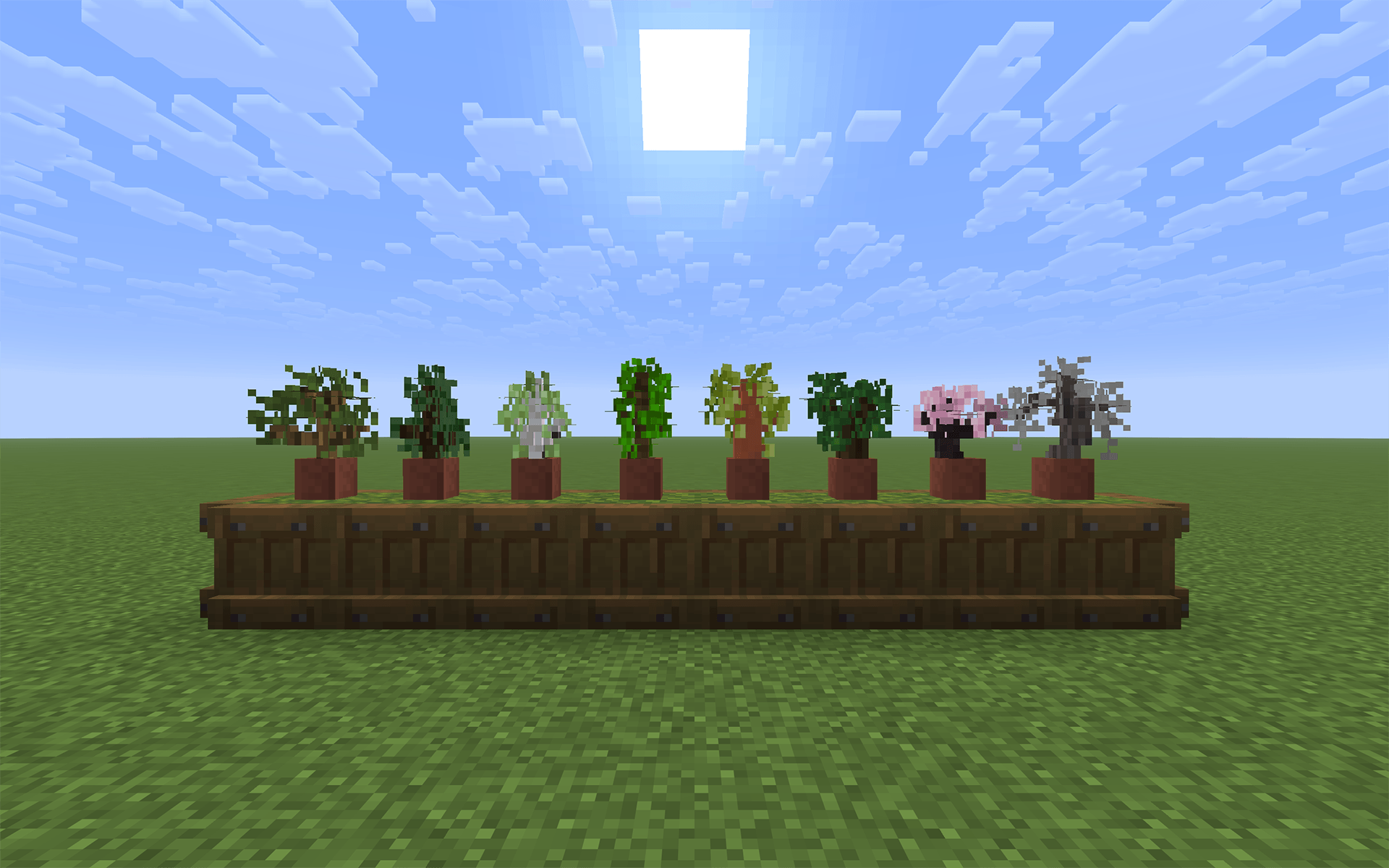
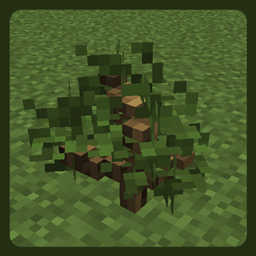
Better 3D Saplings
3D Models of Minecraft's saplings in a vanilla friendly style!Install

Nox's Faithful Mega Pack
A Faithful/Compliance Resource Pack put together by Kronox1219Install

Lush 16x
Cyberpunk mixed with cozy vanilla style!Install

Totem TURMS-T
Replaces the sound of using a totem, as well as its vanilla texture, with a TURMS-T tank.Install

Lumin 16x
A light weight bedwars pack to enhance gameplay and make those combos just that much coolerInstall

Woods Perfected
An overhaul of every wood in the game. From bark to button to bookshelves, every texture is perfect.Install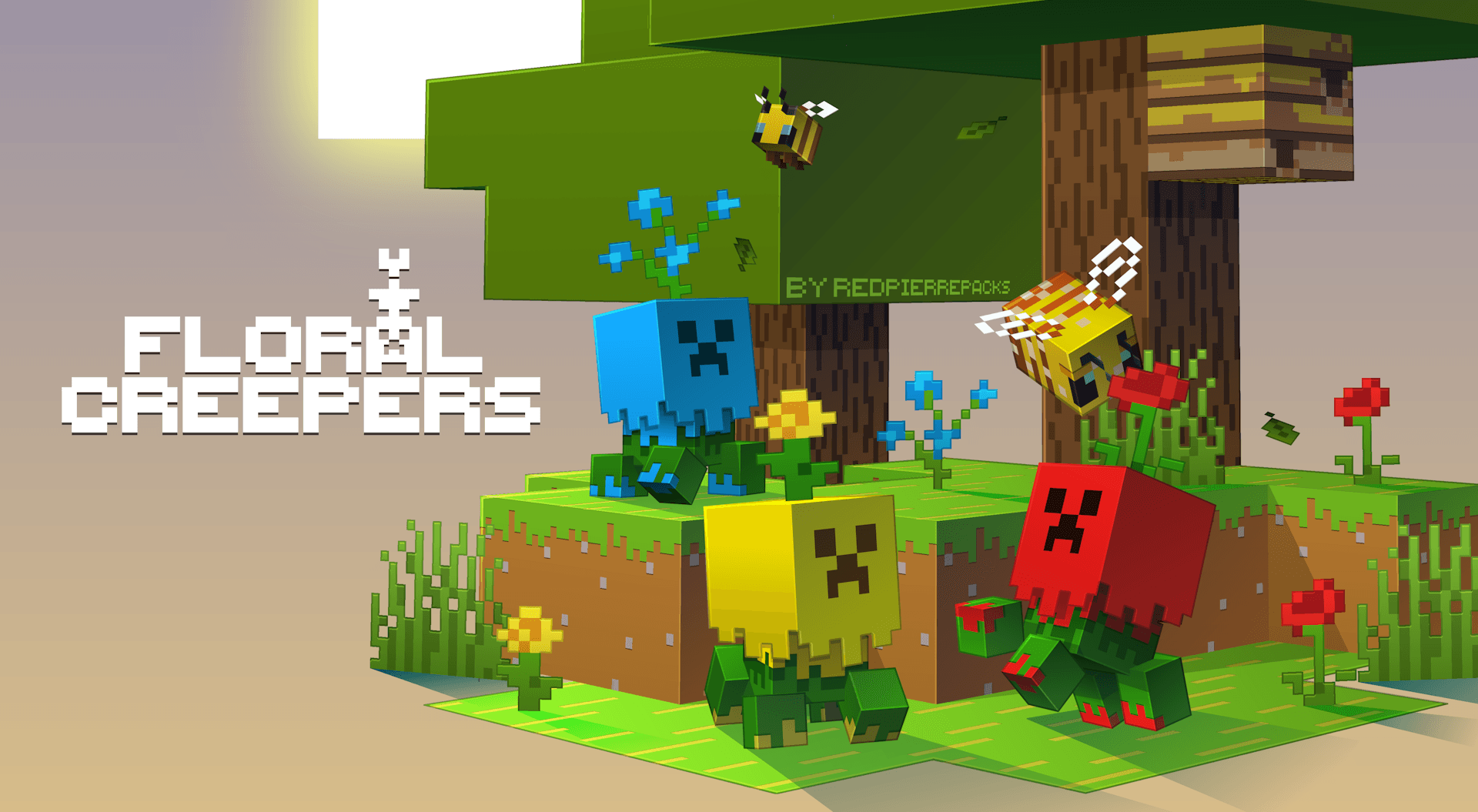

Floral Creepers
Creepers made of flowers!InstallFAQ
Do I need Forge or Fabric for a resource pack?
No. A resource pack works on the regular game with no loaders or mods. Click “Install” and Millida Launcher will put the pack into the right modpack — then just enable it in the settings.
What do 16×, 32×, 64× mean?
The resolution of a single texture in pixels. 16× matches the original game, 32× and 64× are more detailed and heavier, and 128× and up put a noticeable load on your graphics card.
Will a pack made for another version work?
Most likely partly: older packs don't have textures for newer blocks, so those will stay default. The game won't break, though.
How is a texture pack different from a resource pack?
Only by name and age. Before version 1.6 the sets were called texture packs and changed only textures; in 1.6 resource packs replaced them and also change sounds, fonts and the interface. Old texture packs for 1.5 and below do not work on new versions without conversion.
Which texture packs are best for PvP?
PvP packs: 16× resolution or lower, shortened swords, low fire, a clear sky and bright particles. They barely load the computer and make the opponent easier to see. These packs are collected in the PvP theme.
How do I install a resource pack?
Press Install and Millida Launcher puts the pack into the resourcepacks folder of the right instance. Then enable it in the game: Options, then Resource Packs. Manually, the archive goes into resourcepacks inside the game folder, no need to unpack it.
Resource packs for Minecraft 1.21
Resource packs for Minecraft 1.21: 2,289 items in the Resource packs section. Compatibility is checked against the files, not the description: only items with a build for exactly these conditions stay in the list.
The key thing about a pack is its resolution. The game's default textures are 16×16 pixels; 32× and 64× packs look more detailed, while 128× and up need a real graphics card and are usually paired with shaders. On a weak machine it makes sense to stay at 16× or go for packs that deliberately simplify graphics for more FPS. Every pack here lists its game version, author and license, and all released versions are gathered on one card. Put the downloaded archive in the resourcepacks folder and enable it in the game settings.