
water wave Resource pack for Minecraft 1.21, 26.50
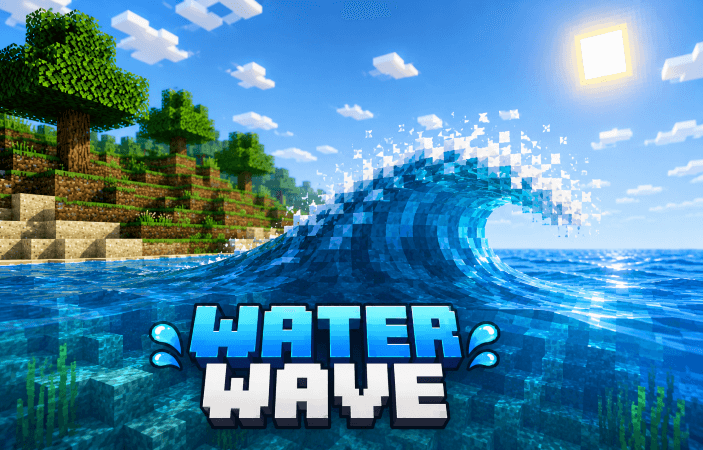
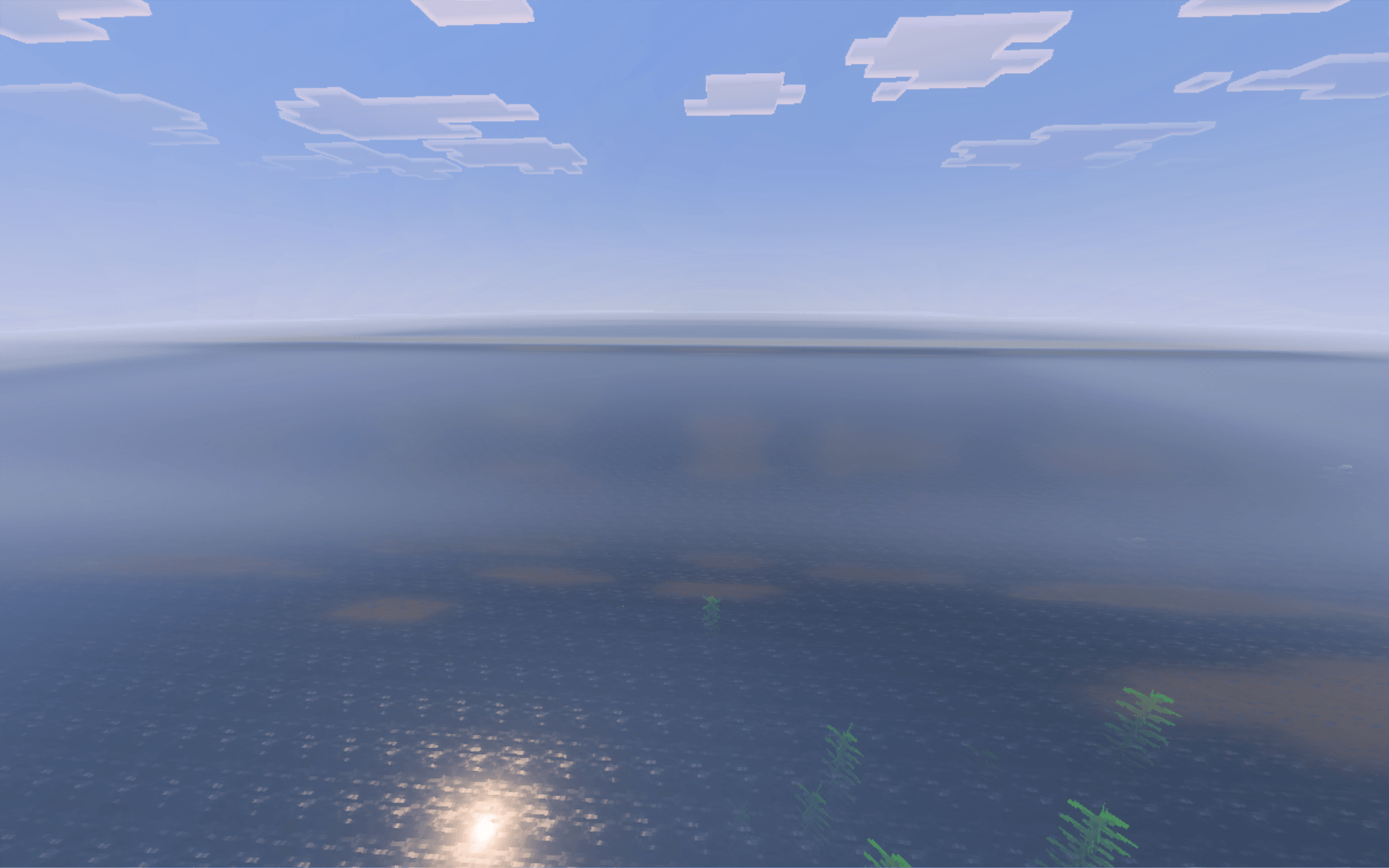
Water Wave is a Minecraft Bedrock resource pack that adds realistic animated water waves. Choose Smooth mode for better performance or Dynamic mode for bigger, more visible waves.
Water Wave
Water Wave is a Minecraft Bedrock pack that adds beautiful and realistic animated water waves to your world! 🌊
✨ Features:
• Realistic animated water waves
• Smooth water movement
• Dynamic wave effects
• Custom water textures
• Better and more immersive ocean, river, and lake visuals
• Performance-friendly options
• added particle
Choose Smooth Mode for better performance or Dynamic Mode for stronger and more visible waves.
Bring your Minecraft world to life with realistic moving water! 🌊💙
How to install water wave
With Millida Launcher
Install Millida Launcher
The launcher is free: download it at millida.net/launcher and sign in with any nickname.
Click “Install” on this page
The launcher opens and installs the resource pack for Minecraft 1.20.40–26.50 automatically.
Launch the game
A profile with it appears in the launcher: click “Play”.
Manually
Download the archive
Pick the file Water Wave_v.1.5.mcpack (302 KB) for your game version. No need to unpack it.
Put it in the resourcepacks folder
The easiest way: “Options”, then “Resource Packs”, then “Open Pack Folder”, and drag the archive there.
Enable the pack
In the same window, move the pack to the right-hand “Selected” column and click “Done”.
Versions
With dependencies
| Minecraft | Loader | File | Date | Actions |
|---|---|---|---|---|
| 1.20.40 | — | Water Wave_v.1.5.mcpack302 KB 2 |
Reviews
Be the first to rate water wave



