
Resource packs for Minecraft 1.21 — page 71
Resource packs: list



Small Tools : PvP Edition
Small Tools make default items smaller.Download
Blue Totem of Undying
Blue Totem updates the traditional Minecraft totem of undying with a vibrant blue color, adding a modern and stylish twist that enhances its visual appeal while maintaining its life-saving functionality.Install

rainbow's foliage
a resource pack all about adding detail and variation to vegetation. works in vanilla (or with puzzle <=1.21.5)Install
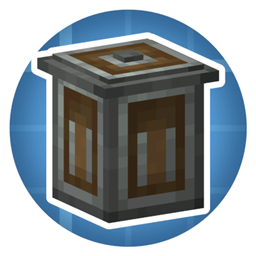
Create Trash Cans
Makes Trash Cans Mod look more like Create mod!Install

More Nether Roots
Adds variants for crimson and warped roots.Install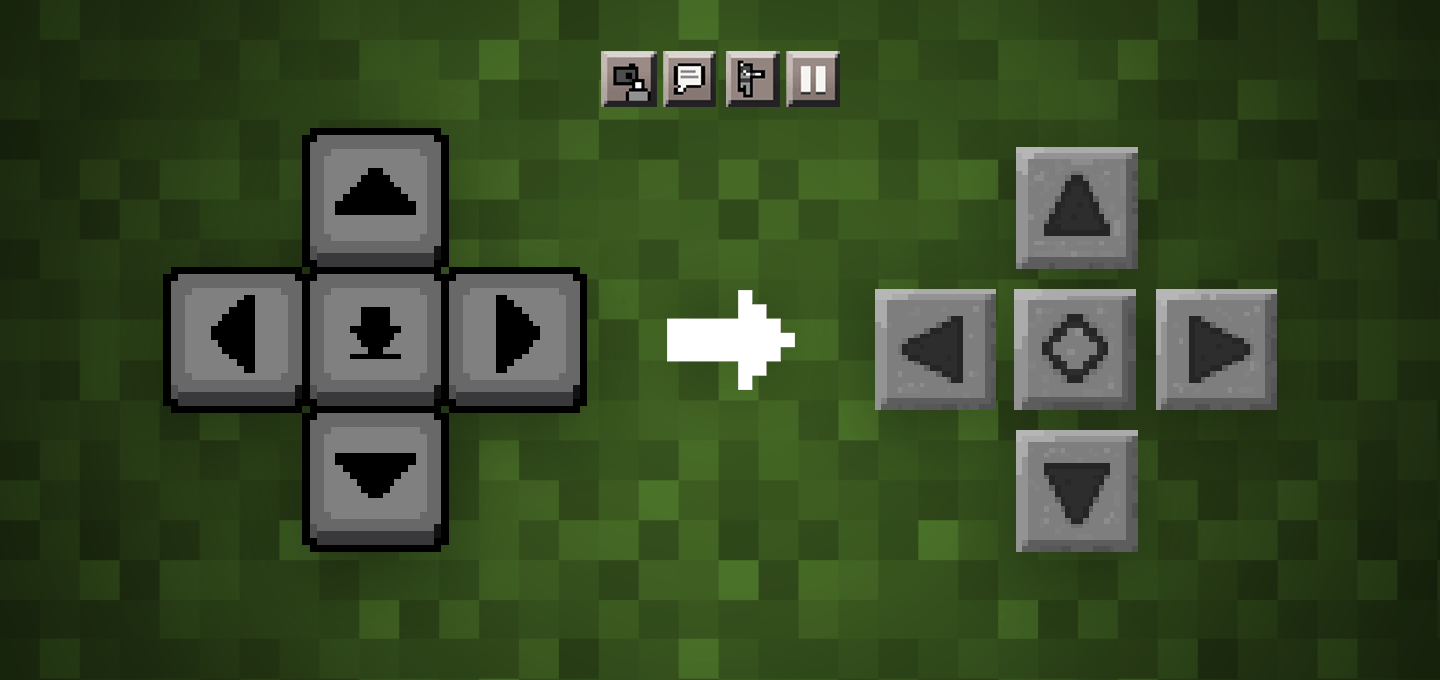

Stone D-pad - old touch control and GUI buttons
An extended version of the old style of touch controls and GUI buttonsDownload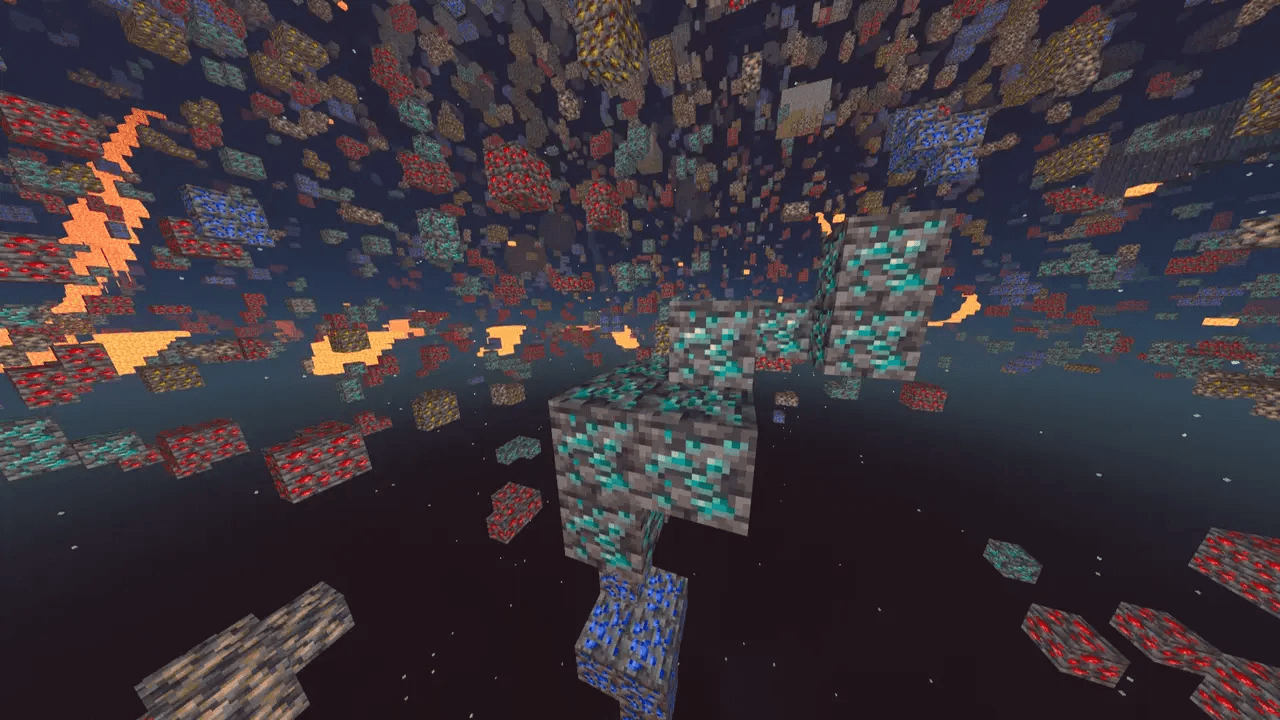
X-Ray Texture Pack
See through the world to uncover valuable ores, caves, and hidden structures with this powerful X-Ray pack for Minecraft. It highlights only the blocks you need, cutting out visual clutter for easier resource hunting.Install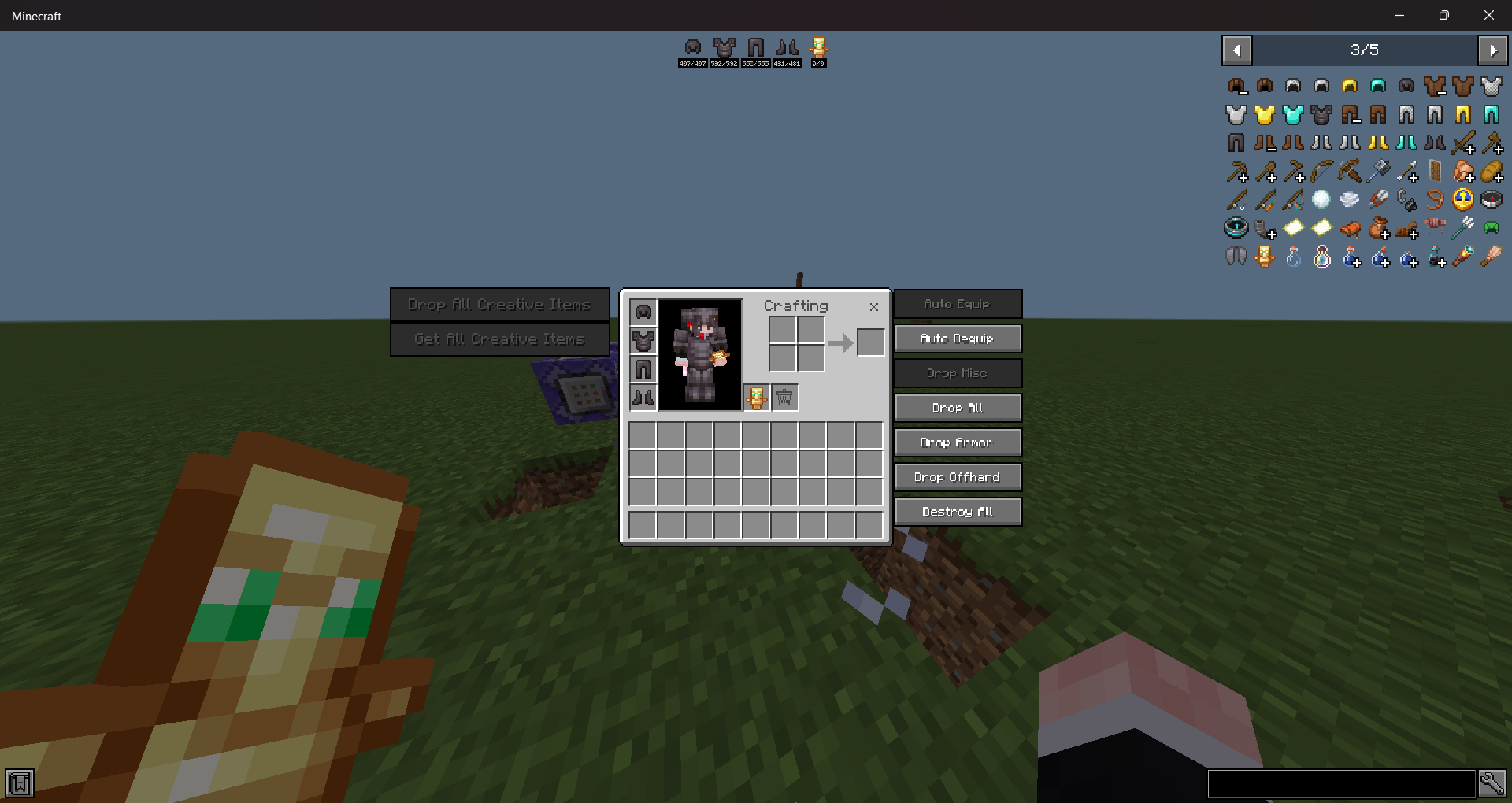
Ui Utils [JEI]
A Minecraft bedrock texture pack that imitates a popular Minecraft mod called "Just Enough Items (JEI)" with a bunch of neat features.Download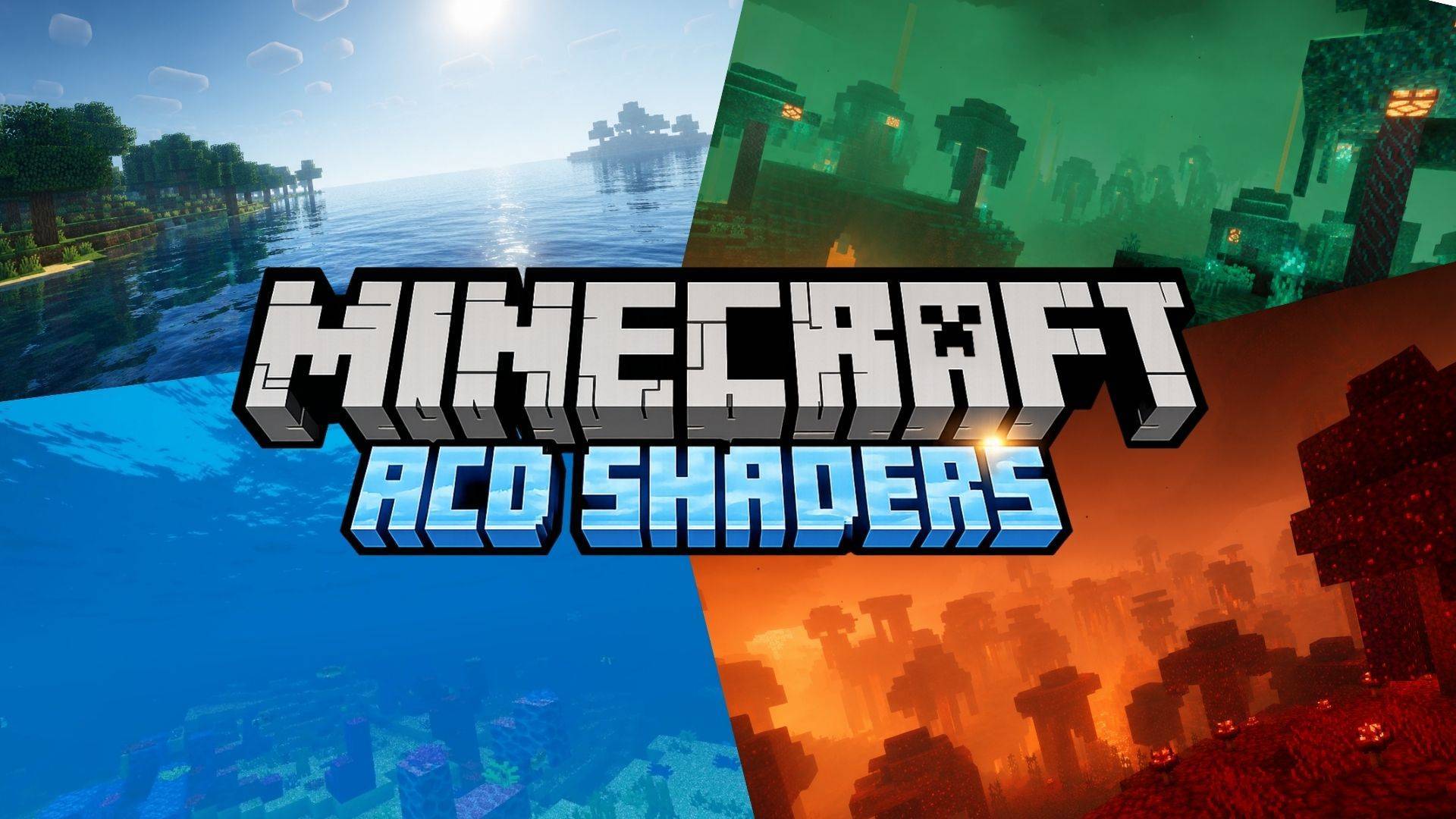
ACD Shaders (Cinematic illumination + God Rays + Better caves + Glowing Ores)
A stunning mid-range shader pack for Minecraft Bedrock, delivering realistic visuals, very good animated water and splash animation and one of the best shaders for caves. with excellent performance.Download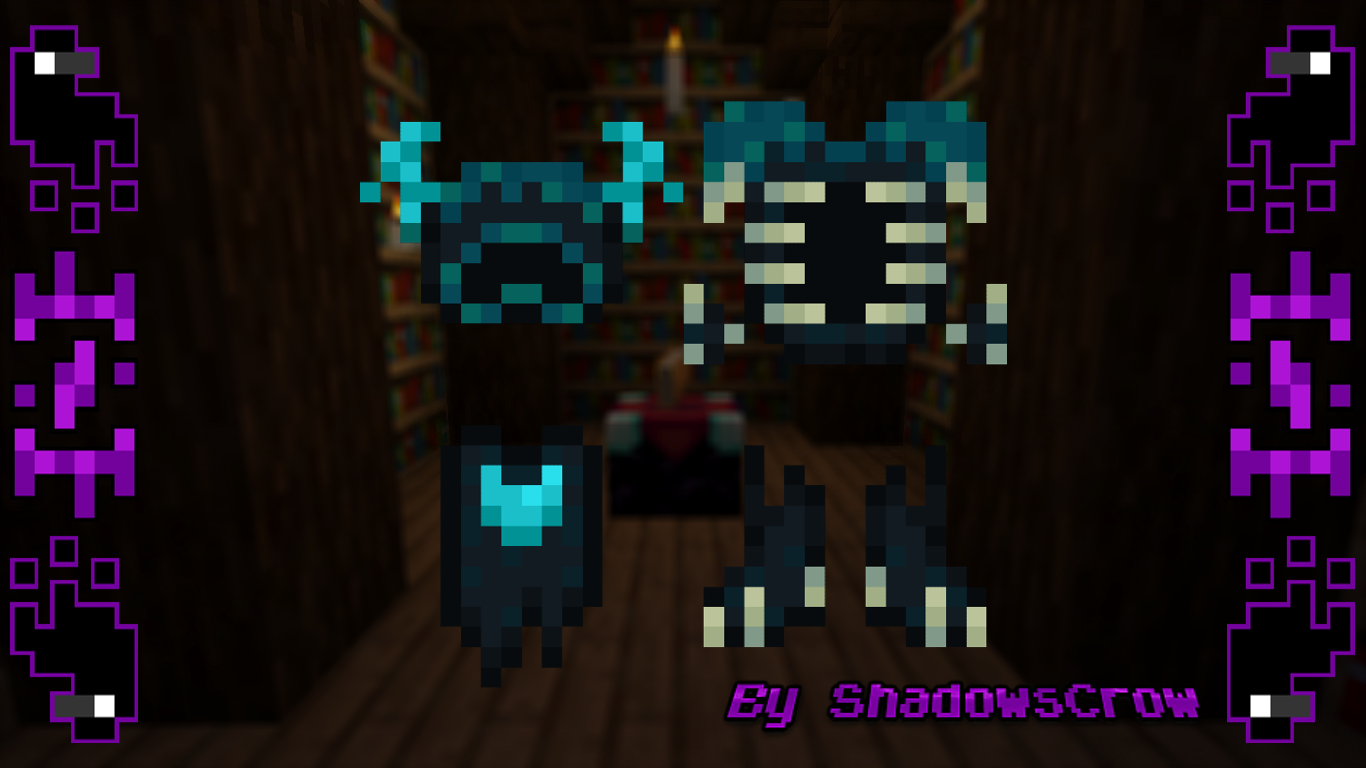
SHC Wardenite Armor
Change the netherite armor for a warden armorInstall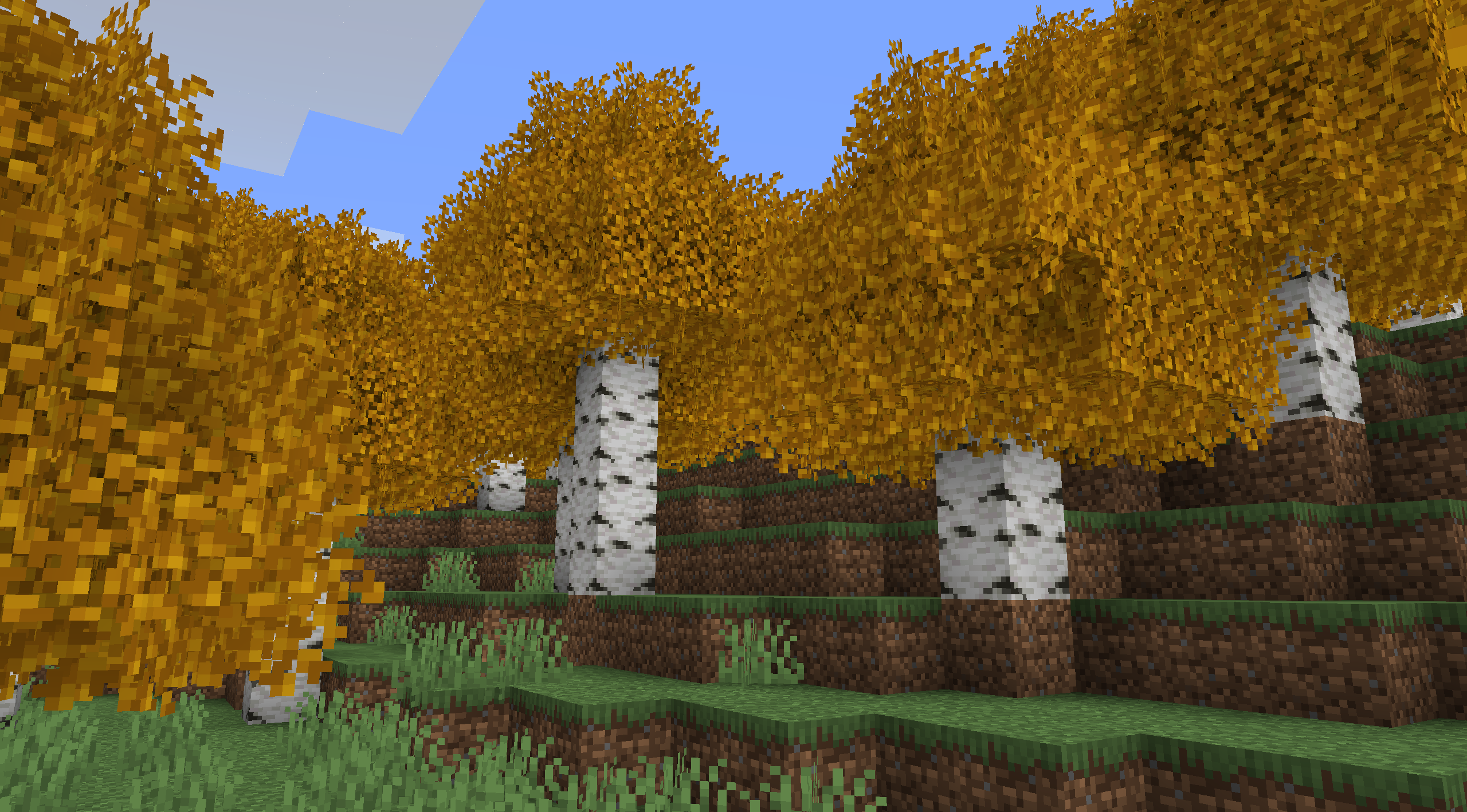
Better Birch Leaves Add-on
More Variety in Birch LeavesInstall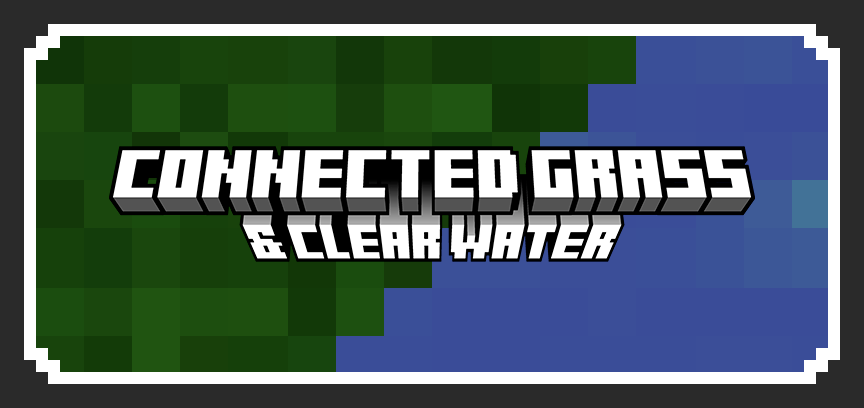
Connected grass & Clear water
Makes grass variants connect like OptiFine's fast connected grass, and makes water more transparent and clearer.Download

Simple Bedwars
Simple bedwars is a texture pack that has many features to enhance you bedwars session all while giving you an advantage over the rest.Download

AWP & Desert Eagle Overlay
Changes the bow and crossbow model to 3D guns for 1.8 & 1.20/1.21Install

Cave Dweller Cave Sounds
Makes the Cave Dweller sound off in the caves, but without actually being there.Install

Misans平滑字体包FontPack(Bye Pixel Font~)
无需Caxton或ModernUI模组,即可展示平滑字体,获得绝佳的清晰的阅读体验!Display smooth fonts for an excellent, crisp reading experience, no Caxton or ModernUI modules required!Install

Waifu Villagers
Transforms all Minecraft villagers into cute anime waifu models of girls for a fun and aesthetic twist!Install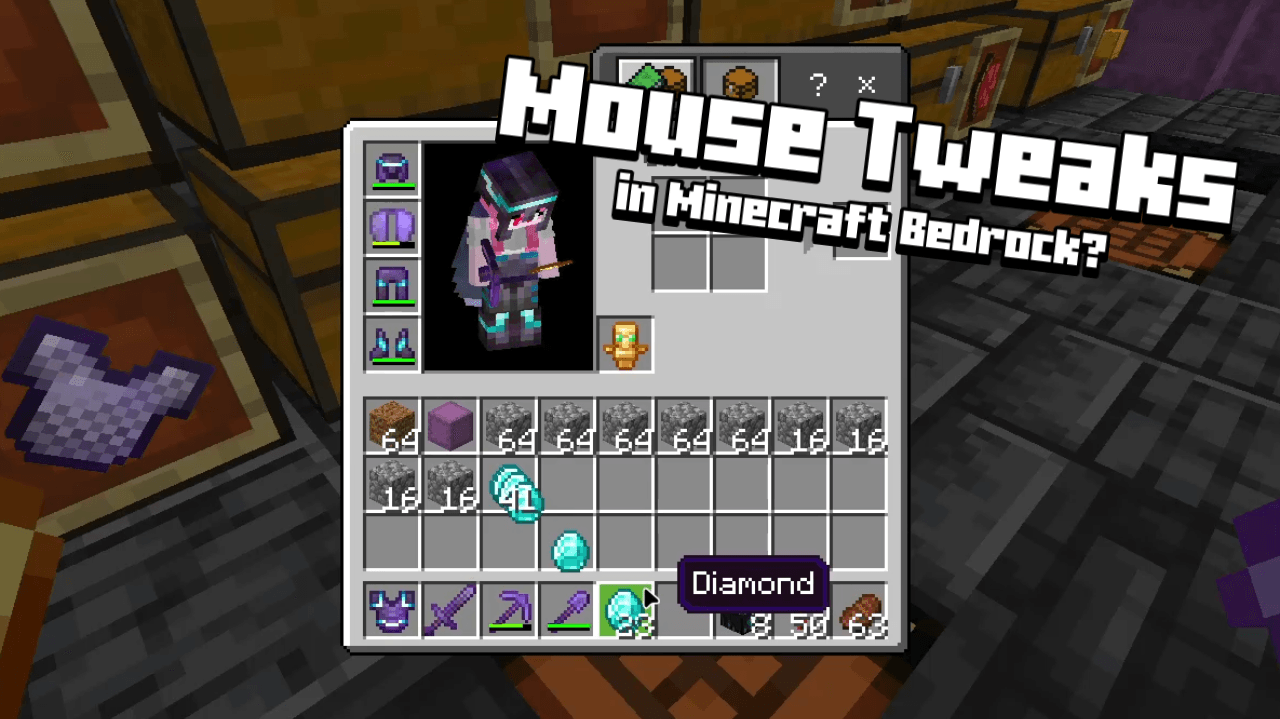

Mouse Wheel Tweaks
Added functions to the mouse scroll wheel for inventory management.Download

Undopia 3D Sugar Cane
Gives the Sugar Canes a 3 dimensional modelInstall

More Nether Fungi
Adds variants for crimson and warped fungi.Install

Fresh Food VR
A resource pack that adds 3D food models and eating animations tailored for Vivecraft!Install

Faithful 32x Daggers
Changes swords to a more pvp oriented textureInstall

Sleek UI
This is a simple GUI texture pack made for people that want a smooth and sleek interface that can be in a Dark or OLED fashionInstallFAQ
Do I need Forge or Fabric for a resource pack?
No. A resource pack works on the regular game with no loaders or mods. Click “Install” and Millida Launcher will put the pack into the right modpack — then just enable it in the settings.
What do 16×, 32×, 64× mean?
The resolution of a single texture in pixels. 16× matches the original game, 32× and 64× are more detailed and heavier, and 128× and up put a noticeable load on your graphics card.
Will a pack made for another version work?
Most likely partly: older packs don't have textures for newer blocks, so those will stay default. The game won't break, though.
How is a texture pack different from a resource pack?
Only by name and age. Before version 1.6 the sets were called texture packs and changed only textures; in 1.6 resource packs replaced them and also change sounds, fonts and the interface. Old texture packs for 1.5 and below do not work on new versions without conversion.
Which texture packs are best for PvP?
PvP packs: 16× resolution or lower, shortened swords, low fire, a clear sky and bright particles. They barely load the computer and make the opponent easier to see. These packs are collected in the PvP theme.
How do I install a resource pack?
Press Install and Millida Launcher puts the pack into the resourcepacks folder of the right instance. Then enable it in the game: Options, then Resource Packs. Manually, the archive goes into resourcepacks inside the game folder, no need to unpack it.
Resource packs for Minecraft 1.21
Resource packs for Minecraft 1.21: 2,301 items in the Resource packs section. Compatibility is checked against the files, not the description: only items with a build for exactly these conditions stay in the list.
The key thing about a pack is its resolution. The game's default textures are 16×16 pixels; 32× and 64× packs look more detailed, while 128× and up need a real graphics card and are usually paired with shaders. On a weak machine it makes sense to stay at 16× or go for packs that deliberately simplify graphics for more FPS. Every pack here lists its game version, author and license, and all released versions are gathered on one card. Put the downloaded archive in the resourcepacks folder and enable it in the game settings.