
Resource packs for Minecraft 1.21 — page 48
Resource packs: list


Melody's Cute Girl Villagers
♪ An all-girls cute villagers resource pack with support for some mods! ~Install

Glowing Emissive Ores - Fusion
This is an add-on to my Glowing Emissive Ores resource pack which supports over 300 mods, this resource pack adds support for Fusion.Install

Zelda Totem of Undying
The Zelda Totem resource pack transforms Minecraft's totem of undying into Princess Zelda, introducing the enchanting and regal essence of Hyrule into the game.Install

prism - original
a clean and vibrant pack to enhance your minecraft experience - now in 1.21!Install

Teyvat Weapon Collection
Adds weapons from Genshin Impact as custom item models into Minecraft. Compatible with Wynncraft.Install
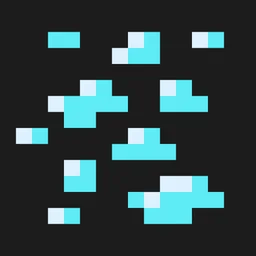
Emissive Ores Addon for Bare Bones/Trailers Vision
A resource pack built for Optifine and Continuity to make ores visible in the aesthetic of the Minecraft Animated Trailers!Install

[Outdated] Custom Skies/Cubemaps [Outdated] | 8+ Cubemaps
This resource pack has 6 different cubemaps (sky) for your world. All images are Ai generated and looks pretty well.Download

3D Models (UltiCraft Sandalone)
3D models for workstations, ores, random litter on grass, and cleaned-up stairs and double slabs. The pack is designed to be compatible with, and complement other 3d models like VanillaTweaks, and redstoner models like Rexstones.Install

SKY - La Nature Fragment
Galaxy? Planet? Realistic clouds? A black hole?? You'll find everything you need in this La Nature Fragment, by Carrot!Download

Monster Can
Transform the boring Vanilla Potion into Delicious Monster CansInstall

Pickaxe of the Gods
Ressource Pack for Pickaxe of the Gods (POG) PluginInstall

Distant Horizons 遥远的地平线汉化包
基于Distant Horizons遥远的地平线模组个人汉化资源包Based on Distant Horizons Mod Chinese Localization ResourcepackInstall
Clear Water
A less obtrusive and more clearer water texture to be used when looking for ocean monuments, ship wrecks, treasures or really anything that someone that can find in Minecraft's oceans!Install
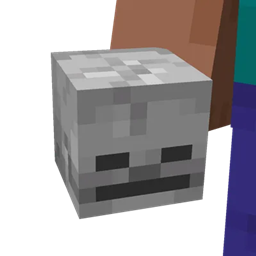
Corrected Mob Heads
Tweaks how mob heads appear in first-person and third-person perspectives.Install

Localization Resource Pack
All my data packages require this resource package for localization.Install

RAIN - La Nature Fragment
Are you a rain lover? Did you spend years looking for ACTUAL rain splashes? Well here they are, in this Fragment of La Nature by Carrot!Download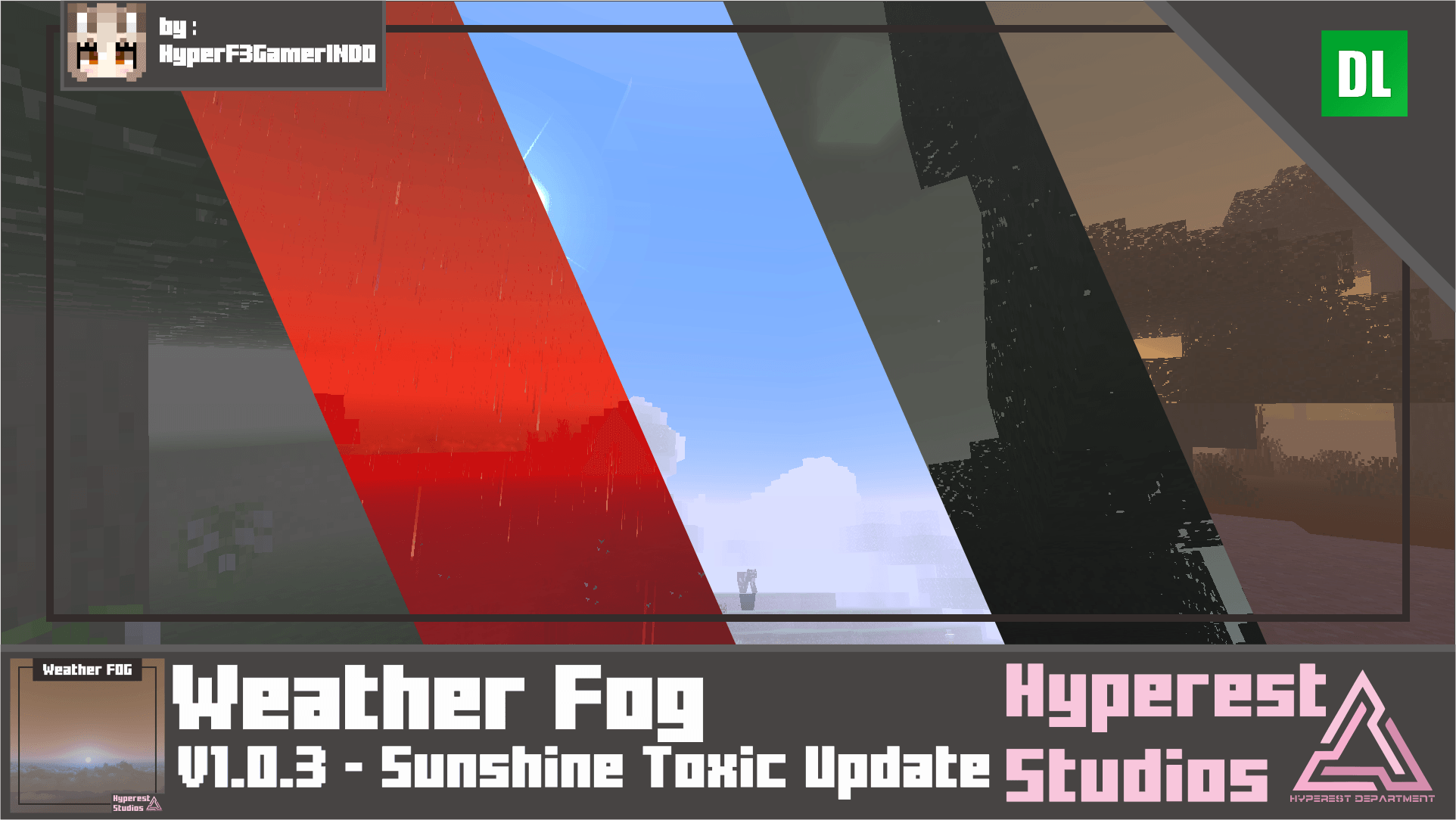

Weather FOG | v1.0.3 Sunshine Toxic Update
Are you looking for a FOG that change weather or condition in a game? well, this is you may look for, this pack change visual in-game start from dark vibe Minecraft into sandstorm.Download

RuidSkin Ultimate
Dive into a breathtaking Minecraft world like never before with our ultra-realistic texture pack and stunning visual effects. Unleash your creativity and embark on an epic journey that will leave you spellbound!Install

C418 Background Music Only
Background Music not made by C418 is removedInstall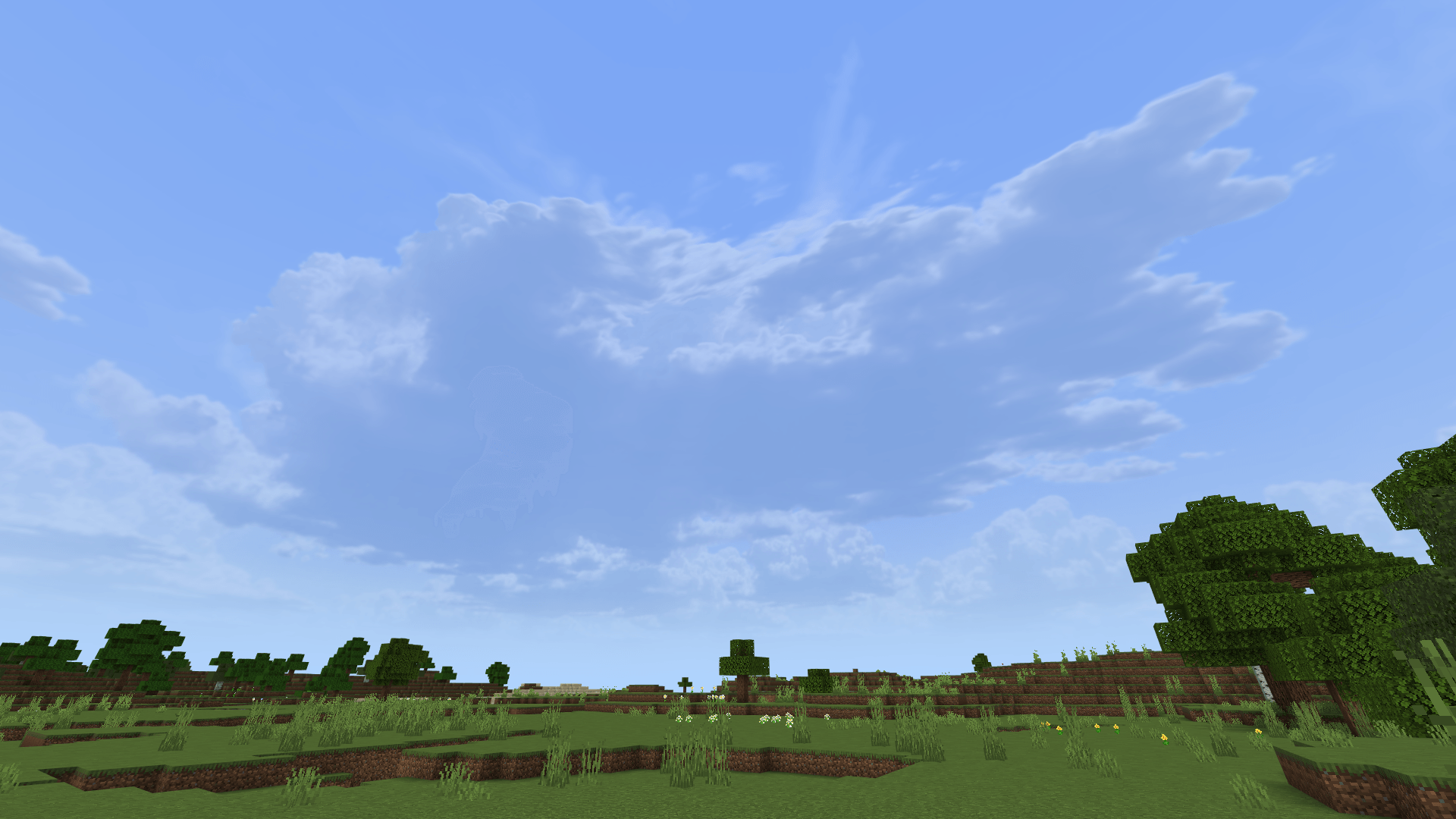

Hyper Realistic Sky
Hyper Realistic Sky cubemapDownload

[WIP] Ovo's Rustic: Redemption
A fan continuation of the OG Ovo's Rustic packInstall
& Fresh Animations for Dandelion X
An addon that brings Fresh Animations to Dandelion XInstall

Sodium Boost
Make the game betterDownloadFAQ
Do I need Forge or Fabric for a resource pack?
No. A resource pack works on the regular game with no loaders or mods. Click “Install” and Millida Launcher will put the pack into the right modpack — then just enable it in the settings.
What do 16×, 32×, 64× mean?
The resolution of a single texture in pixels. 16× matches the original game, 32× and 64× are more detailed and heavier, and 128× and up put a noticeable load on your graphics card.
Will a pack made for another version work?
Most likely partly: older packs don't have textures for newer blocks, so those will stay default. The game won't break, though.
How is a texture pack different from a resource pack?
Only by name and age. Before version 1.6 the sets were called texture packs and changed only textures; in 1.6 resource packs replaced them and also change sounds, fonts and the interface. Old texture packs for 1.5 and below do not work on new versions without conversion.
Which texture packs are best for PvP?
PvP packs: 16× resolution or lower, shortened swords, low fire, a clear sky and bright particles. They barely load the computer and make the opponent easier to see. These packs are collected in the PvP theme.
How do I install a resource pack?
Press Install and Millida Launcher puts the pack into the resourcepacks folder of the right instance. Then enable it in the game: Options, then Resource Packs. Manually, the archive goes into resourcepacks inside the game folder, no need to unpack it.
Resource packs for Minecraft 1.21
Resource packs for Minecraft 1.21: 2,288 items in the Resource packs section. Compatibility is checked against the files, not the description: only items with a build for exactly these conditions stay in the list.
The key thing about a pack is its resolution. The game's default textures are 16×16 pixels; 32× and 64× packs look more detailed, while 128× and up need a real graphics card and are usually paired with shaders. On a weak machine it makes sense to stay at 16× or go for packs that deliberately simplify graphics for more FPS. Every pack here lists its game version, author and license, and all released versions are gathered on one card. Put the downloaded archive in the resourcepacks folder and enable it in the game settings.