
Resource packs for Minecraft 1.21 — page 35
Resource packs: list
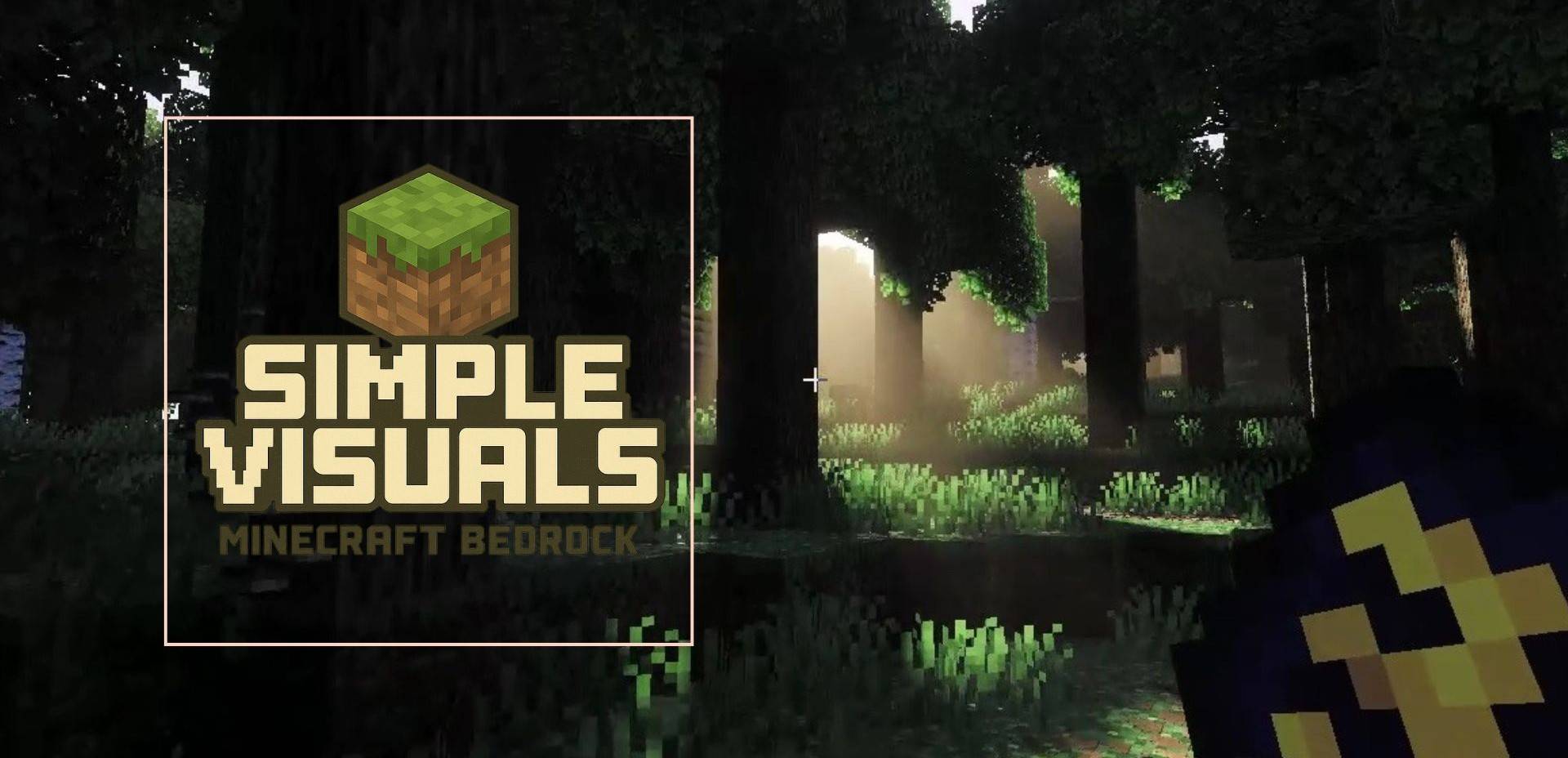

Simple Visuals
Simple Visuals is a lightweight Minecraft Bedrock texture pack designed to enhance your game without changing its original style. This pack focuses on cleaner colors, sharper details, and a more polished overall look—while keeping Minecraft’sDownload

ULTIMATE FPS BOOSTER
Performance focused pack that optimizes rendering, UI, and visual effects for smoother gameplay on MCPE/BE.Download

Fresh Illager Mod Compats
Adding Fresh Animation compatibility for Goety, Illager Invasion, Savage and Ravage, The Graveyard, etc.Install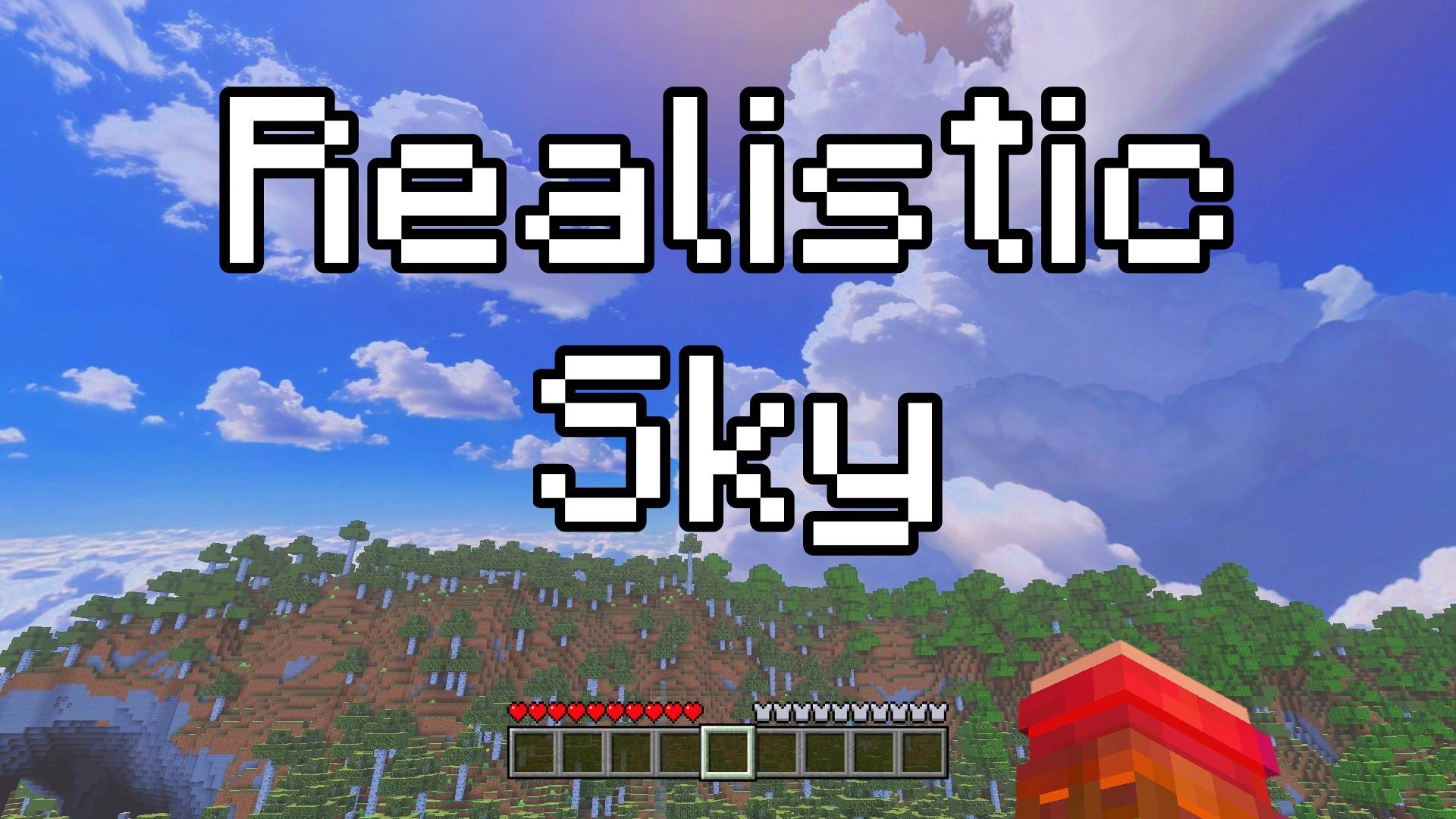

Realistic Sky - Custom Sky
This texture pack changes the sky to look like a real sky. You will see real clouds, a blue sky. It makes Minecraft feel more real and beautiful. Look up and enjoy your new, real sky.Download

Fabulous 3D
Clean redesigns of the vanilla Tools and Weapons.Install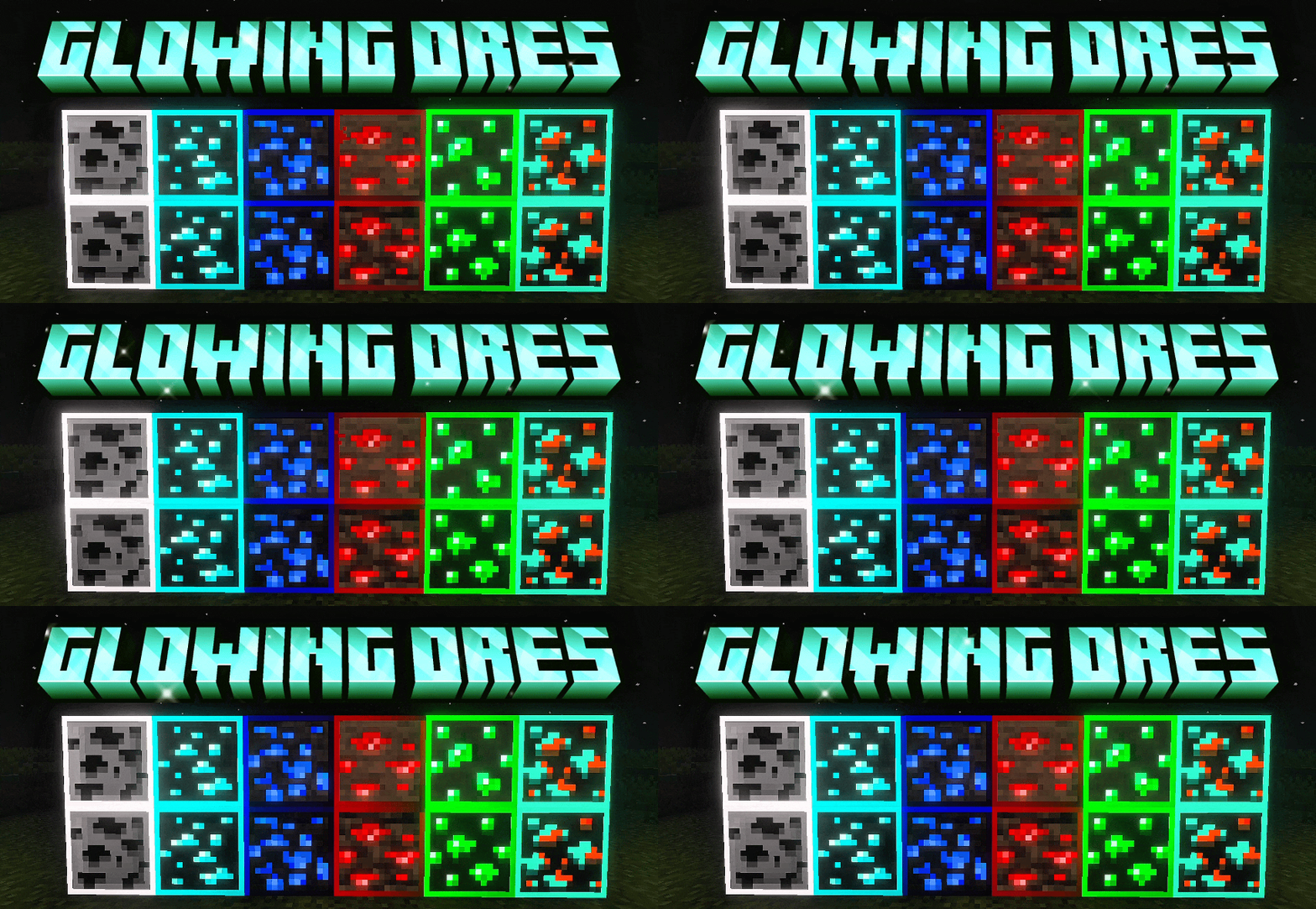

Glowing Ores | ore
Animated glowing ores - helps you notice ores quickly. This makes ores outlined, animated + glowingDownload

Integrated Dungeons and Structures- Biomes O' Plenty Integration
The BOP Integration Datapack for Integrated Dungeons and StructuresInstall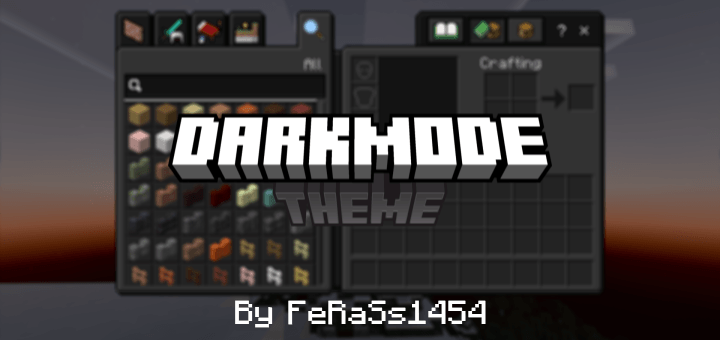
Dark Mode Theme
Makes the default UI into a dark theme for Minecraft Bedrock/PEDownload

Rappenem's Reforge
A silly pixel artist's reimagining of Minecraft's visuals!Install

Drodi's Arsenal
My overhaul of Minecraft's tools and armor.Install

X-Ray Pluss
This X-ray texture pack adds x-rays, so you can see through walls to easily locate minerals.Install

Villager Variety
Adds skin tone, eye color and eyebrow color variations to villagers.Install
In-Game Brewing Guide
Provides an in-game brewing guide within the "Brewing Stand" UI.Install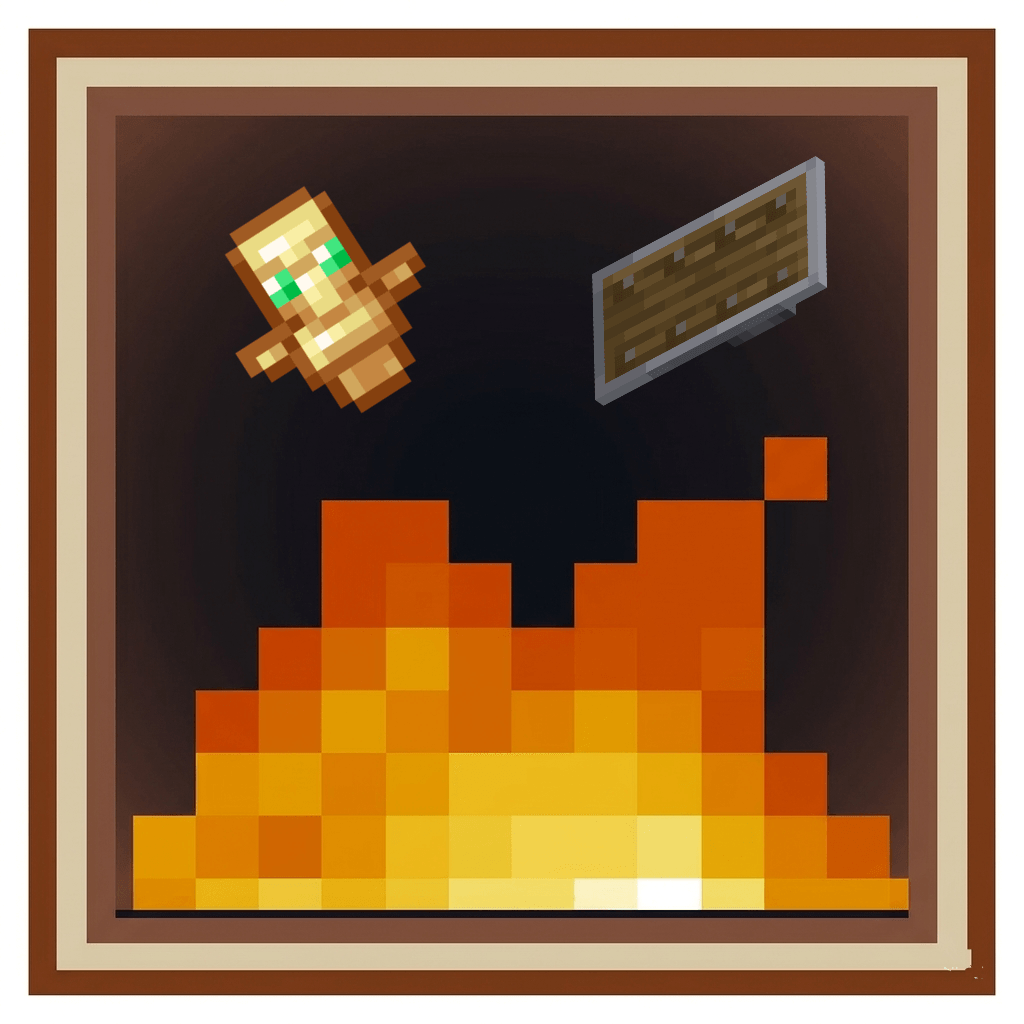

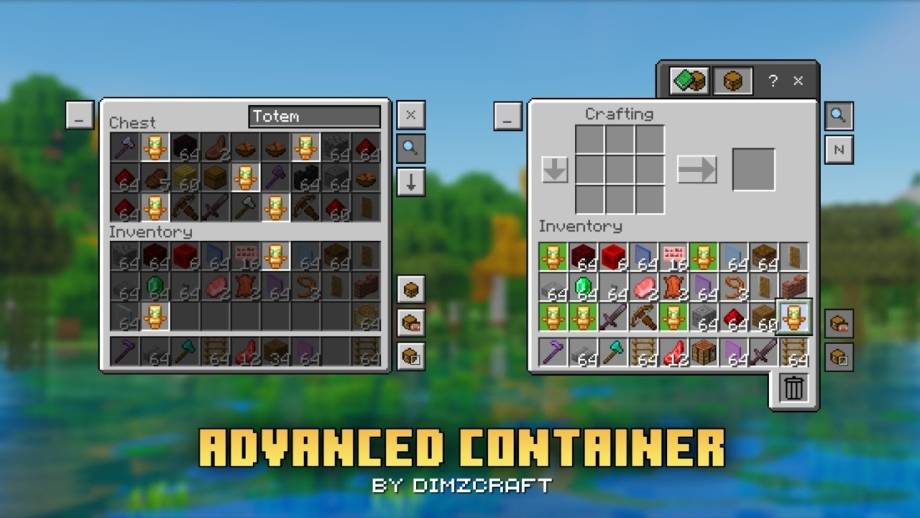
Low Fire , Shield & Small Totem
Low Fire, Shield & Small TotemDownload

Mossy's Better Dirt
Updating dirt to the modern Minecraft art styleInstall
SKT's Better Fast Leaves
make leaves in fast graphic setting looks better, also work on fancy graphicInstall

Emissives for xali's Enchanted Books
Make xali's enchanted books glow!Install

Small Shield
Smaller Shield, like the one Marlowww, ItzRealMe, Camcal, Thebes, Awerial, Evantii and K1RBE uses.Install
Zipp CPVP Pack
Zipp CPVP Pack brings a clean and clear PvP experience. It features short swords, a black UI, low fire, no particles, and a smaller totem pop-up, so nothing gets in your way during fights. Perfect for players who want maximum visibility and focus in everyInstall
Fresh Environment
Subtle visual tweaks including better rain and snow, cloud variation and moreInstall

Carrot Farmer Totem of Undying
Carrot Farmer Totem infuses Minecraft's survival gameplay with a dash of agricultural charm by redesigning the totem of undying with a carrot farmer theme, adding both visual appeal and a lighthearted touch to the game.Install

Unique Dark - Mekanism Support
Support for mekanism in Unique DarkInstall

Semos Animations Lib
Entity animations library pack for ressources packs.InstallFAQ
Do I need Forge or Fabric for a resource pack?
No. A resource pack works on the regular game with no loaders or mods. Click “Install” and Millida Launcher will put the pack into the right modpack — then just enable it in the settings.
What do 16×, 32×, 64× mean?
The resolution of a single texture in pixels. 16× matches the original game, 32× and 64× are more detailed and heavier, and 128× and up put a noticeable load on your graphics card.
Will a pack made for another version work?
Most likely partly: older packs don't have textures for newer blocks, so those will stay default. The game won't break, though.
How is a texture pack different from a resource pack?
Only by name and age. Before version 1.6 the sets were called texture packs and changed only textures; in 1.6 resource packs replaced them and also change sounds, fonts and the interface. Old texture packs for 1.5 and below do not work on new versions without conversion.
Which texture packs are best for PvP?
PvP packs: 16× resolution or lower, shortened swords, low fire, a clear sky and bright particles. They barely load the computer and make the opponent easier to see. These packs are collected in the PvP theme.
How do I install a resource pack?
Press Install and Millida Launcher puts the pack into the resourcepacks folder of the right instance. Then enable it in the game: Options, then Resource Packs. Manually, the archive goes into resourcepacks inside the game folder, no need to unpack it.
Resource packs for Minecraft 1.21
Resource packs for Minecraft 1.21: 2,285 items in the Resource packs section. Compatibility is checked against the files, not the description: only items with a build for exactly these conditions stay in the list.
The key thing about a pack is its resolution. The game's default textures are 16×16 pixels; 32× and 64× packs look more detailed, while 128× and up need a real graphics card and are usually paired with shaders. On a weak machine it makes sense to stay at 16× or go for packs that deliberately simplify graphics for more FPS. Every pack here lists its game version, author and license, and all released versions are gathered on one card. Put the downloaded archive in the resourcepacks folder and enable it in the game settings.