
Resource packs for Minecraft 1.21 — page 34
Resource packs: list


Better Farm Animals
Updates farm animals to look more realisticInstall

Radiant Glowing Ores
Radiant Glowing Ores makes every ore glow so you never miss a vein again. Vibrant, eye-catching textures that light up the dark and make caving a whole new experience.Download

Better Enchanting Table
A better model and texture for the enchanting tableInstall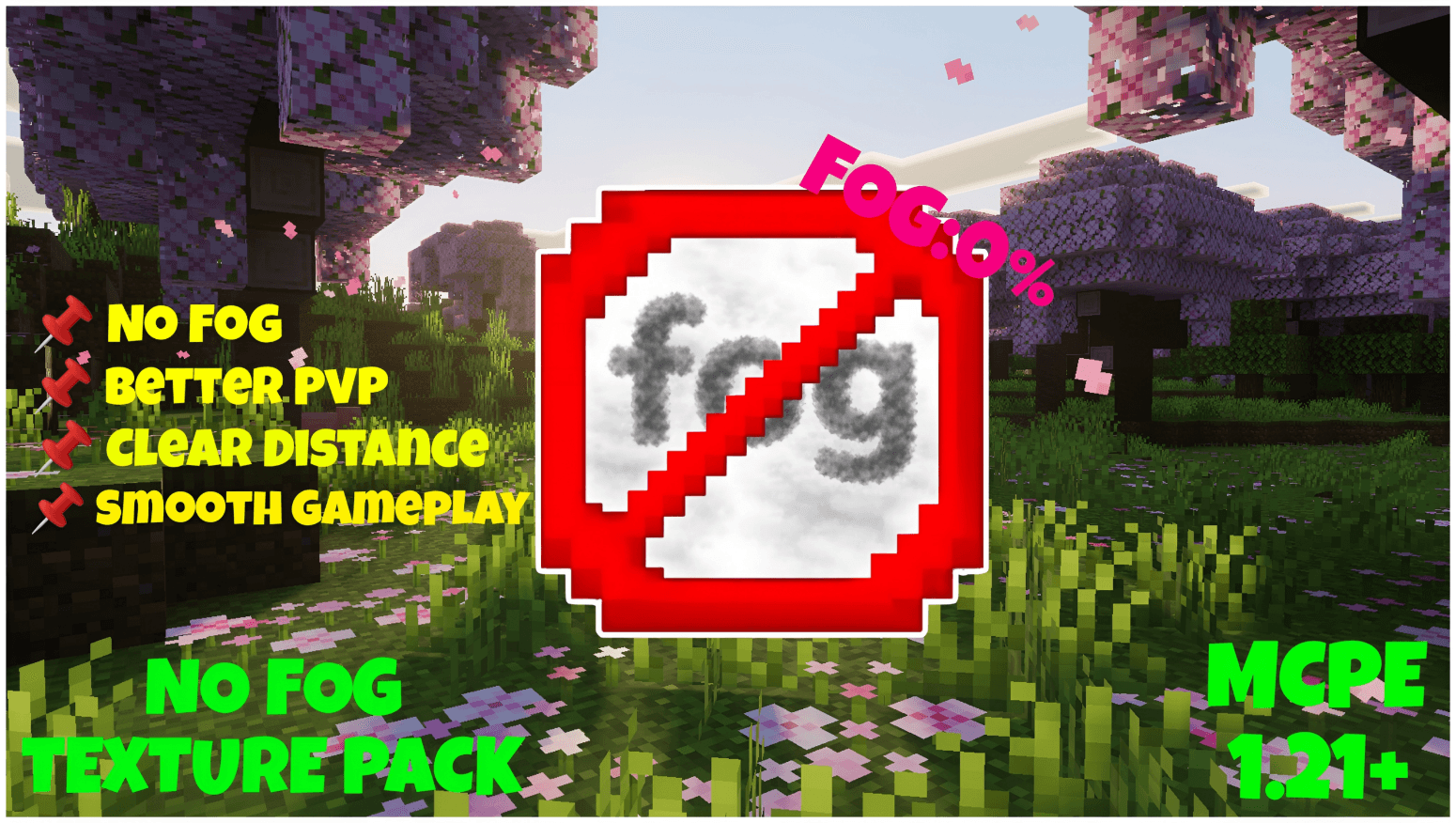

No Fog Ultra
With No Fog Texture Pack, fog is removed to boost visibility, improve PvP awareness, and make distant areas clearer even on low render distance.Download

Ethereal Mystic Lite Shader
Ethereal Mystic Shader adds mystical lighting, atmospheric fog, vibrant colors, and cinematic skies to Minecraft BedrockDownload
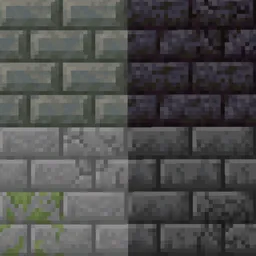
Connected Bricks
Connect brick-like blocks with Continuity modInstall

Simple PvP Edit
This Minecraft Resource Pack enhances the aesthetics of PvPInstall
Light-footed Cobblemon
Makes it so Cobblemon works better with Snow biomes, as they no longer sink & take damage in powder snowInstall
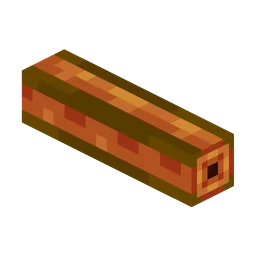
Oritech - Nicer Pipes
Oritech nicer pipes (specially item pipes).Install

Saturated Grass!
This resource pack changes the Grass foliage by giving it a better color tint so your game doesn't feel washed out!Install

Enhanced Audio: Ambience (Sound Pack)
Adds new ambient sounds to Minecraft to give a more immersive experience.Install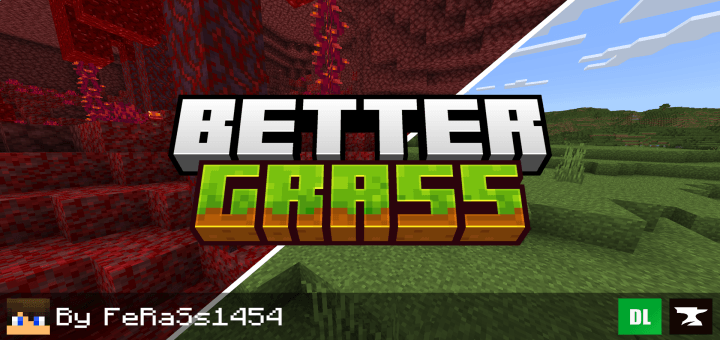

Better Grass
Makes Minecraft grass better and more beautiful, and compatible with texture packsDownload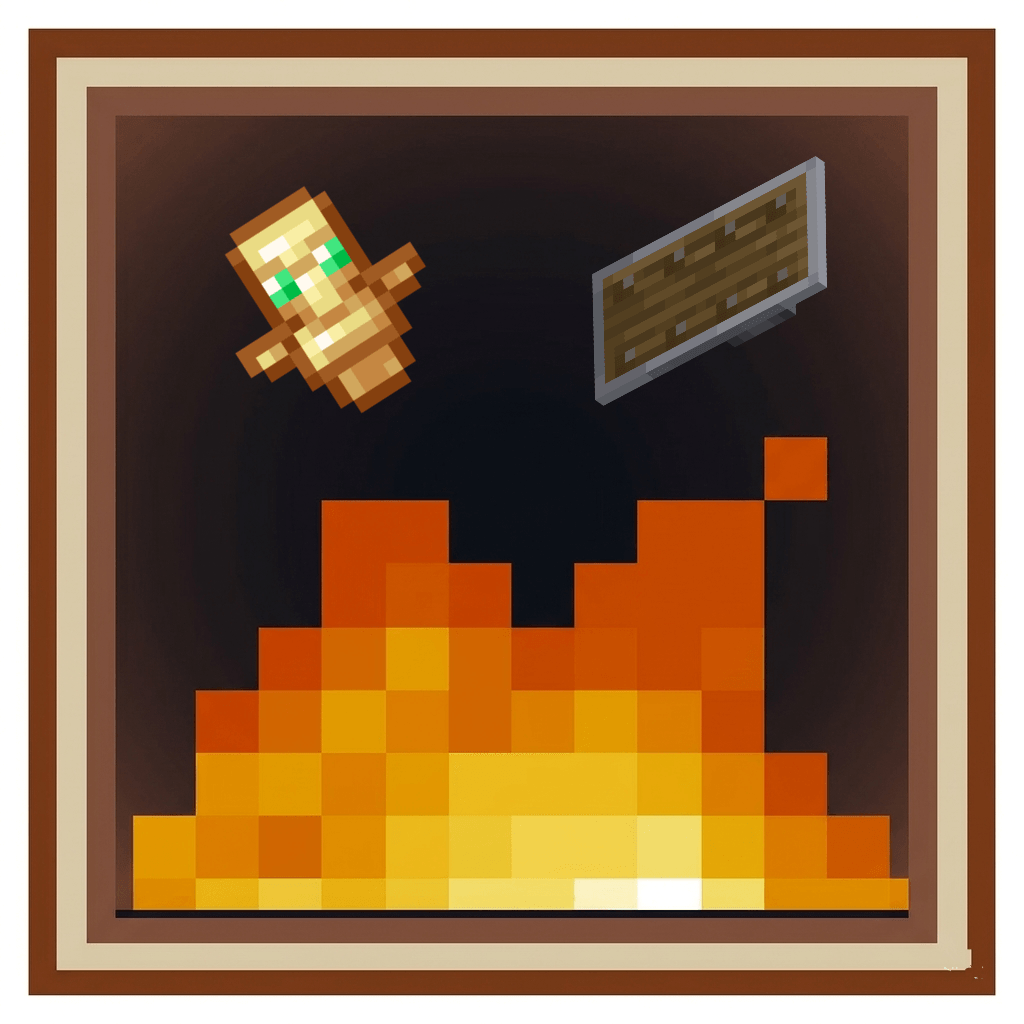

Low Fire , Shield & Small Totem
Low Fire, Shield & Small TotemDownload

PvP Overlay
Overlay mainly focused on QoL features to help with Minecraft CombatInstall

Crossless Redstone Lamps
Simplifies and noises redstone lamps texture to be more clearInstall
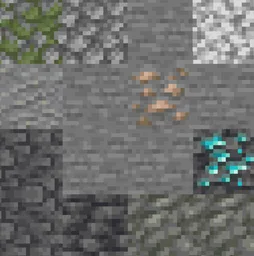
Connected Rocks
Connect rock-like blocks with Continuity modInstall

Traben's 3D armor models
Makes vanilla armor 3D using ETF + EMFInstall
Default Dark Create
Dark Mode for Create using Default Dark Mode color palette. Made for Create v6.0.6 and newerInstall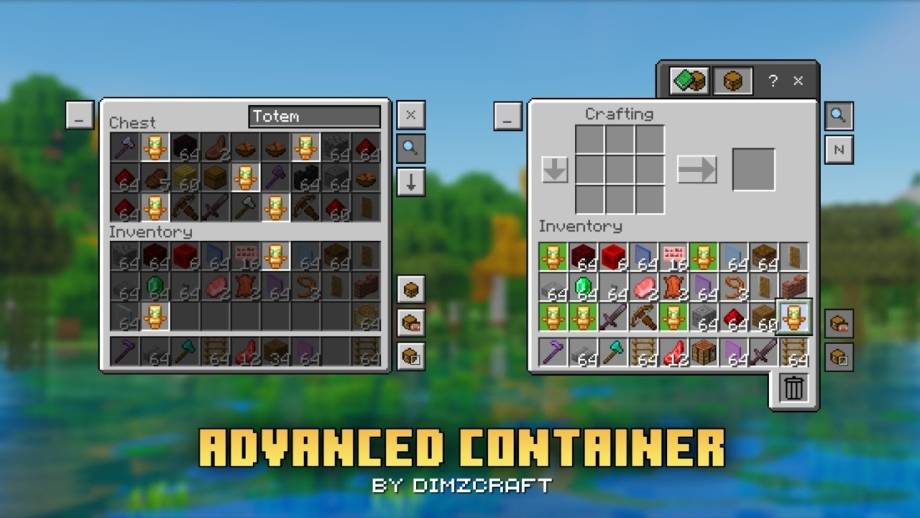
Advanced Container
Manage items in your inventory faster and easier with Advanced Container!Download

Excalibur | Serene Seasons Support
A retexture for the Serene Seasons mod, designed to fit Maffhew's Excalibur resource pack.Install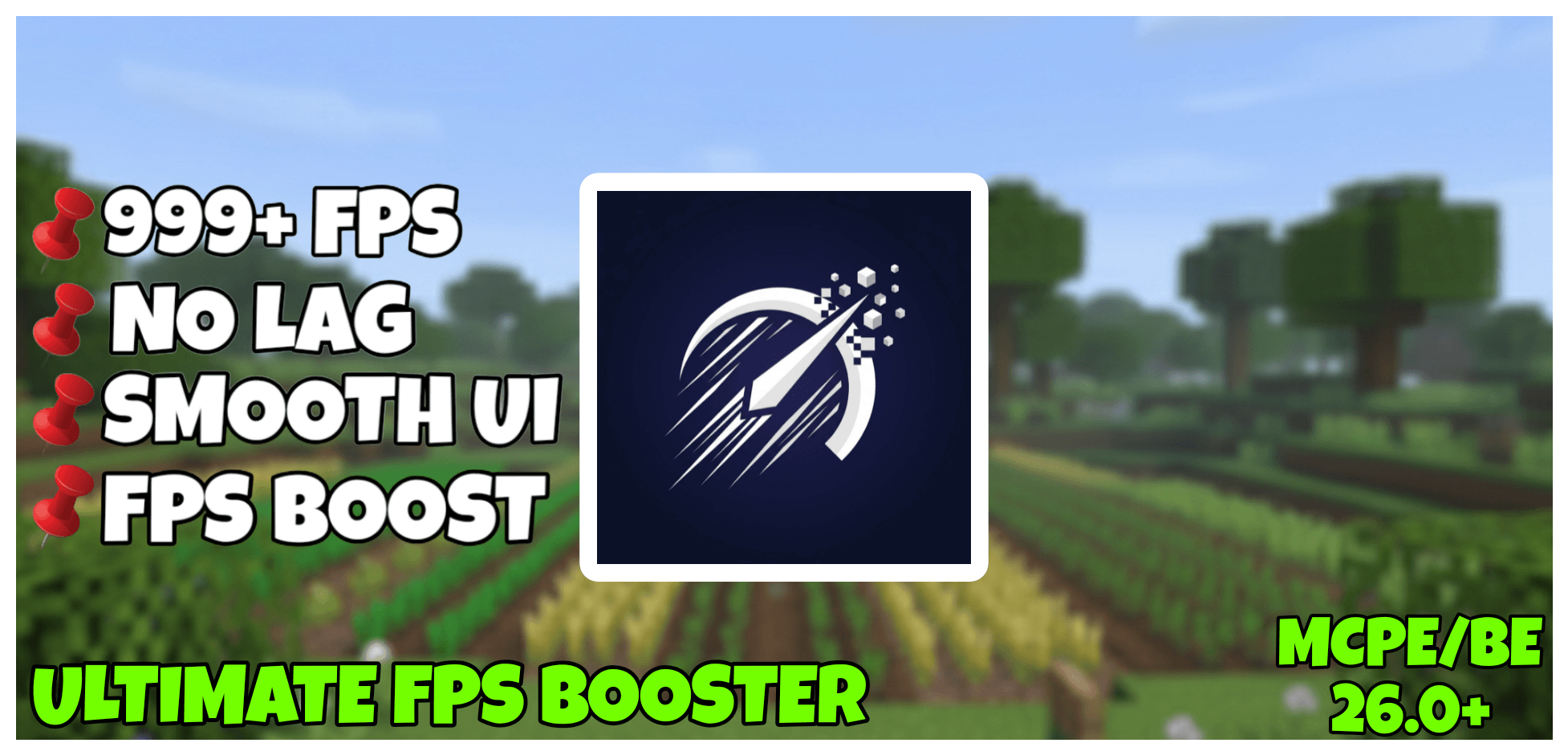

ULTIMATE FPS BOOSTER
Performance focused pack that optimizes rendering, UI, and visual effects for smoother gameplay on MCPE/BE.Download

Minecraft: Classic Edition
A resource pack that aims to bring back the classic feel of MinecraftInstall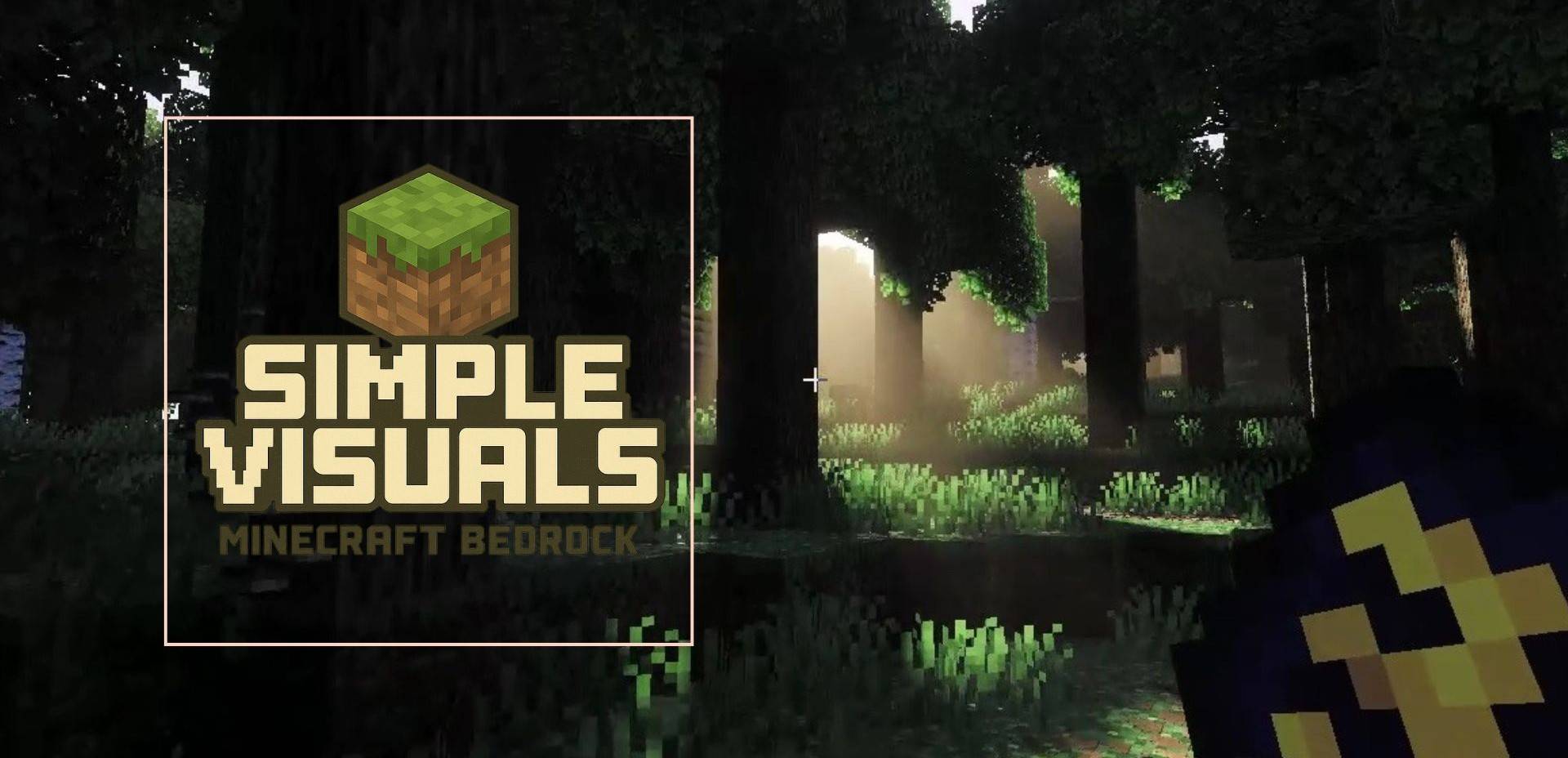

Simple Visuals
Simple Visuals is a lightweight Minecraft Bedrock texture pack designed to enhance your game without changing its original style. This pack focuses on cleaner colors, sharper details, and a more polished overall look—while keeping Minecraft’sDownloadFAQ
Do I need Forge or Fabric for a resource pack?
No. A resource pack works on the regular game with no loaders or mods. Click “Install” and Millida Launcher will put the pack into the right modpack — then just enable it in the settings.
What do 16×, 32×, 64× mean?
The resolution of a single texture in pixels. 16× matches the original game, 32× and 64× are more detailed and heavier, and 128× and up put a noticeable load on your graphics card.
Will a pack made for another version work?
Most likely partly: older packs don't have textures for newer blocks, so those will stay default. The game won't break, though.
How is a texture pack different from a resource pack?
Only by name and age. Before version 1.6 the sets were called texture packs and changed only textures; in 1.6 resource packs replaced them and also change sounds, fonts and the interface. Old texture packs for 1.5 and below do not work on new versions without conversion.
Which texture packs are best for PvP?
PvP packs: 16× resolution or lower, shortened swords, low fire, a clear sky and bright particles. They barely load the computer and make the opponent easier to see. These packs are collected in the PvP theme.
How do I install a resource pack?
Press Install and Millida Launcher puts the pack into the resourcepacks folder of the right instance. Then enable it in the game: Options, then Resource Packs. Manually, the archive goes into resourcepacks inside the game folder, no need to unpack it.
Resource packs for Minecraft 1.21
Resource packs for Minecraft 1.21: 2,288 items in the Resource packs section. Compatibility is checked against the files, not the description: only items with a build for exactly these conditions stay in the list.
The key thing about a pack is its resolution. The game's default textures are 16×16 pixels; 32× and 64× packs look more detailed, while 128× and up need a real graphics card and are usually paired with shaders. On a weak machine it makes sense to stay at 16× or go for packs that deliberately simplify graphics for more FPS. Every pack here lists its game version, author and license, and all released versions are gathered on one card. Put the downloaded archive in the resourcepacks folder and enable it in the game settings.