
Shaders for Minecraft Java 26.2 — page 19
Shaders: list


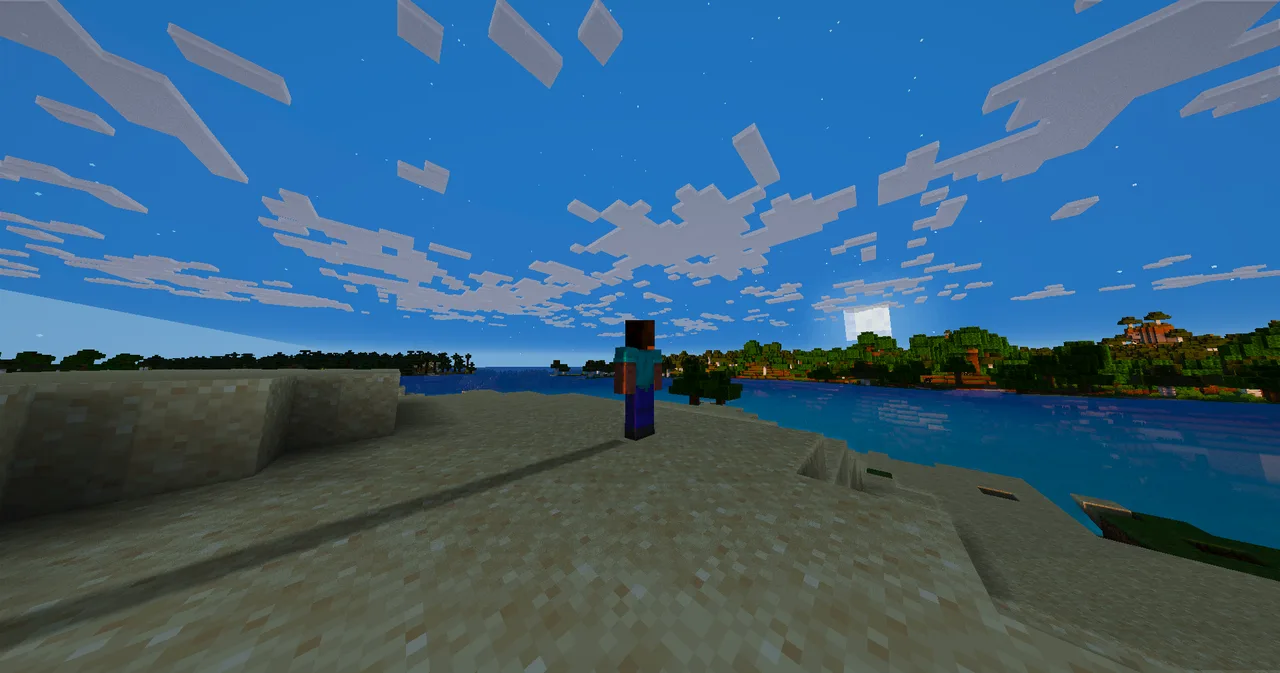
Cinematic Horizon Shaders
A cinematic Minecraft shader pack featuring realistic volumetric clouds, reflective water, wet and shiny blocks, enhanced lighting, and performance-focused presets.Install

Aetherglow
A fantasy Minecraft shader with nice visuals, and runs well.Install

ModernShader
ModernShaders is a lightweight Iris/OptiFine shader pack with soft shadows, animated reflective water, godrays and warm torchlight. It's built to look cinematic while staying tunable for mid-range PCs. Early release, Overworld-focused.Install

Adi Cinematic Shader
"Adi Cinematic Shader transforms Minecraft with ultra-smooth lag-free shadows, realistic procedural clouds, cinematic lighting, and smart-depth water. Perfect for high-quality recordings and immersive survival gameplay!"Install

Rivet Lite Animatic 1
this is shader purely focused on mix of Anime and minecraft style (in Lite version)Install

Inkboil
Cartoon shaders that animate on twos — the render stays fluid while the drawing is redrawn twelve times a second.Install
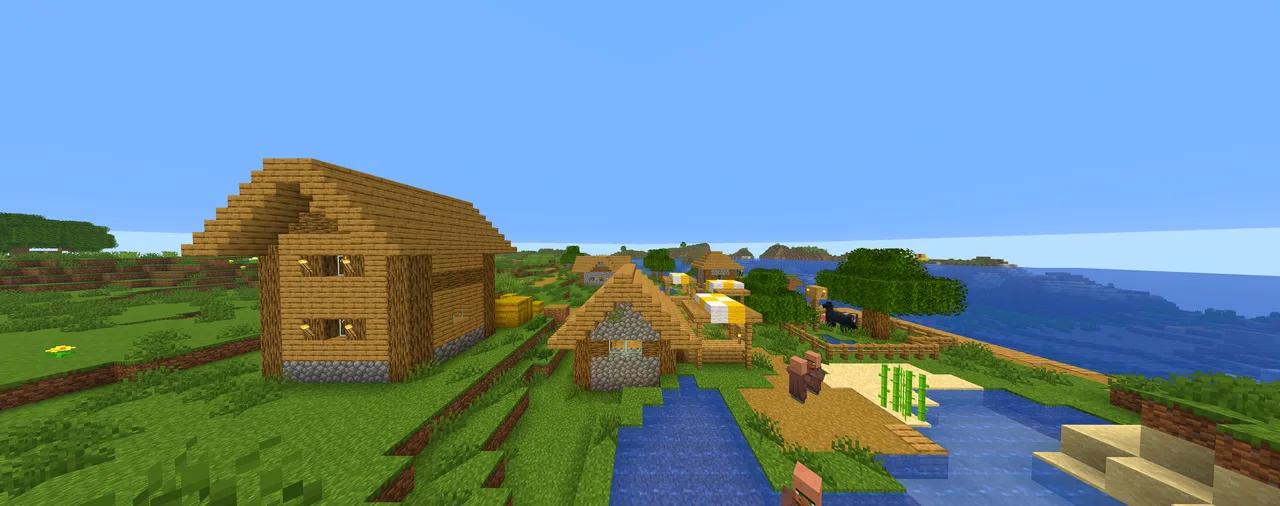
VividVanilla Shaders
A vibrant, saturated look for Minecraft that stays lightweight and true to the classic vanilla style.Install

Refract Shaders
minecraft shader pack with high quality graphicsInstall

Sobel Pack
An edge detection/blueprint effect shaderInstall

Nivora Shaders
Nivora Shaders featuring balanced colors, softer sunlight, gentle bloom, and a beautiful vanilla-inspired atmosphere without excessive visual effects.Install

DTM Shader
EPILEPSY WARNING!! its a shader, dont use unless your insane lmaoInstall

FeatherLite Shaders
A Lightweight Stylized Shaderpack With Soft Lighting, Rich Shadows And Atmospheric Skies, Built For Performance.Install

Adreno shader
It is a lightweight shader pack that makes Minecraft look amazing and ensures compatibility with mobile devices.Install

Kaskada Shaders
Kaskada Shaders: A Stylized Vanilla pack that transforms your sky into fluffy, dreamlike clouds while perfecting natural light and atmosphere.Install

PlusM1
PlusM1 is a shaderpack designed for players seeking a modern graphical experience without sacrificing the essence and visual identity of Minecraft. It combines dynamic shadows, immersive atmospheric lighting, and fluid weather effects.Install

Catnip Shaders
This is my definitive way on how Minecraft should look.Install

vineC's Cartoony Shaders
vineC's Cartoony Shaders gives Minecraft a clean, cartoon-inspired look by adding distinct outlines to the game world. It keeps the core feel of Minecraft intact but uses outlines and adjusted lighting to make every block, mob, and item pop.Install

Astral Reimagined
A reimagined version of AstralCore Shaders with reimagined clouds.Install

United Shader(Beta)
Bring your Minecraft world to life with vibrant anime-inspired lighting, dynamic weather, realistic water, atmospheric fog, and immersive environmental effects.Install

Celestial Order Fix
Makes the Moon render in front of the Sun so that eclipses become possible via data packs. Supports Voxy. Optional Panini Projection toggle that is off by default.Install

Lucid Clarity
A lightweight, crisp Vanilla+ shader focused on clean lighting and performance.Install

procPromo
Mojang's promo art inspired shader. Smooth details, shadows, edge highlights, bubble-gum leaf blocks, and more!Install

HalcyonDrift
A cinematic, performance-focused Minecraft shaderpack that transforms the world with atmospheric lighting, stunning water, dynamic weather, volumetric effects, and immersive visuals. Built for both smooth survival gameplay and high-quality screenshots andInstallRequired to run
FAQ
What do I need to get shaders working?
Iris or OptiFine. Iris installs as a Fabric mod and is usually faster; OptiFine is a separate installer. Without one of them the game simply won't see the shader. Millida Launcher installs Iris along with the shader for you.
Which shaders run on a low-end PC?
Light packs without ray tracing and with low shadow resolution. They're marked in the catalog — they give you shadows and water while costing noticeably fewer frames.
How do I install shaders?
Click “Install” and Millida Launcher will put the shader into the shaderpacks folder of the right modpack. Then select the pack in the video settings — no need to unpack the archive.
Iris or OptiFine — which should I choose?
For new versions, Iris: it works with Sodium, usually gives more FPS and supports almost all modern shaders. OptiFine is needed on old versions and for packs that rely on its special features. The two cannot be installed in the same instance.
Are there shaders for Bedrock?
The shaders in this section are for the Java edition; their format does not work in Minecraft PE and Bedrock. Bedrock has a built-in Vibrant Visuals graphics mode and resource packs with deferred rendering support, which are turned on in the game settings.
Shaders for Minecraft Java 26.2
Shaders for Minecraft 26.2: 498 items in the Shaders section. Compatibility is checked against the files, not the description: only items with a build for exactly these conditions stay in the list.
Beauty costs frames. Heavy ray-traced shaders can cut performance several times over even on a good graphics card, so the catalog separately marks light packs built for weak machines: they give you shadows and decent water while barely touching FPS. In practice: first install Iris or OptiFine, then put the shader archive in the shaderpacks folder and select it in the video settings. It's best to start with a light pack, and the quality profiles inside the shader itself lower the load even further.