
Shaders for Minecraft Java 1.9 — page 5
Shaders: list


SMM - Ultra Light Weight Shader
A lightweight shader built for low-end hardware, even older GPUs like the NVIDIA GeForce GT Series. .SuperMeltedMatter.Lightweight.LowEnd.SaveTF2Install

World Outline
This shader adds a simple customizable world outline, inspired by Complementary's one.Install

InvertColors-Shader
Make your Minecraft graphics render invertedInstall

Colorblind Swap
Time-varying color perception remapping shader.Install

Datamosh
MPEG-style datamosh compression artifacts.Install

Cripe
Visual corruption and display degradation shader.Install

Gray&Black Shader
Turns Minecraft into a stylish black & white movie. For versions 1.7.2–1.21.5!Install

Hyperopia
Experimental depth-inversion and perceptual focus study.Install

shAIder
An AI-made Minecraft shader. Translucent animals, black fishes and much more. AI it's AI...Install

AVALux Shaders Reimagined
Preserving the Elements of Minecraft with exceptional Quality and Performance.Install

DreamFall Shaders
Immersive 90s analog horror & found footage VHS shaderpack for MinecraftInstall

Animetro
Lightweight rendering with cartoony effects.Install

360W
360 Camera-inspired aerial camera simulation shader.Install

VHS_Nostalgic
Transforms Minecraft into a nostalgic 90s home video with authentic, customizable VHS tape effects.Install

Osh
Fisheye lens distortion to the texture by radially warping UV coordinates.Install

Soleron
A warm, cozy atmosphere and heartwarming shadows.Install

True Black & White Shader (Grayscale)
This shader converts the entire image in the game to black and whiteInstall

Drift POV
"A custom motion blur shader by Parth POV designed for clean visuals and ultra-smooth gameplay. Ideal for both high-end and low-end PCs."Install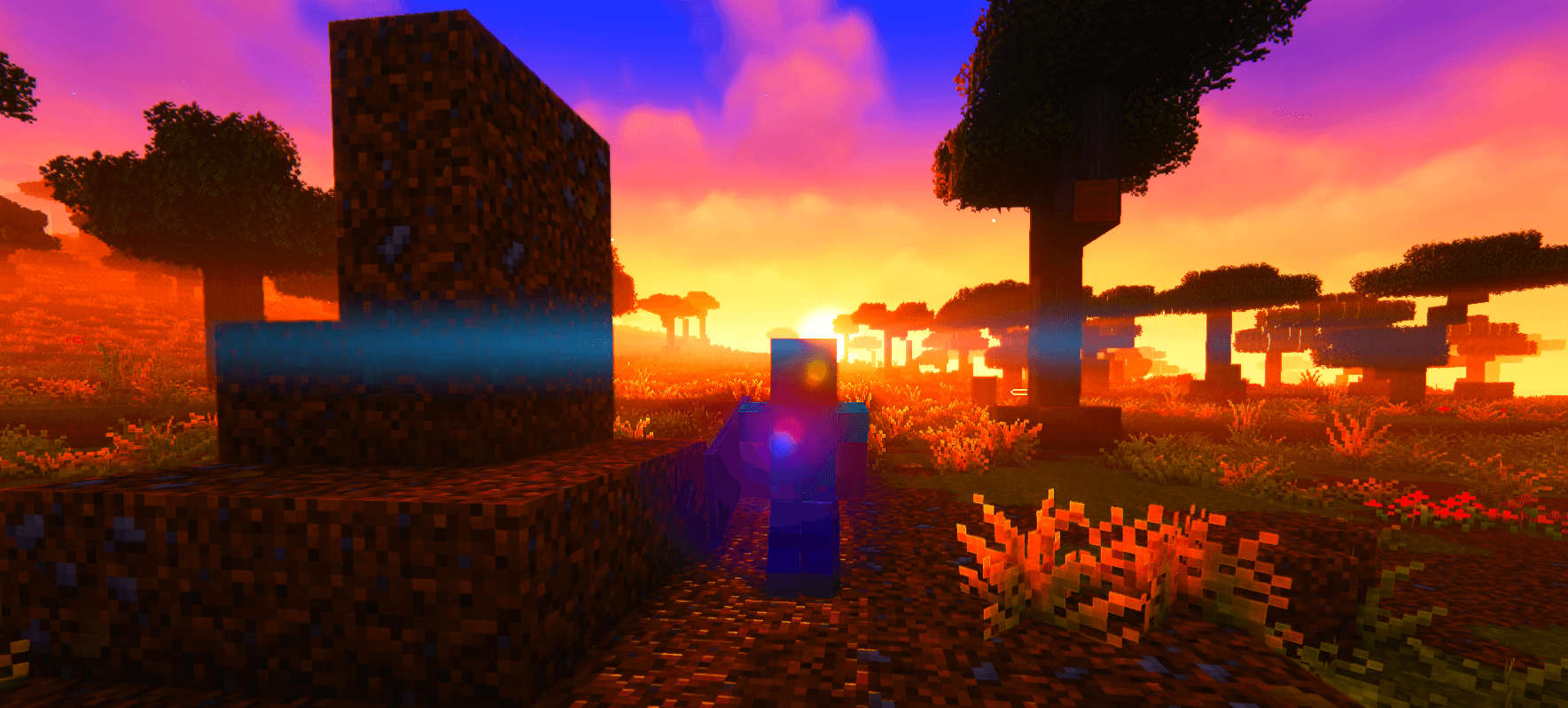
Hyper Vibrant (To The Max)
A very modified settings for the popular shader called complementary that makes minecraft feel aliveInstall

Demonic Possession
Animated demonic distortion and screen corruption shader.Install

Panini Projection
Panini projection which will reduce motion sickness especially when high FOV setting. panini投影, 减轻高视野范围(FOV)时屏幕边缘的变形,减轻3d眩晕Install

Crownlight Shader
Bright Iris shader with a real sky, realistic water, glowing ores, rainy weather, desert and snow storms, and 60+ settings including a My Own Shader menu. Low to Ultra profiles for any PC.Install

Memory Leaks
Persistent frame echoes and display artifacts.InstallRequired to run
FAQ
What do I need to get shaders working?
Iris or OptiFine. Iris installs as a Fabric mod and is usually faster; OptiFine is a separate installer. Without one of them the game simply won't see the shader. Millida Launcher installs Iris along with the shader for you.
Which shaders run on a low-end PC?
Light packs without ray tracing and with low shadow resolution. They're marked in the catalog — they give you shadows and water while costing noticeably fewer frames.
How do I install shaders?
Click “Install” and Millida Launcher will put the shader into the shaderpacks folder of the right modpack. Then select the pack in the video settings — no need to unpack the archive.
Iris or OptiFine — which should I choose?
For new versions, Iris: it works with Sodium, usually gives more FPS and supports almost all modern shaders. OptiFine is needed on old versions and for packs that rely on its special features. The two cannot be installed in the same instance.
Are there shaders for Bedrock?
The shaders in this section are for the Java edition; their format does not work in Minecraft PE and Bedrock. Bedrock has a built-in Vibrant Visuals graphics mode and resource packs with deferred rendering support, which are turned on in the game settings.
Shaders for Minecraft Java 1.9
Shaders for Minecraft 1.9: 146 items in the Shaders section. Compatibility is checked against the files, not the description: only items with a build for exactly these conditions stay in the list.
Beauty costs frames. Heavy ray-traced shaders can cut performance several times over even on a good graphics card, so the catalog separately marks light packs built for weak machines: they give you shadows and decent water while barely touching FPS. In practice: first install Iris or OptiFine, then put the shader archive in the shaderpacks folder and select it in the video settings. It's best to start with a light pack, and the quality profiles inside the shader itself lower the load even further.