
Shaders for Minecraft Java 1.21 — page 7
731 itemsShaders: list


OpenShad
A small shader but a lot of posibility !Install

Lumina Shader - Lite
Optimized version of Lumina Shaders designed for low-end PCs and integrated graphics. Get 60+ FPS without losing the beautiful lighting experience.Install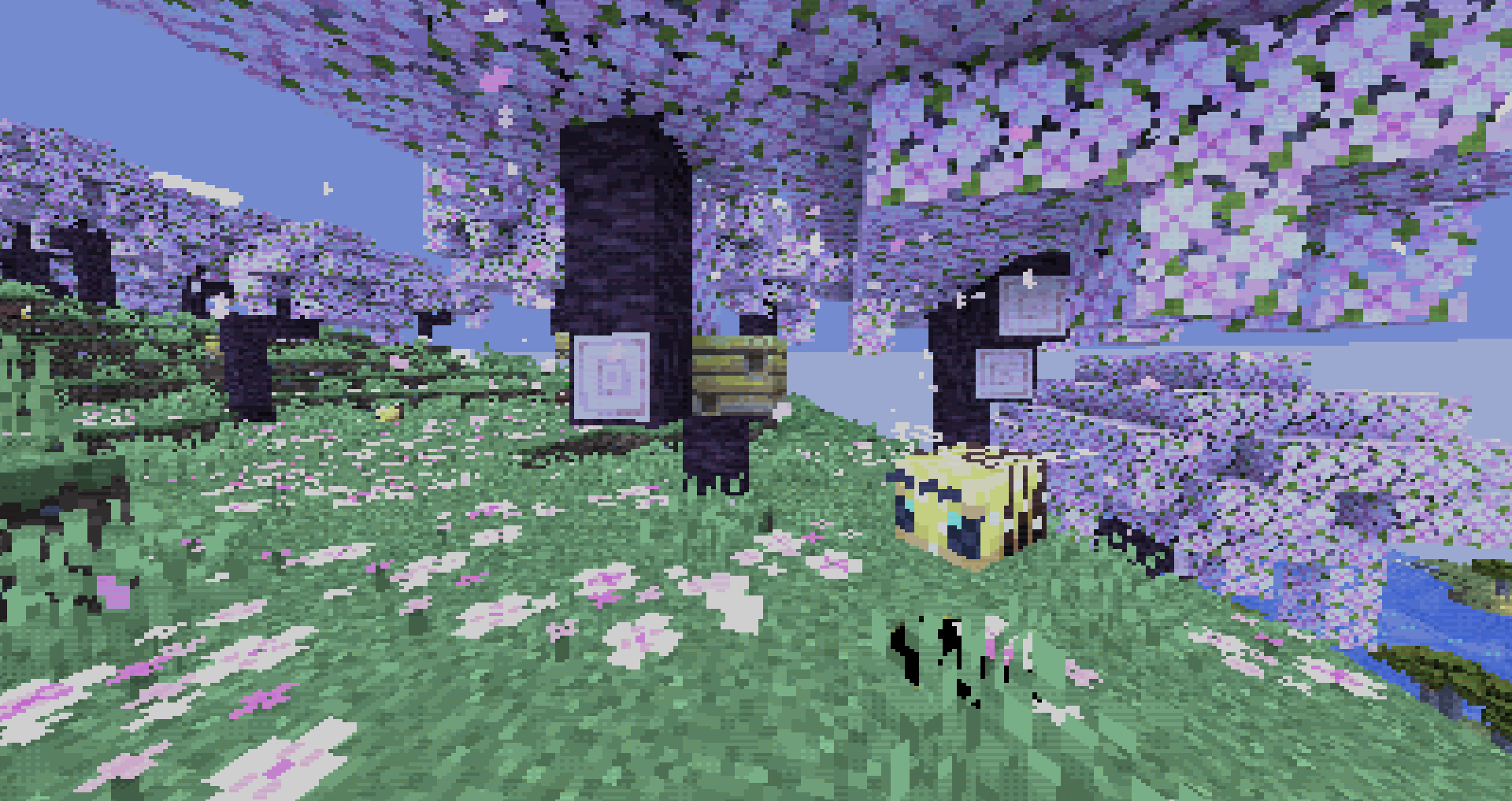

PwC Retro Pixels Shaders
a retro pixel art style shader packInstall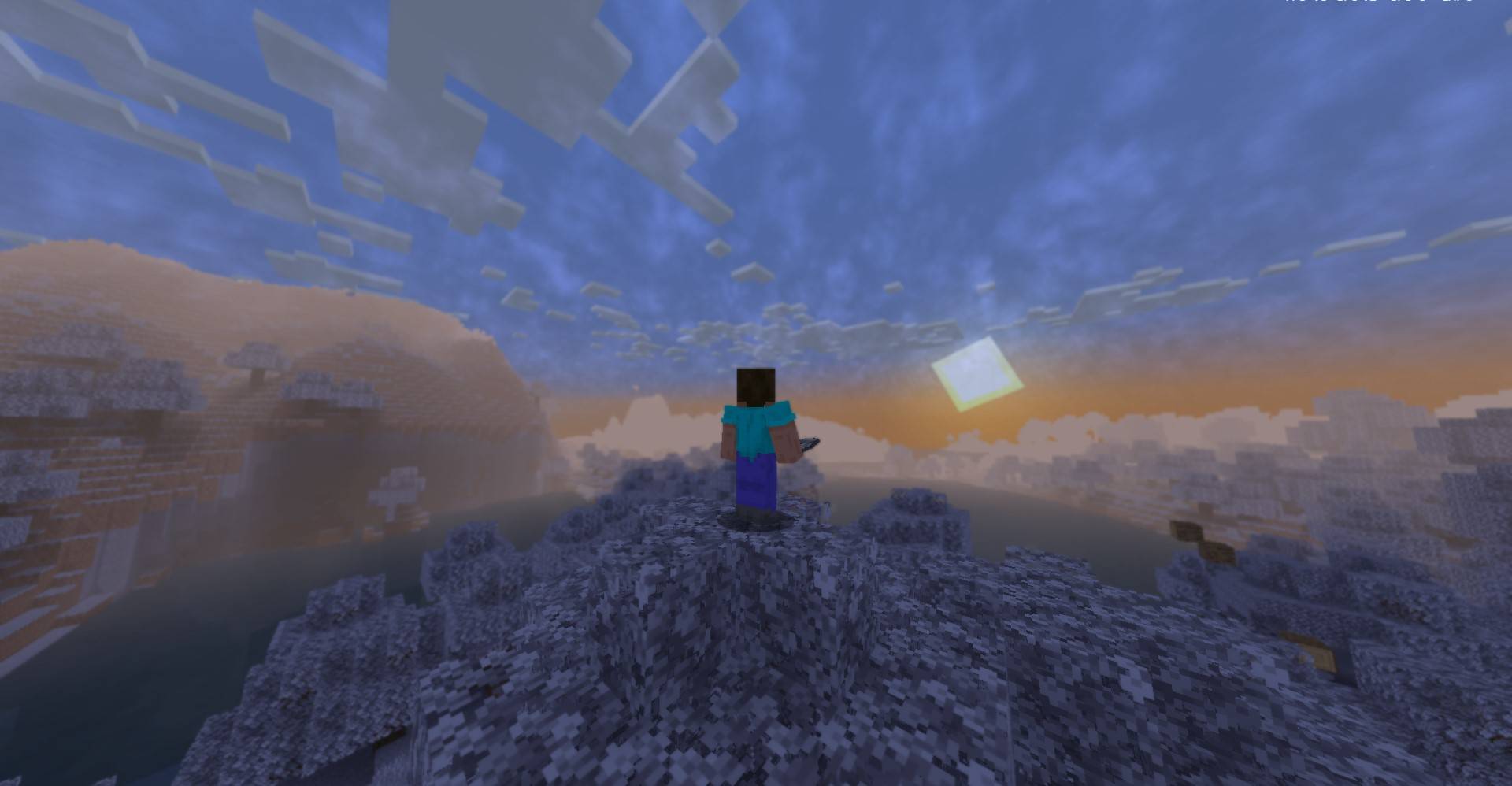

Snow Default
Make the world turn to WinterInstall

Zayko Shaders
Built for quality sometimes at playable performance + Built in PBR, Emissive Textures, and amazing adjustability.Install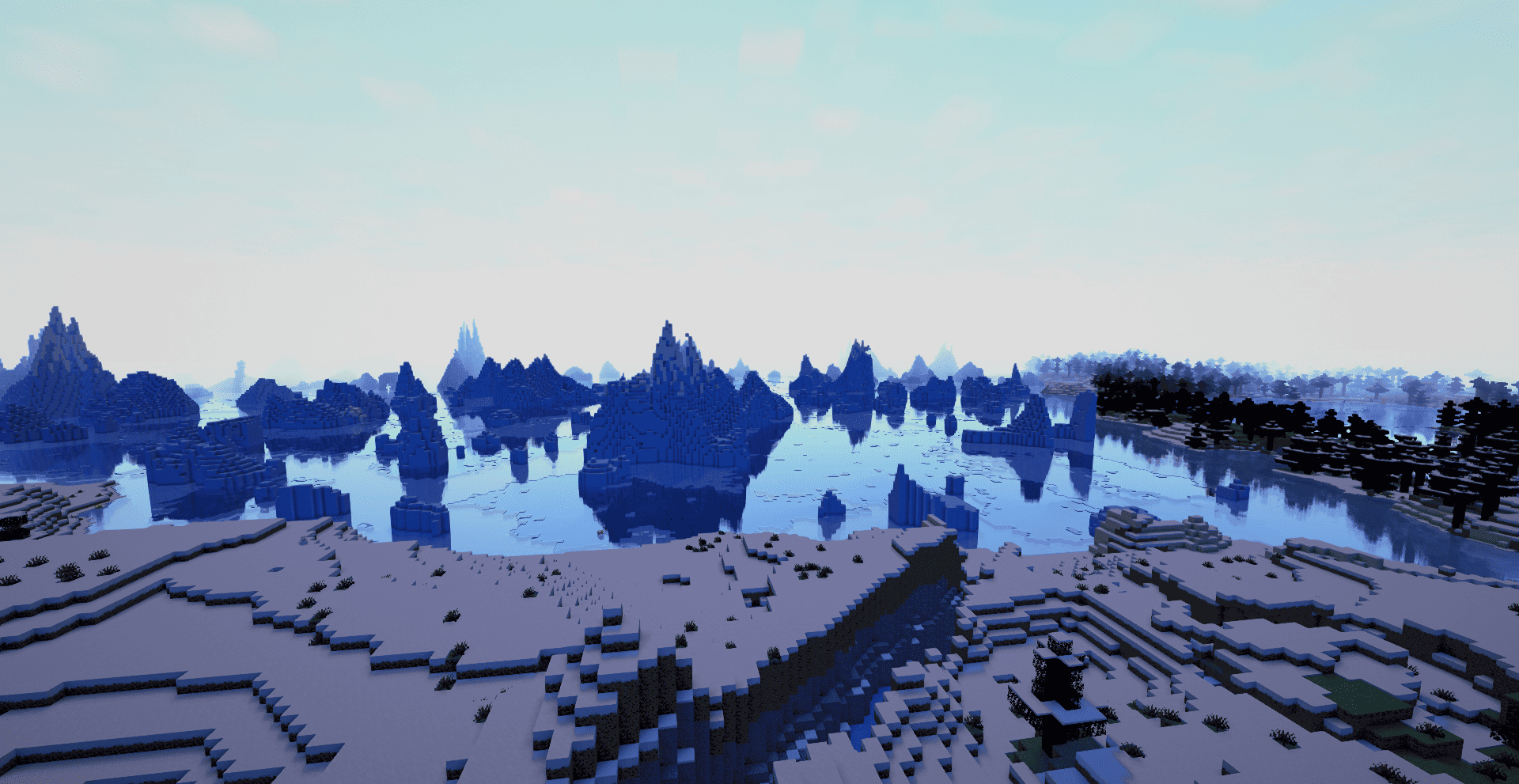

Aetheria Shaders
Aetheria Shaders is a gorgeous fantasy modification of Complementary Reimagined. Features custom dimension atmospheres, glowing teal water, galaxy-themed Nether portals, flowing molten lava, and a volumetric End tornado. High performance guaranteed.Install

Open4ES Renewed
A Simple Minecraft Shader For Low End Specification DevicesInstall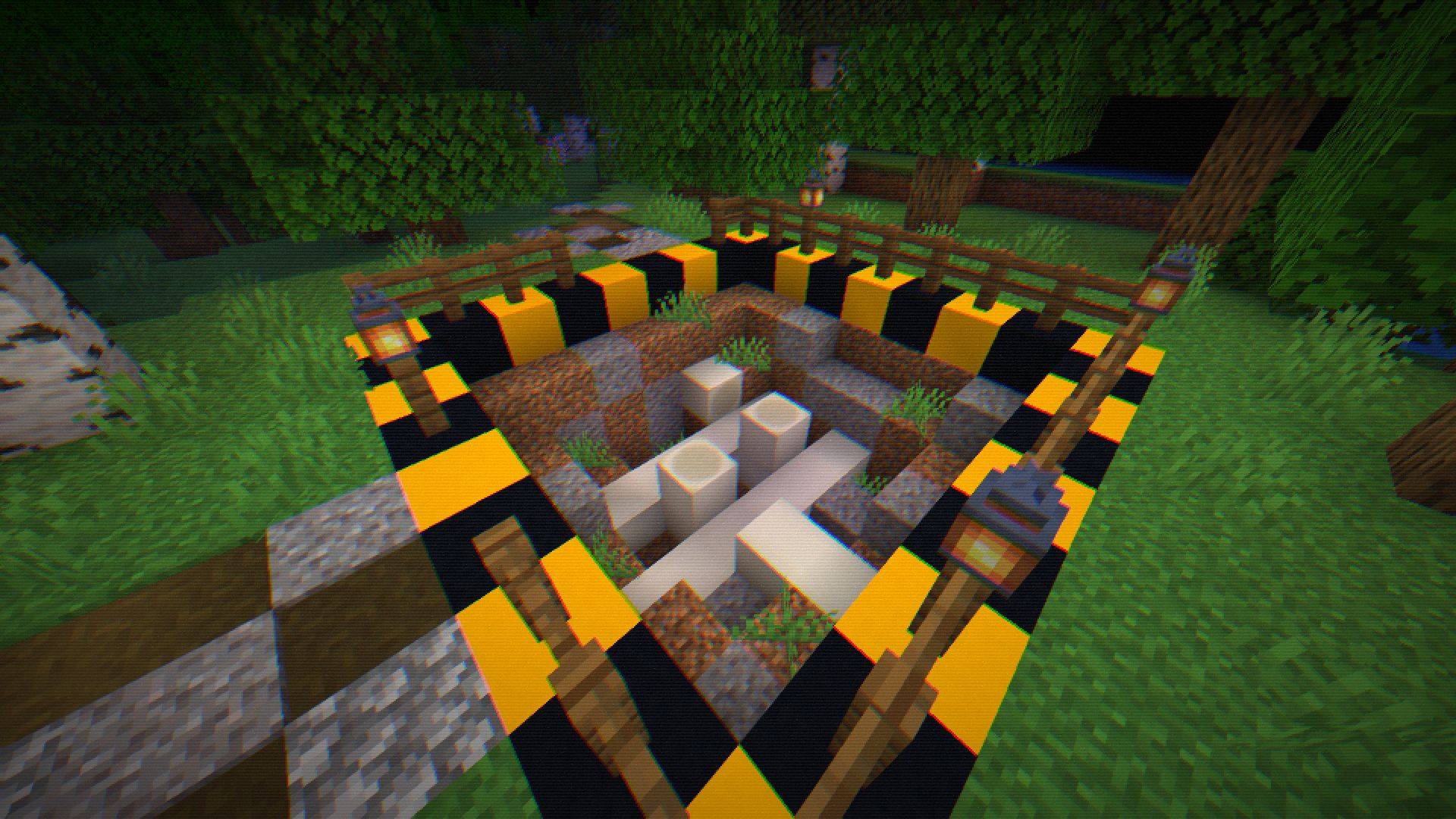

Shader 8-BIT
Step into retro nights with 8-BIT Shader - pixelated visuals, dynamic colors, subtle glint, and scanlines bring classic 8-bit vibes to your Minecraft world!Install

SillyWankerShader
A minecraft Shader which tries to keep the vanilla look, while adding functionalities like other shaders and implementing some own silly things like Color ManipulationInstall

EclipseLite
A low-end shader for Minecraft: Java Edition. It provides good lighting while maintaining high performance, perfect for low-end PCs. 🌟Install

VTXS Screen Space Demo
Fast and very sharp shader with Screen Space Path TracingInstall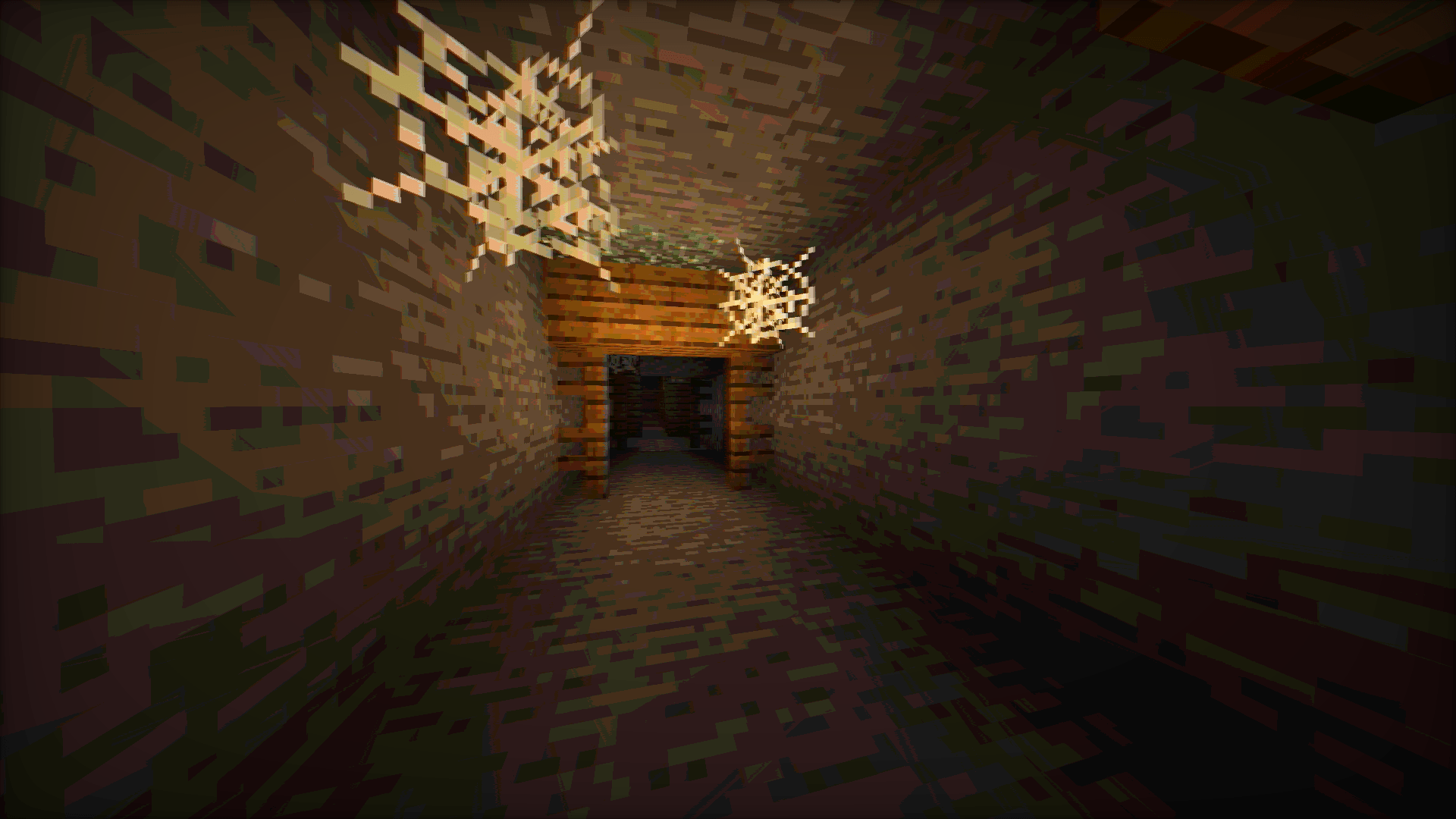
Vintage shader
Mimics the aesthetic limitations of vintage hardware, such as limited color palettes and analog signal interference.Install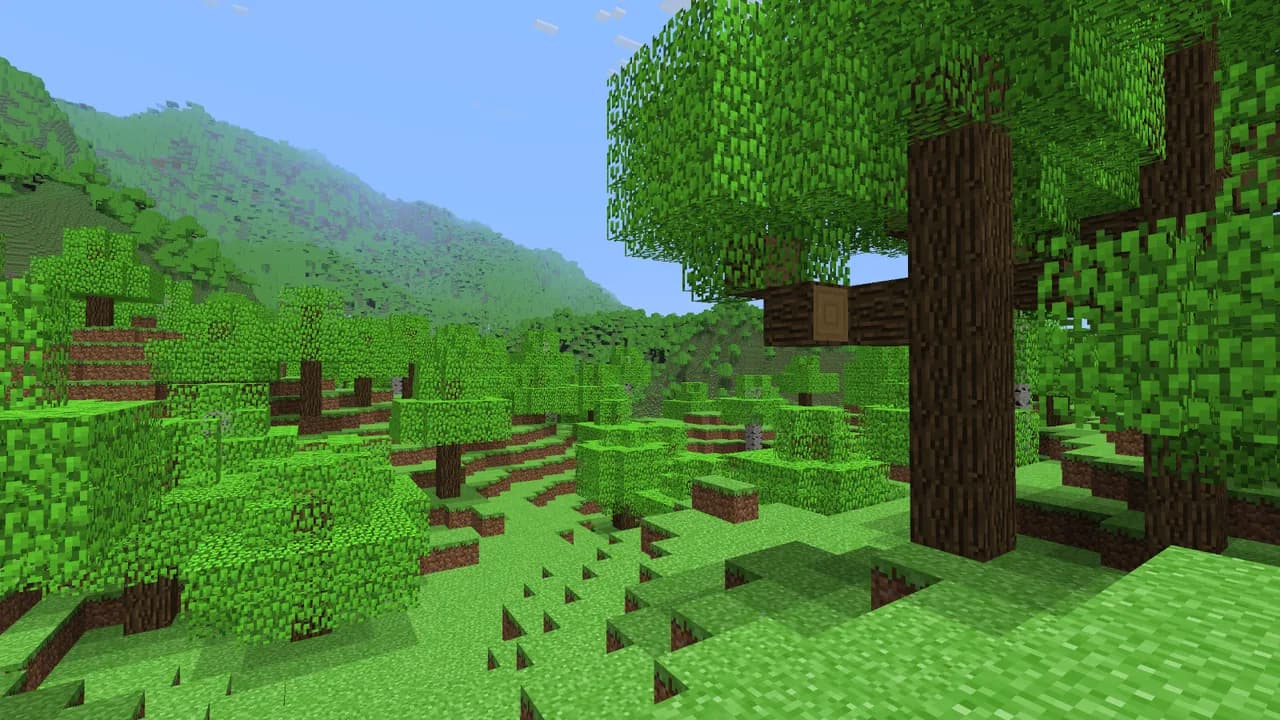

Genesis
A shader that looks exactly like Alpha Minecraft.Install

Flashlight Shader
Gameplay-oriented shader which adds a flashlight and extra darkness (EN/PT/ES/FR)Install

Visible Invisibility
TrueSight for invisibility particlesInstall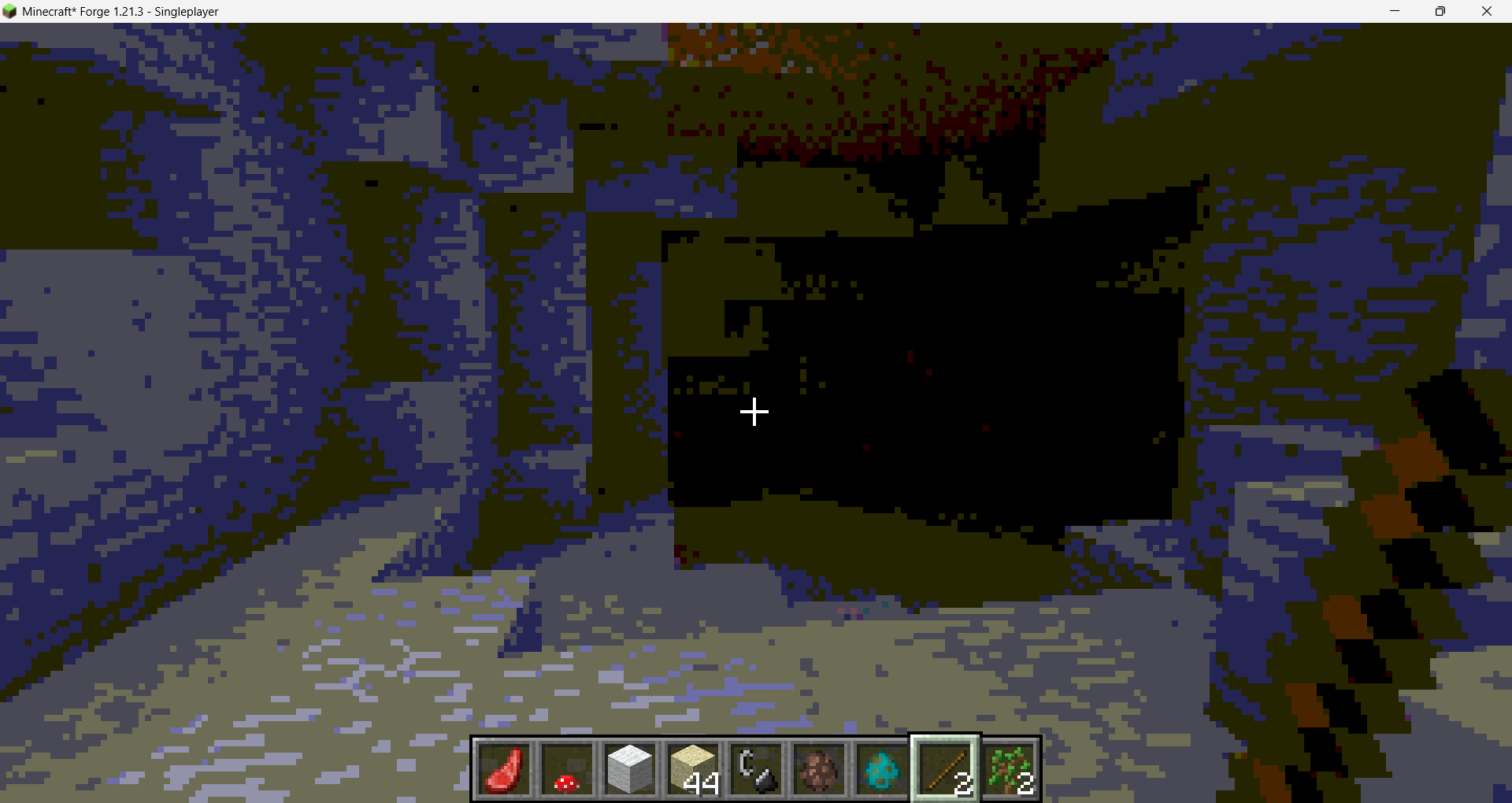

Chippa256 Shaders
Give your Minecraft that retro 256-color look with low-res pixelation options!Install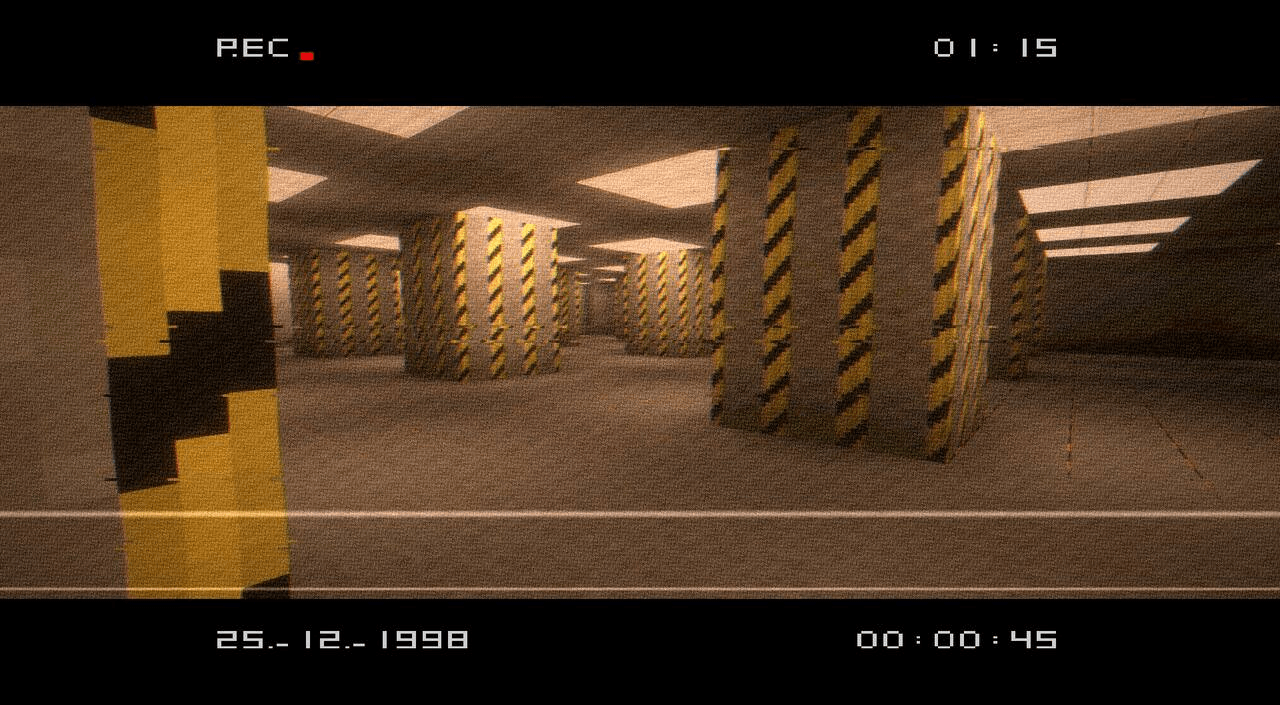

VHS_X_BSL
SoyTrex_VHS SoyTrex_VHS is a shader pack based on BSL that combines cinematic lighting with a VHS-inspired aesthetic influenced by the Backrooms and 1990s found-footage recordings.Install
msf
Lightweight Minecraft shader creating a smooth blue iris glow with subtle pulsing, prettier and more performance-friendly than BSL.Install

DMS - Depth Map Shaders
A shader pack that turns your world into a depth mapInstall

Better Voxels
Rethinking Voxels Fork | Every legendary feature you ever wanted in a shader. Combined. Optimized. Perfected.Install
Sildurs Shaders TFC setup
Sildurs Shaders TFC setup 1.18.2Install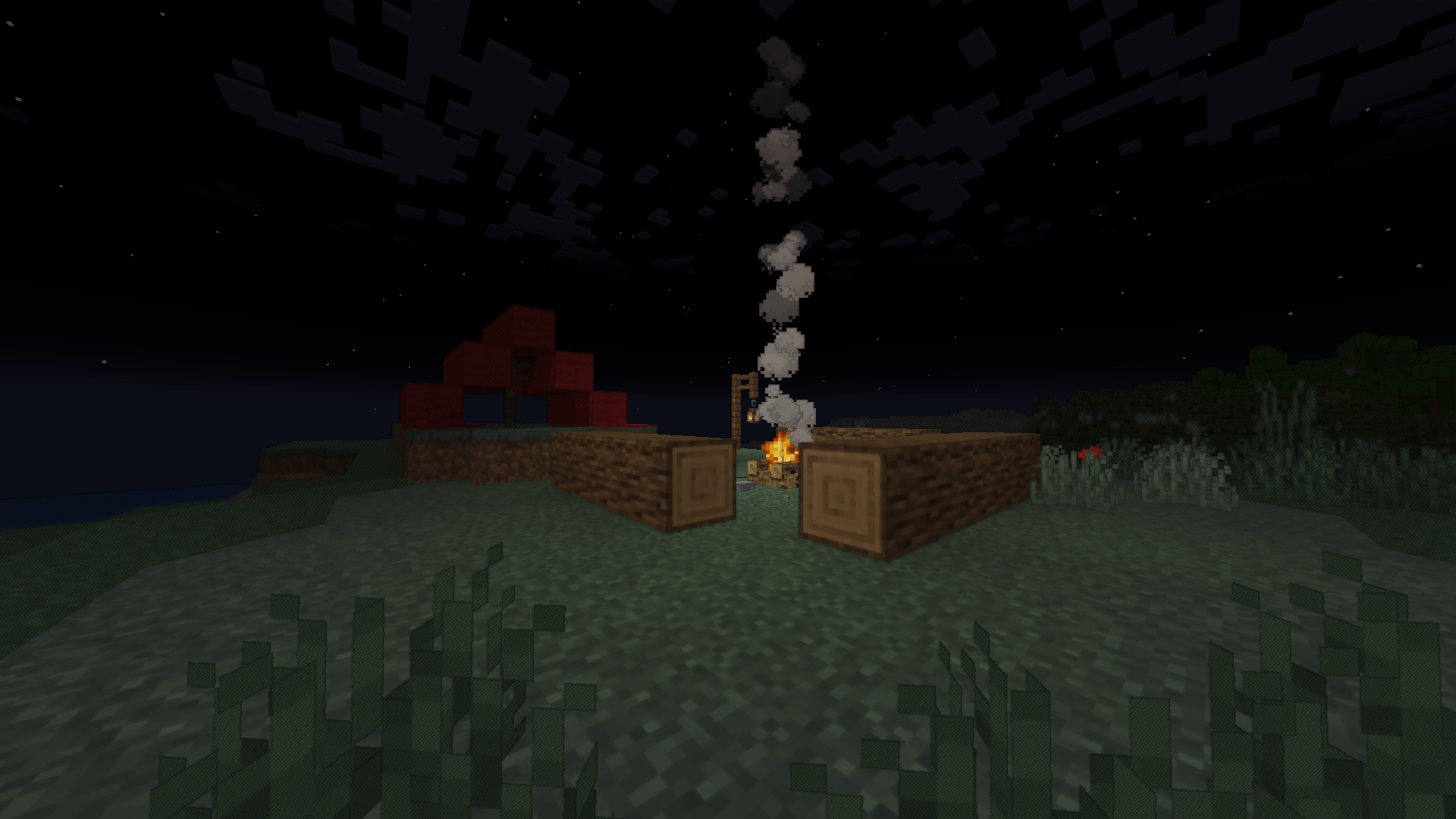

Cartoonikal
A cartoony shader that doesn't suck.Install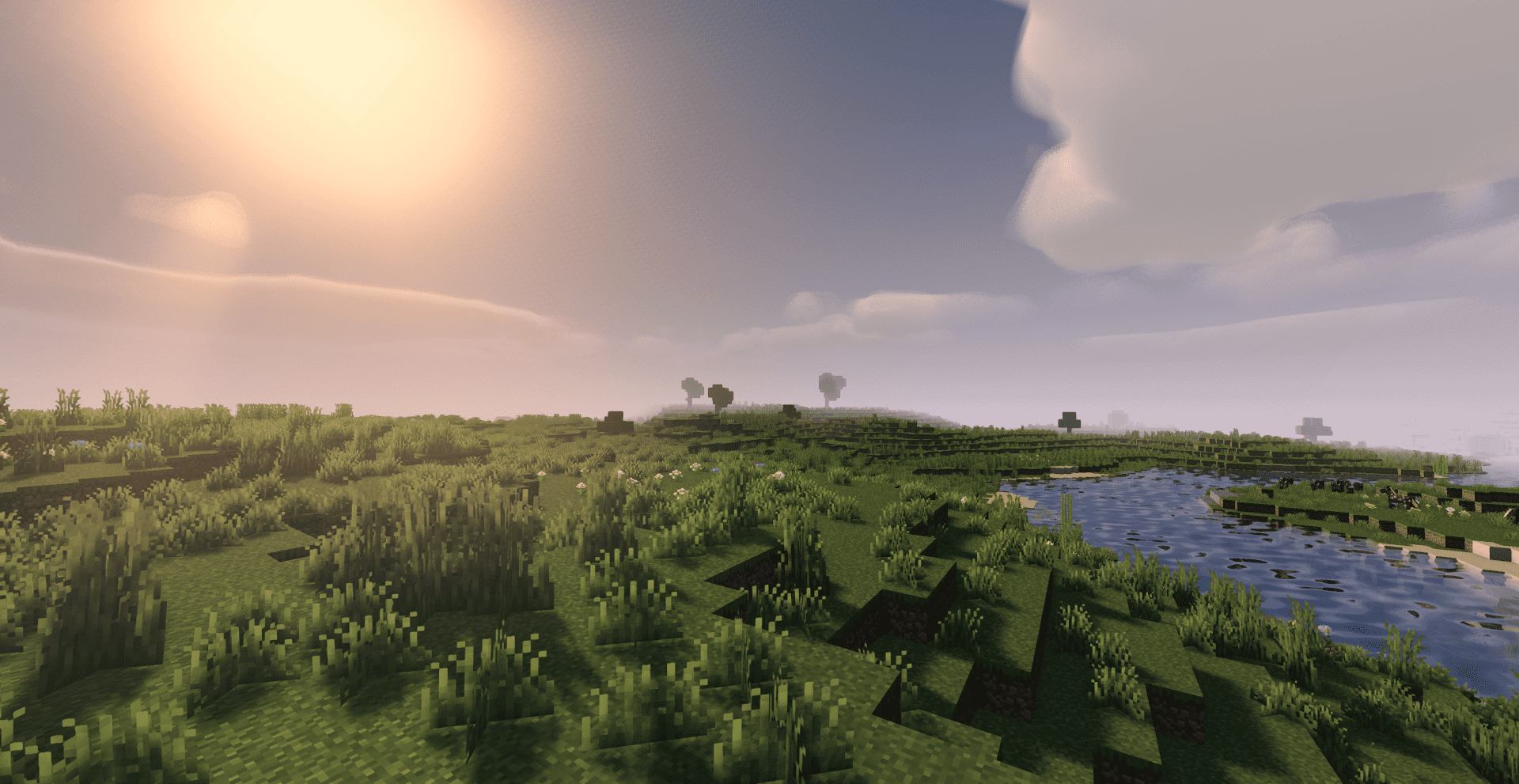

Quanta Shader
Fast, beautiful Minecraft visuals. Soft shadows, dynamic clouds, reflective water and rich skies, optimized for high FPS gameplay.InstallRequired to run
FAQ
What do I need to get shaders working?
Iris or OptiFine. Iris installs as a Fabric mod and is usually faster; OptiFine is a separate installer. Without one of them the game simply won't see the shader. Millida Launcher installs Iris along with the shader for you.
Which shaders run on a low-end PC?
Light packs without ray tracing and with low shadow resolution. They're marked in the catalog — they give you shadows and water while costing noticeably fewer frames.
How do I install shaders?
Click “Install” and Millida Launcher will put the shader into the shaderpacks folder of the right modpack. Then select the pack in the video settings — no need to unpack the archive.
Iris or OptiFine — which should I choose?
For new versions, Iris: it works with Sodium, usually gives more FPS and supports almost all modern shaders. OptiFine is needed on old versions and for packs that rely on its special features. The two cannot be installed in the same instance.
Are there shaders for Bedrock?
The shaders in this section are for the Java edition; their format does not work in Minecraft PE and Bedrock. Bedrock has a built-in Vibrant Visuals graphics mode and resource packs with deferred rendering support, which are turned on in the game settings.
Shaders for Minecraft Java 1.21
Shaders for Minecraft 1.21: 731 items in the Shaders section. Compatibility is checked against the files, not the description: only items with a build for exactly these conditions stay in the list.
Beauty costs frames. Heavy ray-traced shaders can cut performance several times over even on a good graphics card, so the catalog separately marks light packs built for weak machines: they give you shadows and decent water while barely touching FPS. In practice: first install Iris or OptiFine, then put the shader archive in the shaderpacks folder and select it in the video settings. It's best to start with a light pack, and the quality profiles inside the shader itself lower the load even further.