
Shaders for Minecraft Java 1.21 — page 5
731 itemsShaders: list
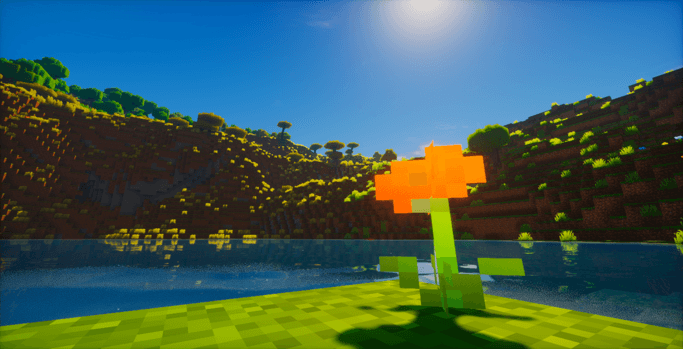
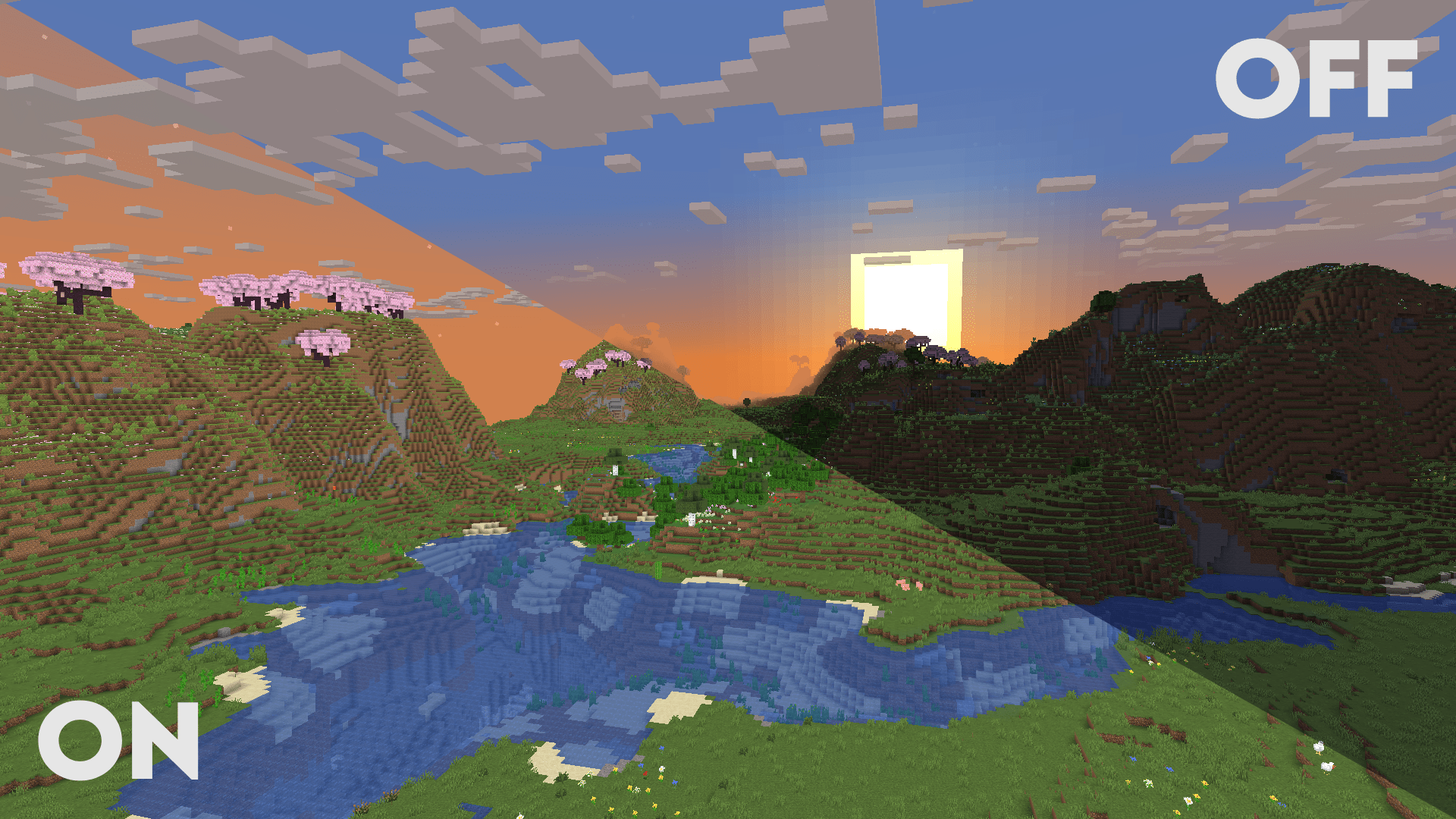

Clarity
Clarity removes all shadows and fog wich makes you see clearly everywhere and can be used for mining or travelling at night.Install

Cyanide Shaders
Vanilla+ Shader, that supports Optifine and Iris Barely affects performanceInstall
Motion Blur FX
Add Motion Blur in MinecraftInstall

TAA Project
Lightweight Temporal Anti-Aliasing shaderpack.Install

Motion Blur FX
Add Motion Blur in MinecraftInstall

Snowimagined
This shader transforms your game into a beautiful winter wonderland.Install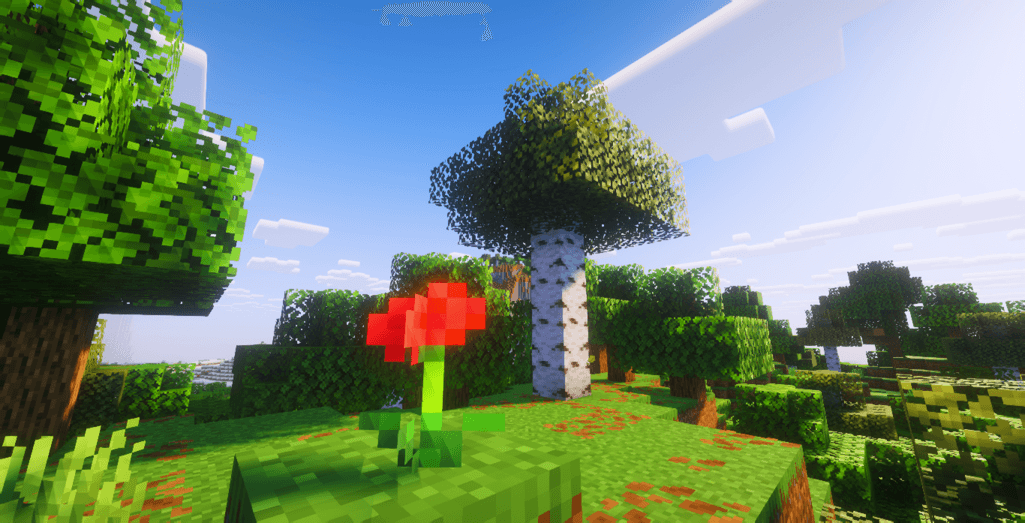
ColorFul Optimized
Make your game colorfull again !Install

Sildur's Basic Shaders
Return of an old time favorite! Lightweight and Fast! Reworked and ported from enhanced default.Install

DreamLight Shaders
A good-performing, dreamy, stylized shader pack with colored lighting and fancy visuals.Install
LiDAR-S
Scan your world with LiDAR . . .Install

Escheridia
Stylized fantasy shader designed to revitalize your mc world (very work in progress)Install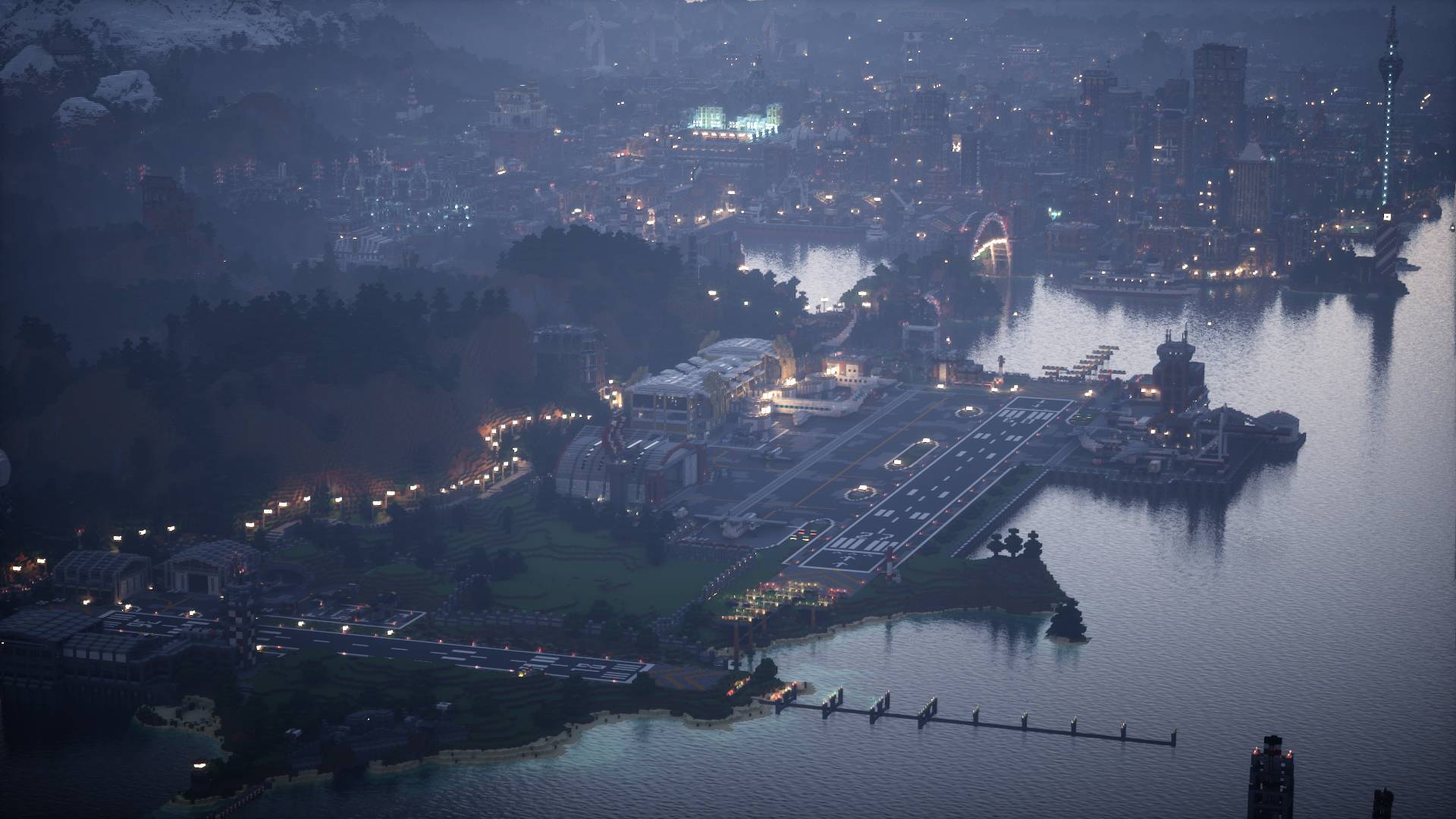

Helian-MMCO (Sundial Lite edit)
Personal simple modification of Sundial Lite.Install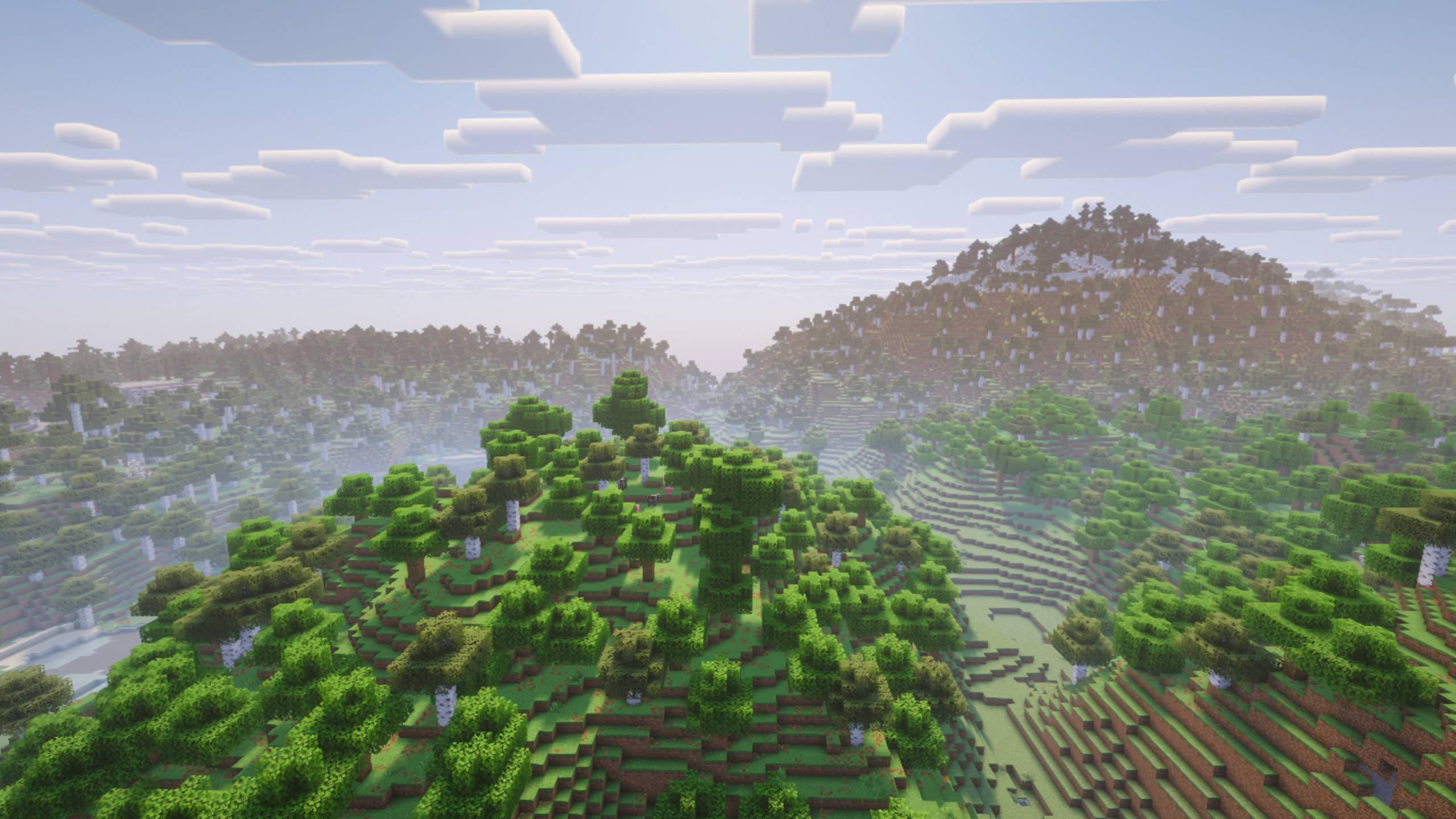
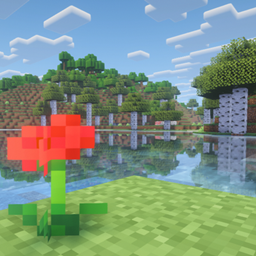
ColorFul Reimagined
A Complementary inspired shader , but in more colorull .Install

Somber
Horror minecraft shader that aims to recreate the nostalgic atmosphere of early beta / alpha versions with an eerie twist, inspired by ARGsInstall
BVSF
A fast version of BVS for weak PCs!Install

Vanilla Enhanced
A lightweight shader for realistic lighting & better visuals.Install

Simple Saturation Shader
Adds a simple slider which allows you to change saturationInstall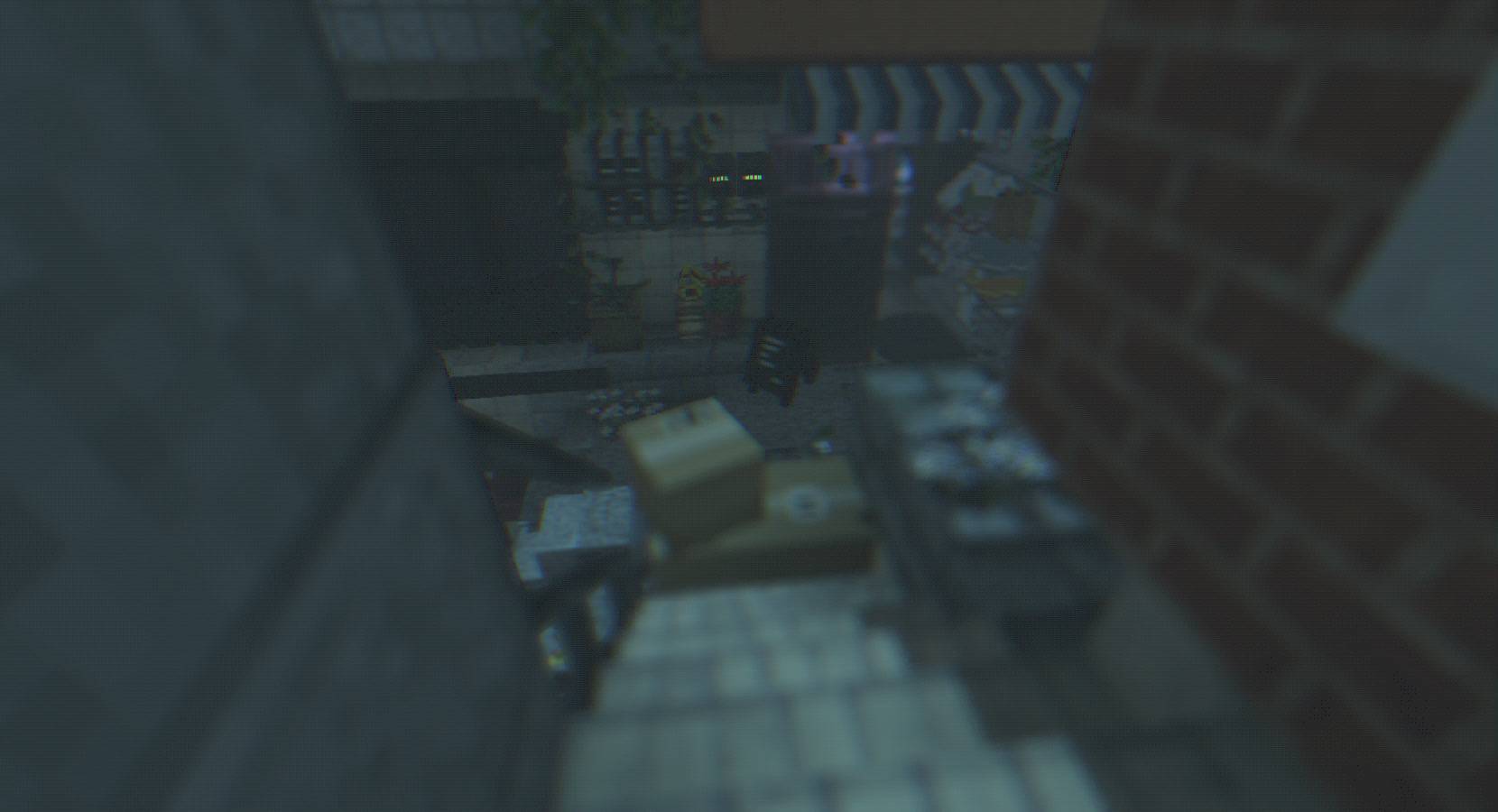
Raincore
Is this a place you've been before?Install

CH Motion
A simple but very good low performance motion blur pack, which enhances the vanilla experience!Install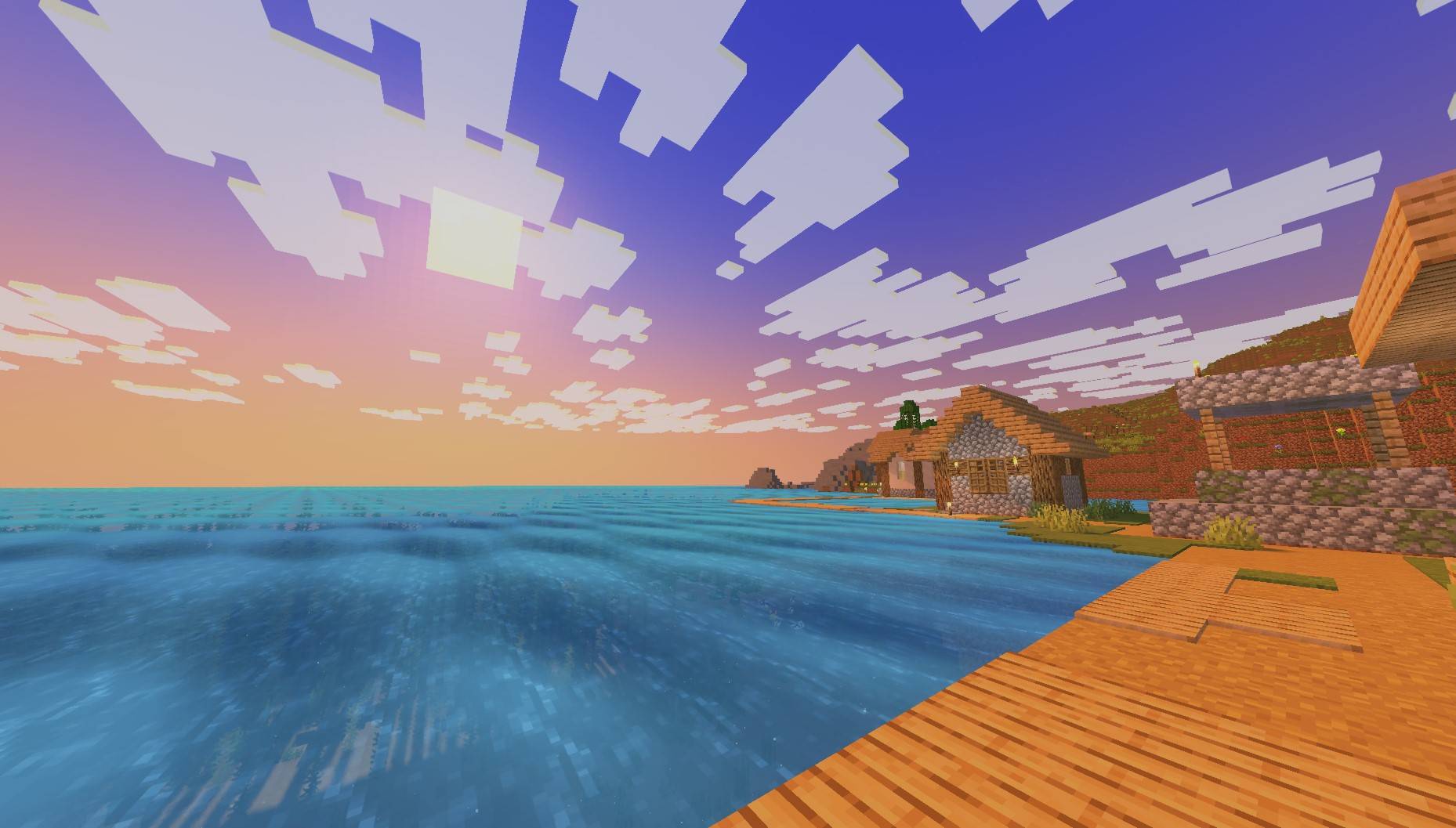
PureCraft Shader
Performance-optimized visual enhancement for Minecraft. Preserves vanilla gameplay with subtle improvements: natural white clouds, Pure vanilla feel with better performance for allInstall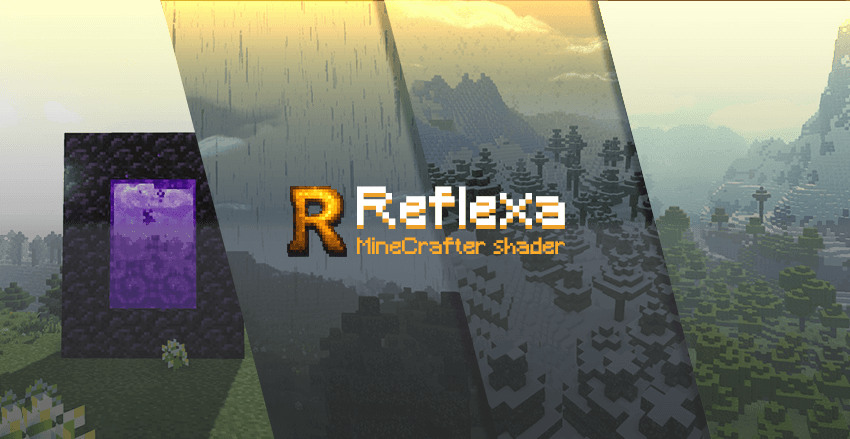
Reflexa
Reflexa: Advanced Minecraft shader with dynamic volumetric clouds, realistic water physics, enhanced lighting, shadows & reflections, atmospheric effects, circular sun/moon, bloom, motion blur, customizable colors & optimized performance.Install

Sundial Lite
The balance of quality, performance and compatibilityInstall

Pyvtron VX
Pyvtron VX is a shader that adds realism into your world!InstallRequired to run
FAQ
What do I need to get shaders working?
Iris or OptiFine. Iris installs as a Fabric mod and is usually faster; OptiFine is a separate installer. Without one of them the game simply won't see the shader. Millida Launcher installs Iris along with the shader for you.
Which shaders run on a low-end PC?
Light packs without ray tracing and with low shadow resolution. They're marked in the catalog — they give you shadows and water while costing noticeably fewer frames.
How do I install shaders?
Click “Install” and Millida Launcher will put the shader into the shaderpacks folder of the right modpack. Then select the pack in the video settings — no need to unpack the archive.
Iris or OptiFine — which should I choose?
For new versions, Iris: it works with Sodium, usually gives more FPS and supports almost all modern shaders. OptiFine is needed on old versions and for packs that rely on its special features. The two cannot be installed in the same instance.
Are there shaders for Bedrock?
The shaders in this section are for the Java edition; their format does not work in Minecraft PE and Bedrock. Bedrock has a built-in Vibrant Visuals graphics mode and resource packs with deferred rendering support, which are turned on in the game settings.
Shaders for Minecraft Java 1.21
Shaders for Minecraft 1.21: 731 items in the Shaders section. Compatibility is checked against the files, not the description: only items with a build for exactly these conditions stay in the list.
Beauty costs frames. Heavy ray-traced shaders can cut performance several times over even on a good graphics card, so the catalog separately marks light packs built for weak machines: they give you shadows and decent water while barely touching FPS. In practice: first install Iris or OptiFine, then put the shader archive in the shaderpacks folder and select it in the video settings. It's best to start with a light pack, and the quality profiles inside the shader itself lower the load even further.