
Shaders for Minecraft 1.21 — page 18
730 itemsShaders: list


Cripe
Visual corruption and display degradation shader.Install
Oxygen Atmosphere
A cinematic shader focused on cool misty atmospheres, time-adaptive water, dynamic rain & puddles, a full lunar cycle with rare Blood Moons, and a storm-filled End.Install

World Outline
This shader adds a simple customizable world outline, inspired by Complementary's one.Install

AstralCore v2
AstralCore v2 is an edited version of AstralCore, featuring the white default-style clouds from Complementary for a refreshed visual look.Install

SMM - Ultra Light Weight Shader
Lightweight shader designed for low-end hardware. like GT 750M / i7-4700HQ #SuperMeltedMatter #light #low end #savetf2Install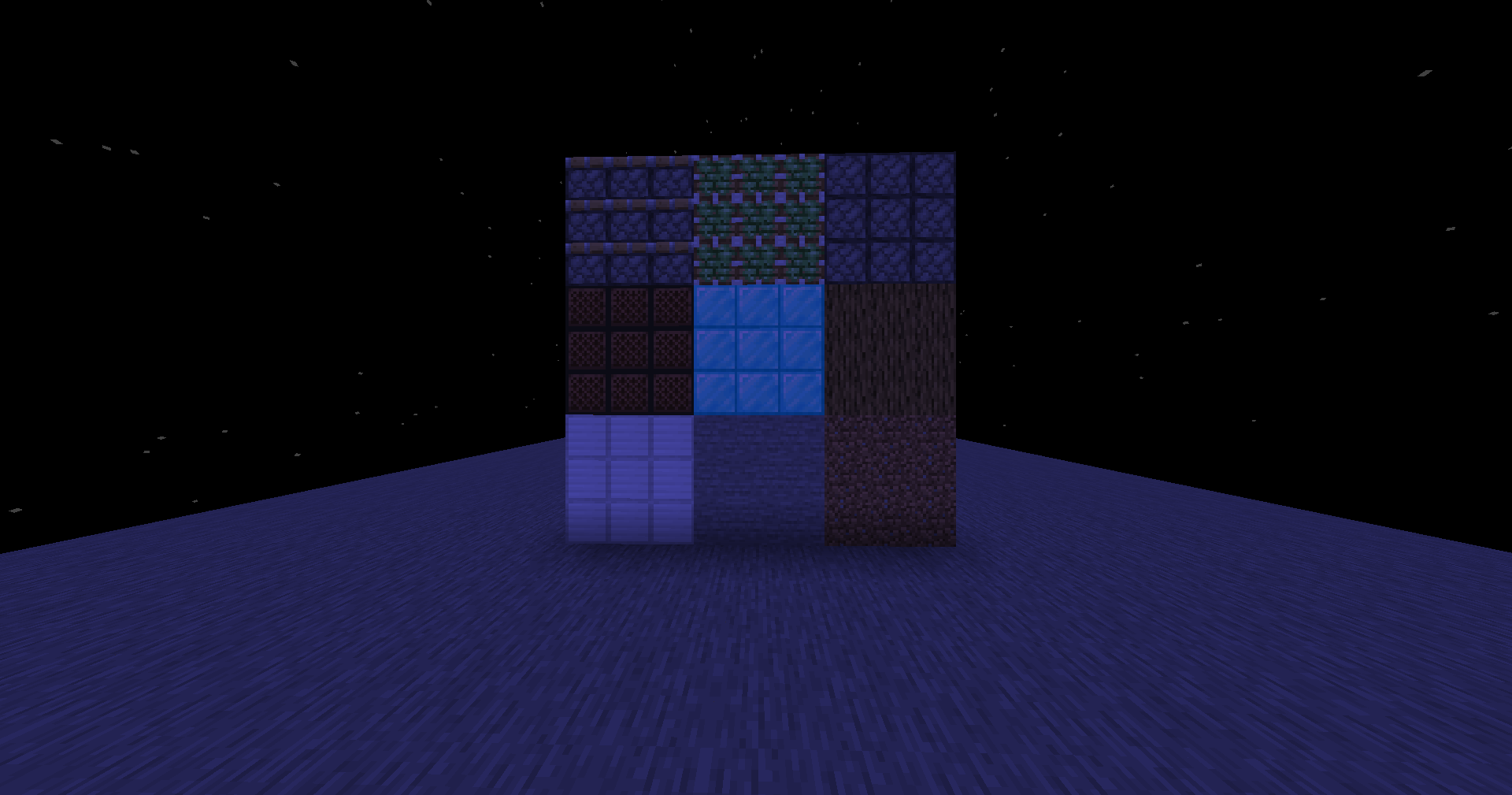

Better Pipeline
Minecraft Shaders - BetterPipeline - Vannila-likeInstall

Image Shader
Only use a shader to display an image on your screen~Install

FancyWind and Waves
Adds satisfying animated wind to grass, flowers, and leaves, plus gentle water surface waves. Zero visual changes — completely vanilla colors, lighting, and fog. Just pure movement.Install

Ultra Lite Shadows
A high performence and low-end/potato pc friendly shader pack.Install

ESSENTIALS Shader
A lightweight Minecraft shader with only essential VFX to simulate realistic effects such as shadows, rays, etc., to run on integrated GPUs.Install

Solar Reimagined
Solar Reimagined is a light weight, vibrant vanilla plus shaderInstall

Ultra Realistic PBR Shader Pack
A next-gen physically-based shader pack with dynamic celestial mechanics, a photorealistic rotating Earth in The End, and filmic ACES color science.Install

shAIder
An AI-made Minecraft shader. Translucent animals, black fishes and much more. AI it's AI...Install

DreamFall Shaders
Immersive 90s analog horror & found footage VHS shaderpack for MinecraftInstall

Gray&Black Shader
Turns Minecraft into a stylish black & white movie. For versions 1.7.2–1.21.5!Install

Hyperopia
Experimental depth-inversion and perceptual focus study.Install

Lumora Shader
Lumora is a cinematic shader that improves Minecraft with realistic lighting, better clouds, glowing portals, reflective blocks, and a custom End sky.Install

Retrofy
Retrofy is a shader that aims to kinda get a retro feel.Install

Vivid Visuals
Vivid Visuals is a vanilla-friendly Minecraft Java shader pack inspired by Vibrant VisualsInstall
Base-Shader
A shaderpack for Iris that accurately recreates the vanilla lookInstall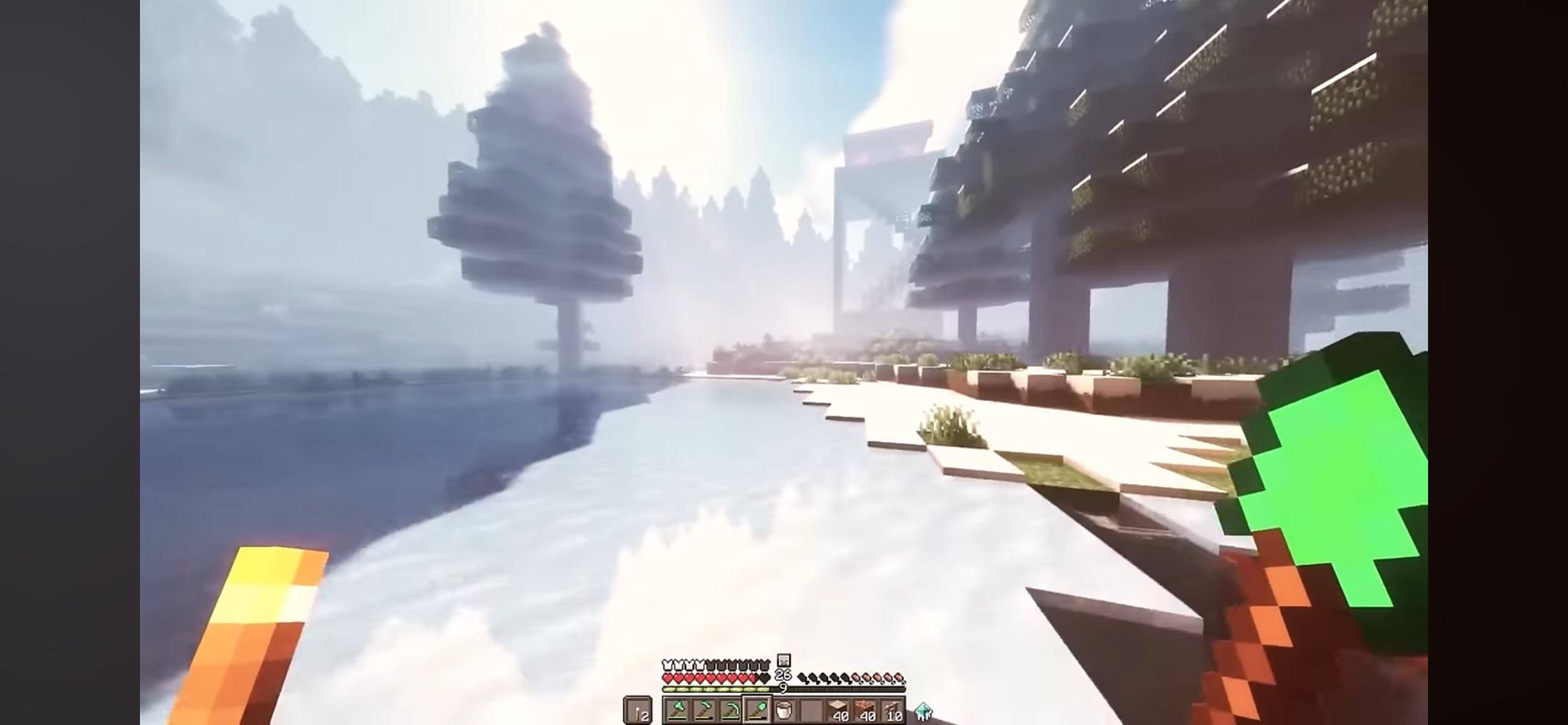
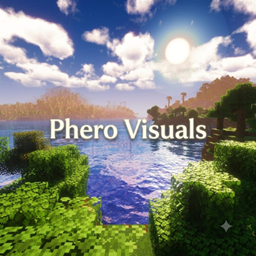
Phero Visuals
Phero Visuals Minecraft shader pack featuring vibrant lighting, realistic water, dynamic skies, soft shadows, cinematic atmosphere, and optimized performance for an immersive, smooth, and visually stunning gameplay experience.Install

Serie
Serie is an experimental path-traced shaderpack for Minecraft Java EditionInstall

Resident Craft
Resident-Craft is a custom Minecraft shader that transforms the game into a dark, horror-style experience. It focuses on controlling what the player can and cannot see, using lighting and fog to create tension and atmosphere.InstallRequired to run
FAQ
What do I need to get shaders working?
Iris or OptiFine. Iris installs as a Fabric mod and is usually faster; OptiFine is a separate installer. Without one of them the game simply won't see the shader. Millida Launcher installs Iris along with the shader for you.
Which shaders run on a low-end PC?
Light packs without ray tracing and with low shadow resolution. They're marked in the catalog — they give you shadows and water while costing noticeably fewer frames.
How do I install shaders?
Click “Install” and Millida Launcher will put the shader into the shaderpacks folder of the right modpack. Then select the pack in the video settings — no need to unpack the archive.
Iris or OptiFine — which should I choose?
For new versions, Iris: it works with Sodium, usually gives more FPS and supports almost all modern shaders. OptiFine is needed on old versions and for packs that rely on its special features. The two cannot be installed in the same instance.
Are there shaders for Bedrock?
The shaders in this section are for the Java edition; their format does not work in Minecraft PE and Bedrock. Bedrock has a built-in Vibrant Visuals graphics mode and resource packs with deferred rendering support, which are turned on in the game settings.
Shaders for Minecraft 1.21
Shaders for Minecraft 1.21: 730 items in the Shaders section. Compatibility is checked against the files, not the description: only items with a build for exactly these conditions stay in the list.
Beauty costs frames. Heavy ray-traced shaders can cut performance several times over even on a good graphics card, so the catalog separately marks light packs built for weak machines: they give you shadows and decent water while barely touching FPS. In practice: first install Iris or OptiFine, then put the shader archive in the shaderpacks folder and select it in the video settings. It's best to start with a light pack, and the quality profiles inside the shader itself lower the load even further.