
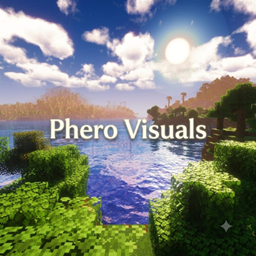
Phero Visuals Shaders for Minecraft 1.20.1, 1.21.1
Phero Visuals Minecraft shader pack featuring vibrant lighting, realistic water, dynamic skies, soft shadows, cinematic atmosphere, and optimized performance for an immersive, smooth, and visually stunning gameplay experience.
🌊 Phero Visuals
Minecraft Shader Made by Dark_PixelForge
Beautiful • Lightweight • Immersive
Enhance your Minecraft experience with vibrant lighting, crystal-clear water, cinematic skies, realistic shadows, and immersive visual effects-all while delivering smooth performance for every adventure.
✨ Features
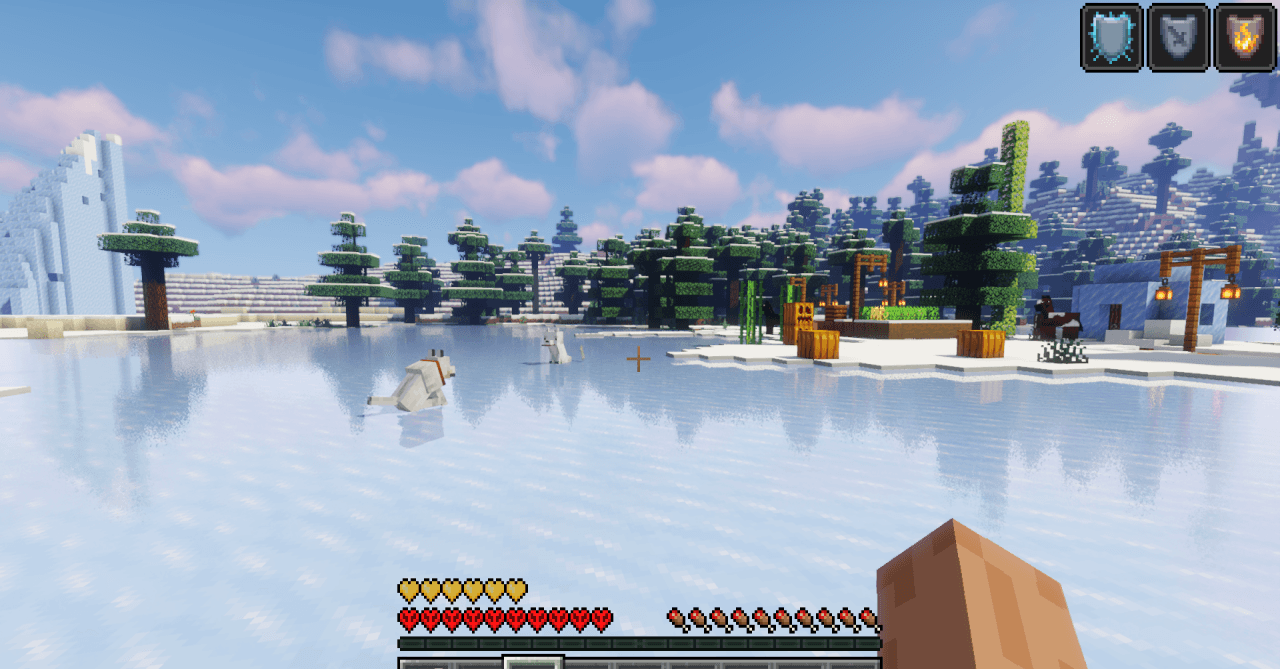
☀️ Dynamic Lighting 🌊 Realistic Water
☁️ Volumetric Clouds 🌅 Cinematic Sunsets
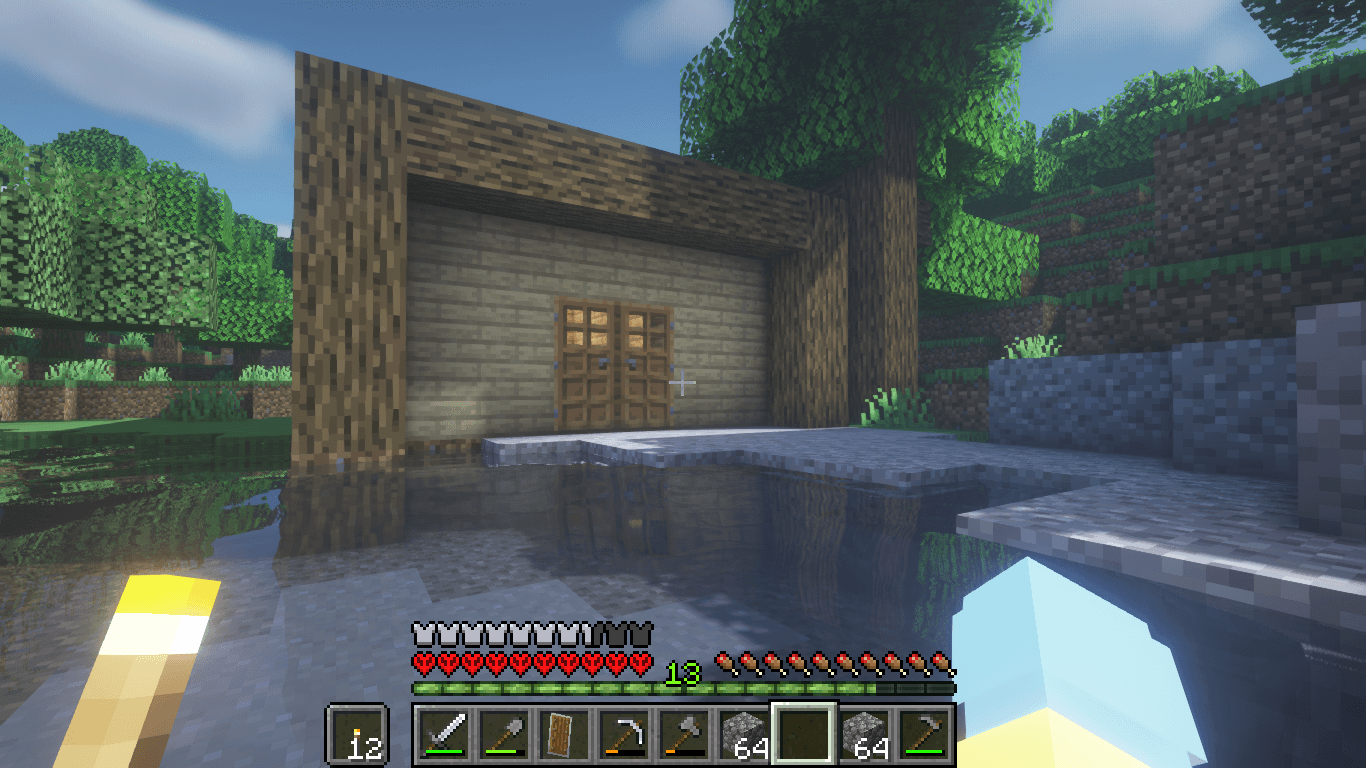
🌿 Vibrant Nature 🌫️ Atmospheric Fog
✨ Bloom Effects ⚡ Performance Optimized
✔ Compatibility Minecraft Java Edition • Iris • OptiFine
🎮 Perfect For Survival • Creative • Building • Exploration • Cinematic Screenshots
"Experience Minecraft like never before."
How to install Phero Visuals
Install Millida Launcher
The launcher is free: download it at millida.net/launcher and sign in with any nickname.
Click “Install” on this page
The launcher opens and installs the shaders for Minecraft 1.16.5–26.2 automatically.
Launch the game
A profile with it appears in the launcher: click “Play”.
Versions
With dependencies
| Minecraft | Loader | File | Date | Actions |
|---|---|---|---|---|
| 1.17.1 | — | Phero Visuals V1.245 KB 2 |
Reviews
Be the first to rate Phero Visuals


