
Shaders for Minecraft 1.21 Iris — page 11
597 itemsShaders: list


Wisp Shaders
Simple shaders that focus on looking good while remaining within the style of vanilla Minecraft instead of fancy realistic rendering techniquesInstall

HyperShader
Hyper-realistic visuals with smooth FPS — built for low-end PCs. Tune every detail in-game: water, lava, sun, moon, stars and more.Install
CRT Monochrome Shaderpack
This shaderpack turns your game into a retro 1980s-style CRT screenInstall

only shadows
That's not true, it has shadows and ambient occlusionInstall

Found VHS Tapes
Found VHS Tapes is a liminal horror Minecraft shader featuring 11 atmospheric profiles and customizable VHS/CRT effects, fog, lighting, color grading, camera distortion, and more.Install

VanillaEX Shader
A simple and lightweight shader designed for weak devicesInstall

Sundial Lite Vivid
An edited version of Sundial Lite with various color adjustments.Install

Dreadlight – Horror Atmosphere Shader
A horror atmosphere shader for Minecraft (Iris & OptiFine): crushing darkness, creeping fog, film grain and flicker. Fully adjustable in-game.Install

Foxy shader
An in-development shader with global ray tracing and some interesting features.Install

Dreamers Shaders
A vivid fantasy shaderpack with magical skies — auroras every night, nebulae and magenta sunsets, plus a crystal-clear Nether crowned by fiery infernal auroras. Based on Complementary Unbound.Install

Black & White
This shader turns your experience into black & white. Nothing much.Install

Phero Visuals
Phero Visuals Minecraft shader pack featuring vibrant lighting, realistic water, dynamic skies, soft shadows, cinematic atmosphere, and optimized performance for an immersive, smooth, and visually stunning gameplay experience.Install

missing textures
a fast, simple, configurable shader with the pink/black missing texture applied everywhereInstall

Neon Skylines Shader
Edge Detection Shader inspired by the VISR Night vision from ODSTInstall

LiDAR Visualizer
A shader that imitates LiDAR visualization softwareInstall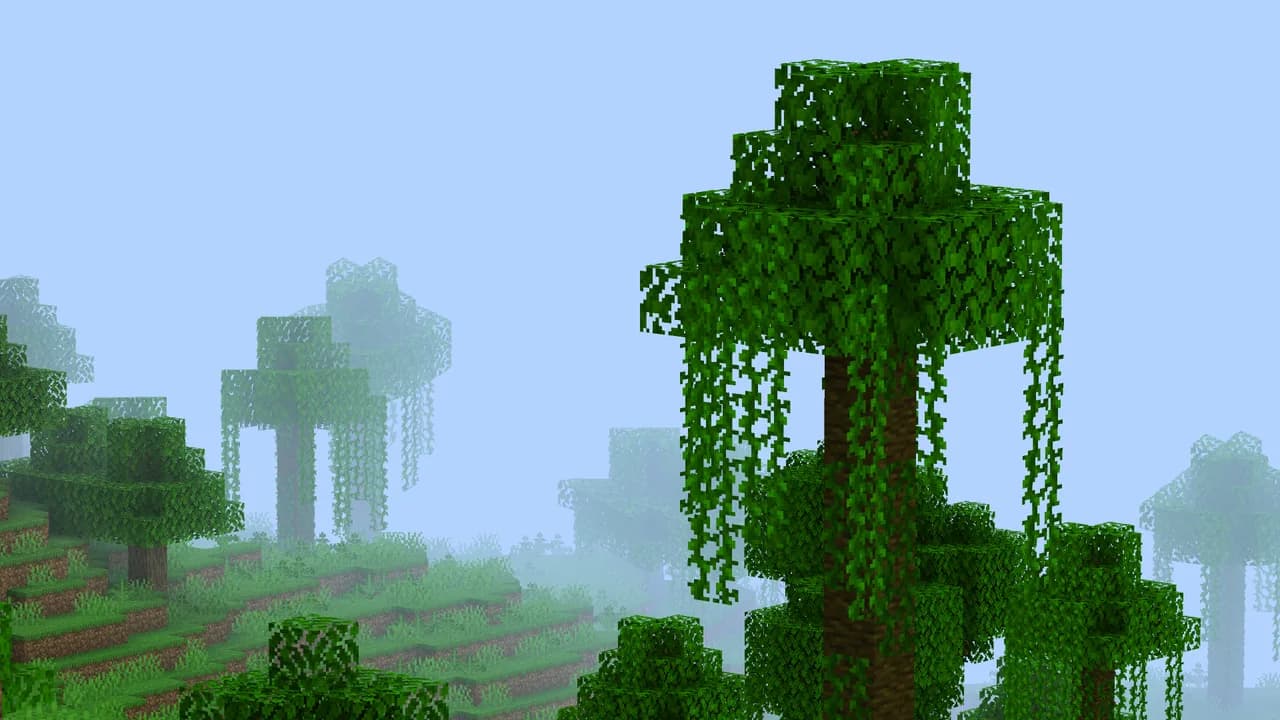

Tilde
A highly performant geometry shader that modifies distant terrain, making the world feel alive!Install
Aurora Astral
A cosmic-fantasy shader pack featuring animated astral rifts, a colossal planet, and an evolving galactic sky.Install

HighFrames+
HighFrames+ is a lightweight Minecraft shader focused on delivering smooth gameplay with subtle visual enhancements like soft shadows, bloom, and animated water.Install

Refrax
Refrax is a performance and feature-focused Minecraft shaderpack.Install
I Am Not Okay
Dynamic intoxication visual effects shader.Install

Mist
RTX-Like lighting with volumetric water and clouds.Install

Eclipse Lite Cinematic
Cinematic version of a low-end shader for Minecraft "EclipseLite"Install

Fantasy.VT
The shader with the effect of picturesqueness is created for real connoisseurs of the game. It is not only pleasing to the eye, but also optimized to work on any computer!InstallRequired to run
FAQ
What do I need to get shaders working?
Iris or OptiFine. Iris installs as a Fabric mod and is usually faster; OptiFine is a separate installer. Without one of them the game simply won't see the shader. Millida Launcher installs Iris along with the shader for you.
Which shaders run on a low-end PC?
Light packs without ray tracing and with low shadow resolution. They're marked in the catalog — they give you shadows and water while costing noticeably fewer frames.
How do I install shaders?
Click “Install” and Millida Launcher will put the shader into the shaderpacks folder of the right modpack. Then select the pack in the video settings — no need to unpack the archive.
Iris or OptiFine — which should I choose?
For new versions, Iris: it works with Sodium, usually gives more FPS and supports almost all modern shaders. OptiFine is needed on old versions and for packs that rely on its special features. The two cannot be installed in the same instance.
Are there shaders for Bedrock?
The shaders in this section are for the Java edition; their format does not work in Minecraft PE and Bedrock. Bedrock has a built-in Vibrant Visuals graphics mode and resource packs with deferred rendering support, which are turned on in the game settings.
Shaders for Minecraft 1.21 Iris
Shaders for Minecraft 1.21 Iris: 597 items in the Shaders section. Compatibility is checked against the files, not the description: only items with a build for exactly these conditions stay in the list.
Beauty costs frames. Heavy ray-traced shaders can cut performance several times over even on a good graphics card, so the catalog separately marks light packs built for weak machines: they give you shadows and decent water while barely touching FPS. In practice: first install Iris or OptiFine, then put the shader archive in the shaderpacks folder and select it in the video settings. It's best to start with a light pack, and the quality profiles inside the shader itself lower the load even further.