
Shaders for Minecraft Java 1.13 — page 2
191 itemsShaders: list



Builder's QOL Shaders
A lightweight shader pack designed to enhance the vanilla aesthetic.Install

LIGHT Shaders
As light as light, as beautiful as painting. Make you have both high FPS and good image quality.Install

CTR VCR
Retro stylized shader that brings artifacts from CRT and VCR / VHSInstall

Amethyst Shaders
[WIP] A Semi-Realistic Minecraft Shaderpack, with a Vibrant Visuals Style. Based on Complementary Reimagined.Install

DrDestens Minecraft Shaders
A High Performance Shaderpack with great shadowless Visuals and PBR supportInstall

Stereo's Default+
Shadows, Waving Water and LavaInstall

Vanilletix Shaders
A shader pack that is created to improve the graphics of your game, leaving it in vanilla styleInstall

Allium Shaders
Allium, a Complementary Unbound edit. Push creativity to it's limits.Install

Sildur's Enhanced Default Shaders
Improves the look of vanilla MC with shadows, reflections and more. Runs on any Potato!Install

Spring Shaders (Chun)
A fresh and clear shader pack themed around spring.Install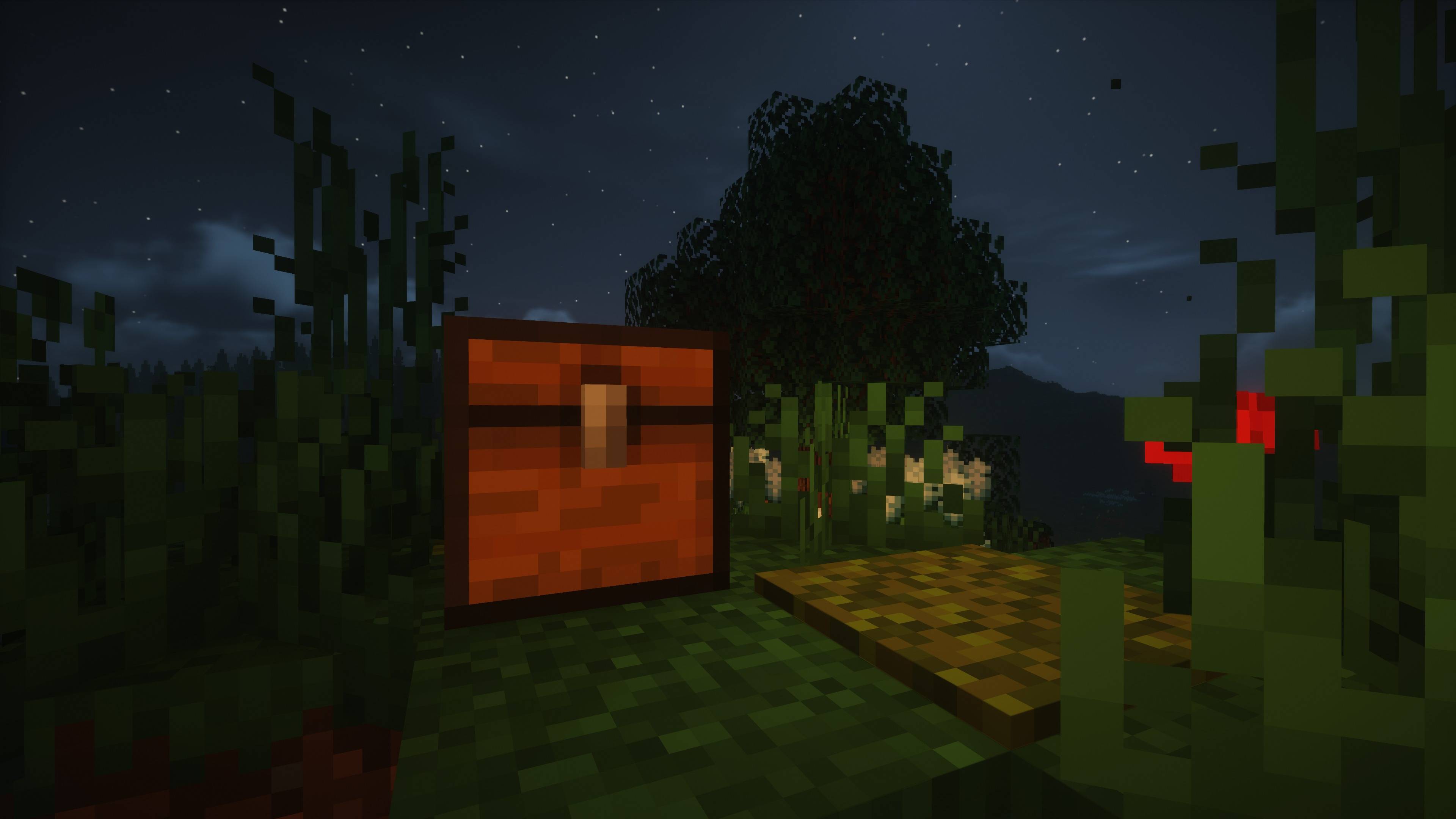
Ethereal Shaders
High Performance, Best Quality ShaderpackInstall

TrueLight FX Lite
A lightweight Shader for low end Hardware - Vanilla styledInstall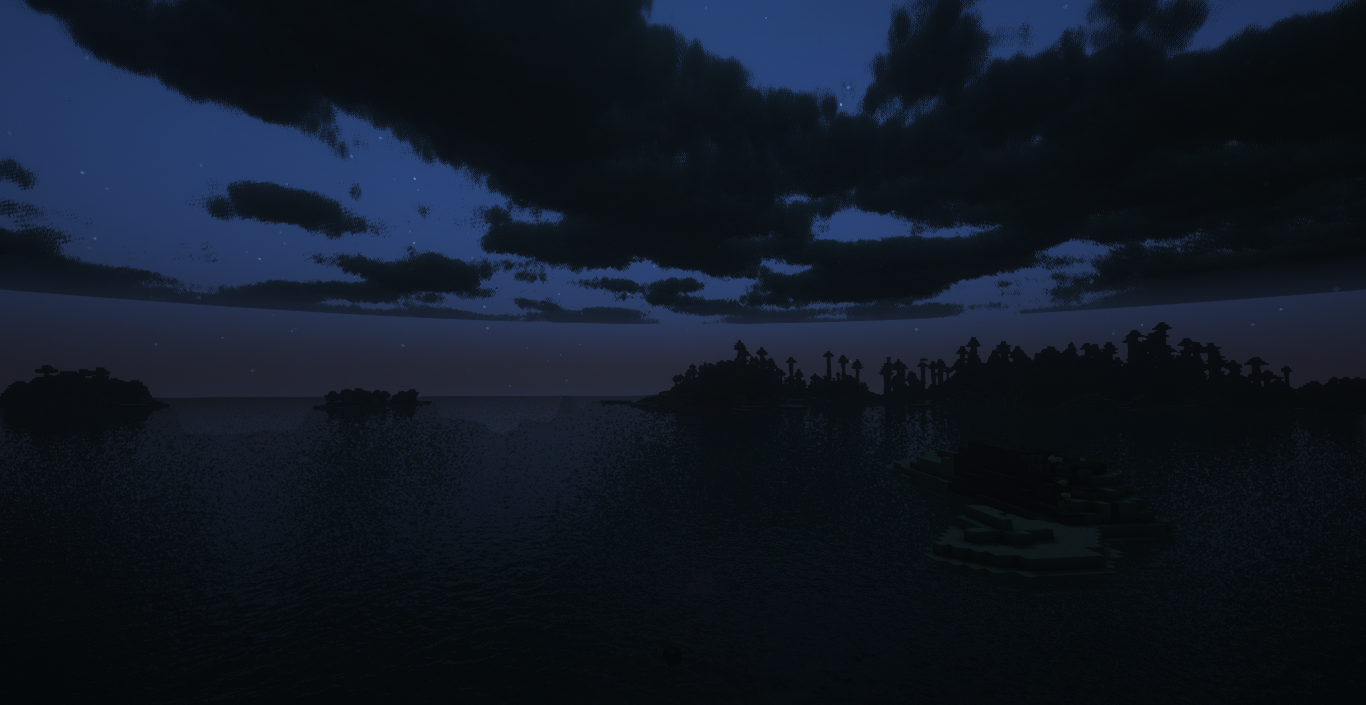
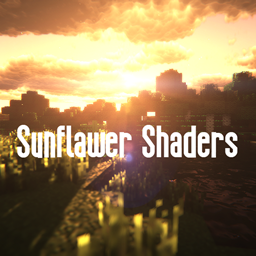
Sunflawer Shaders
Sunflawer ShadersInstall

Simplicissimus Shader
A shaderpack that tries to stay as simple as possible while still adding dynamic shadows and preserving as much of the vanilla rendering as possible.Install

Lumina Shader - Event Horizon
A next-generation cinematic shader pack designed to deliver uncompromising graphics, advanced lighting, and deep environmental immersion for high-end setups.Install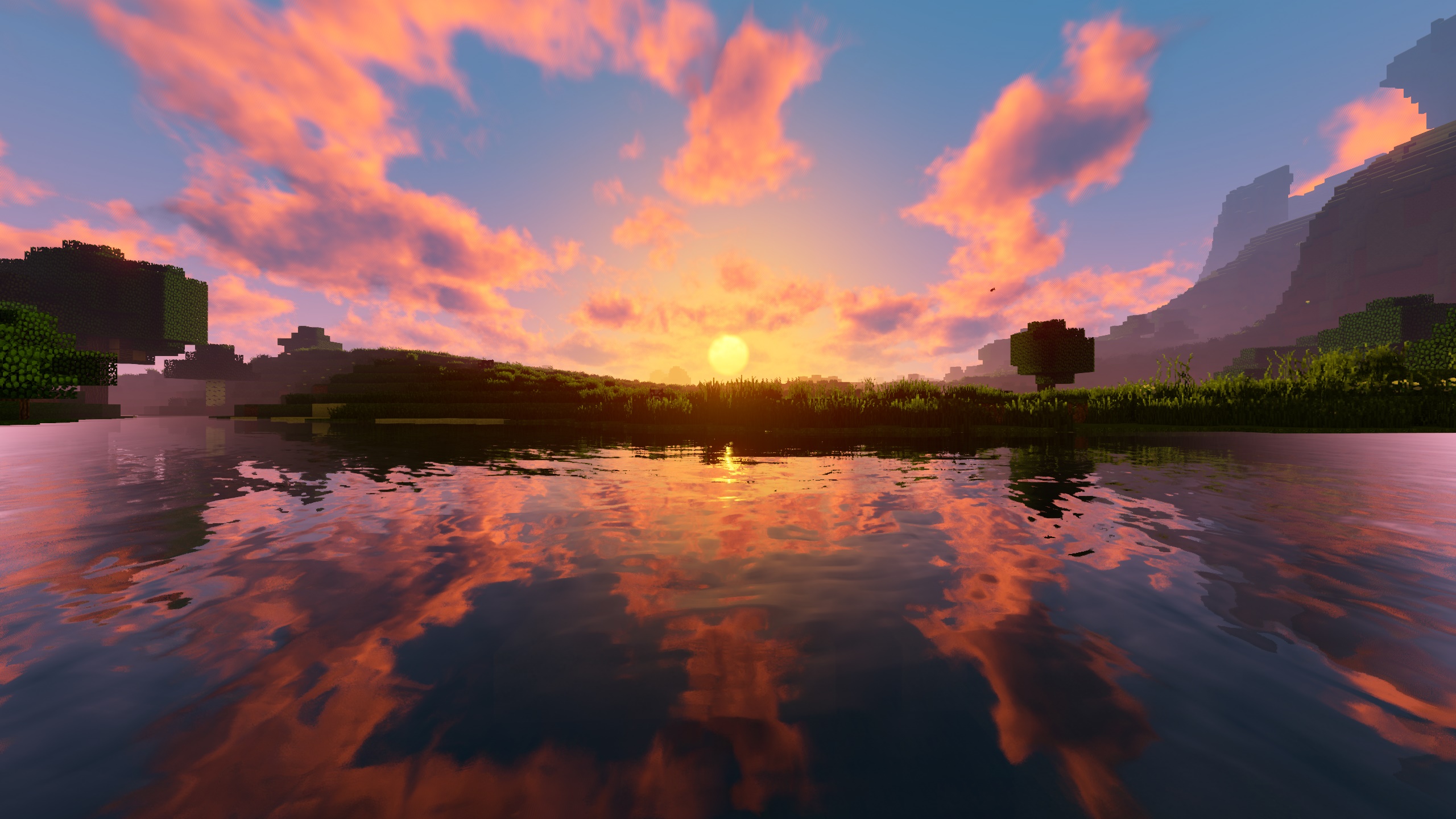
RRe36's Shader
A new version of my very first shader from 2014.Install

RetroVision
Add a VHS TV Effects Shader and MOREInstall

Stracciatella Shaders
A vanilla-style shader with colored lights, many quality of life features and visual improvements aiming for the highest performance.Install

PixelCraft Shaders
PixelCraft Shaders is a Complementary Shaders edit aiming to replicate pixel art. Every screenshot is a new piece of art brought to life!Install
SI: Spectre [DISCONTINUED]
DISCONTINUEDInstall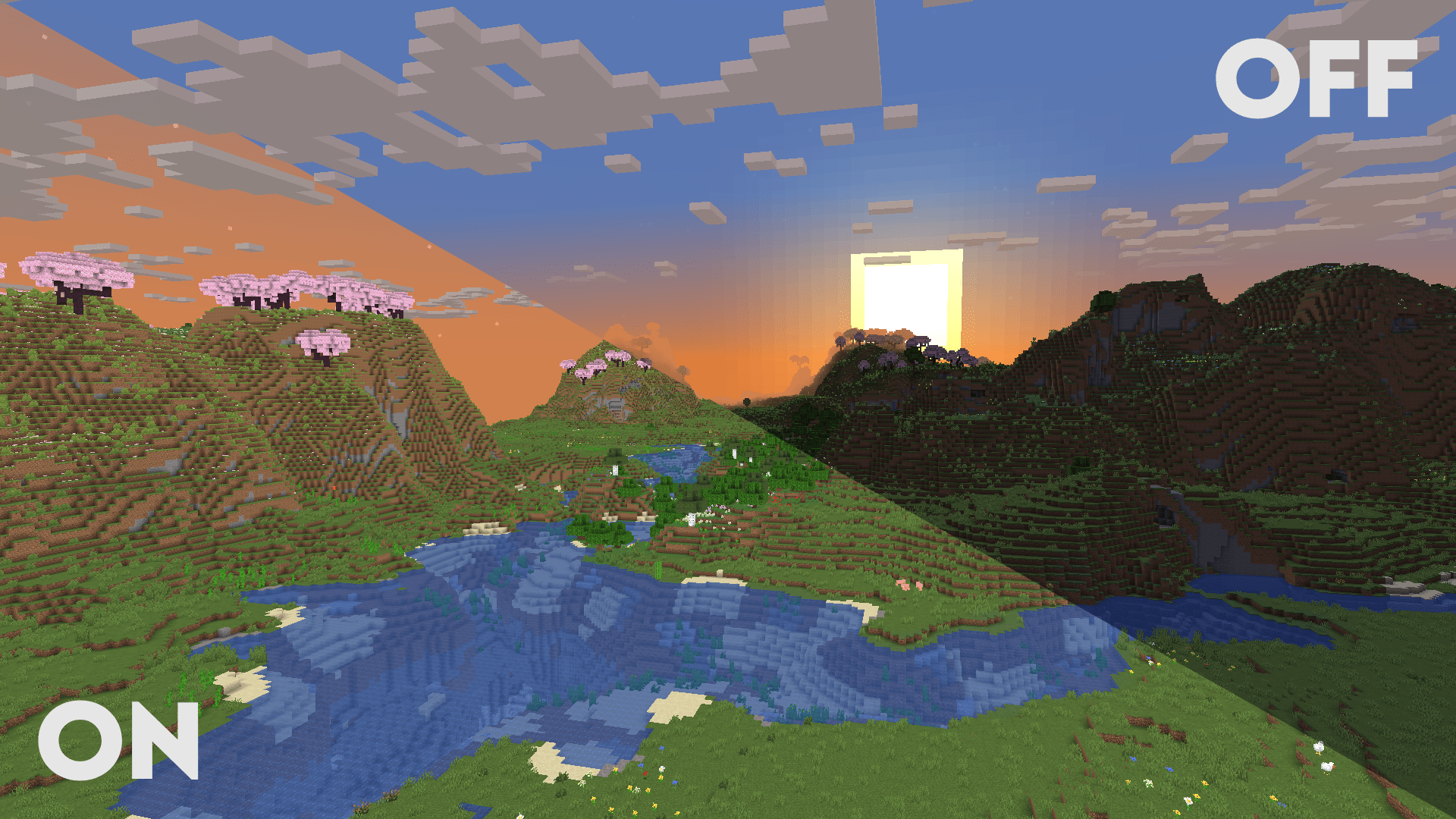

Clarity
Clarity removes all shadows and fog wich makes you see clearly everywhere and can be used for mining or travelling at night.Install

Cyanide Shaders
Vanilla+ Shader, that supports Optifine and Iris Barely affects performanceInstall

Motion Blur FX
Add Motion Blur in MinecraftInstallRequired to run
FAQ
What do I need to get shaders working?
Iris or OptiFine. Iris installs as a Fabric mod and is usually faster; OptiFine is a separate installer. Without one of them the game simply won't see the shader. Millida Launcher installs Iris along with the shader for you.
Which shaders run on a low-end PC?
Light packs without ray tracing and with low shadow resolution. They're marked in the catalog — they give you shadows and water while costing noticeably fewer frames.
How do I install shaders?
Click “Install” and Millida Launcher will put the shader into the shaderpacks folder of the right modpack. Then select the pack in the video settings — no need to unpack the archive.
Iris or OptiFine — which should I choose?
For new versions, Iris: it works with Sodium, usually gives more FPS and supports almost all modern shaders. OptiFine is needed on old versions and for packs that rely on its special features. The two cannot be installed in the same instance.
Are there shaders for Bedrock?
The shaders in this section are for the Java edition; their format does not work in Minecraft PE and Bedrock. Bedrock has a built-in Vibrant Visuals graphics mode and resource packs with deferred rendering support, which are turned on in the game settings.
Shaders for Minecraft Java 1.13
Shaders for Minecraft 1.13: 191 items in the Shaders section. Compatibility is checked against the files, not the description: only items with a build for exactly these conditions stay in the list.
Beauty costs frames. Heavy ray-traced shaders can cut performance several times over even on a good graphics card, so the catalog separately marks light packs built for weak machines: they give you shadows and decent water while barely touching FPS. In practice: first install Iris or OptiFine, then put the shader archive in the shaderpacks folder and select it in the video settings. It's best to start with a light pack, and the quality profiles inside the shader itself lower the load even further.