
Minecraft server plugins — page 70
3,789 itemsPlugins: list
WorldFactions
This will make faction tags only apper in configured worldsOn a server
MonsterFix
MonsterFixOn a server

FasterCrystals
Allows high ping players to crystal quickly.On a server

Simple Auto Restart
Really simple Spigot plugin that automatically restarts your server.On a server

VirtualPlayers
Create virtual players for easy debugging of plugins through the consoleOn a serverWildTp
Teleports a player to a random locationOn a server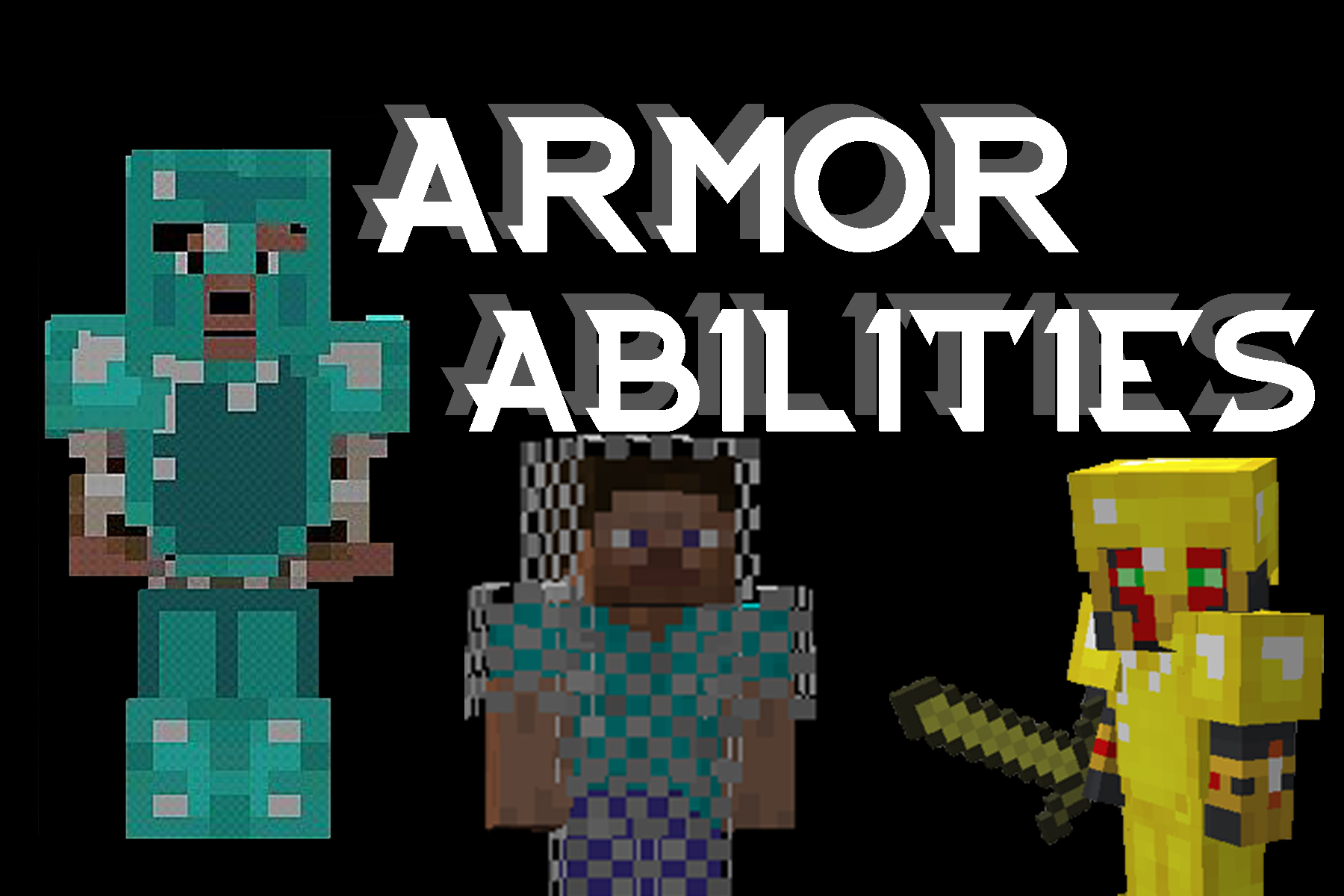

Armor Abilities
A fun plugin which adds cool new abilities for wearing different types of armor.On a server
VaultListener
A Votifier listener class used to reward voters with currency that uses Vault as an interface to a variety of economy plugins.On a serverCraftBall
Play ball-related sports on your server!On a serverDropsToInventory
Instead of on ground, all blocks drop directly to player's inventoryOn a server

Adrenaline Rush : Second Chance
Add "final shout" & "second chance" & "last breath" mechanic into minecraft! You'll have 0,5 HP instead of dying when fall from height ; Buff your power when you at low HPOn a server
NoBoom
Stops TNT and Creepers exploding!On a server

WebPortal
WebPortalOn a server

RWtorchLight
RWtorchLight Light up your surroundings just by holding a torchOn a server
SignShopHotel
Allow players to rent rooms for a certain amount of time.On a server

SingleMace
This plugin disables the Mace crafting recipe once someone has already crafted it.On a server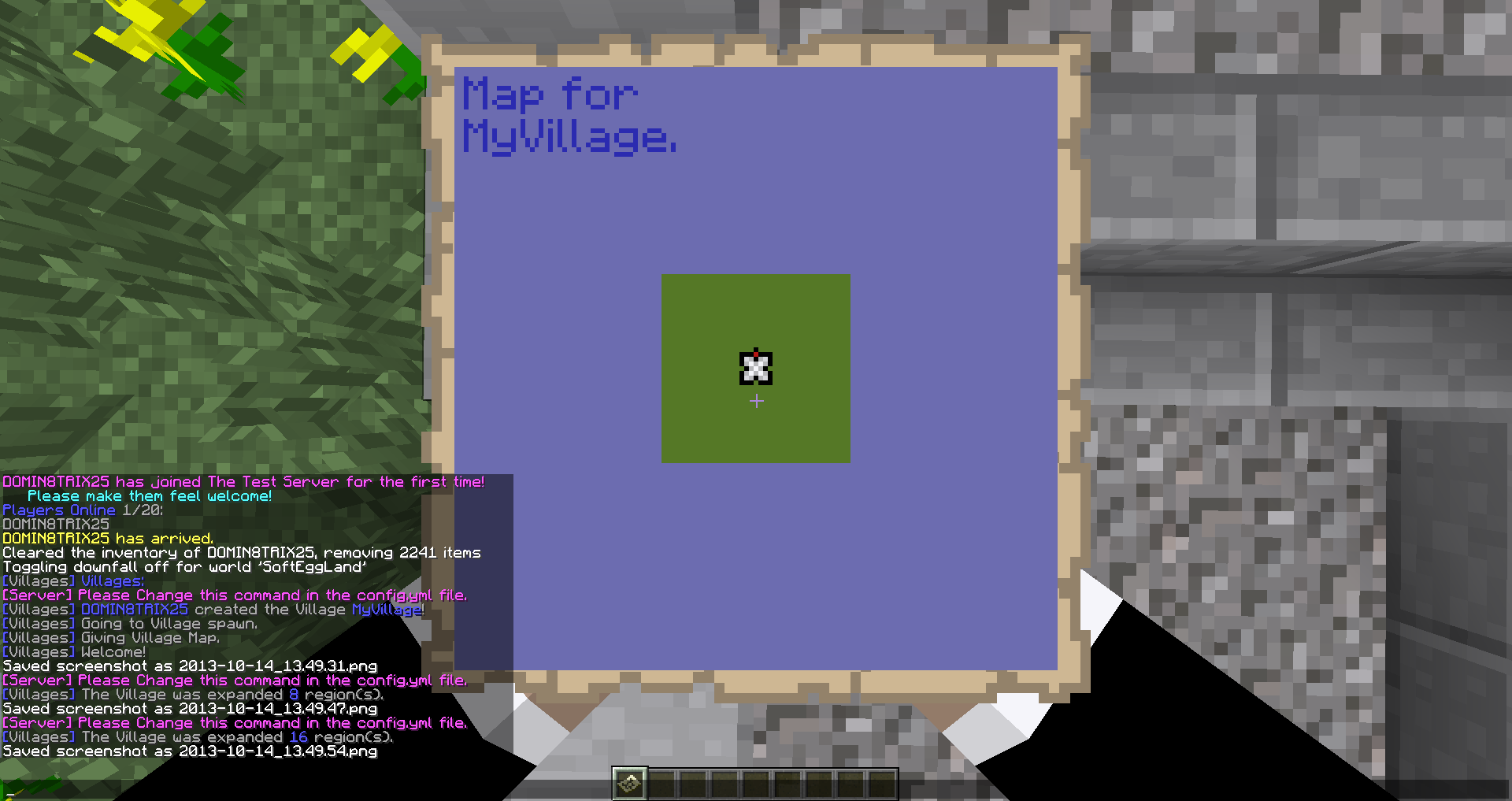

Villages
Villages - Create your own VillagesOn a serverGrand Theft Minecart
Grand Theft MinecartOn a server

WeatherGod
WeatherGodOn a server
WorldEdit Structure Selector
Auto select any structures as a WorldEdit selectionOn a server

PluginUpdater
An easy to use plugin version checker and downloader with a shadeable API available for developers.On a serverNoSpawn
Simply disable Mobs you don't likeOn a server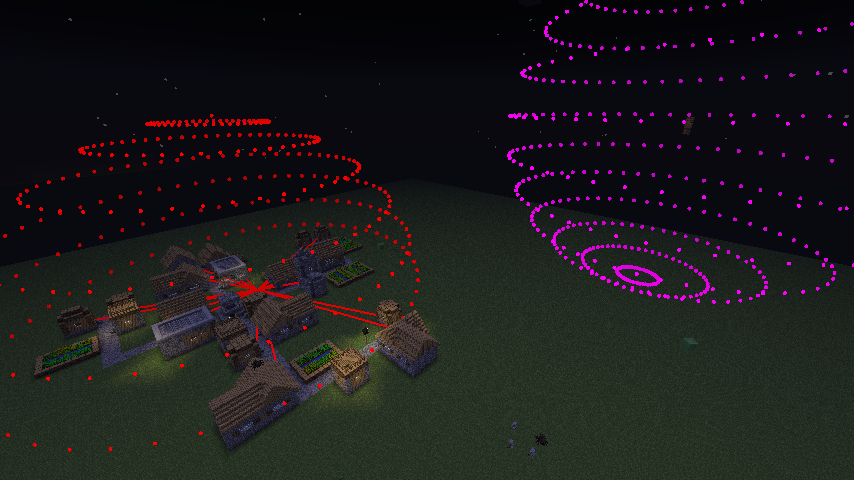
VillageMarker
Supports clients modded with VillageMarkerModOn a serverFAQ
How is a plugin different from a mod?
A plugin runs only on the server and requires nothing from players: the client stays vanilla. A mod has to be installed by everyone, and it changes the game itself.
Where do I put a plugin?
Put the .jar file in the plugins folder on the server, then restart the server. The plugin will create its config on first launch.
Will a Spigot plugin work on Paper?
Usually yes: Paper and Purpur are built on Spigot and are compatible with its plugins. The reverse isn't true — a plugin that uses Paper features won't work on plain Spigot.
How do I install a plugin on Aternos?
On Aternos, plugins can only be installed from the built-in list in the “Plugins” section of the panel. You can't upload your own .jar file, so paid and rare plugins can't be installed on Aternos. If the plugin you need isn't on the list, you need hosting with access to the plugins folder: put the file there and restart the server.
Which plugins should I install on a server first?
People usually start with four: EssentialsX (homes, warps, kits, teleport), LuckPerms (groups and permissions), WorldGuard together with WorldEdit (spawn and region protection) and ViaVersion (joining from other game versions). For a server with nickname login, add AuthMe for passwords and SkinsRestorer for skins.
Which plugins should I install on a server for playing with friends?
A small server for friends needs just a few: EssentialsX (home, teleport to a friend, warps), CoreProtect (rolling back griefing and finding who broke a block) and Simple Voice Chat for voice chat, which needs the mod of the same name on players' side. Permissions and region protection are usually unnecessary on such a server.
How do I install a plugin on Paper?
Download the plugin file for your Paper version, put the .jar into the plugins folder and restart the server — the /plugins command will list it. On Millida Hosting the On a server button on the plugin page does the same.
Minecraft server plugins
A plugin is installed on the server, not by the player, and that's the whole difference from a mod: the client stays plain vanilla, and you can join the server without downloading a single file. Plugins run on server cores — Paper, Spigot, Bukkit, Purpur, Folia — while Velocity and BungeeCord are used for proxies between servers. The core matters as much as the version: a Paper plugin will almost always run on Purpur, but a Velocity plugin won't start on a regular server at all.
The useful minimum for a server is almost always the same: EssentialsX for basic commands, LuckPerms for permissions, WorldGuard together with WorldEdit for region protection and CoreProtect to roll back griefing. Servers with nickname login add AuthMe and SkinsRestorer, servers for friends add Simple Voice Chat. On Millida Hosting a free plugin from the catalog goes onto the server with the On a server button on its page, no manual .jar upload.
Plugins handle almost everything behind the scenes on a server: ranks and permissions, land protection, economy and shops, anti-cheat, map rotation, menus and voting. You install them by copying the .jar file into the plugins folder and restarting the server; most create their own config on first launch, which is what you then edit. The card lists supported cores and game versions, the author and license, and all releases are gathered on one page — you can update the plugin right from there.