
Minecraft server plugins — page 65
3,789 itemsPlugins: list




EternalCombat
⚔ Something more than just combat logging for Minecraft!On a server

Quantum Connectors - Wireless Redstone
Who wants long wires? Go wireless!On a server

PlaceholderAPI
A resource that allows information from your favorite plugins be shown practically anywhere!On a server
MiningTNT
MiningTNTOn a serverHeadSpawner
Spawning player headsOn a server

SilkSpawners
This plugin makes spawners minable using SilkTouch toolsOn a server
LootManager
Manage chest loot, dungeon loot, mob loot, ...On a server
ChestShop-Towny
A plugin integrating ChestShop with TownyOn a server
Dream Minecraft Manhunt (with optional Discord music integration)
A plugin to run Minecraft Manhunt minigames! Features Discord auto-music integration.On a server

DriveBackupV2
DriveBackupV2 is a plugin that aims to provide an extra layer of security to your data making a backup and saving it remotely.On a serverProperTime
Control the speed of timeOn a serverEnderPearl Cooldown
Adds cooldown to ender pearl throwsOn a server

Chat Censor
Censors words that are in the BlackListOn a serverInfinite Dispensers & Droppers
This plugin will ensure that a dispenser or a dropper never will run out of items!On a server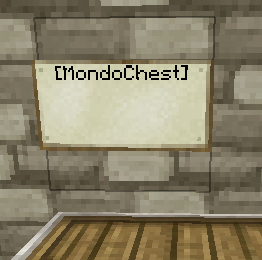
MondoChest
Dump all your items into one chest, and have them sorted into multiple chests, even in another room!On a server
Lock Security
The ability to lock blocks with keys. Uncheatable! No way to bypass these locks unless you have the key!On a server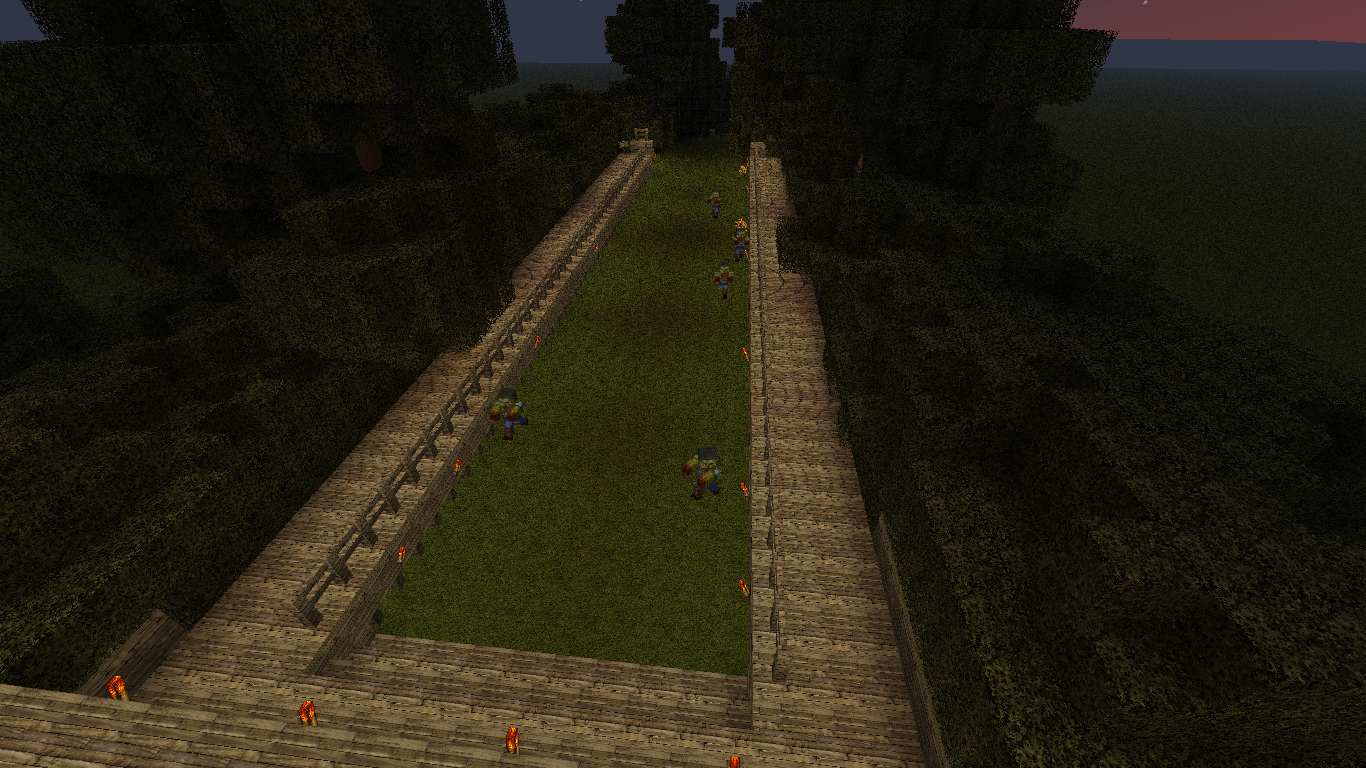

Tribu
A zombie survival game !On a server

ChunkLoader
Keeps Minecraft chunks permanently loaded via special blocks.On a serverTreeCutter
Cutting trees is now so simple!On a server

Client Execution
Run Client-Side only commands from the server!On a server
It Just Might Happen
"It Just Might Happen" is reality(close to) added, based on eventsOn a server

PlayerLogger
This plugin logs various player activities such as chat, log-ins, log-outs, etc.On a server

DisableMobs
Simply choose which creatures you want to spawn and which to disable. :)On a serverFAQ
How is a plugin different from a mod?
A plugin runs only on the server and requires nothing from players: the client stays vanilla. A mod has to be installed by everyone, and it changes the game itself.
Where do I put a plugin?
Put the .jar file in the plugins folder on the server, then restart the server. The plugin will create its config on first launch.
Will a Spigot plugin work on Paper?
Usually yes: Paper and Purpur are built on Spigot and are compatible with its plugins. The reverse isn't true — a plugin that uses Paper features won't work on plain Spigot.
How do I install a plugin on Aternos?
On Aternos, plugins can only be installed from the built-in list in the “Plugins” section of the panel. You can't upload your own .jar file, so paid and rare plugins can't be installed on Aternos. If the plugin you need isn't on the list, you need hosting with access to the plugins folder: put the file there and restart the server.
Which plugins should I install on a server first?
People usually start with four: EssentialsX (homes, warps, kits, teleport), LuckPerms (groups and permissions), WorldGuard together with WorldEdit (spawn and region protection) and ViaVersion (joining from other game versions). For a server with nickname login, add AuthMe for passwords and SkinsRestorer for skins.
Which plugins should I install on a server for playing with friends?
A small server for friends needs just a few: EssentialsX (home, teleport to a friend, warps), CoreProtect (rolling back griefing and finding who broke a block) and Simple Voice Chat for voice chat, which needs the mod of the same name on players' side. Permissions and region protection are usually unnecessary on such a server.
How do I install a plugin on Paper?
Download the plugin file for your Paper version, put the .jar into the plugins folder and restart the server — the /plugins command will list it. On Millida Hosting the On a server button on the plugin page does the same.
Minecraft server plugins
A plugin is installed on the server, not by the player, and that's the whole difference from a mod: the client stays plain vanilla, and you can join the server without downloading a single file. Plugins run on server cores — Paper, Spigot, Bukkit, Purpur, Folia — while Velocity and BungeeCord are used for proxies between servers. The core matters as much as the version: a Paper plugin will almost always run on Purpur, but a Velocity plugin won't start on a regular server at all.
The useful minimum for a server is almost always the same: EssentialsX for basic commands, LuckPerms for permissions, WorldGuard together with WorldEdit for region protection and CoreProtect to roll back griefing. Servers with nickname login add AuthMe and SkinsRestorer, servers for friends add Simple Voice Chat. On Millida Hosting a free plugin from the catalog goes onto the server with the On a server button on its page, no manual .jar upload.
Plugins handle almost everything behind the scenes on a server: ranks and permissions, land protection, economy and shops, anti-cheat, map rotation, menus and voting. You install them by copying the .jar file into the plugins folder and restarting the server; most create their own config on first launch, which is what you then edit. The card lists supported cores and game versions, the author and license, and all releases are gathered on one page — you can update the plugin right from there.