
Minecraft server plugins — page 41
3,787 itemsPlugins: list
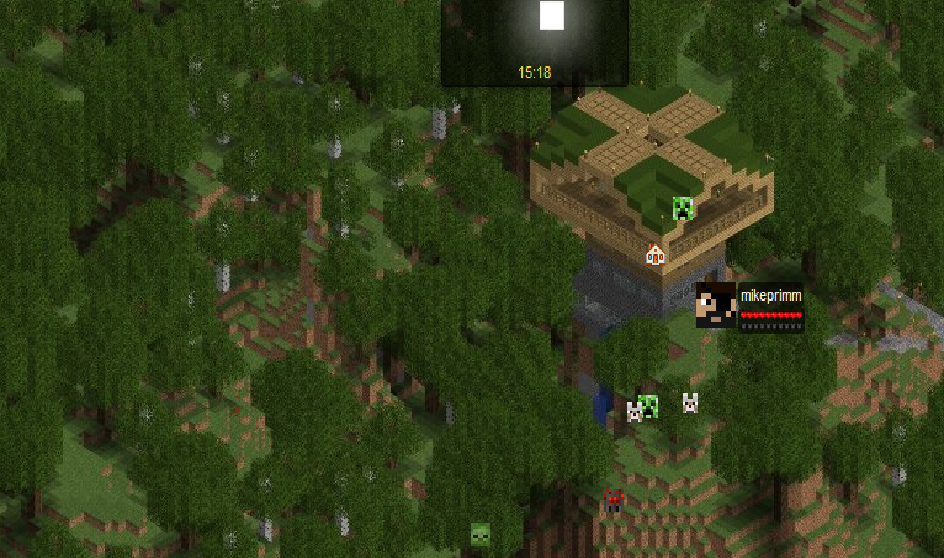
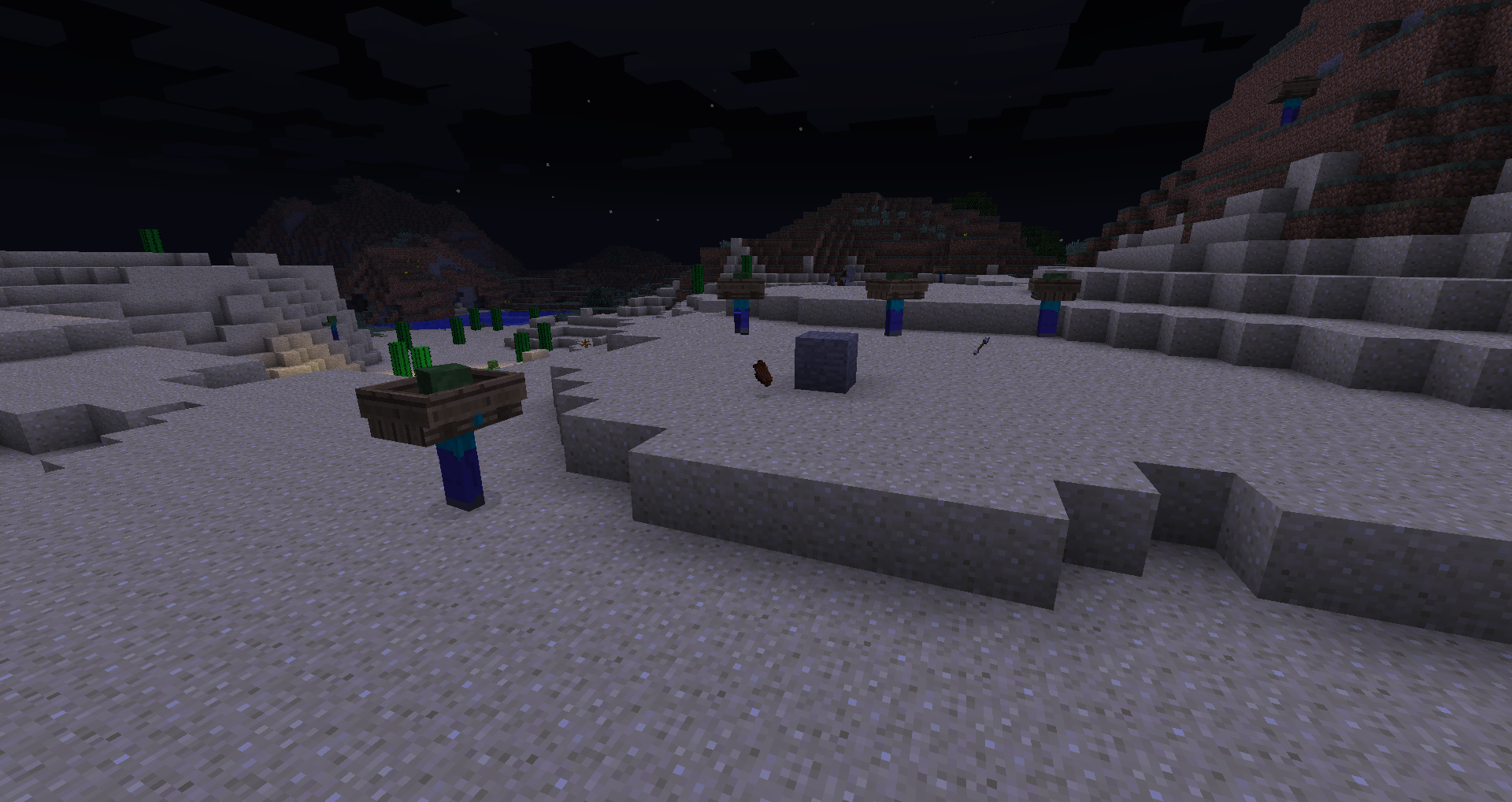
CustomSpawners
Make any block a mob spawner and customize it's properties!On a server

iAuction
Adding Auctions to EconomiesOn a server
MyPermissions
A simple plugin to handle permissions, groups, prefixes and suffixes with GUI and Web InterfaceOn a server

LOD Server Support
Voxy multiplayer support and Distant Horizons compatability (unofficial). See fully rendered chunks and players thousands of blocks away in multiplayer.On a server
starwars
play-star-wars-in-minecraftOn a server

Gringotts
Item-based currency / economy pluginOn a server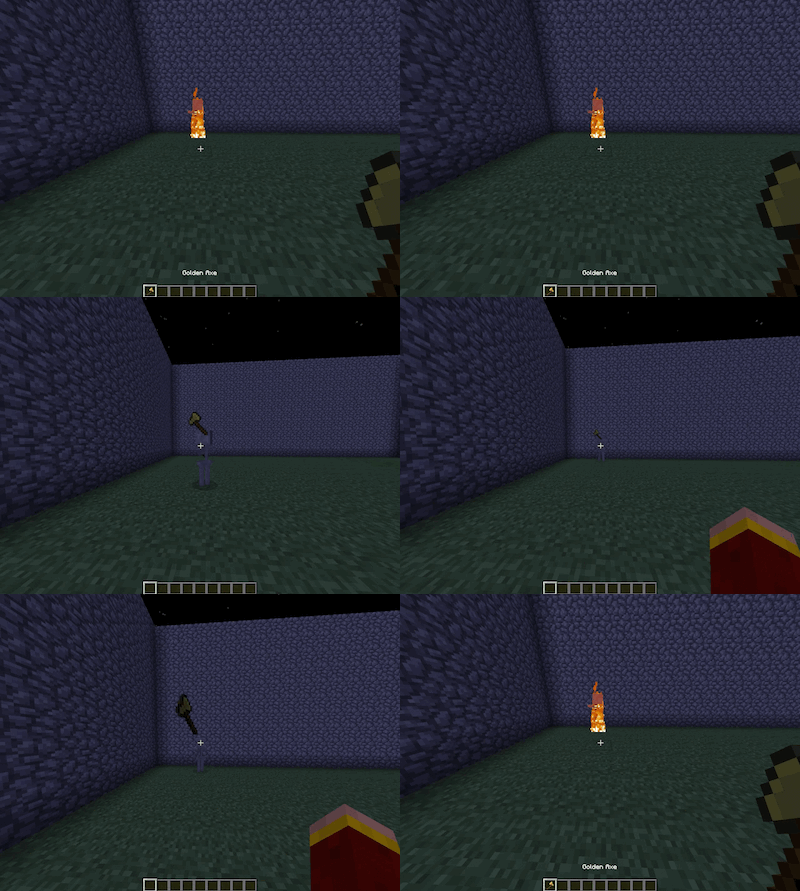

Thor
Thor is a Minecraft plugin which gives YOU the powers of Thor!On a server

Level = Border
Adds a border which always has the size of your current level countOn a server
LorinthsRpgMobs
Provides configurable options for changing damage/health for entities on your server based on LevelOn a server

Multi Mine
You don't have to mine nonstop on a block to finish it off. You can pause, and come back later.On a server
MCTowns
A powerful yet simple way to manage towns.On a serverKeepItems
Players keep items and experience on death.On a server

AntiBuild
Simple plugin to prevent interaction with blocks and paintings.On a server

BlueMap Marker Manager
BlueMap extension - Add a marker command to easily setup your markers & marker sets ingame without touching any configsOn a server

DeepVanish
DeepVanish allows people with the right permission to vanish on command. Has a lot of neat functions included.On a serverVaultRank
An easier way to change groups/ranks. [PermissionsEx]On a server

rlogin
this plugin is of the authme and login security type that registers players on the serverOn a server

BlueMap
A mapping tool that creates 3D models of your Minecraft worlds and displays them in a web viewerOn a serverAutoPortForward
Automaticlly forwards the port set in the server.propertiesOn a server

AntiPopup
Remove chat signing warning and chat reports from your server.On a serverPartyCraft
Fireworks, Player drop parties, Vault support, Redstone support, Block drop party and much moreOn a serverColorMOTD
This plugin allows you to set your server MOTD in color through the config file.On a serverNickNameChanger
NickNameChangerOn a serverFAQ
How is a plugin different from a mod?
A plugin runs only on the server and requires nothing from players: the client stays vanilla. A mod has to be installed by everyone, and it changes the game itself.
Where do I put a plugin?
Put the .jar file in the plugins folder on the server, then restart the server. The plugin will create its config on first launch.
Will a Spigot plugin work on Paper?
Usually yes: Paper and Purpur are built on Spigot and are compatible with its plugins. The reverse isn't true — a plugin that uses Paper features won't work on plain Spigot.
How do I install a plugin on Aternos?
On Aternos, plugins can only be installed from the built-in list in the “Plugins” section of the panel. You can't upload your own .jar file, so paid and rare plugins can't be installed on Aternos. If the plugin you need isn't on the list, you need hosting with access to the plugins folder: put the file there and restart the server.
Which plugins should I install on a server first?
People usually start with four: EssentialsX (homes, warps, kits, teleport), LuckPerms (groups and permissions), WorldGuard together with WorldEdit (spawn and region protection) and ViaVersion (joining from other game versions). For a server with nickname login, add AuthMe for passwords and SkinsRestorer for skins.
Which plugins should I install on a server for playing with friends?
A small server for friends needs just a few: EssentialsX (home, teleport to a friend, warps), CoreProtect (rolling back griefing and finding who broke a block) and Simple Voice Chat for voice chat, which needs the mod of the same name on players' side. Permissions and region protection are usually unnecessary on such a server.
How do I install a plugin on Paper?
Download the plugin file for your Paper version, put the .jar into the plugins folder and restart the server — the /plugins command will list it. On Millida Hosting the On a server button on the plugin page does the same.
Minecraft server plugins
A plugin is installed on the server, not by the player, and that's the whole difference from a mod: the client stays plain vanilla, and you can join the server without downloading a single file. Plugins run on server cores — Paper, Spigot, Bukkit, Purpur, Folia — while Velocity and BungeeCord are used for proxies between servers. The core matters as much as the version: a Paper plugin will almost always run on Purpur, but a Velocity plugin won't start on a regular server at all.
The useful minimum for a server is almost always the same: EssentialsX for basic commands, LuckPerms for permissions, WorldGuard together with WorldEdit for region protection and CoreProtect to roll back griefing. Servers with nickname login add AuthMe and SkinsRestorer, servers for friends add Simple Voice Chat. On Millida Hosting a free plugin from the catalog goes onto the server with the On a server button on its page, no manual .jar upload.
Plugins handle almost everything behind the scenes on a server: ranks and permissions, land protection, economy and shops, anti-cheat, map rotation, menus and voting. You install them by copying the .jar file into the plugins folder and restarting the server; most create their own config on first launch, which is what you then edit. The card lists supported cores and game versions, the author and license, and all releases are gathered on one page — you can update the plugin right from there.