
Minecraft server plugins — page 28
3,785 itemsPlugins: list

Prism
PrismOn a serverFelsNicknames
Adds commands for nicknamesOn a server
MoArrows
MoArrowsOn a serverLockettePro
High performance sign-based lock plugin, highly customizable, UUID support.On a server
CreativeControl
Keep yours creatives in the line!On a server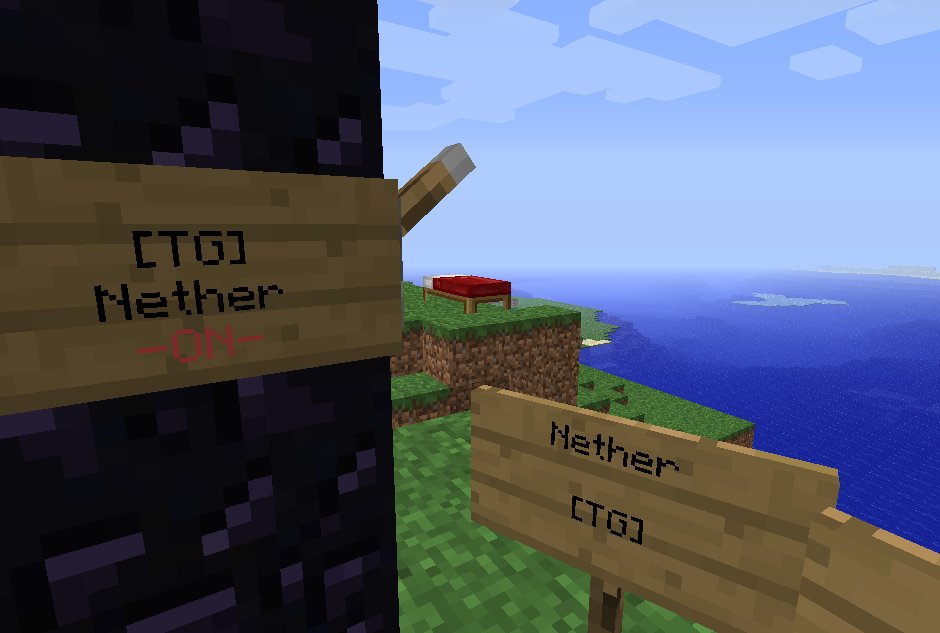
TravelGates
Create teleportation destination. You can also use Nether Portals !On a server
Touchscreen Holograms
[UNMAINTAINED] Add touch capabilities to holograms made with Holographic Displays.On a server

WorldEdit
A Minecraft Map Editor... that runs in-game! With selections, schematics, copy and paste, brushes, and scriptingOn a server

Signs
A simple plugin to edit signs by right clicking. Support for WorldGuard and LWC permissions.On a server

Deadly Disasters
Add natural occurring disasters for a fun challenge.On a server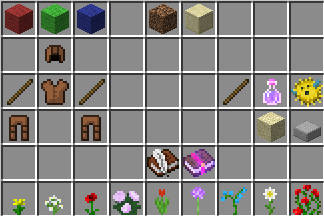
Armor Stand Edit
Use flint to edit armor stand attributes without commandsOn a server

Backpack Plus
This adds backpacks to your Minecraft server. By default, there are three types of backpacks: Basic, Golden, and Diamond, each with a specific number of slots that you can modify. You have full configuration options.On a server

jChat
Simple prefixes and suffixesOn a server
CoM: Zombies
Minecraft: ZombiesOn a server

Clumps
A plugin that merges XP orbs and instantly absorbs them when players are nearby to reduce lag. Similar to Clumps mod.On a server

Heads
Heads is plugin wich allows you to set steve skull to other player's head!On a server

WildRTP
Another RTP Plugin build on Performance & FeaturesOn a server
SimpleCommandSigns
Hit a sign, run a command!On a serverColor Chat/Text & Colored Signs
Light Weight - Color Chat [1.7.2] (2014)On a server

Sledgehammer
Smashes the stupid out of the client & serverOn a server

RandomLocation
RandomLocation - Teleports players to a random location in a pre sett areaOn a serverCCLogger
Logs chat and commandsOn a server

EliteMobs
Minidungeons, Arenas, Bosses, Custom Loot, Quests, MMORPG progression & more!On a serverFAQ
How is a plugin different from a mod?
A plugin runs only on the server and requires nothing from players: the client stays vanilla. A mod has to be installed by everyone, and it changes the game itself.
Where do I put a plugin?
Put the .jar file in the plugins folder on the server, then restart the server. The plugin will create its config on first launch.
Will a Spigot plugin work on Paper?
Usually yes: Paper and Purpur are built on Spigot and are compatible with its plugins. The reverse isn't true — a plugin that uses Paper features won't work on plain Spigot.
How do I install a plugin on Aternos?
On Aternos, plugins can only be installed from the built-in list in the “Plugins” section of the panel. You can't upload your own .jar file, so paid and rare plugins can't be installed on Aternos. If the plugin you need isn't on the list, you need hosting with access to the plugins folder: put the file there and restart the server.
Which plugins should I install on a server first?
People usually start with four: EssentialsX (homes, warps, kits, teleport), LuckPerms (groups and permissions), WorldGuard together with WorldEdit (spawn and region protection) and ViaVersion (joining from other game versions). For a server with nickname login, add AuthMe for passwords and SkinsRestorer for skins.
Which plugins should I install on a server for playing with friends?
A small server for friends needs just a few: EssentialsX (home, teleport to a friend, warps), CoreProtect (rolling back griefing and finding who broke a block) and Simple Voice Chat for voice chat, which needs the mod of the same name on players' side. Permissions and region protection are usually unnecessary on such a server.
How do I install a plugin on Paper?
Download the plugin file for your Paper version, put the .jar into the plugins folder and restart the server — the /plugins command will list it. On Millida Hosting the On a server button on the plugin page does the same.
Minecraft server plugins
A plugin is installed on the server, not by the player, and that's the whole difference from a mod: the client stays plain vanilla, and you can join the server without downloading a single file. Plugins run on server cores — Paper, Spigot, Bukkit, Purpur, Folia — while Velocity and BungeeCord are used for proxies between servers. The core matters as much as the version: a Paper plugin will almost always run on Purpur, but a Velocity plugin won't start on a regular server at all.
The useful minimum for a server is almost always the same: EssentialsX for basic commands, LuckPerms for permissions, WorldGuard together with WorldEdit for region protection and CoreProtect to roll back griefing. Servers with nickname login add AuthMe and SkinsRestorer, servers for friends add Simple Voice Chat. On Millida Hosting a free plugin from the catalog goes onto the server with the On a server button on its page, no manual .jar upload.
Plugins handle almost everything behind the scenes on a server: ranks and permissions, land protection, economy and shops, anti-cheat, map rotation, menus and voting. You install them by copying the .jar file into the plugins folder and restarting the server; most create their own config on first launch, which is what you then edit. The card lists supported cores and game versions, the author and license, and all releases are gathered on one page — you can update the plugin right from there.