
Minecraft server plugins — page 124
3,784 itemsPlugins: list


KommandSigns
Run your commands through signs!On a server
Multibreak
Breaks full Trees and Ore-VainsOn a server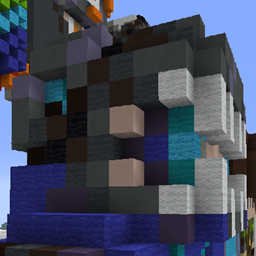
PlayerStatueBuilderX
Builds a player statue out of blocks based on username! ALL skin formats supported.On a serverbcVote
bcVote v0.7 - Vote for day/night or sun/rain | (weather, time)On a server

Player Statistics | PlayerStats
See how your statistics compare with others on your server!On a server

EzShops
Advanced shop menus with smart pricing, sign trading, and API integrationsOn a serverElectricFence
Electrify fences with redstone!On a server

WorldWrap
Dont fall!On a server
AutoRespawn+
AutoRespawn+On a server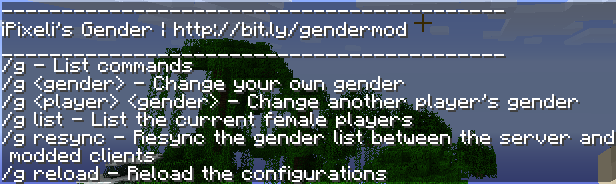

GenderMe
iPixeli's Female Gender Option PluginOn a server
DecorHeads
Craft Heads or Drop Heads from Mobs, Blocks, Activities, and More! You can even add your own!On a server

SMP Silk Spawner
Silk Touch spawners implemented in a vanilla/smp friendly way! Fully configurable with different things that could happen with breaking spawners! Available as plugin / modOn a server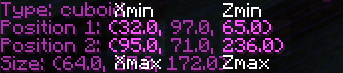
MobHunt
Create competitive hunts for rewards and prizes.On a serverMagicLamps
Creates Redstone Lamps that will stay lit forever!On a server

TrollingNoobs
The name says it allOn a server

Dynmap-SimpleClans
Dynmap-SimpleClansOn a server

mmoChat
Filter based channelsOn a serverRandom Spawn Protection
The plugin randomly places players away from each other and makes that there spawn location.On a server
pvpDrop
pvpDrop gives you full control over what happens when someone dies!On a serverStats 2.0
Stats 2.0On a server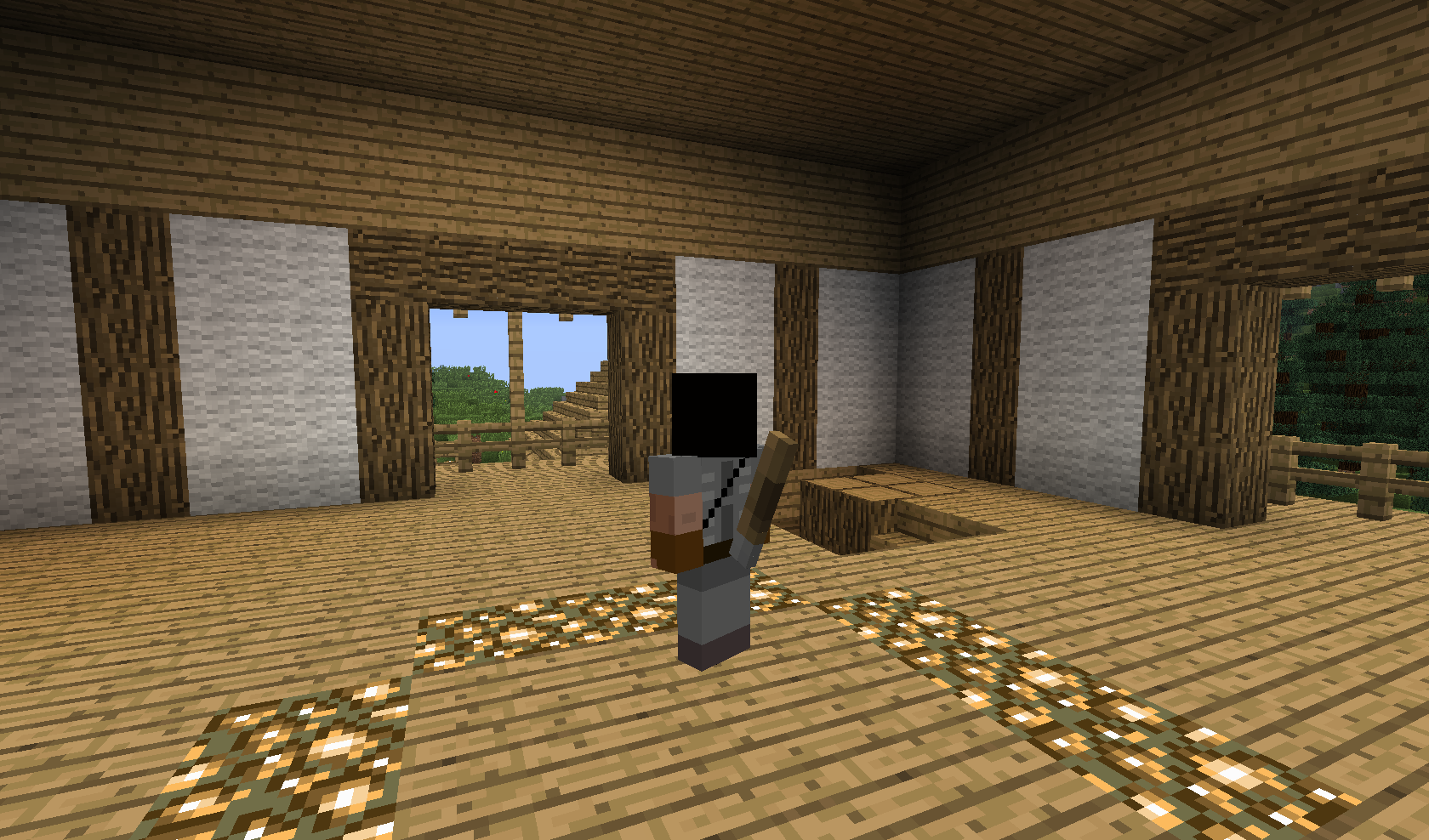
Sheath
Sheath swords with /sheath they are visible on your character!On a serverBroadcaster
Broadcast easier!On a serverPearlXP
PearlXPOn a serverFAQ
How is a plugin different from a mod?
A plugin runs only on the server and requires nothing from players: the client stays vanilla. A mod has to be installed by everyone, and it changes the game itself.
Where do I put a plugin?
Put the .jar file in the plugins folder on the server, then restart the server. The plugin will create its config on first launch.
Will a Spigot plugin work on Paper?
Usually yes: Paper and Purpur are built on Spigot and are compatible with its plugins. The reverse isn't true — a plugin that uses Paper features won't work on plain Spigot.
How do I install a plugin on Aternos?
On Aternos, plugins can only be installed from the built-in list in the “Plugins” section of the panel. You can't upload your own .jar file, so paid and rare plugins can't be installed on Aternos. If the plugin you need isn't on the list, you need hosting with access to the plugins folder: put the file there and restart the server.
Which plugins should I install on a server first?
People usually start with four: EssentialsX (homes, warps, kits, teleport), LuckPerms (groups and permissions), WorldGuard together with WorldEdit (spawn and region protection) and ViaVersion (joining from other game versions). For a server with nickname login, add AuthMe for passwords and SkinsRestorer for skins.
Which plugins should I install on a server for playing with friends?
A small server for friends needs just a few: EssentialsX (home, teleport to a friend, warps), CoreProtect (rolling back griefing and finding who broke a block) and Simple Voice Chat for voice chat, which needs the mod of the same name on players' side. Permissions and region protection are usually unnecessary on such a server.
How do I install a plugin on Paper?
Download the plugin file for your Paper version, put the .jar into the plugins folder and restart the server — the /plugins command will list it. On Millida Hosting the On a server button on the plugin page does the same.
Minecraft server plugins
A plugin is installed on the server, not by the player, and that's the whole difference from a mod: the client stays plain vanilla, and you can join the server without downloading a single file. Plugins run on server cores — Paper, Spigot, Bukkit, Purpur, Folia — while Velocity and BungeeCord are used for proxies between servers. The core matters as much as the version: a Paper plugin will almost always run on Purpur, but a Velocity plugin won't start on a regular server at all.
The useful minimum for a server is almost always the same: EssentialsX for basic commands, LuckPerms for permissions, WorldGuard together with WorldEdit for region protection and CoreProtect to roll back griefing. Servers with nickname login add AuthMe and SkinsRestorer, servers for friends add Simple Voice Chat. On Millida Hosting a free plugin from the catalog goes onto the server with the On a server button on its page, no manual .jar upload.
Plugins handle almost everything behind the scenes on a server: ranks and permissions, land protection, economy and shops, anti-cheat, map rotation, menus and voting. You install them by copying the .jar file into the plugins folder and restarting the server; most create their own config on first launch, which is what you then edit. The card lists supported cores and game versions, the author and license, and all releases are gathered on one page — you can update the plugin right from there.