
Minecraft server plugins — page 113
3,785 itemsPlugins: list
SuperItem
SuperItemOn a server

ChatManager | ClearChat / Mute Player / Broadcast / Slowmode / Banned Words | For 1.8 to 1.11.2
ChatManagerOn a serverSensationKits
SensationKitsOn a serverChangeDamage
Allow changes in damage caused by itemsOn a serverChangeGameMode
This plugin allows you to change your game mode with easeOn a server

FancyHolograms
Create fancy looking holograms with the new 1.19.4 text display entities.On a server
BlockHead
Lets you set any block as your helmet either by name or by what's in your handOn a server

SnoGro (SnowGrow)
Makes snowtop grow larger over time using /snow.On a server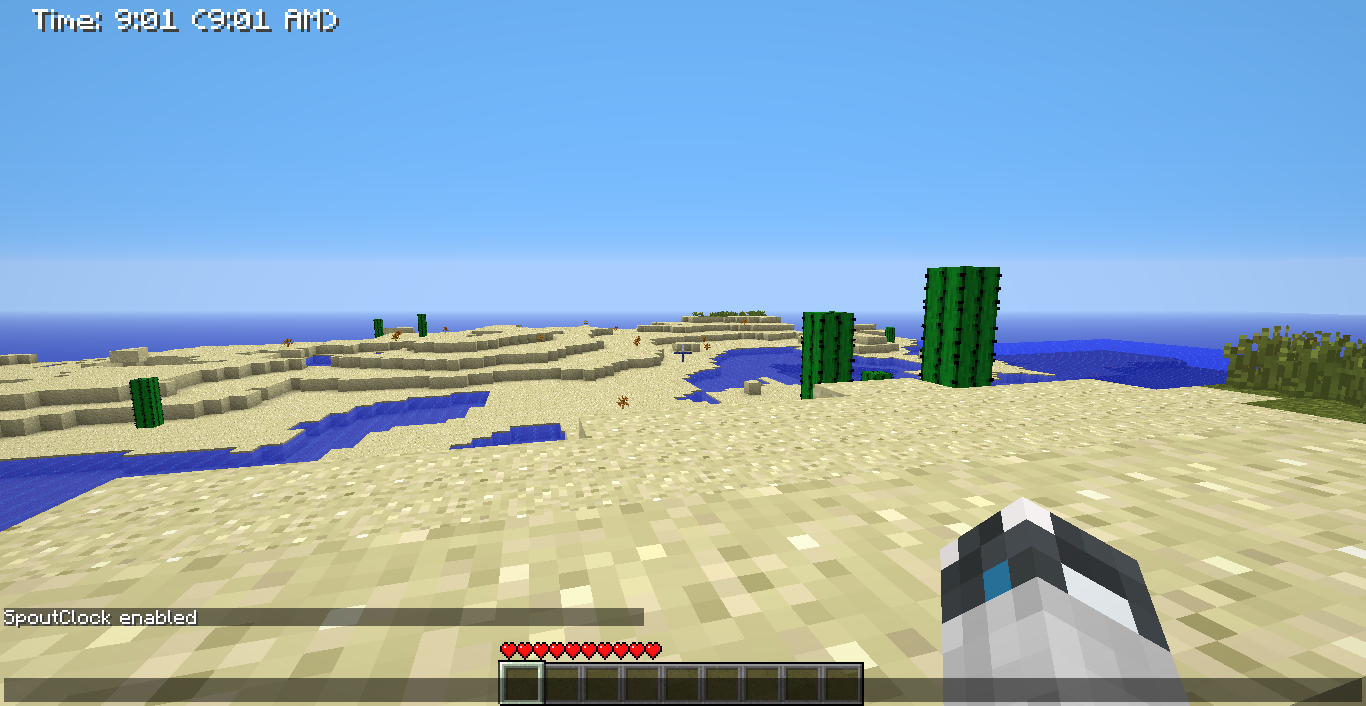
SpoutClock
SpoutClock - The Time Display PluginOn a server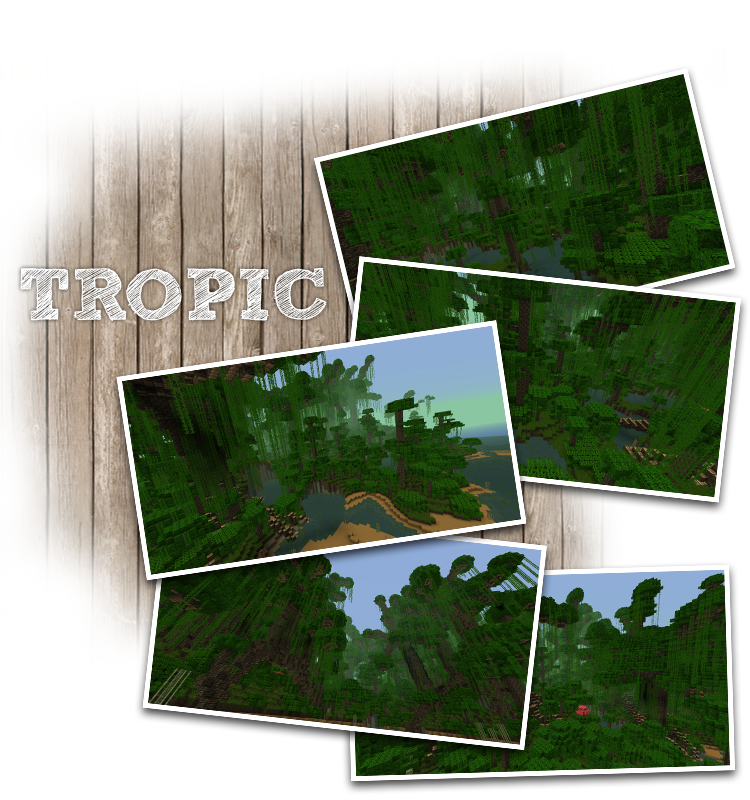
Tropic
Worldgenerator for a tropic/rainforest lookOn a serverBetterVanish
BetterVanishOn a server
CustomKits (CKits)
Just a simple kits plugin.On a server

Prankster
Prank players in a variety of waysOn a server

ShopAds2
Let players advertise their shops and locations to othersOn a serverDynmap-Structures
Dynmap-StructuresOn a server
RebuildPlugin
Rebuild your arena in one click!On a server
Galaran's Heroes Skills
Galaran's Heroes SkillsOn a server
DynaFish
Promote Dynamite Fishing on your Server!On a server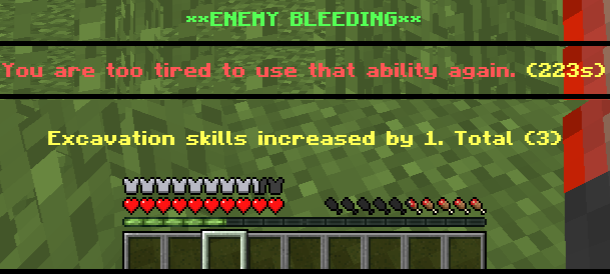
mcMMOAction
mcMMOActionOn a server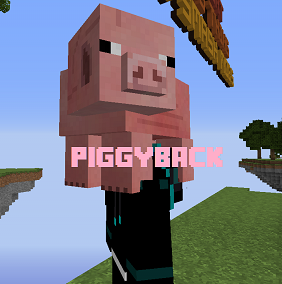
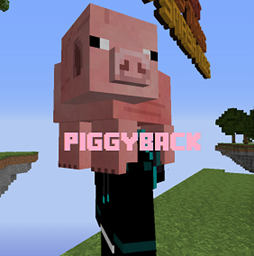
Piggyback
Crouch, click, piggyback!On a server
SinglePersonSleep
Another plugin for single player sleeping.On a server
LegacyFactions
High-performance maintained version of Factions 1.6On a serverCommandCraft
CommandCraftOn a serverFAQ
How is a plugin different from a mod?
A plugin runs only on the server and requires nothing from players: the client stays vanilla. A mod has to be installed by everyone, and it changes the game itself.
Where do I put a plugin?
Put the .jar file in the plugins folder on the server, then restart the server. The plugin will create its config on first launch.
Will a Spigot plugin work on Paper?
Usually yes: Paper and Purpur are built on Spigot and are compatible with its plugins. The reverse isn't true — a plugin that uses Paper features won't work on plain Spigot.
How do I install a plugin on Aternos?
On Aternos, plugins can only be installed from the built-in list in the “Plugins” section of the panel. You can't upload your own .jar file, so paid and rare plugins can't be installed on Aternos. If the plugin you need isn't on the list, you need hosting with access to the plugins folder: put the file there and restart the server.
Which plugins should I install on a server first?
People usually start with four: EssentialsX (homes, warps, kits, teleport), LuckPerms (groups and permissions), WorldGuard together with WorldEdit (spawn and region protection) and ViaVersion (joining from other game versions). For a server with nickname login, add AuthMe for passwords and SkinsRestorer for skins.
Which plugins should I install on a server for playing with friends?
A small server for friends needs just a few: EssentialsX (home, teleport to a friend, warps), CoreProtect (rolling back griefing and finding who broke a block) and Simple Voice Chat for voice chat, which needs the mod of the same name on players' side. Permissions and region protection are usually unnecessary on such a server.
How do I install a plugin on Paper?
Download the plugin file for your Paper version, put the .jar into the plugins folder and restart the server — the /plugins command will list it. On Millida Hosting the On a server button on the plugin page does the same.
Minecraft server plugins
A plugin is installed on the server, not by the player, and that's the whole difference from a mod: the client stays plain vanilla, and you can join the server without downloading a single file. Plugins run on server cores — Paper, Spigot, Bukkit, Purpur, Folia — while Velocity and BungeeCord are used for proxies between servers. The core matters as much as the version: a Paper plugin will almost always run on Purpur, but a Velocity plugin won't start on a regular server at all.
The useful minimum for a server is almost always the same: EssentialsX for basic commands, LuckPerms for permissions, WorldGuard together with WorldEdit for region protection and CoreProtect to roll back griefing. Servers with nickname login add AuthMe and SkinsRestorer, servers for friends add Simple Voice Chat. On Millida Hosting a free plugin from the catalog goes onto the server with the On a server button on its page, no manual .jar upload.
Plugins handle almost everything behind the scenes on a server: ranks and permissions, land protection, economy and shops, anti-cheat, map rotation, menus and voting. You install them by copying the .jar file into the plugins folder and restarting the server; most create their own config on first launch, which is what you then edit. The card lists supported cores and game versions, the author and license, and all releases are gathered on one page — you can update the plugin right from there.