
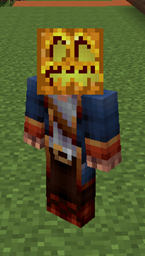
BlockHead Plugin for Minecraft
Lets you set any block as your helmet either by name or by what's in your hand
Description
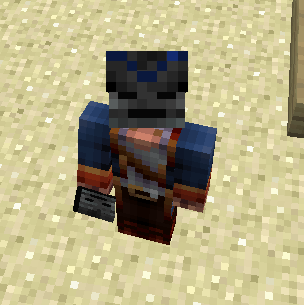
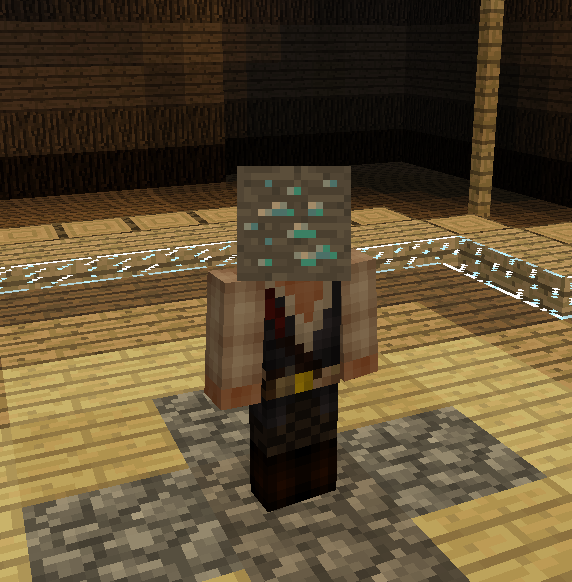
Allows a player to make any block be their head/helmet. It's that simple :D This can be just for fun or it could be a fun way to show what team you're on in a team game. If you come up with an interesting use post it!
Commands
- /blockhead or /bh
- /bh [itemname] - Sets the item as your head (block id numbers work also)
- /bh hand - Sets the item in your hand as your head
Permissions
- blockhead.name - Allows use of /bh [itemname]. Defaults to op.
- blockhead.hand - Allows use of /bh hand. Defaults to op.
Interesting
Try things like:
- Portal
- Fire
How to install BlockHead
A server on Paper or Spigot
The plugin runs on the server core; players do not need to install anything.
File goes into the plugins folder
Download the file BlockHead.jar (3 KB) and put it into the server’s plugins folder.
Restart the server
On startup the plugin creates its own settings folder in plugins.
Use the “To server” button
On Millida Hosting, the button at the top of the page uploads the file to your server and restarts it for you.
Versions
With dependencies
| Minecraft | Loader | File | Date | Actions |
|---|---|---|---|---|
| — | — | BlockHead v0.43.4 KB |
FAQ
Do players need to install BlockHead?
No, the plugin goes only on the server, into the plugins folder: players do not need to download anything.
Where can I download BlockHead safely?
On this page: the file BlockHead.jar (3 KB) is stored on Millida’s server, with no link shorteners. SHA-1 checksum: 99cc46a495ef796cd0e2e5110e1a20a9261b9072.
Reviews
Be the first to rate BlockHead


