
Minecraft mods — page 96
9,027 itemsMods: list

MovingWorld
A core mod to let modders have collections of blocks as entities.Install

Immersive Armors
A lot of unique and vanilla-faithful armor sets.InstallOn a server
(Legacy) Essentials
Core of several other modsInstall

Cave Dust
Dust is a Minecraft mod that adds the white ash particle from the Basalt Deltas biome to the underground to simulate dust!Install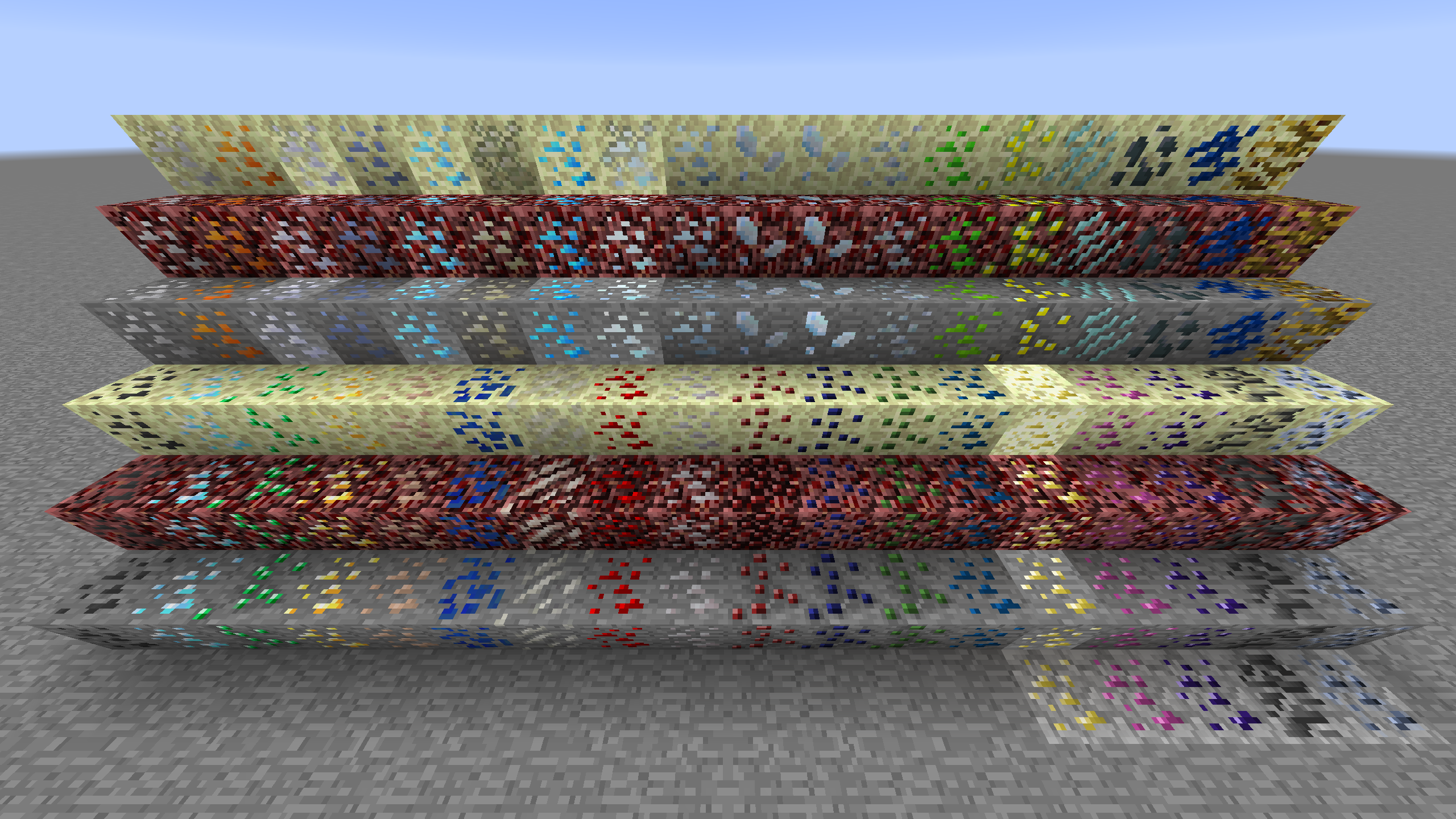
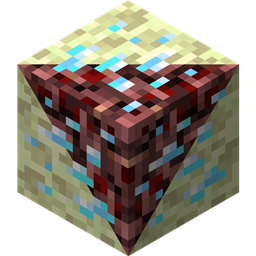
Netherending Ores
Vanilla and Modded Ores in the Nether/EndInstall
Mystical Adaptations
Insanium Armor, Insanium Tools & more.Install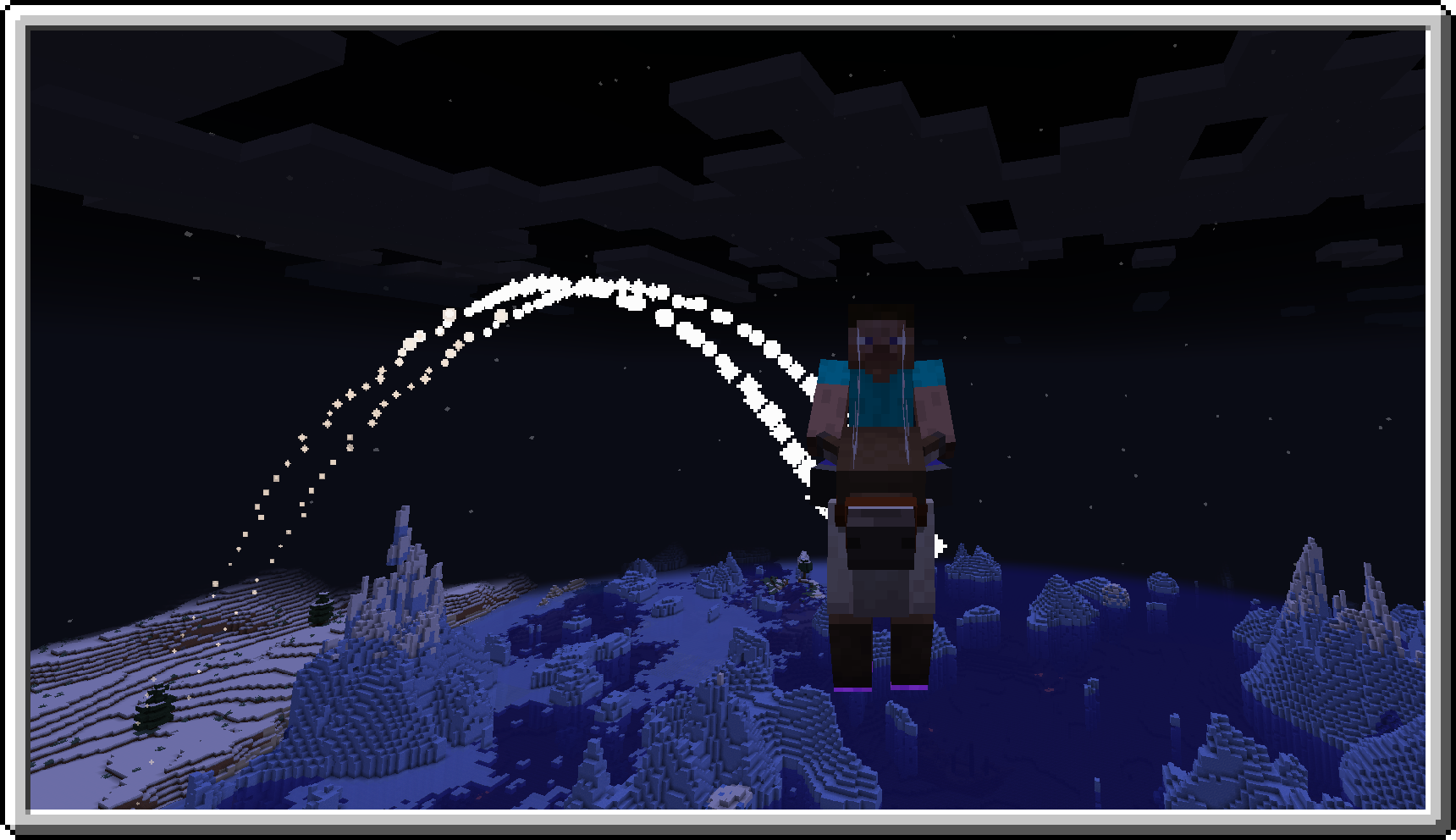

Frozen Up
A small mod for forge and fabric expanding upon the cold biomes of Minecraft.Install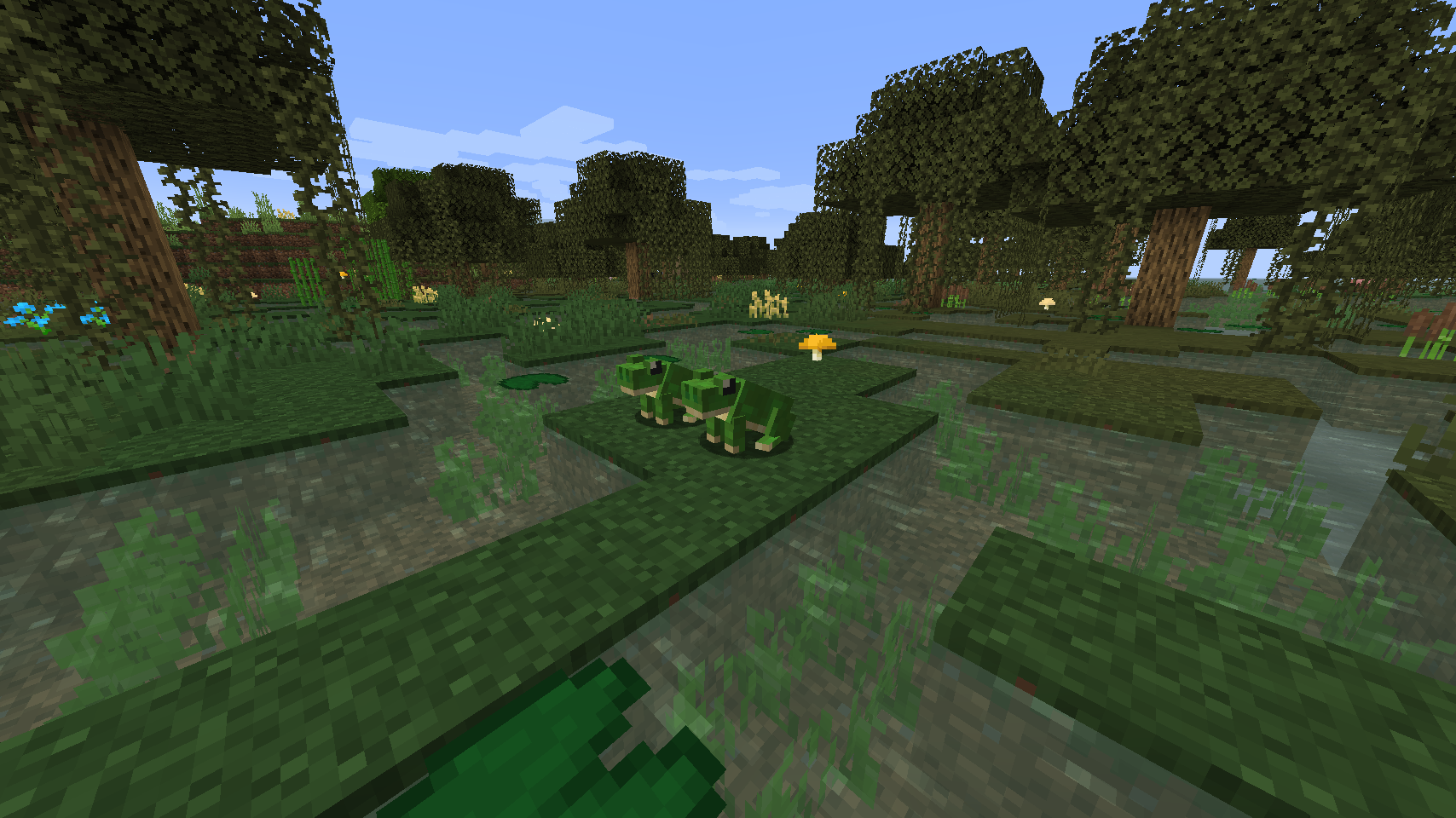

BetterDefaultBiomes
Mobs, Enchantments, Mob Arrows, Torch Arrows, Food, Trees, Plants, Flowers, Blocks, Trades, Tweaks and more!!Install
Mining Speed Tooltips
Adds information about harvest speed to all tools.Install

Botarium
A crossplatform API for devs that makes transfer and storage of items, fluids and energy easier, as well as some other helpful thingsInstallOn a server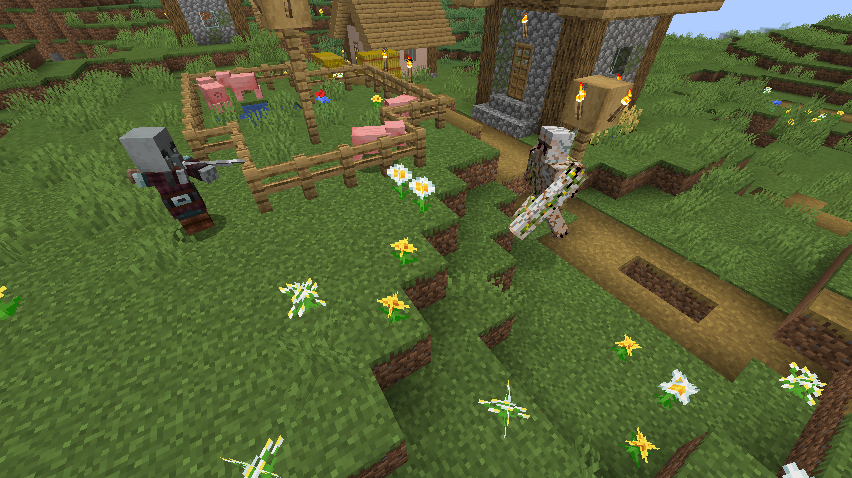
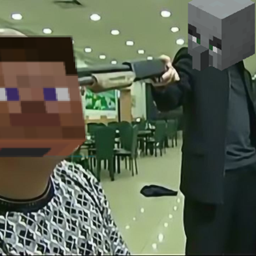
Pillager's Gun
A mod let the pillagers use shotguns.Install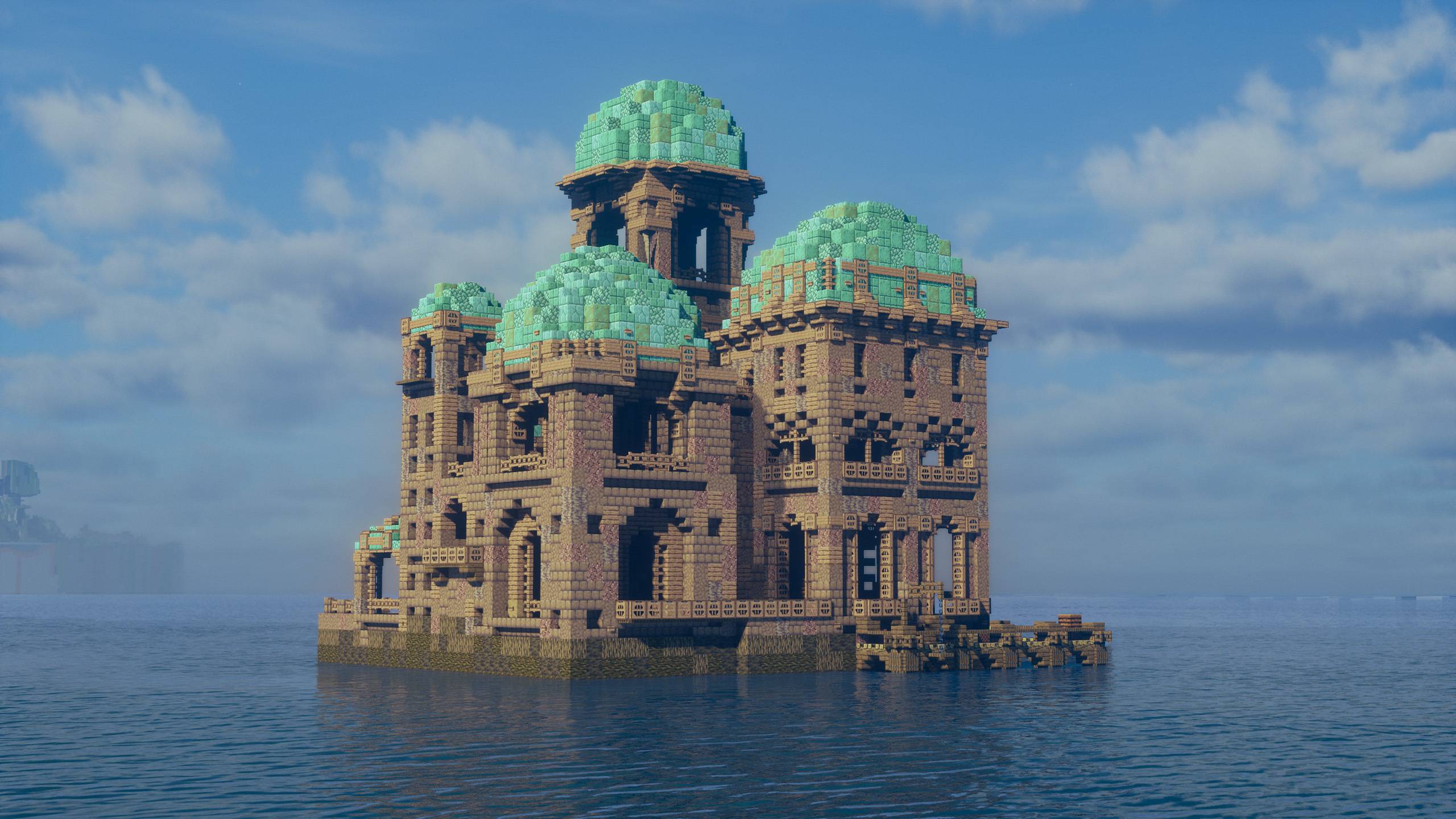
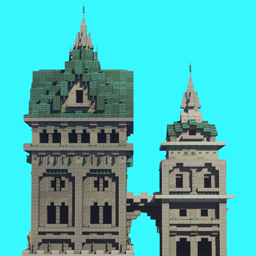
ATi Structures
A Pack adding a variety of structures found in the overworldInstall
LimeLib
Just a library for my mods.Install

Wakes
Adds splashes and wakes while traveling on waterInstall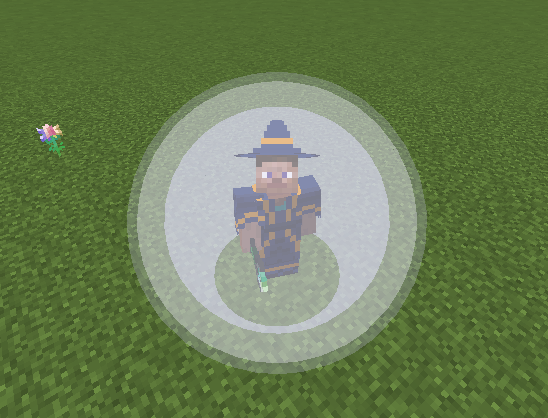
Ancient Spellcraft
Tons of new spells, artefacts and other goodies for Electroblob's WizardryInstall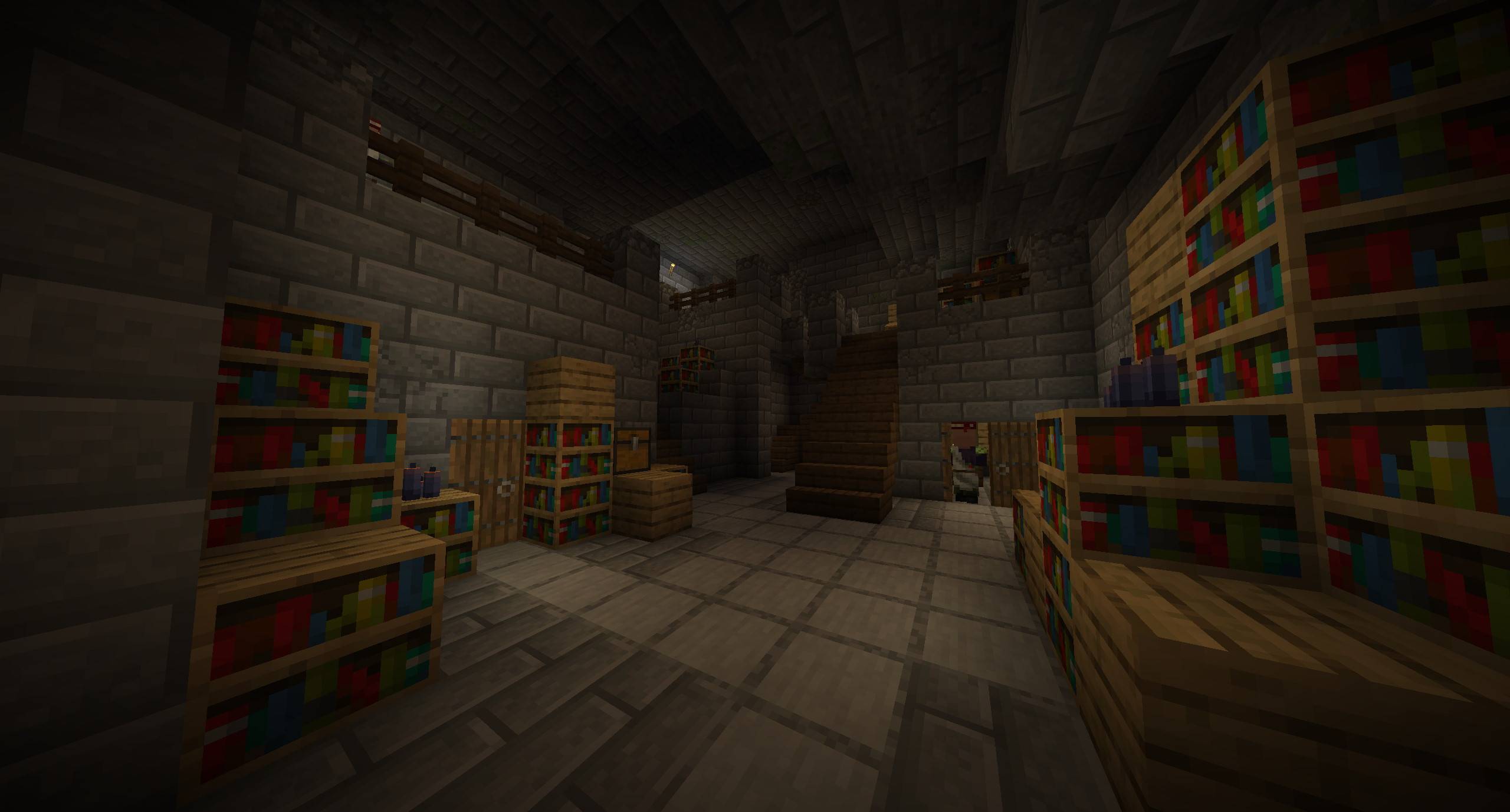
Stoneholm, Underground Villages (Fabric)
Underground Villages. Love villages? Wonder why none settled underground in a sort of inhabited Stronghold? Well, you can stop wondering because now they do.Install

Better Archeology
Discover artifacts & fossils by encountering new structures that'll enhance your adventure and exploration!InstallOn a server
Golem Spawn Fix
A fix for the Iron Golem spawnInstall

Macaw's Stairs
Adds new Vanilla styled Stairs, Handrails for Stairs and Balconies!InstallOn a server
Forgery
A huge collection of vanilla tweaks and small features. Trident improvements, bugfixes, furnace minecart changes, note block enhancements, old lava, old logo, oh my!Install
ucrashedlol
Mess with the crash log's headerInstall
Engineers Workshop
A Modular Workshop - All In One Block!Install
Immersive Portals
See through portals and teleport seamlesslyInstallFAQ
How is Forge different from Fabric?
They're two different mod loaders that aren't compatible with each other. Forge is the older one and better suited to big tech and magic modpacks; Fabric is lighter, updates to new game versions faster, and hosts most performance mods. NeoForge is a Forge fork for newer versions, and Quilt is a Fabric fork. A Forge mod won't run on Fabric, and vice versa. Millida Launcher installs the right loader for you.
How do I know which mod version I need?
The one that matches your game version and loader. The “Install” button picks the file for you: Millida Launcher grabs the version for your modpack. A mod for 1.20.1 usually won't work on 1.21.
How do I install a mod?
Click “Install” and Millida Launcher will download the mod, its dependencies and the right loader for you. To install a downloaded file manually, put it in the mods folder inside the game directory.
Do I need CurseForge to install mods?
No. The Install button on a mod page opens Millida Launcher: it downloads the mod, its dependencies and the right loader into the chosen instance by itself. No CurseForge and no manual file copying.
Which mods are there for 1.20.1?
1.20.1 is one of the most modded versions, especially on Forge: tech, magic, RPG, furniture, weapons. Pick 1.20.1 in the version filter to keep only mods with a file built exactly for it, then pick Forge or Fabric next to it.
Can I install mods on my phone?
On Android, yes: Millida Launcher runs the Java edition on a phone, and mods work there just like on a PC, though light ones run much better than heavy ones. Minecraft PE (Bedrock) cannot load PC mods — it has add-ons instead, in the Minecraft PE mods section.
Which mods are best to play with friends?
The usual picks are Simple Voice Chat for proximity voice chat, Waystones for fast travel, Xaero's Minimap and something big to work on together, such as Create. Mods that change the world must be installed by every player and on the server, while client-side ones like a minimap or performance mods are up to each player.
Minecraft mods
A mod is an add-on that changes the game itself: it adds blocks, mobs and mechanics, or speeds up world rendering. It isn't installed into the game directly but on top of a loader — Forge, Fabric, NeoForge or Quilt — and it's the loader that decides whether the file will run. That's why every card here lists both the game version and the loader: two mods with the same name for 1.12.2 Forge and 1.21 Fabric are two different files, and mixing them up means a crash on launch.
The most searched Minecraft mods are weapon, furniture, horror and performance mods: each theme has its own collection, and links to the themes and the most wanted versions are in the Popular block. Version 1.20.1 on Forge still holds the most big tech, magic and RPG mods, while the fresh 1.21.11 and 26.2 get Fabric and NeoForge mods fastest.
One mod in the catalog, one page. Every version the author has released is listed on its card: pick your game version and loader right there instead of jumping between ten similar pages. Each file shows its size, release date and checksum, and the mod itself shows the author, license and a link to the original source. Files whose license allows rehosting are stored with us and download directly — no link shorteners, timers or ad redirects. If the license forbids rehosting, the button honestly takes you to the author.