
Mods for Minecraft Java — page 8
9,028 itemsMods: list



Geckolib
A 3D animation library for entities, blocks, items, armor, and more!InstallOn a server
Wither Skeleton Tweaks
General improvements to wither skeletonsInstall

Text Placeholder API
Placeholder and Text manipulation library for your Minecraft mods.InstallOn a server
FTB Backups (Forge)
Configurable backups mod made by FTBInstall
FTB Ranks (NeoForge)
Adds ranking system that lets you give certain players permissions, username formatting, etc.Install

VeinMiner Hotkey
Veinminer Addon - Use a hotkey to veinmine with a dynamic crosshair & block highlightingInstall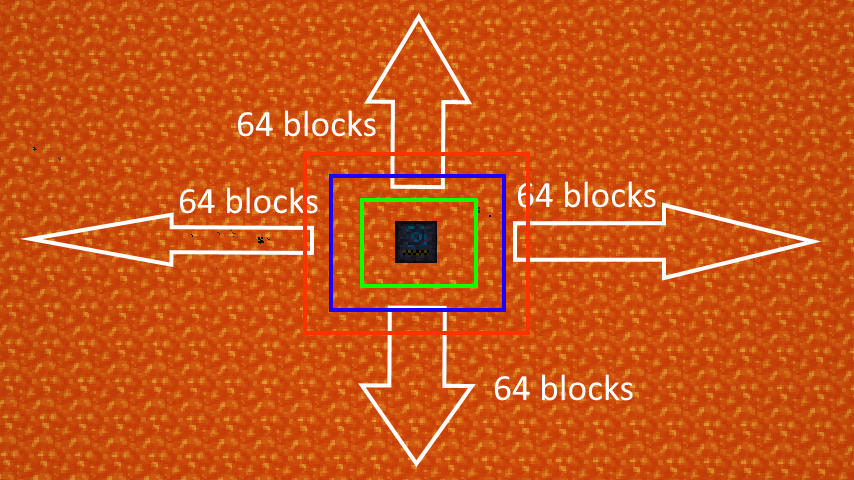
Ranged Pumps
Ranged Pumps is a simple mod that adds a pump that pumps liquids in a range.Install
B.A.S.E
Main Library for The Acronym Coders Mod ProjectsInstall
AllTheLeaks (Memory Leak Fix)
This mod fixes memory leaks of some mods, Neoforge and Minecraft until they implement their fixes.Install
Tinkers' Tool Leveling
Use tools. Get modifiers.Install
Structurize
Copy structures, paste structures, manipulate structures (100% GUI)Install
FerriteCore (Fabric)
Memory usage optimizationsInstall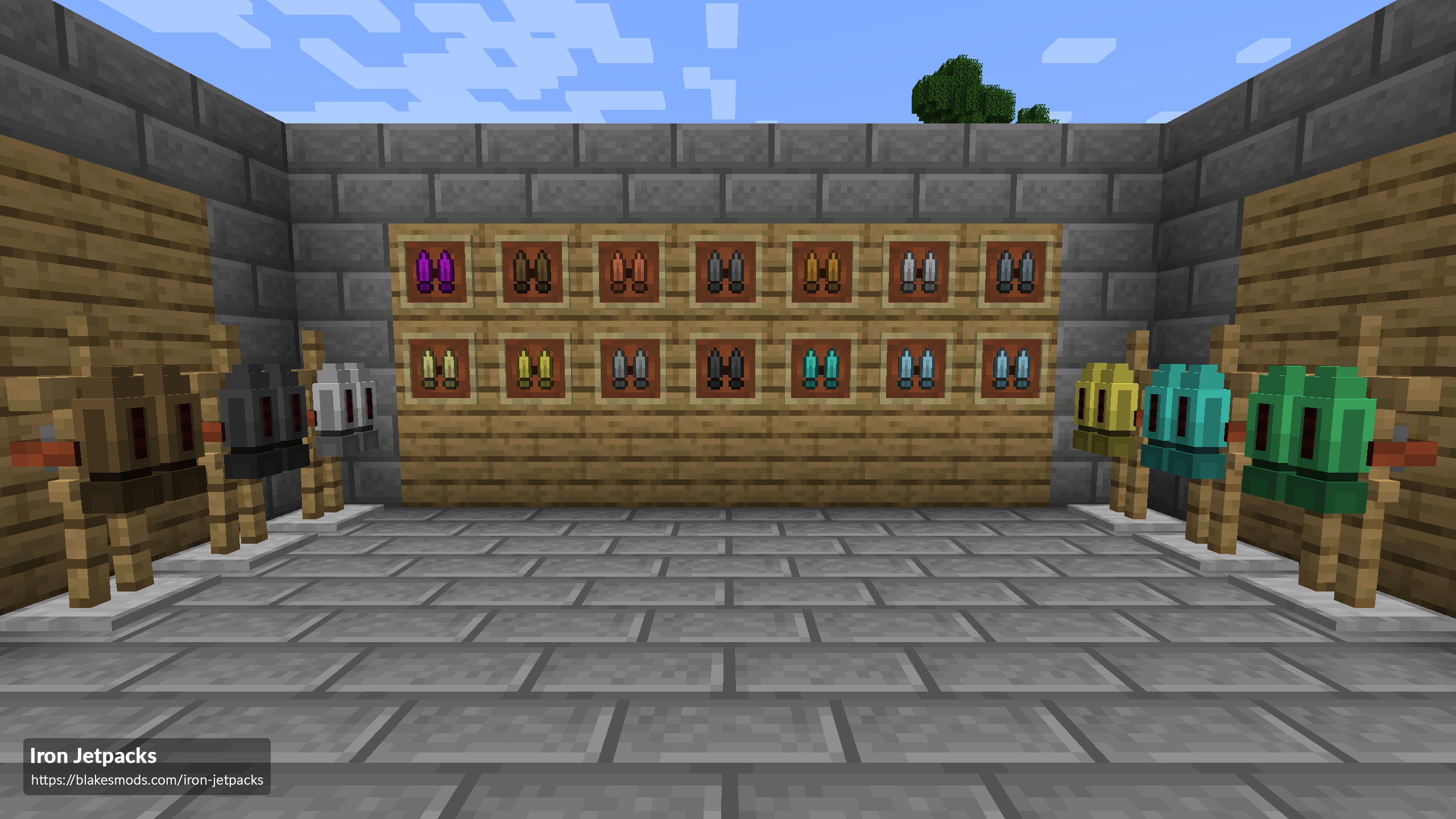

Iron Jetpacks
A fully customizable Forge Energy (FE) based jetpacks mod!Install

Jade
Shows information about what you are looking at. (Hwyla/Waila fork for Minecraft 1.16+)InstallOn a server

More Culling
A mod that changes how multiple types of culling are handled in order to improve performanceInstall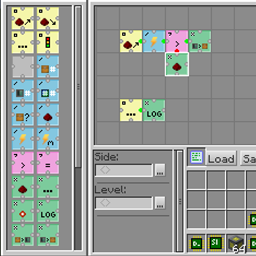
RFTools Control
Automation and logic computer addon for RFToolsInstall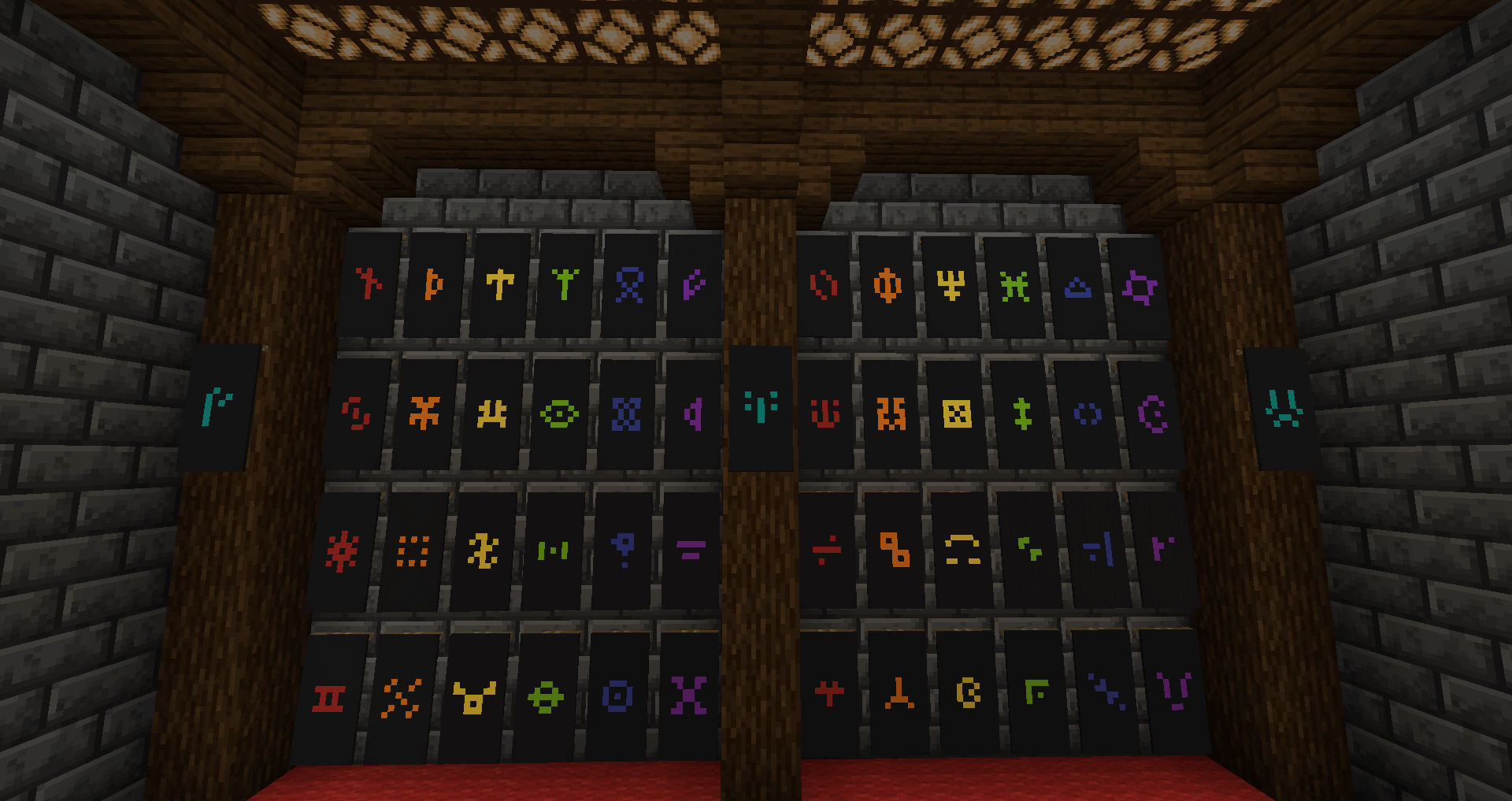
Runelic
A runic font for Minecraft.Install

Zoomify (Zoom)
A zoom mod with infinite customizability.Install
More Overlays
Brings back the NEI OverlaysInstall
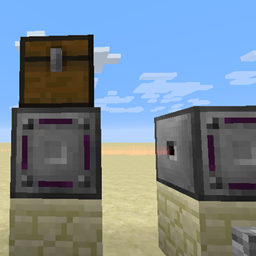
Modular Routers
Flexible item transport using router blocks and pluggable modulesInstall
CoFH World
Customizable and powerful world generation!Install

Dynamic FPS
Reduce resource usage while Minecraft is in the background, idle, or on battery.Install

Forge Config API Port
NeoForge's & Forge's config systems provided to other modding ecosystems. Designed for a multiloader architecture.InstallOn a serverFAQ
How is Forge different from Fabric?
They're two different mod loaders that aren't compatible with each other. Forge is the older one and better suited to big tech and magic modpacks; Fabric is lighter, updates to new game versions faster, and hosts most performance mods. NeoForge is a Forge fork for newer versions, and Quilt is a Fabric fork. A Forge mod won't run on Fabric, and vice versa. Millida Launcher installs the right loader for you.
How do I know which mod version I need?
The one that matches your game version and loader. The “Install” button picks the file for you: Millida Launcher grabs the version for your modpack. A mod for 1.20.1 usually won't work on 1.21.
How do I install a mod?
Click “Install” and Millida Launcher will download the mod, its dependencies and the right loader for you. To install a downloaded file manually, put it in the mods folder inside the game directory.
Do I need CurseForge to install mods?
No. The Install button on a mod page opens Millida Launcher: it downloads the mod, its dependencies and the right loader into the chosen instance by itself. No CurseForge and no manual file copying.
Which mods are there for 1.20.1?
1.20.1 is one of the most modded versions, especially on Forge: tech, magic, RPG, furniture, weapons. Pick 1.20.1 in the version filter to keep only mods with a file built exactly for it, then pick Forge or Fabric next to it.
Can I install mods on my phone?
On Android, yes: Millida Launcher runs the Java edition on a phone, and mods work there just like on a PC, though light ones run much better than heavy ones. Minecraft PE (Bedrock) cannot load PC mods — it has add-ons instead, in the Minecraft PE mods section.
Which mods are best to play with friends?
The usual picks are Simple Voice Chat for proximity voice chat, Waystones for fast travel, Xaero's Minimap and something big to work on together, such as Create. Mods that change the world must be installed by every player and on the server, while client-side ones like a minimap or performance mods are up to each player.
Mods for Minecraft Java
A mod is an add-on that changes the game itself: it adds blocks, mobs and mechanics, or speeds up world rendering. It isn't installed into the game directly but on top of a loader — Forge, Fabric, NeoForge or Quilt — and it's the loader that decides whether the file will run. That's why every card here lists both the game version and the loader: two mods with the same name for 1.12.2 Forge and 1.21 Fabric are two different files, and mixing them up means a crash on launch.
The most searched Minecraft mods are weapon, furniture, horror and performance mods: each theme has its own collection, and links to the themes and the most wanted versions are in the Popular block. Version 1.20.1 on Forge still holds the most big tech, magic and RPG mods, while the fresh 1.21.11 and 26.2 get Fabric and NeoForge mods fastest.
One mod in the catalog, one page. Every version the author has released is listed on its card: pick your game version and loader right there instead of jumping between ten similar pages. Each file shows its size, release date and checksum, and the mod itself shows the author, license and a link to the original source. Files whose license allows rehosting are stored with us and download directly — no link shorteners, timers or ad redirects. If the license forbids rehosting, the button honestly takes you to the author.