
Mods for Minecraft Java 1.19.1
634 itemsMods: list


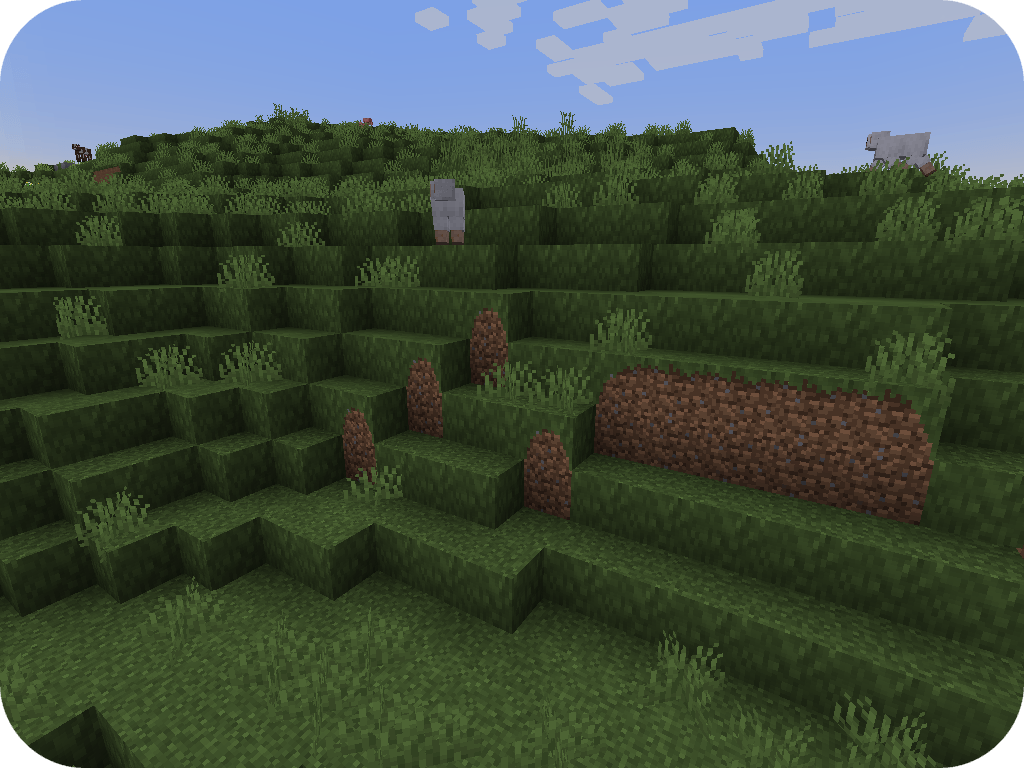

Fusion (Connected Textures)
Fusion allows resource packs to use additional texture and model types such as connected textures!Install
Charm of Undying (Fabric/Forge/Quilt)
Adds curios and trinkets support for the Totem of Undying so you can place it in a slot and don't have to be holding it. Formerly known as Curio of Undying and Trinket of Undying.Install
Mod Name Tooltip
Minecraft mod that shows an ItemStack's mod name on its tooltip.Install
Crash Utilities
Utilities for Server AdminsInstall
InsaneLib
A set of common classes and utilities used by Insane's modsInstall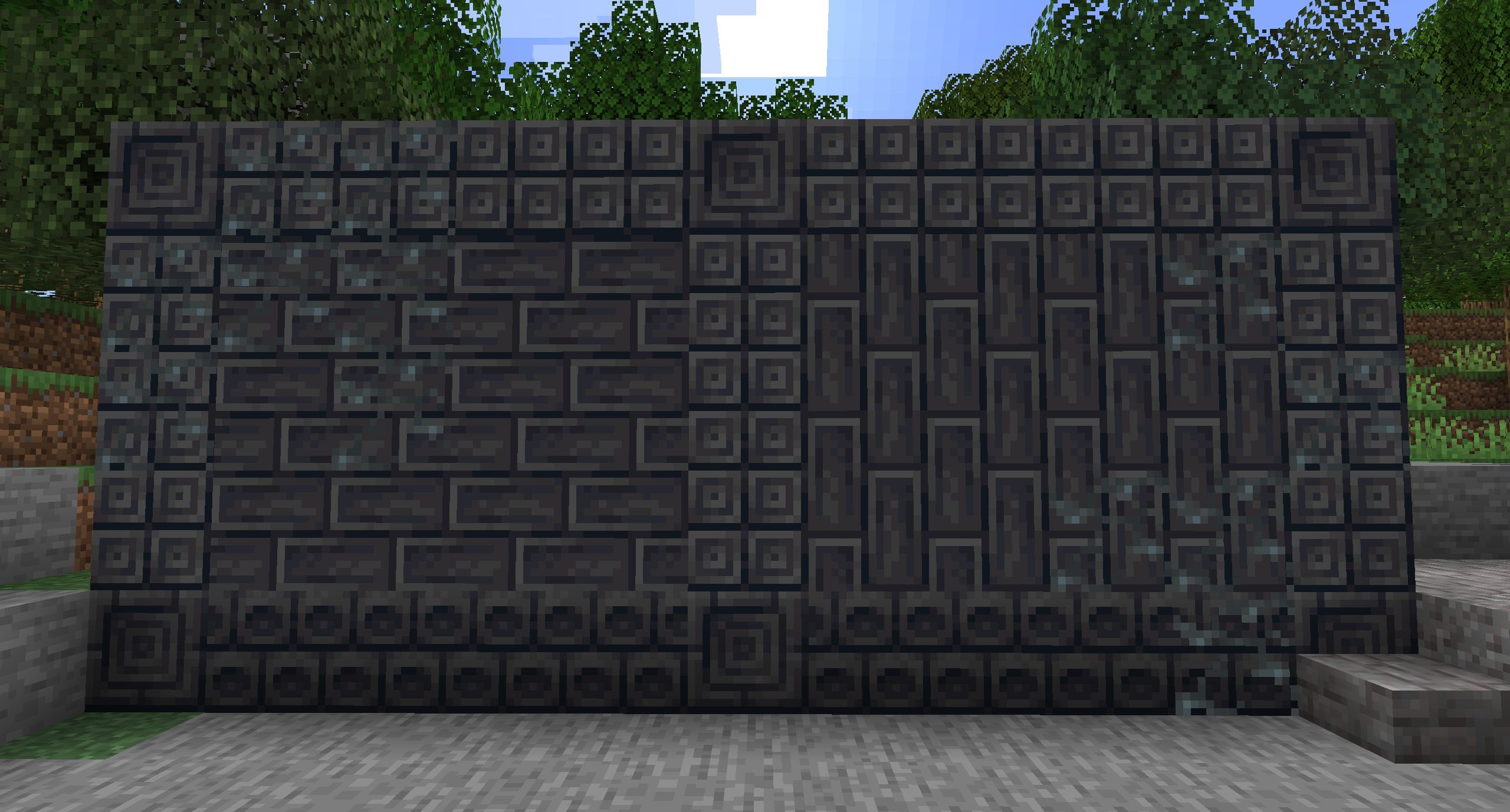
Twigs
A Minecraft building blocks modInstall
Lazy DataFixerUpper(LazyDFU) [FORGE]
Makes the initialization of DataFixerUpper "lazy"Install
Simply Swords [Fabric & Forge]
Adds Spears, Glaives, Chakrams, Katanas, Greathammer/axes, Rapiers, and many more weapons!Install
Shutup Experimental Settings!
Removes the Experimental Settings prompt before world creation.Install
Obscure API [Forge Edition]
Auxiliary LibraryInstall

BCLib
A library mod for BetterX modsInstall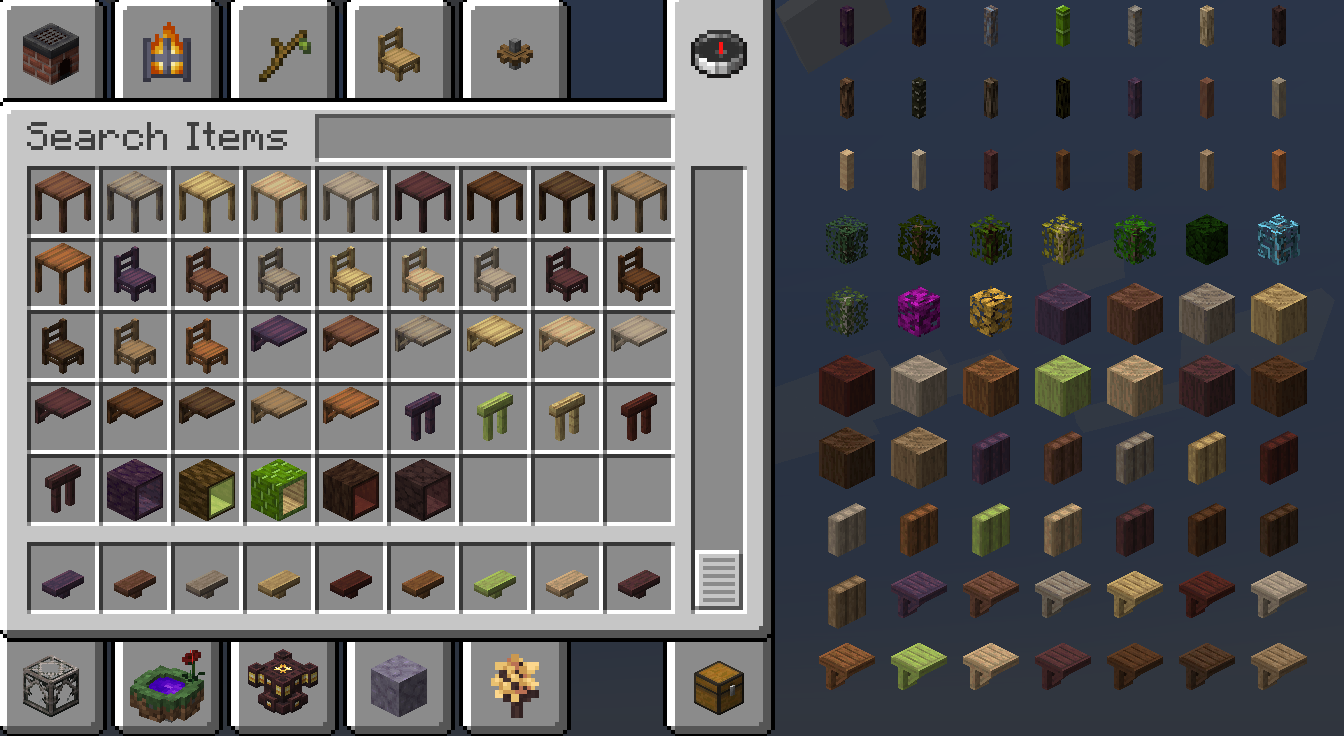
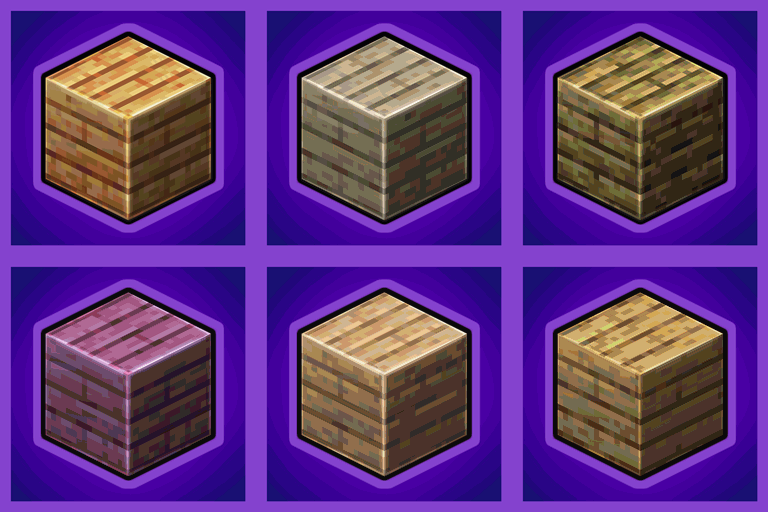
Every Compat (Wood Good)
Universal Wood Compat: Quark, Twilight Forest, Twigs, Another Furniture, Farmers Delight, Macaw's, Valhelsia, Architects Palette, Deco Blocks, Crayfish FMInstall
MaLiLib
A library mod for client-side mods. Contains most of the common/shared code of masa's client mods, and adds some inter-operation support between the dependent mods.Install

Memory Leak Fix
A mod that fixes random memory leaks for both the client and serverInstallOn a server

Iceberg
A modding library that contains new events, helpers, and utilities to make modder's lives easier.InstallOn a server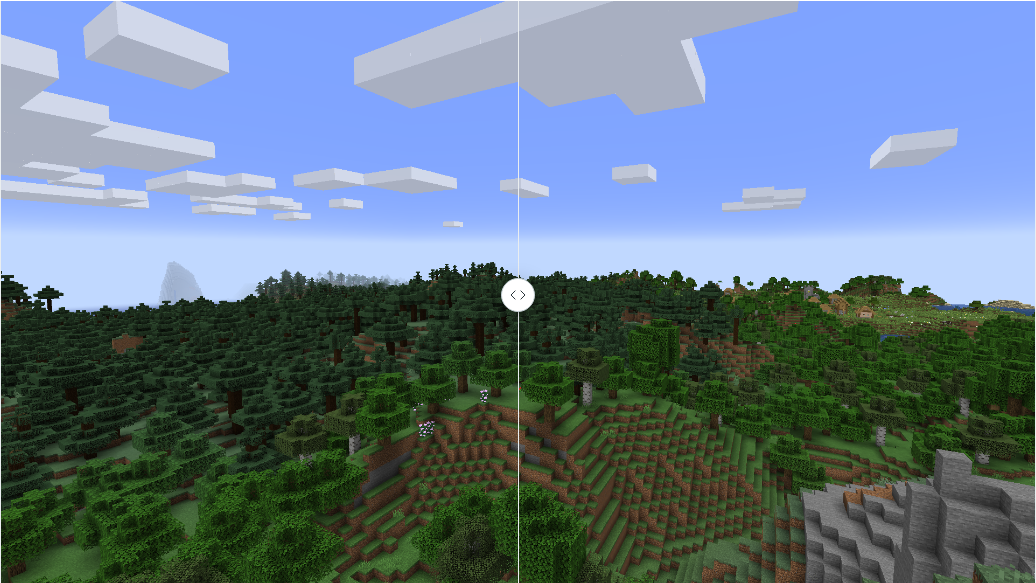

Embeddium (Rubidium) Extra
Port of Sodium Extra to work with Embeddium/Rubidium on (Neo)ForgeInstall

BetterF3
BetterF3 is a mod that replaces Minecraft's original debug HUD with a highly customizable, more human-readable HUD.Install

libIPN
Inventory Profiles Next GUI/Config libraryInstall

SuperMartijn642's Config Lib
Config Lib makes dealing with config files just a bit easier.InstallOn a server
Entity Collision FPS Fix
Client Side mod that optimizes entity's on the render thread. Fixes https://bugs.mojang.com/browse/MC-228976Install
Model Gap Fix
Fixes gaps in Block Models and Item ModelsInstall

Curios API
A flexible and expandable accessory/equipment API for users and developers.InstallOn a server
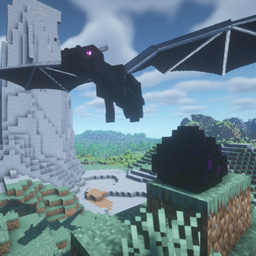
Dragon Mounts: Legacy
Finally Hatching That Dragon Egg! New Reptile Companions!InstallFAQ
How is Forge different from Fabric?
They're two different mod loaders that aren't compatible with each other. Forge is the older one and better suited to big tech and magic modpacks; Fabric is lighter, updates to new game versions faster, and hosts most performance mods. NeoForge is a Forge fork for newer versions, and Quilt is a Fabric fork. A Forge mod won't run on Fabric, and vice versa. Millida Launcher installs the right loader for you.
How do I know which mod version I need?
The one that matches your game version and loader. The “Install” button picks the file for you: Millida Launcher grabs the version for your modpack. A mod for 1.20.1 usually won't work on 1.21.
How do I install a mod?
Click “Install” and Millida Launcher will download the mod, its dependencies and the right loader for you. To install a downloaded file manually, put it in the mods folder inside the game directory.
Do I need CurseForge to install mods?
No. The Install button on a mod page opens Millida Launcher: it downloads the mod, its dependencies and the right loader into the chosen instance by itself. No CurseForge and no manual file copying.
Which mods are there for 1.20.1?
1.20.1 is one of the most modded versions, especially on Forge: tech, magic, RPG, furniture, weapons. Pick 1.20.1 in the version filter to keep only mods with a file built exactly for it, then pick Forge or Fabric next to it.
Can I install mods on my phone?
On Android, yes: Millida Launcher runs the Java edition on a phone, and mods work there just like on a PC, though light ones run much better than heavy ones. Minecraft PE (Bedrock) cannot load PC mods — it has add-ons instead, in the Minecraft PE mods section.
Which mods are best to play with friends?
The usual picks are Simple Voice Chat for proximity voice chat, Waystones for fast travel, Xaero's Minimap and something big to work on together, such as Create. Mods that change the world must be installed by every player and on the server, while client-side ones like a minimap or performance mods are up to each player.
Mods for Minecraft Java 1.19.1
Mods for Minecraft 1.19.1: 634 items in the Mods section. Compatibility is checked against the files, not the description: only items with a build for exactly these conditions stay in the list.
One mod in the catalog, one page. Every version the author has released is listed on its card: pick your game version and loader right there instead of jumping between ten similar pages. Each file shows its size, release date and checksum, and the mod itself shows the author, license and a link to the original source. Files whose license allows rehosting are stored with us and download directly — no link shorteners, timers or ad redirects. If the license forbids rehosting, the button honestly takes you to the author.