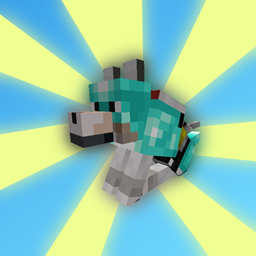
Wolves With Armor
by Draylar1 · CurseForgeWolves With Armor adds special armor items for wolves (and a few extra utilities) that keep them nice and safe.
Updated October 17
Wolves With Armor adds special armor items for wolves (and a few extra utilities) that keep them nice and safe.
A Mod that adds villages with Pokemon Village/City variants - Originally made for the Brocraft server. This will spawn in a variety of structures within the villages as well. We are planning on adding rare structures!
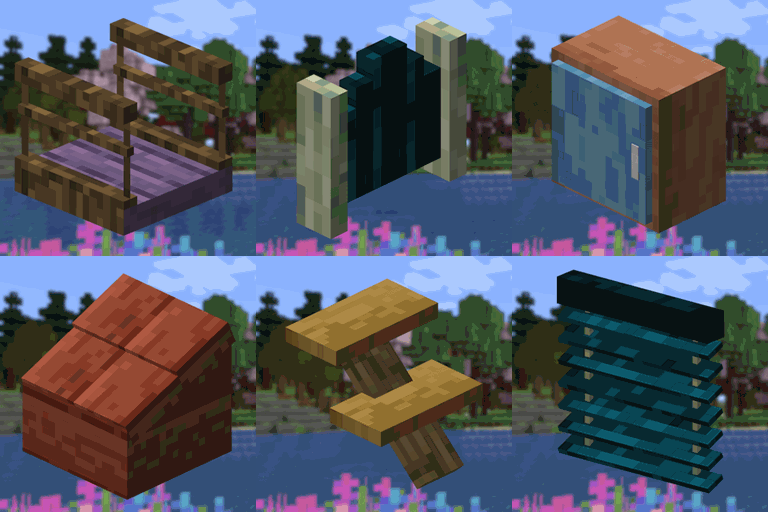
Build and tinker with various new blocks !
An addon for the Create mod developed to increase automation possibilities, adding 30 (reasonably) balanced recipes to the game.
Explore the world of the occult - A Witchery spiritual successor
Fancy Item Labels, perfect for your item storages
Adds Bouncy Creepers
New improved boss bars!
Adds Spears, Glaives, Chakrams, Katanas, Greathammer/axes, Rapiers, and many more weapons!
Vanilla stone types in plenty of variations for all your building needs.
A Mod that prevents ticking-related crashes from bricking worlds
A Library contains animation engine, object helper and so on. Partly based on LLibrary and Citadel.
A compatibility between Macaw's Mods and the different woods of Regions Unexplored
Adds fish entities for the vanilla fish items, as well as some content for them like fishing rods and fish tanks.
Minimalist vanilla-like widget to display your armor items and their durability. Forked by uku.
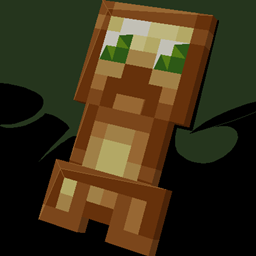
A mod that adds new mob-inspired totems to Minecraft
Your mods button, your way. Where you want it, and how you want it!
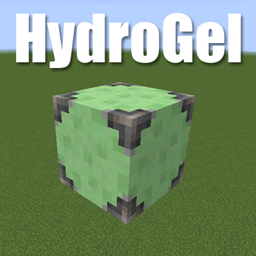
A simple Minecraft mod to add a single, solid block to hydrate farmland.
An item to open the Better Questing GUI
Biome Makeover is a mod that takes vanilla's biomes and gives them a fresh coat of paint.
Fill your world with all kinds of mobs, undead-related or not.
Prevents Incorrect Tag Entries from breaking an entire Tag
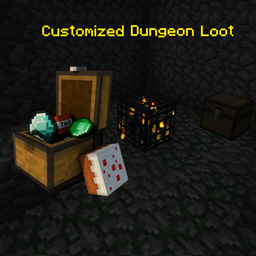
Fills the crates of the various structures in Minecraft with modified vanilla loot to find even more unique and special items!
A totem that prevents you from dying in the void.
They're two different mod loaders that aren't compatible with each other. Forge is the older one and better suited to big tech and magic modpacks; Fabric is lighter, updates to new game versions faster, and hosts most performance mods. NeoForge is a Forge fork for newer versions, and Quilt is a Fabric fork. A Forge mod won't run on Fabric, and vice versa. Millida Launcher installs the right loader for you.
The one that matches your game version and loader. The “Install” button picks the file for you: Millida Launcher grabs the version for your modpack. A mod for 1.20.1 usually won't work on 1.21.
Click “Install” and Millida Launcher will download the mod, its dependencies and the right loader for you. To install a downloaded file manually, put it in the mods folder inside the game directory.
No. The Install button on a mod page opens Millida Launcher: it downloads the mod, its dependencies and the right loader into the chosen instance by itself. No CurseForge and no manual file copying.
1.20.1 is one of the most modded versions, especially on Forge: tech, magic, RPG, furniture, weapons. Pick 1.20.1 in the version filter to keep only mods with a file built exactly for it, then pick Forge or Fabric next to it.
On Android, yes: Millida Launcher runs the Java edition on a phone, and mods work there just like on a PC, though light ones run much better than heavy ones. Minecraft PE (Bedrock) cannot load PC mods — it has add-ons instead, in the Minecraft PE mods section.
The usual picks are Simple Voice Chat for proximity voice chat, Waystones for fast travel, Xaero's Minimap and something big to work on together, such as Create. Mods that change the world must be installed by every player and on the server, while client-side ones like a minimap or performance mods are up to each player.
A mod is an add-on that changes the game itself: it adds blocks, mobs and mechanics, or speeds up world rendering. It isn't installed into the game directly but on top of a loader — Forge, Fabric, NeoForge or Quilt — and it's the loader that decides whether the file will run. That's why every card here lists both the game version and the loader: two mods with the same name for 1.12.2 Forge and 1.21 Fabric are two different files, and mixing them up means a crash on launch.
The most searched Minecraft mods are weapon, furniture, horror and performance mods: each theme has its own collection, and links to the themes and the most wanted versions are in the Popular block. Version 1.20.1 on Forge still holds the most big tech, magic and RPG mods, while the fresh 1.21.11 and 26.2 get Fabric and NeoForge mods fastest.
One mod in the catalog, one page. Every version the author has released is listed on its card: pick your game version and loader right there instead of jumping between ten similar pages. Each file shows its size, release date and checksum, and the mod itself shows the author, license and a link to the original source. Files whose license allows rehosting are stored with us and download directly — no link shorteners, timers or ad redirects. If the license forbids rehosting, the button honestly takes you to the author.