
Minecraft mods — page 73
9,023 itemsMods: list
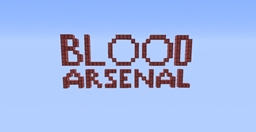
Blood Arsenal
A Blood Magic addon adding in new tools weaponry, and mechanics!Install
Mo' Villages
Adds more villages and to more biomesInstall

Incendium Legacy
A nether biome overhaul combined with challenging structures to conquer, unique weapons to obtain, and tricky mobs to defeat.InstallOn a server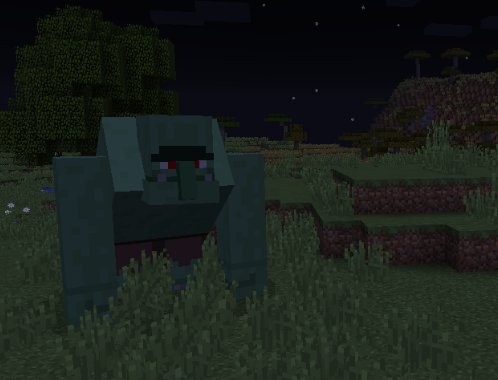
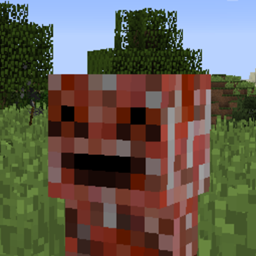
Primitive Mobs
A small mod that adds mobs with "Minecrafty" feel.Install
Refined Cooking
A mod that allows Refined Storage and Cooking for Blockheads to work together!Install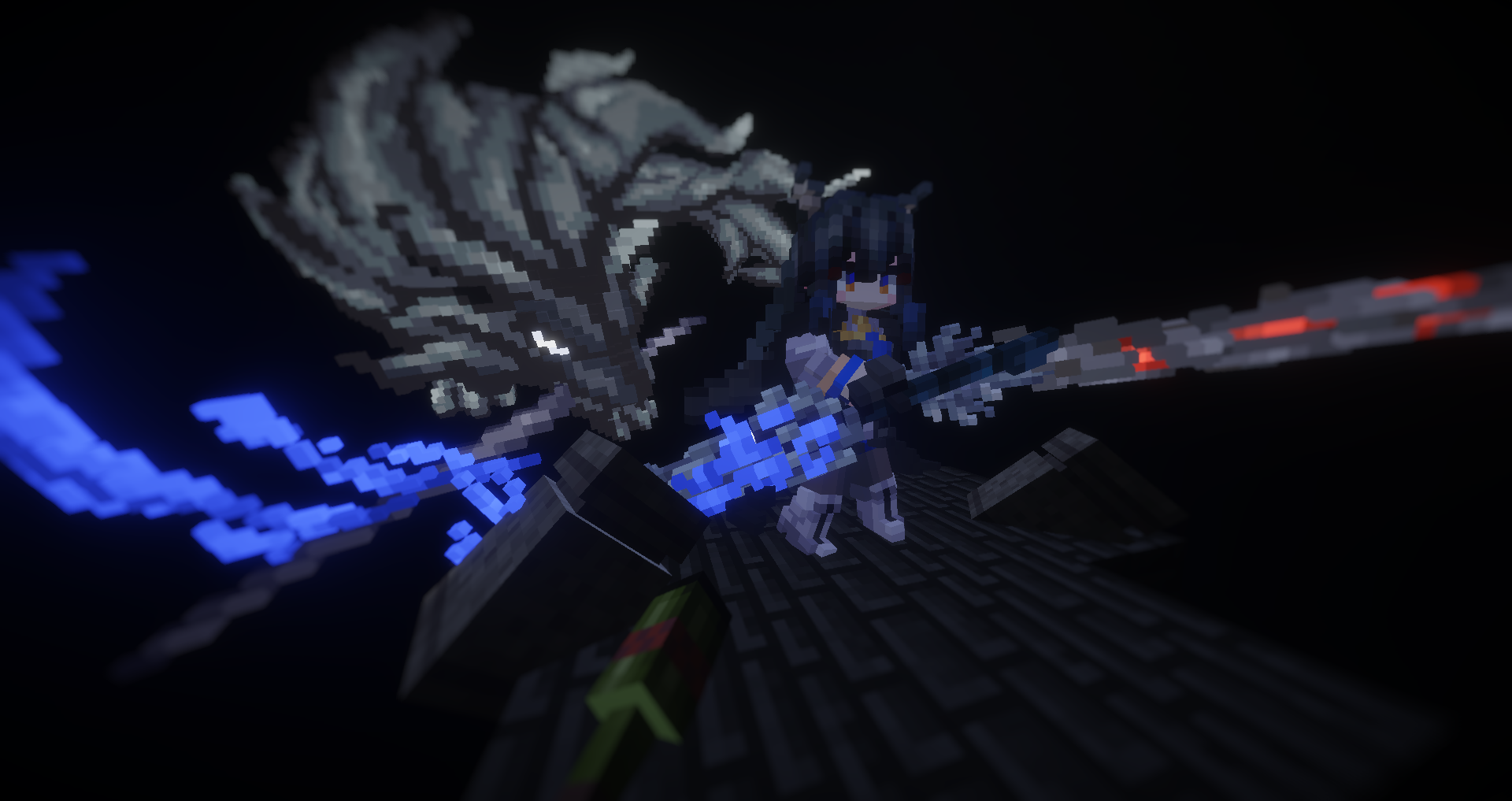
Armourer's Workshop
Cosmetic weapon and armour skins.Install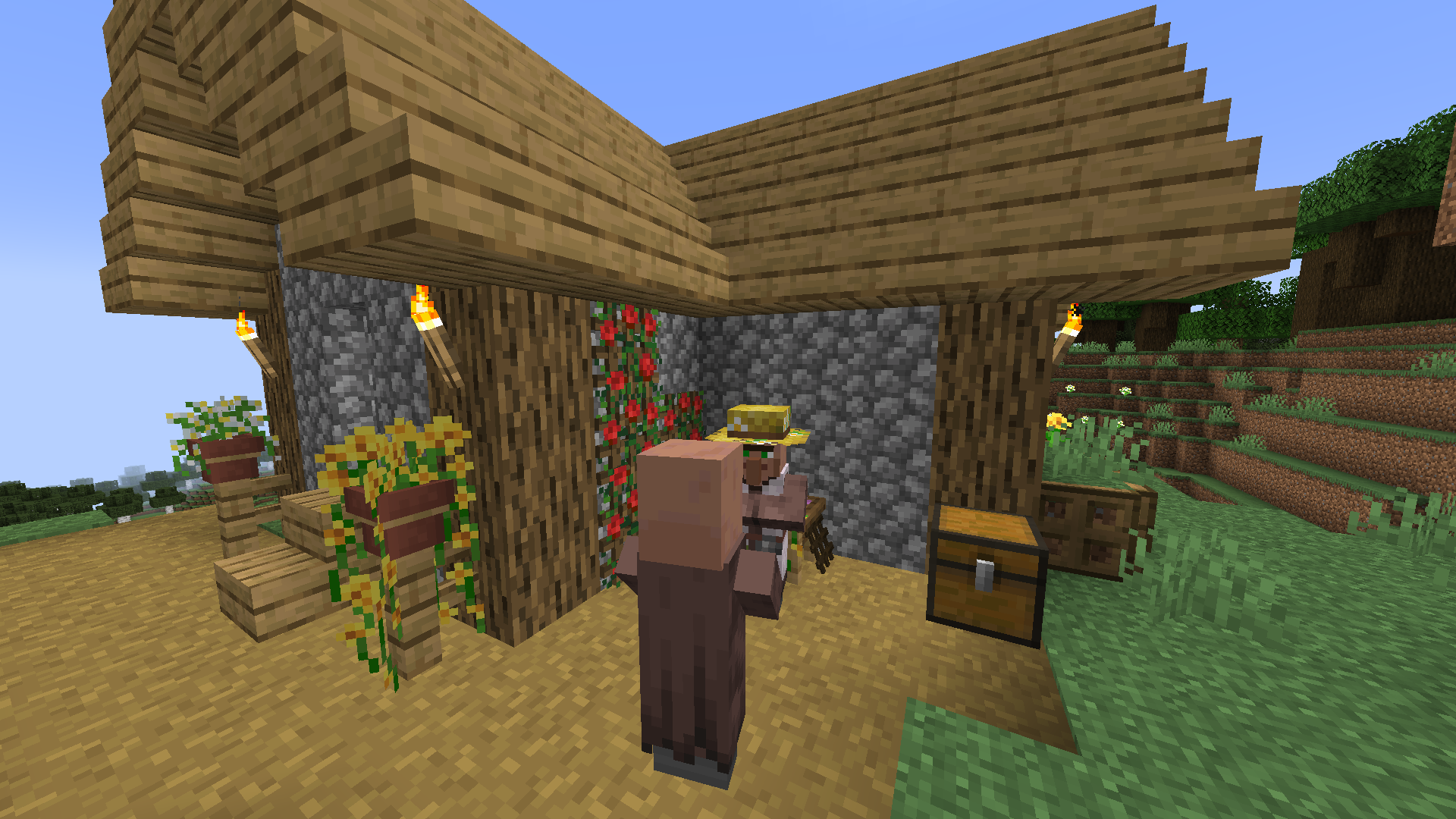

Beautify!
Adds lots of vanilla-styled ways to spice up your builds.Install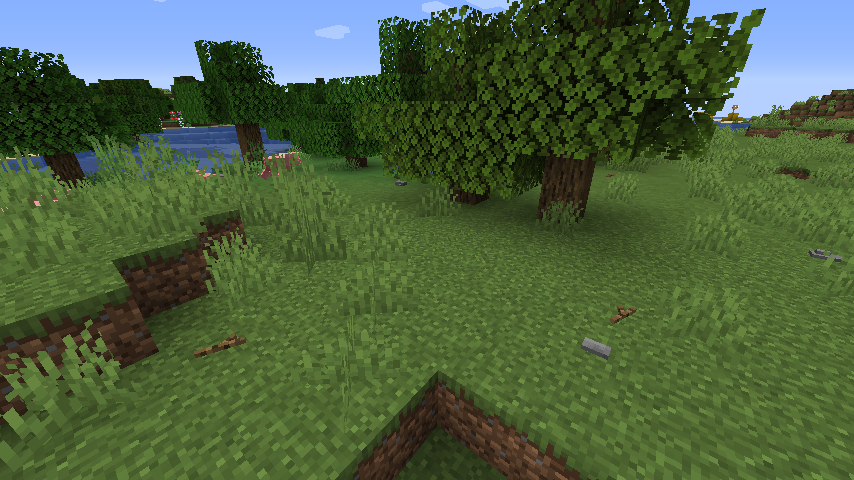
This Rocks! (Forge)
Adds little rocks, sticks, pinecones, seashells, starfish, and geysers to your minecraft world to make it feel more natural.Install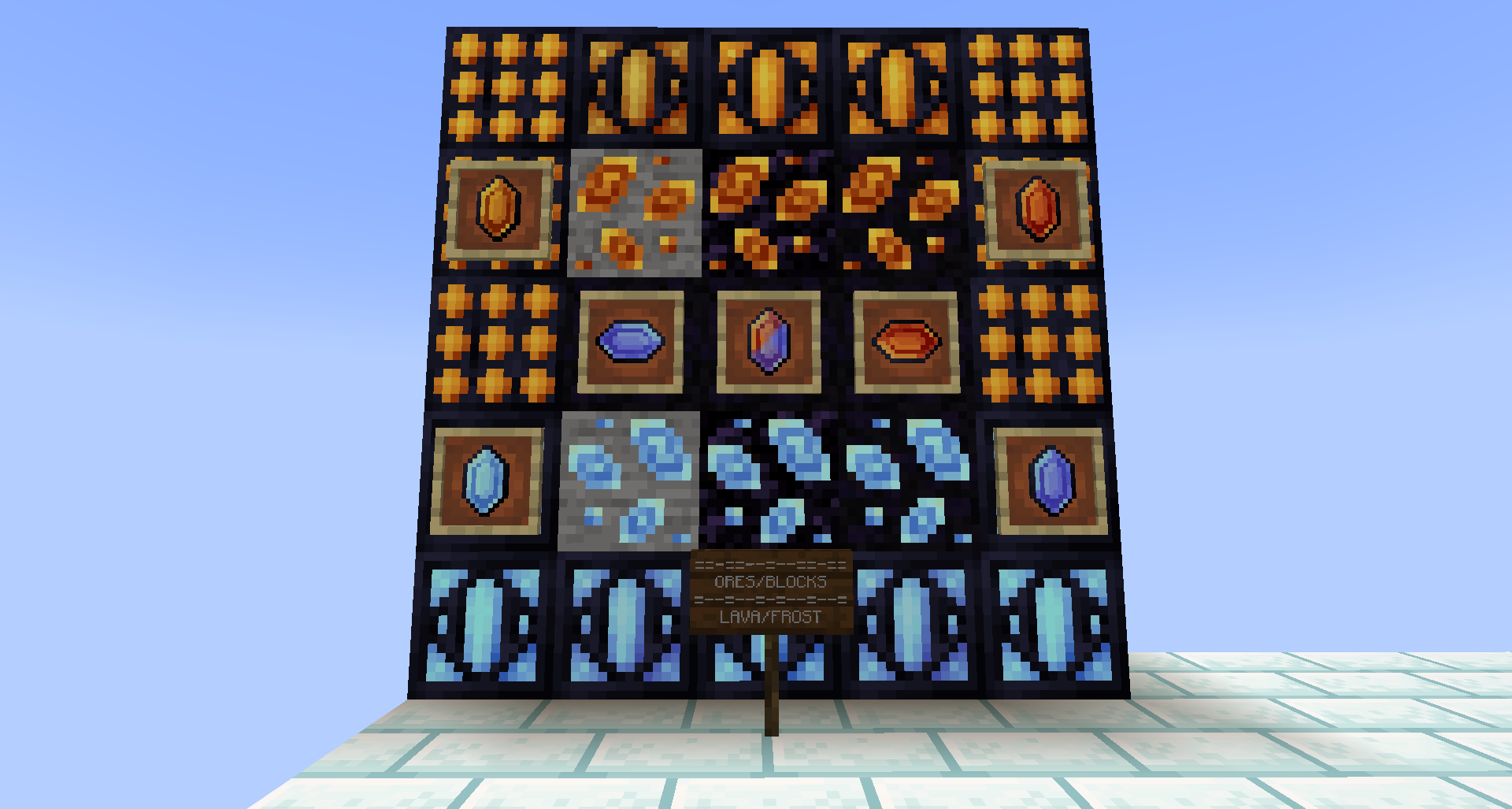
ArmorPlus
ArmorPlus is a mod based on exploration, killing, building, getting geared up, fight the bosses and explore the depths of your worldsInstall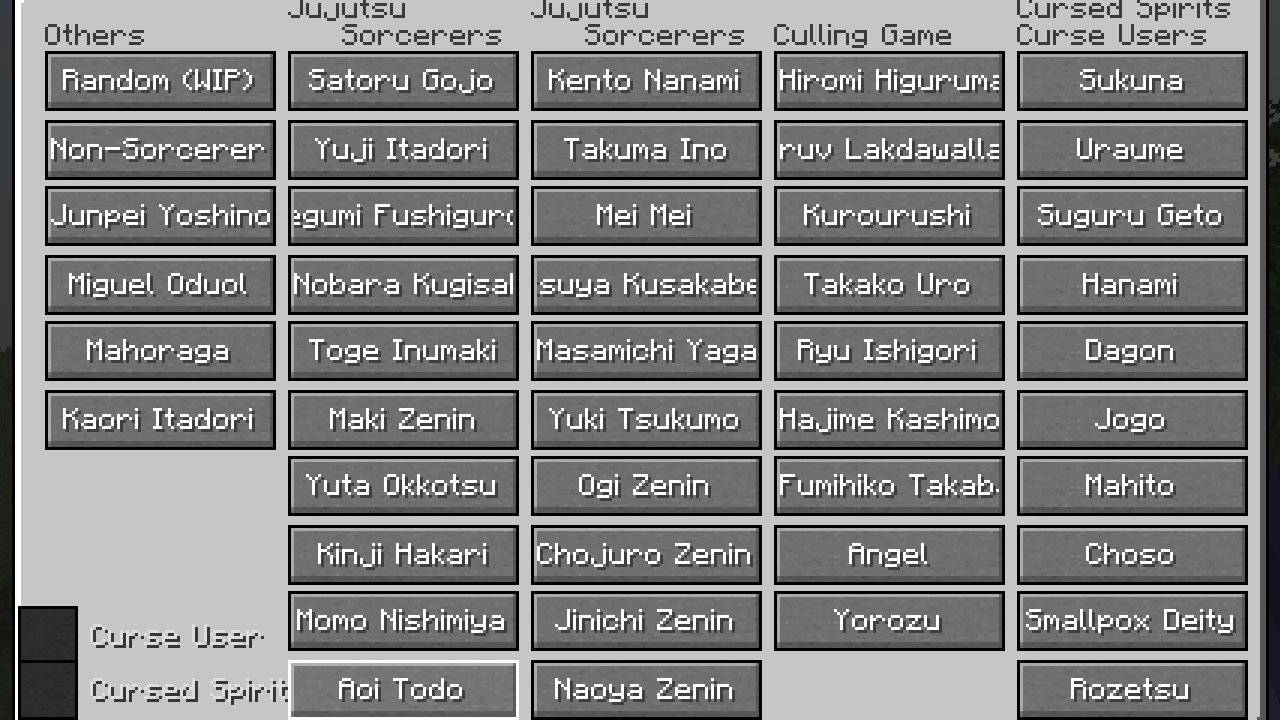
Jujutsu Craft (Sorcery Fight)
Japanese anime "Sorcery Fight (Jujutsu Kaisen)" modInstall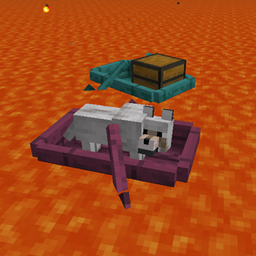
Fireproof Boats
Adds warped and crimson boats which can be used on lavaInstall
Limitless Structure Blocks
Removes structure block size limitsInstall
Lazier AE2
Make your life with Applied Energistics 2 a little easier. A rewrite of LazyAE2.Install
Sophisticated Backpacks (Unofficial Fabric port)
The Unofficial Fabric version of Sophisticated BackpacksInstall
Beautify: Refabricated
Adds lots of vanilla-styled ways to spice up your builds.InstallOn a server
Tweakers Construct
Tweak various values within tinkers' construct.Install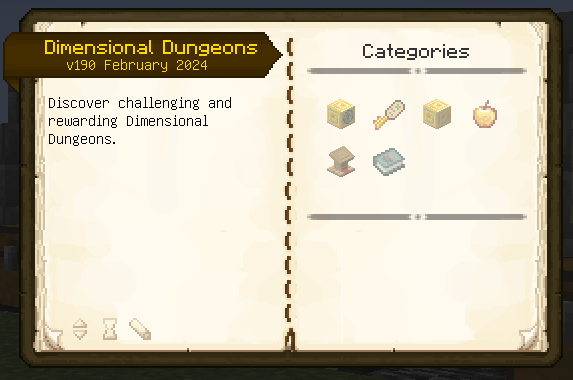

Dimensional Dungeons
Limitless adventure from a single portal that you can build anywhere!Install
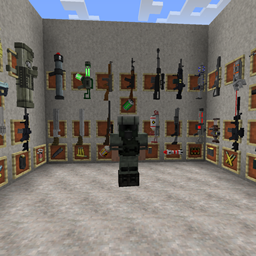
Techguns
Guns, Armors and a lot more.Install
Explorer's Compass Edited
An edited Explorer's compasss mod,for better search structures。Install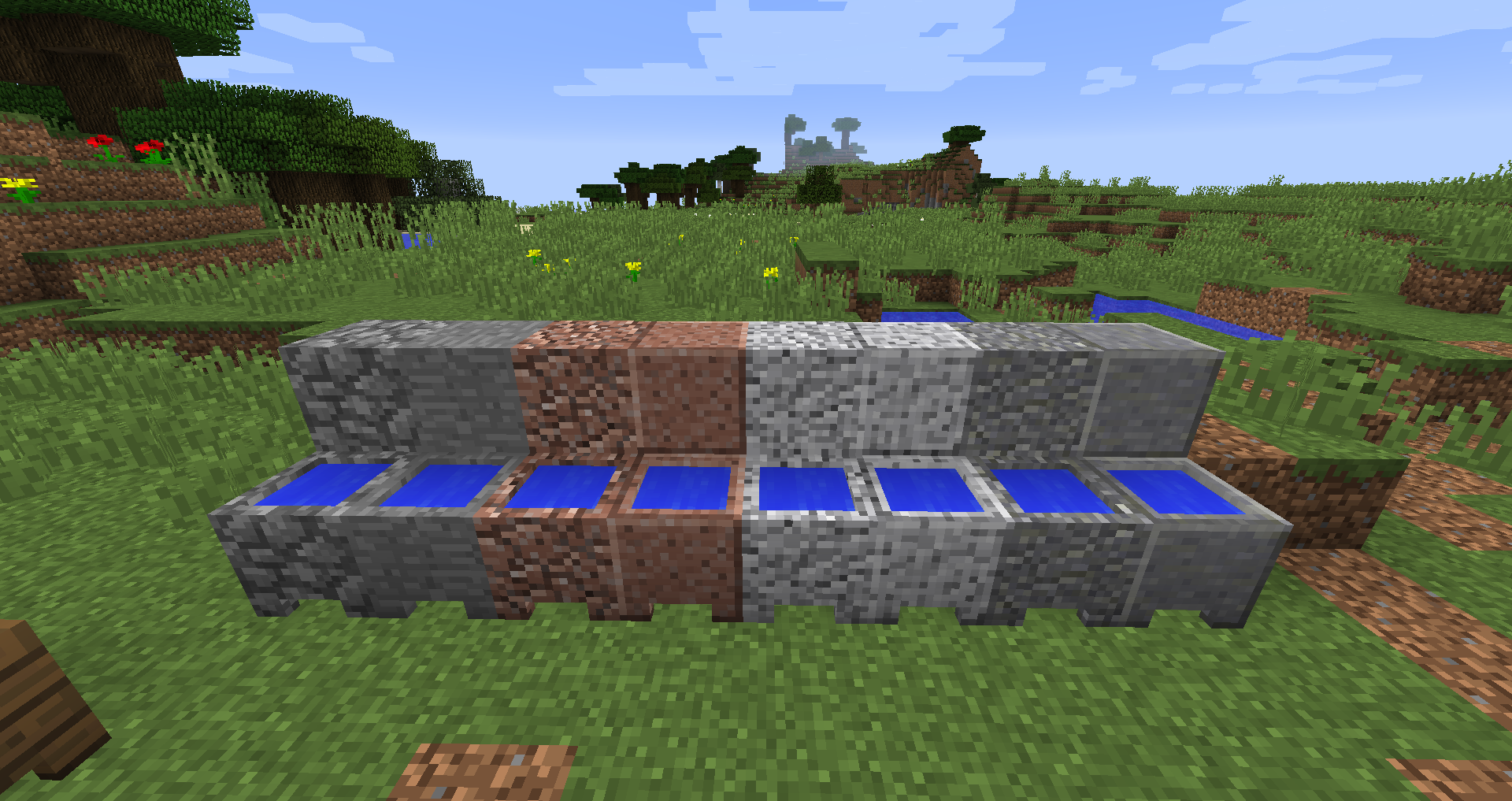

More Cauldrons
A mod that adds more cauldronsInstall

Neat
Functional minimalistic Unit Frames for the modern MinecrafterInstall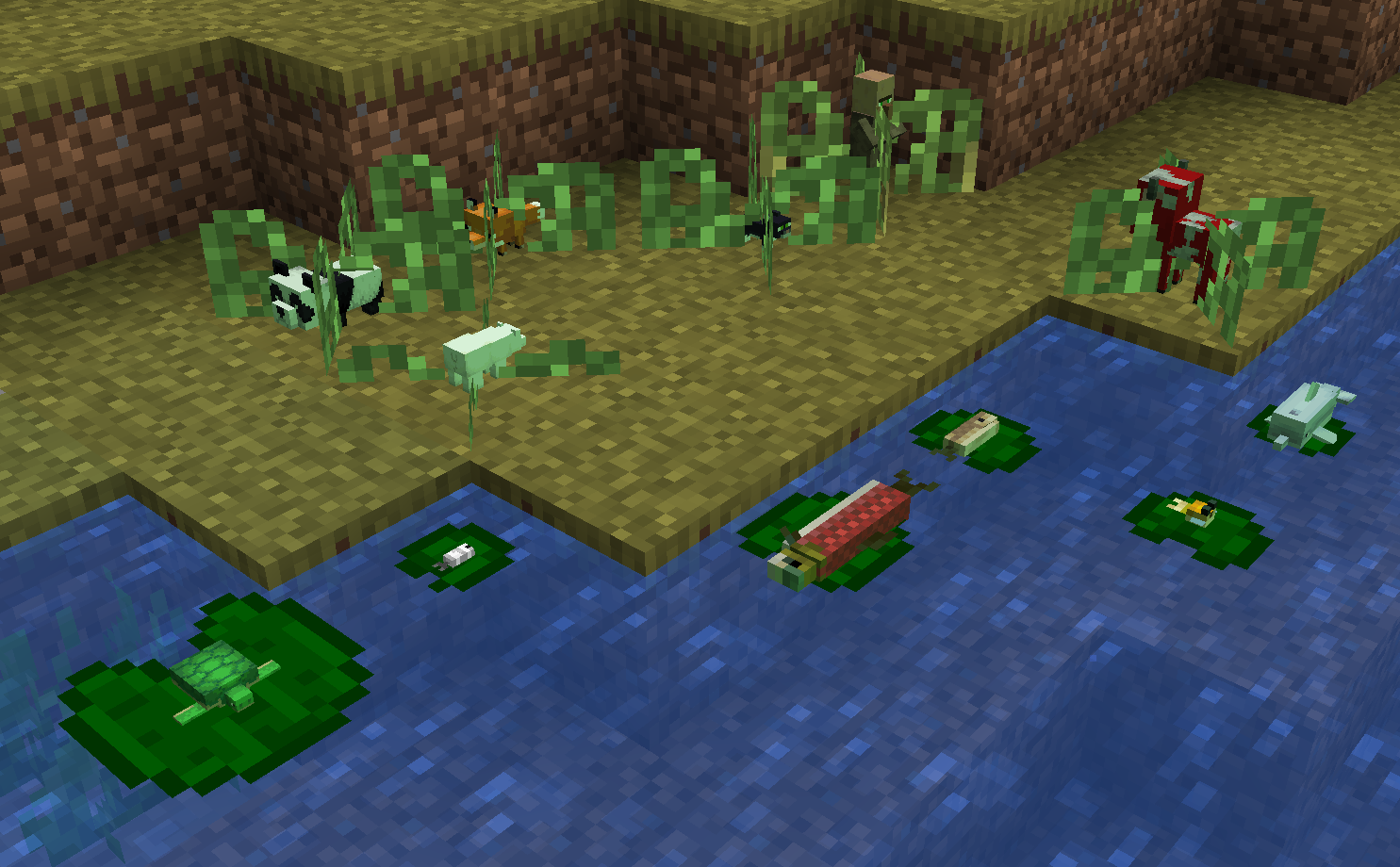
Animal Crops
Adds seeds to grow passive mobsInstall
Calm Down Zombie Guy
Fixes bugs with zombies and zombie pigmenInstallFAQ
How is Forge different from Fabric?
They're two different mod loaders that aren't compatible with each other. Forge is the older one and better suited to big tech and magic modpacks; Fabric is lighter, updates to new game versions faster, and hosts most performance mods. NeoForge is a Forge fork for newer versions, and Quilt is a Fabric fork. A Forge mod won't run on Fabric, and vice versa. Millida Launcher installs the right loader for you.
How do I know which mod version I need?
The one that matches your game version and loader. The “Install” button picks the file for you: Millida Launcher grabs the version for your modpack. A mod for 1.20.1 usually won't work on 1.21.
How do I install a mod?
Click “Install” and Millida Launcher will download the mod, its dependencies and the right loader for you. To install a downloaded file manually, put it in the mods folder inside the game directory.
Do I need CurseForge to install mods?
No. The Install button on a mod page opens Millida Launcher: it downloads the mod, its dependencies and the right loader into the chosen instance by itself. No CurseForge and no manual file copying.
Which mods are there for 1.20.1?
1.20.1 is one of the most modded versions, especially on Forge: tech, magic, RPG, furniture, weapons. Pick 1.20.1 in the version filter to keep only mods with a file built exactly for it, then pick Forge or Fabric next to it.
Can I install mods on my phone?
On Android, yes: Millida Launcher runs the Java edition on a phone, and mods work there just like on a PC, though light ones run much better than heavy ones. Minecraft PE (Bedrock) cannot load PC mods — it has add-ons instead, in the Minecraft PE mods section.
Which mods are best to play with friends?
The usual picks are Simple Voice Chat for proximity voice chat, Waystones for fast travel, Xaero's Minimap and something big to work on together, such as Create. Mods that change the world must be installed by every player and on the server, while client-side ones like a minimap or performance mods are up to each player.
Minecraft mods
A mod is an add-on that changes the game itself: it adds blocks, mobs and mechanics, or speeds up world rendering. It isn't installed into the game directly but on top of a loader — Forge, Fabric, NeoForge or Quilt — and it's the loader that decides whether the file will run. That's why every card here lists both the game version and the loader: two mods with the same name for 1.12.2 Forge and 1.21 Fabric are two different files, and mixing them up means a crash on launch.
The most searched Minecraft mods are weapon, furniture, horror and performance mods: each theme has its own collection, and links to the themes and the most wanted versions are in the Popular block. Version 1.20.1 on Forge still holds the most big tech, magic and RPG mods, while the fresh 1.21.11 and 26.2 get Fabric and NeoForge mods fastest.
One mod in the catalog, one page. Every version the author has released is listed on its card: pick your game version and loader right there instead of jumping between ten similar pages. Each file shows its size, release date and checksum, and the mod itself shows the author, license and a link to the original source. Files whose license allows rehosting are stored with us and download directly — no link shorteners, timers or ad redirects. If the license forbids rehosting, the button honestly takes you to the author.