
Minecraft mods — page 62
9,023 itemsMods: list

Pam's Cookables - Pam's Harvestcraft Addon
Let's you bake your bread(and more) again!Install

Subtle Effects
Adding many new subtle details through particles and a few soundsInstallOn a server

YUNG's Extras
Extra structures, features, and vanilla+ content suitable for any modpack!InstallOn a server
KeybindsPurger
Unset all keybinds for a clean slateInstall
Quartz
Quartz rendering libraryInstall

Forge Config Screens
Allows Forge's configs to be configured directly in-game. Quick and easy with a beautiful design!InstallOn a server
BedBreakBegone
Fixes and alleviates nonsense "Your bed was obstructed" errors.Install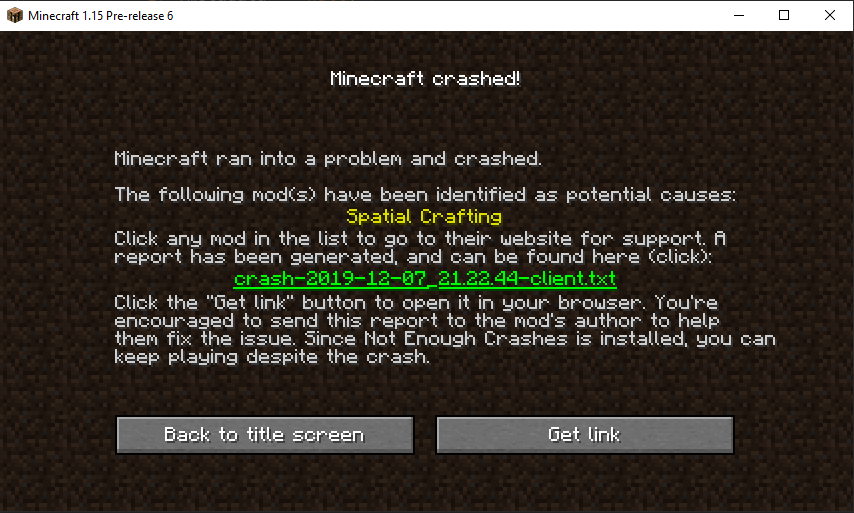
Not Enough Crashes (Fabric)
When crashing, you can go back to the title screen and keep playing, without needing to restart, alongside other things to make crashes more pleasant.Install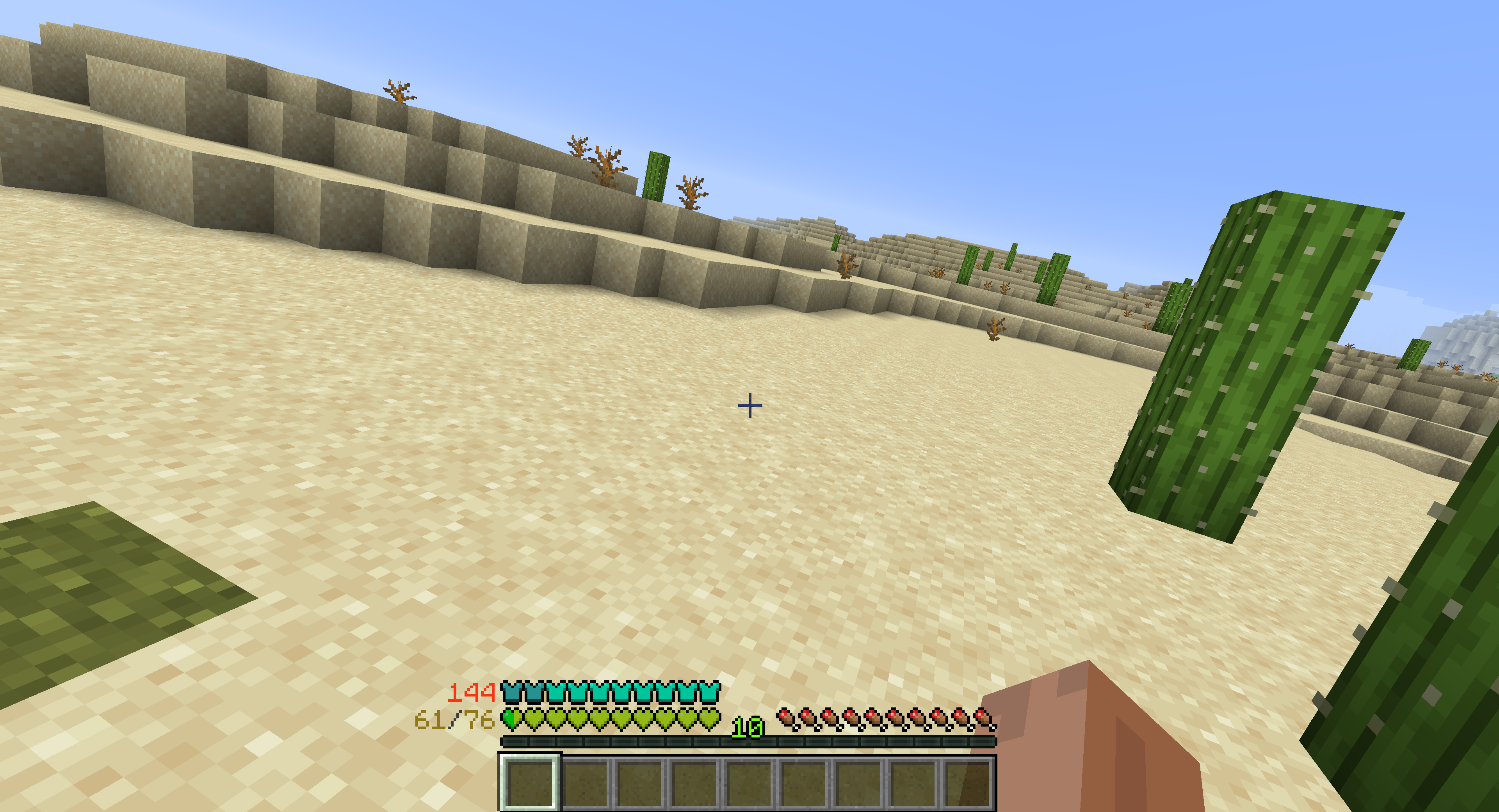
Armor Points ++
Allows you to see armor values above 20 and stack multiple health bars onto one.Install
Just Enough Petroleum
-and petroleum accessories. JEI support for Immersive PetroleumInstall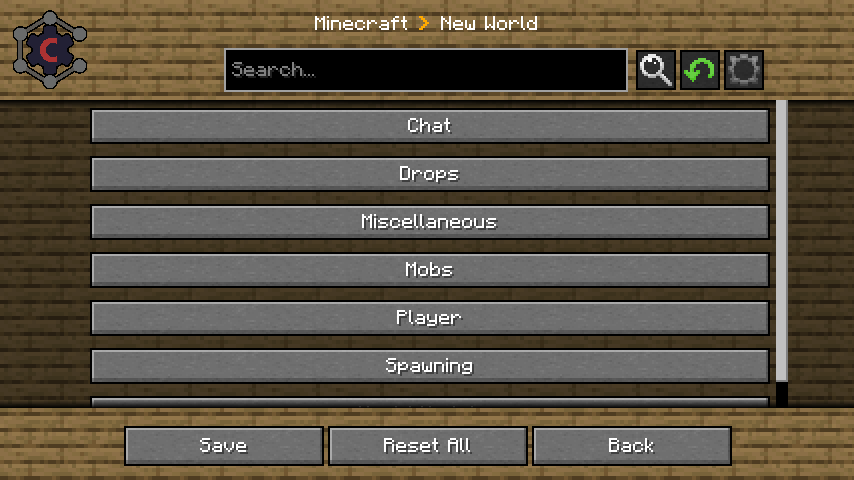

Carbon Config
IC2Classics Config LibraryInstall
Collision Damage
A mod that adds wall collision damage even when not using an Elytra.Install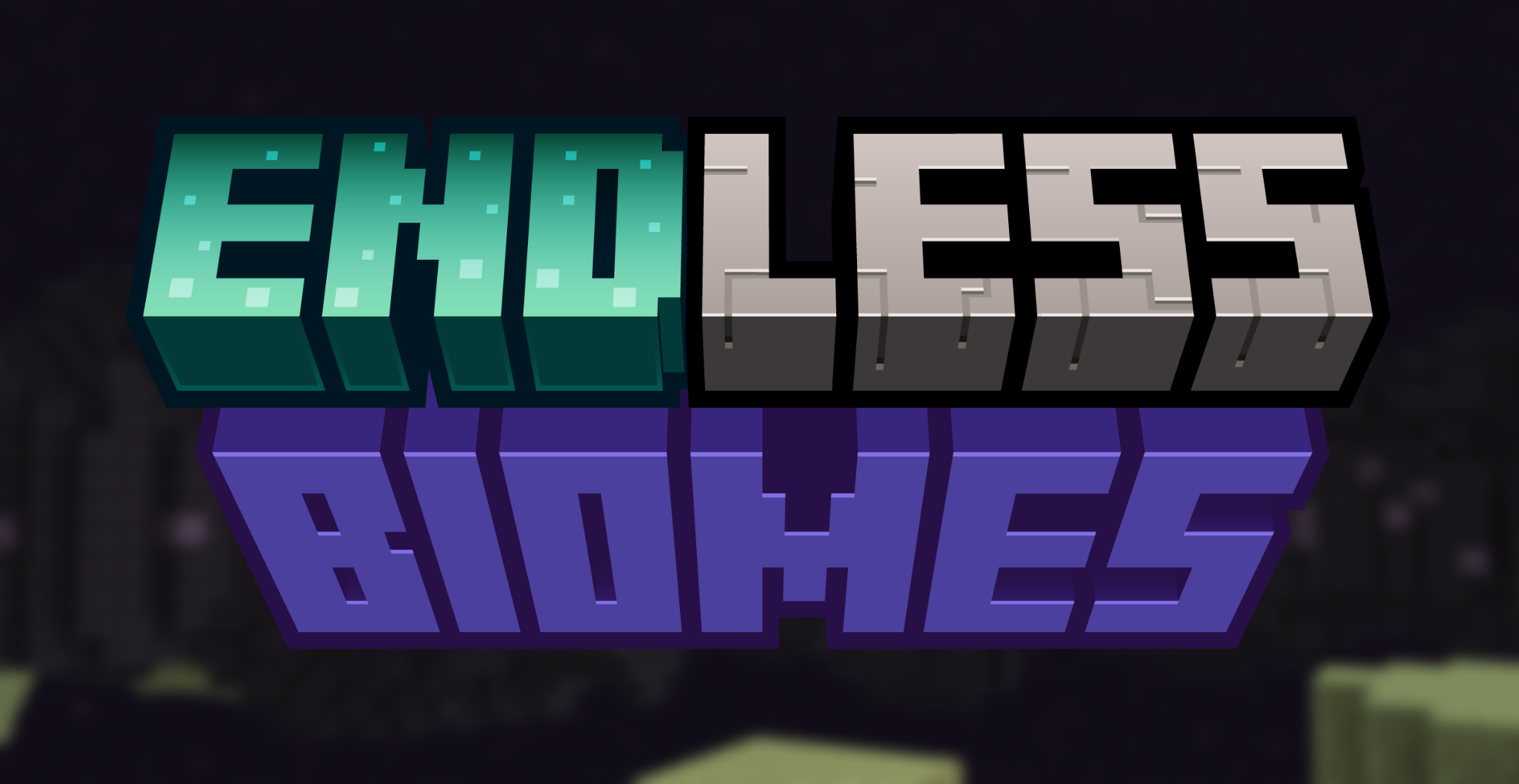
Endless Biomes
A mod improving the End dimensionInstall
Better Questing - Multiblock and Structure Integration
BetterQuesting Expansion for Multiblock and Structure compatability.Install
Cloth Config API (UNUSED)
Config Screen API for Fabric 1.14Install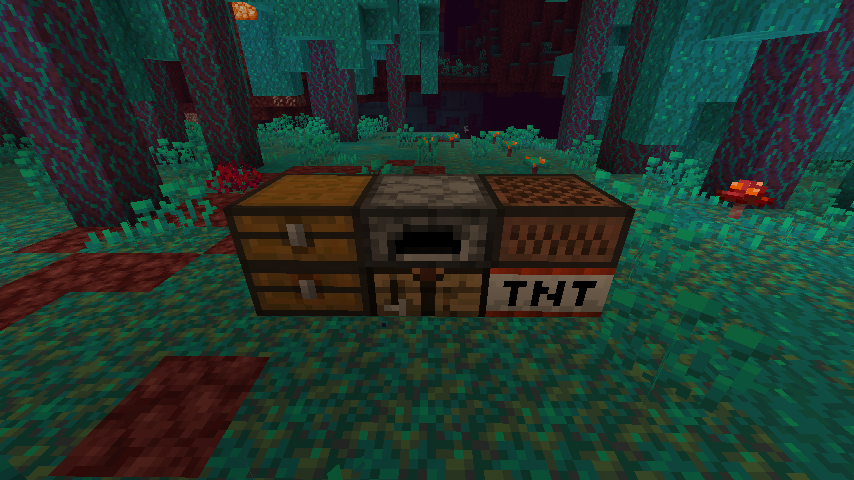
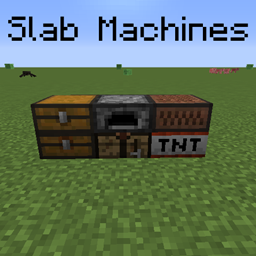
Slab Machines
Your regular machines but half the size!Install
Spartan HUD: Baubles
Adds a HUD overlay for equipped BaublesInstall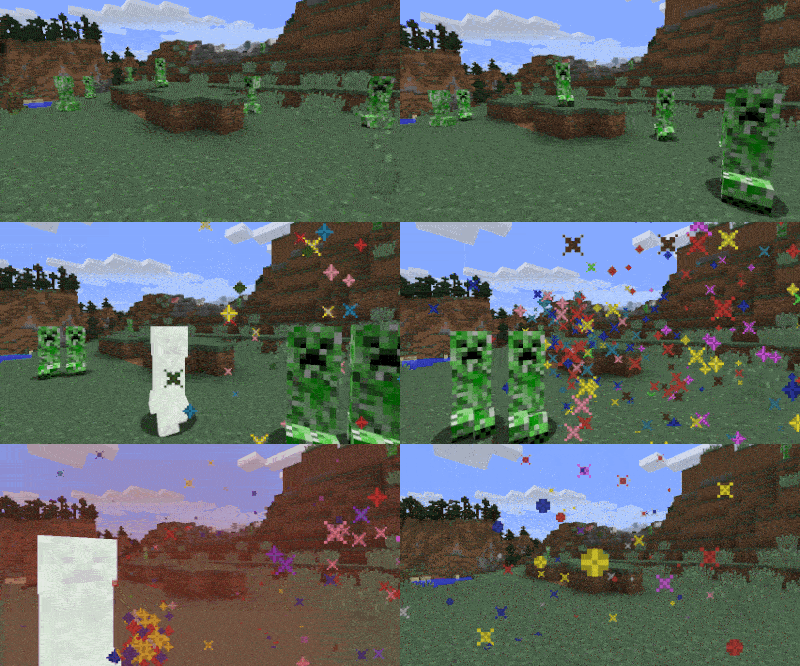
Creeper Confetti
No more Kabooms - Now for Fabric and NeoforgeInstall
Structure Expansion
Small mod that Increases the size limit of structure blocks and fill commandInstall
Drippy Loading Screen [Fabric] [MOVED TO NEW PROJECT]
Addon for FancyMenu to customize the loading screen.Install
Cobblemon: Mega Showdown
Adds Mega Evolution, Z-Moves, Teralization, Dyna/Gigantamax, Ultra Burst & Fusions to Cobblemon!InstallOn a server
Energy Converters
Convert freely between different energy systemsInstall

BrassAmber BattleTowers
Official continuation to AtomicStryker's Battle Towers!InstallFAQ
How is Forge different from Fabric?
They're two different mod loaders that aren't compatible with each other. Forge is the older one and better suited to big tech and magic modpacks; Fabric is lighter, updates to new game versions faster, and hosts most performance mods. NeoForge is a Forge fork for newer versions, and Quilt is a Fabric fork. A Forge mod won't run on Fabric, and vice versa. Millida Launcher installs the right loader for you.
How do I know which mod version I need?
The one that matches your game version and loader. The “Install” button picks the file for you: Millida Launcher grabs the version for your modpack. A mod for 1.20.1 usually won't work on 1.21.
How do I install a mod?
Click “Install” and Millida Launcher will download the mod, its dependencies and the right loader for you. To install a downloaded file manually, put it in the mods folder inside the game directory.
Do I need CurseForge to install mods?
No. The Install button on a mod page opens Millida Launcher: it downloads the mod, its dependencies and the right loader into the chosen instance by itself. No CurseForge and no manual file copying.
Which mods are there for 1.20.1?
1.20.1 is one of the most modded versions, especially on Forge: tech, magic, RPG, furniture, weapons. Pick 1.20.1 in the version filter to keep only mods with a file built exactly for it, then pick Forge or Fabric next to it.
Can I install mods on my phone?
On Android, yes: Millida Launcher runs the Java edition on a phone, and mods work there just like on a PC, though light ones run much better than heavy ones. Minecraft PE (Bedrock) cannot load PC mods — it has add-ons instead, in the Minecraft PE mods section.
Which mods are best to play with friends?
The usual picks are Simple Voice Chat for proximity voice chat, Waystones for fast travel, Xaero's Minimap and something big to work on together, such as Create. Mods that change the world must be installed by every player and on the server, while client-side ones like a minimap or performance mods are up to each player.
Minecraft mods
A mod is an add-on that changes the game itself: it adds blocks, mobs and mechanics, or speeds up world rendering. It isn't installed into the game directly but on top of a loader — Forge, Fabric, NeoForge or Quilt — and it's the loader that decides whether the file will run. That's why every card here lists both the game version and the loader: two mods with the same name for 1.12.2 Forge and 1.21 Fabric are two different files, and mixing them up means a crash on launch.
The most searched Minecraft mods are weapon, furniture, horror and performance mods: each theme has its own collection, and links to the themes and the most wanted versions are in the Popular block. Version 1.20.1 on Forge still holds the most big tech, magic and RPG mods, while the fresh 1.21.11 and 26.2 get Fabric and NeoForge mods fastest.
One mod in the catalog, one page. Every version the author has released is listed on its card: pick your game version and loader right there instead of jumping between ten similar pages. Each file shows its size, release date and checksum, and the mod itself shows the author, license and a link to the original source. Files whose license allows rehosting are stored with us and download directly — no link shorteners, timers or ad redirects. If the license forbids rehosting, the button honestly takes you to the author.