
Mods for Minecraft Java — page 5
9,028 itemsMods: list
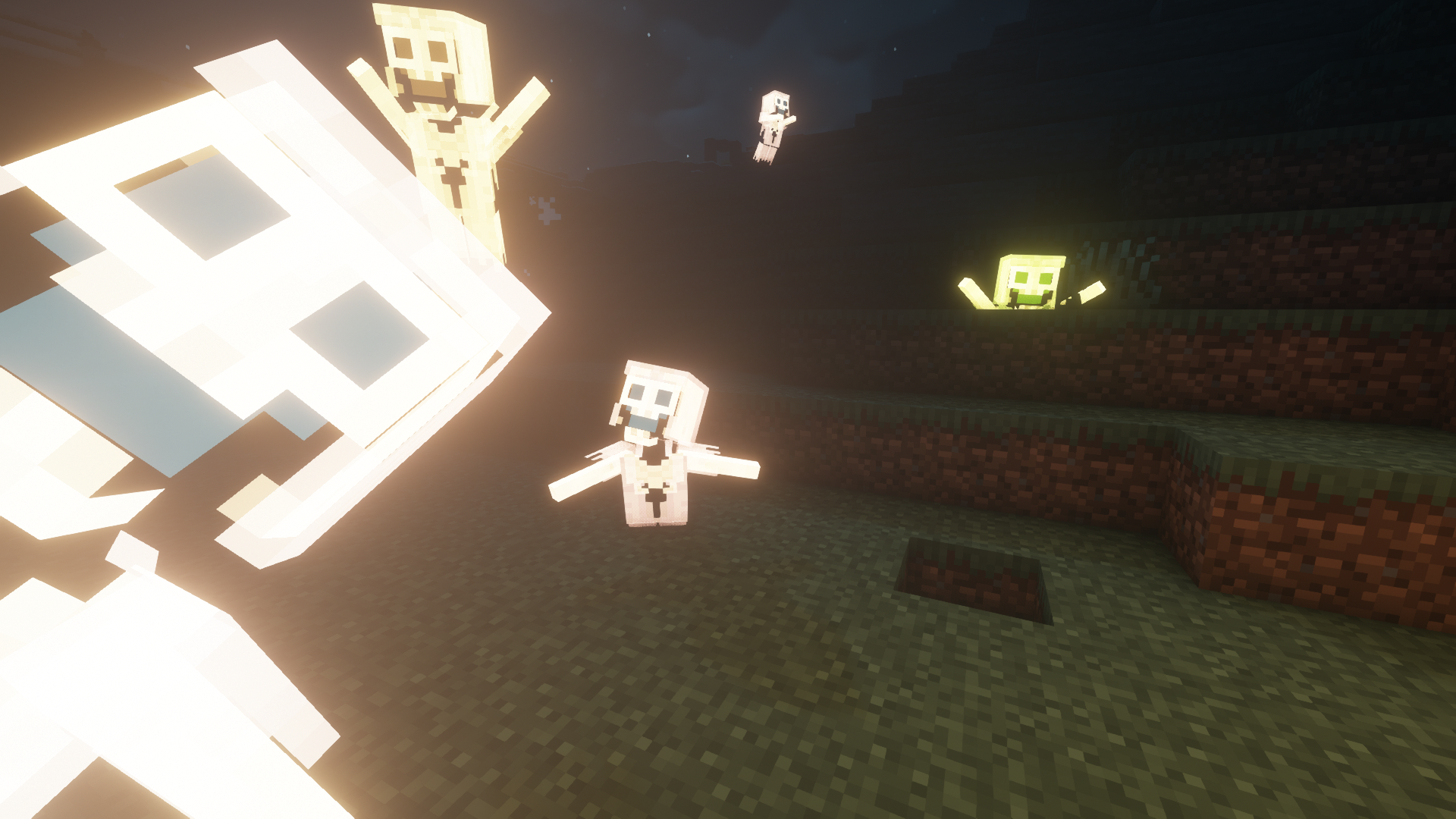


Extra Utilities
Just a bunch of useful thingsInstall
Brandon's Core
This is the core mod that will be used by most of my mods from now onInstall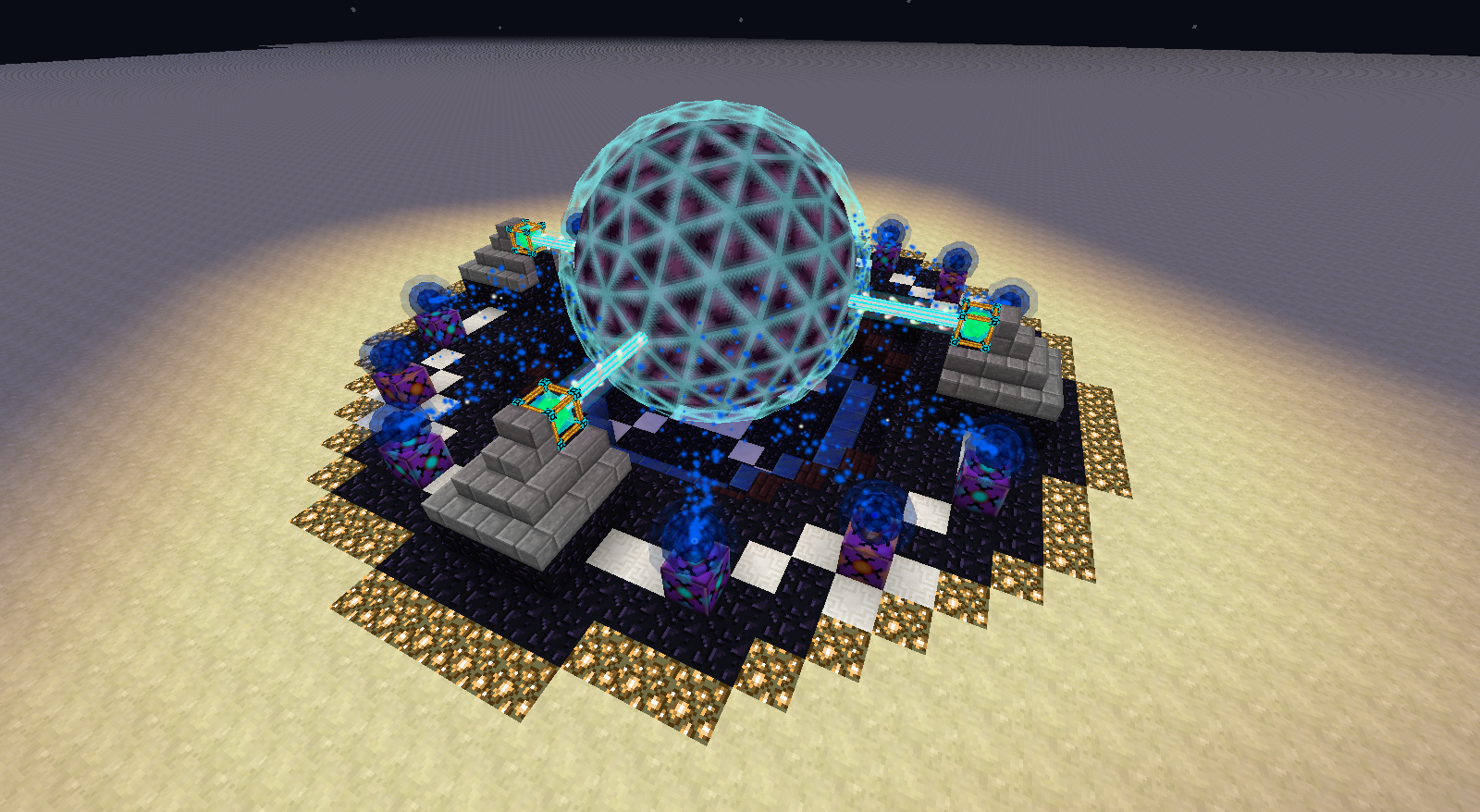

Draconic Evolution
Draconic Evolution is a mod that adds some extremely expensive high tier items to the game.Install
MTLib
Library files for Minetweaker AddonsInstall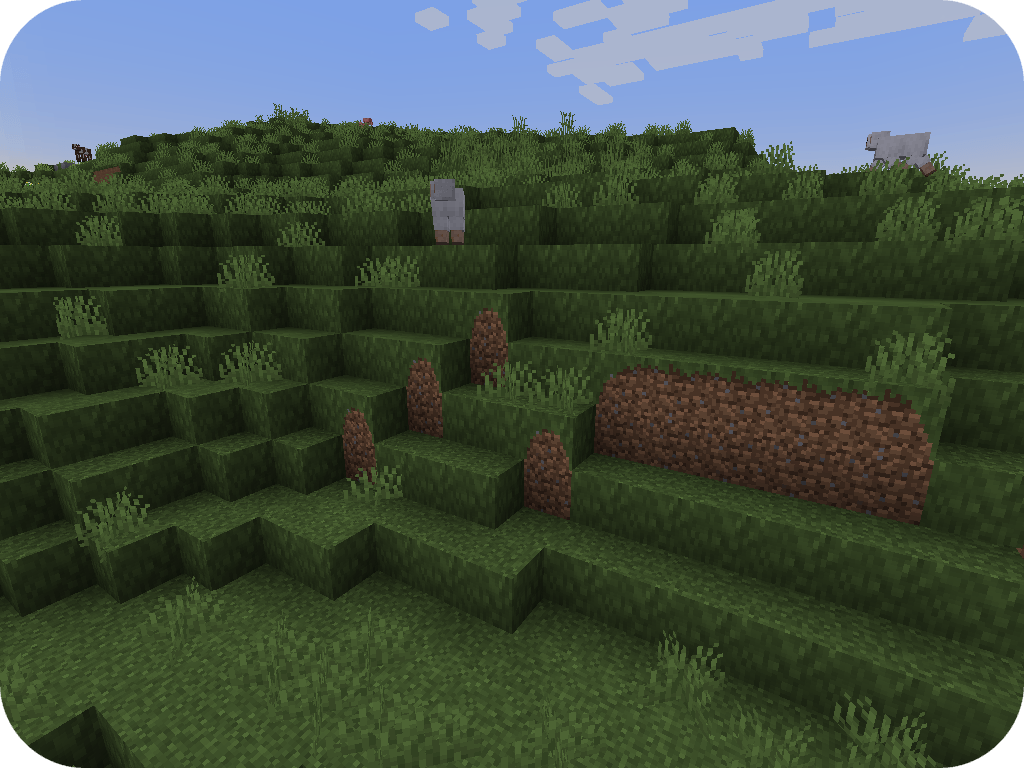

Fusion (Connected Textures)
Fusion allows resource packs to use additional texture and model types such as connected textures!Install
fix GPU memory leak
A mod that fixes memory leaks on the clientInstall
BiblioCraft
Bookcases, armor stands, shelves and so much more!Install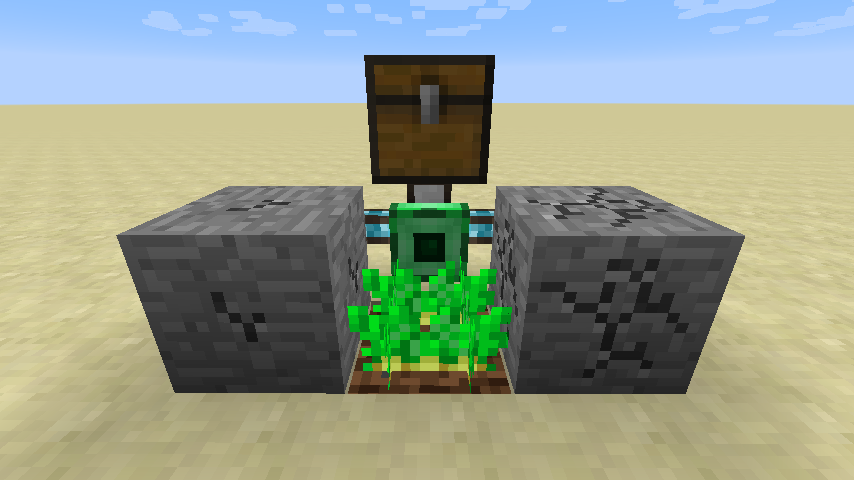

Integrated Tunnels
Transfer other stuff over Integrated Dynamics networksInstall
Silent Lib (silentlib)
Library to make writing and maintaining mods easier.Install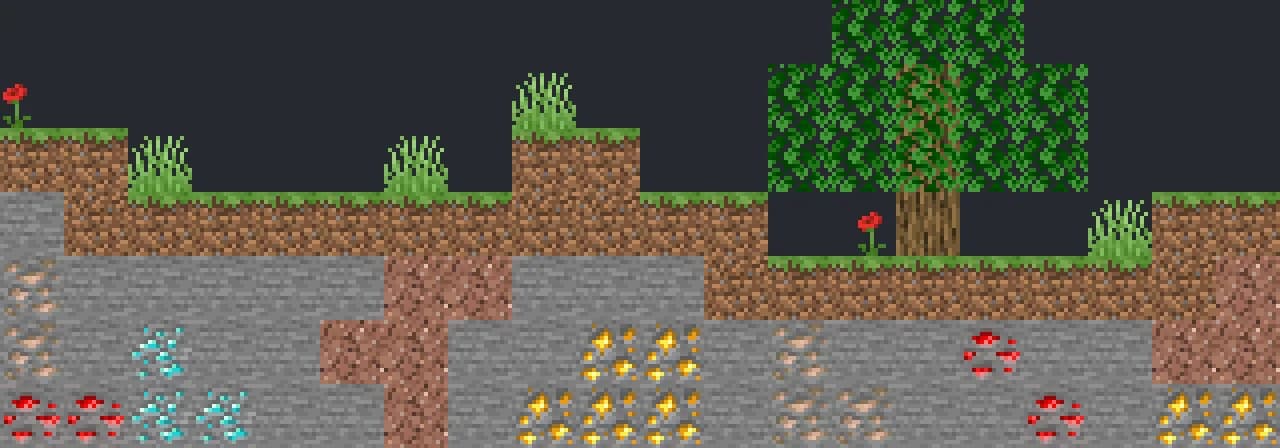

VeinMiner
Mine the whole vein on mining a single ore/block. Make the tedious mining experience to something satisfying and fun! FTB Ultimine alternativeInstallOn a server
FTB Essentials (Forge & Fabric)
Adds many essential utility commands for serversInstall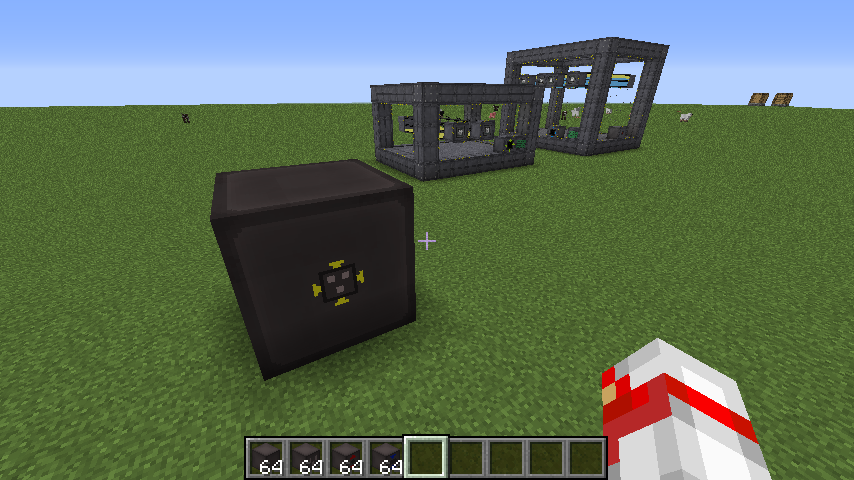

ZeroCore 2
Utility mod and multiblock APIInstall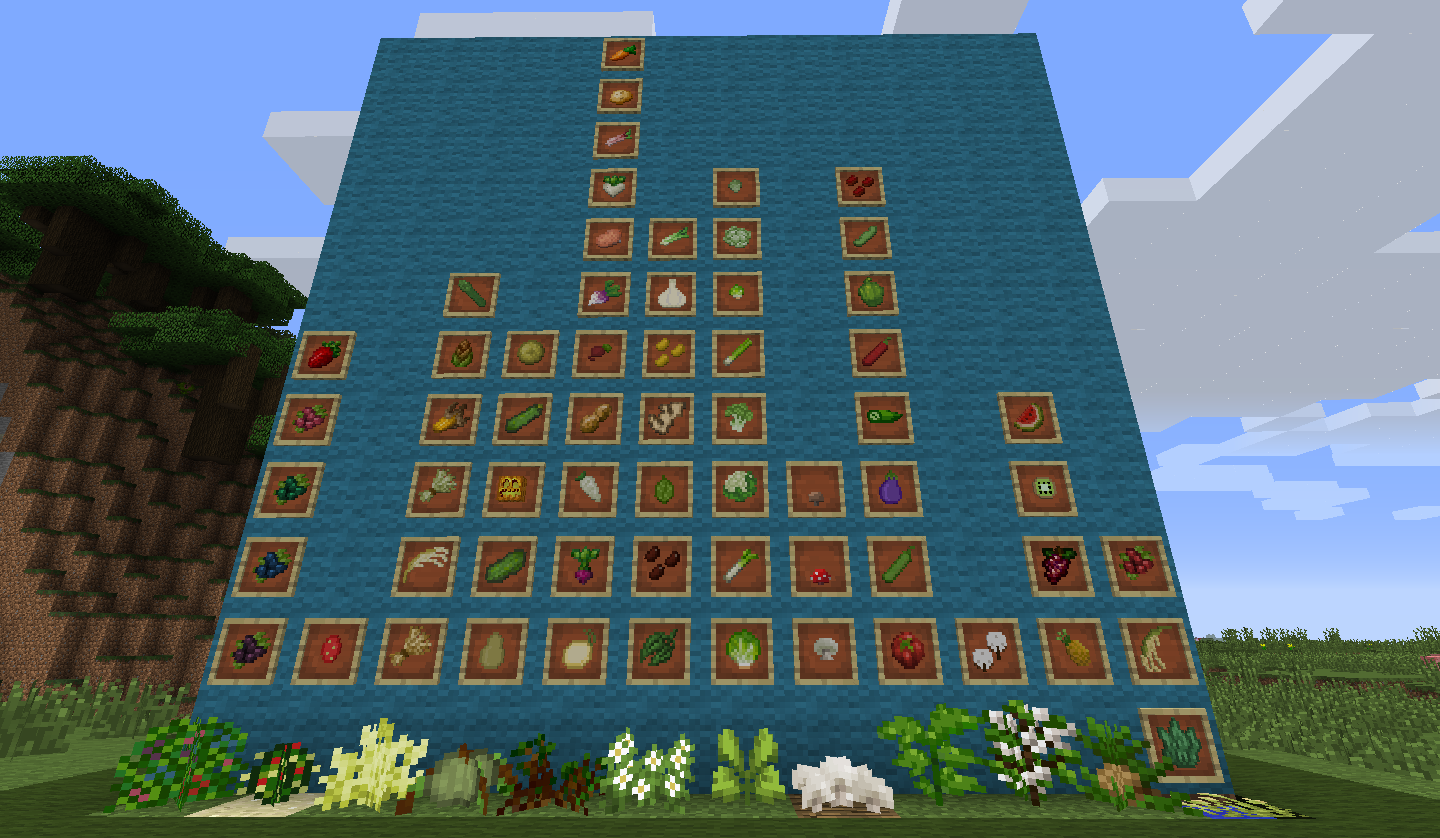
Pam's HarvestCraft
A farming mod that adds 60+ new crops, 36 new fruit trees, 17 new fish, simple beekeeping, and over 1100 new foods and items!Install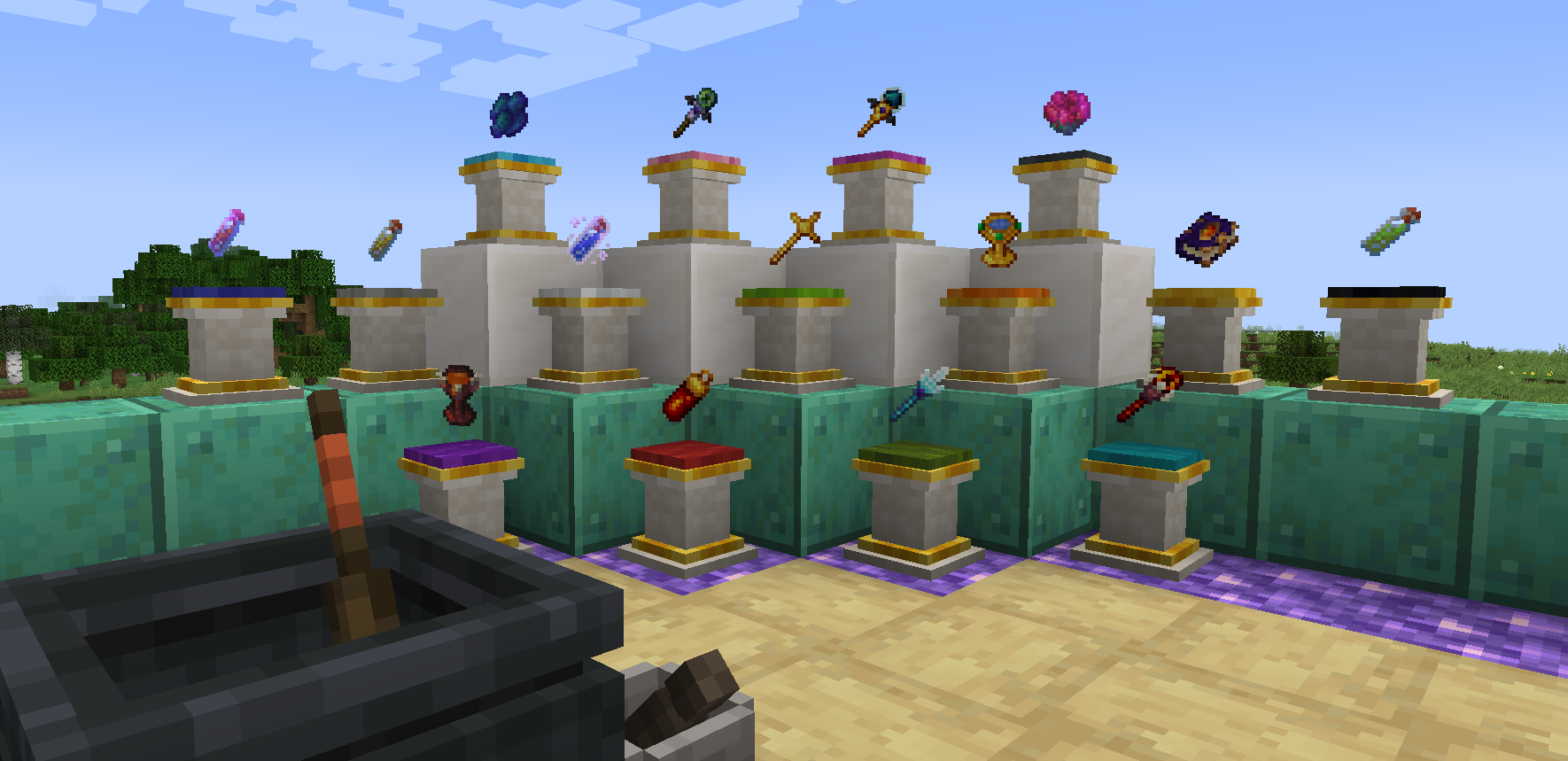
Reliquary Reincarnations
Many magical items to help you in your minecraft worldInstall

AppleSkin
Food/hunger-related HUD improvementsInstallOn a server
EnderCore
Library mod for Ender* projects and othersInstall
BetterFps
Performance ImprovementsInstall
Structure Essentials
Essential features for structures: Faster locating, distance adjustments, nearby structure command, automatic structure biome compat, structure overlap prevention, random source crash prevention, debug logging and moreInstall
Chameleon
A shared code and render library.Install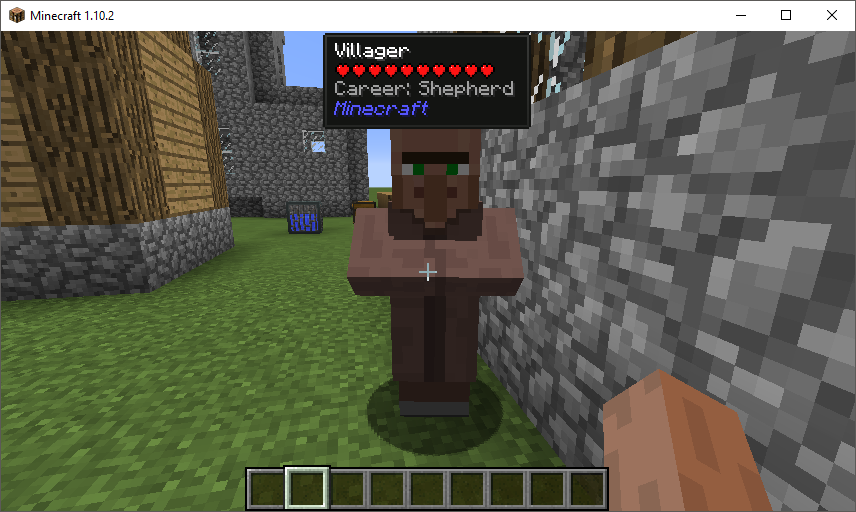
Hwyla
Hwyla (Here's What You're Looking At) is a UI improvement mod aimed at providing block information directly in-game. It is also a fork of Waila.Install
Thermal Innovation
Thermal Technology marches on. Adds Thermal-style tools and equipment!Install
FastSuite
A performance upgrade for the JSON recipe system.Install
SwingThroughGrass
Kill mobs and players through grassInstallFAQ
How is Forge different from Fabric?
They're two different mod loaders that aren't compatible with each other. Forge is the older one and better suited to big tech and magic modpacks; Fabric is lighter, updates to new game versions faster, and hosts most performance mods. NeoForge is a Forge fork for newer versions, and Quilt is a Fabric fork. A Forge mod won't run on Fabric, and vice versa. Millida Launcher installs the right loader for you.
How do I know which mod version I need?
The one that matches your game version and loader. The “Install” button picks the file for you: Millida Launcher grabs the version for your modpack. A mod for 1.20.1 usually won't work on 1.21.
How do I install a mod?
Click “Install” and Millida Launcher will download the mod, its dependencies and the right loader for you. To install a downloaded file manually, put it in the mods folder inside the game directory.
Do I need CurseForge to install mods?
No. The Install button on a mod page opens Millida Launcher: it downloads the mod, its dependencies and the right loader into the chosen instance by itself. No CurseForge and no manual file copying.
Which mods are there for 1.20.1?
1.20.1 is one of the most modded versions, especially on Forge: tech, magic, RPG, furniture, weapons. Pick 1.20.1 in the version filter to keep only mods with a file built exactly for it, then pick Forge or Fabric next to it.
Can I install mods on my phone?
On Android, yes: Millida Launcher runs the Java edition on a phone, and mods work there just like on a PC, though light ones run much better than heavy ones. Minecraft PE (Bedrock) cannot load PC mods — it has add-ons instead, in the Minecraft PE mods section.
Which mods are best to play with friends?
The usual picks are Simple Voice Chat for proximity voice chat, Waystones for fast travel, Xaero's Minimap and something big to work on together, such as Create. Mods that change the world must be installed by every player and on the server, while client-side ones like a minimap or performance mods are up to each player.
Mods for Minecraft Java
A mod is an add-on that changes the game itself: it adds blocks, mobs and mechanics, or speeds up world rendering. It isn't installed into the game directly but on top of a loader — Forge, Fabric, NeoForge or Quilt — and it's the loader that decides whether the file will run. That's why every card here lists both the game version and the loader: two mods with the same name for 1.12.2 Forge and 1.21 Fabric are two different files, and mixing them up means a crash on launch.
The most searched Minecraft mods are weapon, furniture, horror and performance mods: each theme has its own collection, and links to the themes and the most wanted versions are in the Popular block. Version 1.20.1 on Forge still holds the most big tech, magic and RPG mods, while the fresh 1.21.11 and 26.2 get Fabric and NeoForge mods fastest.
One mod in the catalog, one page. Every version the author has released is listed on its card: pick your game version and loader right there instead of jumping between ten similar pages. Each file shows its size, release date and checksum, and the mod itself shows the author, license and a link to the original source. Files whose license allows rehosting are stored with us and download directly — no link shorteners, timers or ad redirects. If the license forbids rehosting, the button honestly takes you to the author.